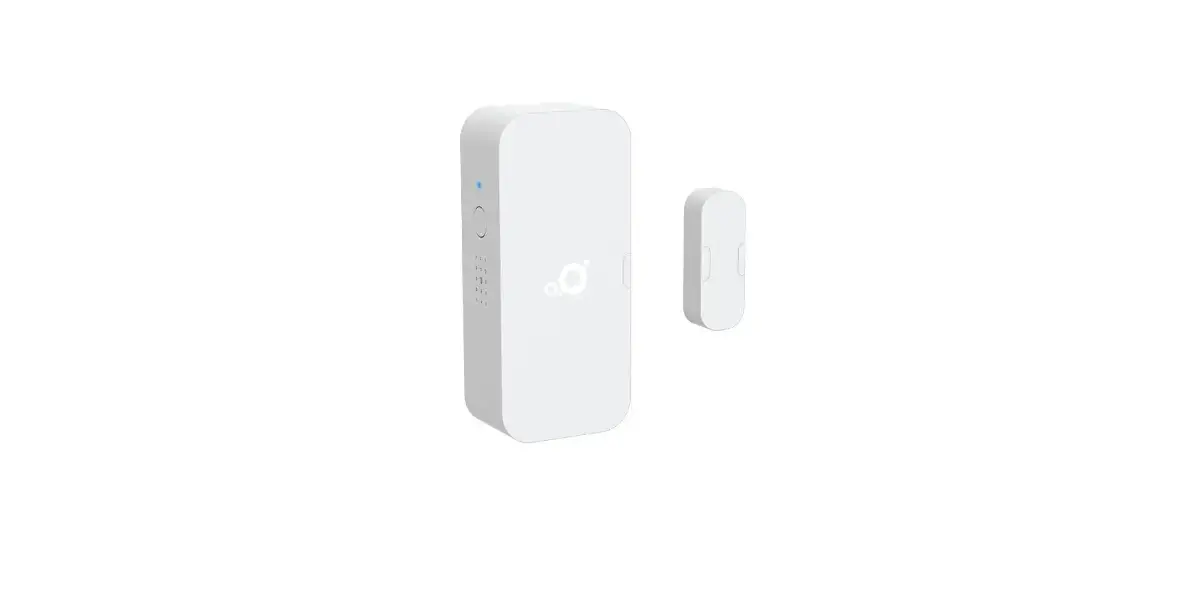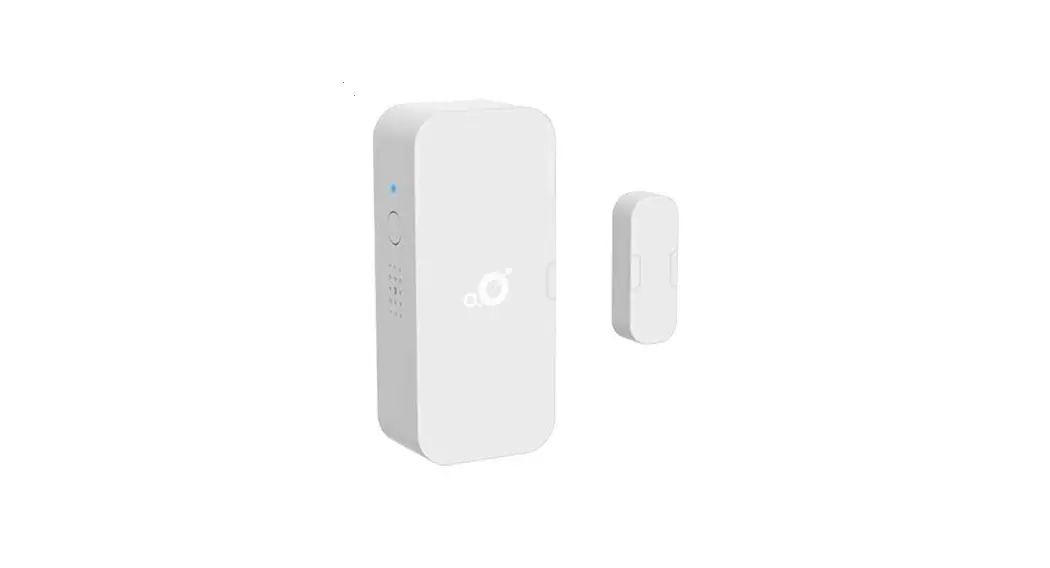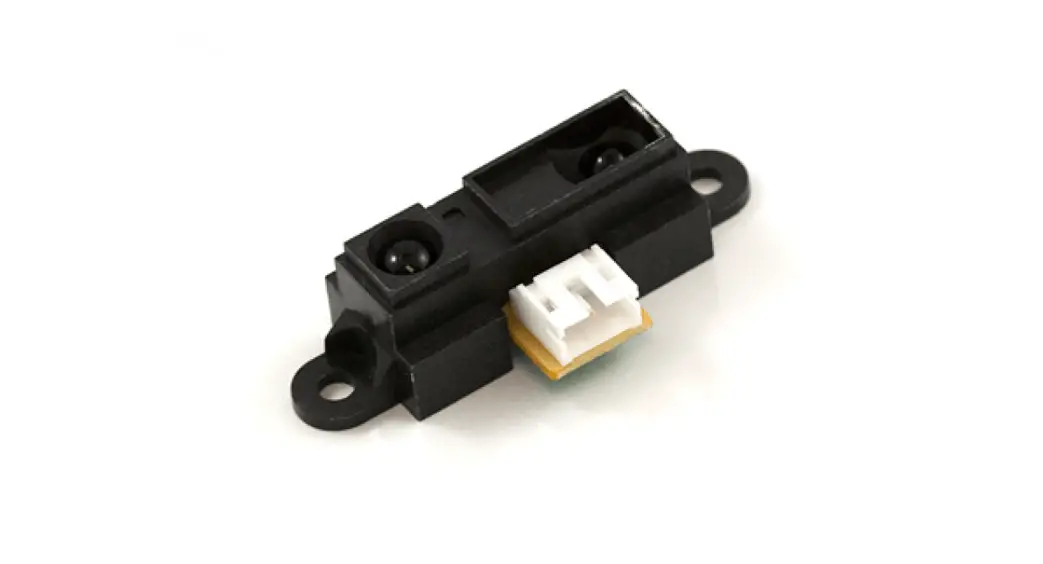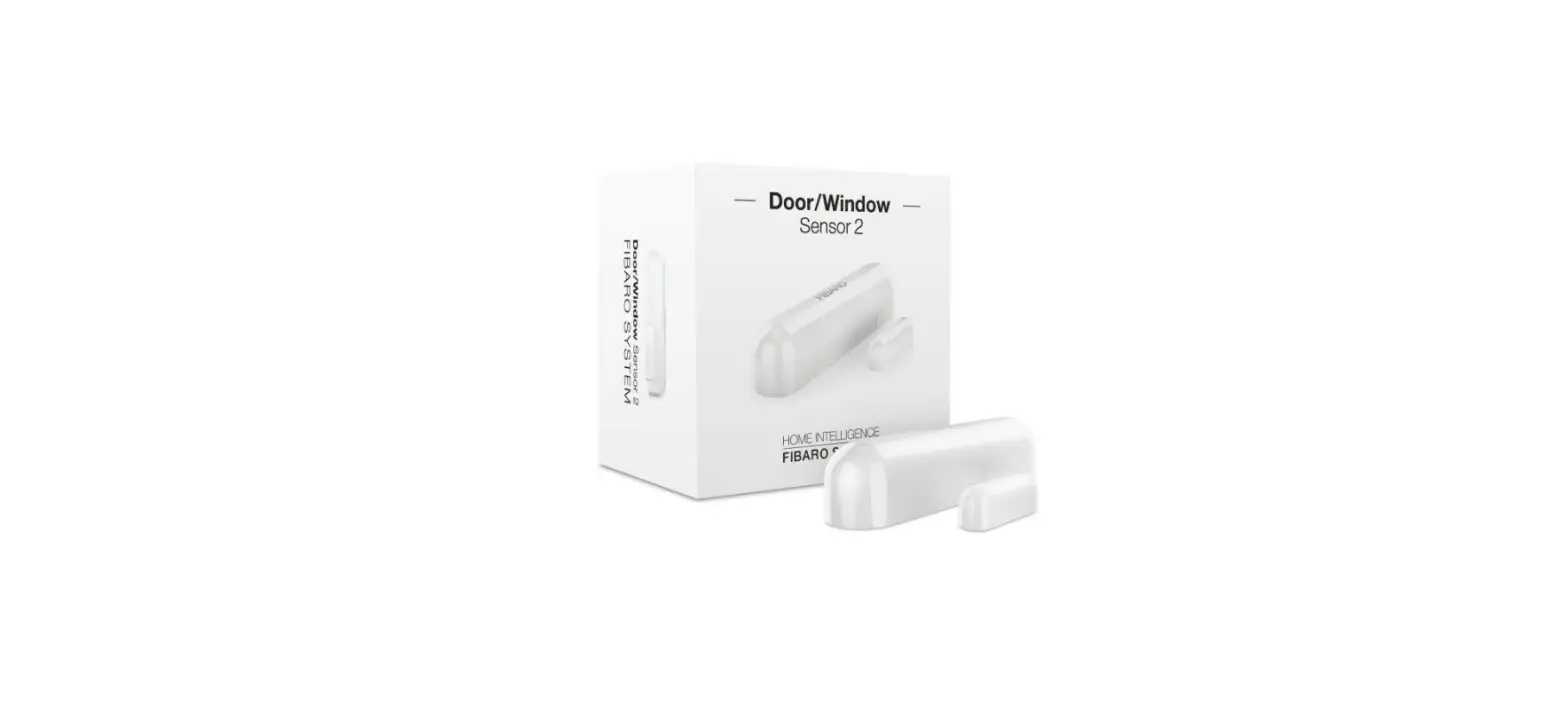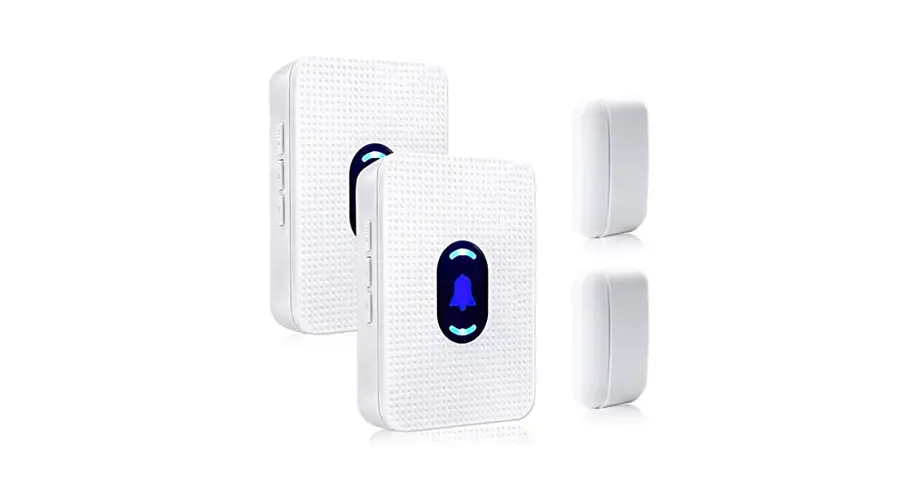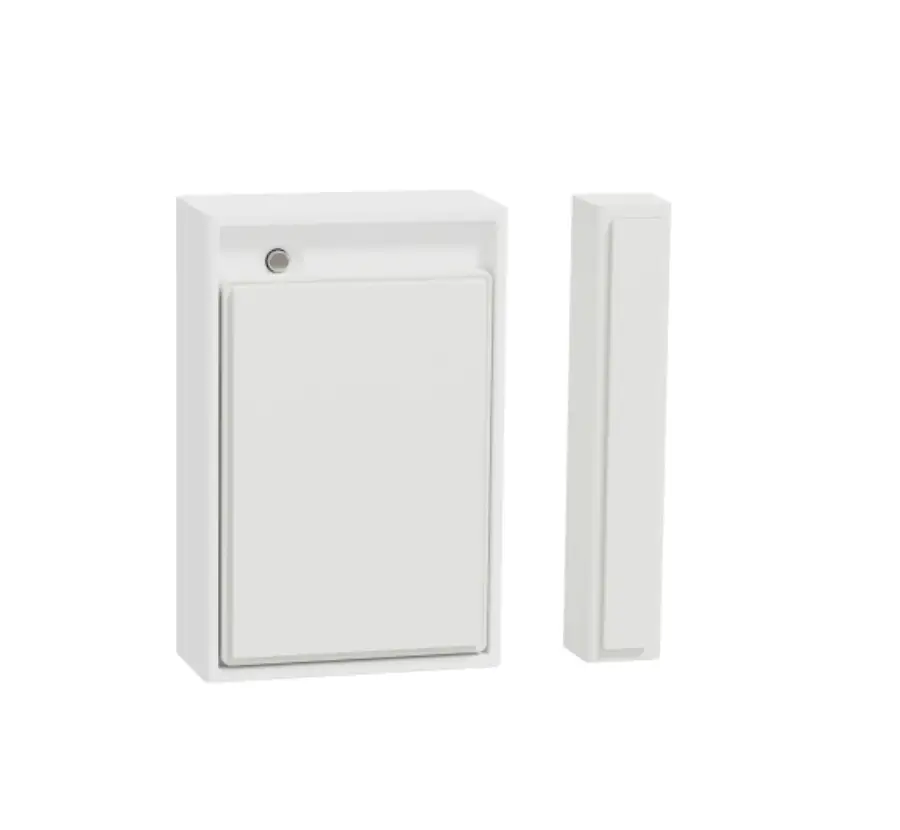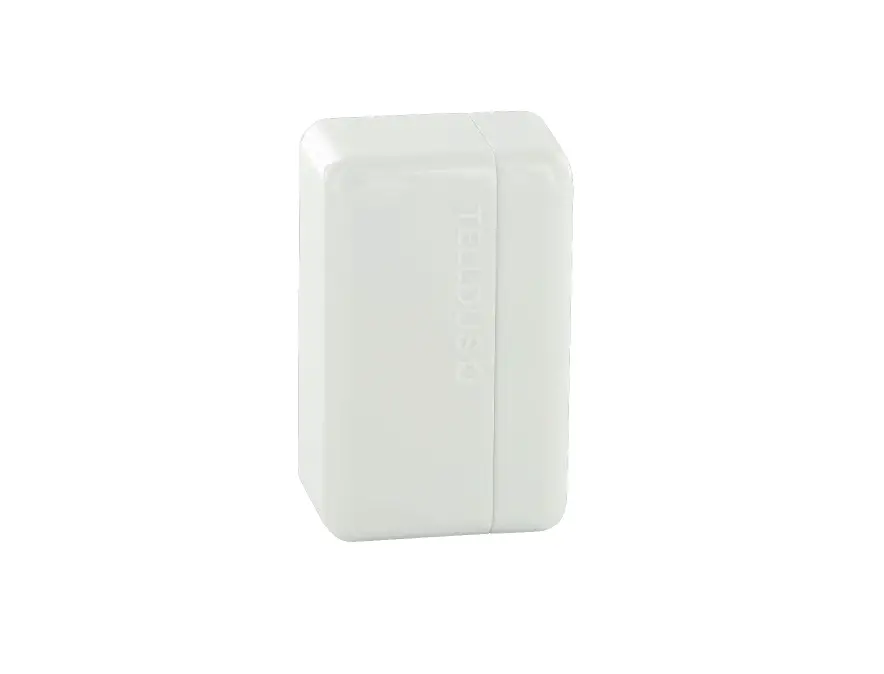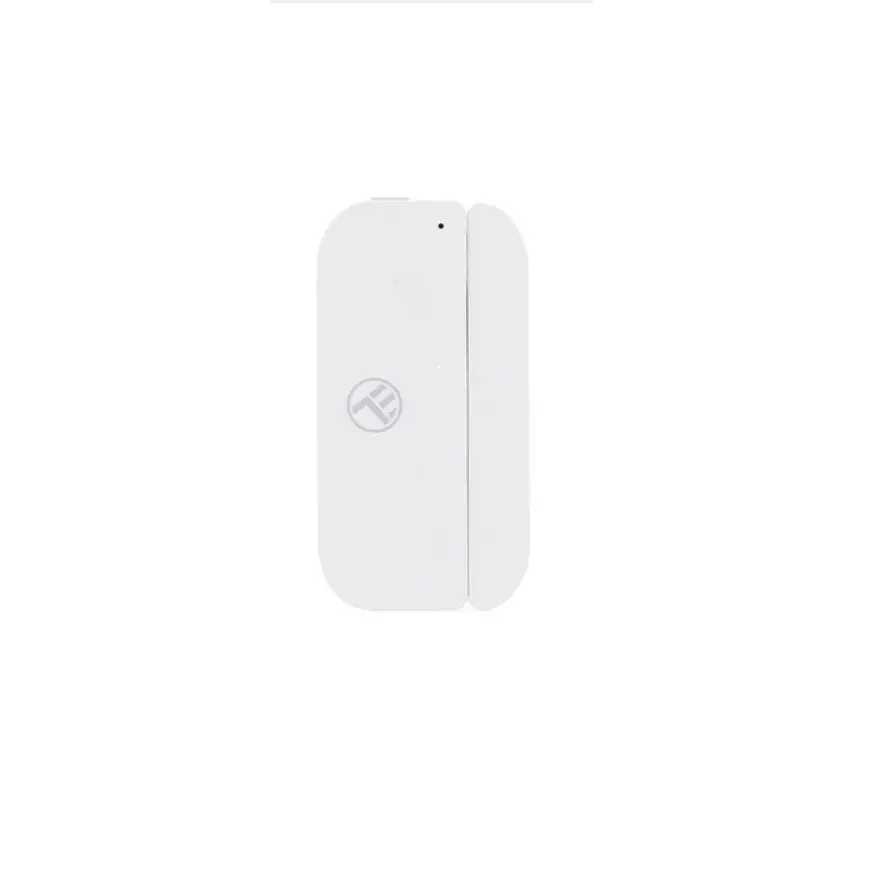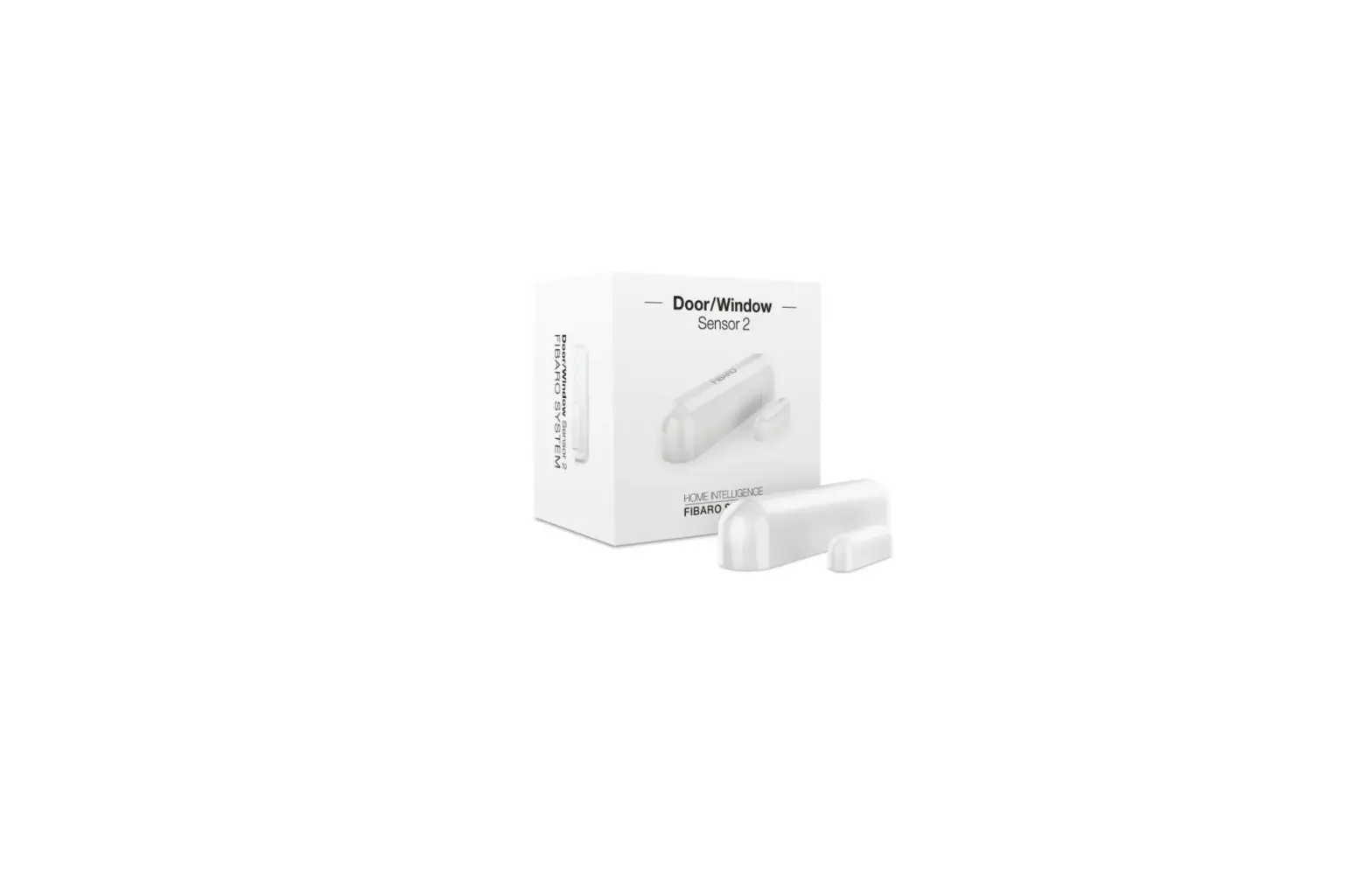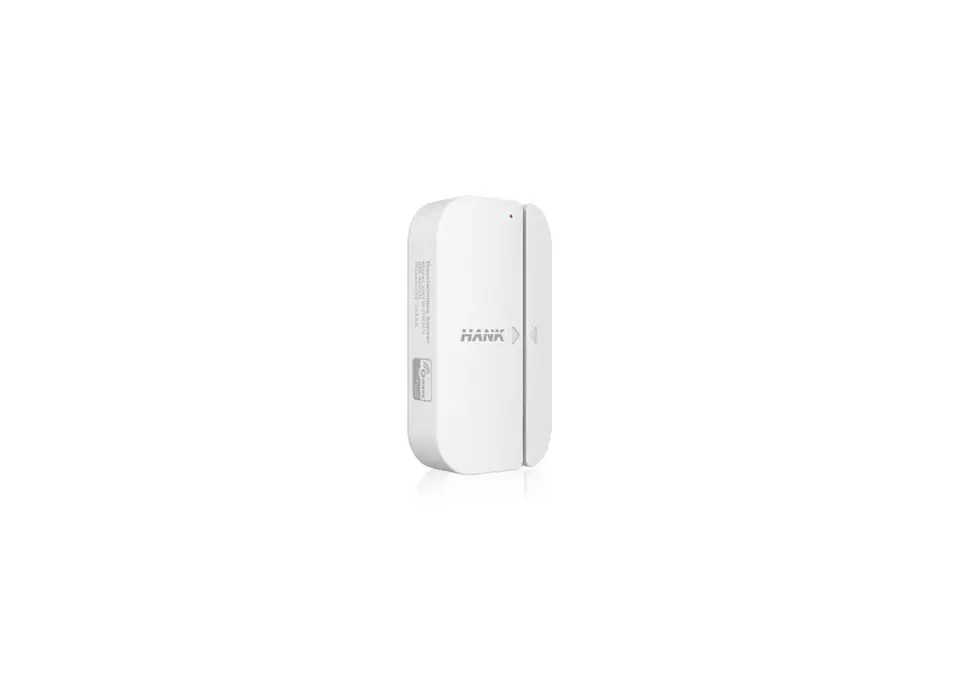

BROWAN DW10 MerryIoT Open/Close Sensor
Description
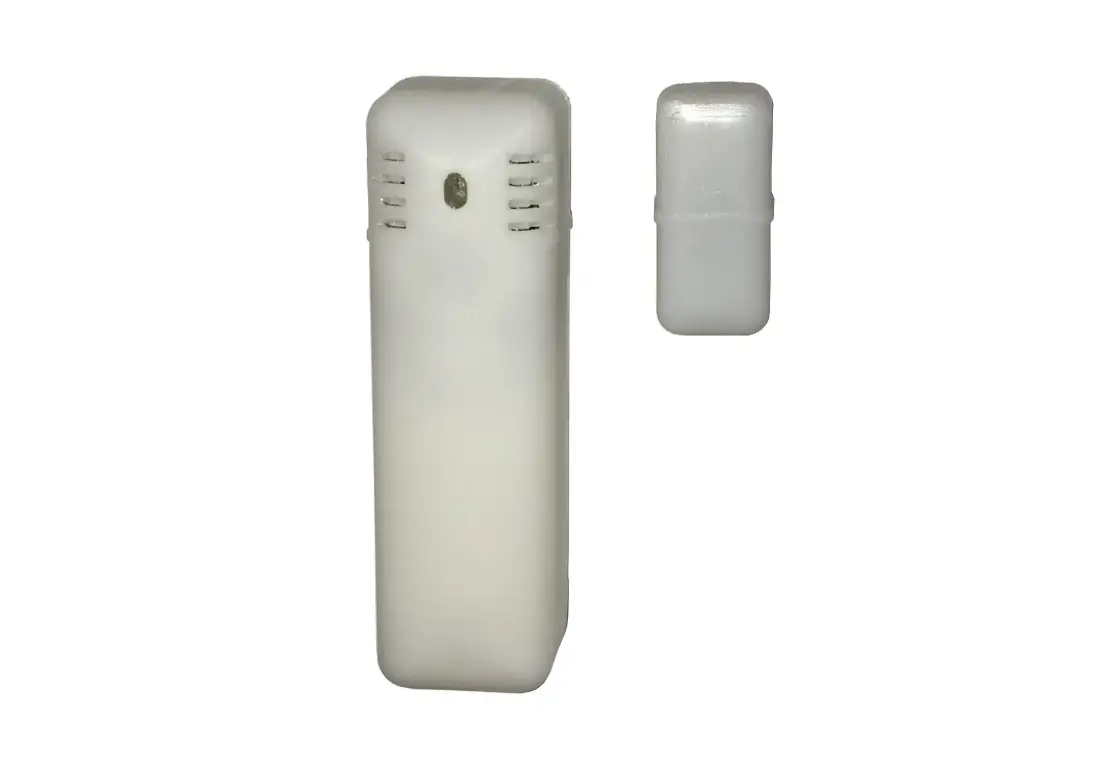
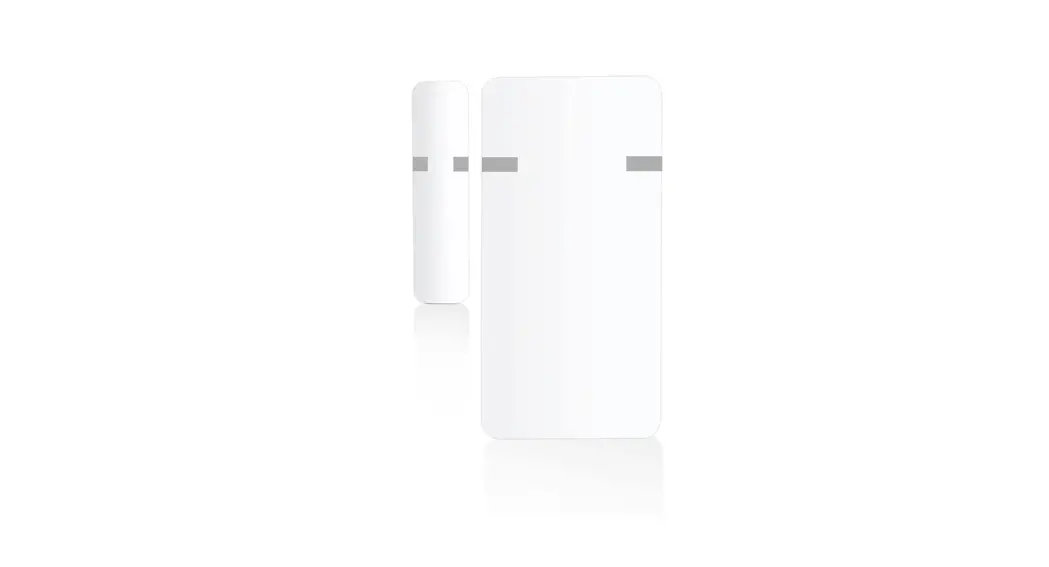
The MerryIoT Open/Close sensor utilizes LoRaWAN connectivity to communicate the proximity or not of a magnet. The intended use is to place the sensor and magnet on separate elements of a door or window to determine if the door or window is open or closed. The sensor is composed of two parts. The main body contains active electronics to measure magnetic fields and transmit any changes to a LoRaWAN network. The second part is a permanent magnet of sufficient field strength to be detected by the Hall Effect sensor on the main body.
There are also vibration and tilt detectors in case of tampering.
Once the event is detected, the sensor will send an uplink and keep a buzzer alarm (Optional).
Specifications
Mechanical
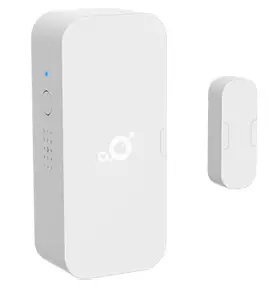
Sensor
| Length x Width x Height | 90mm x 28mm x 40mm |
| Weight | 51g without battery 69g with battery |
| Sensor | l This sensor is designed for in‐ home and in‐building usage for consumer or facility management applications. l Tamper detection (Vibration or tilt detection) l Temperature/Humidity |
- Environmental
- Power
- Radio
- User Interface
- Certifications and Conformity
- Additional Features
| Temperature | 0°C to +50°C Source | 3.6V ½ AA Li‐SOCI2 1200 mAH battery x2 | |
| IP Rating | IP 40 equivalent | System Maximum Voltage | 3.6V TBD |
| 2.4 Radio | System Minimum Voltage | 3.1V TBD | |
| Frequency | Either 863‐870 MHz for Current | 135mA maximum TBD | |
| the EU model and 902‐ 928 MHz for North America 2.5 User Interface | |||
| Rx Sensitivity (Conducted) | ‐140dBm | LED | One blue LED |
| Hall Effect 14 Gauss trigger typical | 1 CM | ||
| Antenna Gain | ‐2dBi Peak, ‐5dBi Avg | Button | Test Button |
| 2.6 Certifications and Conformity Buzzer | 78 dB, 0 cm | ||
Operation
Installation Mode
- Users need to press the button over 5 seconds to activate the operation into installation mode. When the Sensor tries to join the network, it will keep blinking for 3 seconds.
- Once the sensor joins the network, the LED will keep on for 3 seconds and send an uplink
- Users can press the button for over 5 seconds to try to join the network again.
Default Operation
- While in default operation the device will immediately send a message any time there is a transition and buzzer alarm (Optional) in the below event
- Open to Close (No buzzer alarm)
- Close to Open (Buzzer alarm)
- Tamper detected (Vibration or tilt detected) (Buzzer alarm)
- Button pressed (No buzzer alarm)
- Keepalive message (No buzzer alarm)
- Users can press the button to send a test message to the network
- The device will send a message saying it has been inactive for 6 hours.
- While in default mode the device will flash the LED 3 times within 100ms only when the user presses the test button
Messages
LoRaWAN Packets for this device use port 120
Status Triggers
Door Window Sensor Packet Triggers:
- 360‐minute inactivity
- Switch Open
- Switch Close
Vibration Trigger:
Immediately send a message
Tilt Trigger:
Immediately send a message
Button Pressed Trigger:
Immediately send a message
Uplink Payload
| Port | 120 |
| Payload Length | 9 bytes |
| Bytes | 0 | 1 | 2 | 3 | 4 | 5 | 6 | 7 | 8 |
| Field | Status | Battery | Temp. | RH | Time | Count | |||
| Status | Sensor’s status
Bit [0] 1 ‐ open, 0 ‐ closed Bit [1] 1 ‐ Button pressed, 0 ‐ Button released Bit [2] 1 ‐ Vibration detected, 0 ‐ No Vibration detected Bit [3] 1 ‐ Tilt detected, 0 ‐ No Tilt detected Bits [7:4] RFU |
| Battery | Battery level
Bits [3:0] unsigned value ν, range 1 – 14. battery voltage in V = (25 + ν) ÷ 10. Bits [7:4] RFU |
| Temp | Environment Temperature
Bits [7:0] sign integer temperature in °C ‐20~50 °C |
| RH | Relative humidity as measured by the digital sensor
Bits [6:0] unsigned value in %, range 0-100. Bit [7] RFU |
| Time | Time elapsed since last event trigger
Bits [15:0] unsigned value in minutes, range 0 – 65,535. |
| Count | Total count of event triggers
Bits [23:0] unsigned value, range 0 – 16,777,215.
Note: This value is not stored persistently on the device and may reset whenever the device is power‐cycled or rebooted. |
Configuration Downlink Command
Configuration Command Payload
| Bytes | 0 | 1 | 2 |
| Field | Cmd | Config | |
Command 1 byte
Bit [7:0]
0x00 – Set keepalive interval. default: 21600 sec. (Min: 15 sec) 0x01 – Set sensor vibration detection on/off and set the tilt
detection on/off default: enable vibration low sensitivity, disable tilt detection 0x02 – Set buzzer alarm period(seconds) default: 0
| Command | Command Description | Data Length |
| 0x00 | Get Sensor Configuration (Only for unconfirmed downlink) *Note: little‐endian format. | 0 bytes |
| 0x00 | Set keepalive interval. *Note: little‐endian format. | 2 bytes |
|
0x01 | Bit[1:0] = 00: Disable vibration detection 01: Enable vibration detection in low sensitivity 10: Enable vibration detection in medium sensitivity, 11: Enable vibration detection in high sensitivity Bit[3:2] = RFU Bit[5:4] = 00: Disable tilt detection 01: Enable tilt detection in high sensitivity (15) TBD Bit[7:6] = RFU |
1 byte |
| 0x02 | Buzzer alarm period in seconds | 1 byte |
Response Content
(Only for unconfirmed downlink)
- Port 204
- Payload Length 7 bytes
- Payload Content Response content
- Example:
- 00100e 0100 0200
- 00 100e => Keepalive interval: 0x0E10 ‐> 3600 (sec)
- 01 00 => Disable vibration detection and tilt detection
- 02 00 => Buzzer alarm period in 0 seconds
Frame Count 1 Content
- Payload Length 9 bytes
- Payload Content Frame count 1 content Ex:
- 01 03200000 7ff1f102
- 01 => command ID
- 00060000 => HW ID: 0x00002003 (little‐endian format)
- 7ff1f102 => FW Version: 0x02f1f17f (little‐endian format)