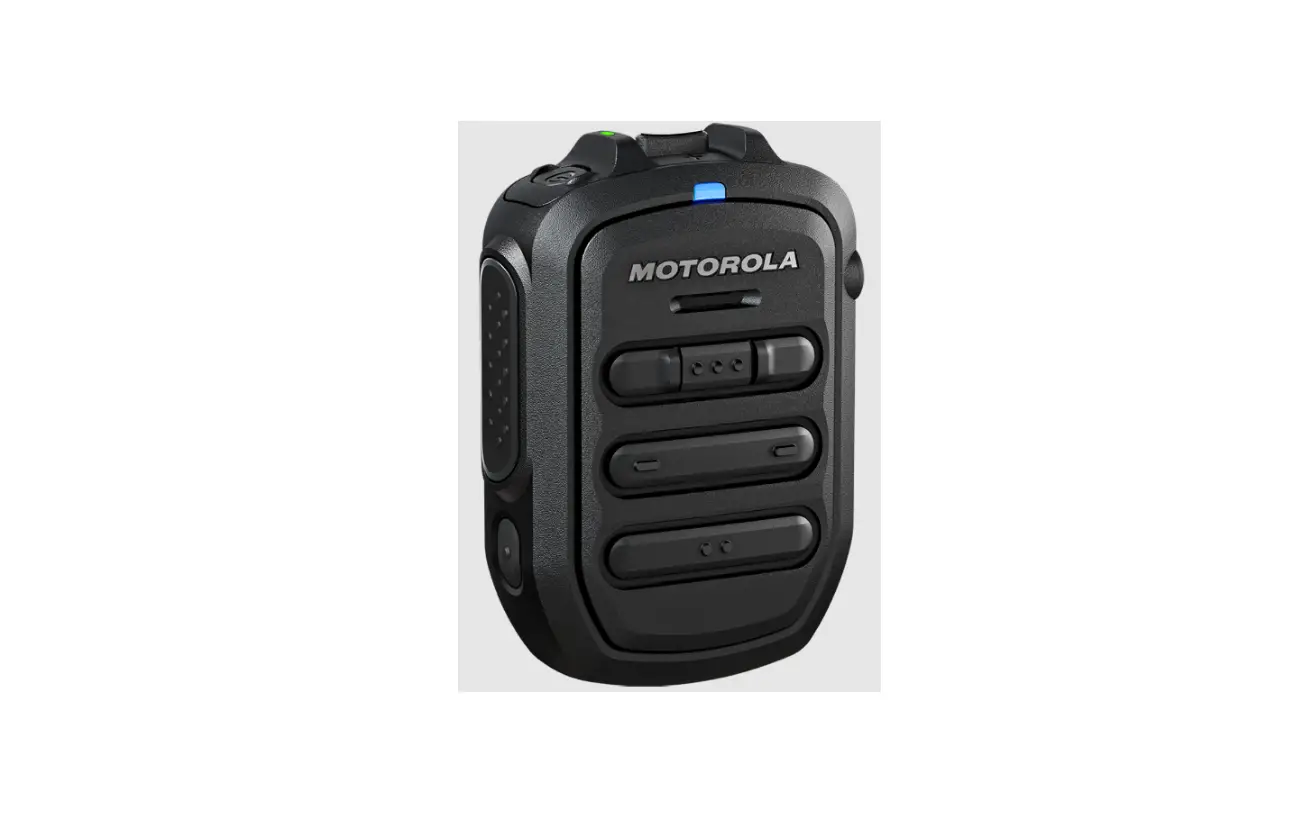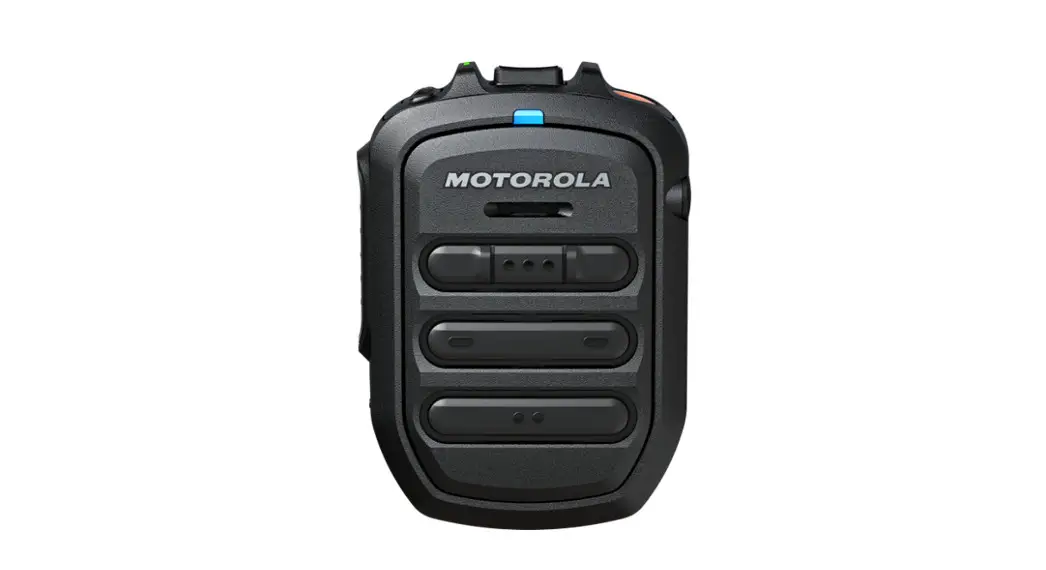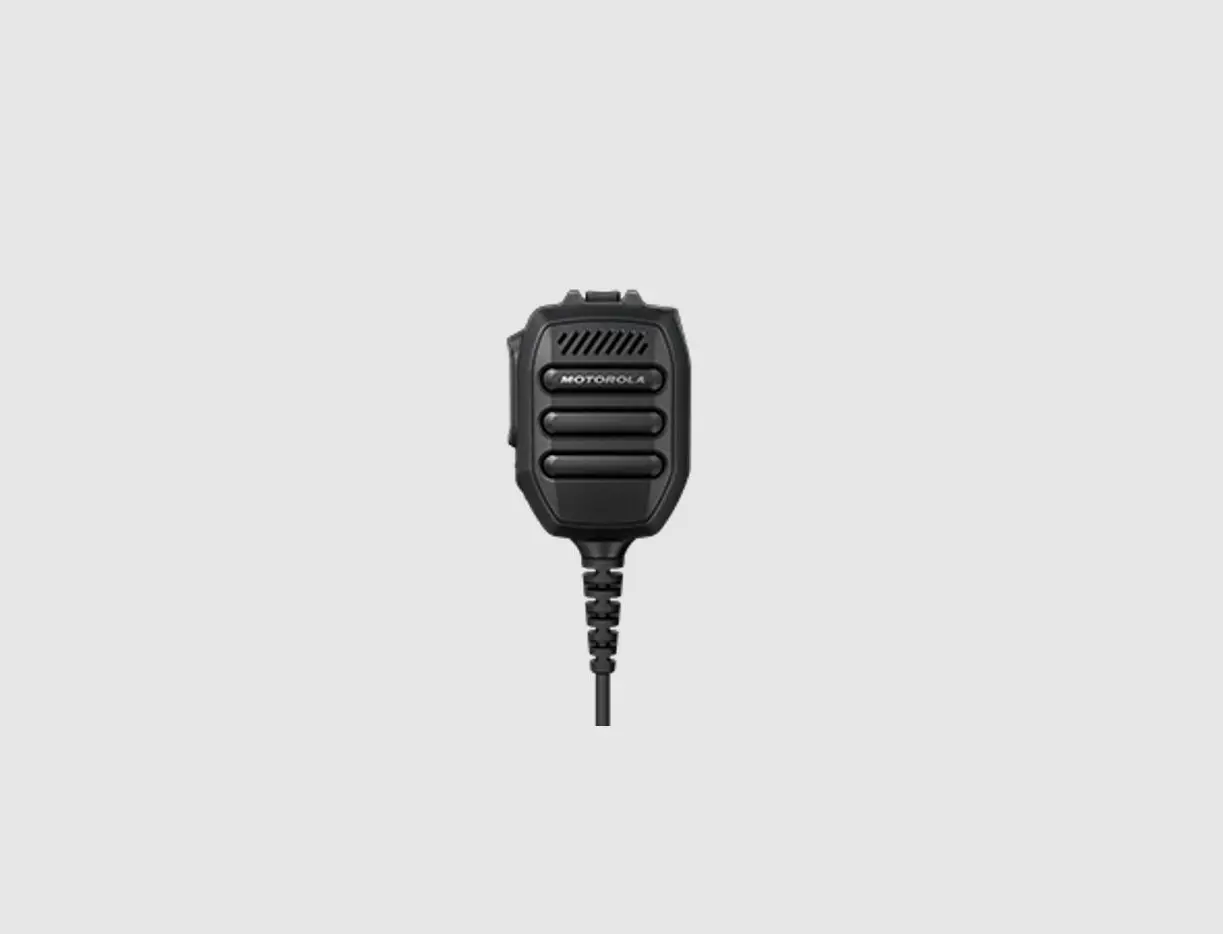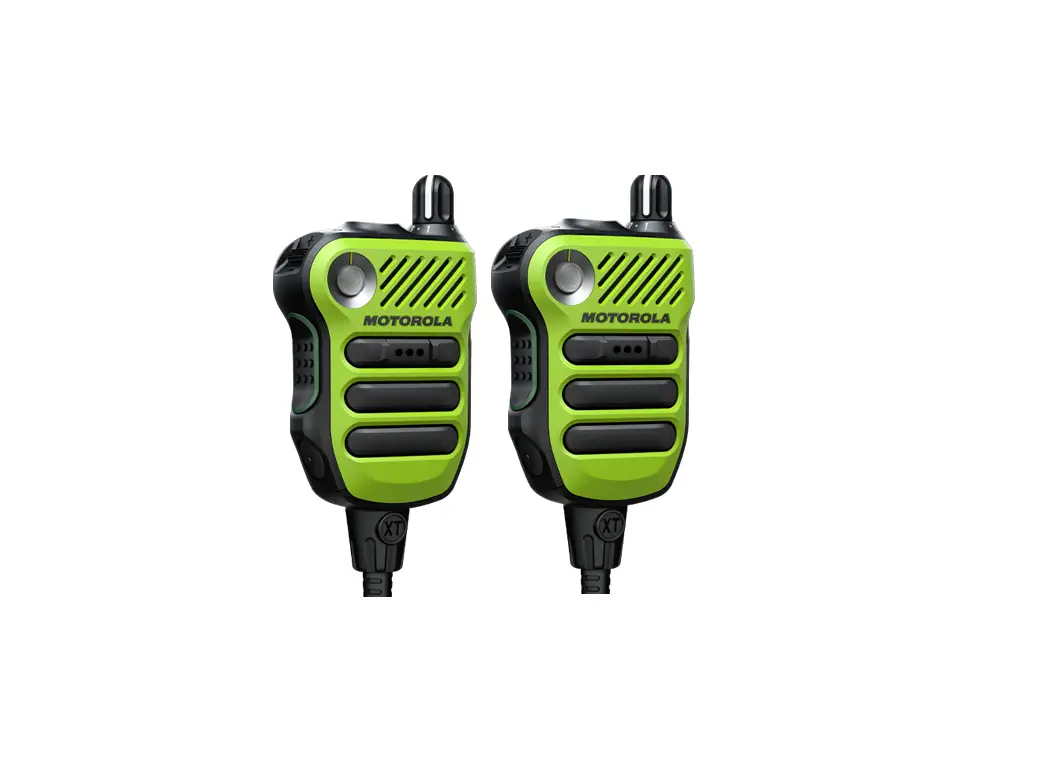
motorola IMPRES Remote Speaker Microphone XVE500 User Manual
RF Energy Exposure and Product Safety Guide for Portable TwoWay Radios
ATTENTION
Before using this product, read the RF Energy Exposure and Product Safety Guide that shipped with the radio which contains instructions for safe usage and RF energy awareness and control for compliance with applicable standards and regulation.
This device complies with part 15 of the FCC Rules and Industry Canada licence exempt RSS standard(s). Operation is subject to the following two conditions: (1) this device may not cause interference, and (2) this device must accept any interference, including interference that may cause undesired operation of the device.
This class B digital apparatus complies with Canadian ICES-003.
Warranty
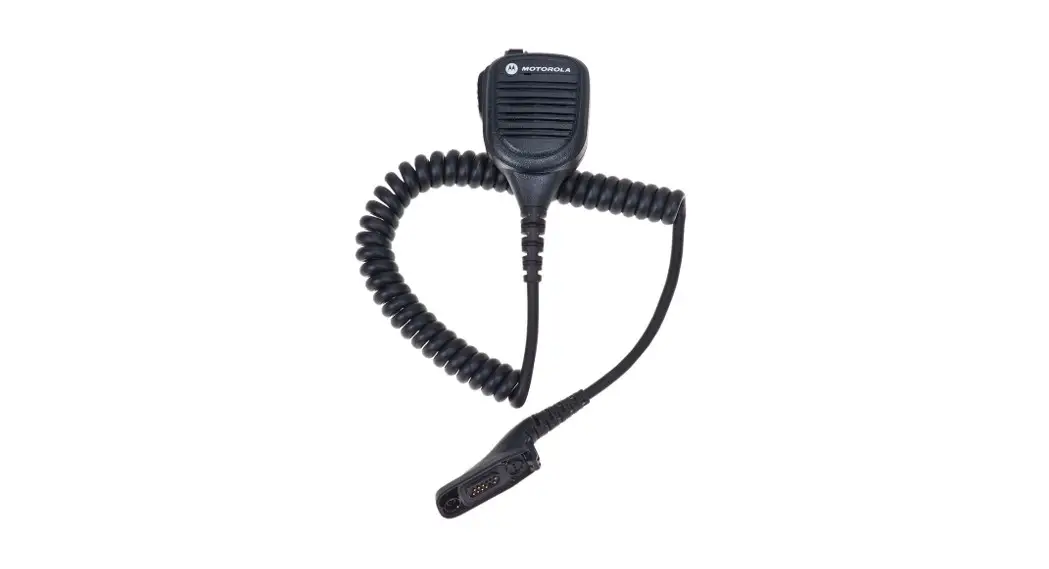
Motorola Solutions offers warranty for your RSM. Refer to your Motorola Solutions dealer or point-of-purchase for detailed information.
NOTE: Warranty is void after customer replacement of any parts other than replacement parts listed.
Open Source Software Legal Notices:
This Motorola Solutions Product contains Open Source Software. For information regarding licenses, acknowledgements, required copyright notices, and other usage terms, refer to the Documentation for this Motorola Solutions Product at: http://businessonline.motorolasolutions.com Go to Resource Center > Product Information > Manual > Accessories > Remote Speaker Microphones
Product Overview

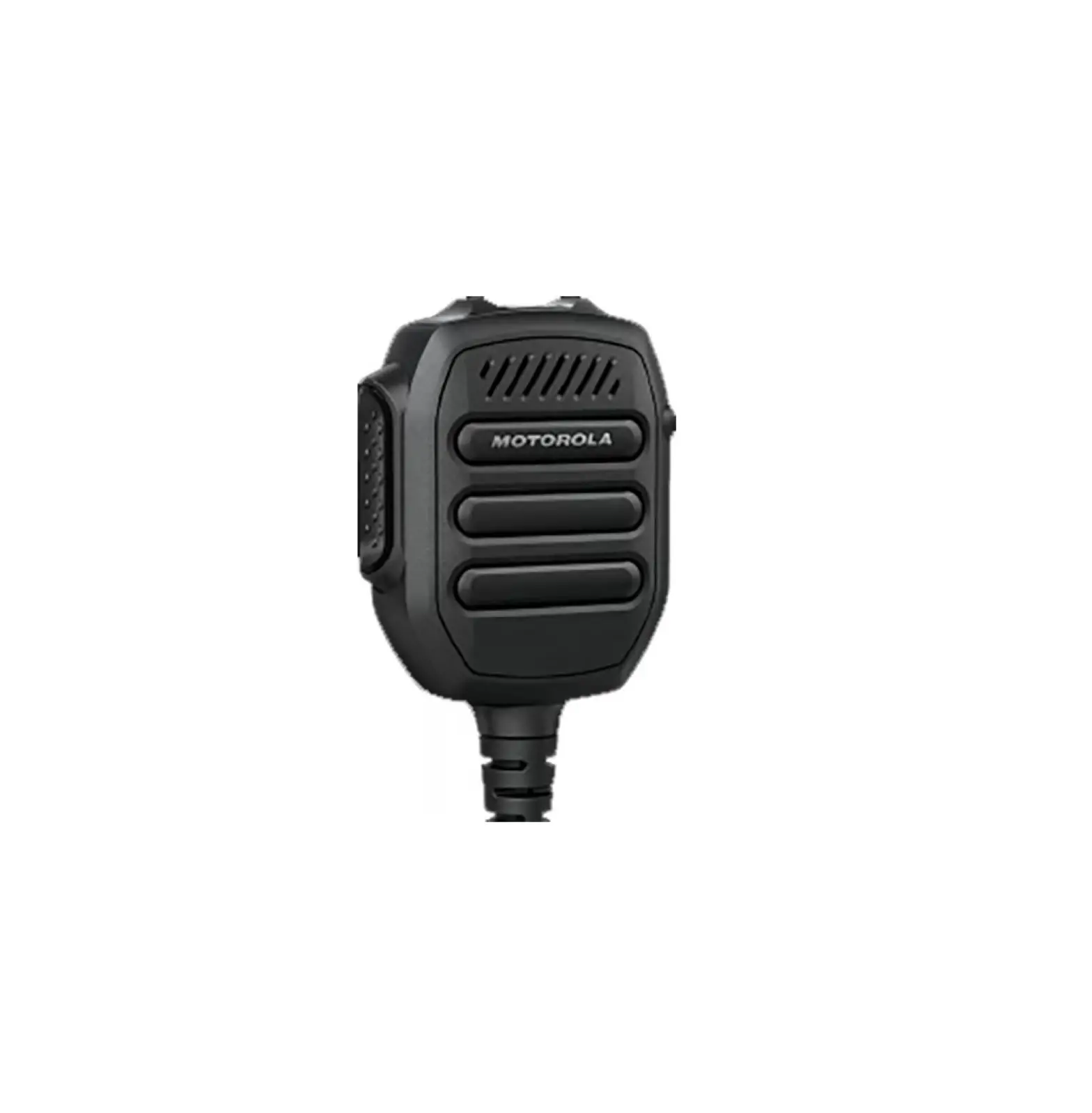
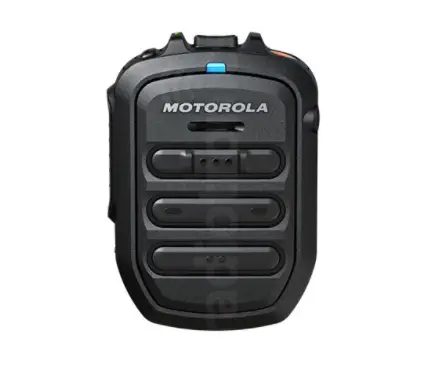
Note: Programmable buttons can be configured to other functions different than the same button on the radio. Refer to radio’s user manual for more information.


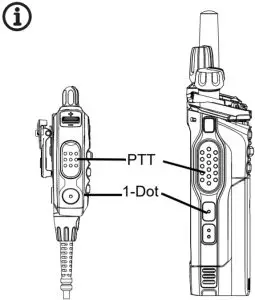
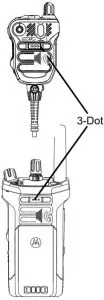
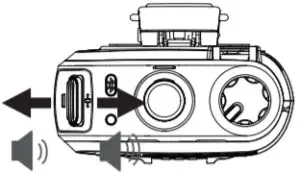
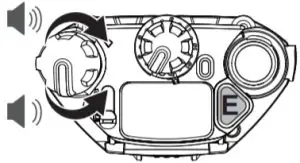
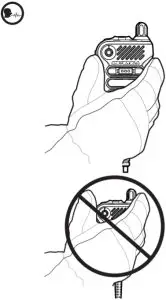
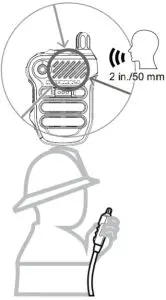
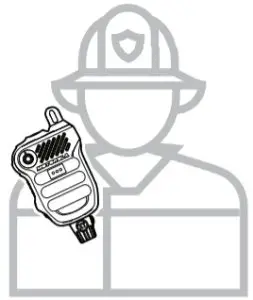
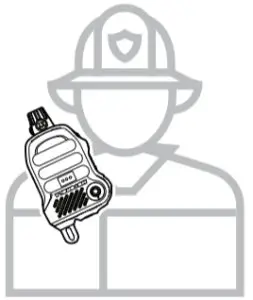
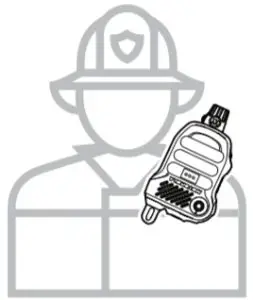
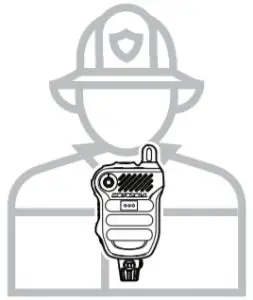
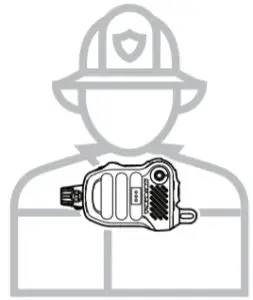
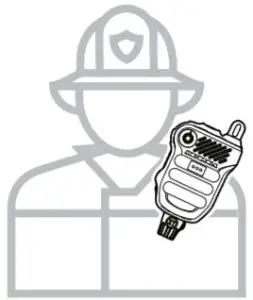
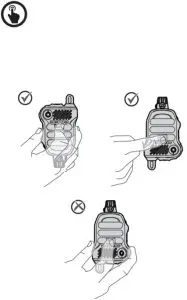
Best Transmit Practices
- Hold the XVE500 1–2 inches from mouth or SCBA voice port.
- Speak in a loud, clear and controlled voice.
- Speak louder than the background noise.
- When practical, shake the XVE500 to clear water before transmitting.
State
Light Indication Strobe Red LED illuminates until system initialization complete followed by blinking in white once
Radio Status Indicator (LED)
Red LED blinks once Orange Programm able Button Orange LED blinks once
Emergency
Strobe White LED blinks in SOS pattern Orange Programm able Button Orange LED solid ON
Error
Strobe Red LED solid ON Radio low battery detected when torch light is ON Strobe White LED blinking slowly followed by turning off
Note: Refer to radio’s user manual for more details and other states.
Emergency Indicators
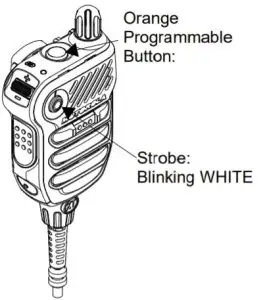
To Disable Strobe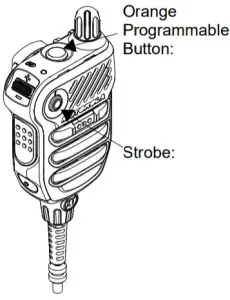
Orange Programmable Button: Glowing ORANGE
Press and hold to turn on white Strobe. While Strobe is ON or blinking, press and hold to turn off.
Cleaning Procedure
Warning:
Do NOT use solvents to clean your RSM as most chemicals may permanently damage the RSM housing and textures.
Do NOT submerge the RSM in the detergent solution.
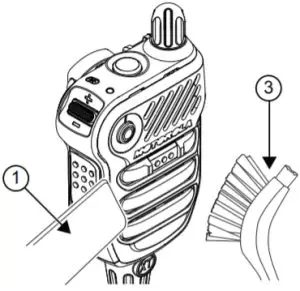
To clean the external surfaces of your radio, follow the next procedures:
- Vacuum the front surface of the RSM. Avoid completely covering the speaker grill and microphone openings all at once with the nozzle.
- Mix one teaspoon of mild dishwashing detergent to one gallon of water (0.5% solution) to clean the external surfaces of the RSM.
- Apply the solution sparingly with a stiff, non-metallic, short bristled brush, making sure excess detergent does not get entrapped near the connectors, controls or crevices. Dry the RSM thoroughly with a soft, lint-free cloth.


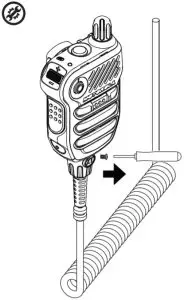
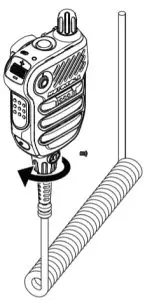
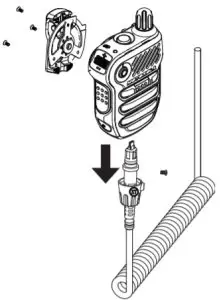
Replacement Parts and Accessories
| Part Number | Description |
30009402007 | Extreme Temperature Replacement Cable |
| PMLN7633 | Replacement Clip |
| PMLN7653 | Replacement Knob |
RSM Firmware Upgrades Notice
- Radio checks the RSM firmware version automatically after power up.
- Older RSM firmware will be upgraded automatically through the radio.
- RSM firmware upgrade process takes less than 20 seconds to complete.
- During firmware update, all buttons except PTT will not function and RSM power up light may blink.
- The power up light turns off to indicate that the RSM enters normal operation mode.
Refer to manual MN007340A01 for other languages at:
https://learning.motorolasolutions.com
MOTOROLA, MOTO, MOTOROLA SOLUTIONS and the Stylized M logo are trademarks or registered trademarks of Motorola Trademark Holdings, LLC and are used under license. All other trademarks are the property of their respective owners. © 2020 Motorola Solutions, Inc. All rights reserved.
 Motorola Login
 Motorola Solutions