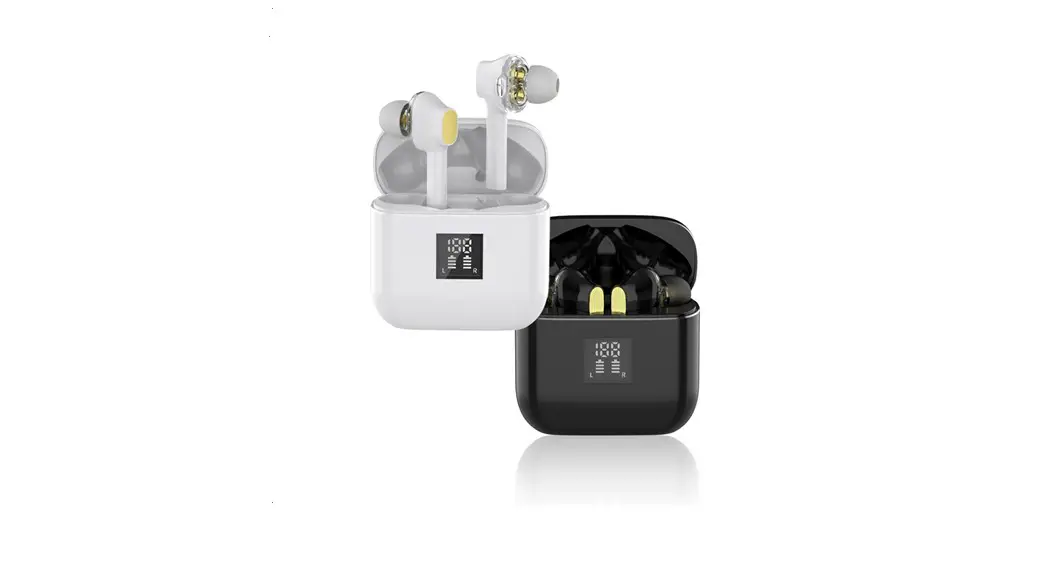
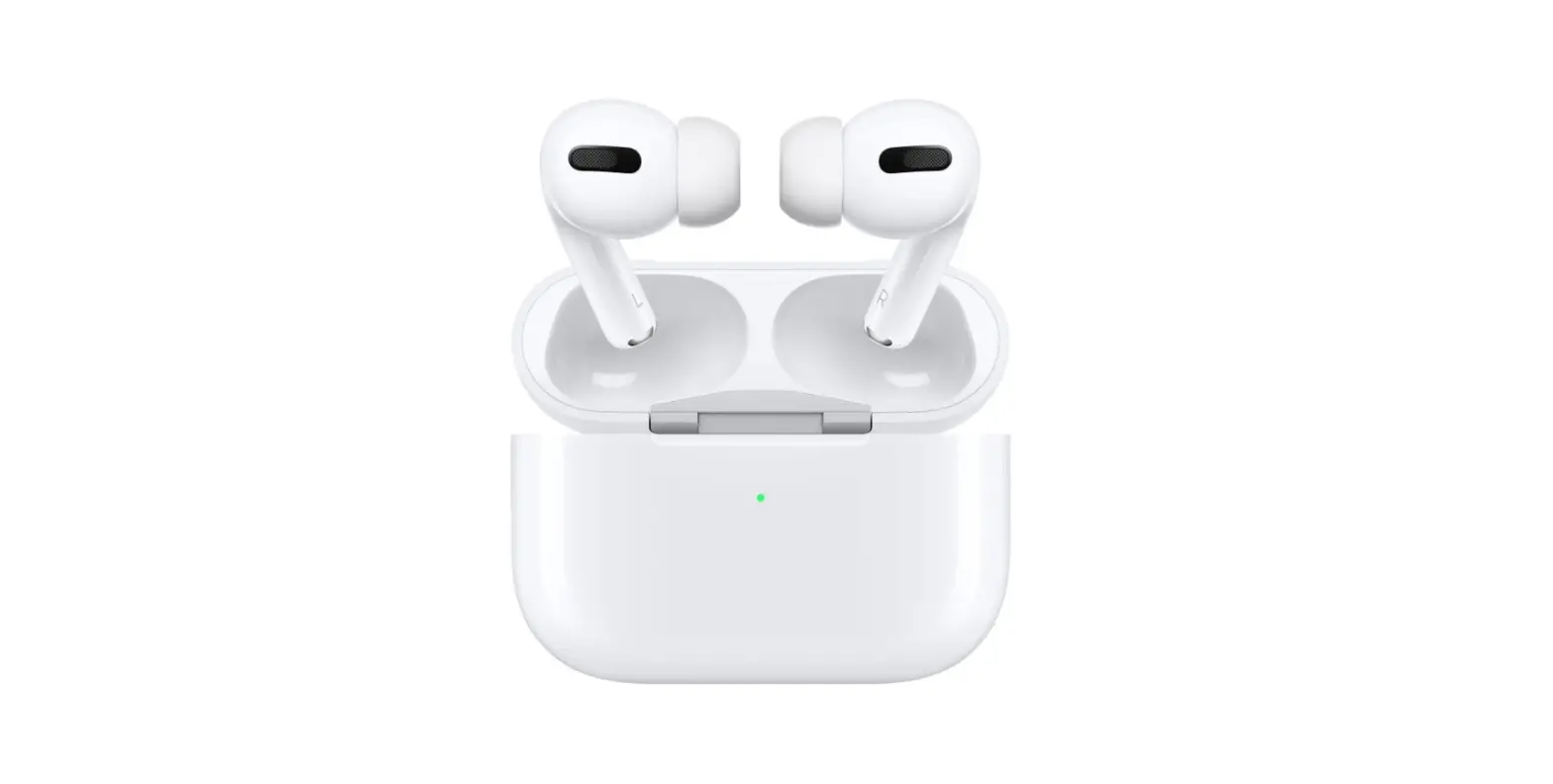
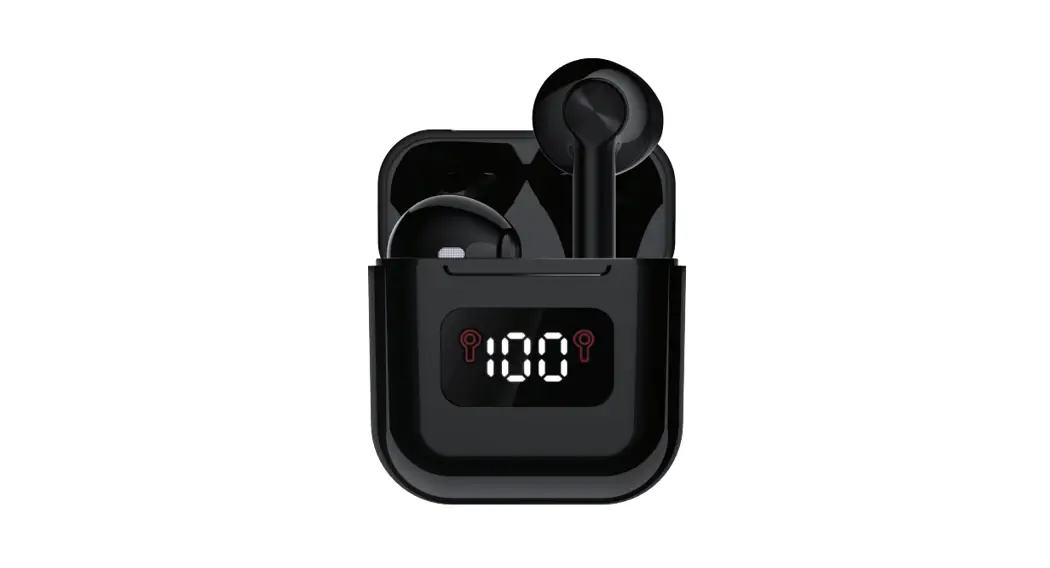
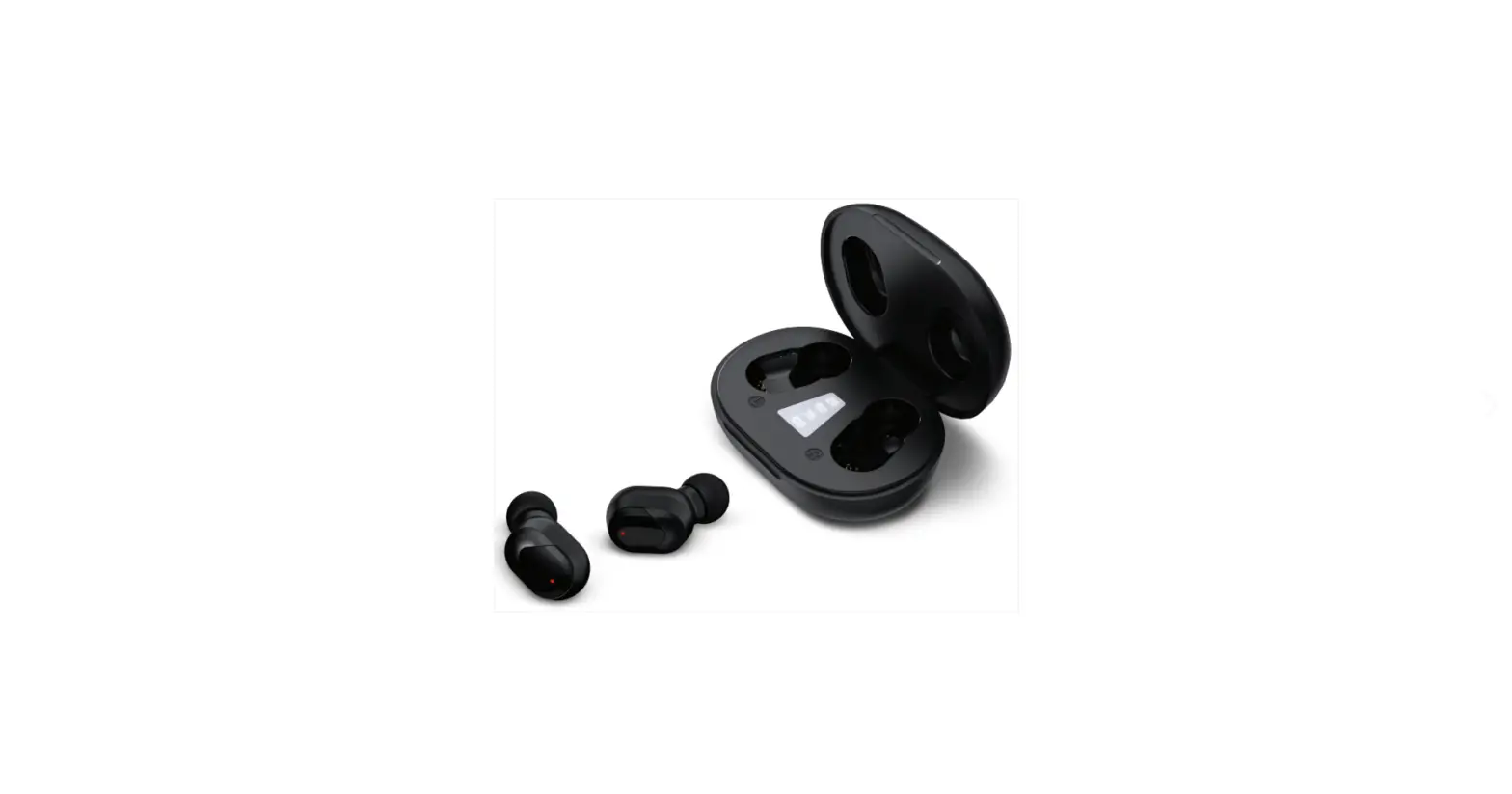
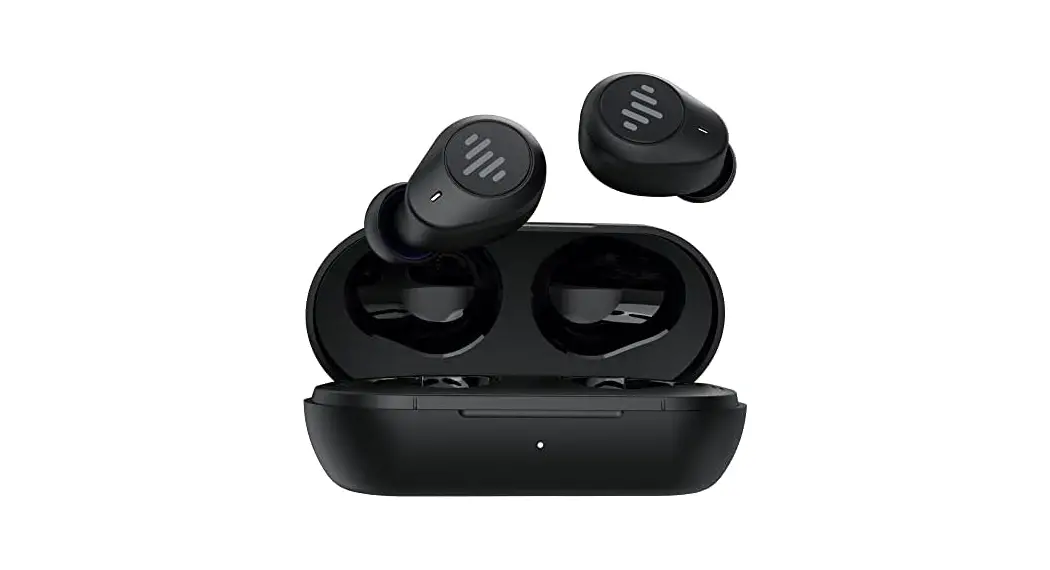
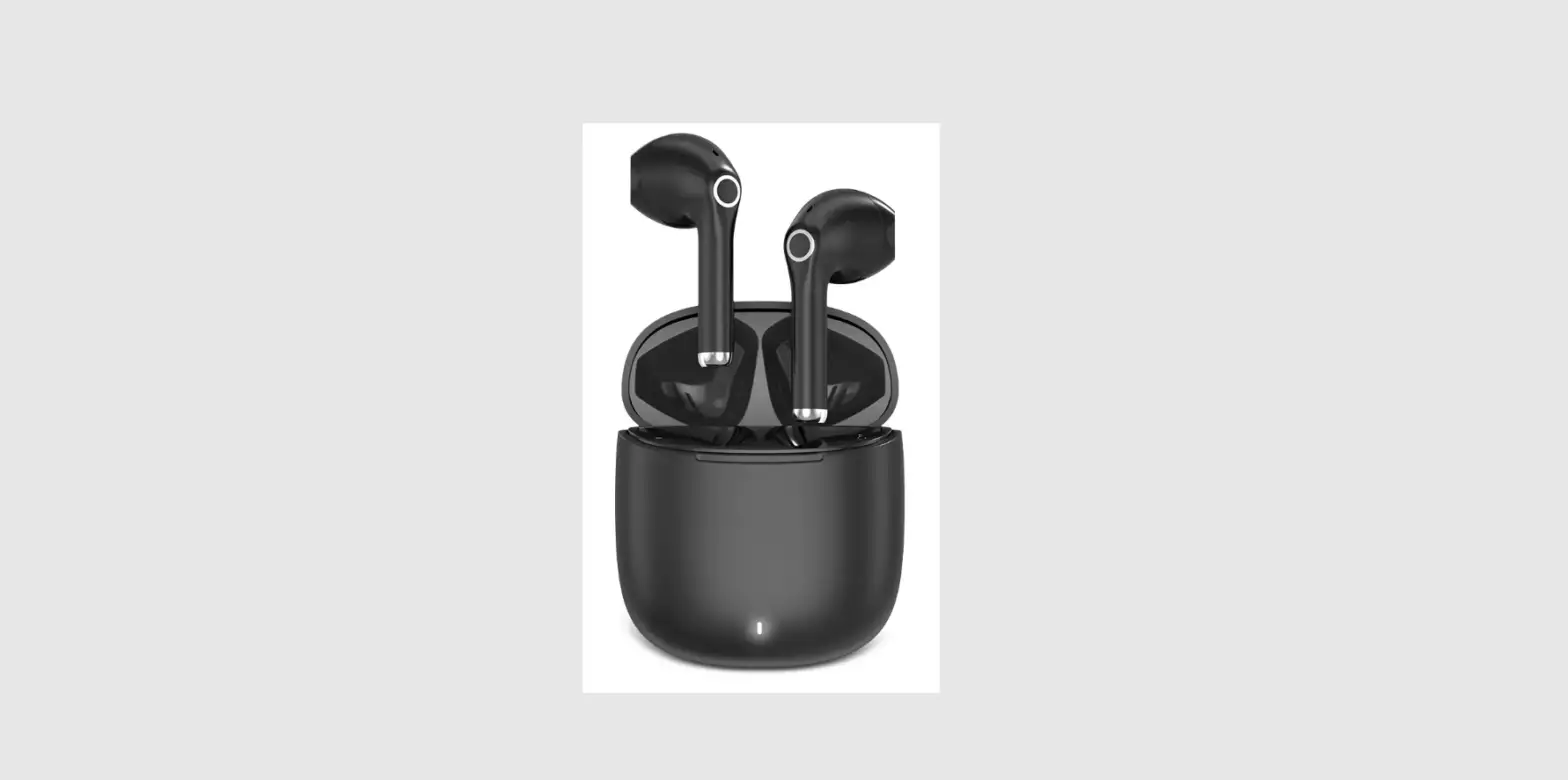
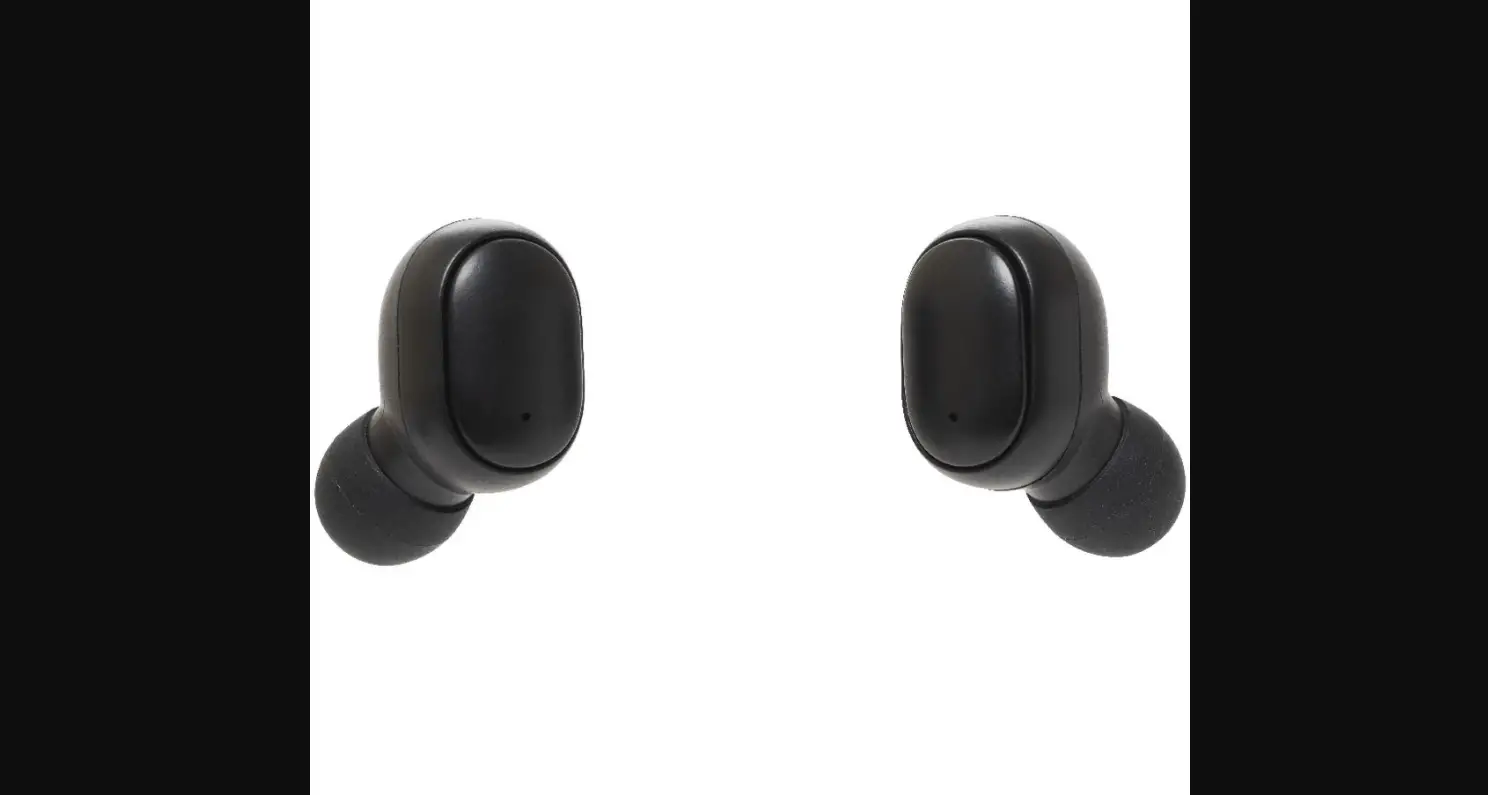
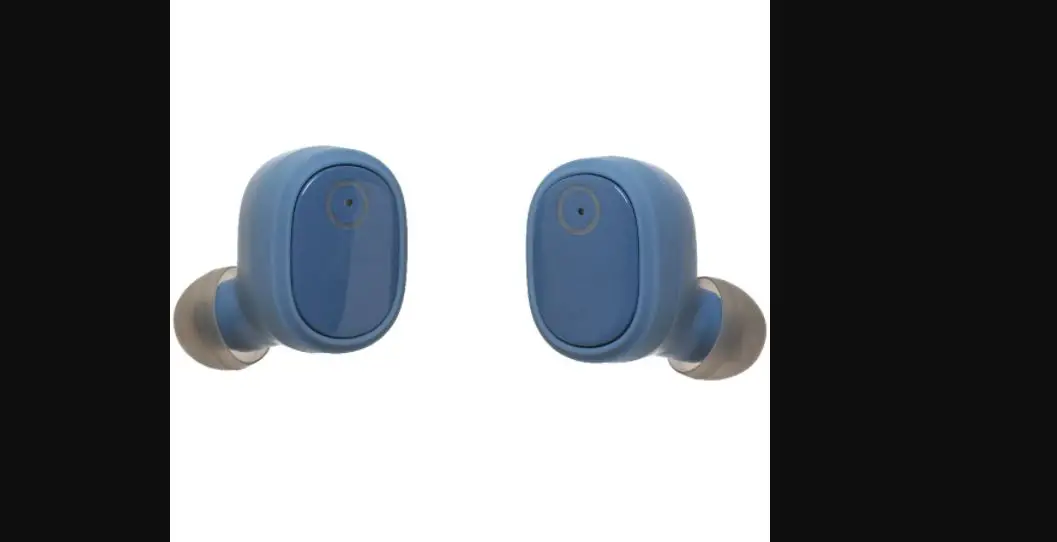
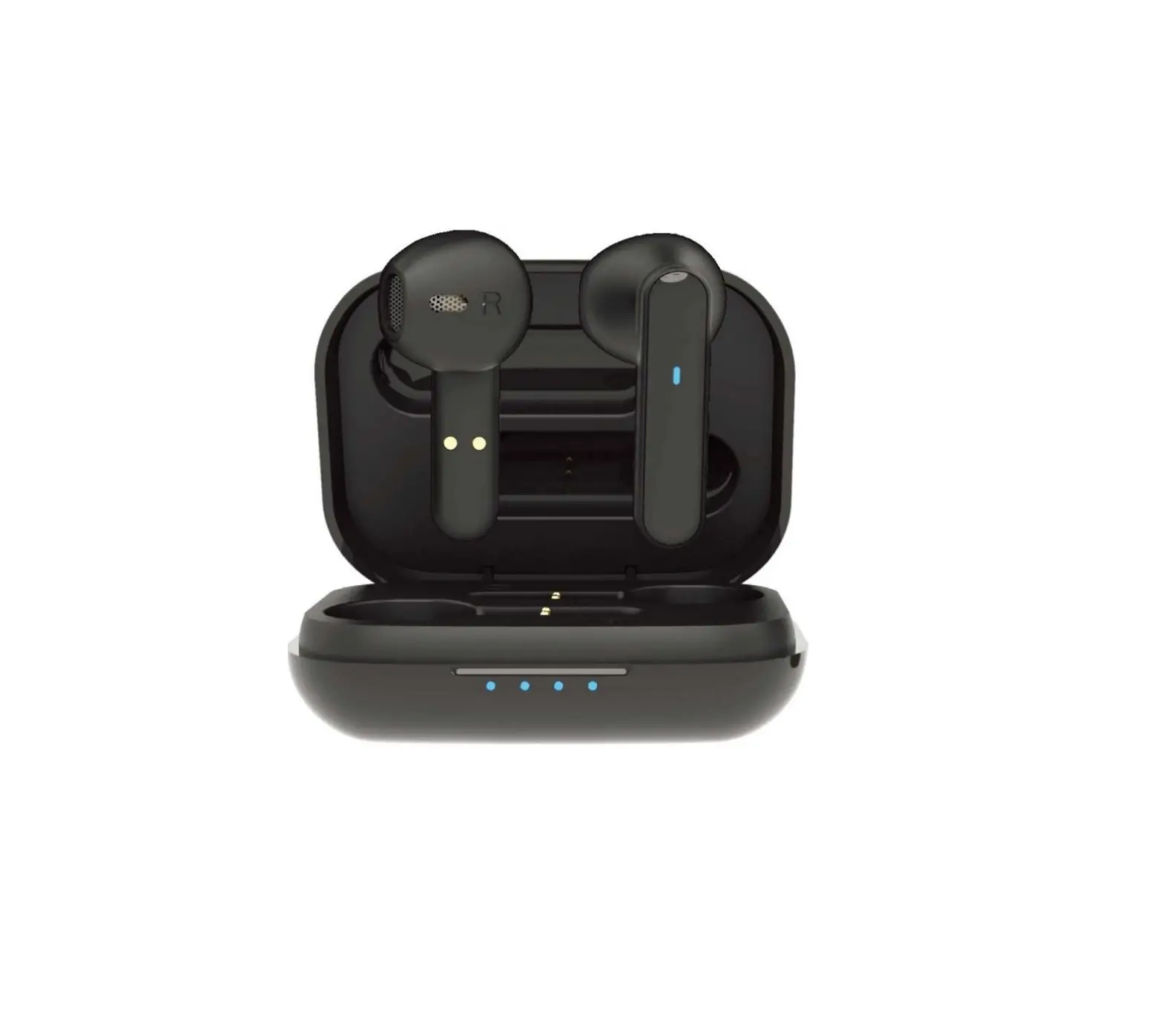
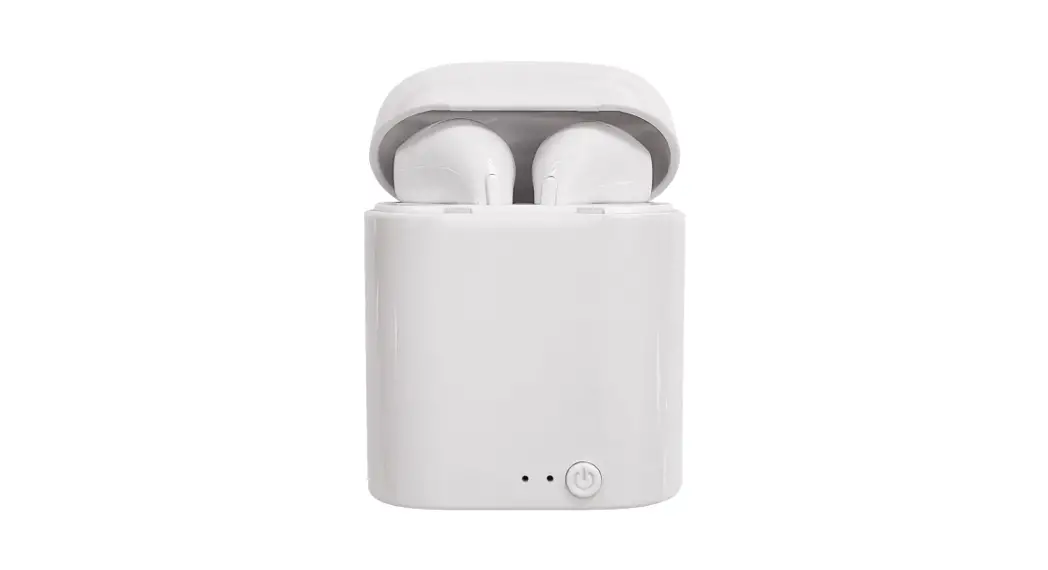
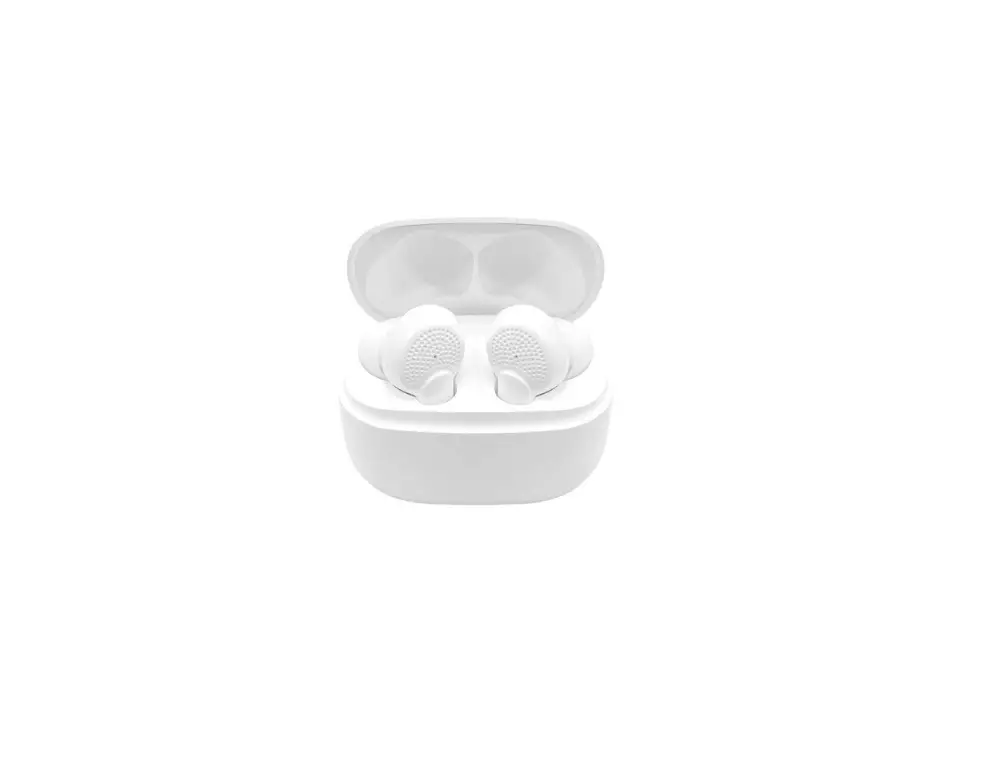
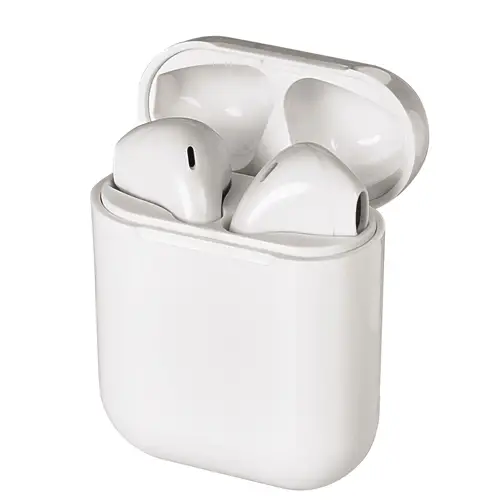
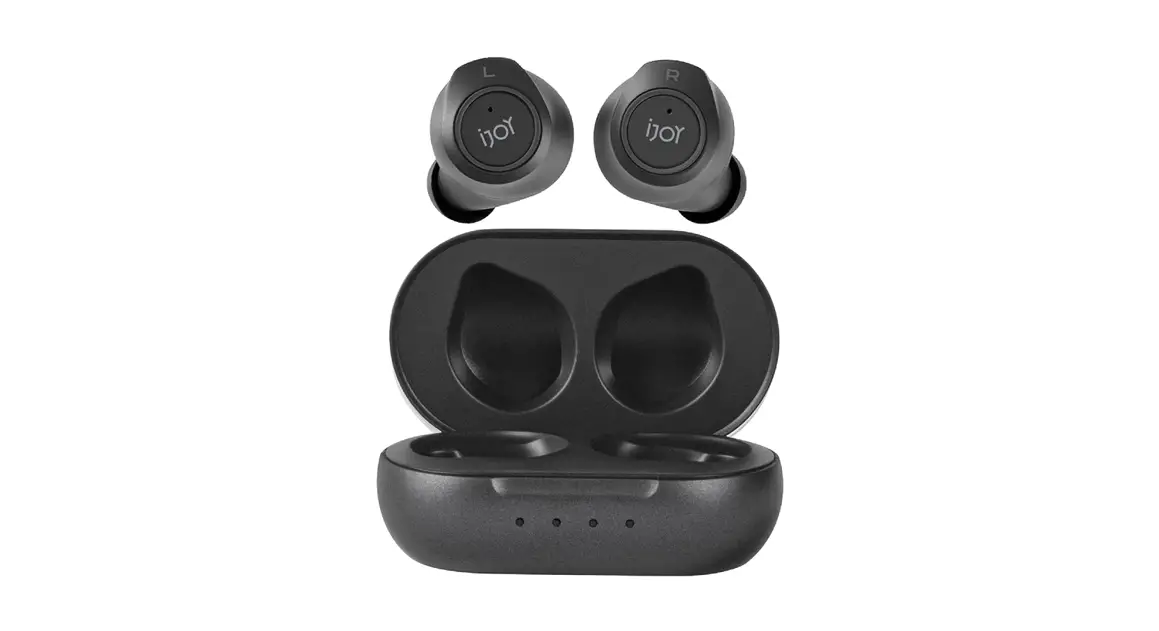
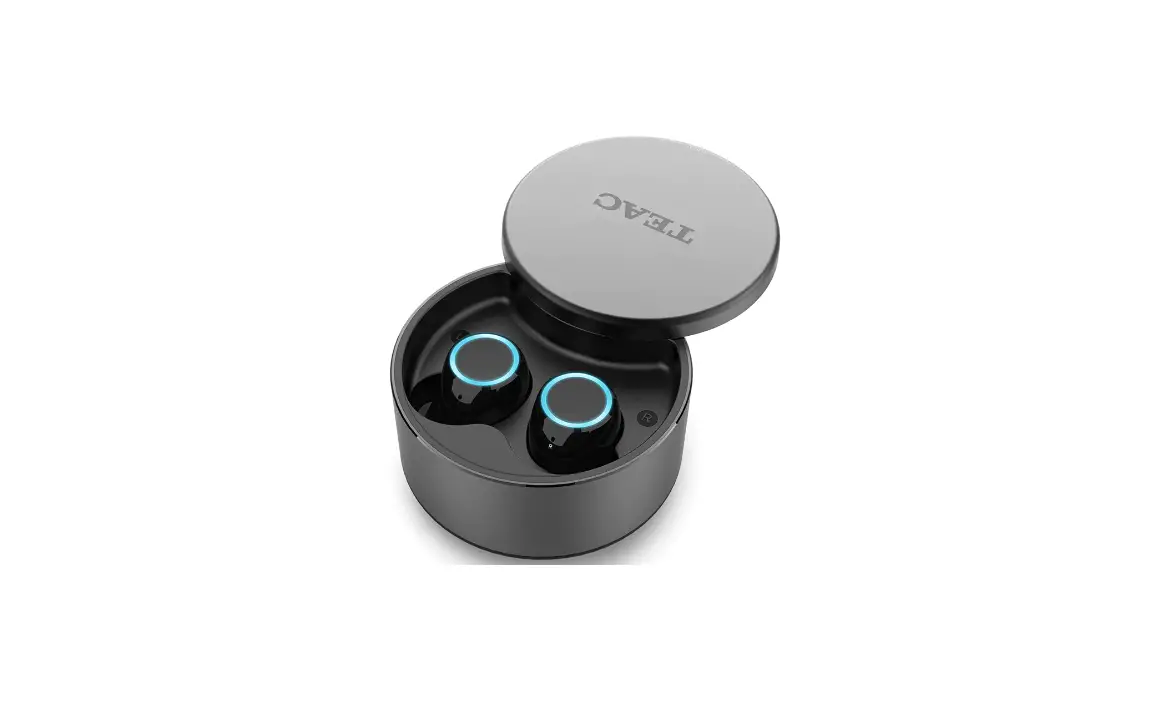
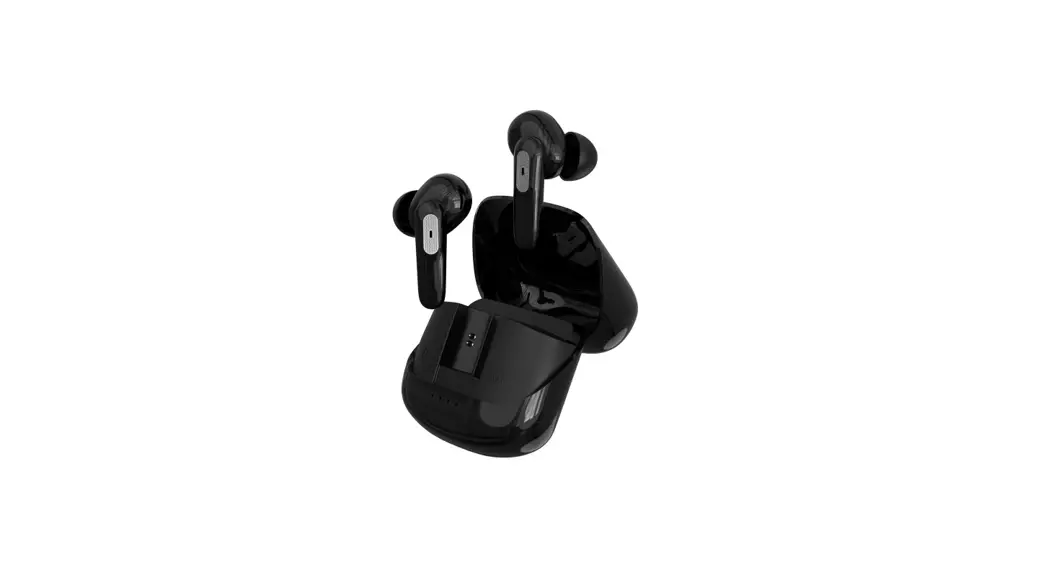
CETW527 TWS Earbuds with Charging Case
Product Information:
Product Name: CETW527 TWS Earbuds With Charging Case
Product Description: True Wireless Stereo Earbuds with a Charging
Case
Model Number: CETW527
User Manual: Included (English and Spanish)
Product Usage Instructions:
Charging the Charging Case:
- Ensure the charging case is connected to a USB power source
using the provided Type C charging port. - The lid of the charging case has a power indicator. When the
case is fully charged, the indicator will show a steady blue
light. - To check the remaining battery power of the charging case, take
the earbuds out and place them back in the case. The power
indicator will glow blue and indicate the power level. - If the case battery power level is low, it will flash red.
Charging the Earbuds:
- If the earbuds’ battery is low, the earbuds’ status indicator
will slowly flash red (with a tone notification). - To charge the earbuds, open the lid of the charging case, place
the earbuds into the case, and close the lid. The earbuds will
start charging. - When the earbuds are fully charged, the status indicator will
show a steady red light.
Powering On/Off:
To power on the CETW527 Earbuds:
- Take the earbuds out of the charging case. They will power on
automatically. - Alternatively, you can manually power them on by pressing and
holding the Multi-Function Button (MFB) on both earbuds for 5
seconds. The earbuds’ status indicators will flash red and blue
alternately, accompanied by a power on tone notification.
To power off the CETW527 Earbuds:
- Place the earbuds back in the charging case. They will power
off automatically. - Alternatively, you can manually power them off by pressing and
holding the Multi-Function Button (MFB) on a single earbud for 5
seconds. The earbuds’ status indicators will flash blue twice,
accompanied by a power off tone notification.
Pairing:
There are two ways to pair the CETW527 Earbuds:
- True Wireless Stereo Connection:
- Take the earbuds out from the charging case and bring them
close to each other. - When the earbuds are turned on, they will automatically enter
True Wireless stereo pairing mode. The earbuds’ status indicators
will flash red and blue alternately on both earbuds. - When the True Wireless Stereo connection is successful, the
right earbud will be connected to the left earbud. The status
indicator on one earbud will flash red and blue alternately, while
the other earbud’s indicator will be off. - A connected tone notification will be heard.
- Take the earbuds out from the charging case and bring them
- Bluetooth Connection with Your Device:
- After a successful True Wireless stereo connection, the CETW527
Earbuds will automatically enter Bluetooth pairing mode with your
media device. - Turn on Bluetooth in your device’s settings and search for
CETW527. - Tap CETW527 to connect.
- When the earbuds are connected to a device, the status
indicator on one earbud will flash red and blue alternately, while
the other earbud’s indicator will be off. - A connected tone notification will be heard.
- After a successful True Wireless stereo connection, the CETW527
- The earbuds will automatically be paired with your last
successfully connected media device the next time they are turned
on.
Music Mode Controls:
To play/pause music, press the Multi-Function Button (MFB) once
on either earbud.
R
CETW527
TWS Earbuds With Charging Case
Auriculares TWS con estuche de carga
User Manual Manual De Usuario
EN … 01 ES …13
User Manual
Drop Card
Overview
CETW527 True Wireless Stereo Earbuds
Left Earbud
Right Earbud
Multi-Function Button(MFB) /Status LED indicator
Charging case for the CETW527
Microphone
Lid of charging case
Case power indicator
Charging Charging the charging case
Type C charging port
Charging Contact Type C charging port
USB power source
Charging Fully charged
Flashing blue (Case power indicator) Steady Blue (Case power indicator)
EN 01
Notes: To check the charging case’s remaining battery power, take the earbuds out of the charging case, then place the earbuds back in the charging case. If there is remaining battery power, the case power indicator will glow blue and indicate the power level. If the case battery power level is low, it will flash red.
Case power indicator
( – Blue light)
Power level
0~25%
25%~50%
50%~75%
Charging your earbuds
75%~100%
1
2
When your earbuds battery is low, the earbuds status indicator will slowly flash red (with a tone notification). Open the lid of the charging case, then place the earbuds into the charging case and close the lid to start charging.
Earbuds
Low battery Charging
Slowly flashing red Tone notification
Steady red
Fully charged
Off, LED light is off
EN 02
Powering on/off
Powering on
Your CETW527 Earbuds will power on automatically when taken out of the charging case. You can also power them on manually by pressing and holding the Multi-Function Button(MFB) on both earbuds for 5 seconds.
Alternating flashing
red and blue on
ON
both earbuds
Power on tone notification
Powering off
Your CETW527 Earbuds will power off automatically when placed back in the charging case.
1
2
To power them off manually, press and hold the Multi-Function Button(MFB) on a single earbud for 5 seconds.
Flashing blue twice
Off
Power off tone notification
EN 03
Pairing
1. True Wireless stereo connection
Take the earbuds out from the charging case, and bring the two earbuds next to each other. When the Earbuds are turned on, it will automatically enter True Wireless stereo pairing mode.
Enter True Wireless stereo pairing mode
Alternating flashing red and blue on both earbuds
When True Wireless Stereo connection is successful (the right earbud is connected to the left earbud).
Alternating flashing red and blue on one earbud, being off on the other earbud.
Connected tone notification
EN 04
2. Bluetooth connection with your device
After a successful True Wireless stereo connection, your CETW527 will automatically enter Bluetooth pairing mode with your media device. Turn on Bluetooth in your device’s settings and search for “CETW527”, then tap “CETW527” to connect.
ON
CETW527
Pairing mode
Connected to a device (Successfully paired with your media device).
Alternating flashing red and blue on one earbud, being off on the other earbud.
Being off on both earbuds
Connected tone notification
The earbuds will automatically be paired with your last sucessfully connected media device next time they are turned on.
EN 05
Controls Music mode
Play/Pause
Press the MFB once on either earbud.
Next track
Previous track Volume up
Volume down
Quickly press the MFB twice on the right earbud.
Quickly press the MFB twice on the left earbud.
Quickly press the MFB three times on the right earbud.
Quickly press the MFB three times on the left earbud.
Phone call mode
Answer/End a call
Reject a call
Quickly press the MFB twice on either earbud.
Press and hold the MFB for 2 seconds on either earbud.
Voice Assistant mode
Activiate Siri / other voice assistant
Press and hold the MFB for 2 seconds on either earbud.
Exit
Press the MFB once on either earbud.
EN 06
? Troubleshooting
Problem
Solution
Your earbuds aren’t connecting to each other. The Earbud LED Indicators on both earbuds are alternating between red and blue lights.
First, reset the earbuds by taking out the earbuds from the charging base and then placing them back to check whether they are connected to each other. If they are not, open Bluetooth settings in your device and tap “Forget device” on “CETW527”, then turn off Bluetooth in your device to manually initiate the True Wire stereo connection. Please allow up to 30 seconds to connect if you are in a public area with interfering signals.
Your earbuds are connected to each other, but you cannot connect to your device (phone, laptop, tablet etc.)
Ensure the earbuds are not currently connected to another device. If they are, open Bluetooth settings on those devices and tap “Forget device” on “CETW527”. Confirm the device you would like to pair with is Bluetooth enabled, please refer to that device’s
user manual to confirm.
There is no response in the CETW527 earbuds.
Firstly, check whether the battery power in earbuds are used up, if they are, charge the earbuds. If they are not, reset the earbuds by taking out the earbuds from the charging base and then placing them back.
You can only hear sound on one earbud.
Reset the earbuds by taking out the earbuds from the charging base and then placing them back.
EN 07
I Specifications
Model Number Model Name Power Input Charging time Playtime (Earbuds)
CETW527 True Wireless Stereo Earbuds With charge case
5 V/1A (Charging case)
Up to 2 hours (Charging case) Up to 1.5 hours (Earbuds)
Up to 5 hours
Playtime (with charging case) Up to 12 hours
Battery Type Driver (full range) Range Bluetooth version
Dimension (Charging case)
Weight (with charging case)
Rechargeable Lithium-ion 10 mm × 2 10m/33 ft V 5.3 44 x 44 x 25 mm 1.73 x 1.73 x 0.98 inch 29.1 g/ 1.03 oz
Safety Statement
Safety Precautions 1. Avoid dropping. 2. Do not disassemble this device. 3. Do not expose this device to rain or moisture or submerge in water. 4. Ideal temperatures are 0°C to 35°C. Avoid extreme temperatures. 5. Keep the device away from excessive heat, such as sunshine, fire or the like. 6. Do not use the device outdoors during thunderstorms. 7. Use original or certified cables.
EN 08
8. Do not use any corrosive cleaner/oil to clean. 9. Keep out of reach of children. It contains small parts which may be a choking hazard. 10. Observe local laws and regulations while using the device. 11.To prevent damage to your device’s parts or internal circuits, do not use it in dusty, smoky, damp or dirty environments. 12. Do not use, store or transport the device where flammables or explosives are stored. Using your device in these environments increases the risk of explosion or fire.
Hearing Safety 1. To avoid hearing damage, do not listen for extended periods at high volume. 2. Do not turn the volume so high that you’re unable to hear your surroundings. 3. Do not use earphones while driving. 4. You should use caution or temporarily discontinue use in potentially hazardous situations.
FCC Statement FCC ID: 2AMSOETW002 This device complies with Part 15 of the FCC Rules. Operation is subject to the following two conditions: (1) this device may not cause harmful interference, and (2) this device must accept any interference received, including interference that may cause undesired operation. Warning: Changes or modifications not expressly approved by the party responsible for compliance could void the user’s authority to operate the equipment. Note: This equipment has been tested and found to comply with the limits for a Class B digital device, pursuant to Part 15 of the FCC Rules. These limits are designed to provide reasonable protection against harmful interference in a residential installation. This equipment generates, uses and can radiate radio frequency energy and, if not installed and used in accordance with the instructions, may cause harmful interference to radio communications. However, there is no guarantee that interference will not occur in a particular installation. If this equipment does cause harmful interference to radio or television reception, which can be determined by turning the equipment off and on, the user is encouraged to try to correct the interference by one or more of the following measures: (1) Reorient or relocate the receiving antenna. (2) Increase the separation between the equipment and receiver. (3) Connect the equipment into an outlet on a circuit different from that to which the receiver is connected. (4) Consult the dealer or an experienced radio / TV technician for help.
FCC Radiation Exposure Statement: The device has been evaluated to meet general RF exposure requirement. The device can be used in portable exposure condition without restriction.
EN 09
Notice This product complies with the radio interference requirements of the European Community.
This symbol means the product must not be discarded as household waste, and should be delivered to an appropriate collection facility for recycling. Follow local rules and never dispose of the product and rechargeable batteries with normal household waste. Correct disposal of old products and rechargeable batteries helps prevent negative consequences for the environment and human health.
Disclaimer
All information, design and specifications contained in this manual were correct at the time of this publication. As the product goes under continuous upgrades and changes, however, the final device may have slight differences. The contents of this manual are subject to change without prior notice, and Coby will not be liable for any errors contained herein or for incidental or consequential damages in connection with the furnishing performance or use of this manual. COBY COPYRIGHT© 2023 ALL RIGHTS RESERVED. COBY IS A REGISTERED TRADEMARK OF CBY HOLDINGS, LLC. MANUFACTURED BY SUMMIT ELECTRONICS LLC. USED UNDER LICENSE. CBY HOLDINGS, LLC DOES NOT MANUFACTURE THIS PRODUCT OR PROVIDE ANY MANUFACTURER’S WARRANTY OR SUPPORT. THE BLUETOOTH® WORD MARK AND LOGOS ARE REGISTERED TRADEMARKS OWNED BY THE BLUETOOTH SIG, INC. AND ANY USE OF SUCH MARKS BY SUMMIT ELECTRONICS LLC IS UNDER LICENSE. OTHER TRADEMARKS AND TRADE NAMES ARE PROPERTY OF THEIR RESPECTIVE OWNERS.
SUMMIT ELECTRONICS LLC One Year Limited Warranty
SUMMIT ELECTRONICS LLC LIMITED WARRANTY (“Warranty”) – For product Categories Listed in Chart Below (as applicable, “Product”) Before returning your Product for service under this Warranty, please (i) read the instruction manual carefully. If you are still having trouble with your Product, please contact Technical Support at [email protected]. Warning: Some Products may contain components that are small enough to be swallowed. Please keep out of reach of children. Subject to the terms and conditions herein, SUMMIT ELECTRONICS LLC (hereinafter called “SUMMIT ELECTRONICS LLC”) warrants to the original purchaser of the Product (“Customer”) that for the applicable Warranty Period listed below, the Product will be free from defects in material or workmanship under normal, non-commercial use (“Defects”).
EN 10
Warranty Period encompasses, as listed below, separate “Coverage Periods” for Parts and Labor, each Coverage Period for one year, to begin from the original date of Customer purchase. If Customer returns a defective Product (or any component thereof) during the applicable Warranty Period, SUMMITELECTRONICSLLC will, at its option, during the specified Coverage Periods for Parts and Labor (as applicable) either: (i) repair the Product (or, as applicable, any component thereof) or (ii) replace the Product (or, as applicable, any component thereof) with a new or refurbished Product (or, as applicable, any component thereof), in either case free of charge to Customer for Parts and/ or Labor (as applicable) during the specified Coverage Period only, and excluding applicable shipping charges (noted below), for which the Customer is responsible. The foregoing states the Customer’s exclusive remedy and SUMMIT ELECTRONICS LLC’s sole liability for breach of the limited warranty contained herein. This Warranty specifically excludes any Product (or, as applicable, any component thereof) that has been subject to or Defects resulting from: (a) any neglect or misuse by a Customer, an accident, improper application, violation of operating instructions for the product, any other Customer-induced damage, or the alteration or removal of any product serial number: (b) any modification or repair to Product (or, as applicable, any component thereof) by any party other than SUMMIT ELECTRONICS LLC or a party authorized in writing by SUMMIT ELECTRONICS LLC; (c) any damage to Product (or, as applicable, any component thereof) due to power surges, incorrect electrical voltage, misconnection 17 to any device, or malfunction of any device used with the Product (or, as applicable, any component thereof); (d) cosmetic damage to the Product (or, as applicable, any component thereof) caused by normal wear and tear; (e) shipping damage that occurs while the Product is in transit; (f) damage caused by heat sources, sunlight, electromagnetic conditions, or other climatic conditions; or (g) any acts of God. Product is sold to Customer for personal, non-commercial use only. Product is not warranted for Customer’s commercial or rental use. In addition, Product is not warranted against failure, and should not be used by Customer for any application where (i) there is a risk that any data stored on Product will be breached or otherwise compromised, or (ii) the data stored on Product is relied upon for medical or lifesaving applications. SUMMIT ELECTRONICS LLC disclaims any Warranty for any of the foregoing uses to the fullest extent permitted by law. Customer assumes any and all risks associated with such uses of Product and agrees to indemnify SUMMIT ELECTRONICS LLC for any damages claimed against SUMMIT ELECTRONICS LLC for such uses. EXCEPT FOR EXPRESS WARRANTIES STATED ABOVE AND TO THE MAXIMUM EXTENTPERMITTED BYLAW, THE PRODUCTS ARE PROVIDED “AS IS”, AND SUMMIT ELECTRONICS LLC DISCLAIMS ALLOTHER WARRANTIES, INCLUDING WITHOUT LIMITATION ANY IMPLIED WARRANTY(I) OF ERCHANTABILITY, (II) OF FITNESS FOR APARTICULAR PURPOSE, OR (III) OF NON-INFRINGEMENT OF THIRD-PARTY RIGHTS. TO THE MAXIMUM EXTENT PERMITTED BY APPLICABLE LAW, IN NO EVENT WILL SUMMIT ELECTRO- NICS LLC BE LIABLE TO CUSTOMER OR ANY THIRD PARTY FOR ANY INDIRECT, SPECIAL, INCIDENTAL, CONSEQUENTIAL, EXEMPLARY OR PUNITIVE DAMAGES, INCLUDING, WITHOUT LIMITATION, ANY LOST PROFITS OR REVENUES, LOSS OR INACCURACY OF ANY DATA OR COST OF SUBSTITUTE GOODS, REGARDLESS OF THE THEORY OF LIABILITY (INCLUDING NEGLIGENCE) AND EVEN IF SUMMIT ELECTRONICS LLC HAS BEEN ADVISED OF THE POSSIBILITY OF SUCH DAMAGES, SUMMIT ELECTRONICS LLC’S AGGREGATE LIABILITY TO CUSTOMER FOR ACTUAL DIRECT DAMAGES FOR ANY CAUSE WHATSOEVER SHALL BE LIMITED TO THE CUMULATIVE PRODUCT FEES PAID BY THAT CUSTOMER FOR
EN 11
THE PRODUCT CAUSING THE DAMAGES, IF ANY. This Warranty gives Customer specifics rights, and Customer may also have other rights that vary from jurisdiction to jurisdiction. To obtain Warranty service, Customer must email SUMMIT ELECTRONICS LLC Technical Support prior to making a Product return. Customer must include with Product return the following items (failure to enclose any of these items may result in a delay in the processing of your Warranty claim): (i) a dated sales receipt that indicates the place of purchase, model number of Product, and amount paid; (ii) a detailed description of Customer’s problem with Product; (iii) Customer’s full name, phone number, and return address, and; (iv) a money order made out to SUMMIT ELECTRONICS LLC Electronics Corporation to cover return shipping charges to US destinations only, for the applicable dollar amount shown for the Product in the table above. SUMMIT ELECTRONICS LLC will not make return shipments to a P.O. Box. For shipping to international addresses, actual freight will be charged to Customer. Return your Product freight-prepaid in its original packaging, or packaging that affords an equal measure of protection. Please allow 4 to 6 weeks for the processing of your claim (6 to 8 weeks from November to February).
PRODUCT CATEGORY
Adapters, Converters, Chargers, Headphones, Microphones, Cellular Accessories
Alarm Clocks, Portable CD Players, Radios, Corded Telephones, MP3 Players, Digital Photo Frames (screen size less than 5″)
Portable Stereo Systems, Speaker Systems, Cordless Telephones, Home DVD Players
Home Theater DVD Systems, Portable DVD Players, Portable Media Players, Digital Photo Frames (screen sizes 5″ to 11″)
SHIPPING* (USD) $7.99
$7.99
$14.99
$14.99
You must email SUMMIT ELECTRONICS LLC Technical Support prior to making a return.Please ask if you are unsure of which category your product falls under.
*US destinations only.
EN 12
Descripción general
Auriculares estéreo inalámbricos verdaderos CETW527
Auricular izquierdo
Auricular derecho
Botón multifunción (MFB) /Indicador LED de estado
Micrófono
Tapa del estuche de carga
Indicador de potencia de la carcasa
Contacto de carga Puerto de carga tipo C
Cargando Carga del estuche de carga
Puerto de carga tipo C
Fuente de alimentación USB
Cargando
Completamente cargado
Azul parpadeante (indicador de alimentación de la carcasa) Azul fijo (indicador de encendido de la carcasa)
ES 13
Notas: Para comprobar la energía restante de la batería del estuche de carga, saque los auriculares del estuche de carga y vuelva a colocar los auriculares en el estuche de carga. Si queda energía de la batería, el indicador de energía de la carcasa se iluminará en azul e indicará el nivel de energía. Si el nivel de carga de la batería de la carcasa es bajo, parpadeará en rojo.
Indicador de potencia de la carcasa
( -Luz azul
Nivel de potencia
0~25%
25%~50% 50%~75% 75%~100%
Cargando tus auriculares
1
2
Cuando la batería de sus auriculares esté baja, el indicador de estado de los auriculares parpadeará lentamente en rojo (con una notificación de tono). Abra la tapa del estuche de carga, luego coloque los auriculares en el estuche
de carga y cierre la tapa para comenzar a cargar.
Auriculares
Batería baja Cargando
Lentamente parpadeando en rojo Notificación de tono
Rojo fijo
Completamente Apagado, la luz LED está apagada
ES 14
Encendido/apagado
Encendiendo
Sus auriculares CETW527 se encenderán automáticamente cuando los
saque del estuche de carga. También puede encenderlos manualmente
manteniendo presionado el botón multifunción (MFB) en ambos auriculares
durante 5 segundos.
Alterna intermitente
rojo y azul en ambos
En
auriculares
Notificación de tono de encendido
Apagando
Sus auriculares CETW527 se apagarán automáticamente cuando vuelva a colocarlos en el estuche de carga.
1
2
Para apagarlos manualmente, mantenga presionado el botón multifunción (MFB) en un solo auricular durante 5 segundos.
Apagado
Azul intermitente dos veces Notificación de tono de apagado
ES 15
Emparejamiento
1. Verdadera conexión estéreo inalámbrica
Saque los auriculares de los auriculares y coloque los dos auriculares uno al lado del otro. Cuando los auriculares están encendidos, entrarán automáticamente en el modo de emparejamiento estéreo True Wireless.
Ingrese al modo de emparejamiento estéreo True Wireless
Alterna intermitente rojo y azul en ambos auriculares
Cuando la conexión True Wireless Stereo es exitosa (el auricular derecho está conectado al auricular izquierdo).
Parpadeo rojo y azul alternados en un auricular, apagado en el otro auricular.
Notificación de tono conectado
ES 16
2. Conexión Bluetooth con tu dispositivo
Después de una conexión estéreo True Wireless exitosa, su CETW527 ingresará automáticamente al modo de emparejamiento Bluetooth con su dispositivo multimedia. Active Bluetooth en la configuración de su dispositivo y busque “CETW527”, luego toque “CETW527” para conectarse.
EONN
CETW53274
Modo de emparejamiento
Parpadeo rojo y azul alternados en un auricular, apagado en el otro auricular.
Conectado a un dispositivo (Emparejado con éxito con su dispositivo de medios).
Estar apagado en ambos auriculares Notificación de tono conectado
Los auriculares se emparejarán automáticamente con su último dispositivo multimedia conectado correctamente la próxima vez que se enciendan.
ES 17
Control S
Modo de música
Reproducir pausar
Presione el MFB una vez en cualquiera de los auriculares.
Siguiente pista Presione rápidamente el MFB dos veces en el auricular derecho.
Pista anterior
Presione rápidamente el MFB dos veces en el auricular izquierdo.
Sube el volumen Bajar volumen
Presione rápidamente el MFB tres veces en el auricular derecho.
Presione rápidamente el MFB tres veces en el auricular izquierdo.
Modo de llamada telefónica
Responder/Finalizar una llamada
Presione rápidamente el MFB dos veces en cualquiera de los auriculares.
Mantenga presionado el MFB durante 2 seRechazar una llamada
gundos en cualquiera de los auriculares.
Modo asistente de voz
Activar Siri / otro asistente de voz
Mantenga presionado el MFB durante 2 segundos en cualquiera de los auriculares.
Salida
Presione el MFB una vez en cualquiera de los auriculares.
ES 18
? Solución de problemas
Problema
Solución
Sus auriculares no se conectan entre sí. Los indicadores LED de los auriculares en ambos auriculares alternan entre luces rojas y azules.
Sus auriculares están conectados entre sí, pero no puede conectarse a su dispositivo (teléfono, computadora portátil, tableta, etc.)
Primero, restablezca los auriculares sacándolos de la base de carga y luego volviéndolos a colocar para verificar si están conectados entre sí. Si no es así, abra la configuración de Bluetooth en su dispositivo y toque “olvidar dispositivo” en “CETW527”, luego apague Bluetooth en su dispositivo para iniciar manualmente la conexión estéreo True Wire. Espere hasta 30 segundos para conectarse si se encuentra en un área pública con señales que interfieren.
Asegúrese de que los auriculares no estén actualmente conectados a otro dispositivo. Si es así, abra la configuración de Bluetooth en esos dispositivos y toque “olvidar dispositivo” en “CETW527”. Confirme que el dispositivo con el que le gustaría emparejarse tenga Bluetooth habilitado, consulte el manual del usuario de ese dispositivo para confirmar.
No hay respuesta en los auriculares CETW527.
En primer lugar, verifique si la energía de la batería en los auriculares está agotada, si es así, cargue los auriculares. Si no es así, restablezca los auriculares sacándolos de la base de carga y luego volviéndolos a colocar.
Solo puede escuchar el sonido en un auricular.
Restablezca los auriculares sacándolos de la base de carga y luego volviéndolos a colocar.
ES 19
I Especificaciones
Número de modelo
Nombre del modelo
Entrada de alimentación
Tiempo de carga
Tiempo de reproducción (auriculares) Tiempo de reproducción (con estuche de carga) Tipo de Batería Conductor (rango completo) Rango Versión Bluetooth Dimensión (estuche de carga) Peso (con estuche de carga)
CETW527 Audífonos estéreo inalámbricos verdaderos con estuche de carga 5 V/1A (Caja de carga) Hasta 2 horas (estuche de carga) Hasta 1,5 horas (auriculares)
Hasta 5 horas
Hasta 12 horas
Iones de litio recargables 10 mm × 2 10 m/33 pies 5.3
1,73 (ancho) x 1,73 (alto) x 0,98 (largo) pulgadas 29.1 g/1,03 onzas
Declaración de seguridad
Precauciones de seguridad
1. Evitar caídas. 2. No desmonte este dispositivo. 3. No exponga este dispositivo a la lluvia o la humedad ni lo sumerja en agua. 4. Las temperaturas ideales son de 0 °C a 35 °C. Evite las temperaturas extremas. 5. Mantenga el dispositivo alejado del calor excesivo, como la luz solar, el fuego o similares. 6. No utilice el dispositivo al aire libre durante tormentas eléctricas. 7. Utilice cables originales o certificados.
ES 20
8. No use ningún limpiador/aceite corrosivo para limpiar. 9. Manténgase fuera del alcance de los niños. Contiene piezas pequeñas que pueden suponer un peligro de asfixia. 10. Observe las leyes y regulaciones locales mientras usa el dispositivo. 11. Para evitar daños a las piezas o circuitos internos de su dispositivo, no lo use en ambientes polvorientos, con humo, húmedos o sucios. 12. No utilice, almacene ni transporte el dispositivo donde se almacenan productos inflamables o explosivos. El uso de su dispositivo en estos entornos aumenta el riesgo de explosión o incendio.
Seguridad Auditiva
1. Para evitar daños auditivos, no escuche durante períodos prolongados a un volumen alto. 2. No suba el volumen tanto que no pueda escuchar su entorno. 3. No use auriculares mientras conduce. 4. Debe tener precaución o suspender temporalmente el uso en situaciones potencialmente peligrosas.
Declaración de la FCC
ID de la FCC: 2AMSOETW002 Este dispositivo cumple con la Parte 15 de las Normas de la FCC. La operación está sujeta a las siguientes dos condiciones:(1) este dispositivo no puede causar interferencia dañina y (2) este dispositivo debe aceptar cualquier interferencia recibida, incluida la interferencia que pueda causar un funcionamiento no deseado. Advertencia: Los cambios o modificaciones no aprobados expresamente por la parte responsable del cumplimiento podrían anular la autoridad del usuario para operar el equipo. Nota: Este equipo ha sido probado y se encontró que cumple con los límites para un dispositivo digital Clase B, de conformidad con la Parte 15 de las Reglas de la FCC. Estos límites están diseñados para brindar una protección razonable contra interferencias dañinas en una instalación residencial.
Este equipo genera, utiliza y puede irradiar energía de radiofrecuencia y, si no se instala y utiliza de acuerdo con las instrucciones, puede causar daños interferencias en las comunicaciones por radio. Sin embargo, no hay garantía de que no se produzcan interferencias en una instalación en particular. Si este equipo causa interferencias dañinas en la recepción de radio o televisión, lo cual se puede determinar apagando y encendiendo el equipo, se recomienda al usuario que intente corregir la interferencia mediante una o más de las siguientes medidas: (1) Reorientar o reubicar la antena receptora. (2) Aumentar la separación entre el equipo y el receptor. (3) Conecte el equipo a un tomacorriente en un circuito diferente al que está conectado el receptor. (4) Consulte al distribuidor oa un técnico experimentado en radio/TV para obtener ayuda. Declaración de exposición a la radiación de la FCC: El dispositivo ha sido evaluado para cumplir con los requisitos generales de exposición a RF. El dispositivo se puede utilizar en condiciones de exposición portátil sin restricciones.
ES 21
Aviso
Este producto cumple con los requisitos de interferencia de radio de la Comunidad Europea.
Este símbolo significa que el producto no debe desecharse como basura doméstica y debe entregarse a una instalación de recolección adecuada para su reciclaje. Siga las normas locales y nunca deseche el producto y las baterías recargables con la basura doméstica normal. La eliminación correcta de productos viejos y baterías recargables ayuda a prevenir consecuencias negativas para el medio ambiente y la salud humana.
Descargo de responsabilidad
Toda la información, el diseño y las especificaciones contenidas en este manual eran correctos en el momento de esta publicación. Sin embargo, dado que el producto se somete a actualizaciones y cambios continuos, el dispositivo final puede tener ligeras diferencias. El contenido de este manual está sujeto a cambios sin previo aviso, y Coby no será responsable de los errores contenidos en este documento ni de los daños incidentales o consecuentes en relación con el funcionamiento o el uso de este manual.
COBY COPYRIGHT© 2023 TODOS LOS DERECHOS RESERVADOS. COBY ES UNA MARCA REGISTRADA DE CBY HOLDINGS, LLC. FABRICADO POR SUMMIT ELECTRONICS LLC. USADO BAJO LICENCIA. CBY HOLDINGS, LLC NO FABRICA ESTE PRODUCTO NI PROPORCIONA NINGUNA GARANTÍA O SOPORTE DEL FABRICANTE. LA MARCA Y LOS LOGOTIPOS DE BLUETOOTH® SON MARCAS COMERCIALES REGISTRADAS PROPIEDAD DE BLUETOOTH SIG, INC. Y CUALQUIER USO DE DICHAS MARCAS POR PARTE DE SUMMIT ELECTRONICS LLC SE REALIZA BAJO LICENCIA. OTRAS MARCAS Y NOMBRES COMERCIALES SON PROPIEDAD DE SUS
RESPECTIVOS DUEÑOS.
SUMMIT ELECTRONICS LLC Garantía limitada de un año
GARANTÍA LIMITADA DE SUMMIT ELECTRONICS LLC (“Garantía”): para las categorías de productos enumeradas en el cuadro a continuación (según corresponda, “Producto”) Antes de devolver su Producto para recibir servicio bajo esta Garantía, (i) lea atentamente el manual de instrucciones. Si aún tiene problemas con su Producto, comuníquese con el Soporte técnico en [email protected]. Advertencia: Algunos Productos pueden contener componentes lo suficientemente pequeños como para tragarlos. Por favor, manténgalo fuera del alcance de los niños. Sujeto a los términos y condiciones del presente, SUMMIT ELECTRONICS LLC (en
ES 22
lo sucesivo, “SUMMIT ELECTRONICS LLC”) garantiza al comprador original del Producto (“Cliente”) que durante el Período de garantía aplicable que se indica a continuación, el Producto estará libre de defectos en material o mano de obra bajo un uso normal, no comercial (“Defectos”). El Período de garantía abarca, como se indica a continuación, “Períodos de cobertura” separados para piezas y mano de obra, cada Período de cobertura por un año, a partir de la fecha original de compra del Cliente. Si el Cliente devuelve un Producto defectuoso (o cualquier componente del mismo) durante el Perío-
do de garantía aplicable, SUMMITELECTRONICSLLC, a su elección, durante los Períodos de cobertura especificados para piezas y mano de obra (según corresponda): (i) reparará el Producto (o, según aplicable, cualquier componente del mismo) o (ii) reemplazar el Producto (o, según corresponda, cualquier componente del mismo) con un Producto nuevo o reacondicionado (o, según corresponda, cualquier componente del mismo), en cualquier caso sin cargo para el Cliente por las Piezas y/o mano de obra (según corresponda) solo du-
rante el Período de cobertura especificado, y excluyendo los cargos de envío aplicables (indicados a continuación), de los cuales el Cliente es responsable. Lo anterior establece el recurso exclusivo del Cliente y la única responsabilidad
de SUMMIT ELECTRONICS LLC por el incumplimiento de la garantía limitada aquí contenida. Esta Garantía excluye específicamente cualquier Producto (o, según corresponda, cualquier componente del mismo) que haya estado sujeto o Defectos que resulten de: (a) cualquier negligencia o mal uso por parte de un Cliente, un accidente, aplicación incorrecta, violación de las instrucciones de funcionamiento del producto , cualquier otro daño inducido por el Cliente, o la alteración o eliminación de cualquier número de serie del producto: (b) cualquier modificación o reparación del Producto (o, según corresponda, cualquier componente
del mismo) por cualquier parte que no sea SUMMIT ELECTRONICS LLC o una parte autorizada por escrito por SUMMIT ELECTRONICS LLC; (c) cualquier daño al Producto (o, según corresponda, cualquier componente del mismo) debido a subidas de tensión, voltaje eléctrico incorrecto, mala conexión 17 a cualquier dispositivo o mal funcionamiento de cualquier dispositivo utilizado con el
Producto (o, según corresponda, cualquier componente del mismo). ); (d) daño cosmético al Producto (o, según corresponda, a cualquier componente del mis-
mo) causado por el desgaste normal; (e) daños de envío que ocurran mientras el Producto está en tránsito; (f) daños causados por fuentes de calor, luz solar, condiciones electromagnéticas u otras condiciones climáticas; o (g) cualquier acto de Dios. El producto se vende al Cliente únicamente para uso personal y no comercial. El producto no está garantizado para el uso comercial o de alquiler del Cliente. Además, el Producto no está garantizado contra fallas y el Cliente no debe utilizarlo para ninguna aplicación en la que (i) exista el riesgo de que los datos almacenados en el Producto se violen o se vean comprometidos, o (ii) los datos almacenados en el Producto se utiliza para aplicaciones médicas o de salvamento.
ES 23
SUMMIT ELECTRONICS LLC renuncia a cualquier garantía por cualquiera de los usos anteriores en la máxima medida permitida por la ley. El Cliente asume todos y cada uno de los riesgos asociados con dichos usos del Producto y acepta indemnizar a SUMMIT ELECTRONICS LLC por cualquier daño reclamado contra SUMMIT ELECTRONICS LLC por tales usos. A EXCEPCIÓN DE LAS GARANTÍAS
EXPRESAS ESTABLECIDAS ANTERIORMENTE Y EN LA MEDIDA MÁXIMA PERMITIDA POR LA LEY, LOS PRODUCTOS SE PROPORCIONAN “TAL CUAL”, Y SUMMIT ELECTRONICS LLC RENUNCIA A TO-
DAS LAS DEMÁS GARANTÍAS, INCLUYENDO SIN LIMITACIÓN CUALQUIER GARANTÍA IMPLÍCITA (I) DE COMERCIABILIDAD, (II) DE IDONEIDAD PARA UN PROPÓSITO PAR-
TICULAR , O (III) DE NO VIOLACIÓN DE DERECHOS DE TERCEROS.
EN LA MEDIDA MÁXIMA PERMITIDA POR LA LEY APLICABLE, EN NINGÚN CASO
SUMMIT ELECTRONICS LLC SERÁ RESPONSABLE ANTE EL CLIENTE O TERCEROS POR CUALQUIER DAÑO INDIRECTO, ESPECIAL, INCIDENTAL, CONSECUENTE, EJEMPLAR O PUNITIVO, INCLUYENDO, SIN LIMITACIÓN, CUALQUIER PÉRDIDA DE GA-
NANCIAS O INGRESOS, PÉRDIDA O INEXACTITUD DE CUALQUIER DATO O COSTO DE BIENES SUSTITUTOS, INDEPENDIENTEMENTE DE LA TEORÍA DE LA RESPONS-
ABILIDAD (INCLUIDA LA NEGLIGENCIA) E INCLUSO SI SUMMIT ELECTRONICS LLC
HA SIDO ADVERTIDO DE LA POSIBILIDAD DE DICHOS DAÑOS,
SUMMIT ELECTRONICS LLC LA RESPONSABILIDAD TOTAL HACIA EL CLIENTE POR DAÑOS DIRECTOS REALES POR CUALQUIER CAUSA SE LIMITARÁ A LAS TARIFAS ACUMULATIVAS DEL PRODUCTO PAGADAS POR EL CLIENTE POR EL PRODUCTO QUE CAUSA LOS DAÑOS, SI LAS HAY. Esta Garantía otorga al Cliente derechos específicos, y el Cliente también puede tener otros derechos que varían de una jurisdicción a otra. Para obtener el servicio de Garantía, el Cliente debe enviar un correo electrónico a Soporte Técnico de SUMMIT ELECTRONICS LLC antes de realizar una devolución del Producto. El Cliente debe incluir con la devolución del Producto los siguientes artículos (si no se incluye cualquiera de estos artículos, puede producirse un retraso en el procesamiento de su reclamación de Garantía): (i) un recibo de compra fechado que indique el lugar de compra, el número de modelo del Producto, y cantidad pagada; (ii) una descripción detallada del problema del Cliente con el Producto; (iii) el nombre completo, el número de teléfono y la dirección del remitente del Cliente, y; (iv) un giro postal a nombre de SUMMIT ELECTRONICS LLC Electronics Corporation para cubrir los gastos de envío de devolución únicamente a destinos de EE. UU., por el monto en dólares aplicable que se muestra para el Producto en la tabla anterior. SUMMIT ELECTRONICS LLC no realizará envíos de devolución a un P.O. Caja. Para envíos a direcciones internacionales, el flete real se cobrará al Cliente. Devuelva su Producto con flete prepago en su embalaje original o en un embalaje que ofrezca la misma medida de protección. Espere de 4 a 6 semanas para el procesamiento de su reclamo (6 a 8 semanas de noviembre a febrero).
ES 24
CATEGORIA DE PRODUCTO
ENVÍO*(DÓLAR ESTADOUNIDENSE)
Adaptadores, Convertidores, Cargadores, Auriculares, Micrófonos, Accesorios Celulares
Despertadores, reproductores de CD portátiles, radios, teléfonos con cable, reproductores de MP3, marcos de fotos digitales (tamaño de pantalla inferior a 5″)
Sistemas estéreo portátiles, sistemas de altavoces, teléfonos inalámbricos, reproductores de DVD domésticos
Sistemas de DVD de cine en casa, reproductores de DVD portátiles, reproductores multimedia portátiles, marcos de fotos digitales (tamaños de pantalla de 5″ a 11″)
$7.99 $7.99 $14.99 $14.99
Debe enviar un correo electrónico a Soporte técnico de SUMMIT
ELECTRONICS LLC antes de realizar una devolución. Pregunte si no está seguro de a qué categoría pertenece su producto. *Solo destinos de EE. UU.
ES 25
Customer Service
Servicio al Cliente
To get the best after-sales service, access the Contact webpage from the link: https://summitcegroup.com/ pages/contact. Or email us at [email protected] for return information and customer support! Para obtener el mejor servicio postventa, acceda a la página web de contacto desde el enlace: https://summitcegroup.com/pages/contact. ¡O envíenos un correo electrónico a support@summitcegroup. com para obtener información sobre devoluciones y atención al cliente!
For more information, please visit: Para mayor información por favor visite:
https://summitcegroup.com
 Group Publishing
 Summit Electronics LLC