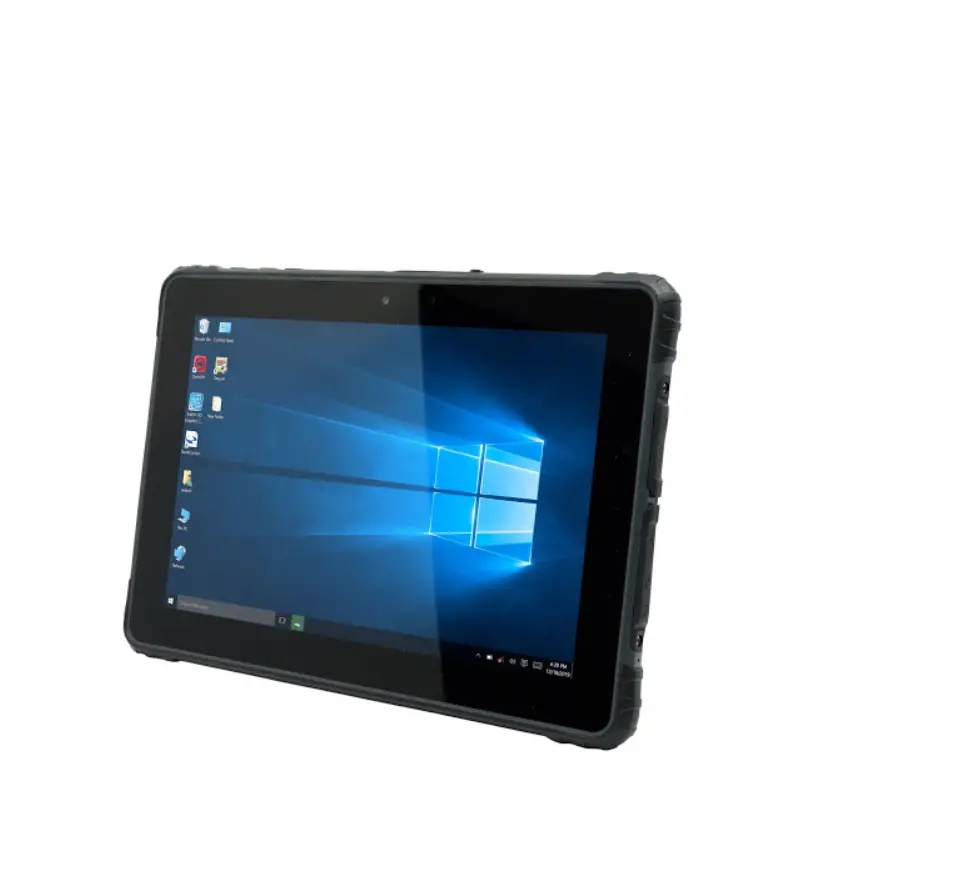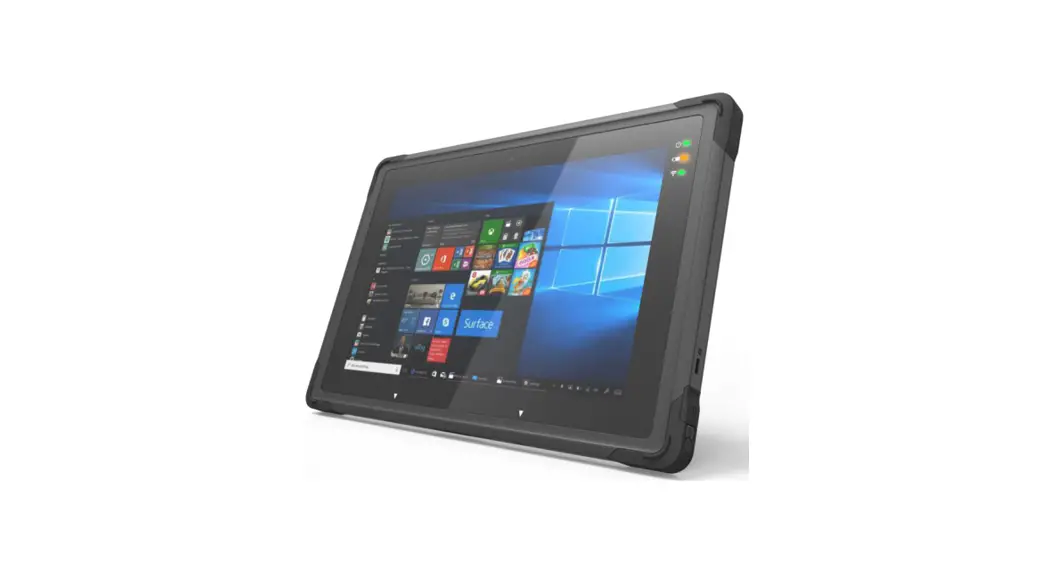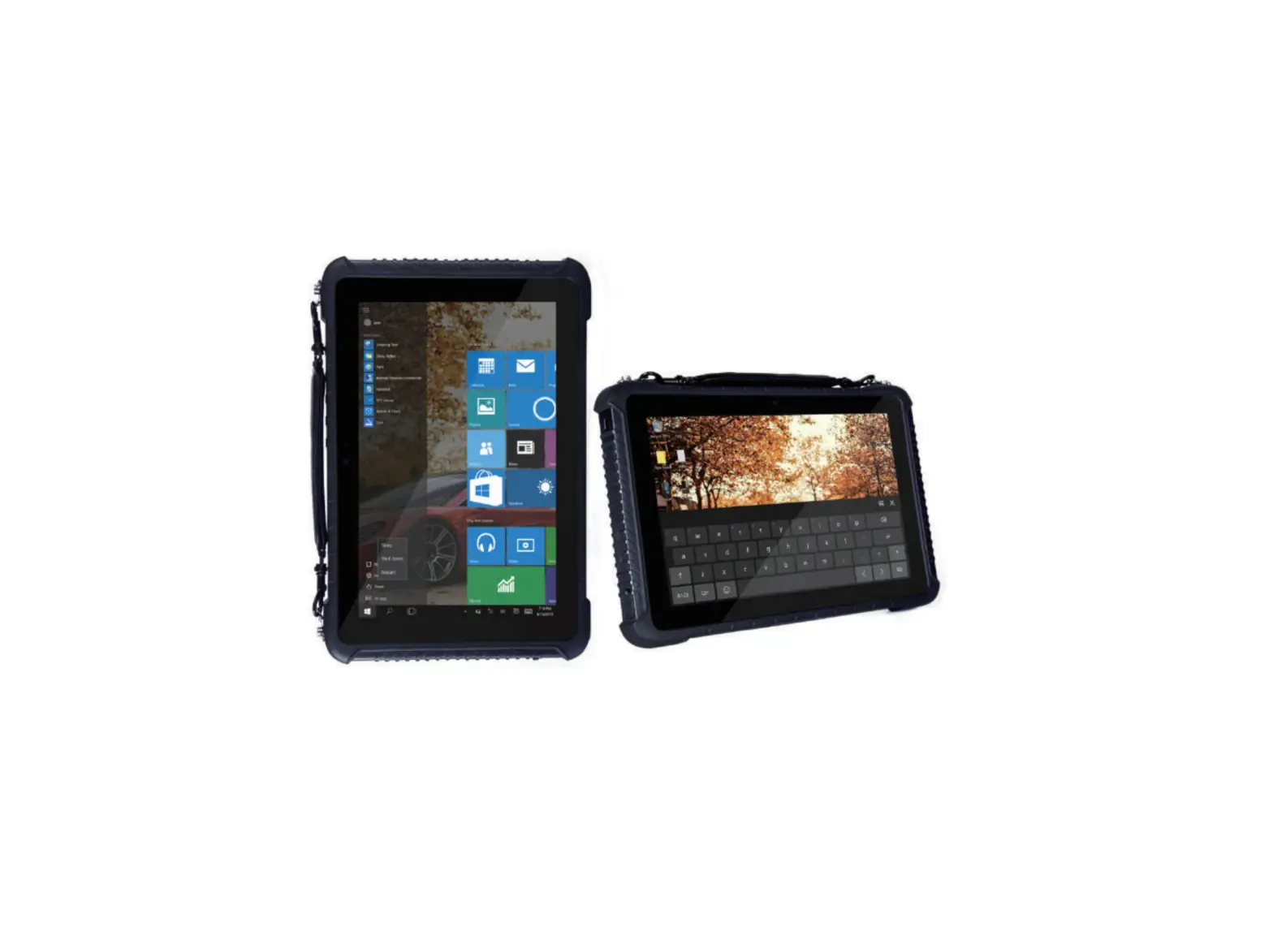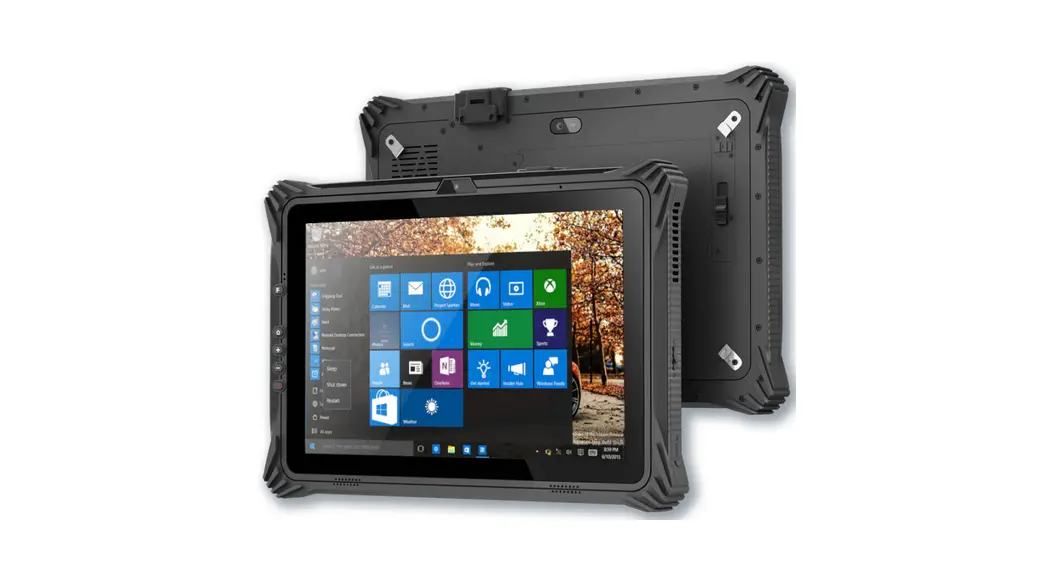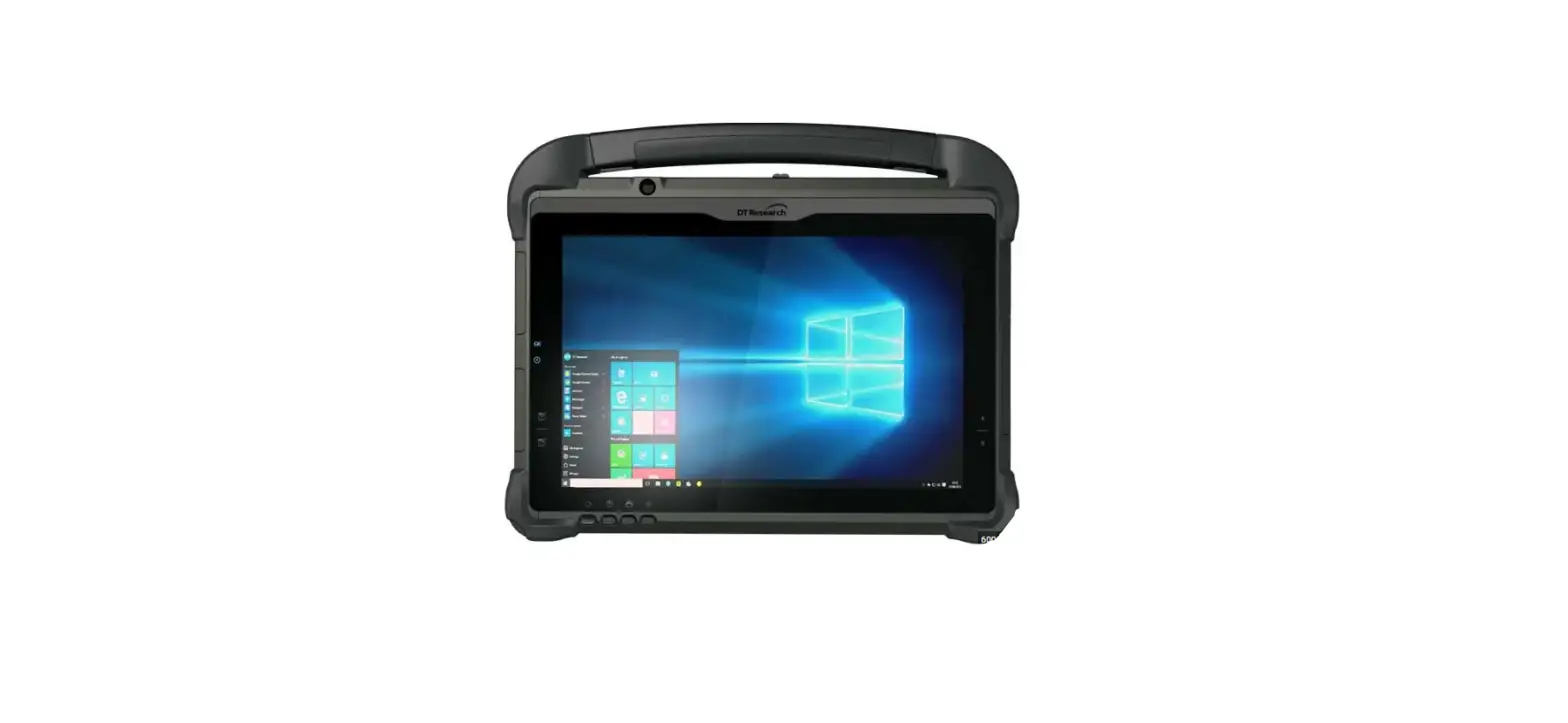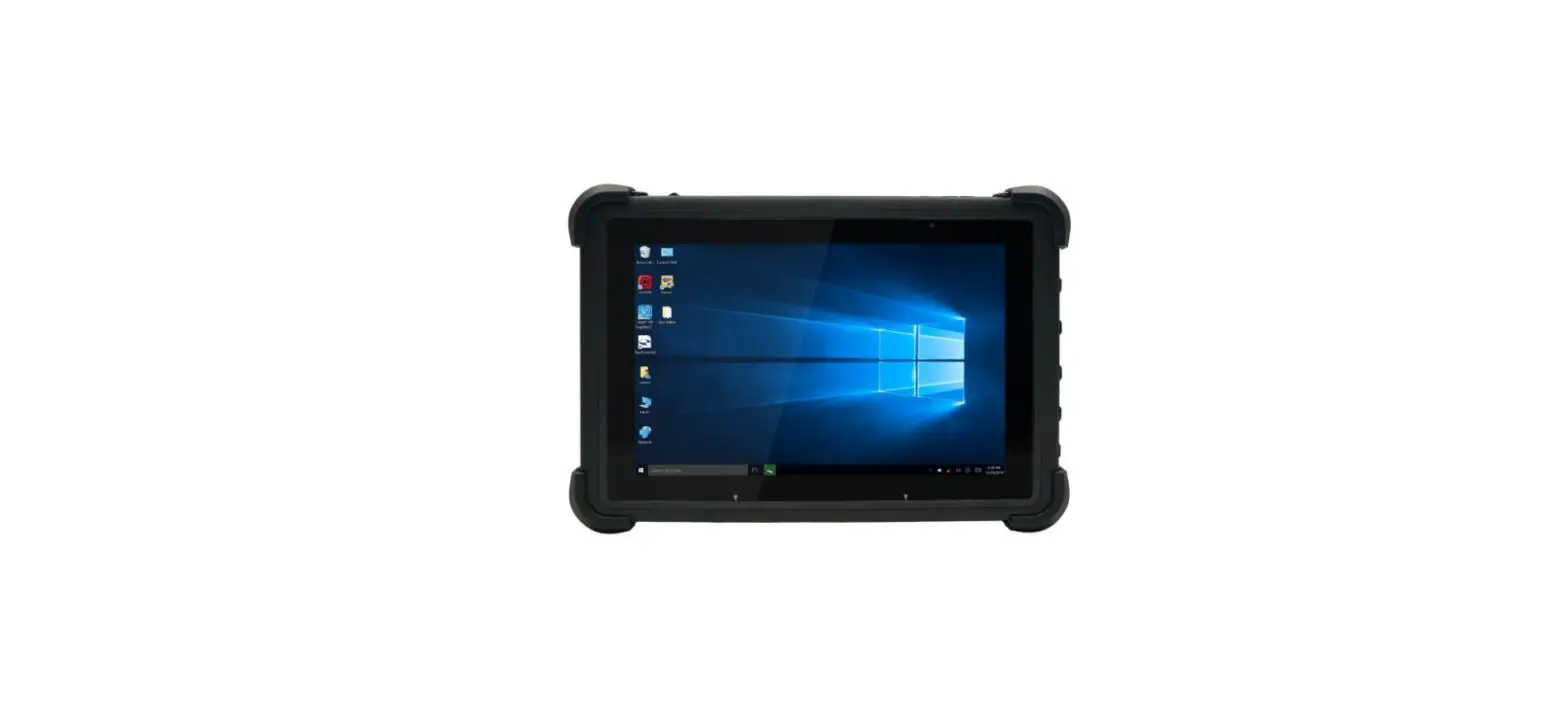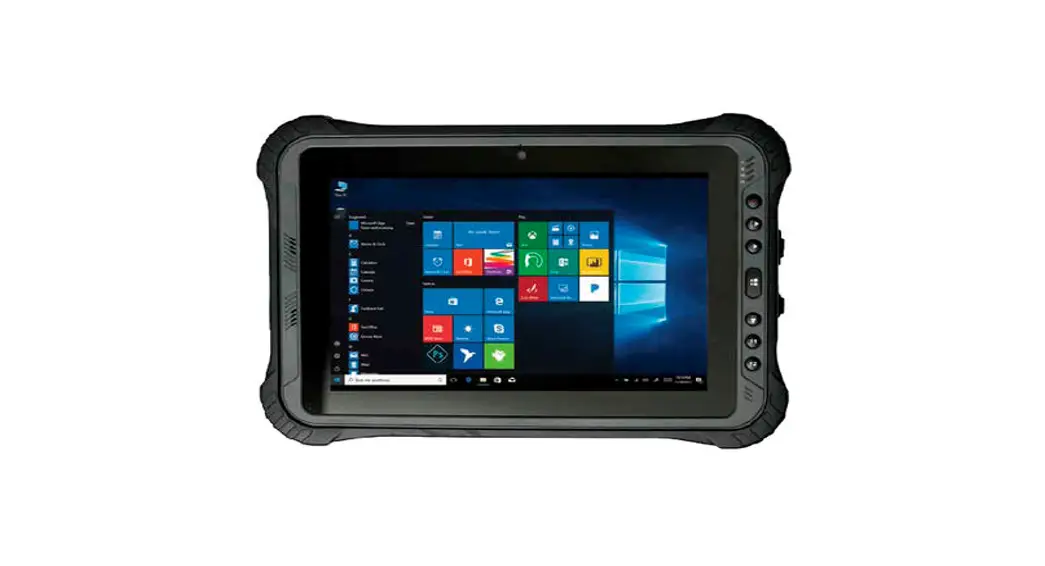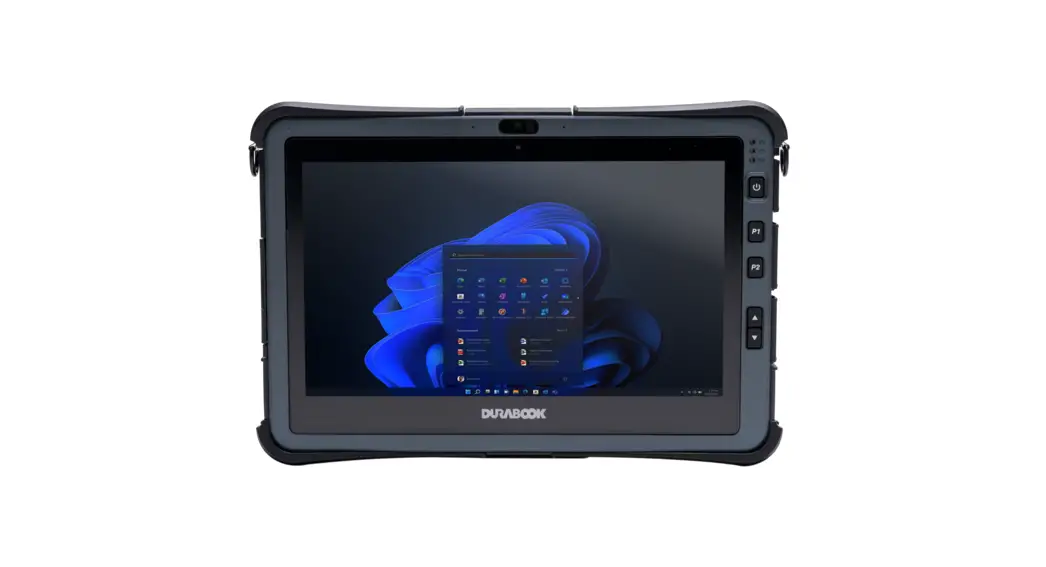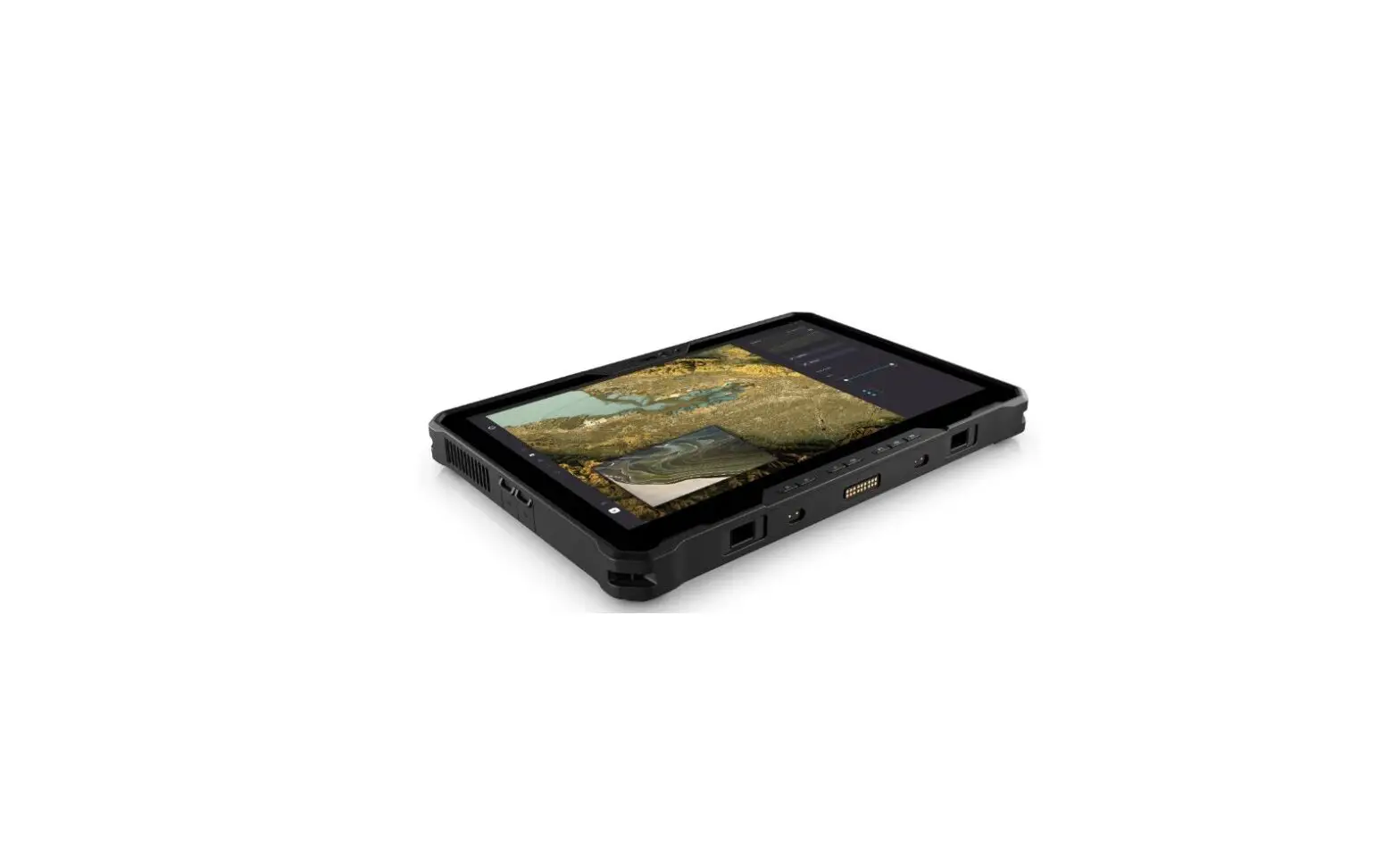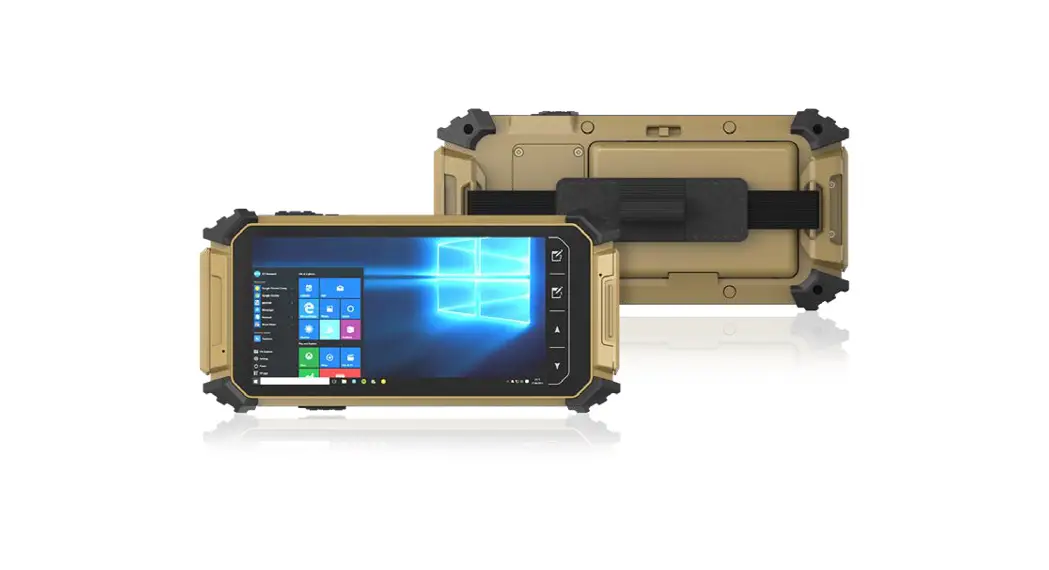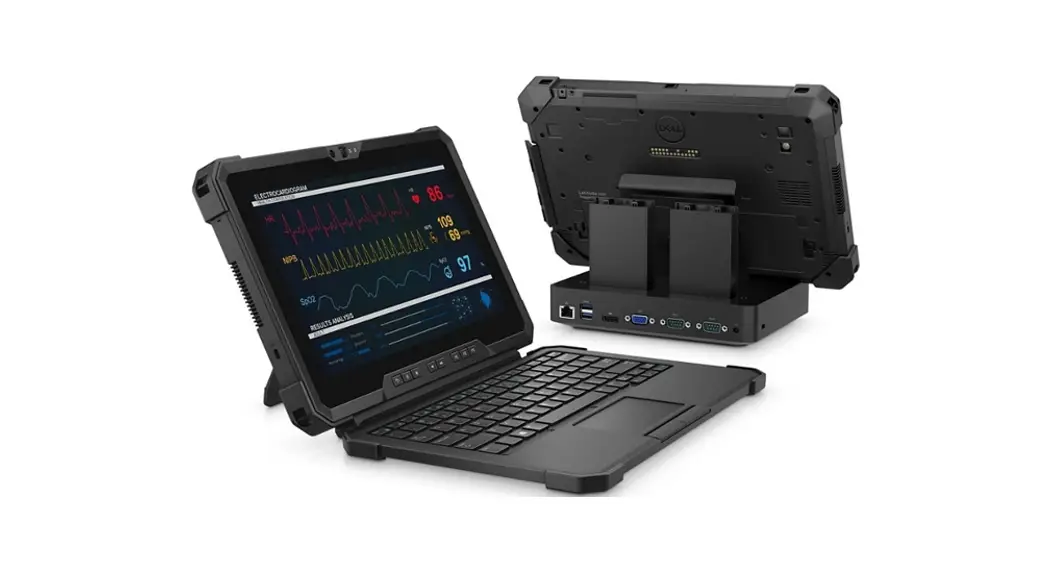

unitech TB170 Windows 11 Rugged Tablet
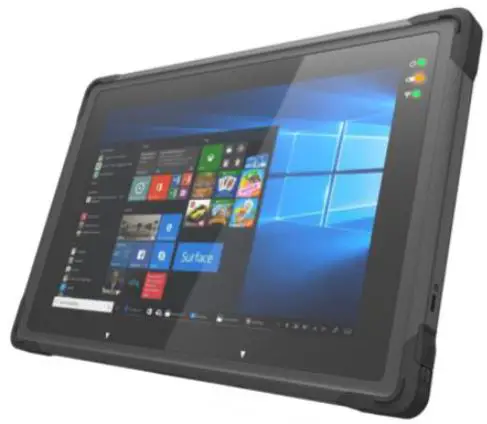
Package
Please make sure the following contents are in the TB1 70 gift box.
If something is missing or damaged, please contact your
Unitech representative.
Package Contents
- Tablet PC
- AC/DC adaptor and AC Power Cord (US)
- Battery Pack
- Quick Start Guide
Optional Accessories
- Hand Strap
- Shoulder Strap
- EETI Digitizer Pen, B type
- Brief Case Handle
- Office Dock (by project base d
- Vehicle Dock (by project base d
Product View
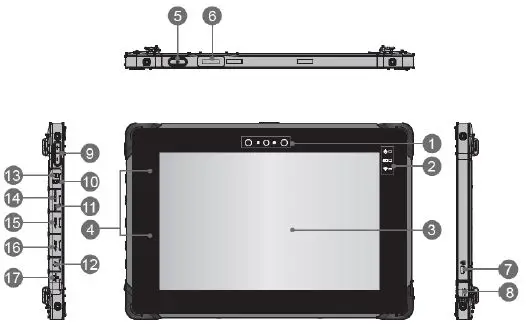
| 1 | Front Camera |
| 2 | Status LED |
| 3 | Touch Screen |
| 4 | Internal Microphone |
| 5 | Power Button |
| 6 | Barcode scanner (optional) |
| 7 | Kensington Lock |
| 8 | DC-in Jack |
| 9 | Volume Up / Volume Down Button |
| 10 | Nano SIM Card Reader |
| 11 | Reset Hole |
| 12 | Headphone Jack |
| 13 | Micro SD Card Reader |
| 14 | Micro HDMI Port |
| 15 | USB 3.1 Type A x 1 |
| 16 | USB 3.1 Type C x 1 |
| 17 | RJ-45 Connector |
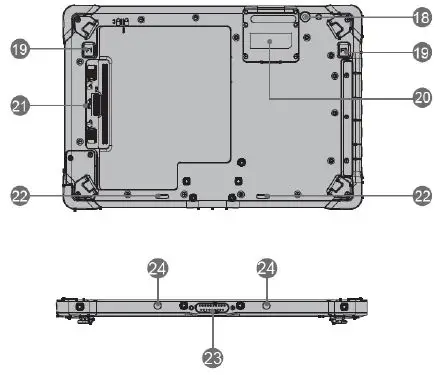
| 18 | Rear Camera |
| 19 | Fn Function |
| 20 | LTE & Barcode assembly door |
| 21 | Battery latch |
| 22 | Speaker |
| 23 | Dock Connector |
| 24 | Boss Hole |
Getting Started
Before starting to use the tablet, we would like to suggest you follow the illustrations below to begin to use the tablet.
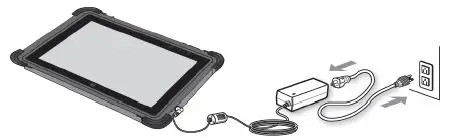
| Status LED | |
 | Power • LED glows when the tablet is turned on. • LED flashes when the tablet goes to the sleep state. • LED goes off when the tablet is turned off. |
 | Wireless LAN (Wi-Fi) • LED glows when WLAN (WiFi) function is enabled. • LED goes off when this function is disabled. |
|
| Battery Status • LED glows when the battery is being charged. • LED goes out when the battery is fully charged or when the AC/DC adapter is disconnected. • LED blinks slowly when battery capacity is under 7%. • LED blinks fast when battery error. |

CAUTION!
- Please fully charge the battery before using it for the first time.
- To ensure the unit working properly, please keep all connectors away from the contaminants staying inside of them such as dust, grease, mud,and water. The negligence may cause the unit with no communication,short circuited, overheated and so on.
- If the connector is damaged, please ensure the connector is being fully repaired before using the unit to avoid causing short circuited.
http://www.ute.com/
Copyright 202 2 U nitech Electronics Co., Ltd. All rights reserved.
Unitech is a registered trademark of U nitech Electronics Co., Ltd.
 Unitech Global | Your Brilliant AIDC Solution Provider