Husqvarna Exhibit 8 Connectivity
Device User Manual
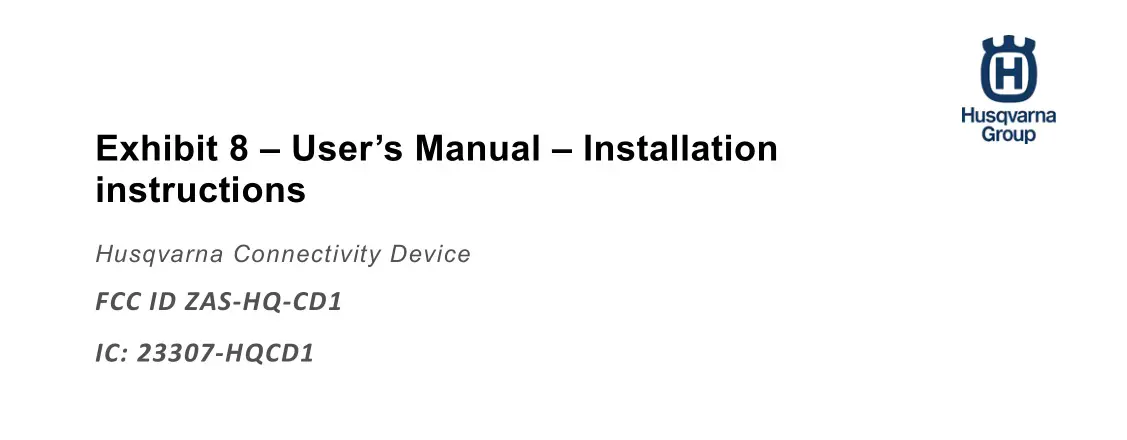
2. Remove the bar nuts and the clutch cover.
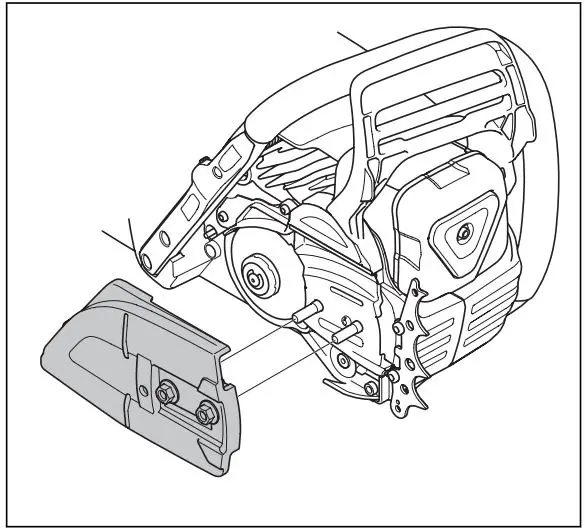
Note: If the clutch cover is not easy to remove, tighten the bar nut, engage the chain brake and release. A click is heard if it is released correctly.
3. Assemble the guide bar onto the bar bolts. Move the guide bar to its most rear position.
4. Install the saw chain correctly around the drive sprocket and put it in the groove on the guide bar.
 WARNING: Always use protective gloves when you assemble the saw chain.
5. Make sure that the edges of the cutters point forward on the top edge of the guide bar.
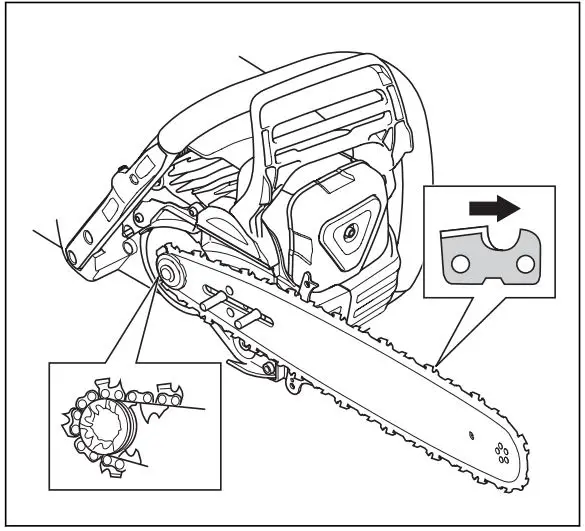
6. Align the hole in the guide bar with the chain adjuster pin and install the clutch cover.
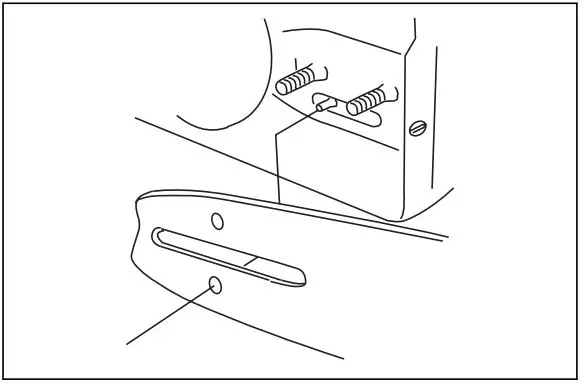
7. Tighten the bar nuts finger tight.
8. Tighten the saw chain. Refer to To adjust the tension of the saw chain on page 30 for instructions.
9. Tighten the bar nuts.
Note: Some models have only 1 bar nut.
To install and remove the Husqvarna connectivity device
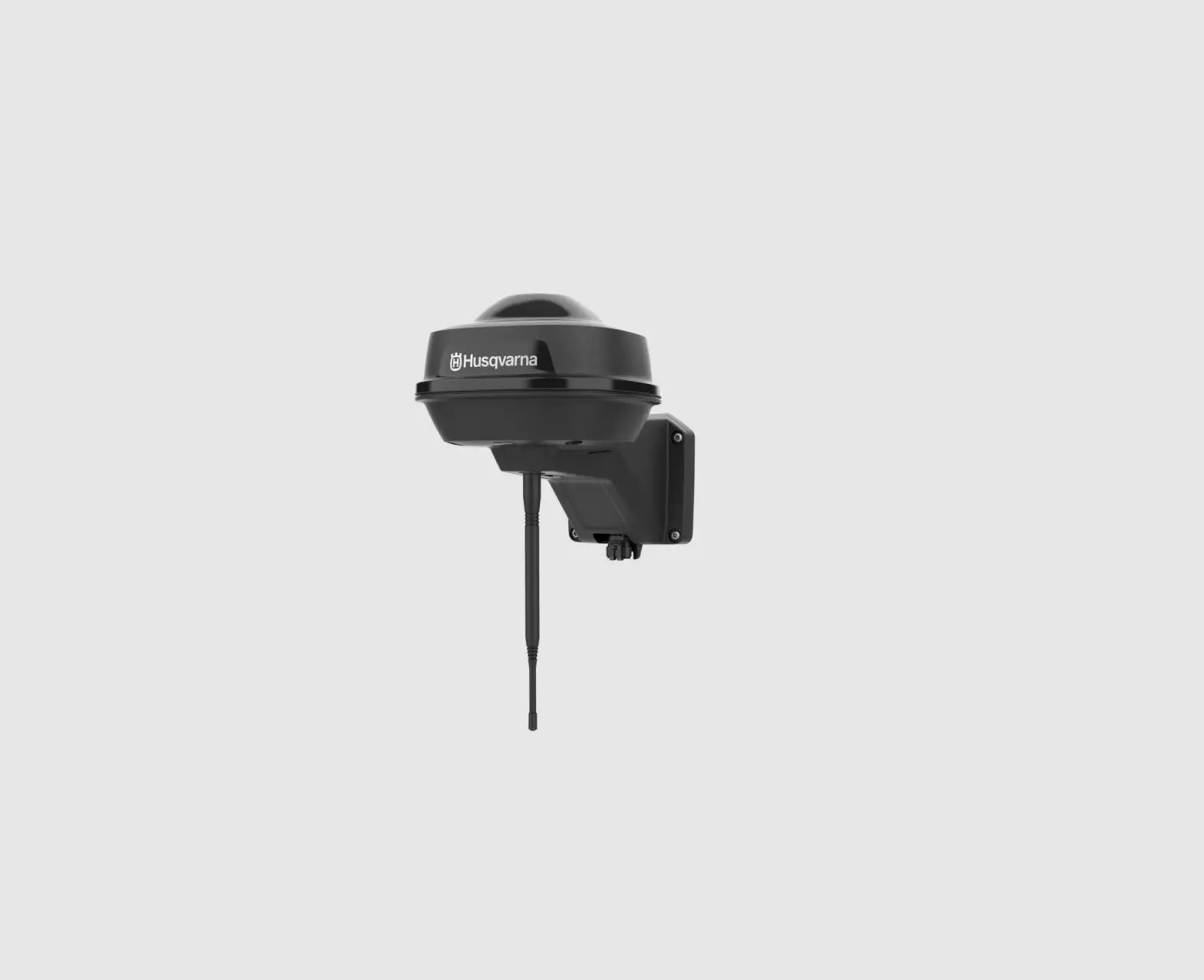
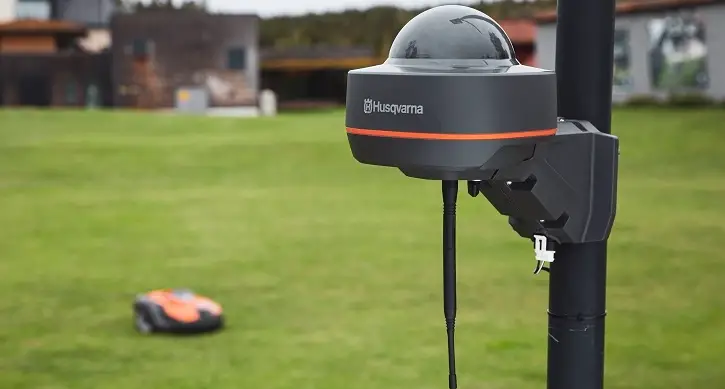
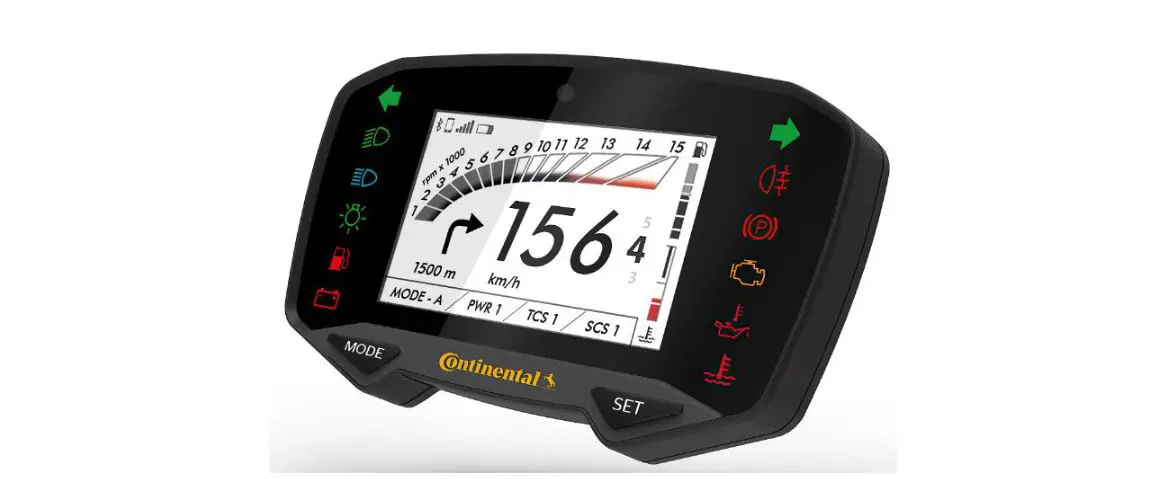
The Husqvarna connectivity device is an accessory that enables digital services from the Husqvarna Fleet Services™ app. Instruction on how to use the Husqvarna connectivity device are found in the Husqvarna Fleet Services™ app.
Note: The Husqvarna connectivity device has a built-in battery that cannot be replaced. Replace the Husqvarna connectivity device unit if it is necessary.
1. Remove the cylinder cover.
2. Put the Husqvarna connectivity device in the holder for the Husqvarna connectivity device.
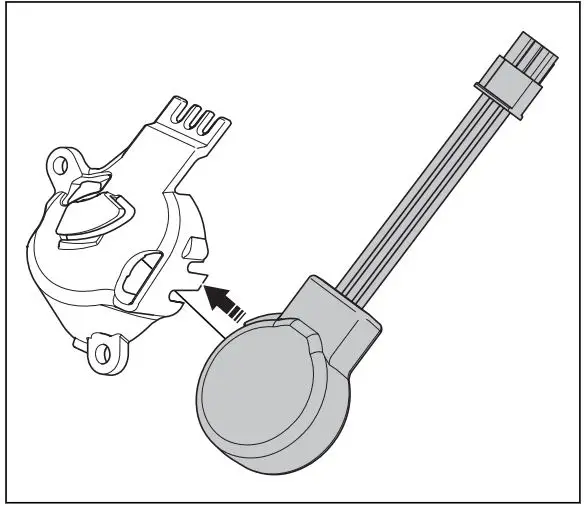
3. Attach the wires to the holder for the Husqvarna connectivity device.
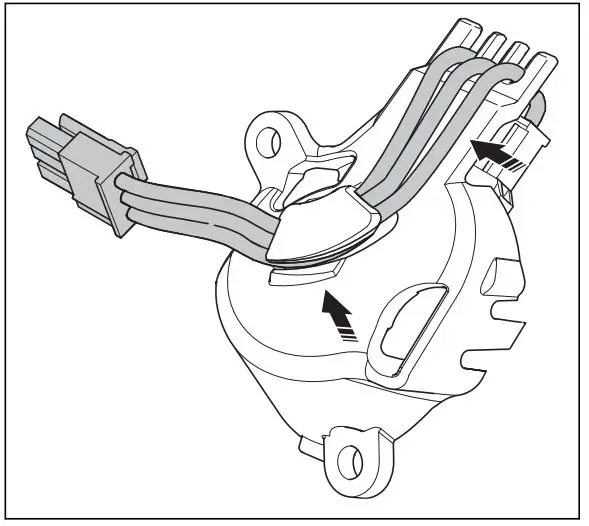
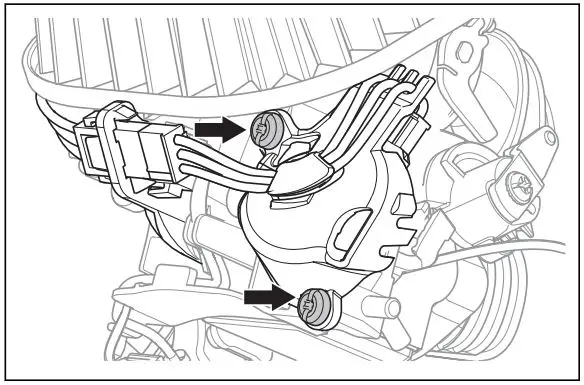
4. Put the holder for the Husqvarna connectivity device on the air filter holder and install the 2 screws.
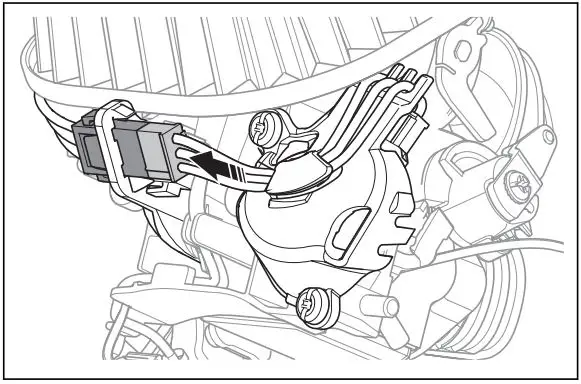
5. Connect the connector.
6. Remove in the opposite sequence.
To assemble a spiked bumper
To assemble a spiked bumper, speak to your servicing dealer.
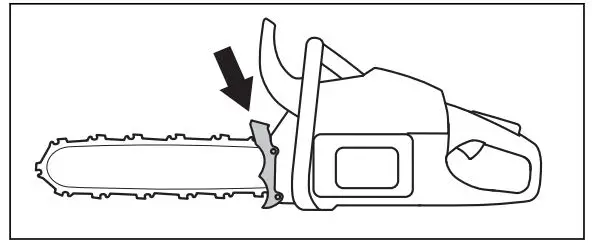
Operation
Introduction
WARNING: Read and understand the safety chapter before you use the product.
To do a function check before you use the product
- Make sure that the chain brake operates correctly and that it is not damaged.
- Make sure that the right hand guard is not damaged.
- Make sure that the throttle lockout operates correctly and that it is not damaged.
- Make sure that the start/stop switch operates correctly and that it is not damaged.
- Make sure that there is no oil on the handles.
- Make sure that the vibration damping system operates correctly and that it is not damaged.
- Make sure that the muffler is correctly attached and that it is not damaged.
- Make sure that all parts of the product are correctly attached and not damaged or missing.
- Make sure that the chain catcher is correctly attached.
- Do a check of the saw chain tension.