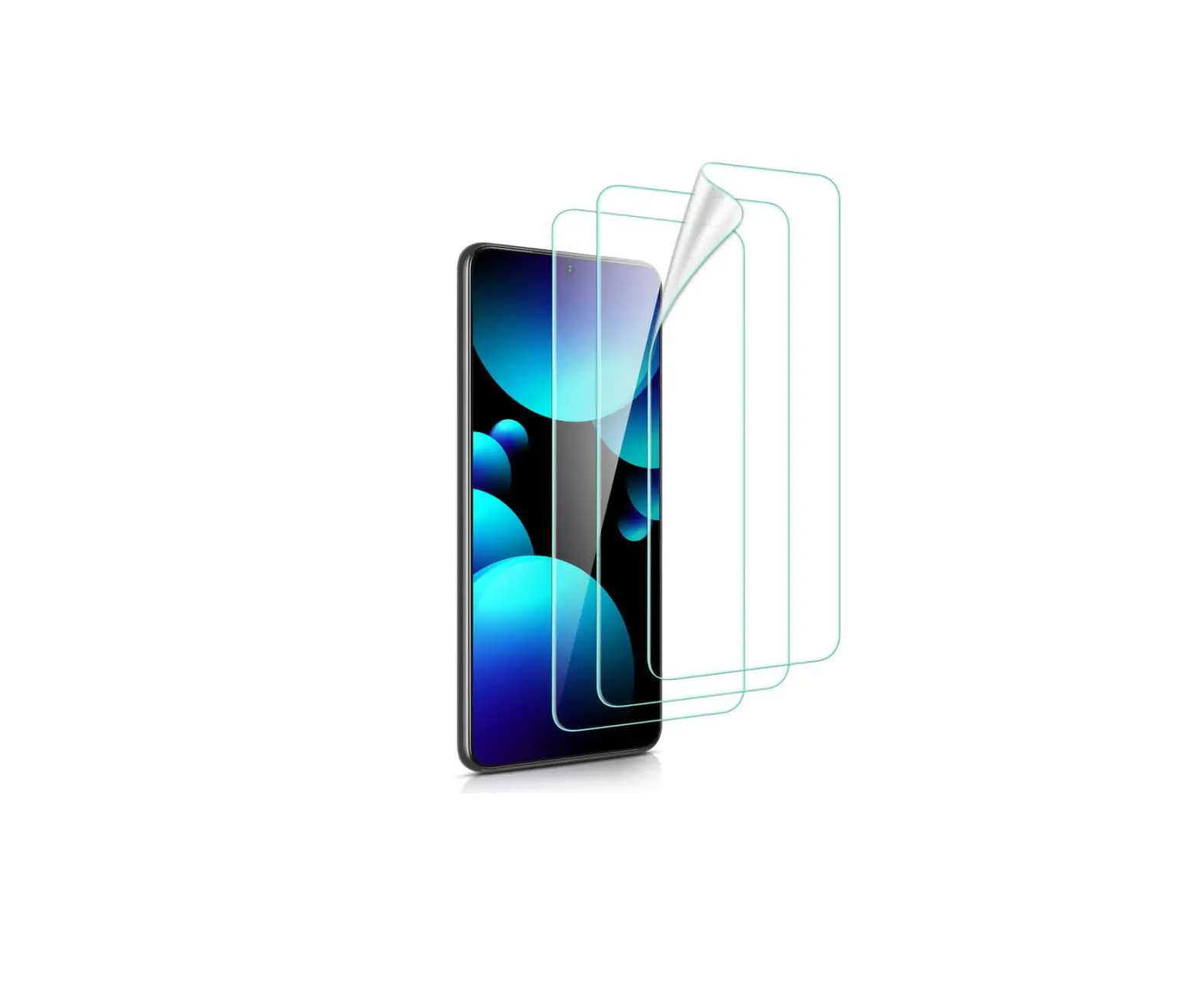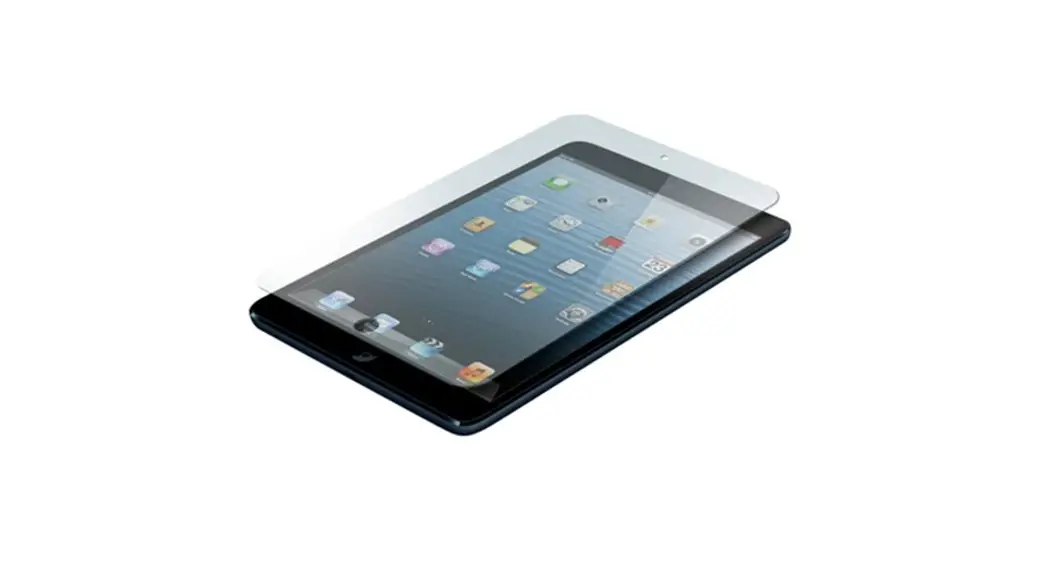
 Indestructible Screen Protectors
Instruction Manual
Indestructible Screen Protectors
Step 1. Clean the Screen.
Start in a dust-free environment. Wash and dry your hands. Clean the LCD screen of your device using the included microfiber cleaner. Avoid leaving dust or fingerprints or skin oil on the screen. Keep it dry.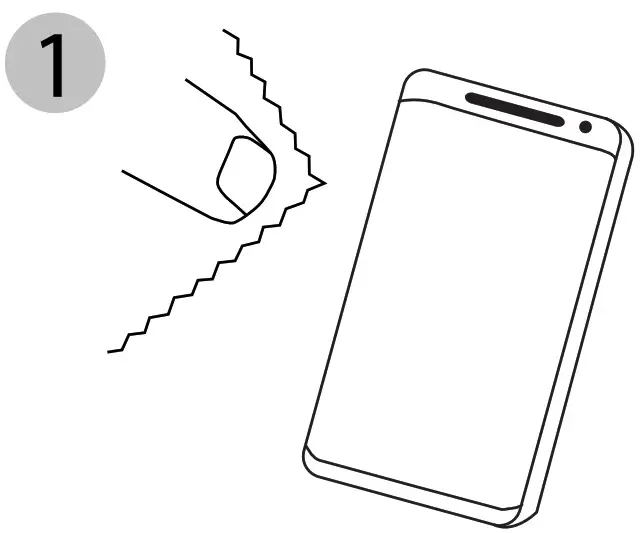 Step 2. Separate the Backing.
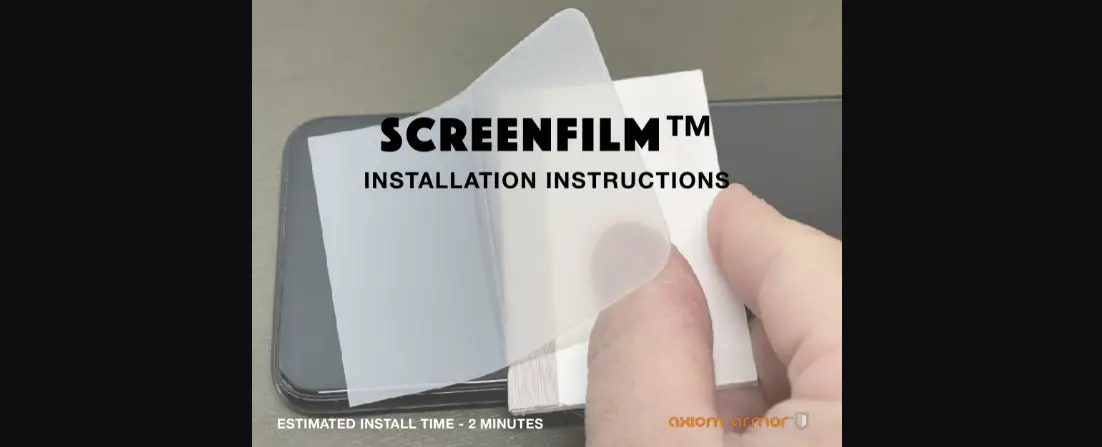
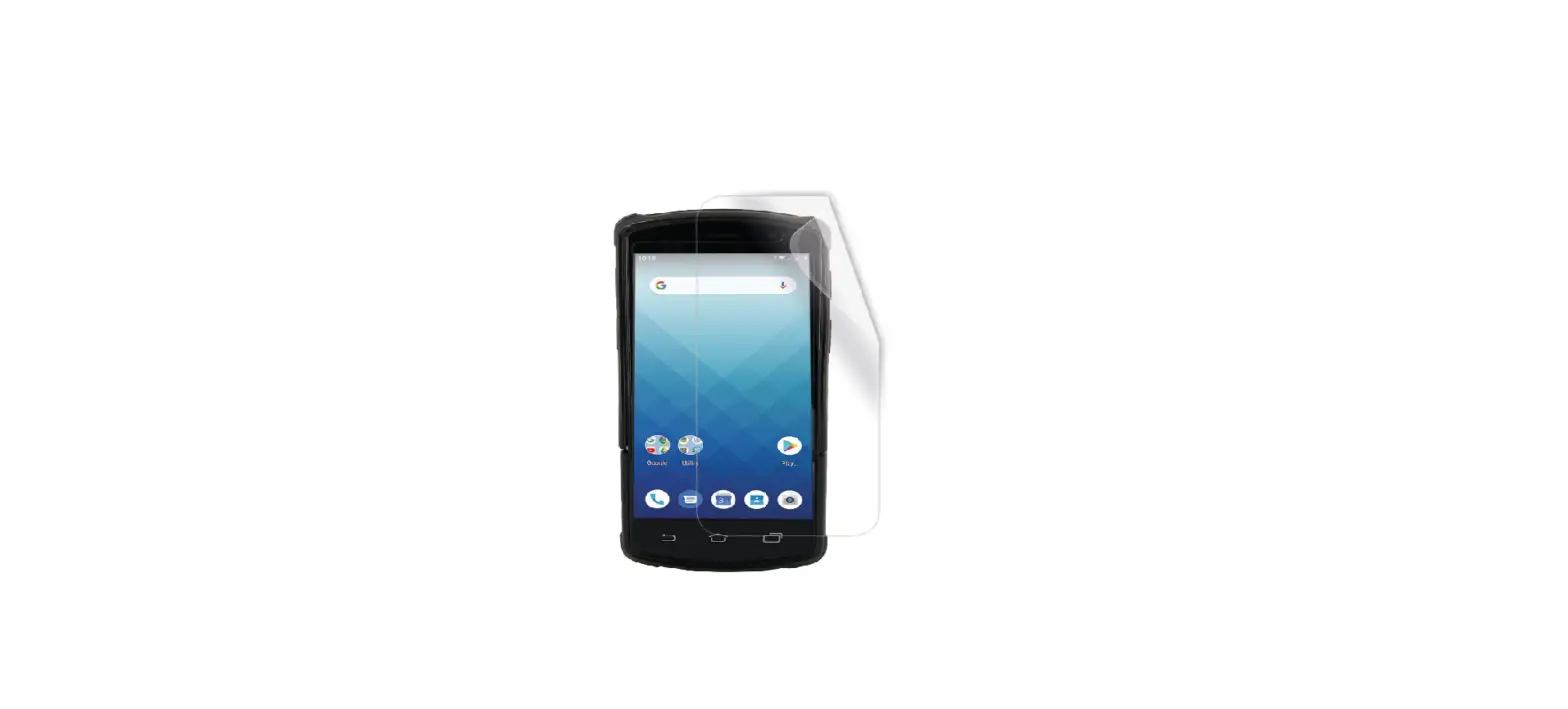
Separate half of the backing off the Xtreme screen protector. Make sure not to touch the adhesive side of the film during the installation process.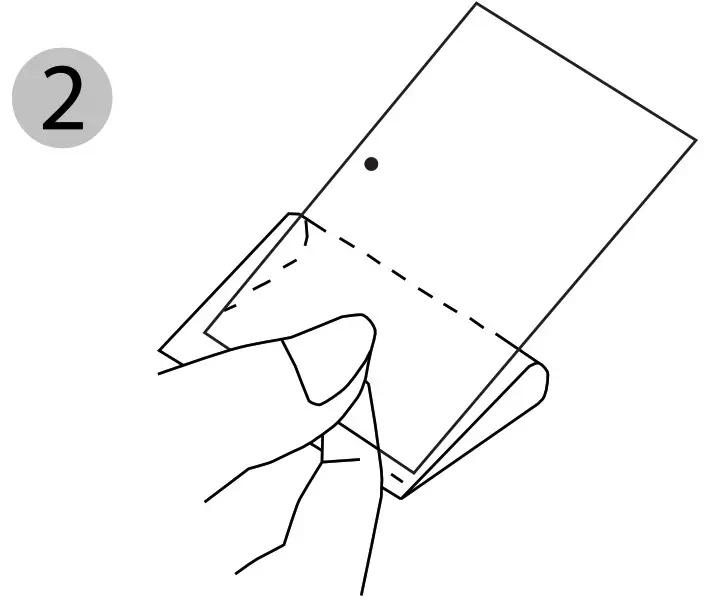 Step 3. Apply the Screen Protector.
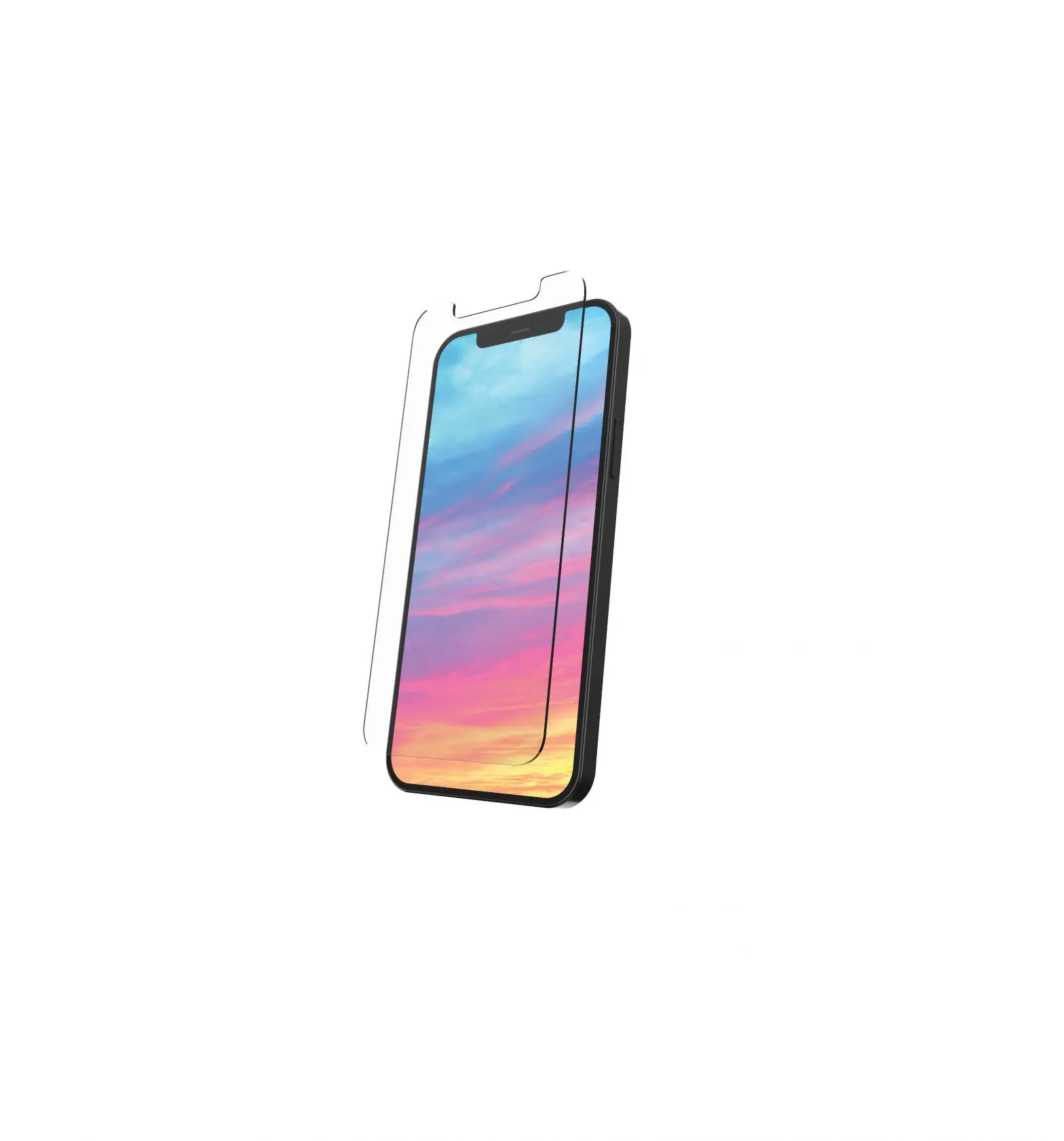
Align the Xtreme screen protector to your device and apply it with the adhesive side down.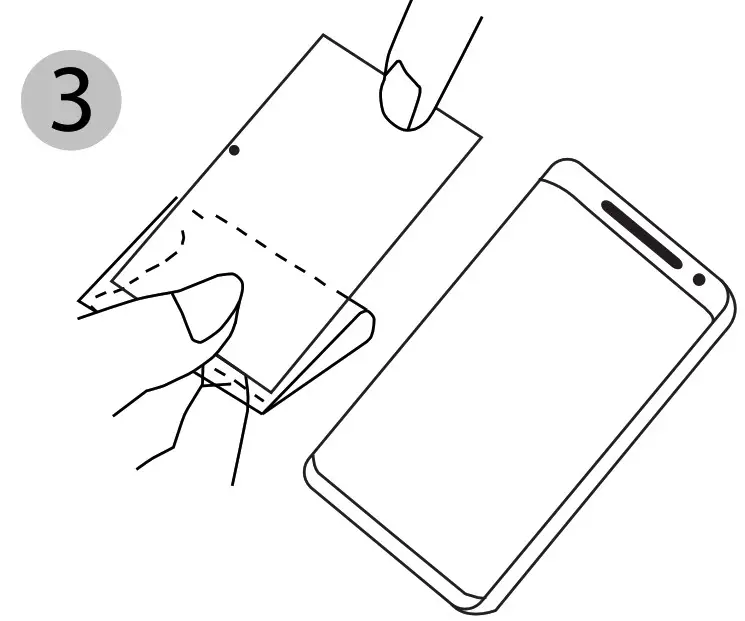 Step 4. Remove Air Bubbles.
Before removing blue tinted mask, push any air bubbles away from the center of the device toward the edges.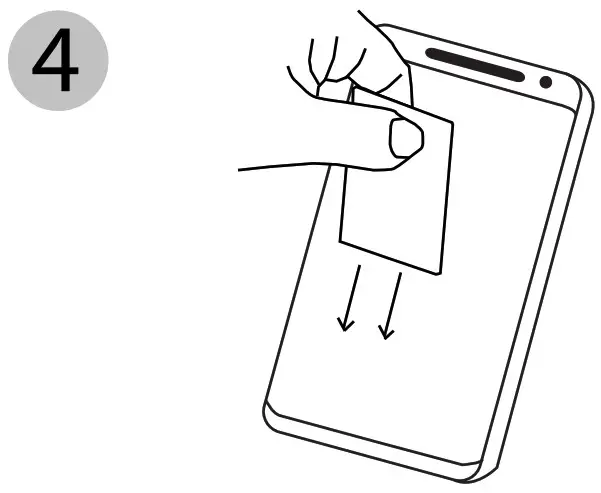 Step 5. Remove blue tinted mask