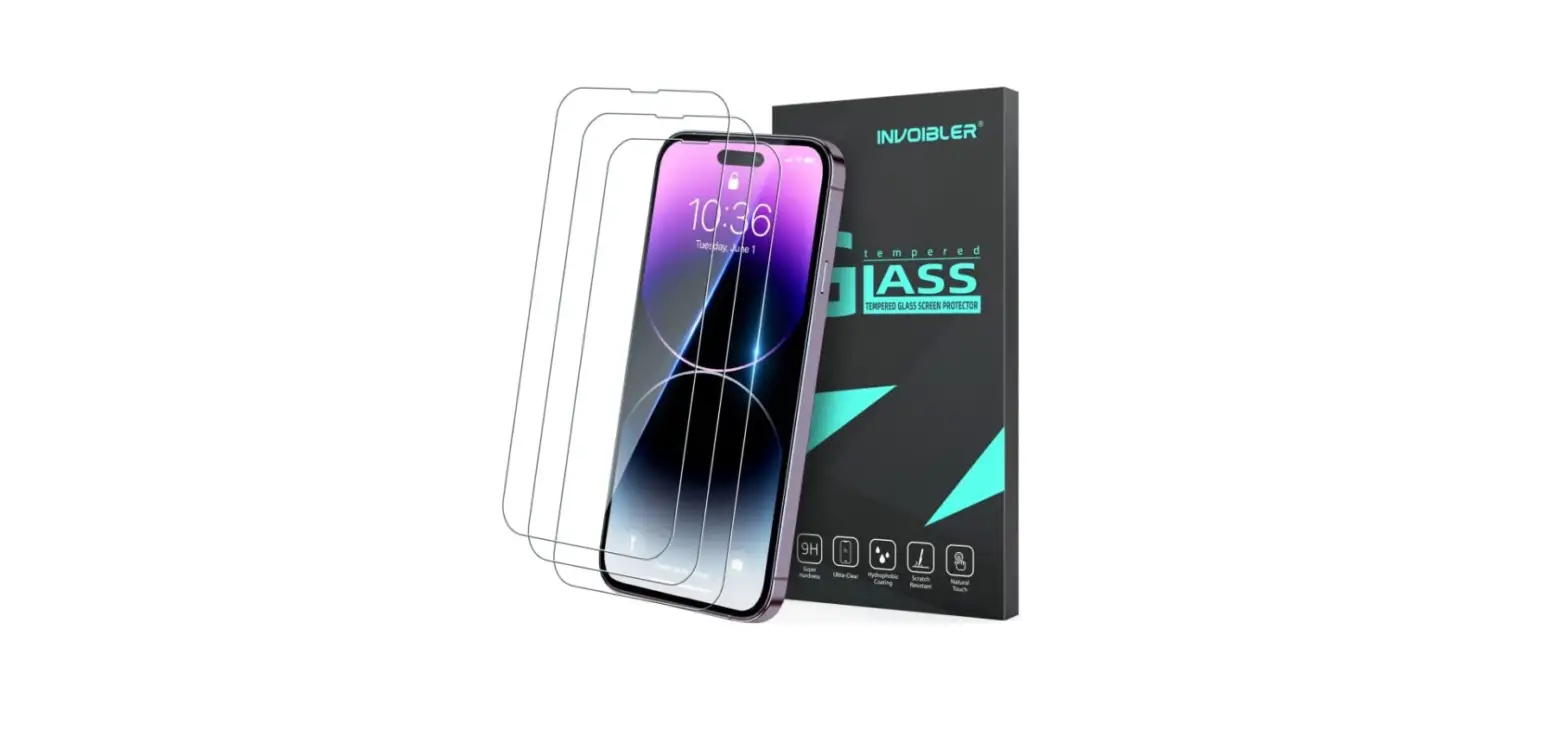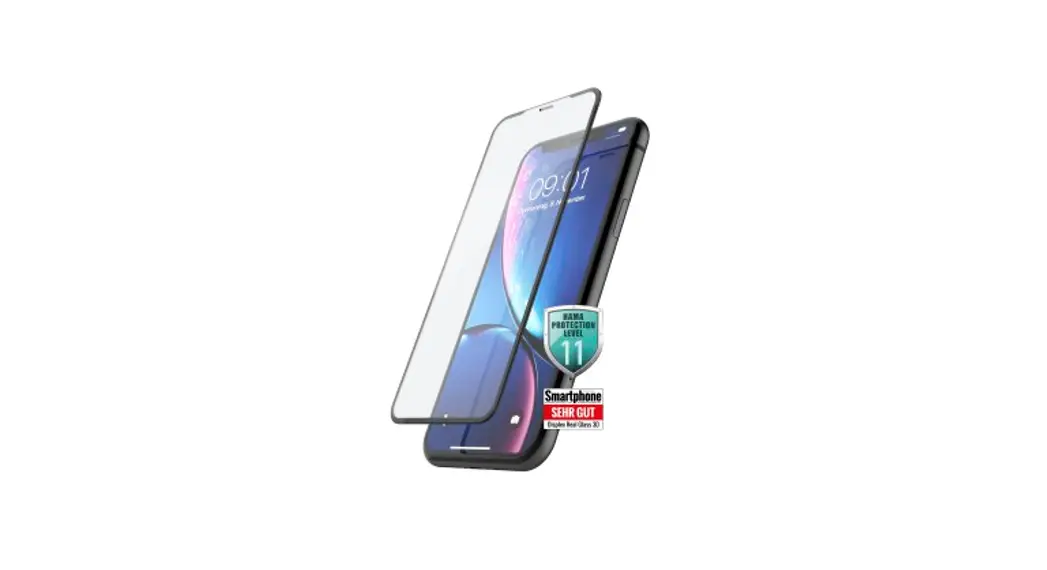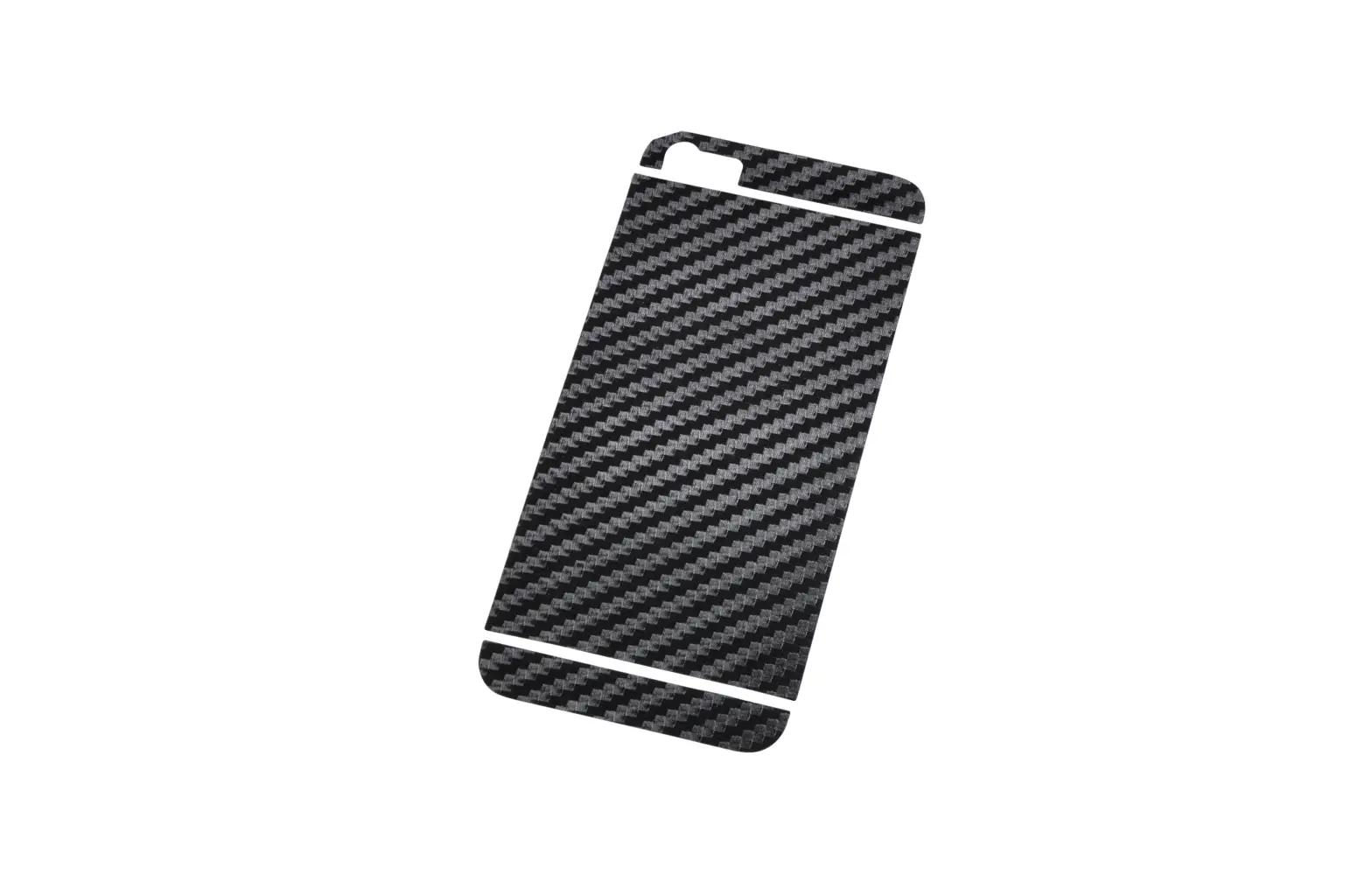

Screen Protector
1022_DisplaySchutzfolie_Universal_MAN/06.21
Operating Instructions
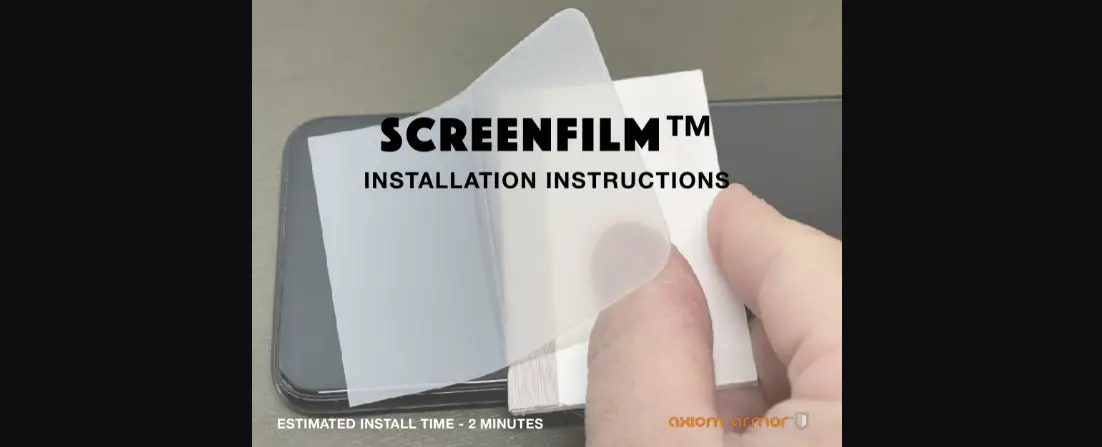
Installation instructions and tips for attaching the screen protector
Installation Requirements and Preparations
- Select a room with as little dust as possible to perform the installation (for instance the bathroom).
- Use a clean, level, and flat surface with no cloth covering as a work surface.
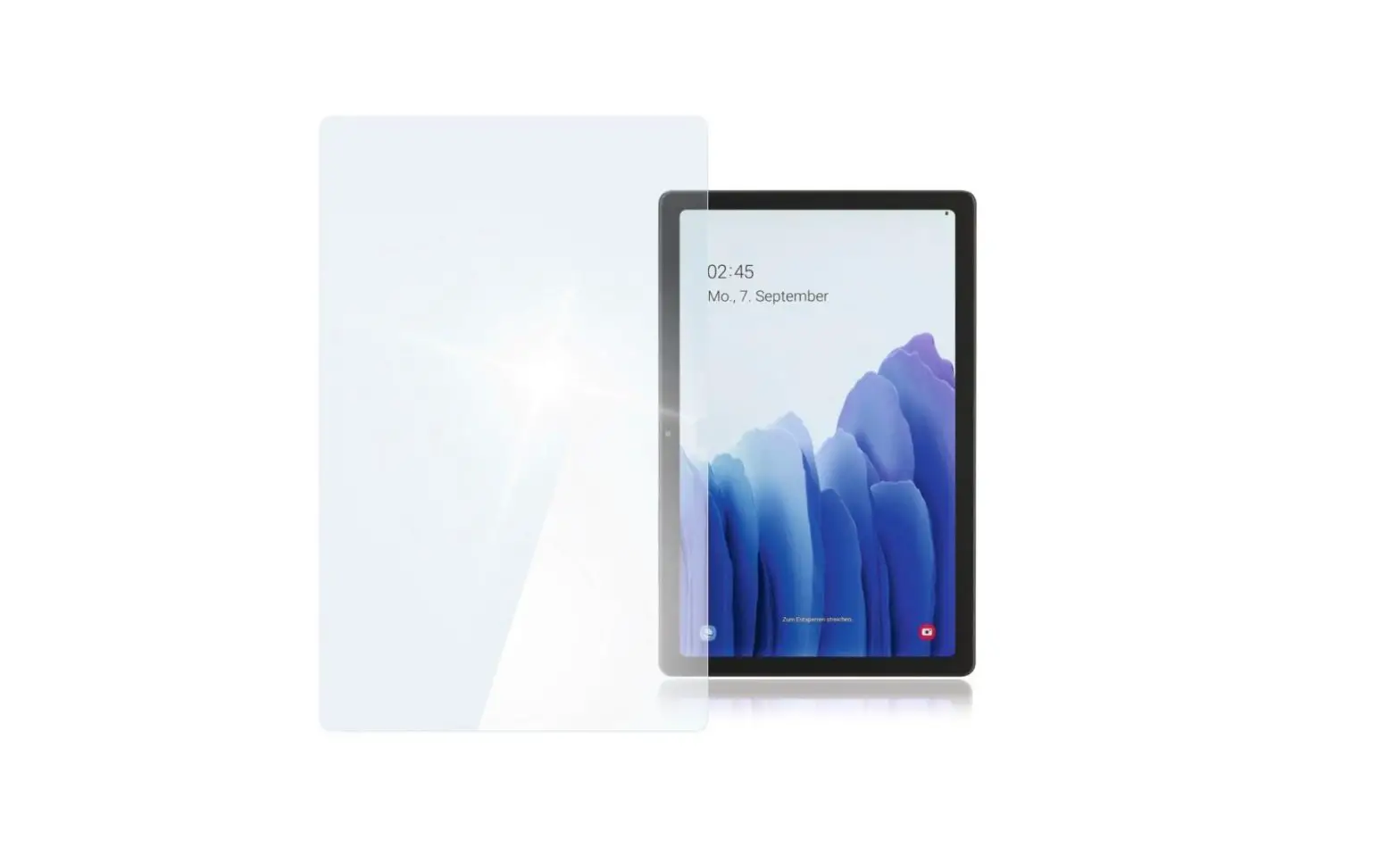
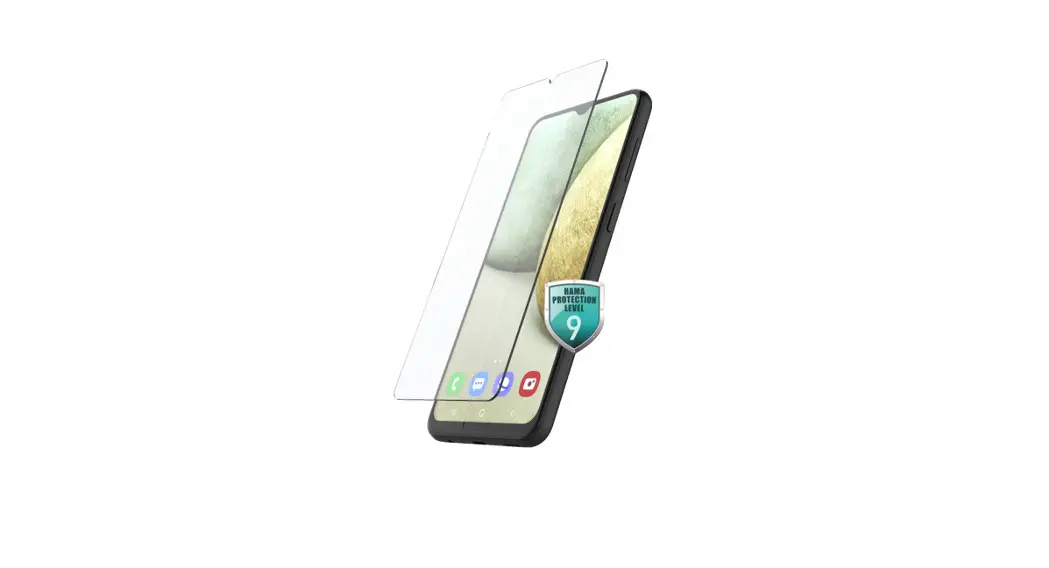
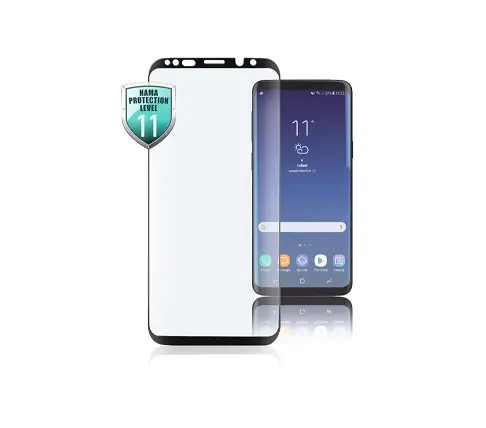
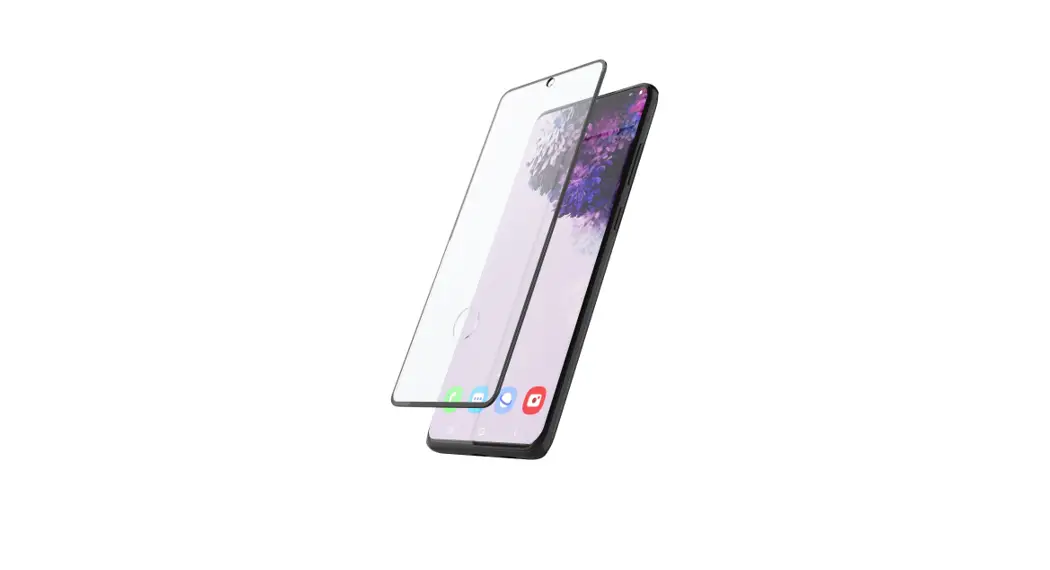
- Place the screen protector on your screen and determine the correct direction for subsequent attachment. Ensure that openings for speakers, microphones, cameras, etc. are kept free.
- Clean the display with a microfibre cloth that has been lightly dampened with lukewarm water. Note that any contamination on the screen, for example, dust, fingerprints, or lint, will be visible after the screen protector is attached and may negatively affect the adhesion.
 Warning
Do not clean using paper towels, kitchen towels, or abrasive cleaning agents. This will scratch or damage the surface of the display!
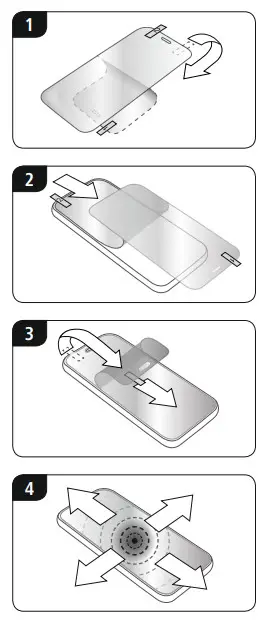
Attaching the Protector
 Note
Note
As you proceed, be sure not to bend the screen protector.

Hama GmbH & Co KG
86652 Monheim/Germany
Service & Support www.hama.com
 +499091502-0
| D | GB |
All listed brands are trademarks of the corresponding companies. Errors and omissions excepted,
and subject to technical changes. Our general terms of delivery and payment are applied.