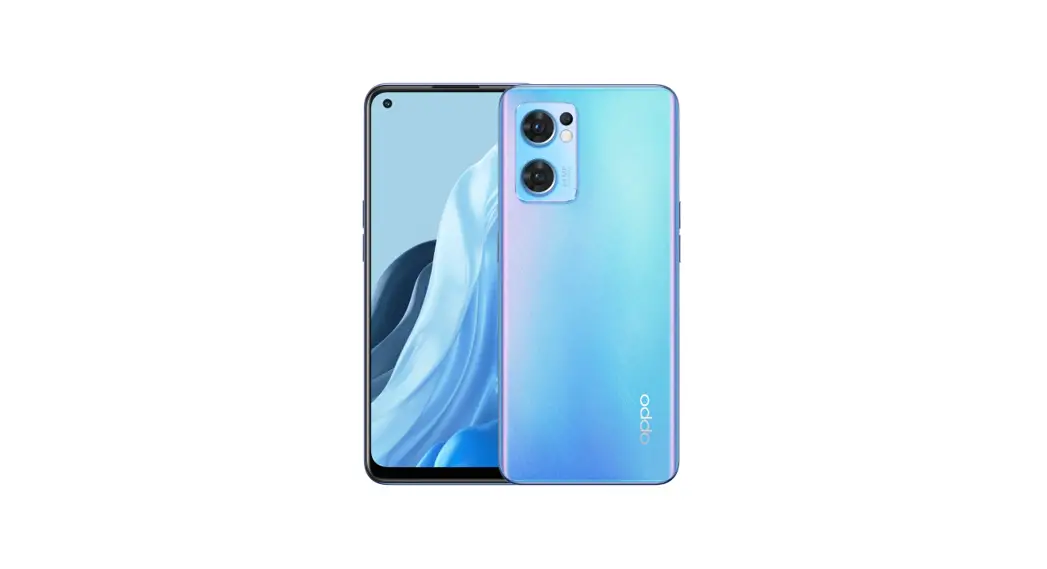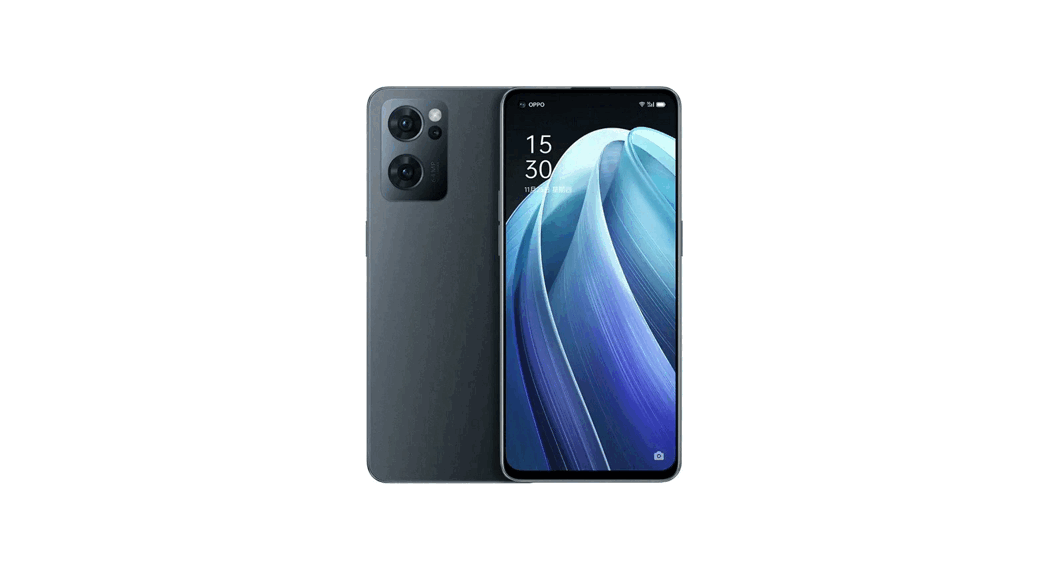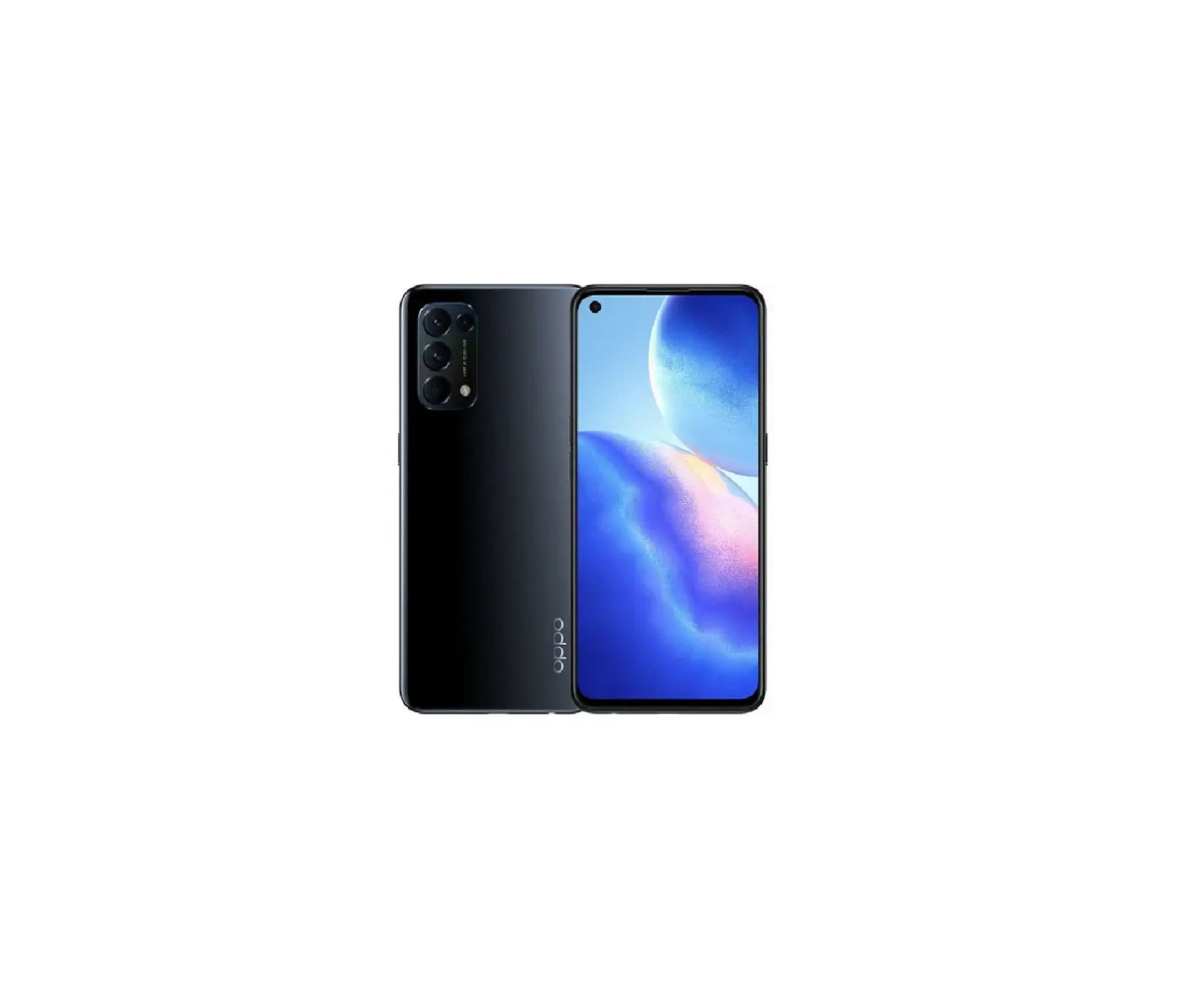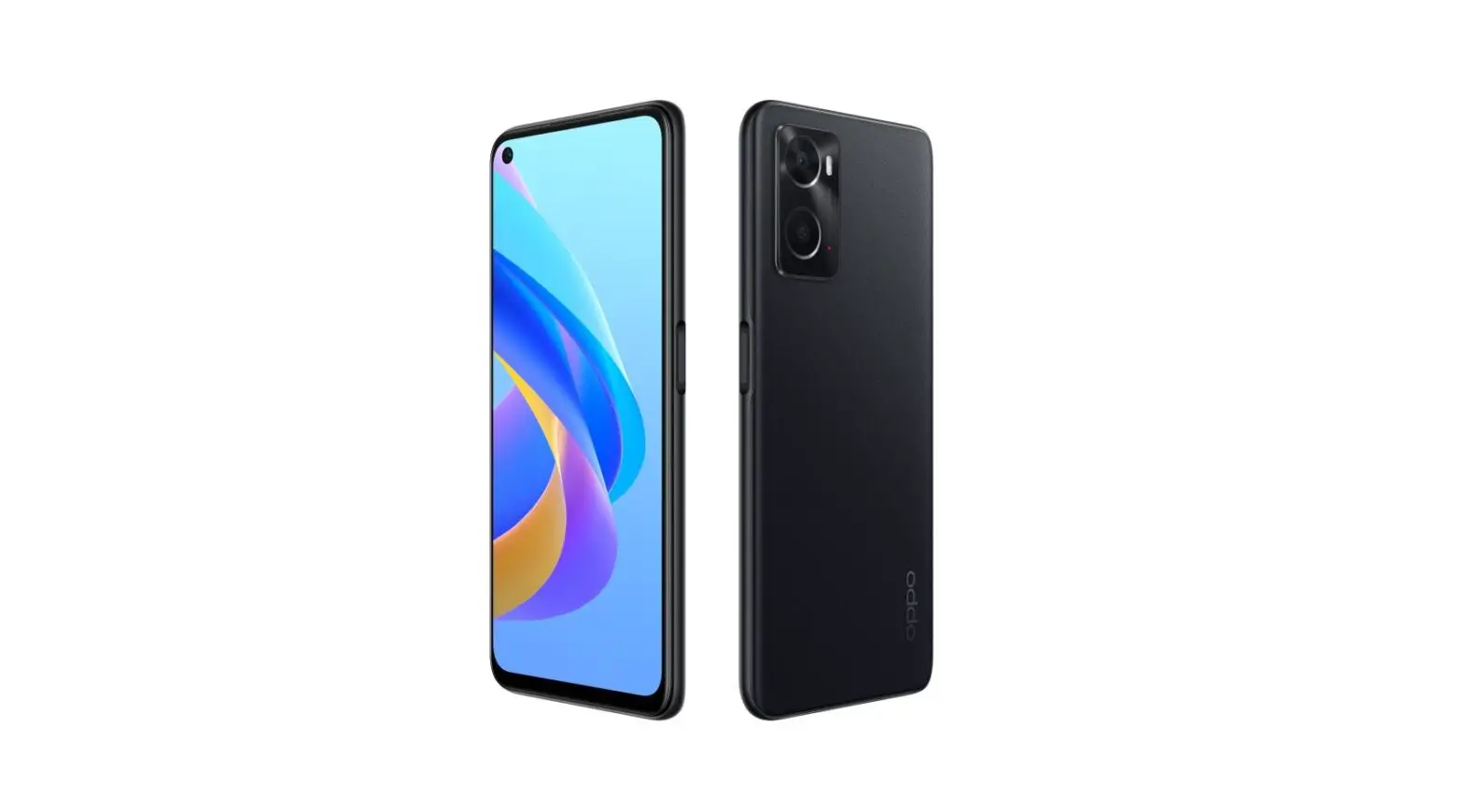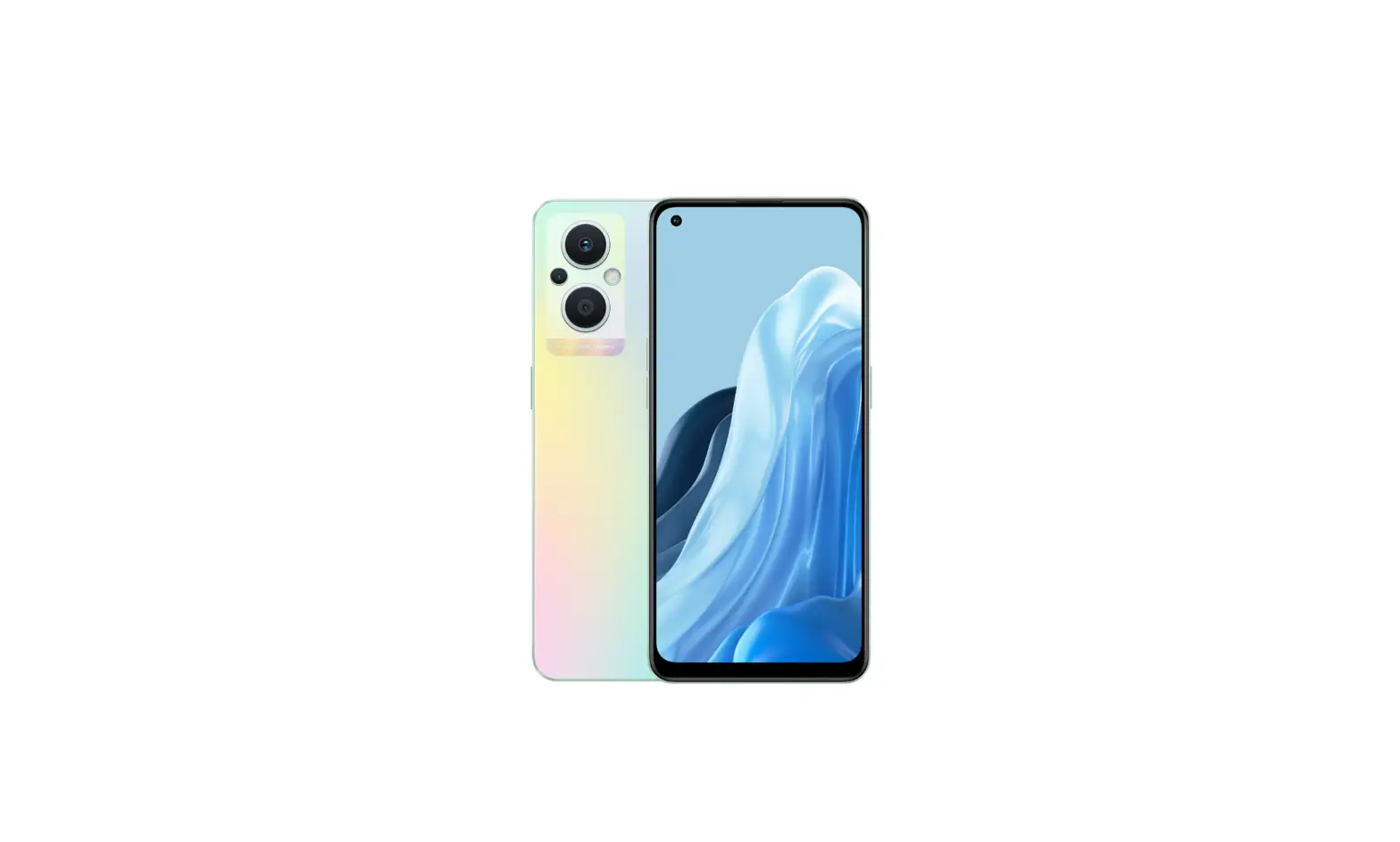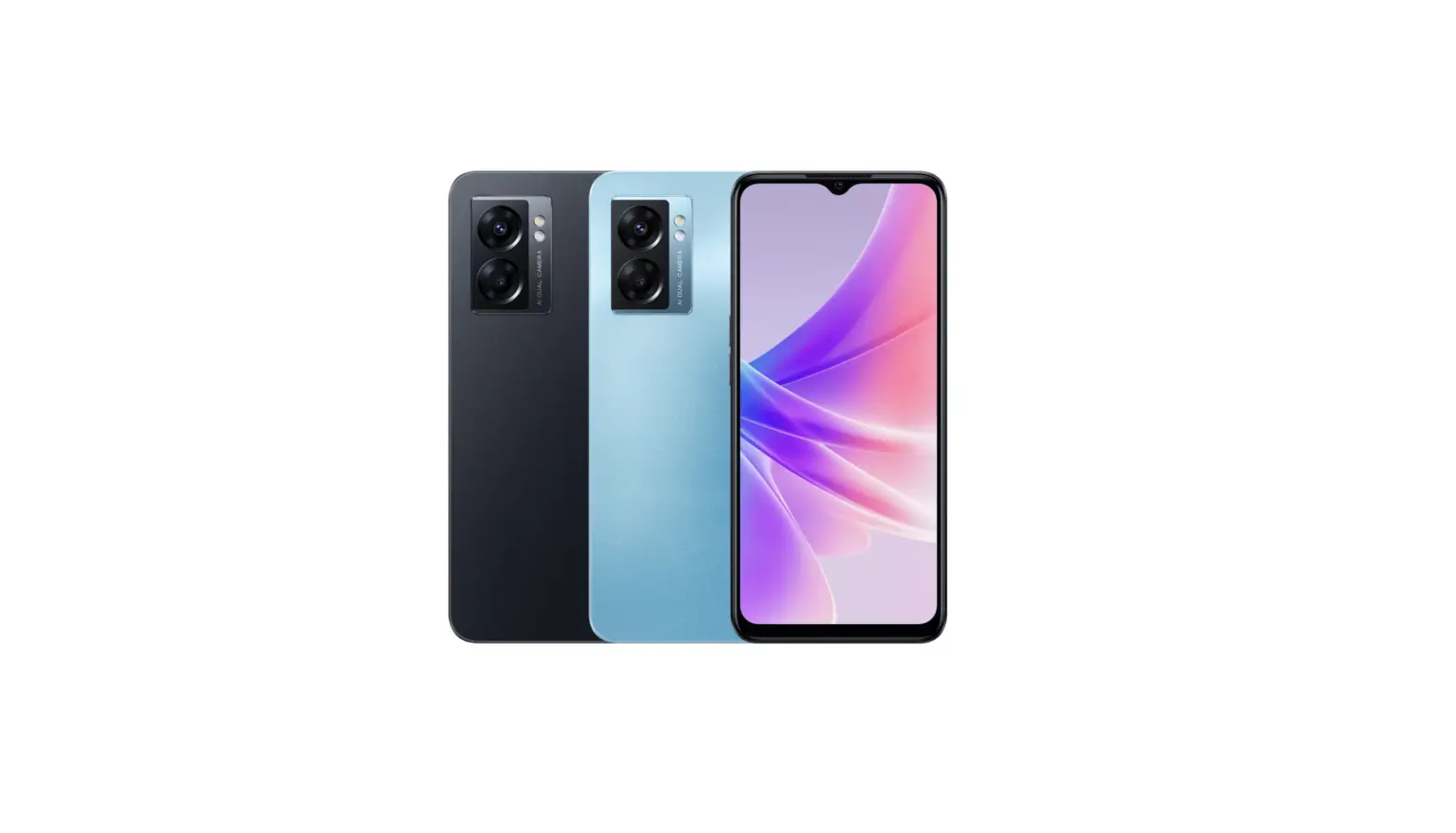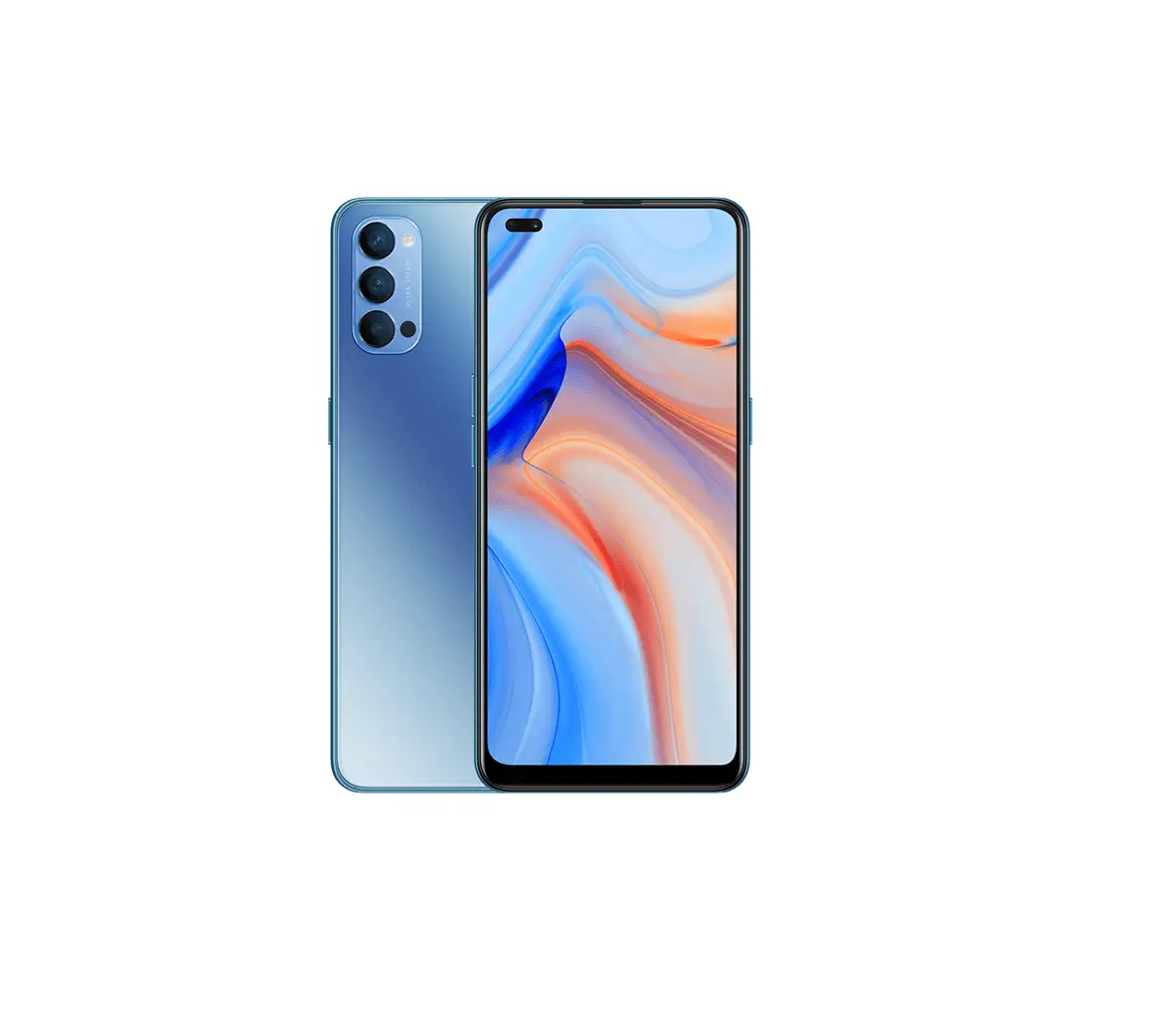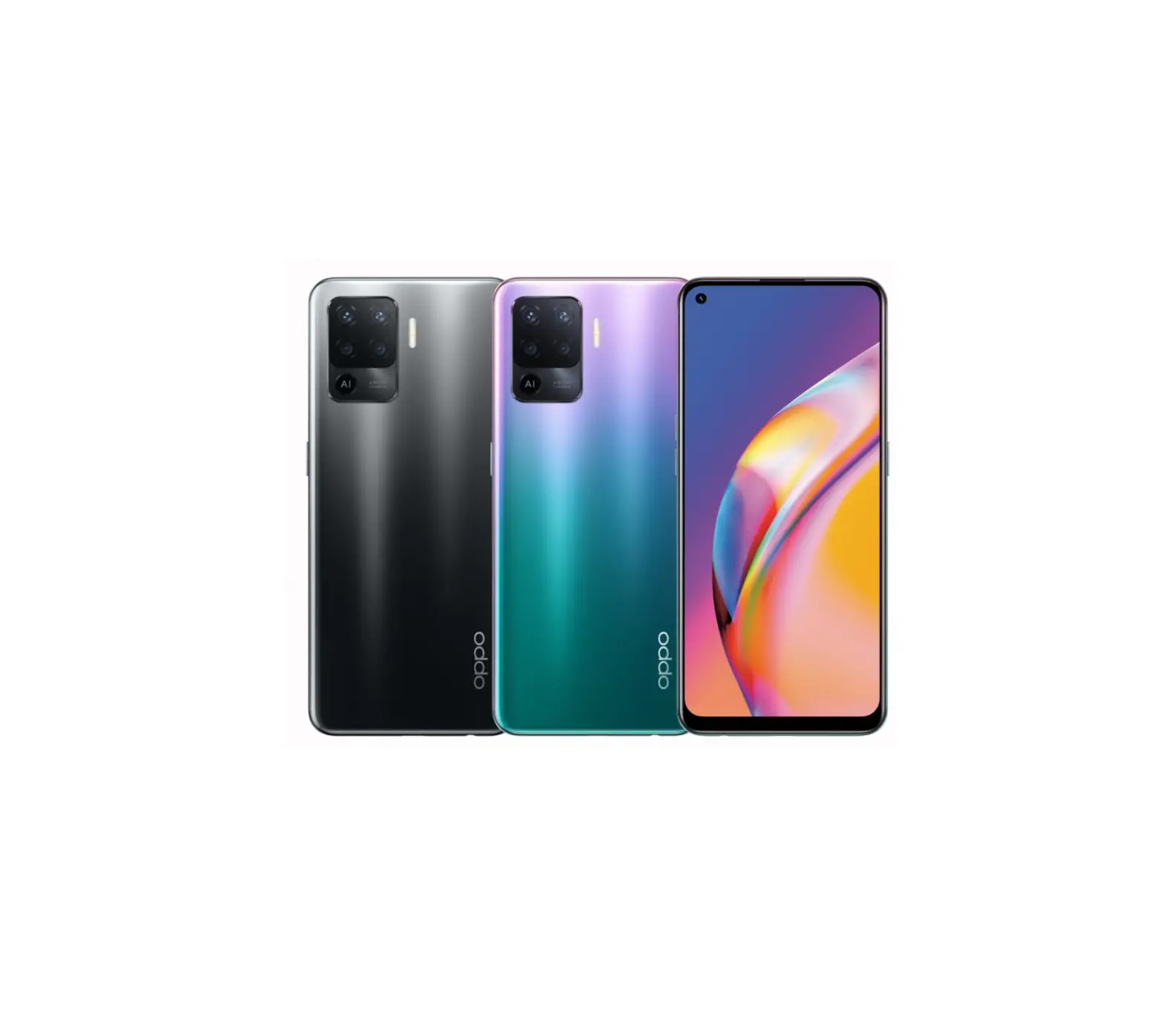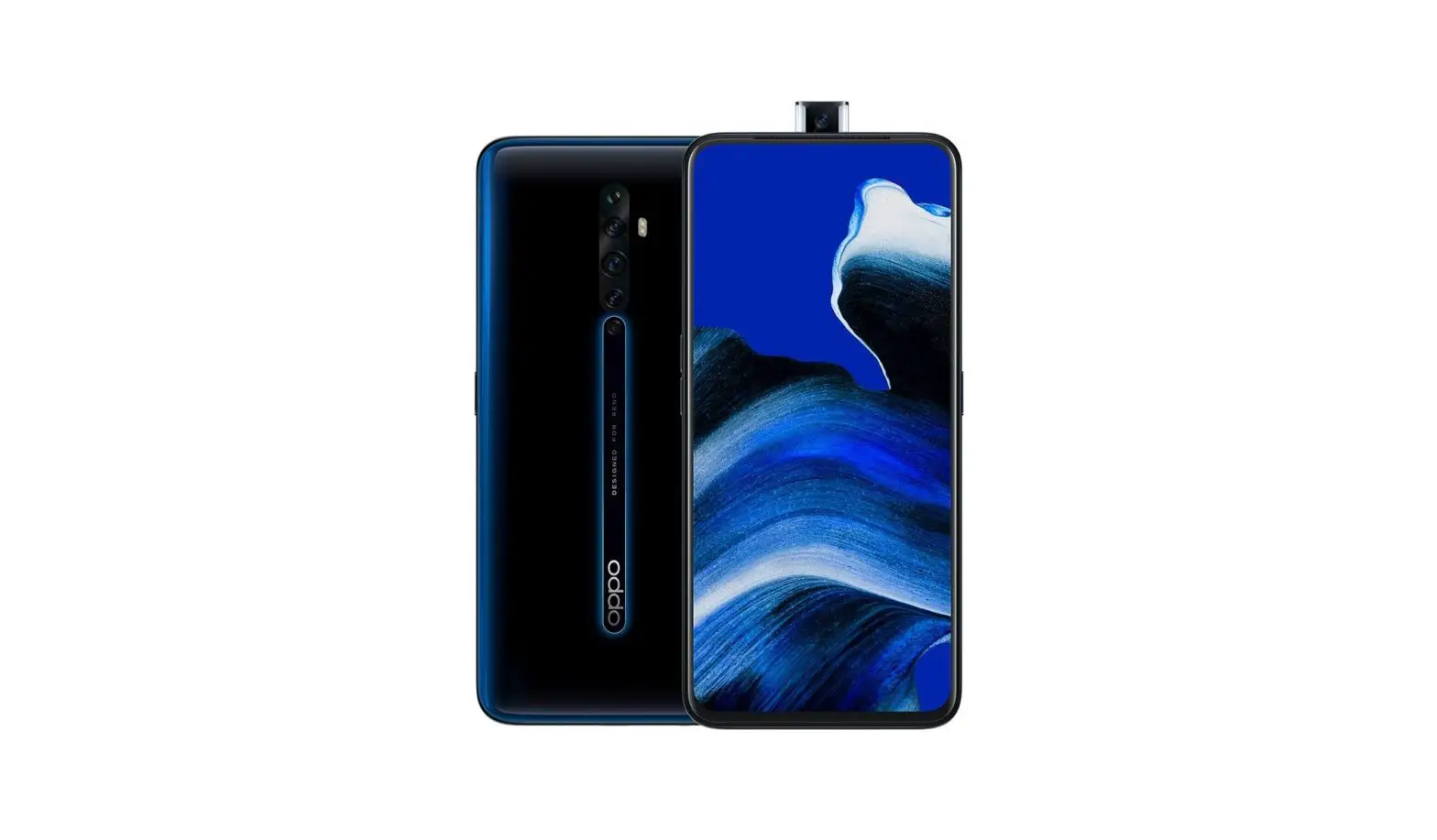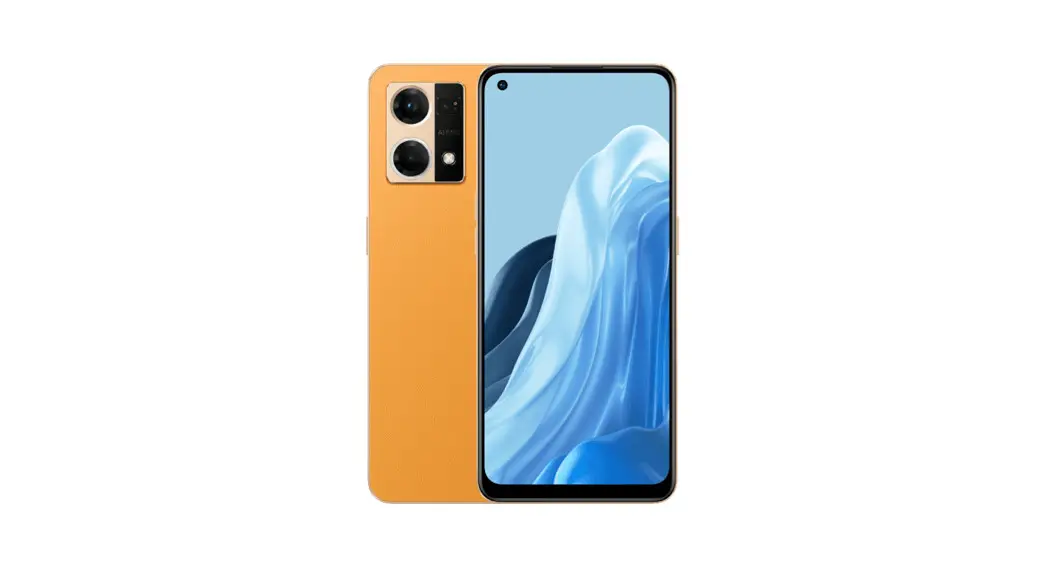
 OPG04 Reno7 A Smart Phone
User Guide
Using Online Manual (Japanese)
For detailed descriptions of various functions, scan the QR code on the right side or use the (Online Manual)” (Japanese) on the product with the following operations.
From the Home screen,
[Tools]→ (Online Manual) (Japanese)
 https://www.au.com/online-manual/opg04/
List of packaged items
- Main unit (Protective film (sample) attached)
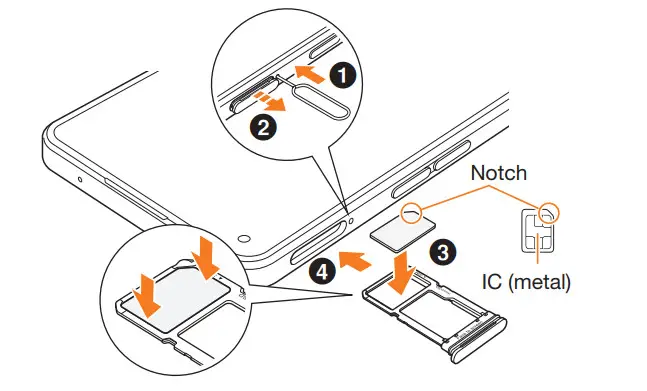
- SIM ejector pin (sample)
- Protective case (sample)
- (Quick Start Guide) (Japanese)
- (Notes on Usage) (Japanese)
 memo
memo
◎ Purchase the specified charging equipment (sold separately).
◎ The battery is built into the product.
◎ Illustrations of bundled accessories and the product used in this manual are just images for explanations. They may be different from the actual ones.
Attaching SIM card
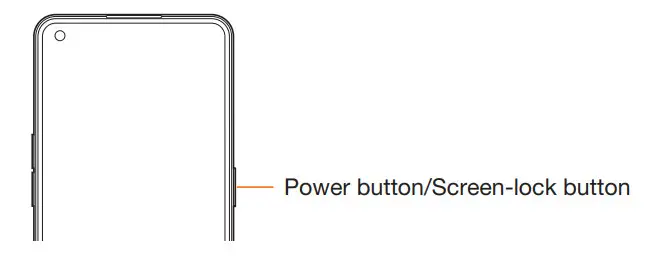
Turning the power on
- Press and hold the Power button/Screen-lock button for at least 2 seconds

memo
◎ If the power cannot be turned off in a regular way or the screen freezes, press and hold the Power button/Screen-lock button and the volume button (up) for at least 10 seconds at the same time to forcibly restart.
Names of parts
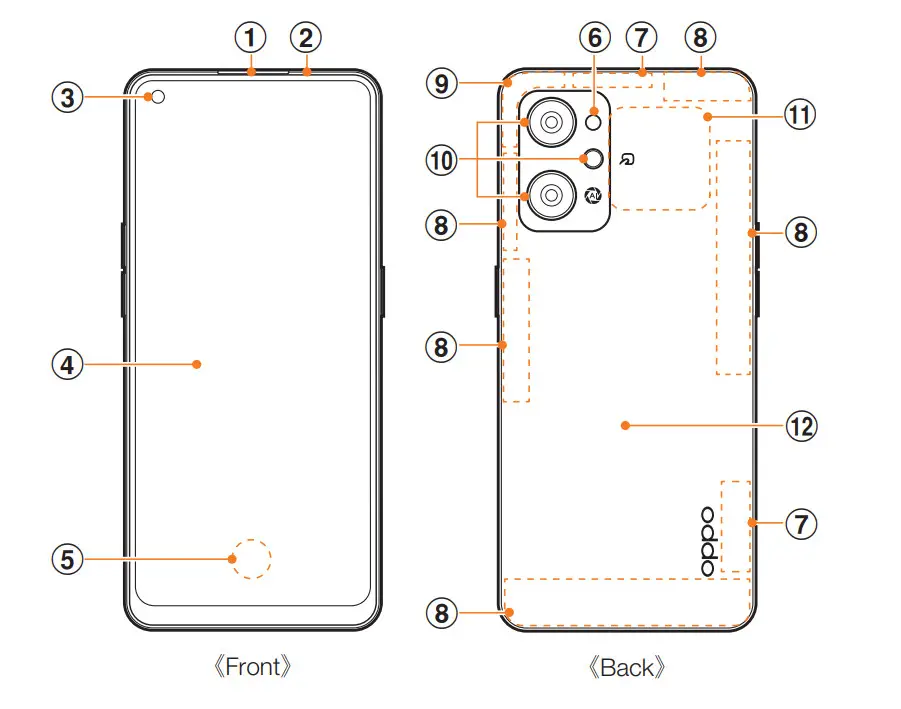 | 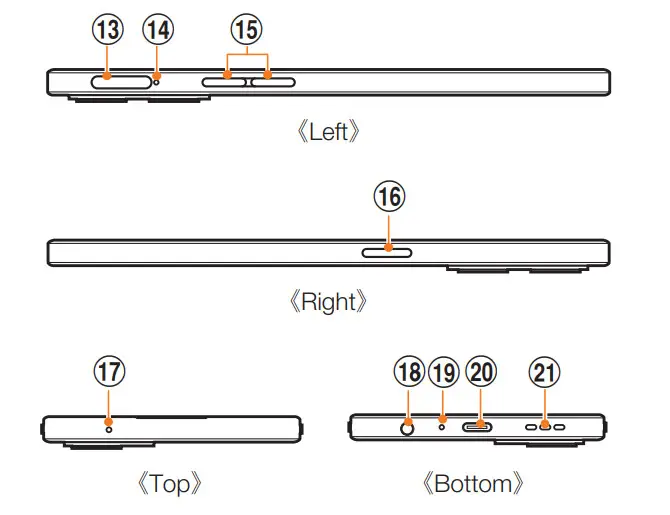 |
| 1 Receiver*1 | l2 Rear cover*4 |
| 2 Proximity sensor/Light sensor*2 | 13 SIM card/microSD memory card tray |
| 3 In-camera | 14 Hole for tray removal |
| 4 Display (touch panel) | 15 Volume button (up/down) |
| 5 On-screen fingerprint sensor | 16 Power button/Screen-lock button |
| 6 Flashlight | 17 Sub-microphone*1 |
| 7 5G antenna*3 | 18 Earphone jack*1 |
| 8 4G/5G antenna*3 | 19 Mouthpiece/Main microphone*1 |
| 9 GPS/Wi-Fi®/Bluetooth® antenna*3 | 20 USB Type-C connection jack (external connection jack) |
| 10 Out-camera | 21 Speaker*1 |
| 11 NFC detector area |
- Be careful not to cover with your finger etc. while using the corresponding function. Do not insert the SIM ejector pin (sample) in the wrong way because it may cause damage.
- Do not cover with a sticker etc. Functions may not work properly.
- The antenna is built into the main unit. Covering the antenna area with your hand may affect the quality of call/communication.
- The rear cover cannot be removed. Attempting to remove it forcibly may cause damage or malfunction. Also, the battery is built into the main unit and you cannot take out it by yourself.
• Refer to “Notes on Usage” for disclaimers.
• For the latest contents of this manual, refer to the (Instruction Manual)” (Japanese) on the homepage of your mobile carrier.
• The descriptions may be different from those in this manual due to software version upgrade of the product, and change/termination of services. Also, the content of this manual is subject to change without notice.