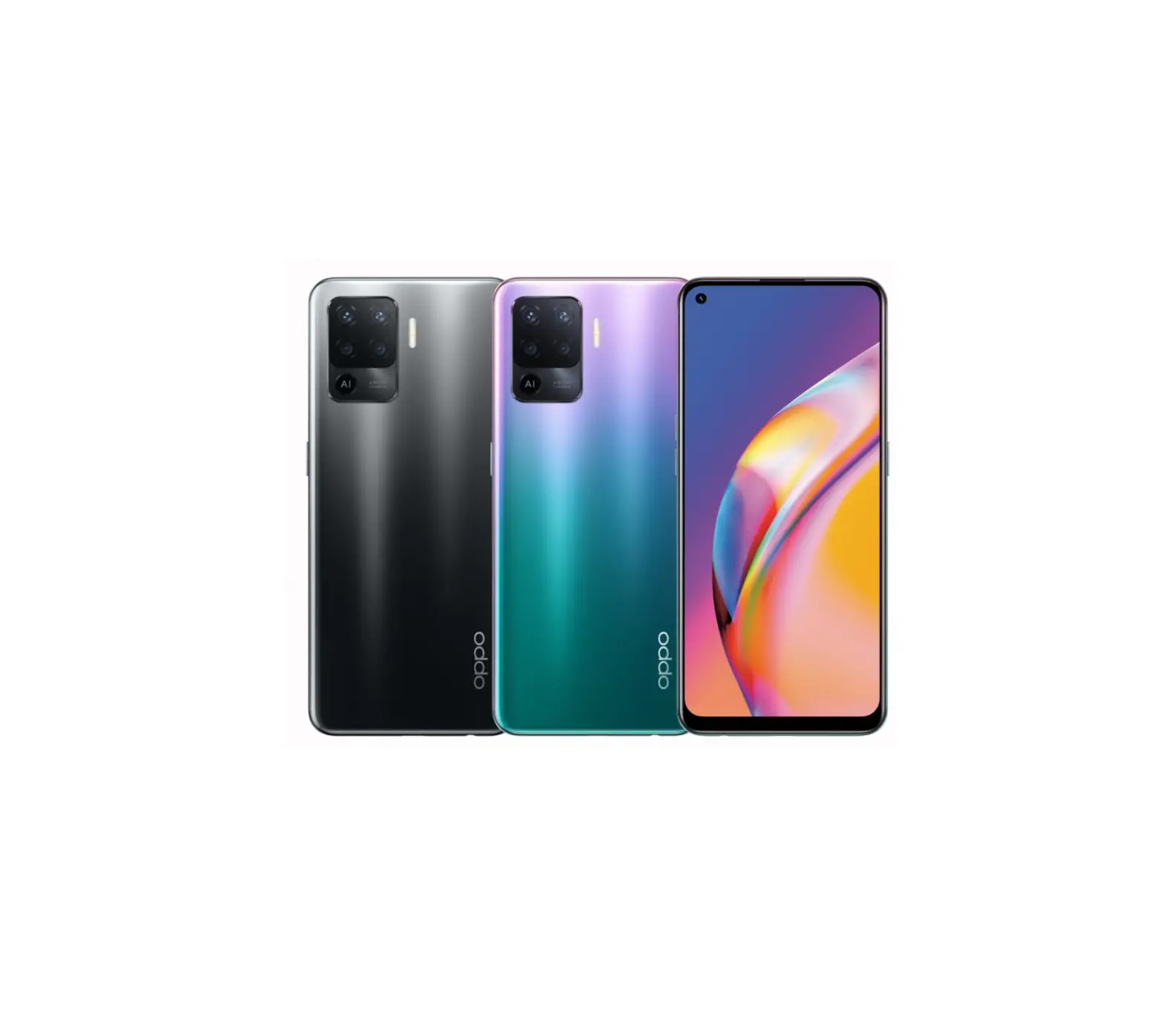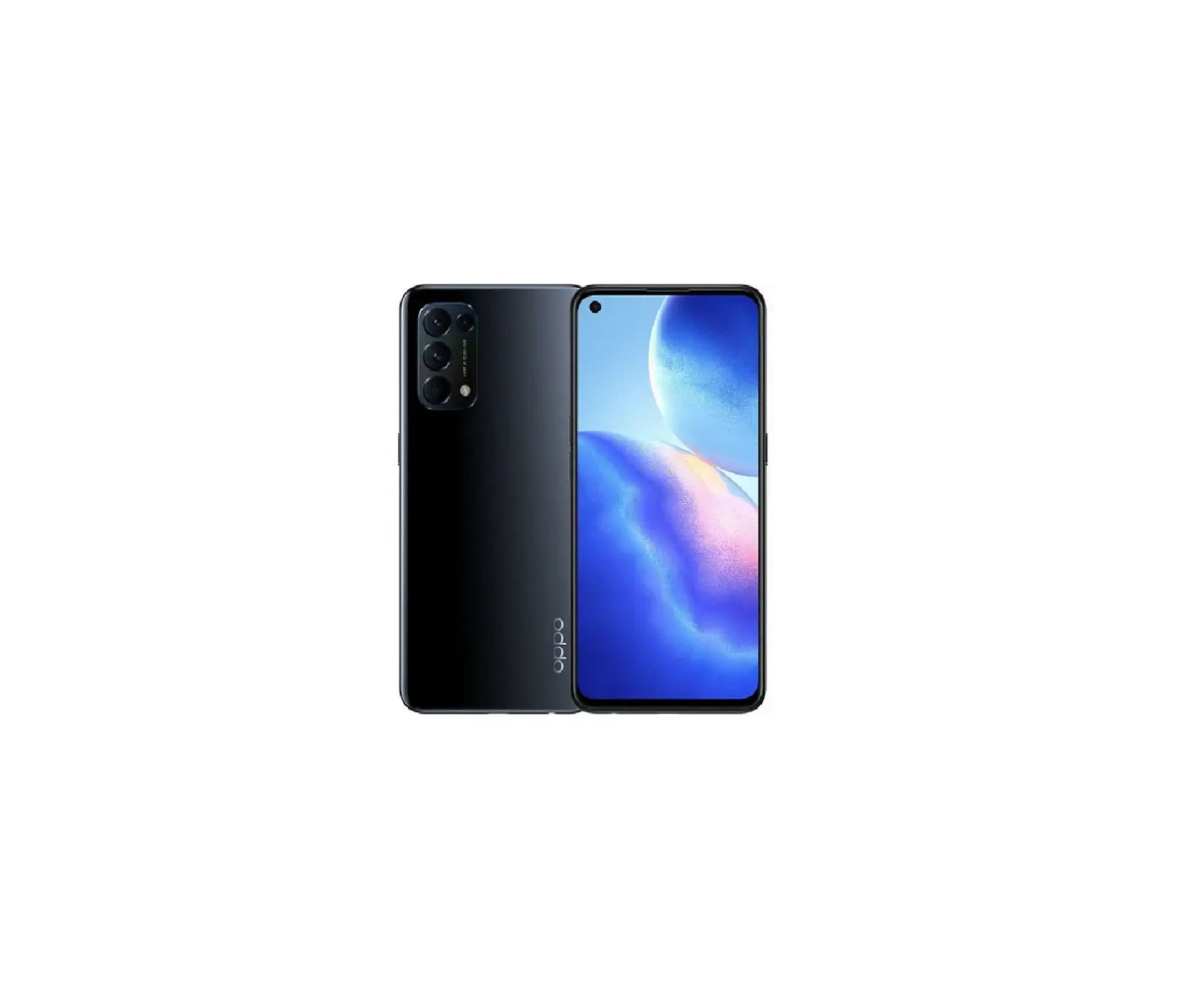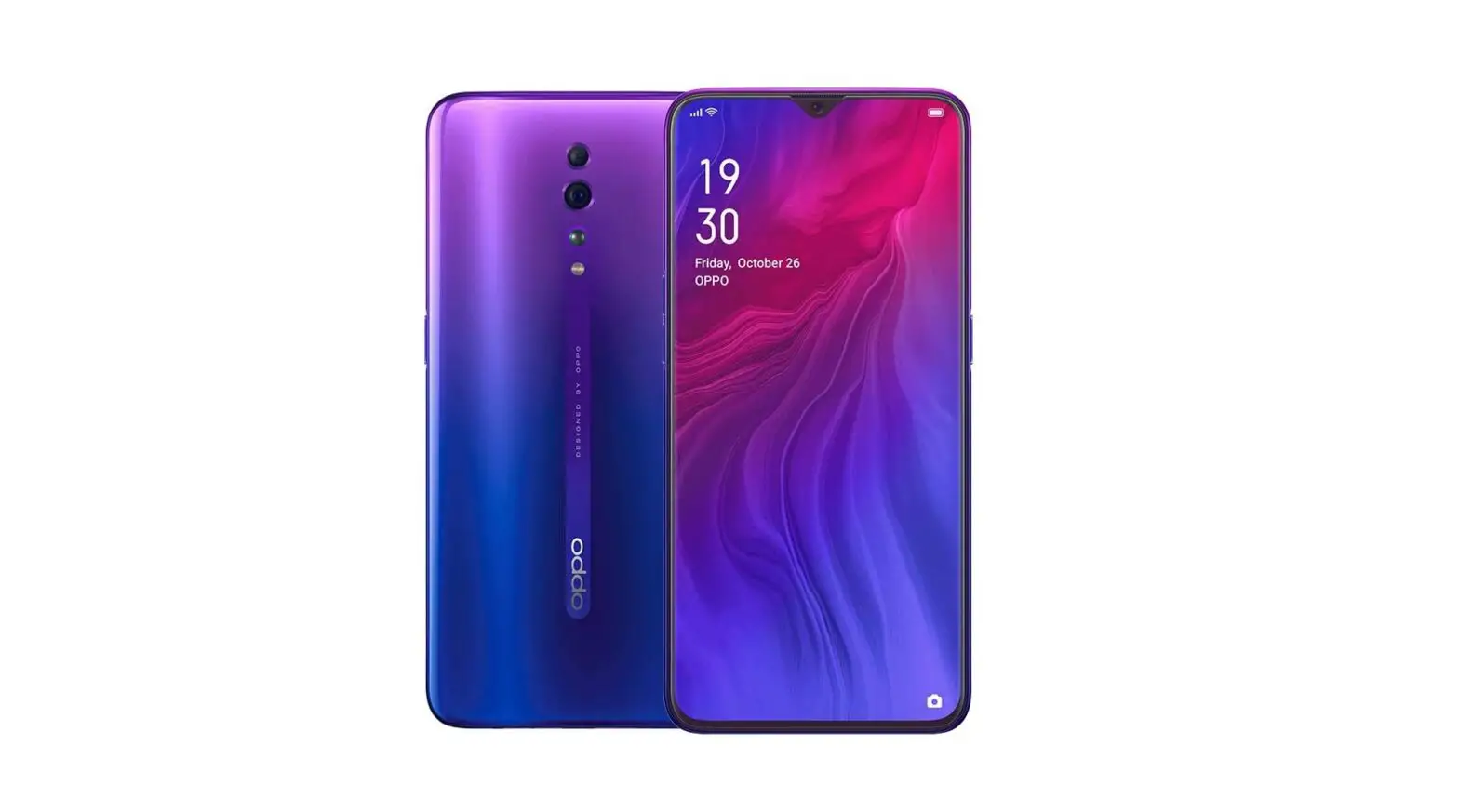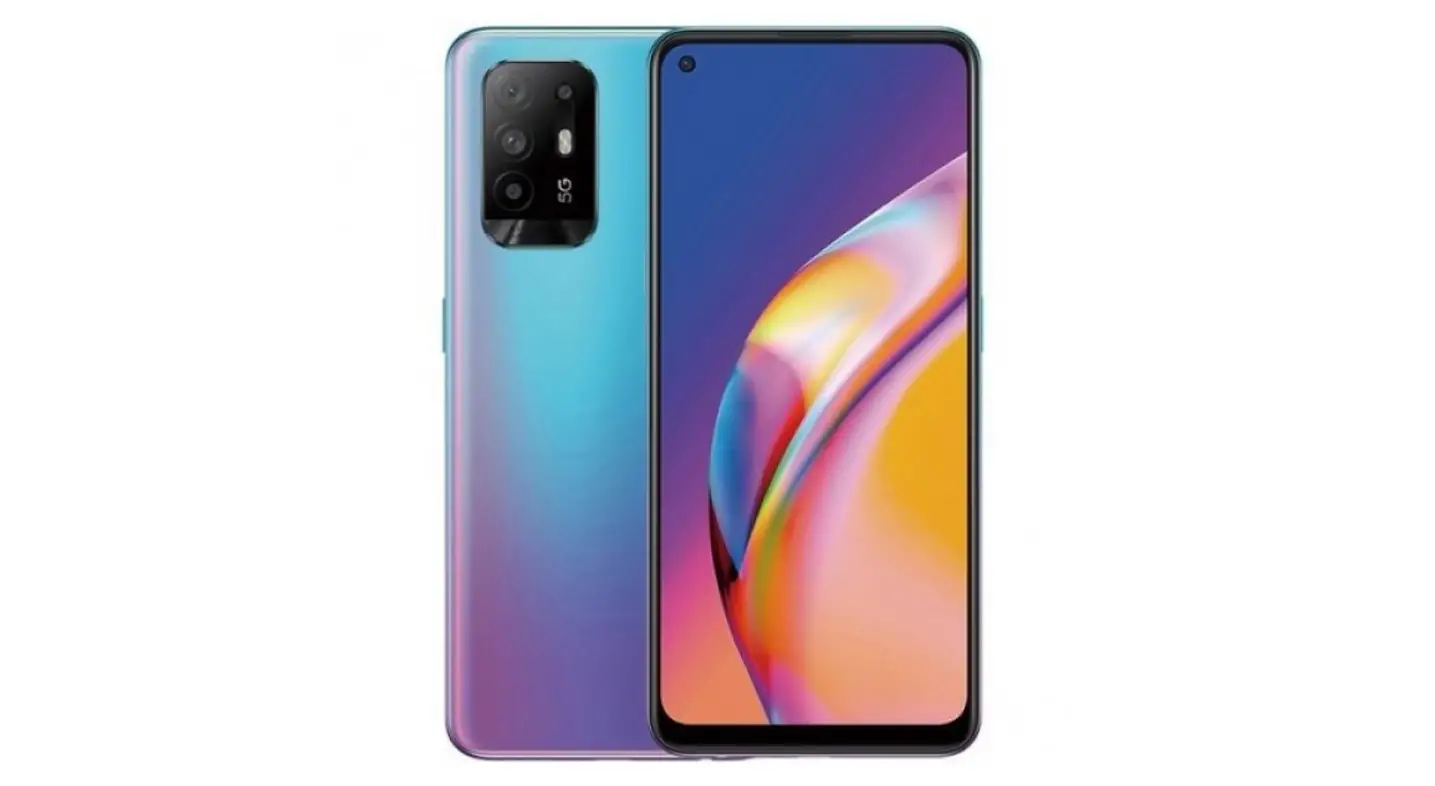

Greetings from OPPO Mobile
This guide will show you how to use the phone and its important functions. You may also visit OPPO official website to get more information about the phone.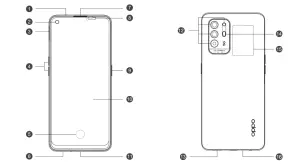
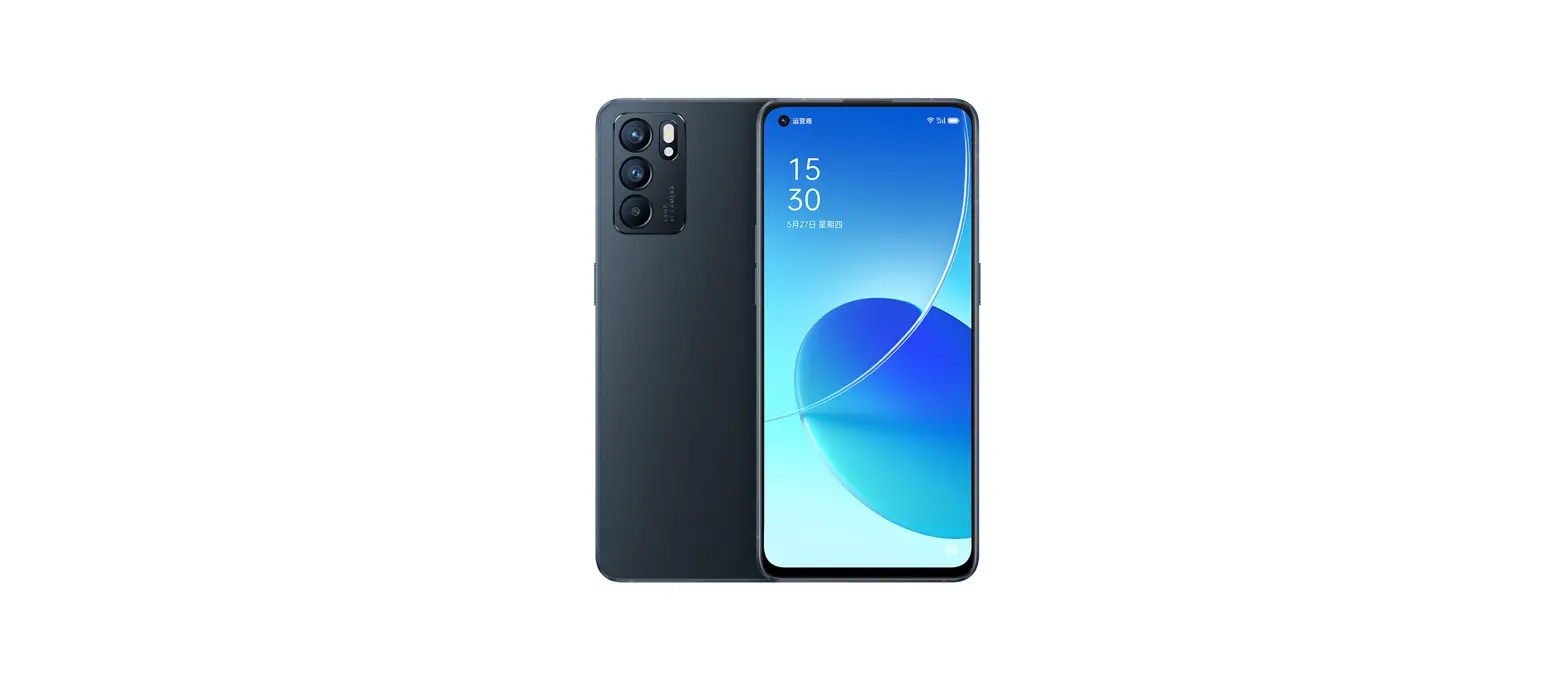
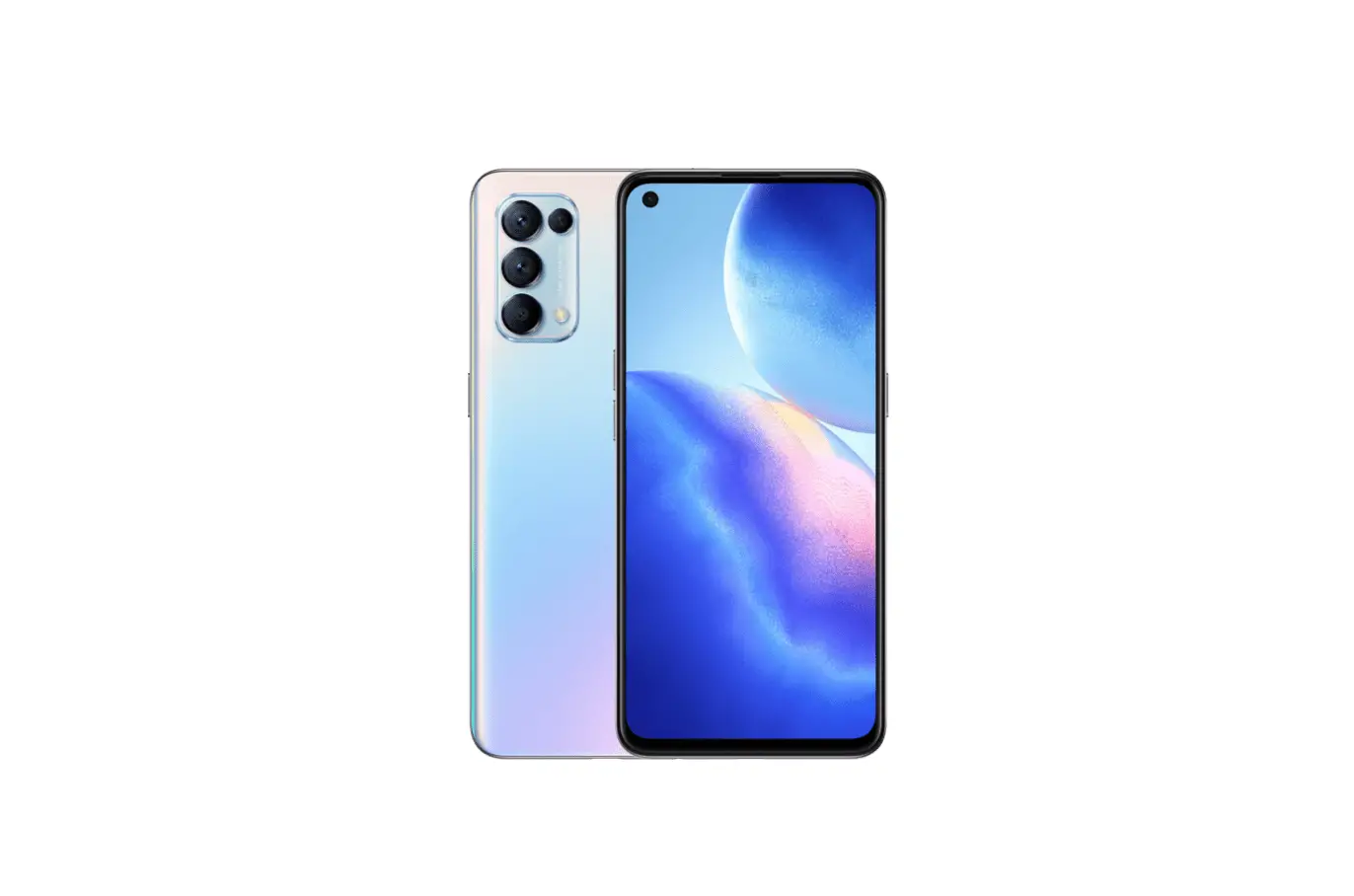
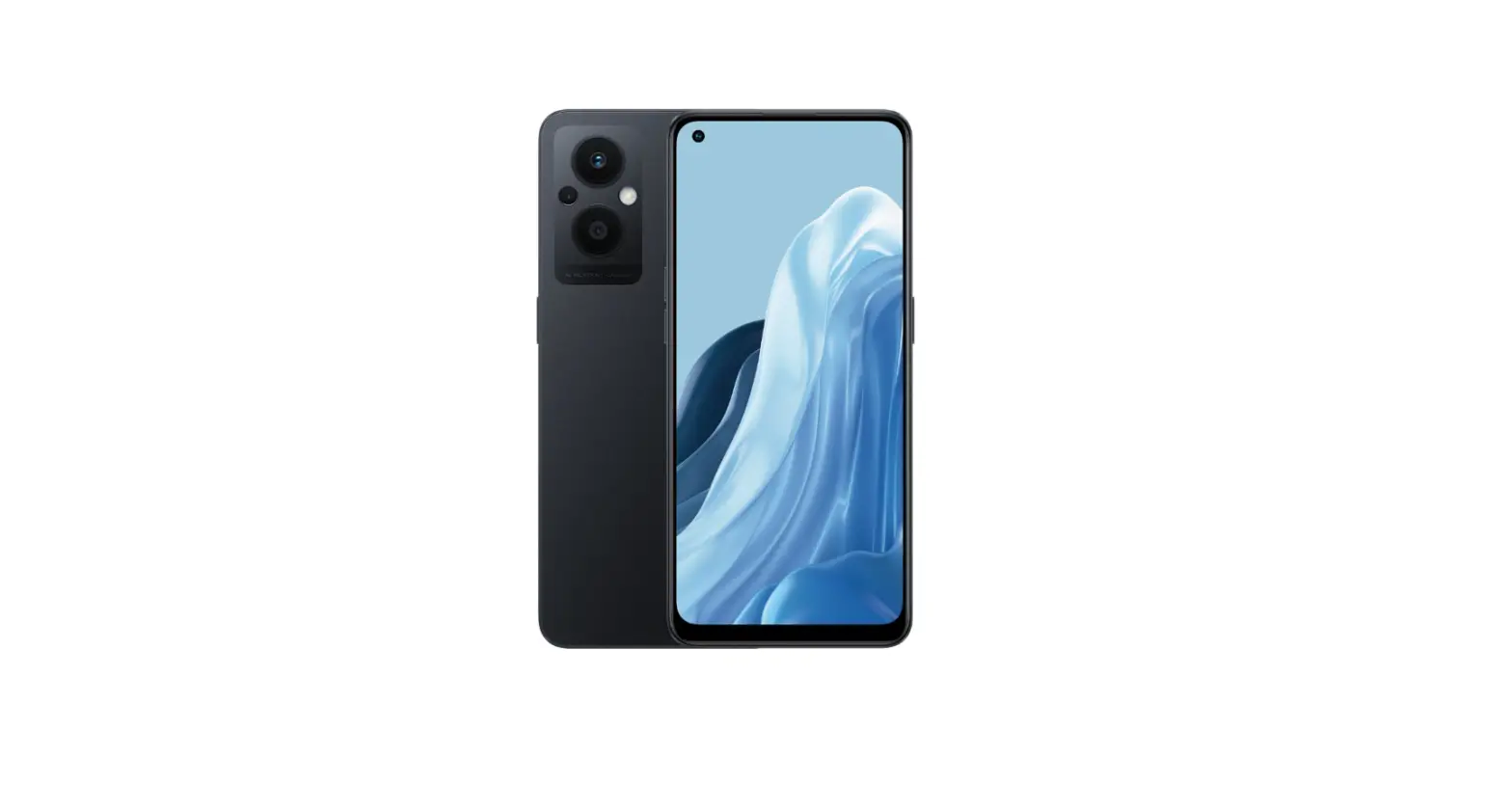
| 1. Sub MIC | 9. Power Key & Screen Lock Key |
| 2. Front Camera | 10. Touch Screen |
| 3. SIM card tray | 11. USB Jack |
| 4. Volume Key | 12. Rear Camera |
| 5. Screen Fingerprint | 13. Speaker |
| 6. Earphone Jack | 14. Flash |
| 7. Receiver | 15. NFC |
| 8. Proximity sensor and light sensor | 16. Main MIC |
How to reboot the phone
Press and hold the Power Button and Volume Up Button at the same time until the OPPO boot animation is displayed to reboot the phone.
Regulatory
Steps to search Regulatory : Go to Settings—About phone—Regulatory
How to Transfer Old Mobile Content to a New Mobile
You can use OPPO Clone Phone to easily transfer photos, videos, music, contacts, messages, apps, etc from your old phone to the new one.
1. If your previous phone was a non-OPPO Android phone, search “OPPO Clone Phone” in the Google Play store and install the app. You can also scan the QR code below to install it. If your previous phone was an OPPO phone, you don’t need to install this app. Then run Clone Phone on both phones and follow the on-screen instructions.

https://i.clonephone.coloros.com/download
2. If your previous phone was an iPhone, run “Clone Phone” on your new phone, and follow the onscreen instructions to migrate your data from your iCloud account.
Accessories and Software Information
You are provided with the following standard accessories:
1 Phone, 1 Charger, 1 Earphone, 1 USB data cable, 1 Safety Guide, 1 Quick Guide, 1 SIM Ejector Tool, 1 Protective Case.
The product software version is: ColorOS V11.1
For the most recent information about accessories and software, please see the DoC (Declaration of Conformity) at www.oppo.com/en/certification. The N-Mark is a trademark or registered trademark of NFC Forum, Inc. in the United States and in other countries.
Specification
| Product | CPH2211 | |
| Main screen parameter | 16.34cm(6.43″) | |
| Dimension | 160.1 x73.4×7.8(mm) | |
| Battery | 4220mAh/16.33Wh(Min) 4310mAh/16.67Wh(Typ) | |
| Camera | 48Megapixels+8Megapixels +2Megapixels+2Megapixels Rear 16Megapixels Front | |
| Operating temperature | 0°C-35°C | |
| SAR Values | CE SAR | 0.992W/kg(Head) 1.299W/kg(Body) |
| RCM SAR | 0.992W/kg (Head) 1.299W/kg (Body) | |
| FCC SAR | 1.198W/kg(Head) 0.567W/kg(Body) 0.981W/kg(Hotspot) | |
Note: The SAR values above are the highest values reported for this device.
Radio Waves Specifications
| Radio | Frequency | Max. Output Power |
GSM | 850MHz | 32.5±1dBm |
900MHz | 32.8±1dBm | |
1800MHz | 29.5±1dBm | |
1900MHz | 29.5±1dBm | |
| WCDMA | Bands 1/4 | 23.3±1dBm |
Band 2 | 23±1dBm | |
| Bands 5/6/8/19 | 23.5±1dBm | |
| LTE FDD | Bands 1/66 | 23.5±1dBm |
Bands 3/4 | 23.2±1dBm | |
Band 2 | 22.8±1dBm | |
Bands 5/8/12/17/18/19/26 | 23.5±1dBm | |
Bands 20/28 | 24.0±1dBm | |
| Band 7 | 23±1dBm | |
| LTE TDD | Band 39 | 23.2±1dBm |
| Bands 38/40/41 | 23.5±1dBm | |
| 5G NR | nl/n3/n7/n66 | 23±1dBm |
| n5/n8/n20 | 23.5±1dBm | |
n28 | 23.8±1dBm | |
n38/n40/n41 | 23±1 dBm | |
n77 | 23±1.2dBm | |
| n78 | 23.5±1.2dBm | |
Bluetooth | 2.4-2.4835GHz | 9±2dBm(EIRP) |
| 2.4G Wi-Fi | 2.4-2.4835GHz | 15±2dBm(EIRP) |
5G Wi-Fi | 5.15-5.35GHz ; 5.47-5.725GHz | 14±2dBm(EIRP) |
| 5.725-5.85GHz | 11±2dBm(EIRP) | |
NFC | 13.56MHz | 42dBμA/m @10m |
Copyright © Guangdong OPPO Mobile Telecommunications Corp., Ltd. 2021. All rights reserved.
5212020


 i.clonephone.coloros.com/download