RAZER Universal Quick Charging Stand User Guide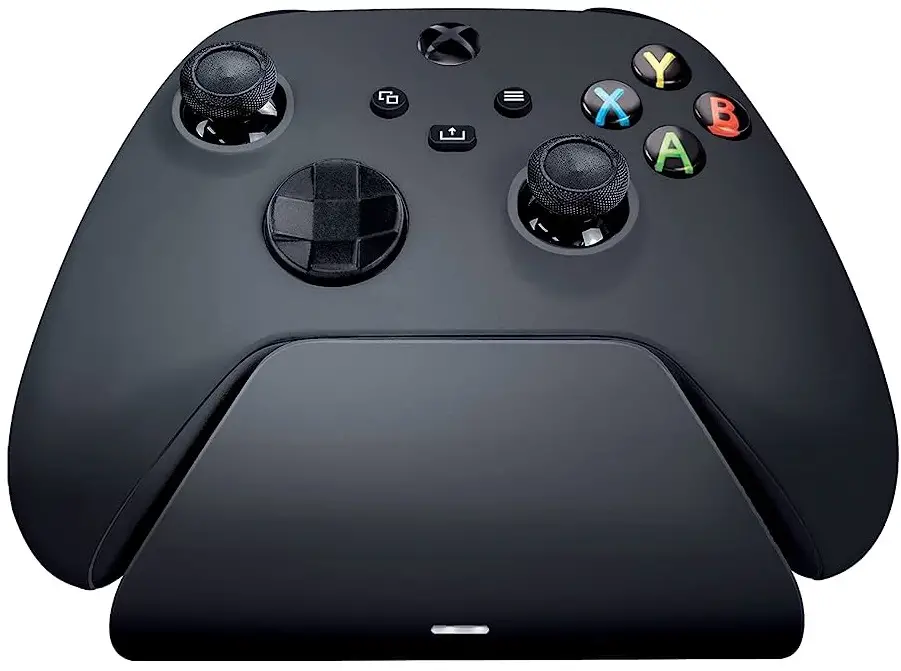
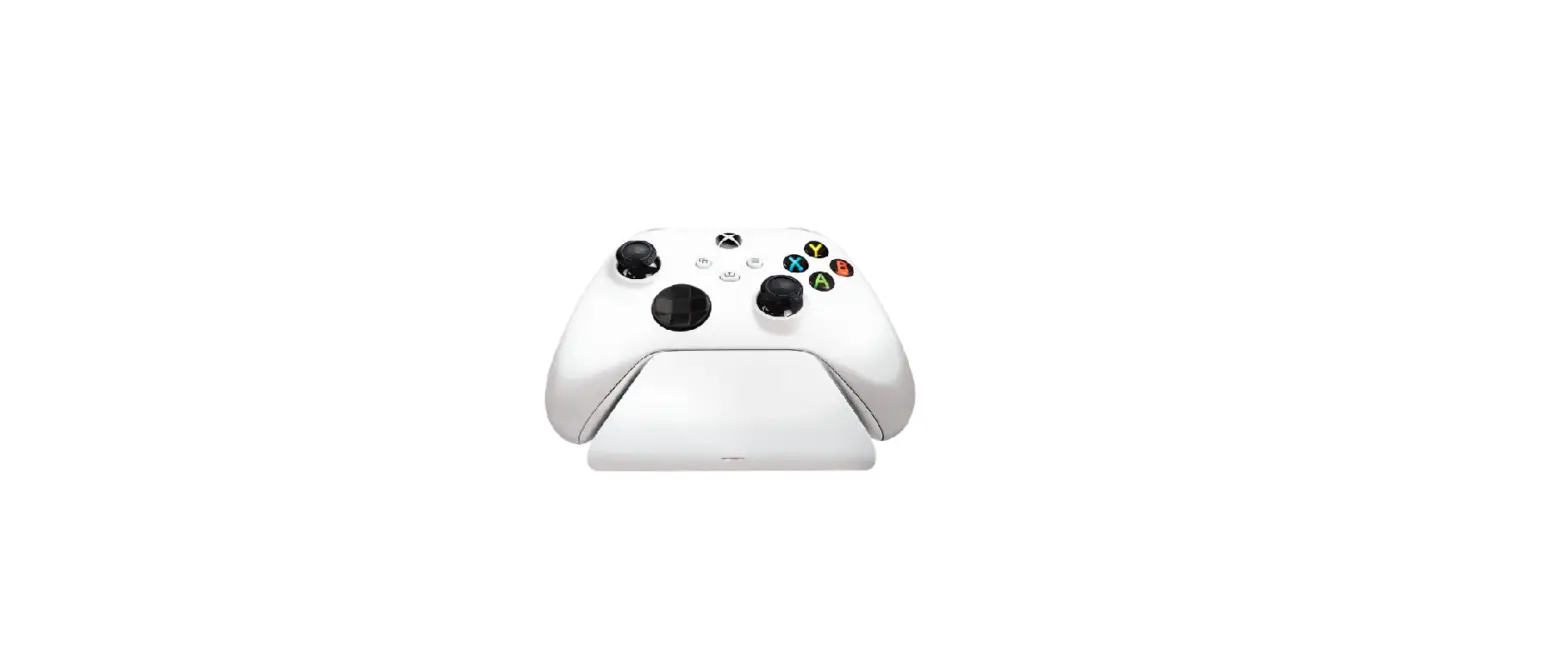
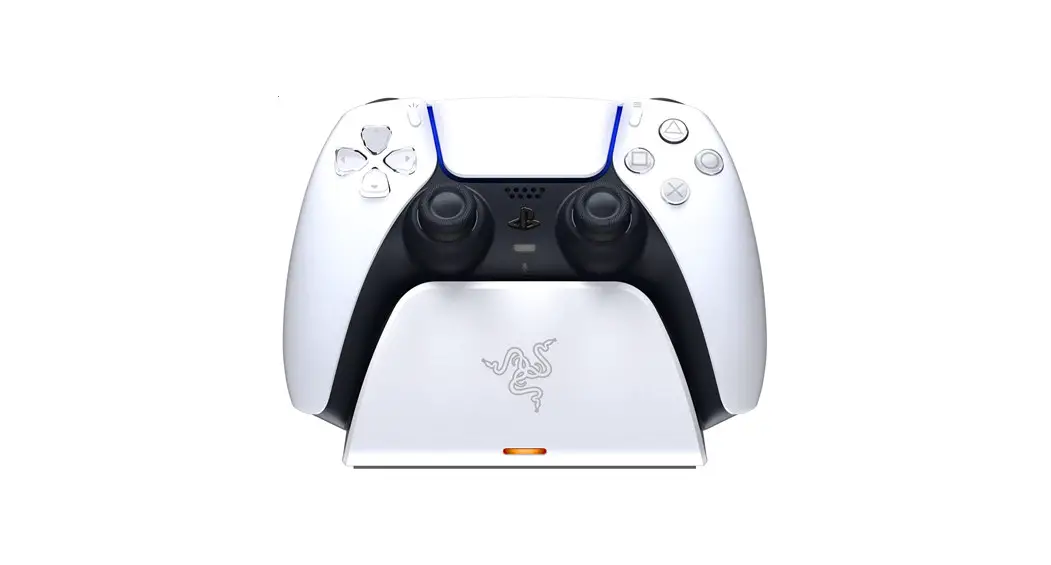
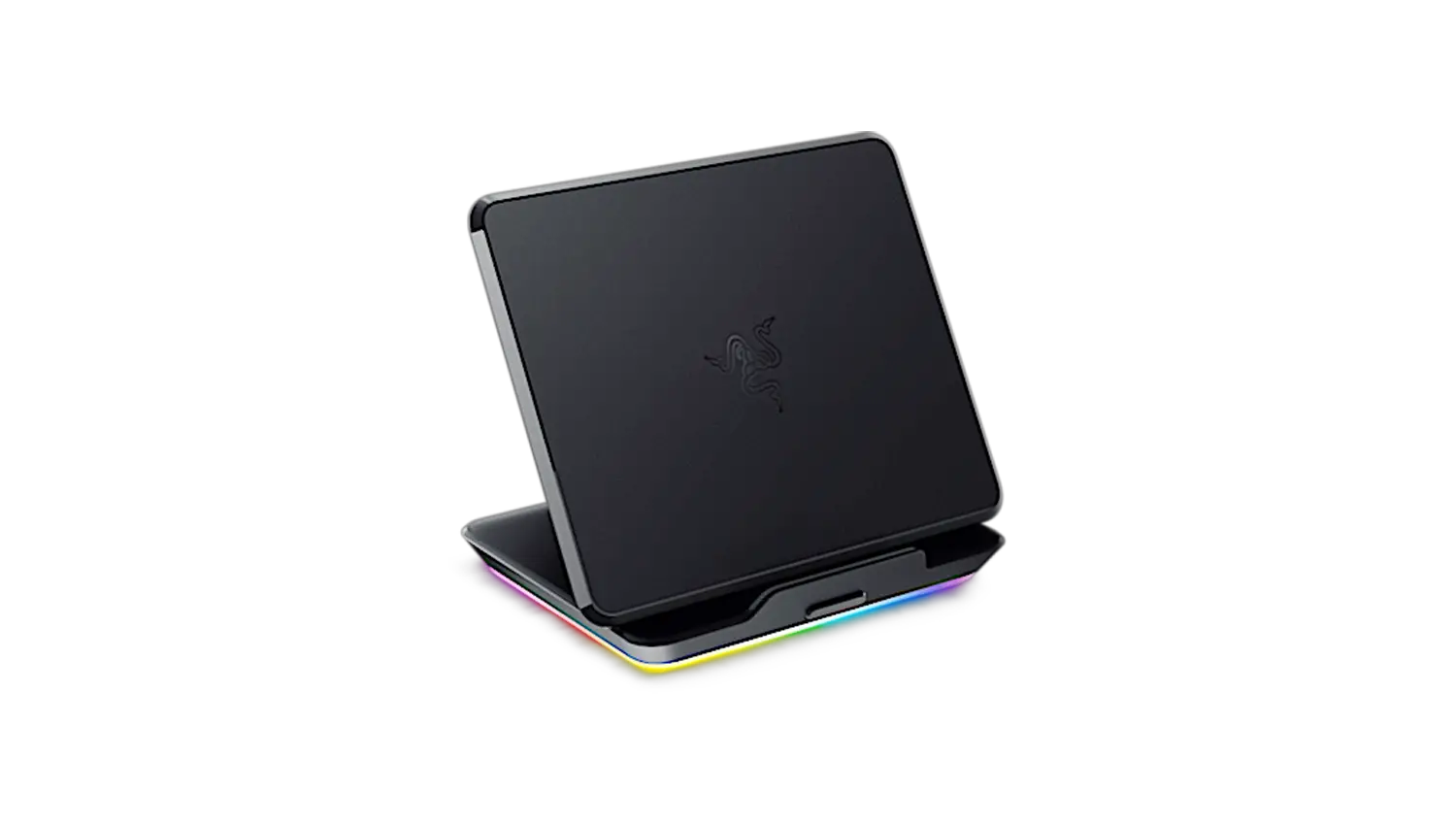
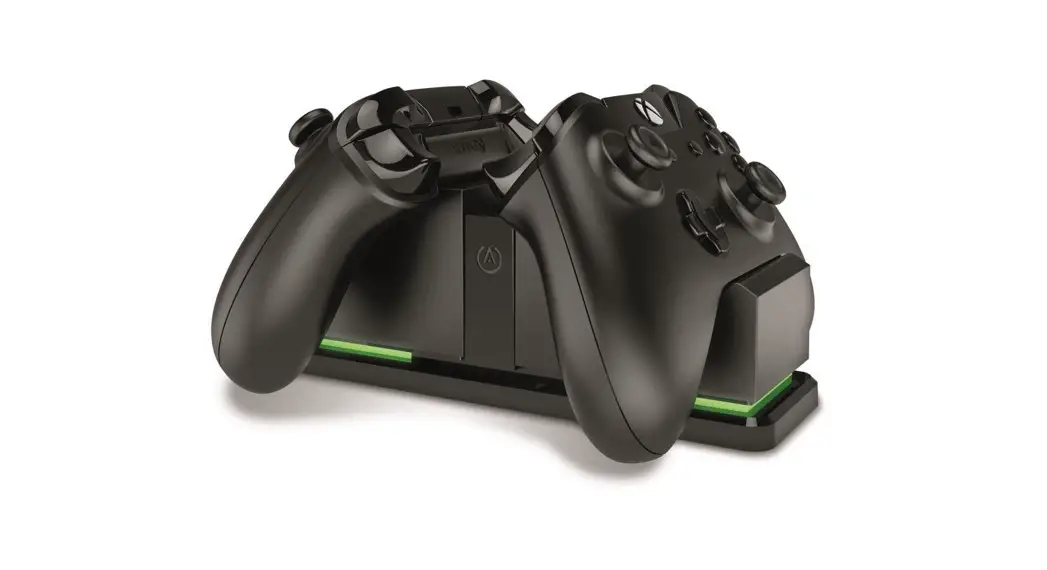
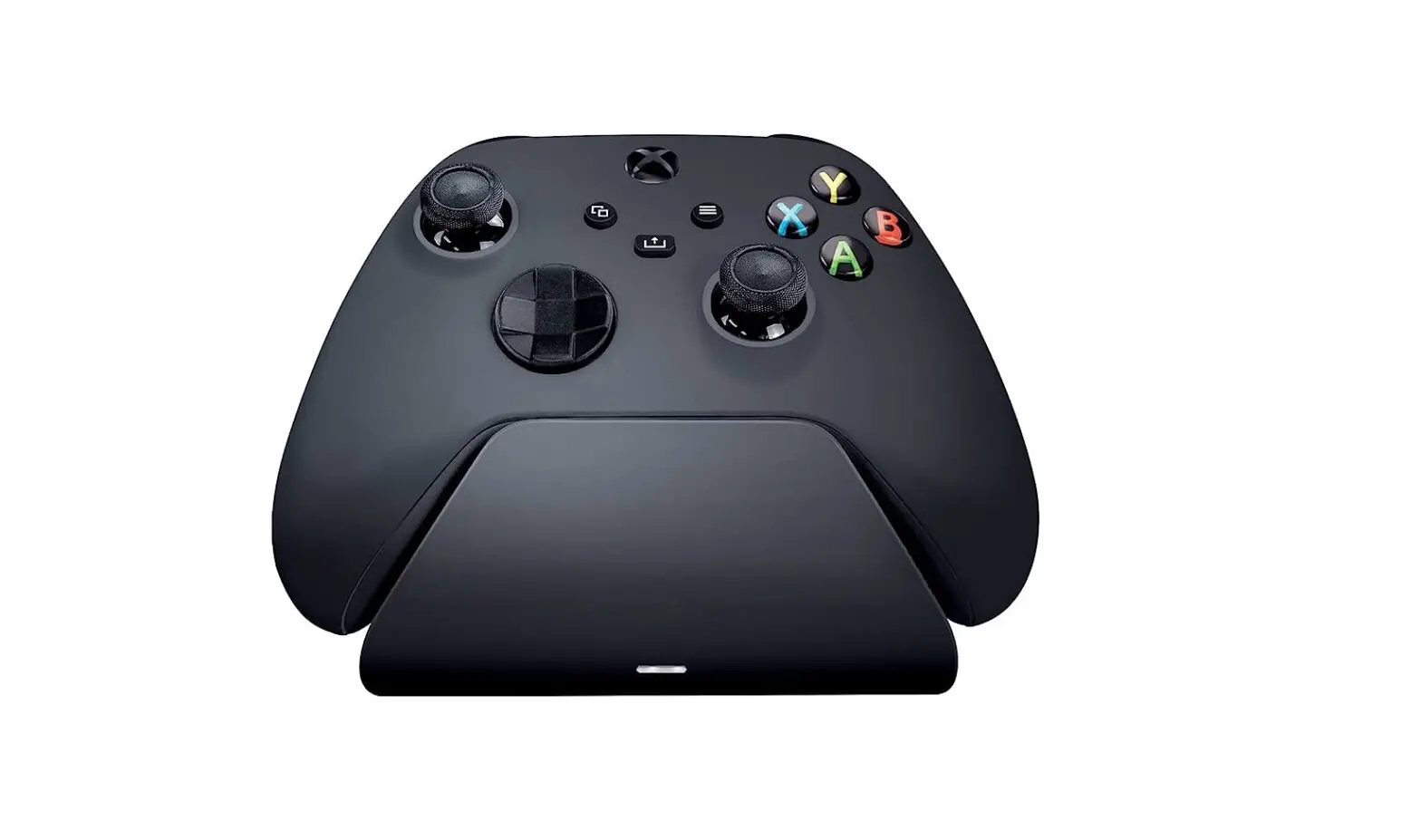
If you’re looking for the fastest way to keep your Xbox controller at prime power levels, then go for the perfect pairing with the Razer Universal Quick Charging Stand for Xbox.
WHAT’S INSIDE / WHAT’S NEEDED
WHAT’S INSIDE
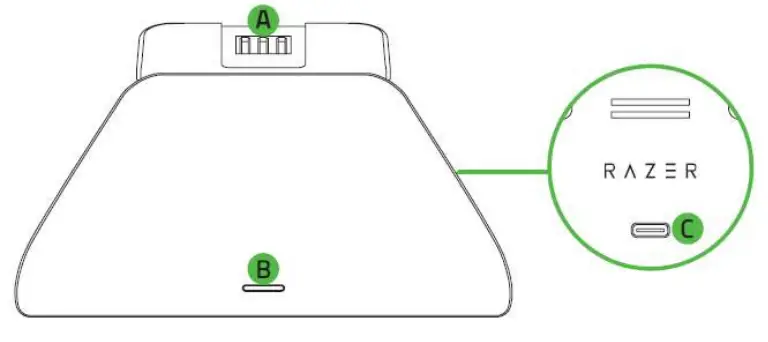
- Razer Universal Quick Charging Stand for Xbox

A. Magnetic contacts
B. Status indicator
C. Type C port - Xbox SeriesTM X|S battery cover

- Xbox One battery cover
- Important Product Information Guide
- Rechargeable battery
- Type C to Type A cable

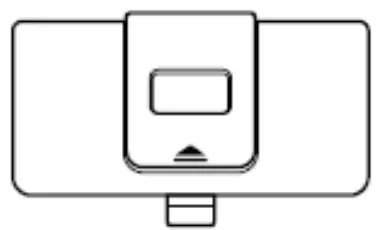
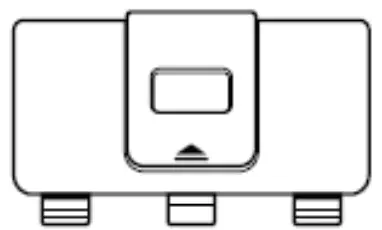
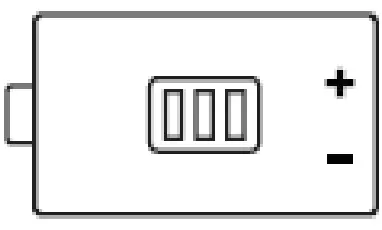

WHAT’S NEEDED
- Xbox One TM / Xbox One TM S / Xbox One TM X / Xbox SeriesTM X|S / Xbox One TM Elite Series 1 controllers.
SAFETY STATEMENT
IMPORTANT! Before using your Xbox console with this product, read its instruction manual for safety, health, and other information regarding the use of your Xbox console
LET’S GET YOU COVERED
You’ve got a great device in your hands, complete with a 1-year limited warranty coverage. Now maximize its potential and score exclusive Razer benefits by registering at razerid.razer.com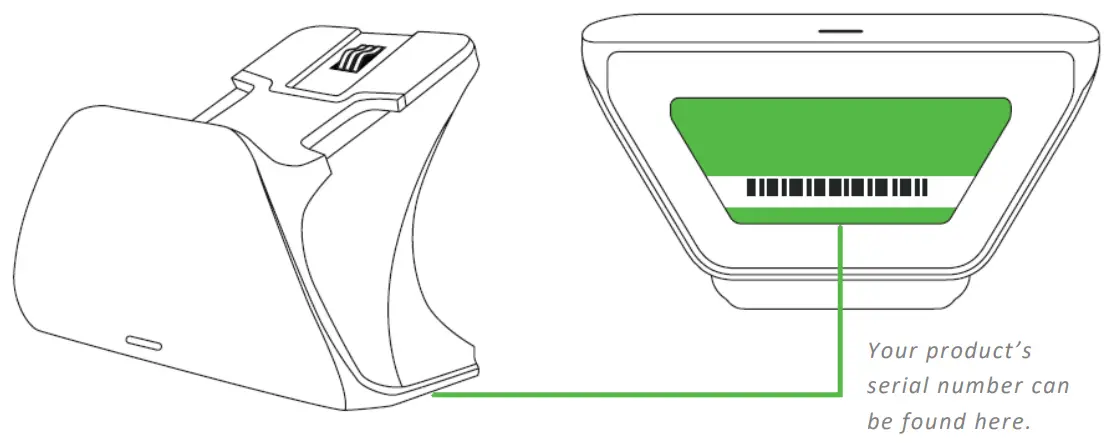
Got a question? Ask the Razer Support Team at support.razer.com
GETTING STARTED
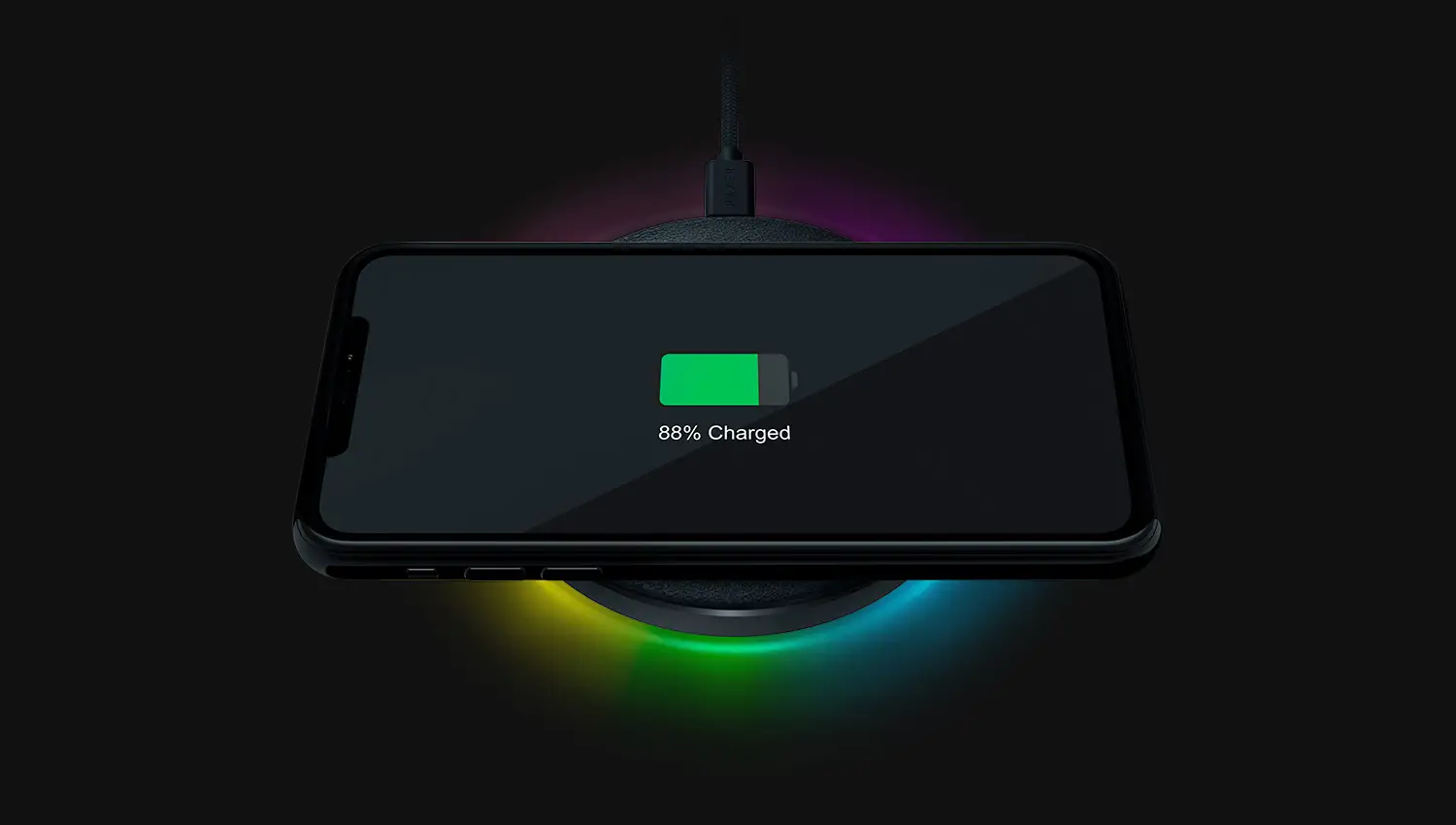
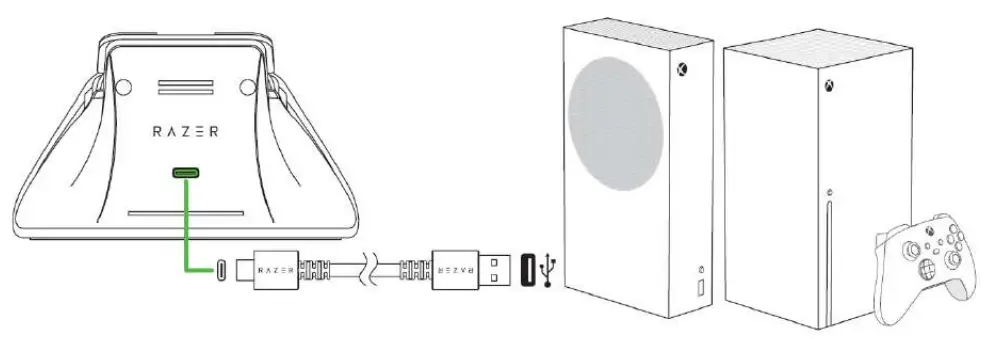
- Connect the charging stand to the USB port of your Xbox console. The status indicator will briefly blink to indicate that it’s now powered on.

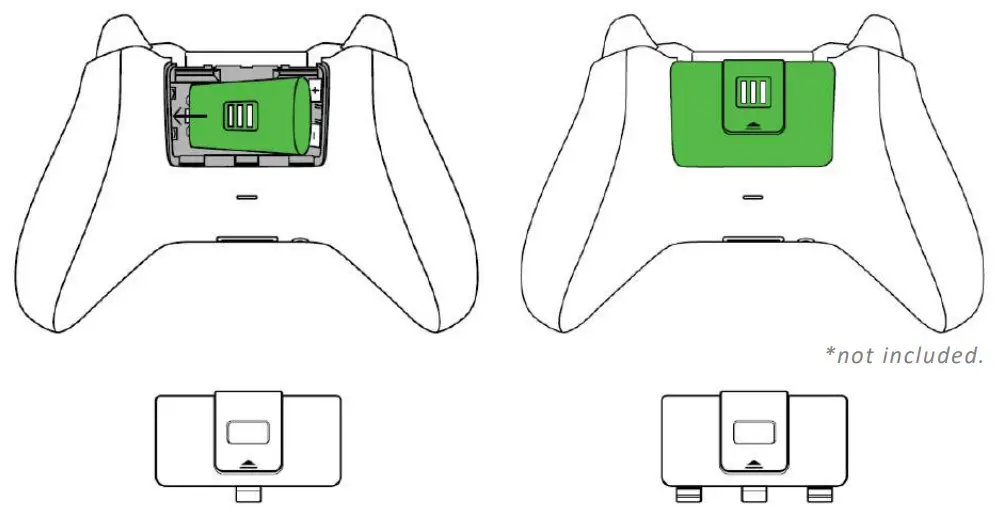
- Insert the rechargeable battery into the controller* and attach the appropriate battery cover.

Works with Xbox One, Xbox One X, Xbox One S, and Xbox One Elite (Series 1) controllers
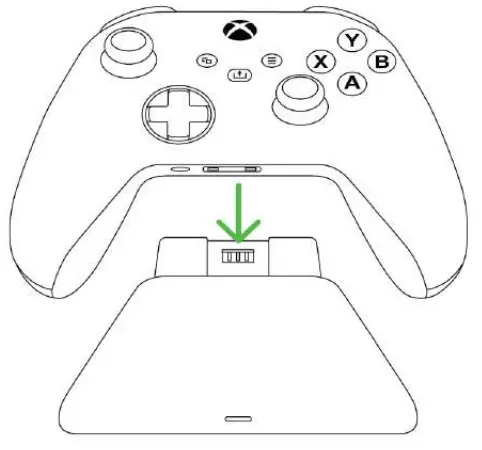
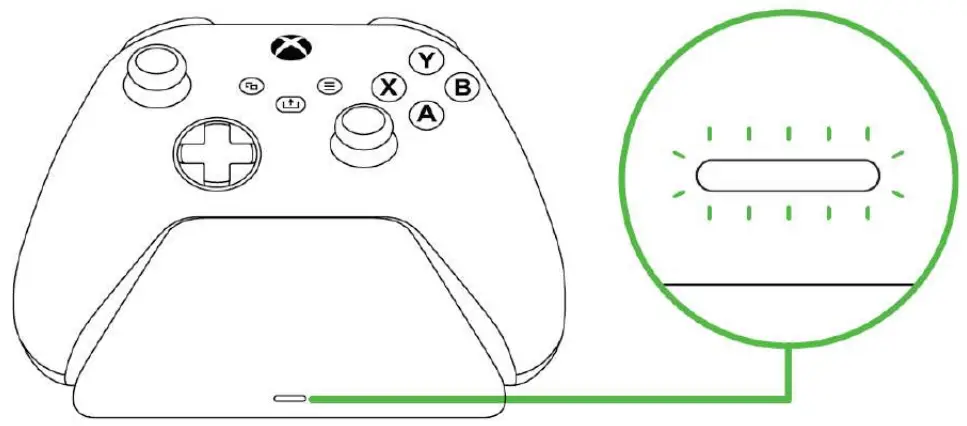
Works with Xbox Series X|S controllers - Place the Xbox controller on the charging stand. The status indicator will turn orange to indicate that the controller is charging.

- Wait for the controller to finish charging. Once fully charged, the status indicator will turn white.

While playing, refer to the onscreen battery indicator to monitor the controller’s battery level.
SAFETY AND MAINTENANCE
SAFETY GUIDELINES
In order to achieve maximum safety while using the Razer Universal Quick Charging Stand for Xbox, we suggest that you adopt the following guidelines:
Should you have trouble operating the device properly and troubleshooting does not work, unplug the device and contact the Razer hotline or go to support.razer.com for support. Do not attempt to service or fix the device yourself at any time.
Do not take apart the device and do not attempt to operate it under abnormal current loads. Doing so will void your warranty.
Keep the device and its components away from liquid, humidity or moisture. Operate the device and its components only within the specific temperature range of 0°C (32°F) to 40°C (104°F). Should the temperature exceed this range, unplug the device in order to let the temperature stabilize to an optimal level.
MAINTENANCE AND USE
The Razer Universal Quick Charging Stand for Xbox requires minimum maintenance to keep it in optimum condition. Once a month we recommend you unplug the charging stand, remove the attached controller, and clean it using a soft cloth or cotton to prevent dirt buildup. Do not use soap or harsh cleaning agents.
LEGALESE
COPYRIGHT AND INTELLECTUAL PROPERTY INFORMATION
©2021 Razer Inc. All rights reserved. Razer, the triple-headed snake logo, Razer logo, and “For Gamers. By Gamers.” are trademarks or registered trademarks of Razer Inc. and/or affiliated companies in the United States or other countries.
Microsoft, Xbox, Xbox “Sphere” Design, Xbox One and Xbox Series X|S are trademarks of the Microsoft group of companies. All other trademarks are the property of their respective owners.
Razer Inc. (“Razer”) may have copyright, trademarks, trade secrets, patents, patent applications, or other intellectual property rights (whether registered or unregistered) concerning the product in this guide. Furnishing of this guide does not give you a license to any such copyright, trademark, patent or other intellectual property right. The Razer Universal Quick Charging Stand for Xbox (the “Product”) may differ from pictures whether on packaging or otherwise. Razer assumes no responsibility for such differences or for any errors that may appear. Information contained herein is subject to change without notice.
LIMITED PRODUCT WARRANTY
For the latest and current terms of the Limited Product Warranty, please visit razer.com/warranty.
LIMITATION OF LIABILITY
Razer shall in no event be liable for any lost profits, loss of information or data, special, incidental, indirect, punitive or consequential or incidental damages, arising in any way out of distribution of, sale of, resale of, use of, or inability to use the Product. In no event shall Razer’s liability exceed the retail purchase price of the Product.
GENERAL
These terms shall be governed by and construed under the laws of the jurisdiction in which the Product was purchased. If any term herein is held to be invalid or unenforceable, then such term (in so far as it is invalid or unenforceable) shall be given no effect and deemed to be excluded without invalidating any of the remaining terms. Razer reserves the right to amend any term at any time without notice.
 Razer Warranty Policy | Razer United States
 Razer ID
 Official Razer Support