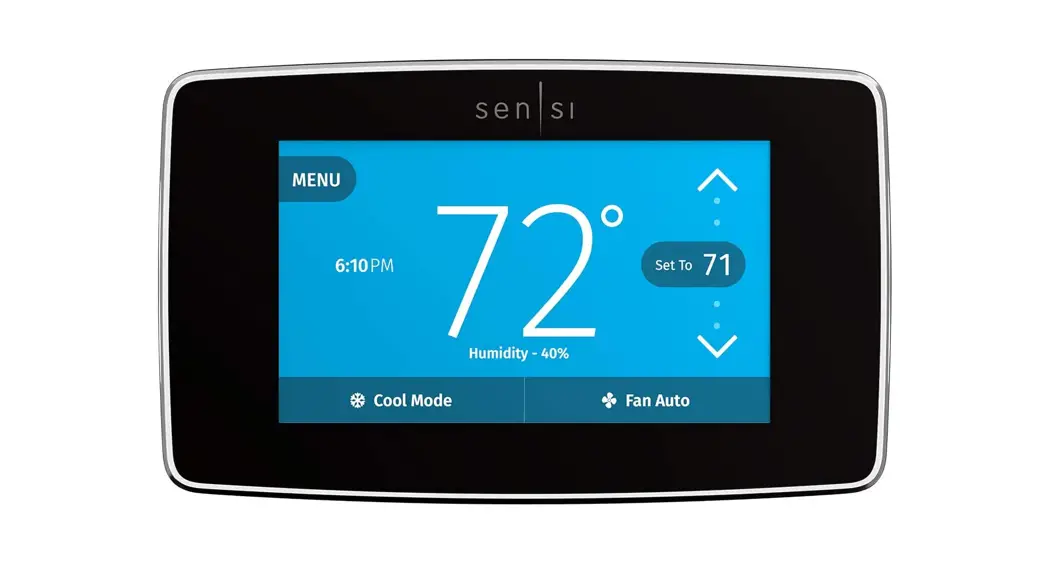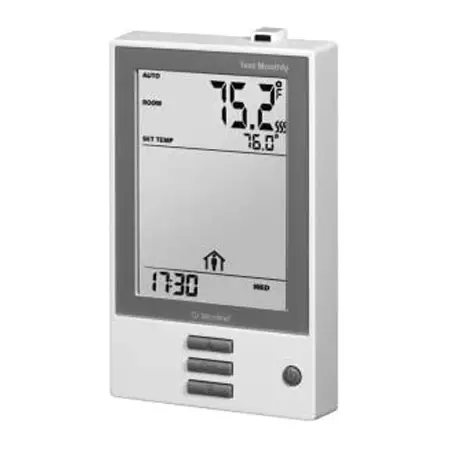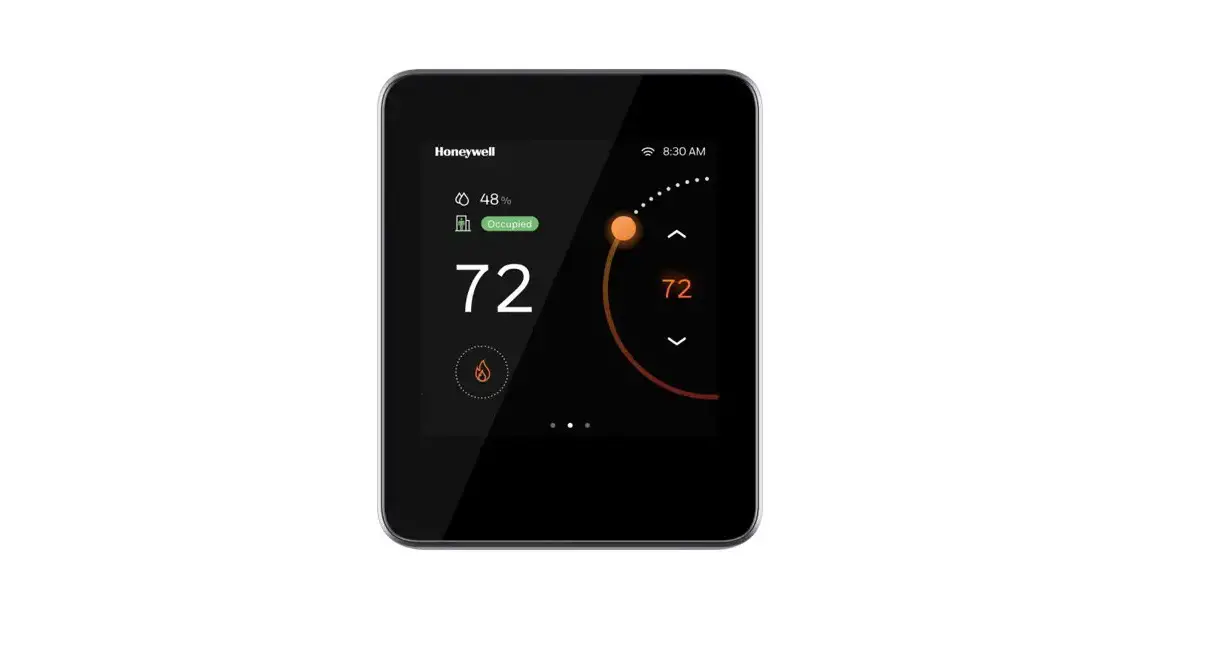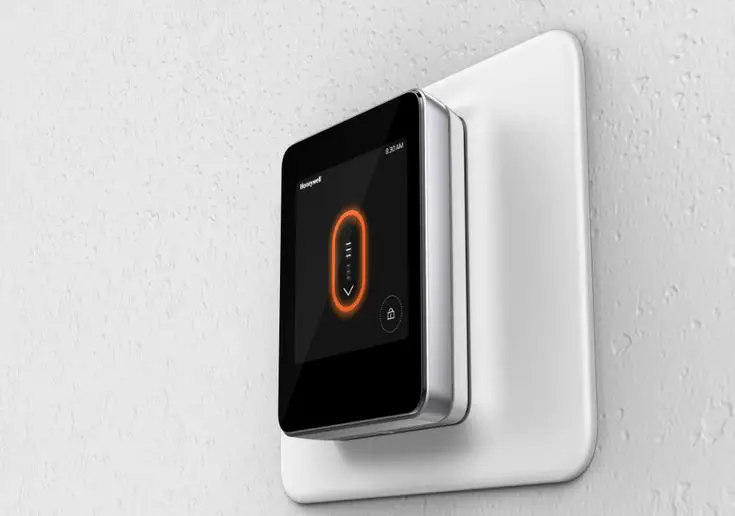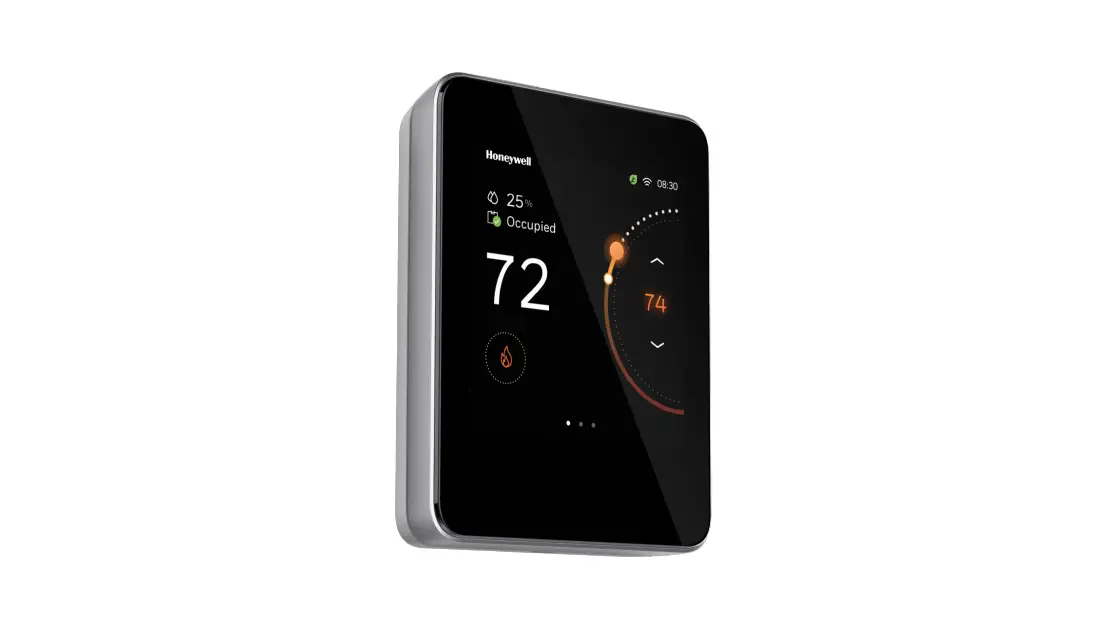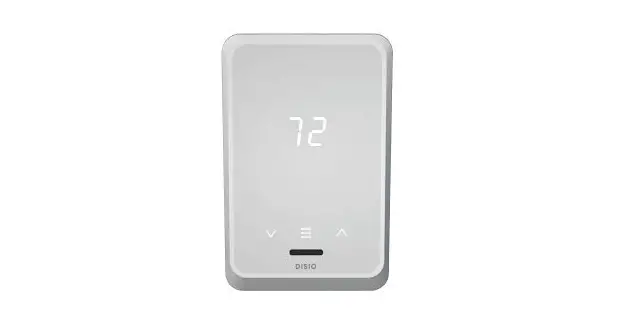
Price Industries Disio Display Thermostat User Guide
General Description
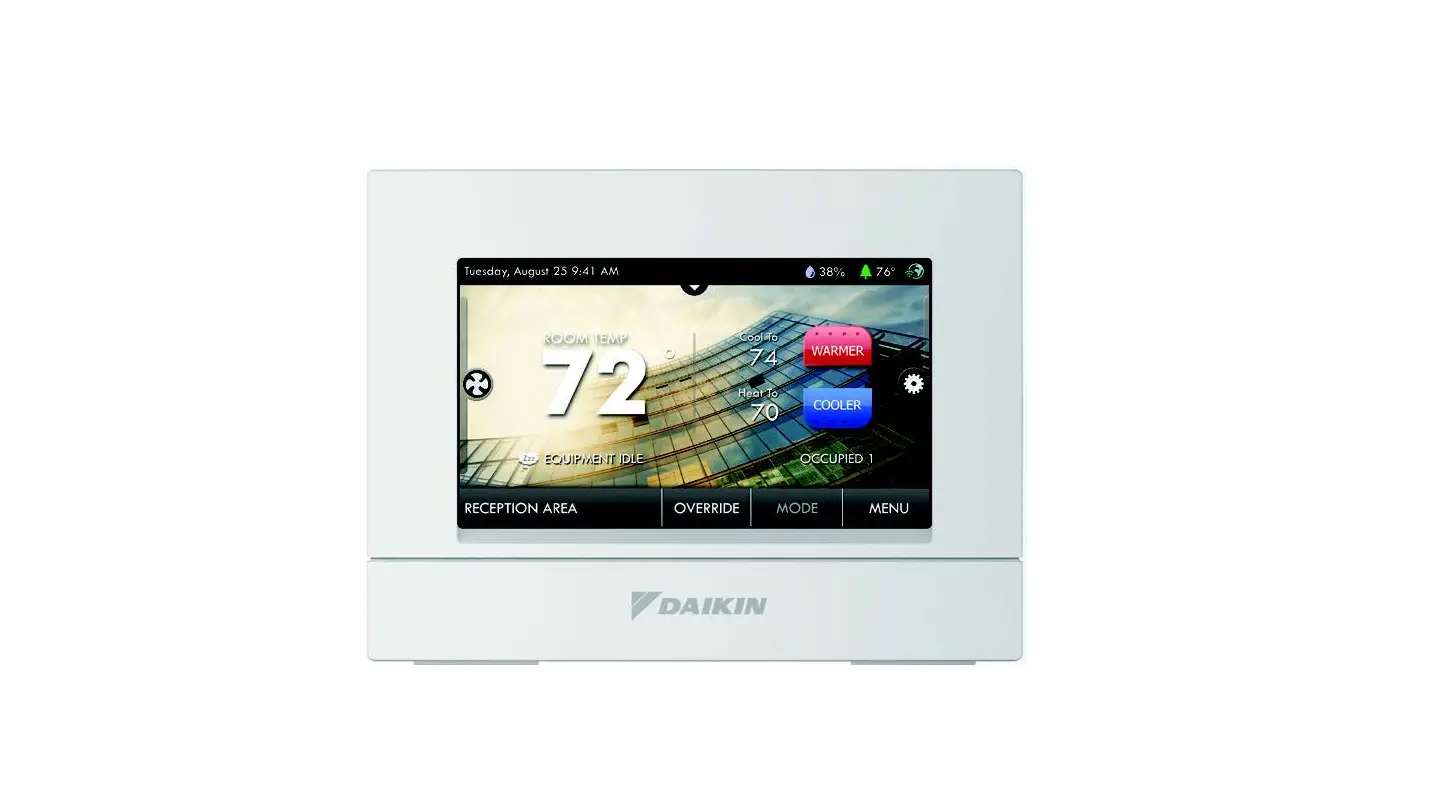
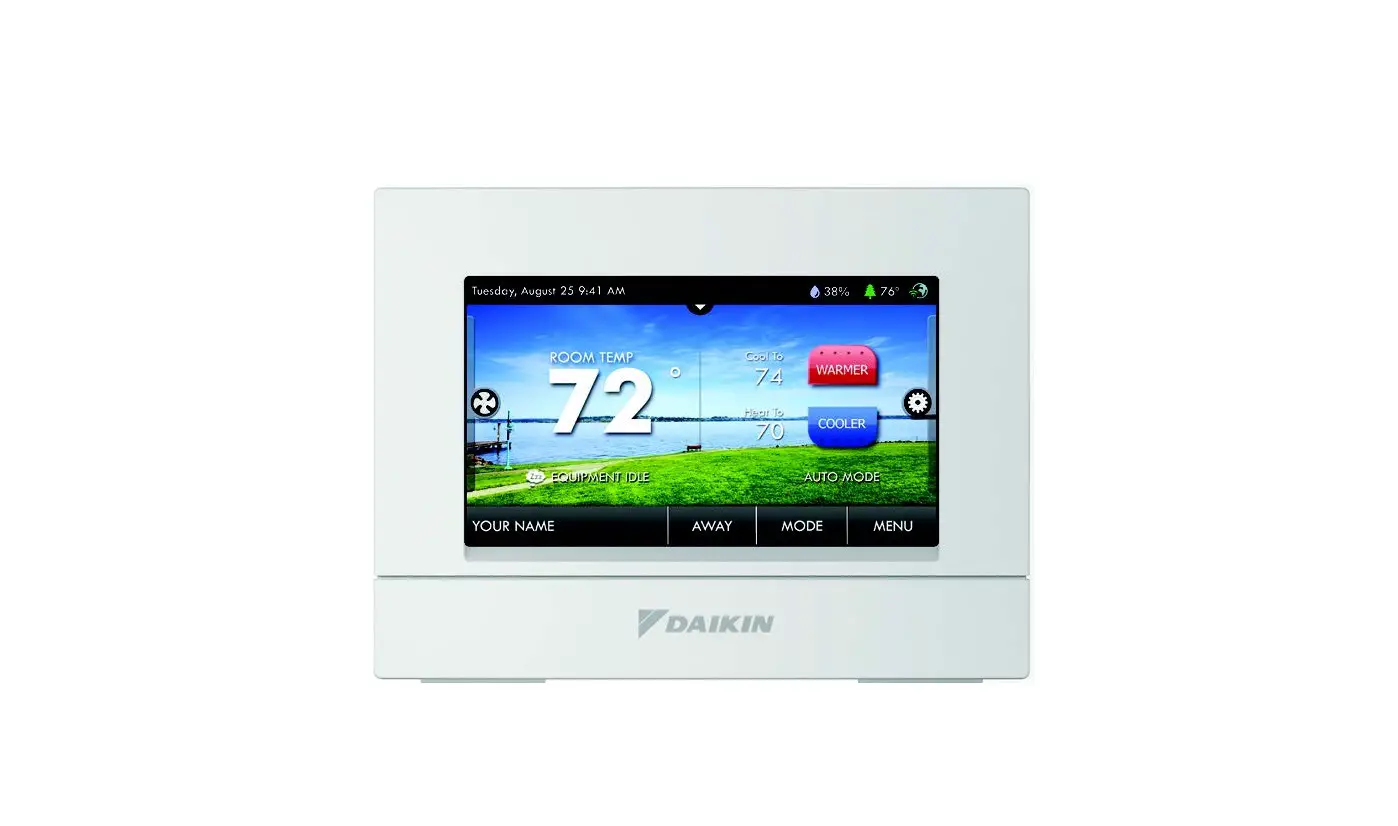
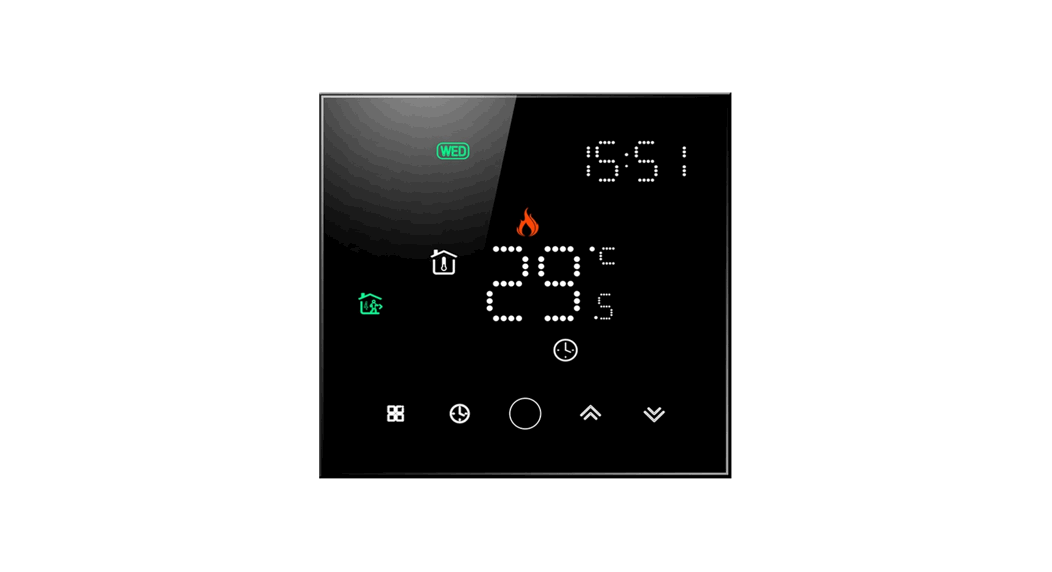
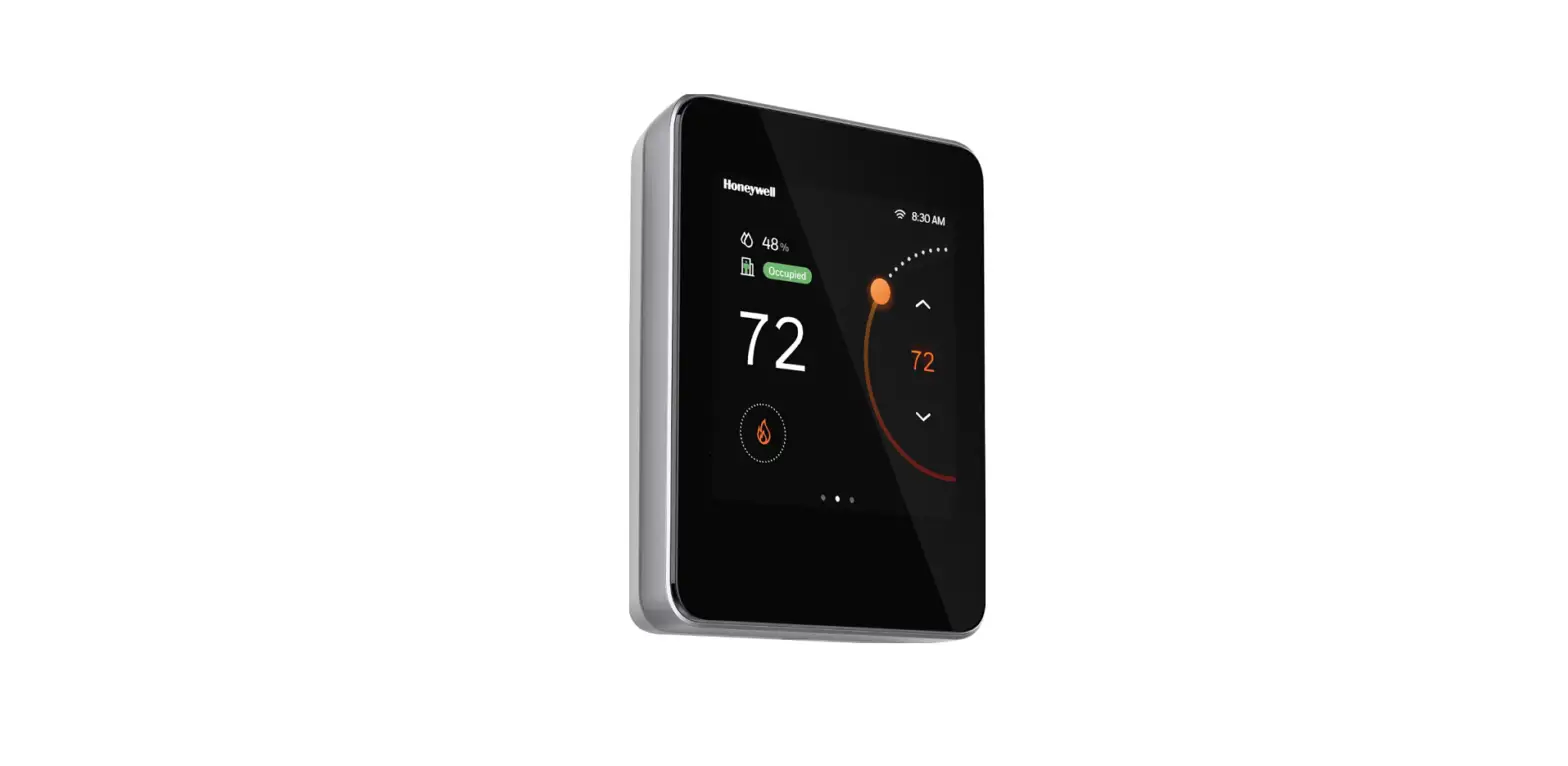
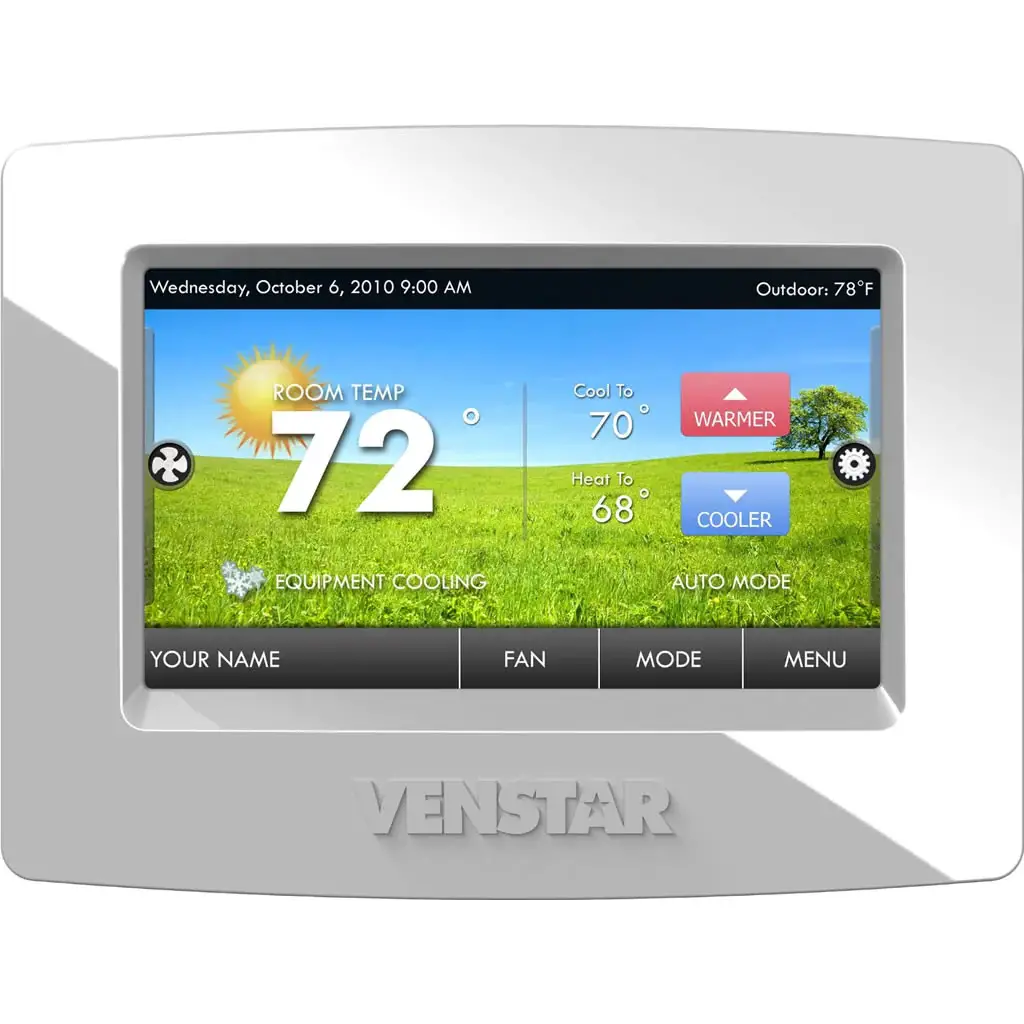
The 24 VAC Disio Display thermostat is a thermostat/controller designed to provide control for the following 3 main applications:
- Reheat (DX – 50)
- Pressure Dependent Damper Control (DX – 1XX)
- Fan Coil (2 pipe and 4 pipe) (DX – 3XX)
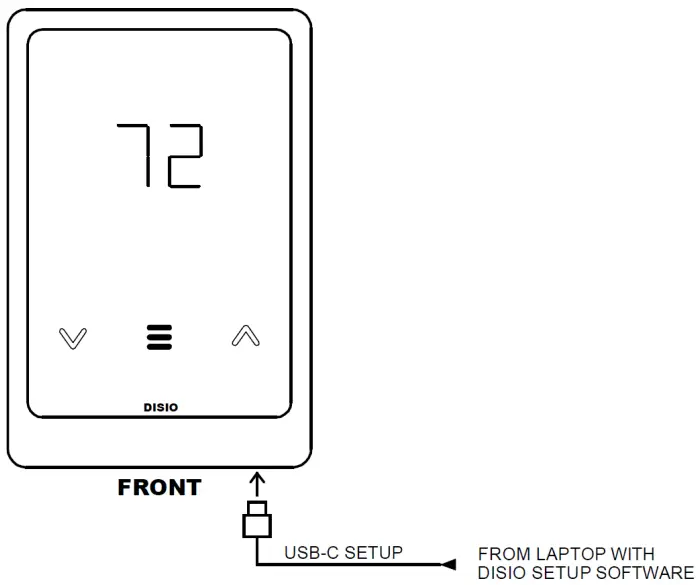
The Disio Display thermostat works as a standalone control thermostat. Disio Display thermostats ordered with optional BACnet can be connected to a BACnet network through its native BACnet MS/TP connection for remote control and monitoring. A USB-C jack on the bottom of the controller allows connection to a Windows based laptop for easy onsite configuration and monitoring using the free Disio Setup software. Download the Disio Setup software for Windows computers at disio.io/setup/.
Location
- Mount the thermostat in a place that is convenient for the end user, but please note the following:
- Do not mount the thermostat in direct sunlight (across from a window)
- Do not install on an outside wall
- Keep away from heat generating equipment (monitors, heaters, photocopiers, etc.)
- Be sure thermostat is mounted to allow vertical air circulation (i.e. Do not cove.
Connection Description
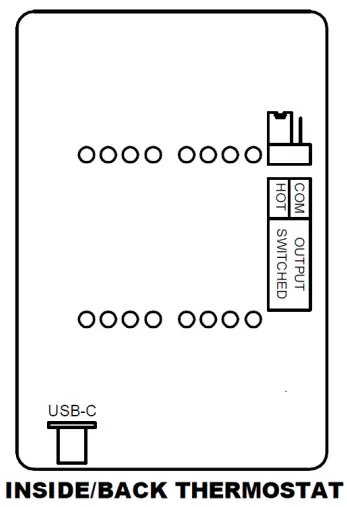
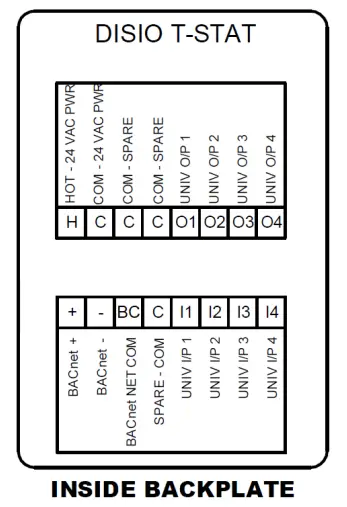
Connection Type | Connection Label | Description | |
| Power | H | 24 VAC Hot (50/60 Hz, 6 VA plus external loads) | NOTE: Polarity on power is important and must be observed on all devices. |
| C | 24 VAC Common | NOTE: Polarity on power is important and must be observed on all devices. | |
| Universal Outputs | O1 – O4 | Configurable for:
| |
| Universal Inputs | I1 – I4 | Configurable for:
| |
| BAC net MS/TP | + | BAC net MS/TP Connection, Positive (+) | |
| – | BAC net MS/TP Connection, Negative (-) | ||
| BC | BAC net MS/TP Connection, NETCOM, (BC) | ||
| Outputs Switched Jumper | BO Source | Outputs will either send 24 VAC hot or common depending on jumper position Jumper ships in the switched hot position by default | |
| Disio Setup Jack | USB-C | Allows connection to a Windows laptop with the free Disio Setup software to install new sequences, and monitor all inputs, outputs, and control functions in real time | |
Typical Wiring Diagrams
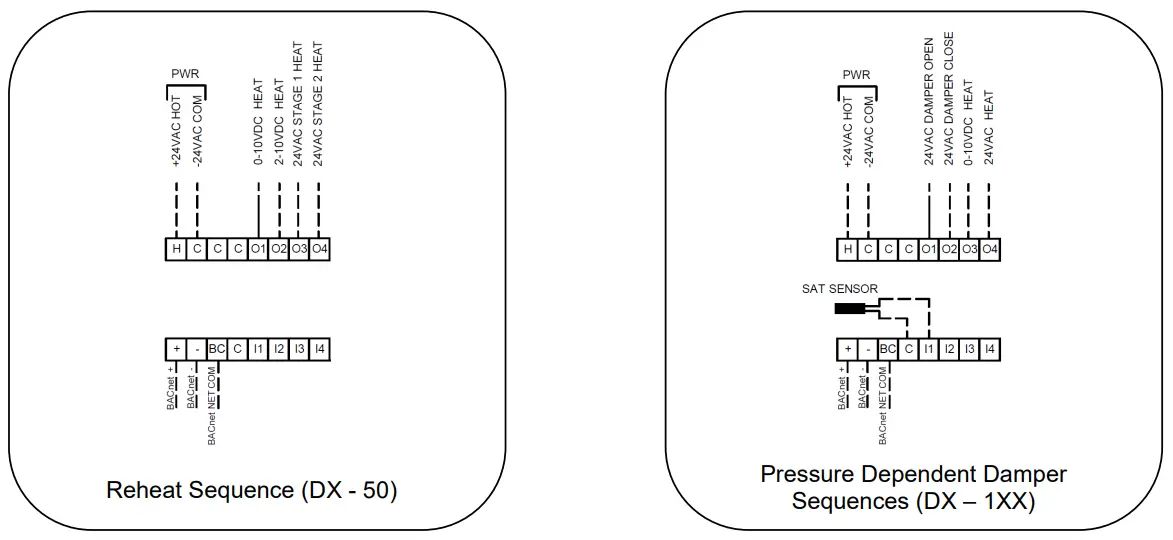
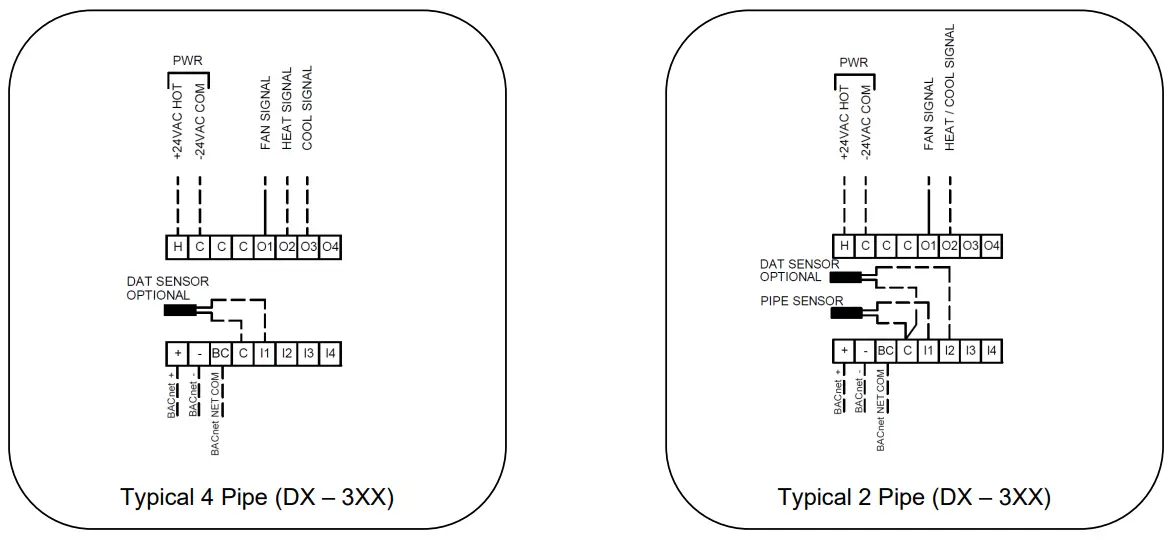
7 Segment Key
 Application
 Reheat
 LGB/Linear Gate Bypass
 Fan Coil
 Fan Coil 2-Pipe
 Fan Coil 4-Pipe
 Fan Status
 Fan Off
 Fan Low
 Fan Medium
 Fan High
 Fan
Fan Temperature Units
 Celsius
 Fahrenheit
 Room Temperature
 Cooling Load (1-99%)
 Heating Load (1-99%)
 Neutral (0)
 Pipe Temperature Water Temperature Cold
 Water Temperature Hot Water Temperature Neutral
 No Probe
 Discharge Air No Probe Outdoor Air
 No Probe
 Damper Position (0-99%)
 Damper Target (0-99%)
 Supply Air Temperature
 No Probe
Note: Values of 99% are equal to 100%
Example: Damper Position 100% = Damper Fully Open
Can’t find the wiring for your specific application?
Contact US:
Visit us at disio.io/display for a complete list of sequences and wiring diagrams for the Disio Display Thermostat. Download the Disio Setup software for Windows computers at disio.io/setup/
 Disio Display - Disio