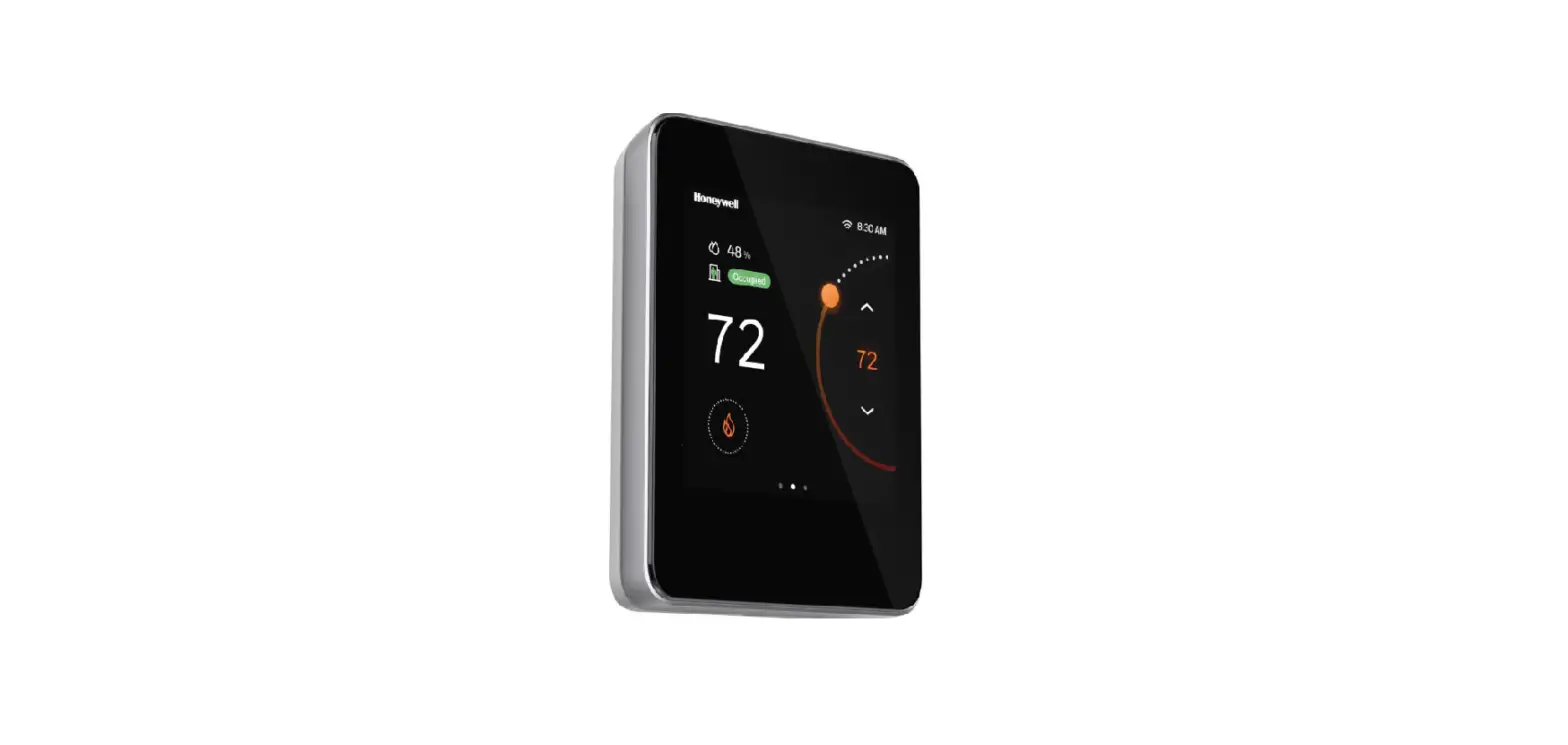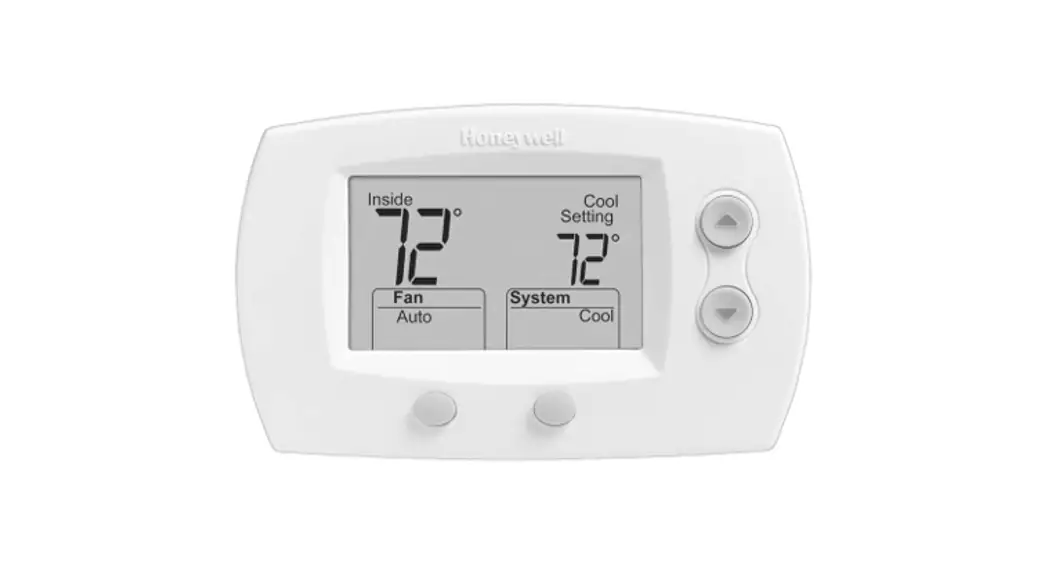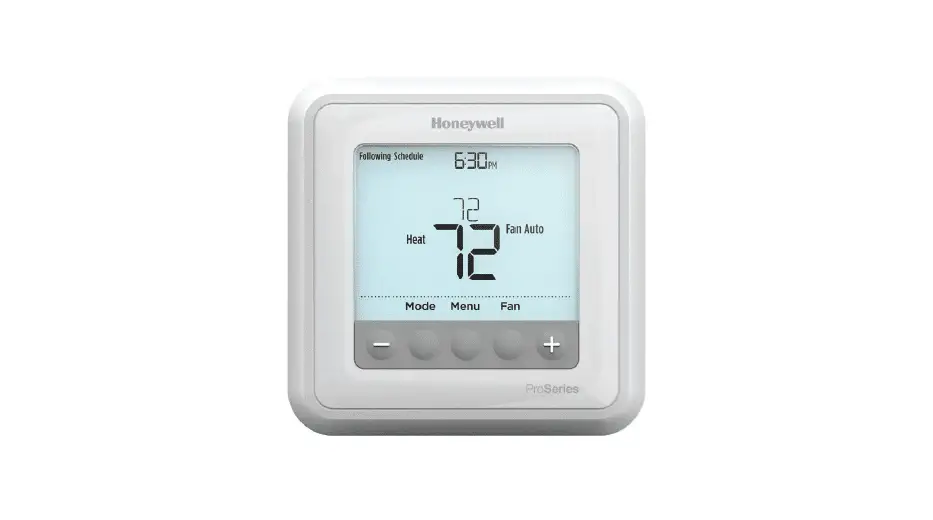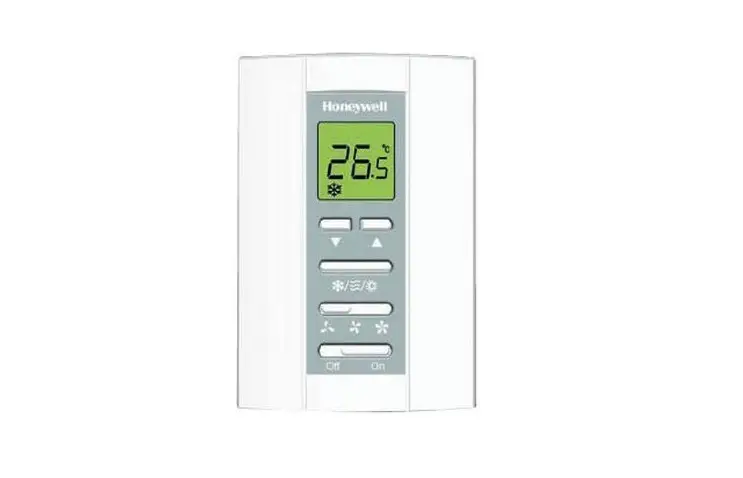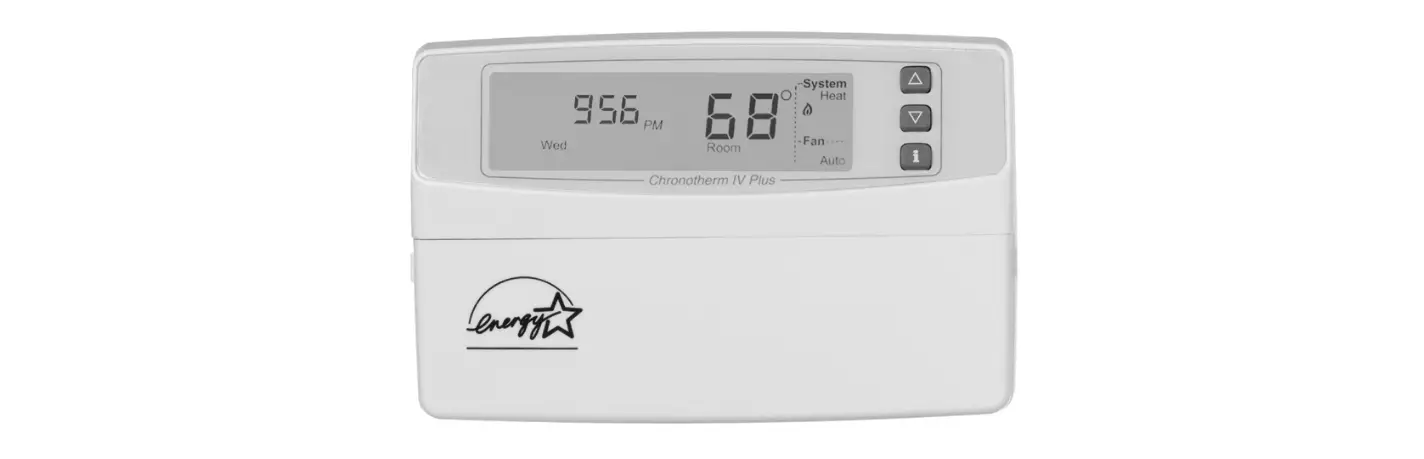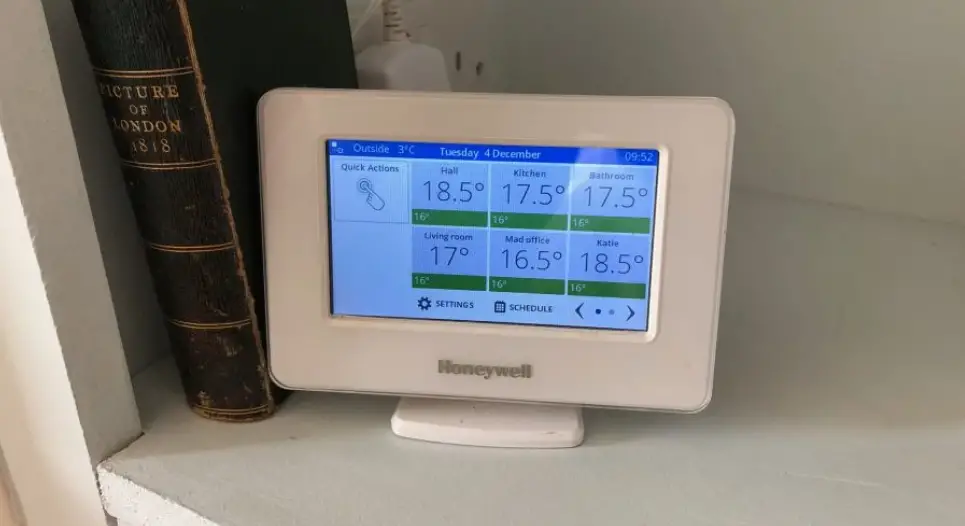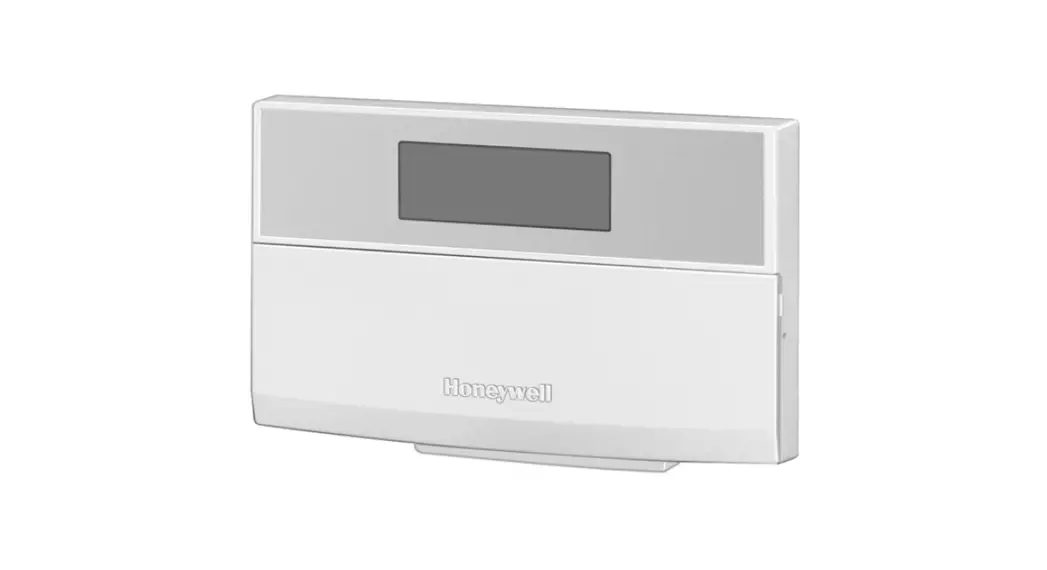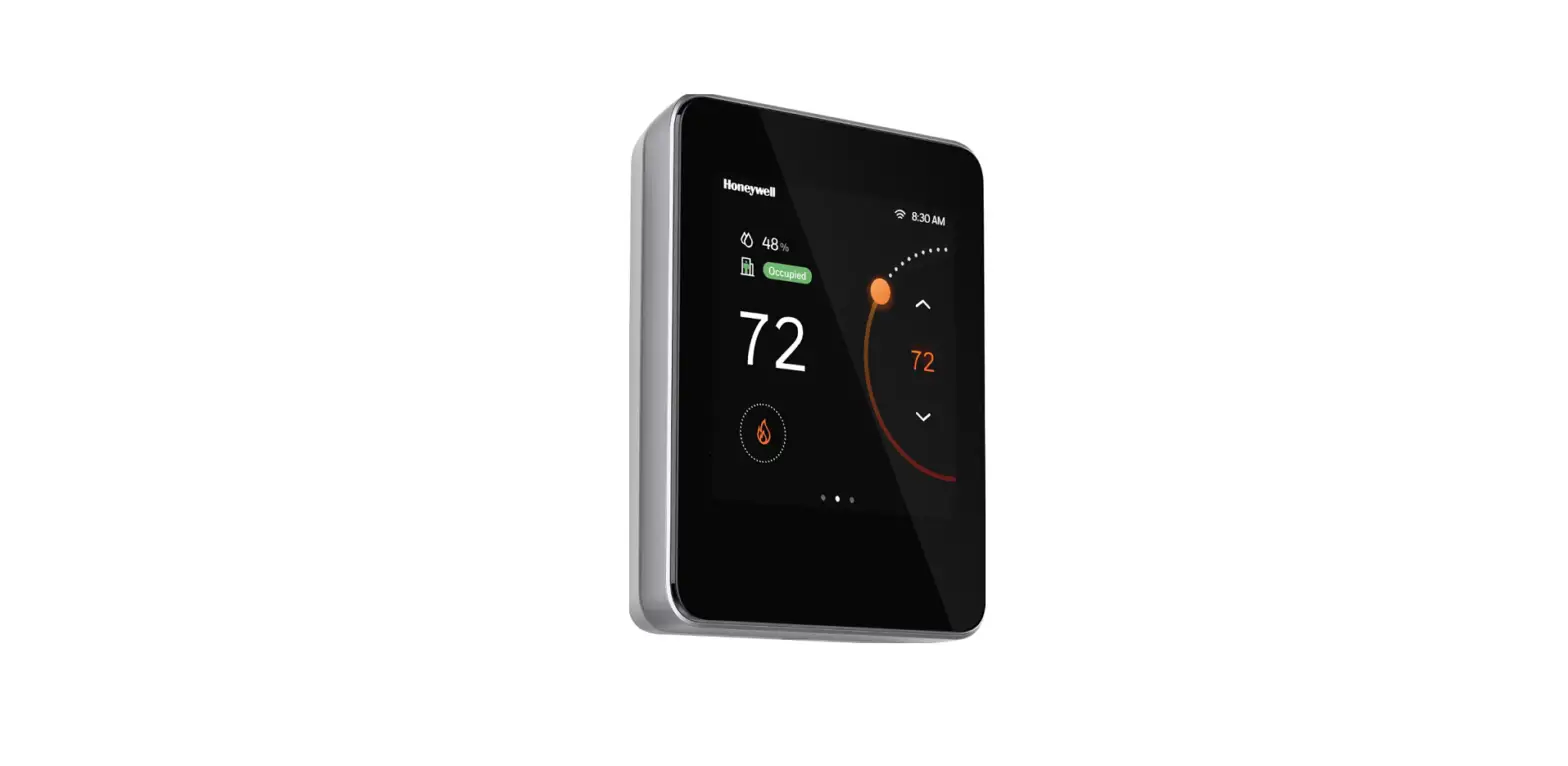

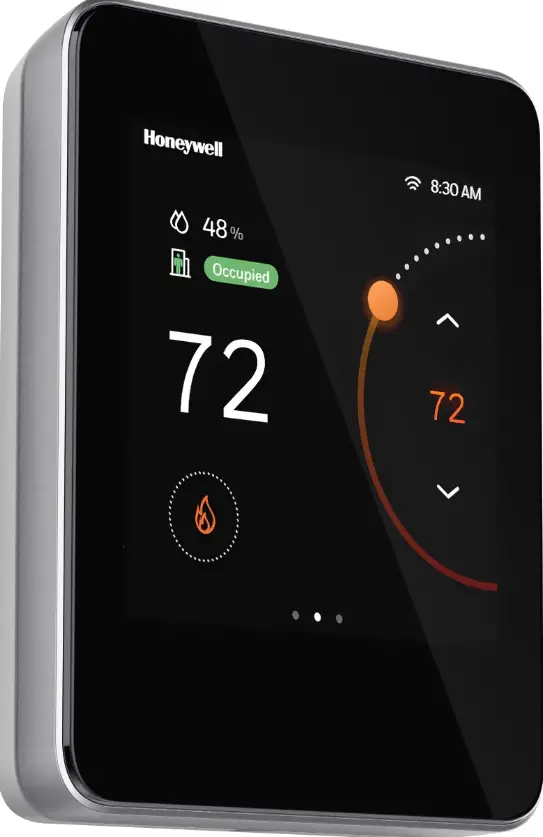
Honeywell TC500A-N Commercial Thermostat
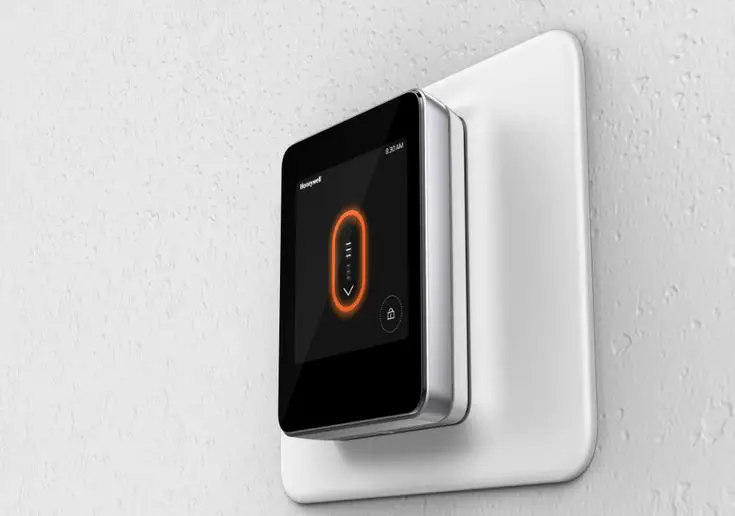
How To Detach Wall Plate
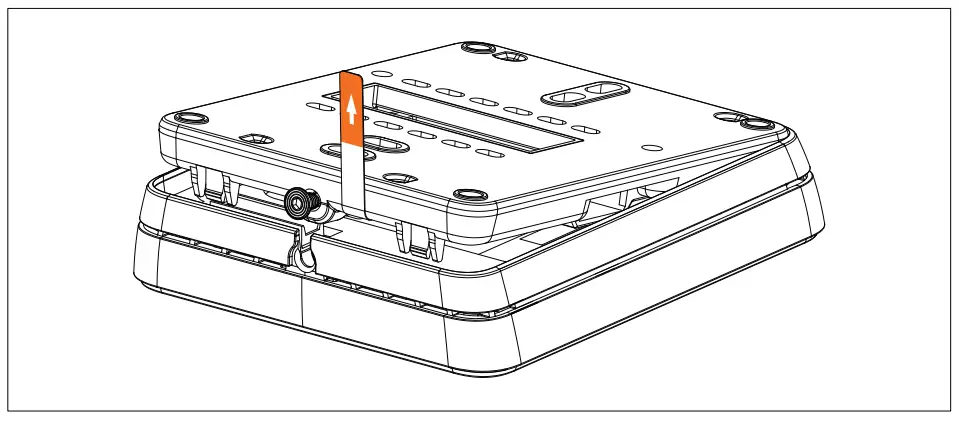
- Step1
Release the security screw - Step 2
- Pull the tab to detach the backplate
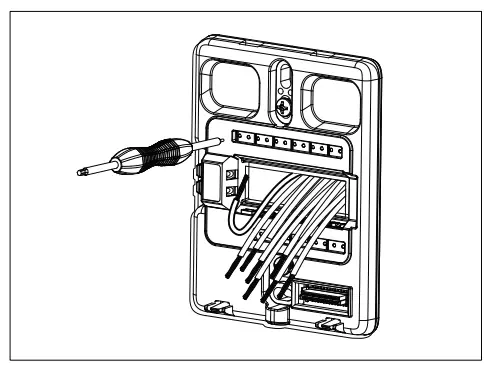
Wire Install
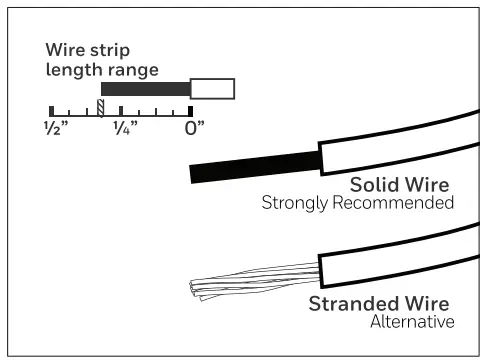
- Solid wire is strongly recommended.
- Stranded wire as an alternative.
- If replacing a thermostat, and wire replacement
- If unavailable, please re-strip the wire following the strip length shown above.
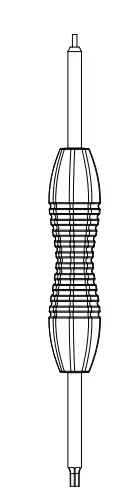
- Use the terminal release tool to release the spring closure and then insert the wire. (A paper clip or similar tool can be used as an alternative.)

About
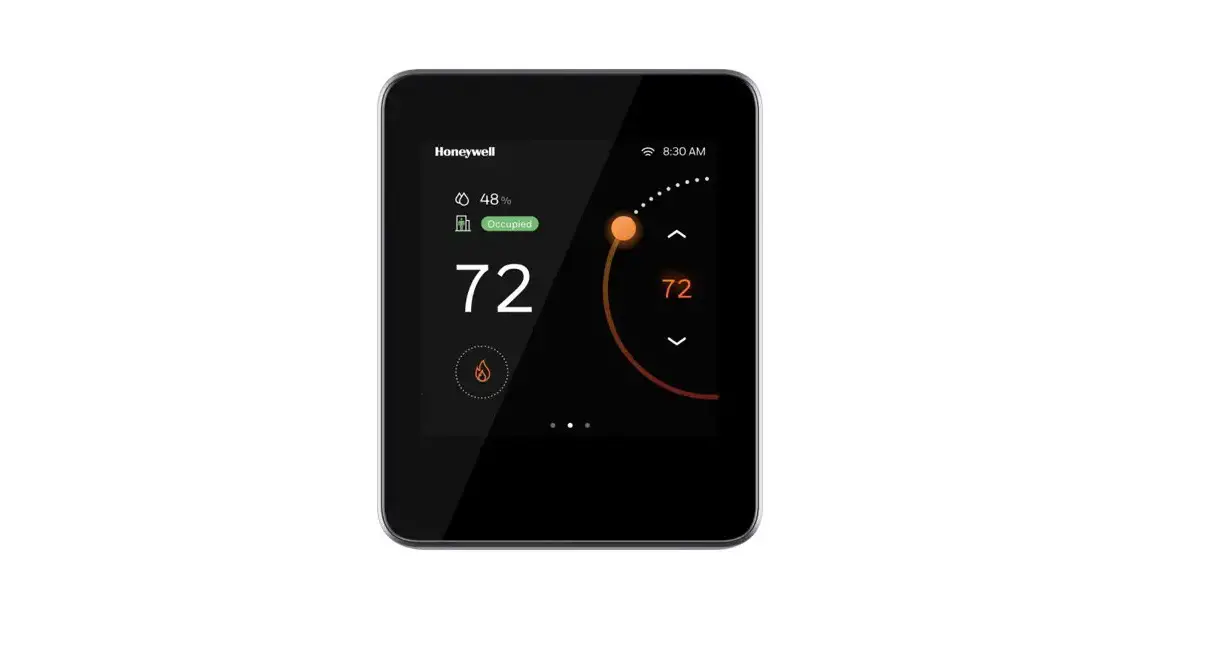
- Commercial Touchscreen Thermostat is an advanced, configurable, connected device for commercial buildings. It controls and monitors AHUs (RTU, Heat Pump) and their configurations. This device communicates over Wi-Fi, Bluetooth, BACnet
- IP over Wi-Fi, Sylk, and easily integrates with the building automation system.
Package Includes
- TC500A Thermostat X1

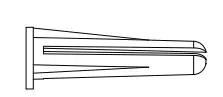
- Anchor for Dry Wall X2

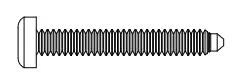
- Screw for Dry Wall X2

- Terminal Release Tool X1

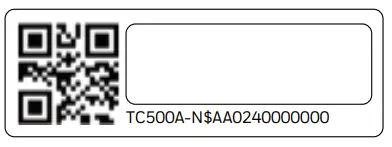
- UUID QR Code Label X2

- Screw for Junction Box X2

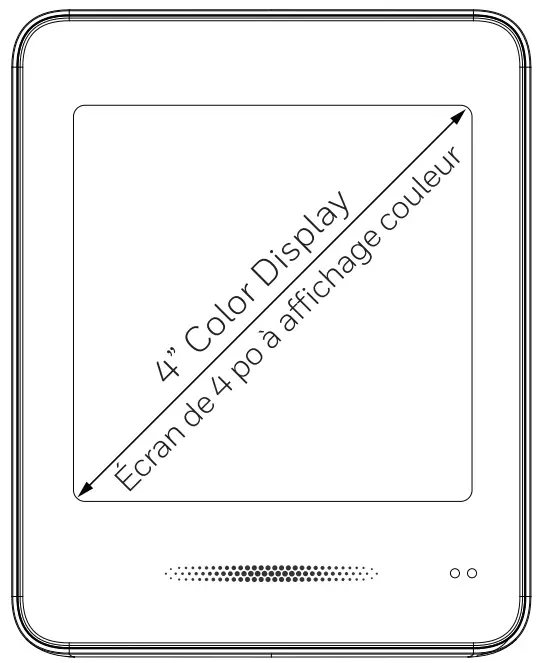

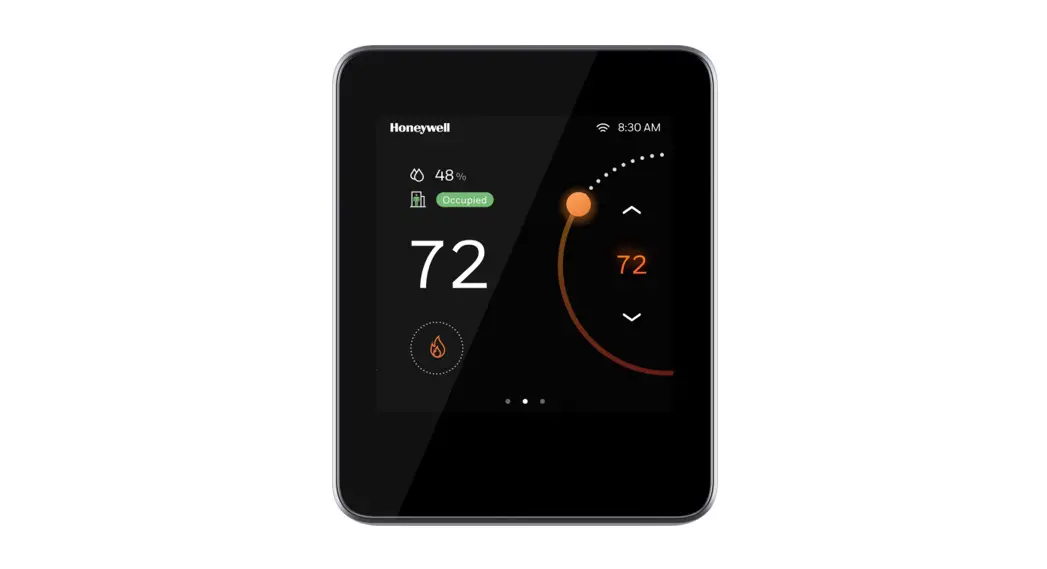
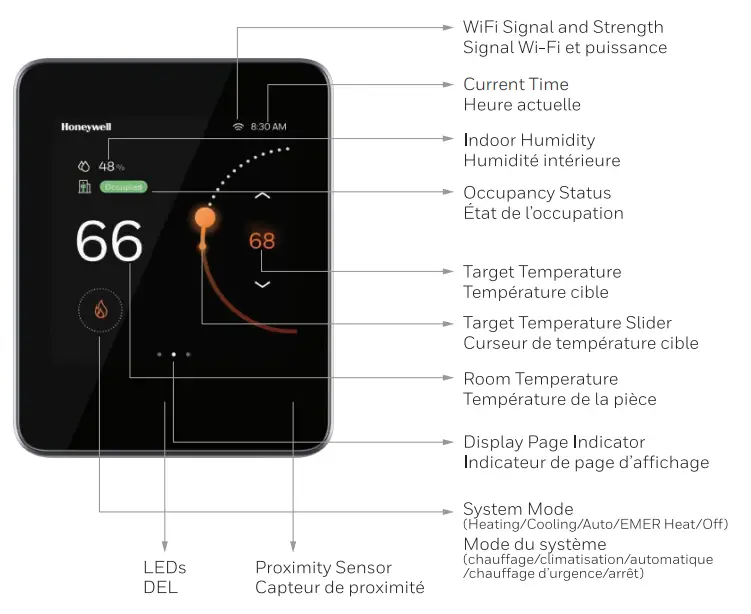
Know Your Thermostat
Initial Setup
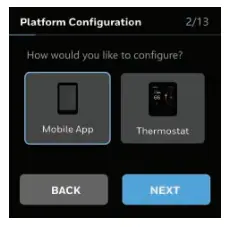
Upon initializing, the thermostat prompts the user to choose the platform for configuration. Follow the prompts, either in the Mobile App, or thermostat display, to complete the setup and basic configuration.
Android & iOS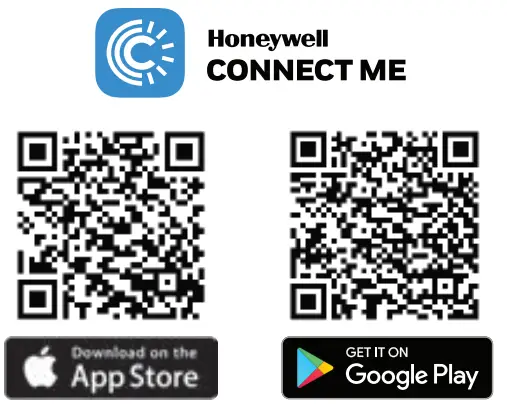
- Search Google Play or Apple App store for
- Deploy App: “Honeywell Connect Mobile”
- Occ App: Honeywell Connect Me”
- Create an account and log in to configure and connect
- Honeywell Building Technologies
- Honeywell International Inc.
- 715 Peachtree Street NE, Atlanta, GA 30308

- Customer.honeywell.com
- 31-00463M-01