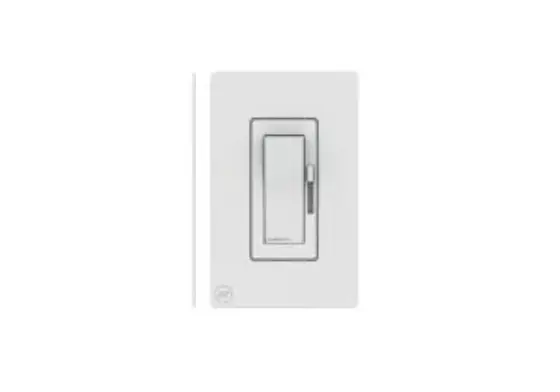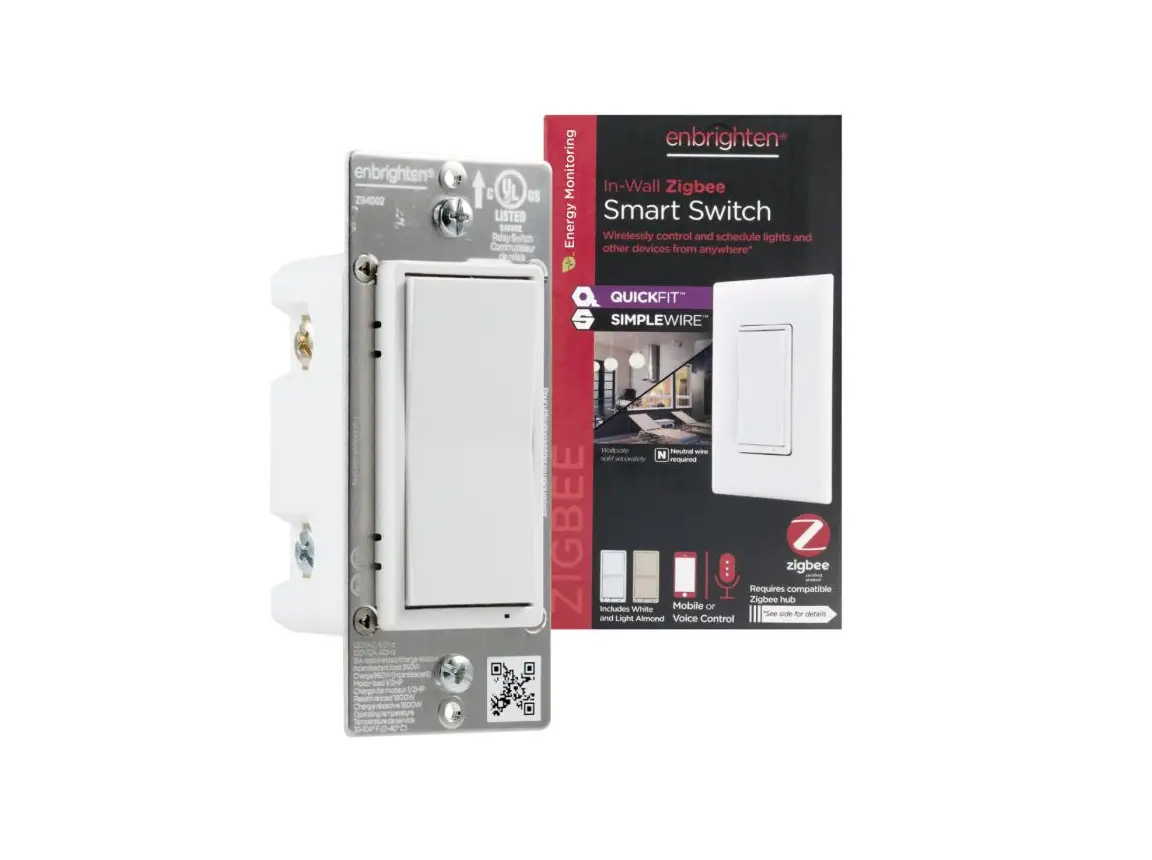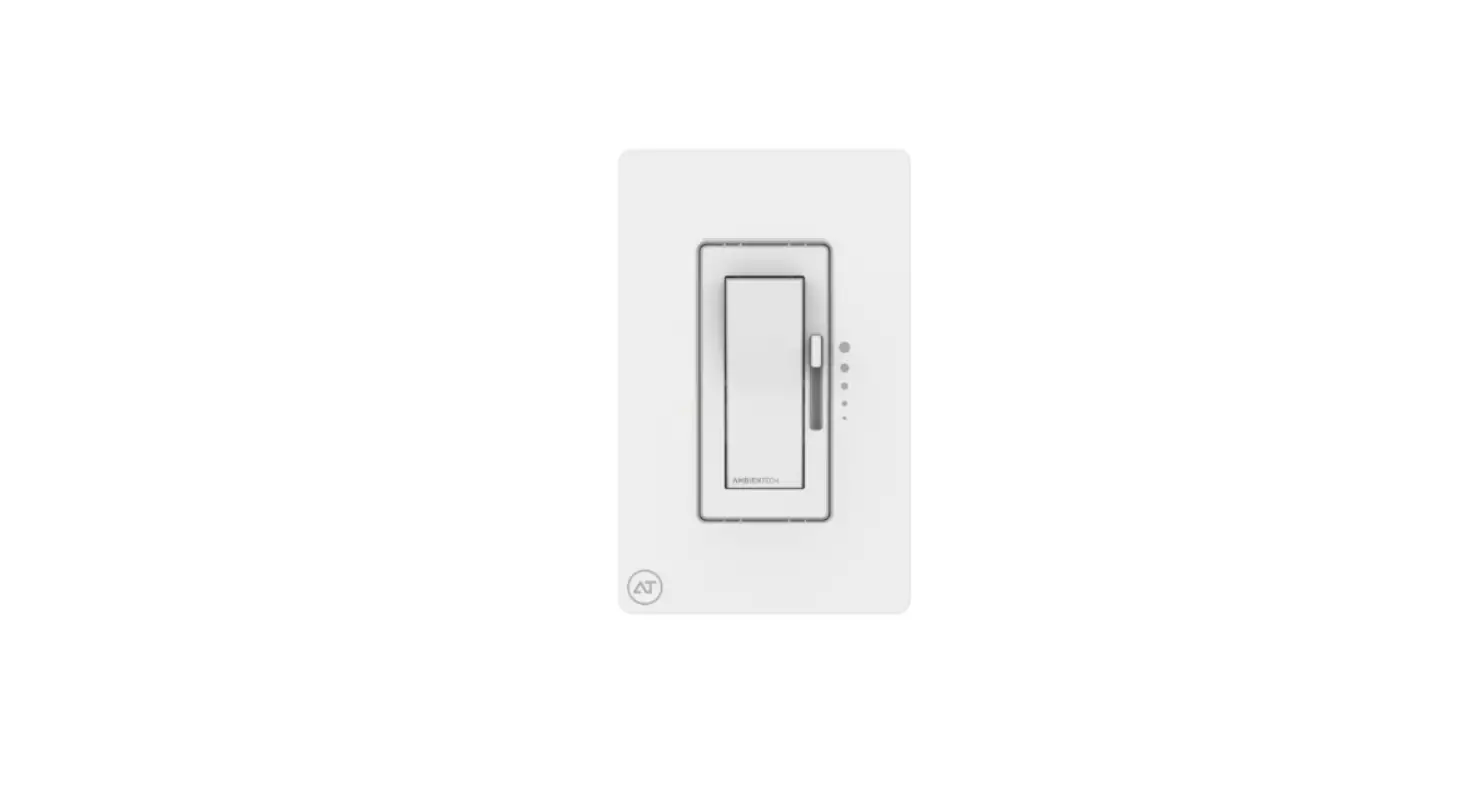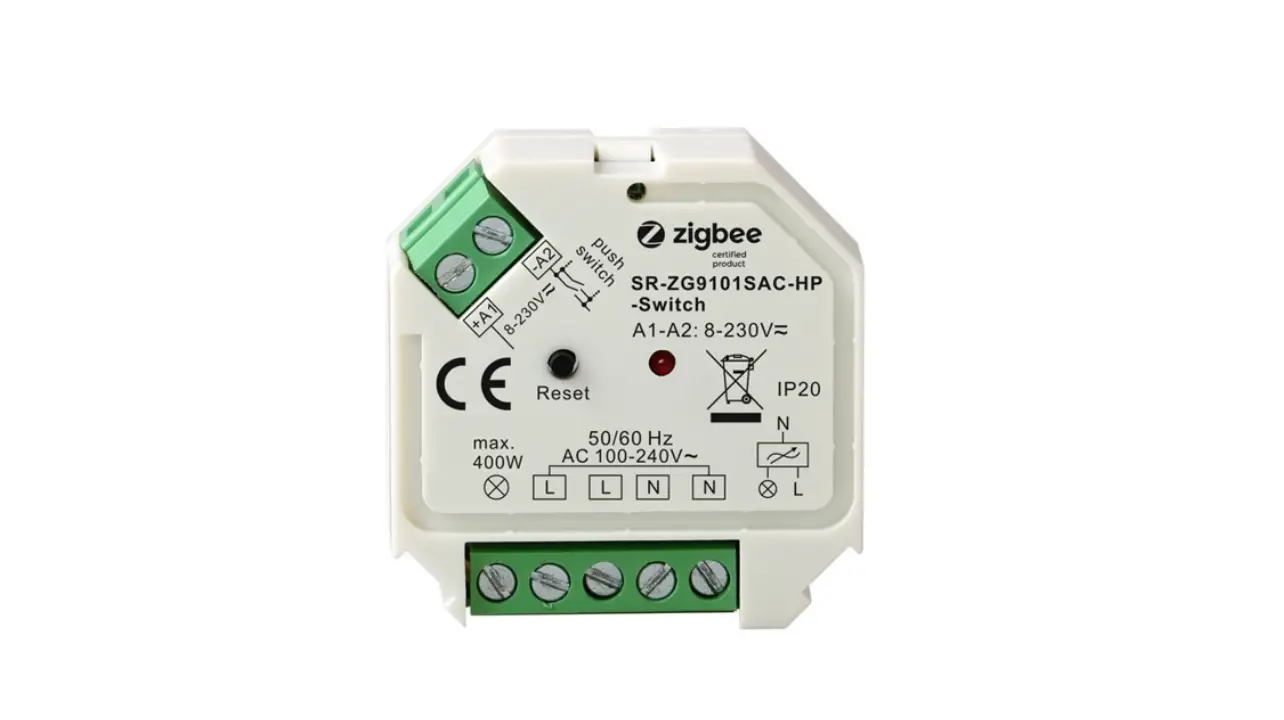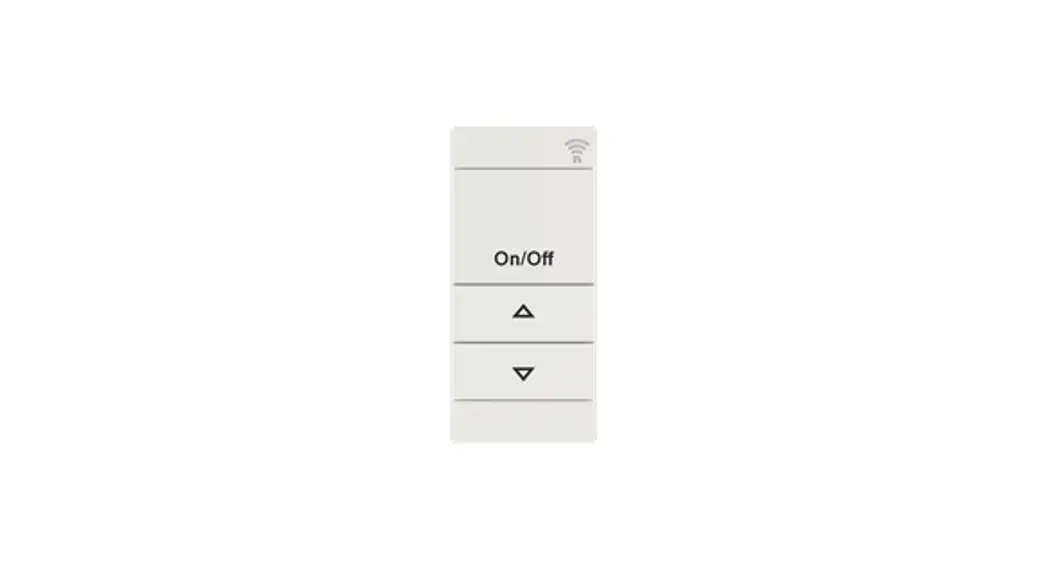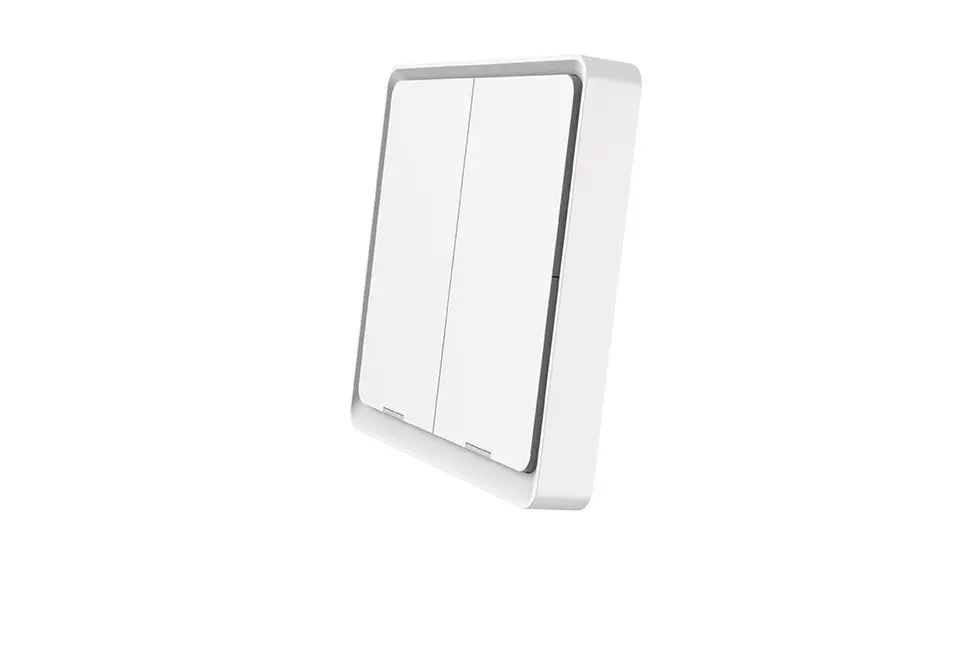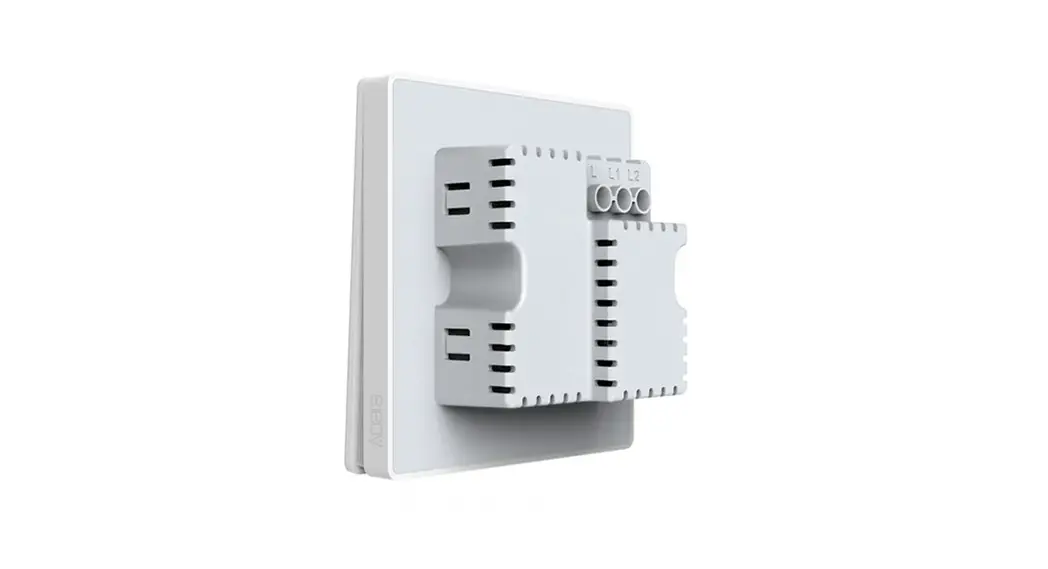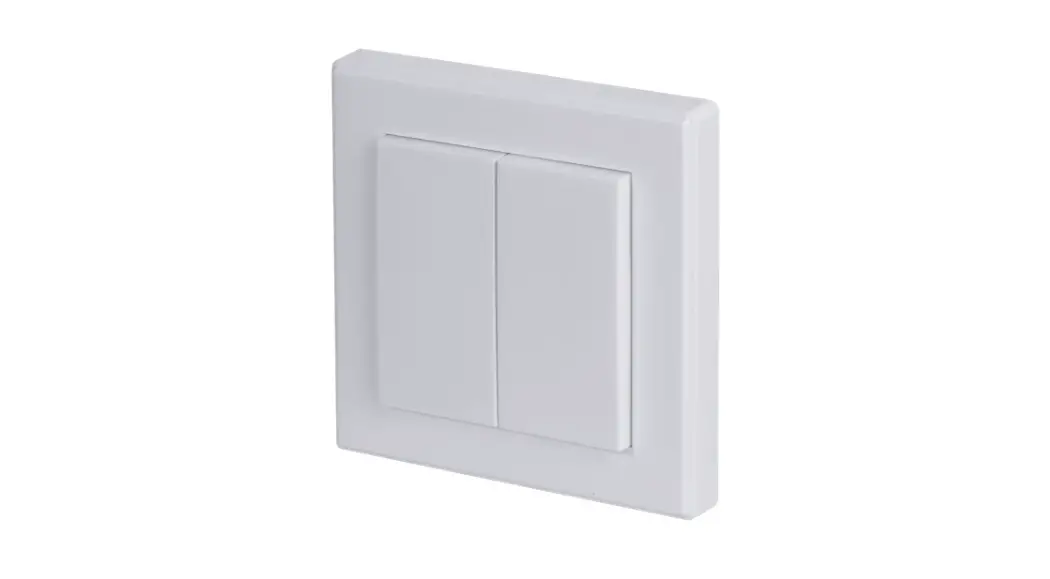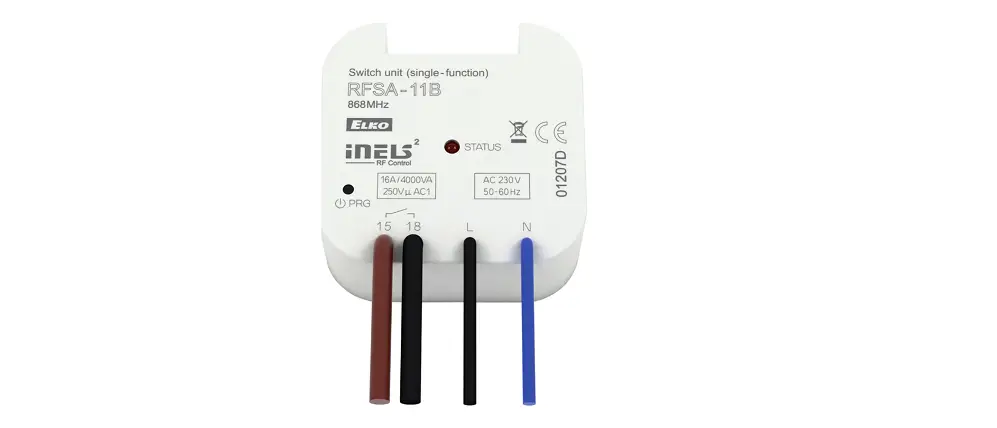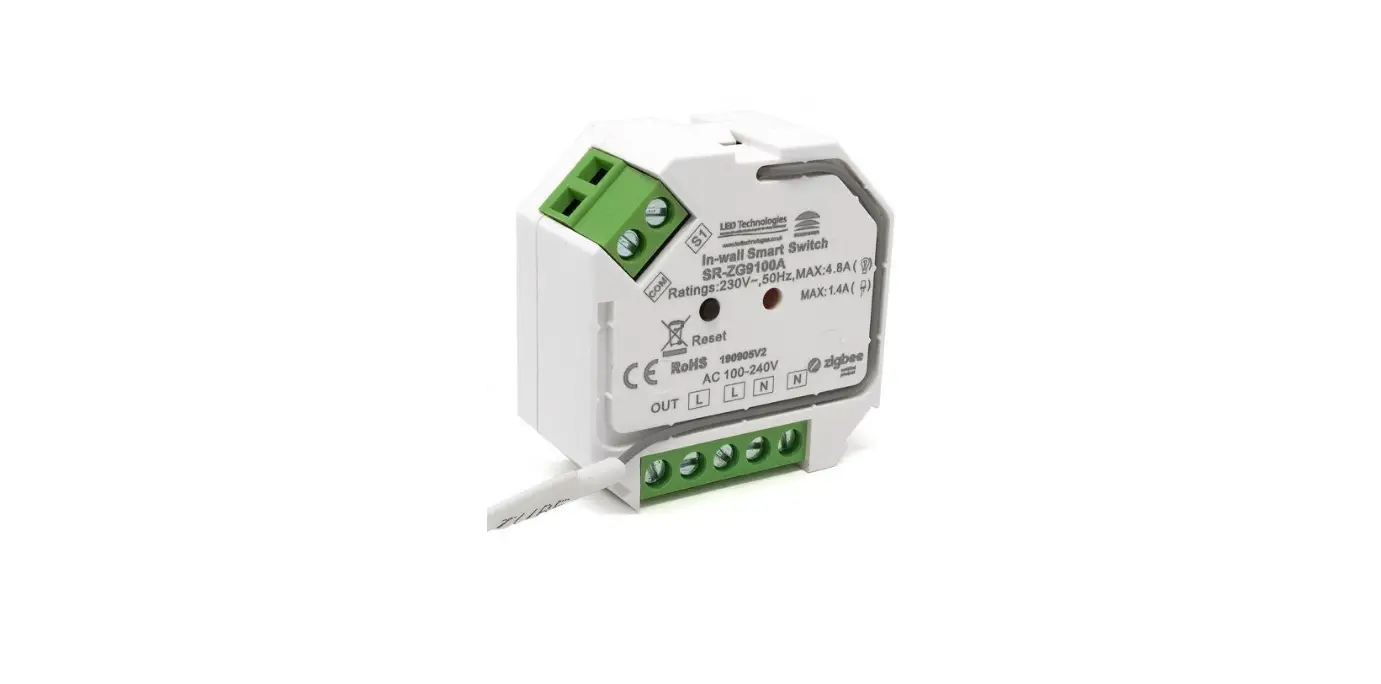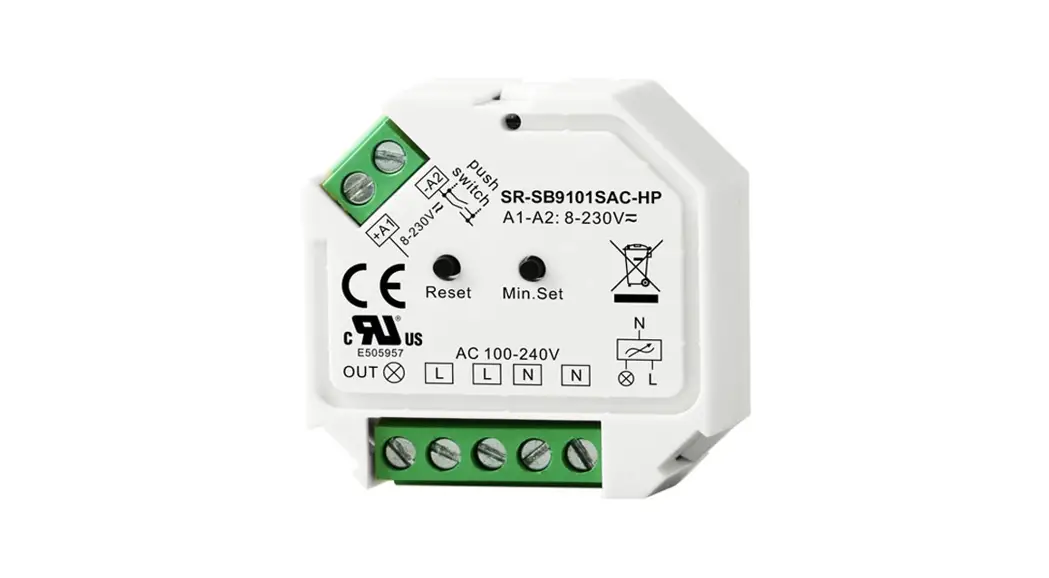
RF+Bluetooth AC In-wall Switch
70200014

Important: Read All Instructions Prior to Installation
Function introduction
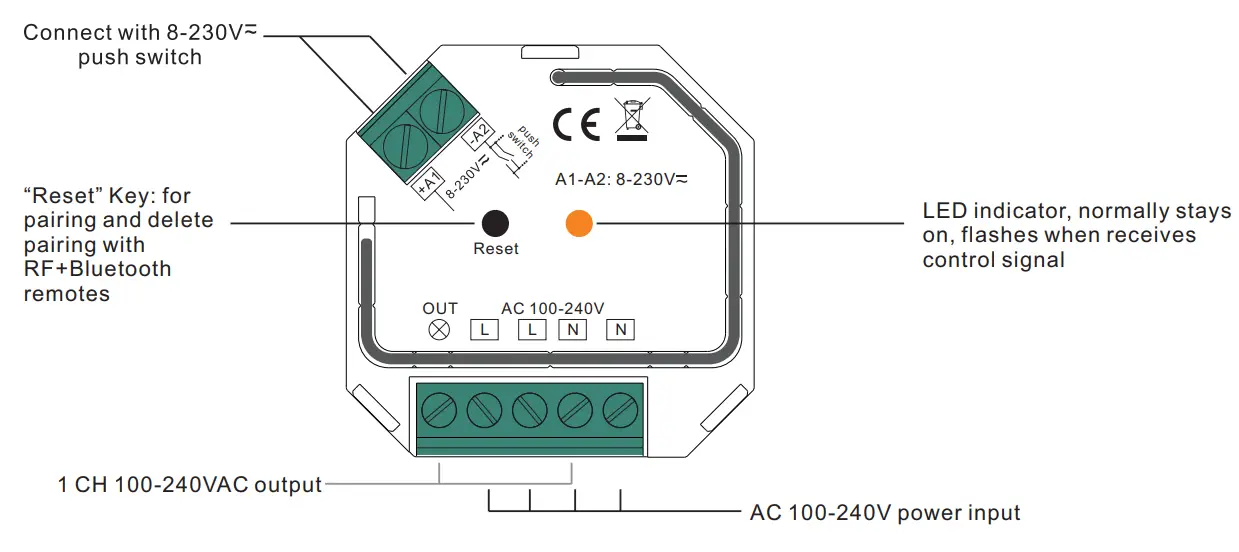
Product Data
| Input Voltage | Output Voltage | Output Current | Size(LxWxH) |
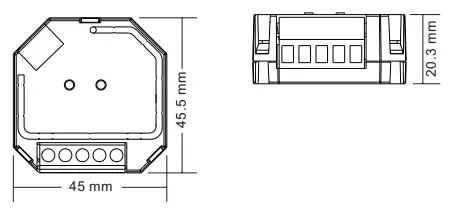
| 100-240VAC | 100-240VAC | 1.8A max | 45.5x45x20.3mm |
| Compatible Load Types | |||
| Load Symbol | Load Type | Maximum Load | Remarks |
 | LED lamps with transformers | 200W @ 220V 100W @ 110V | Due to the variety of LED lamp designs, the maximum number |
| of LED lamps is further | |||
| dependent on power factor result when connected to switch. | |||
| LED drivers | 200W @ 220V 100W @ 110V | The maximum permitted number of drivers is 200W divided by driver nameplate power rating. |
 | Incandescent lighting, | 400W @ 220V | |
| HV Halogen lamps | 200W @ 110V | ||
 | Low voltage halogen lighting with electronic transformers | 200W @ 220V | |
| 100W@ 110V | |||
- AC in-wall switch based on RF+Bluetooth Mesh
- 100-240VAC Wide Input and Output Voltage
- Supports resistive loads and capacitive loads
- 1 Channel Output, Up to 400W
- Input and Output with Screw Terminals, Safe and Reliable
- Enables to control ON/OFF of connected load
- Controlled through both smart App and remote controls, no gateway required
- Easy & quick pairing to the smart App by simply pushing the reset button
- Mesh network, much longer control distance, transmits received signal to neighbor devices
- Up to 30m transmission distance between every two neighbor devices
- Encrypted two-way communication, quick status feedback, safe & reliable data transmission
- Compatible with universal RF+Bluetooth remotes, each LED controller can pair to the max. 8 remotes
- Cloud control is available for remote access, works with Amazon Alexa and Google Home
- Can be controlled by universal 8-230V input single wire push switch
- Mini Size, Easy to be installed into a standard 86*86mm wall box
- Radio Frequency : 2.4GHz
- Waterproof grade: Ip20
Safety & Warnings
- DO NOT install with power applied to the device.
- DO NOT expose the device to moisture.
Product Dimension
Operation
Pair/delete the pairing with RF+Bluetooth remote
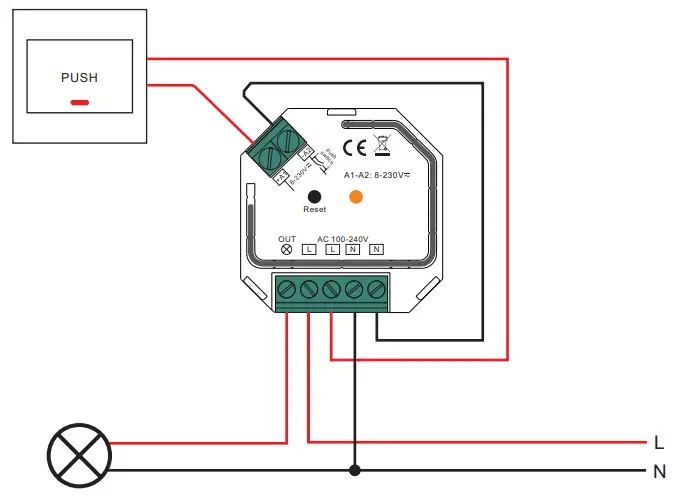
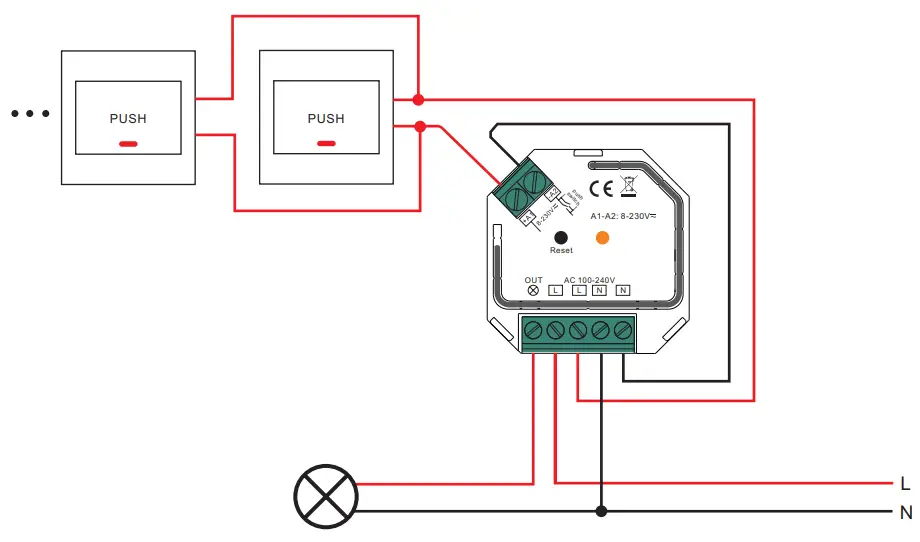
- Do wiring according to the connection diagram.
- Pair LED controller with RF+Bluetooth remote: please refer to the instruction of the remote that you would like to pair with.
- Delete the pairing:
(1) Wire up the LED controller correctly, power on.
(2) Press and hold down the “ Reset” button on the controller for over 3 seconds (or reset the power of the device 8 times continuously if the button is not accessible to factory reset the device) until the connected light flashes, which means well deleted.
Note: factory resetting will restore all configured parameters of the device on the APP to the factory default setting.
Pair with smart APP
- Do wiring according to the connection diagram.
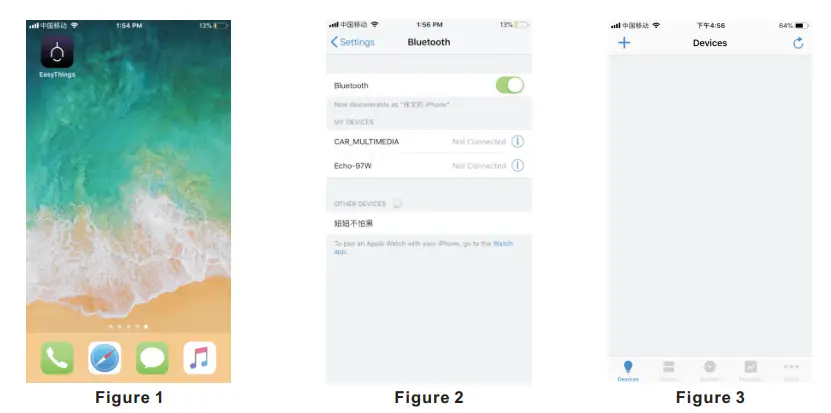
- Download EasyThings APP from IOS APP Store or Android Google Plays to your smartphone or tablet by searching “EasyThings”. (As shown in Figure 1)
- Enable Bluetooth on your smartphone or tablet. (As shown in Figure 2)

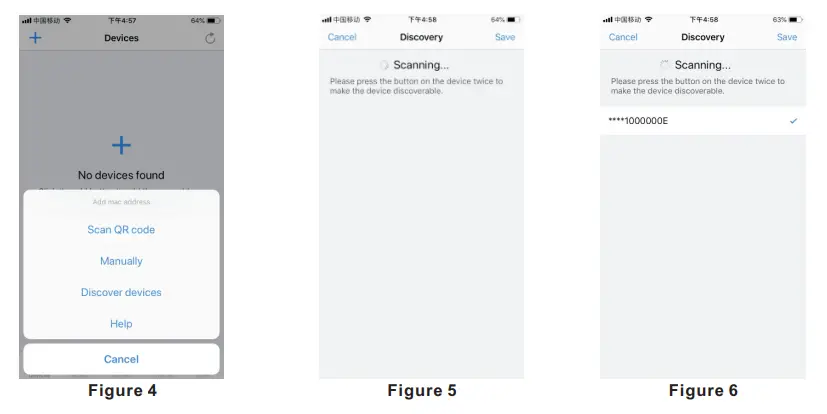
- Run Easythings APP, tap add button ” + ” on the APP to add a device, then choose “Discover devices” to discover the device, then short press the “Reset” button on the dimmer twice (or reset power of the dimmer twice continuously) to set the device into pairing to APP mode. (As shown in Figure 3 & Figure 4 & Figure 5)
 Note: multiple dimmers can be discovered by the APP at the same time.
 - Once the device/devices are discovered, tick the device/devices and tap the “Save” button, the device/devices will be added successfully. (as shown in Figure 6)
 Note: multiple dimmers can be discovered by the APP at the same time.
Controlled by a push switch:
Once connected with a push switch, click the push switch to switch ON/OFF.
Wiring Diagram
Notes for the diagrams:
L – terminal for live lead
N – terminal for neutral lead
Out – output terminal of the device (controlling connected light source)
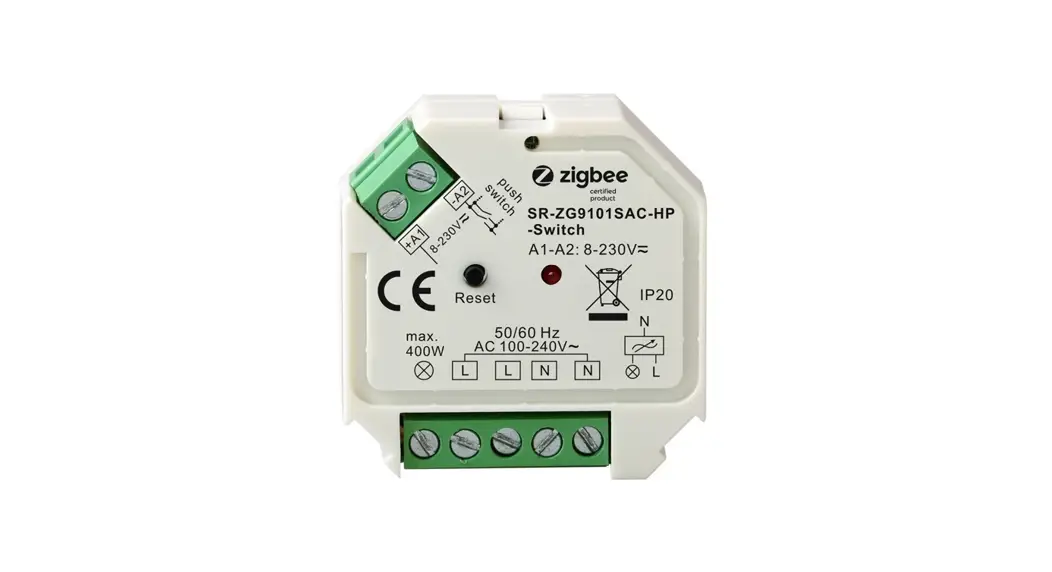
+A1 – terminal for push switch
-A2 – terminal for grounding to the push switch connected to the device
- With Single Push Switch

- With Multiple Push Switches for Multiple Control Points

70200014