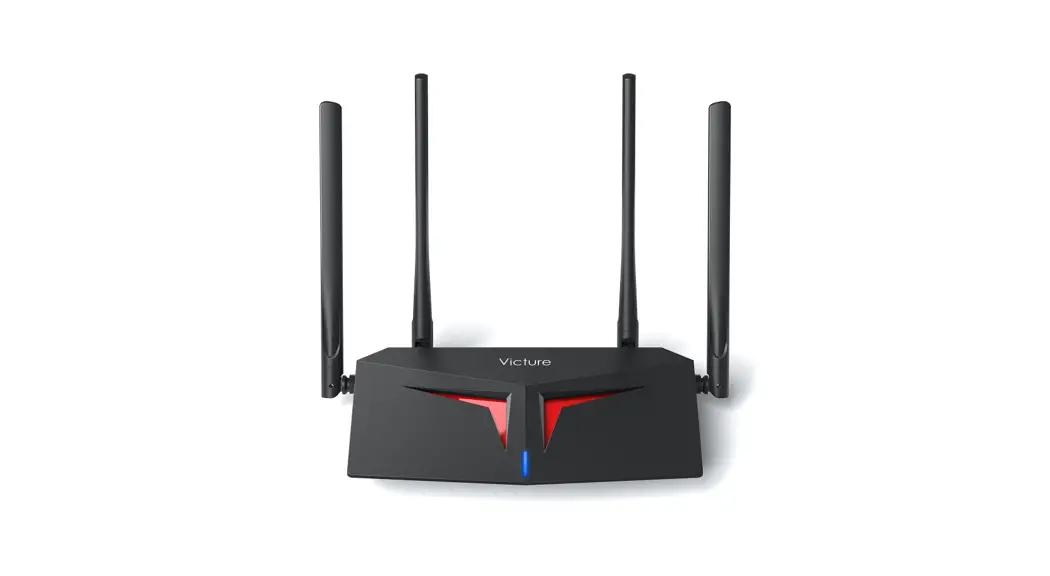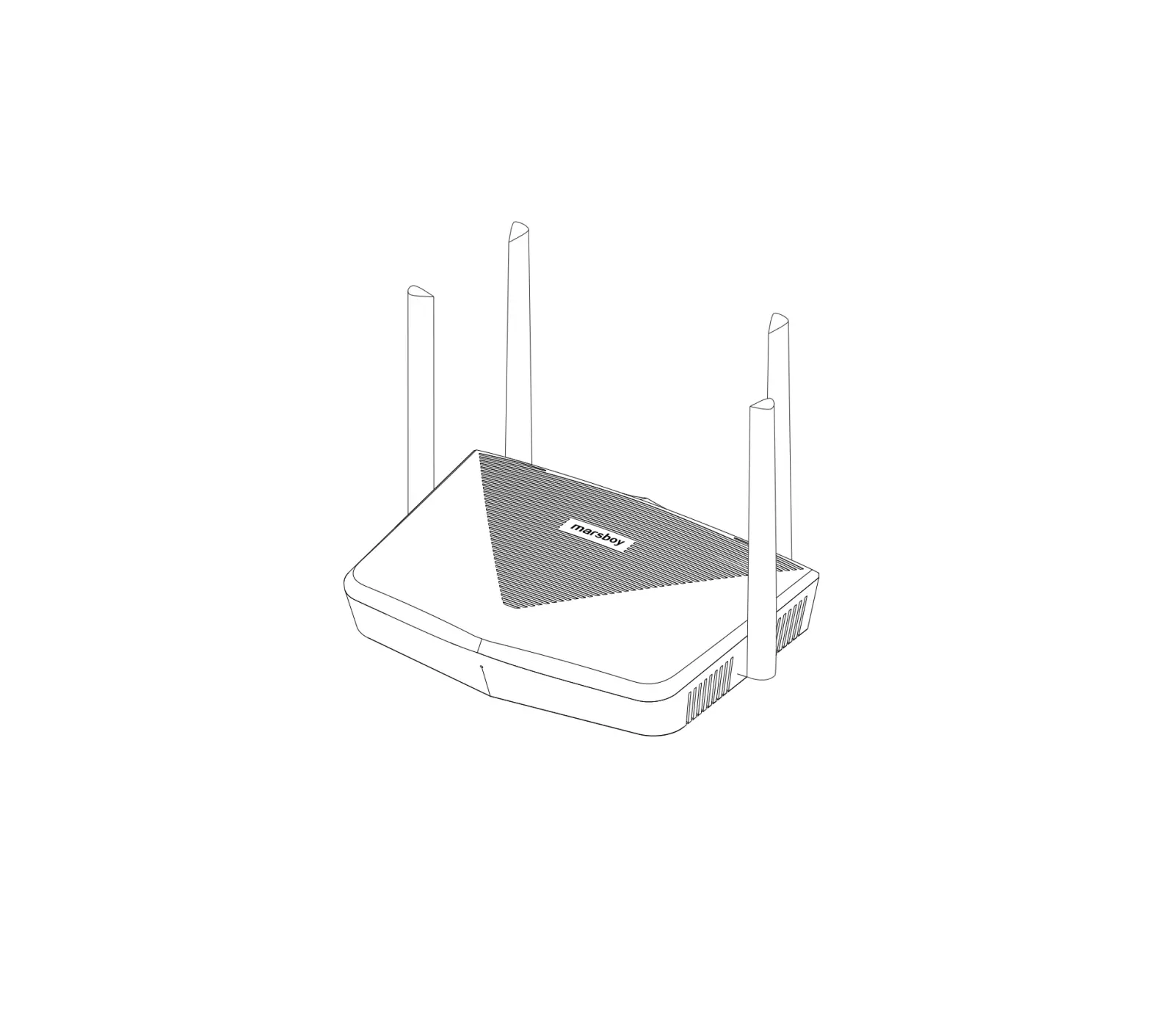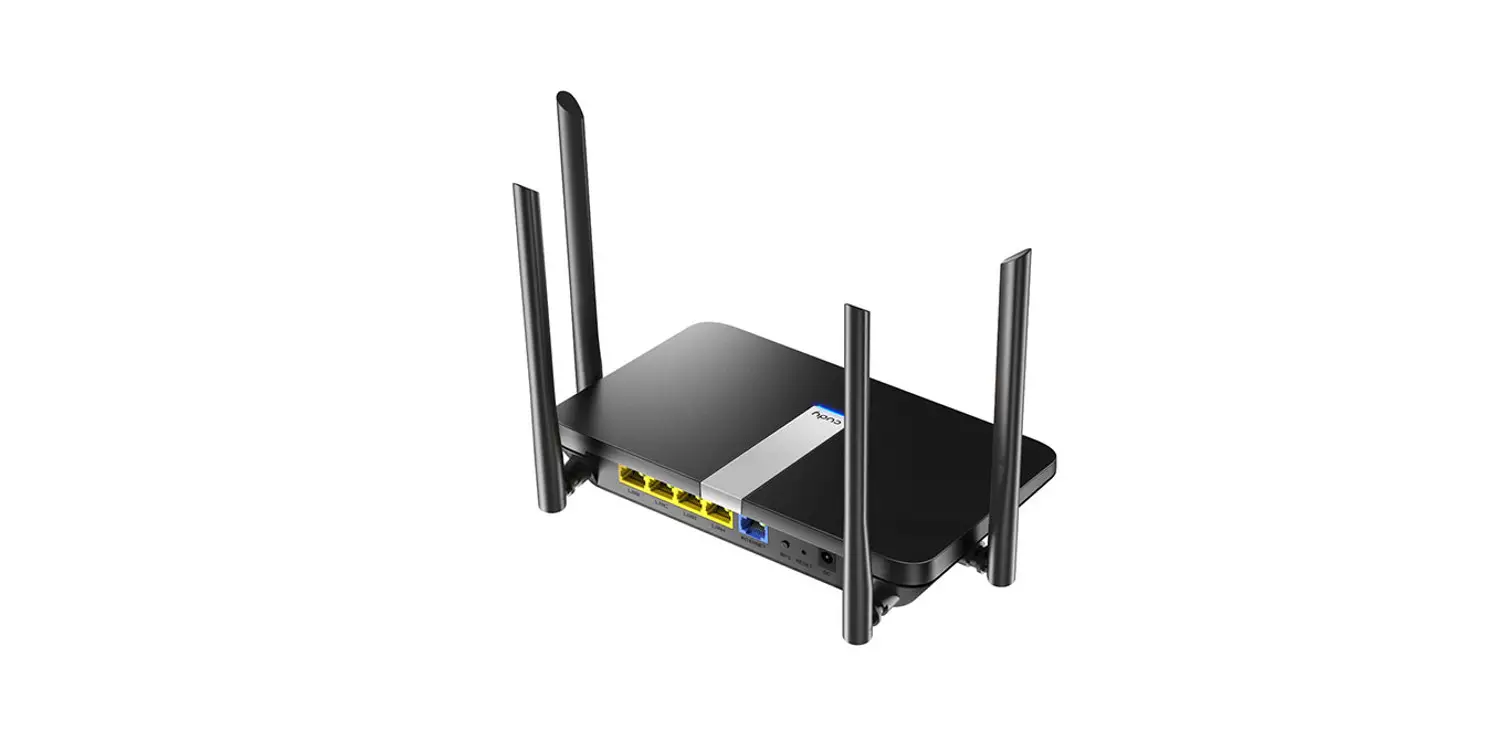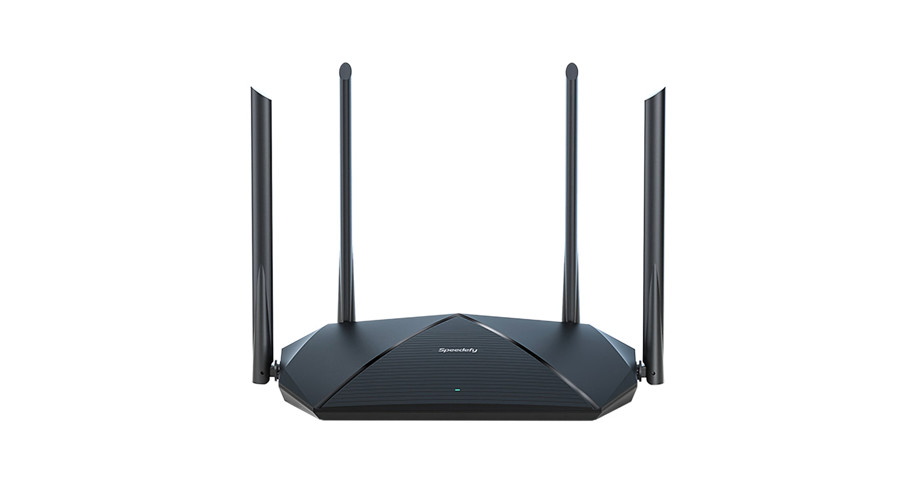

Quick Start Guide
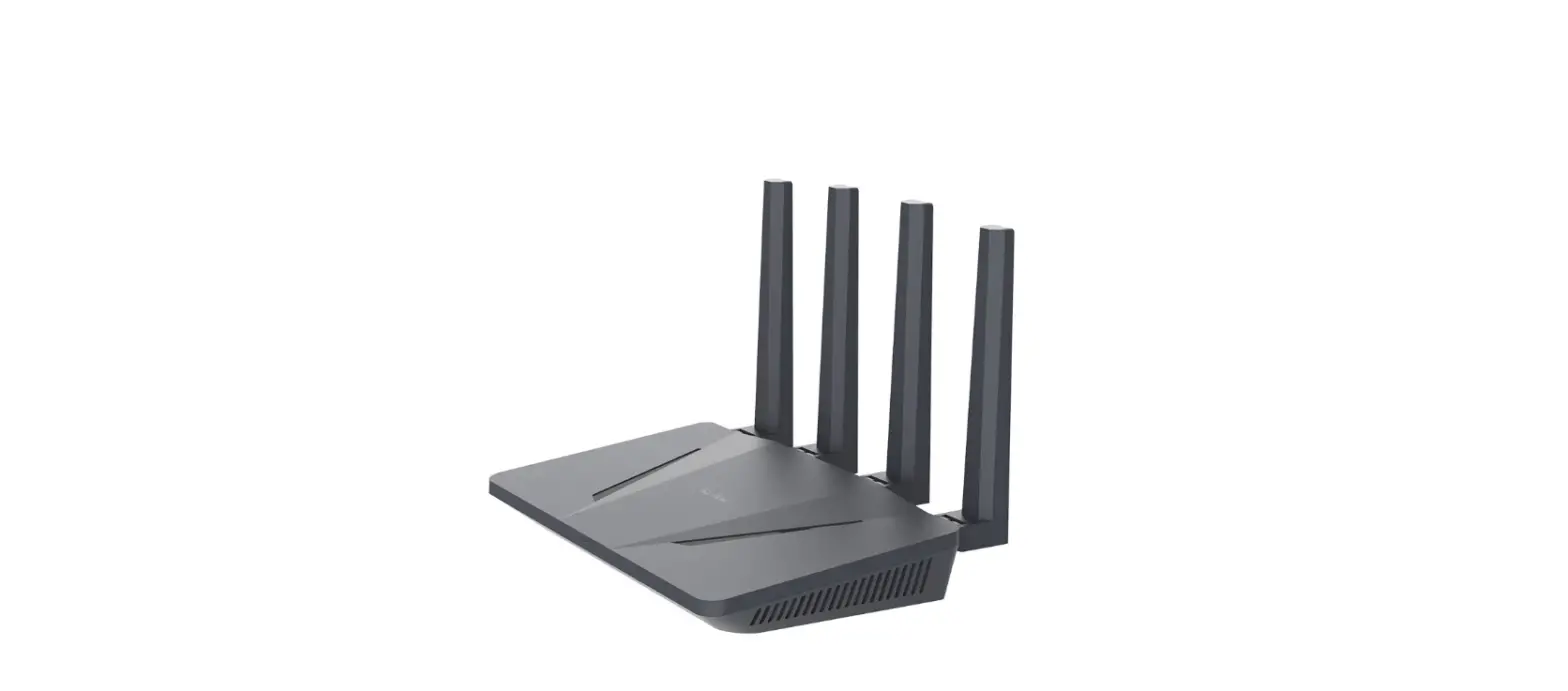
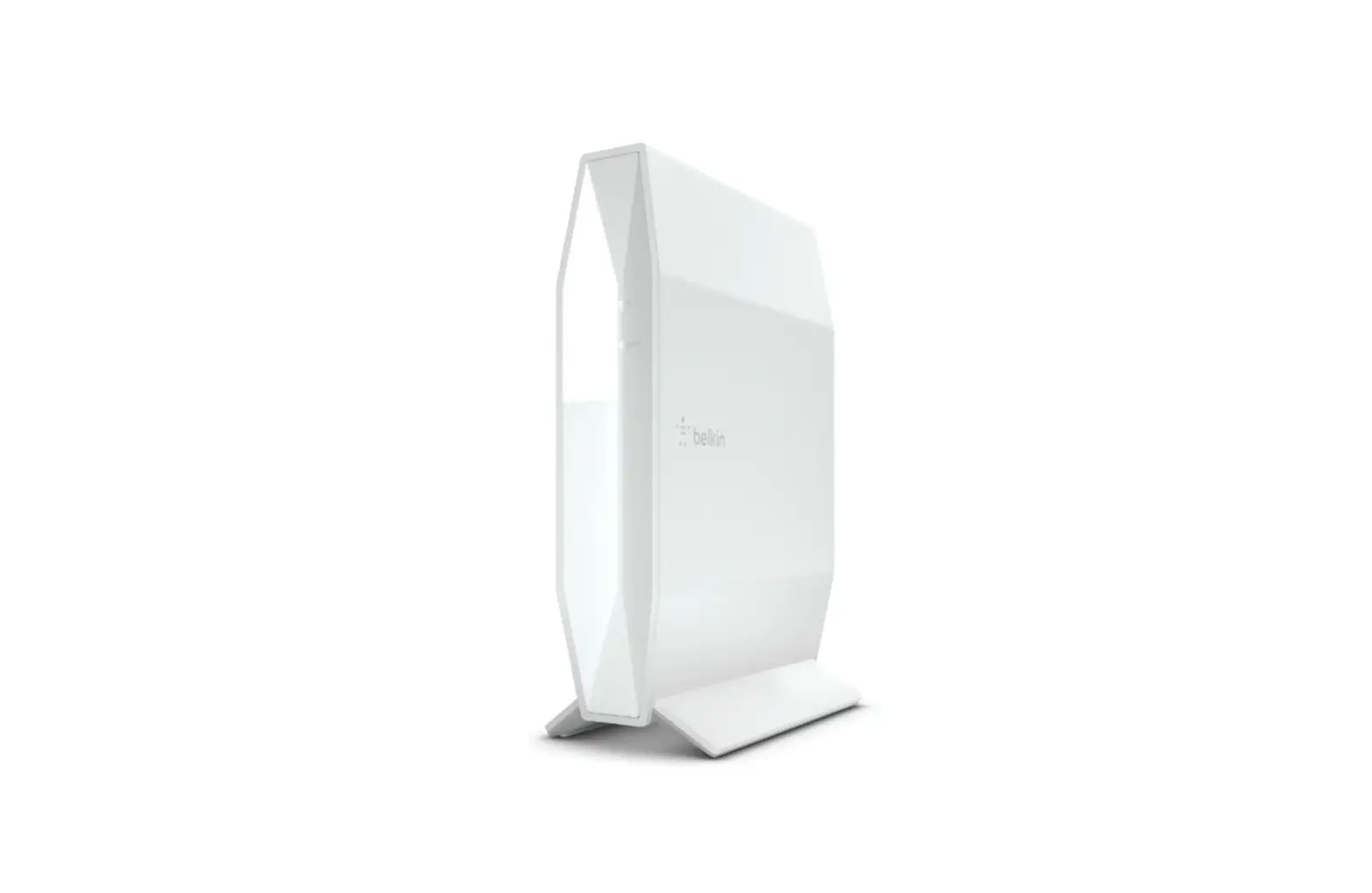
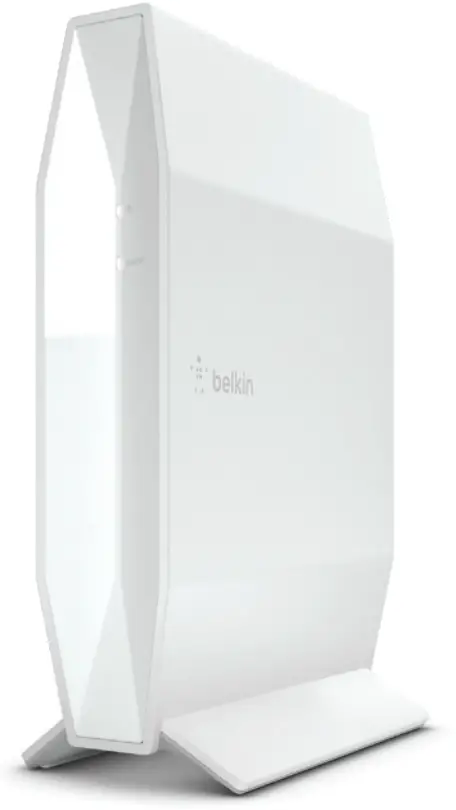
AX1800 Dual-Band
Gigabit WiFi 6 Router
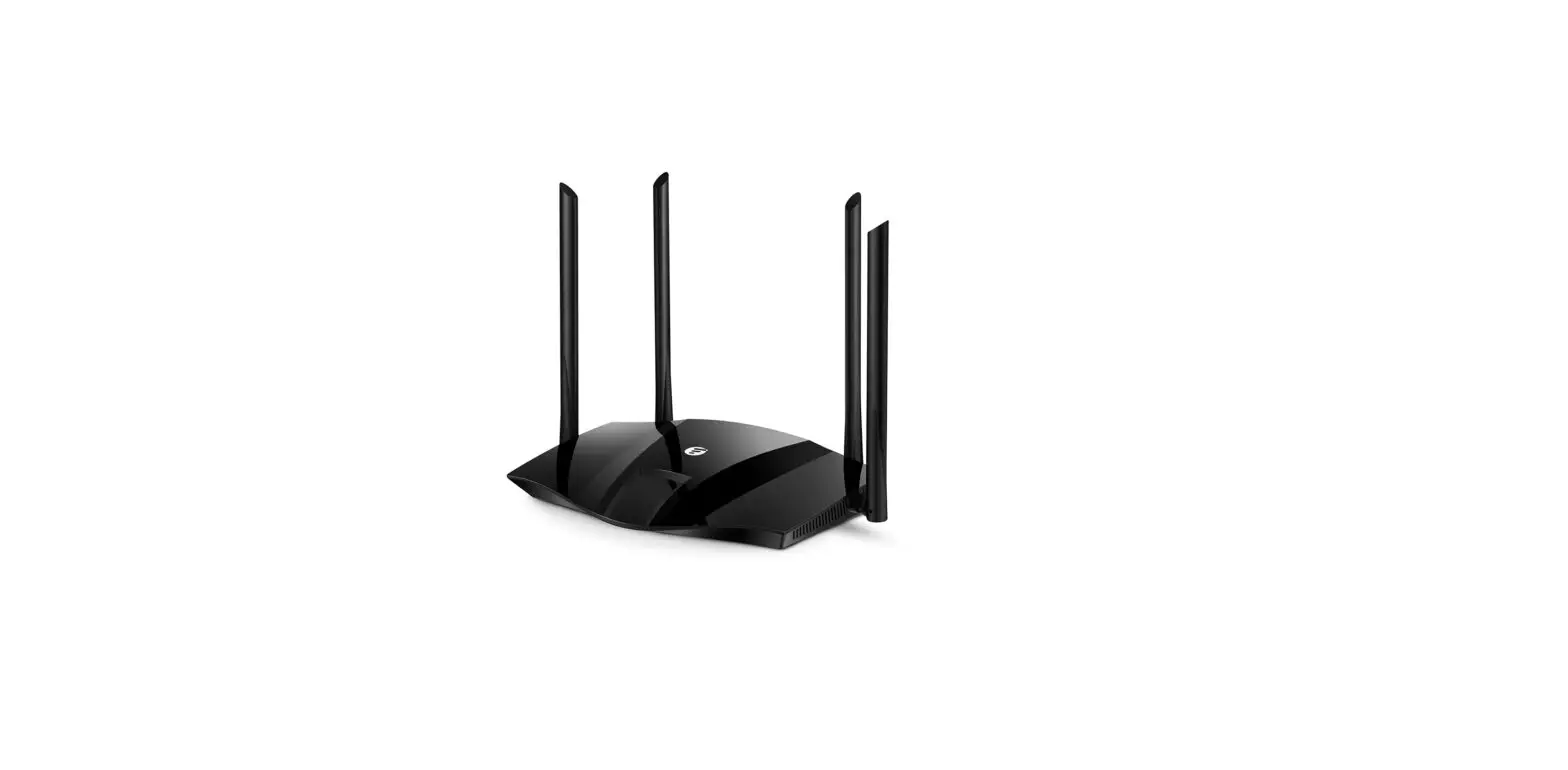
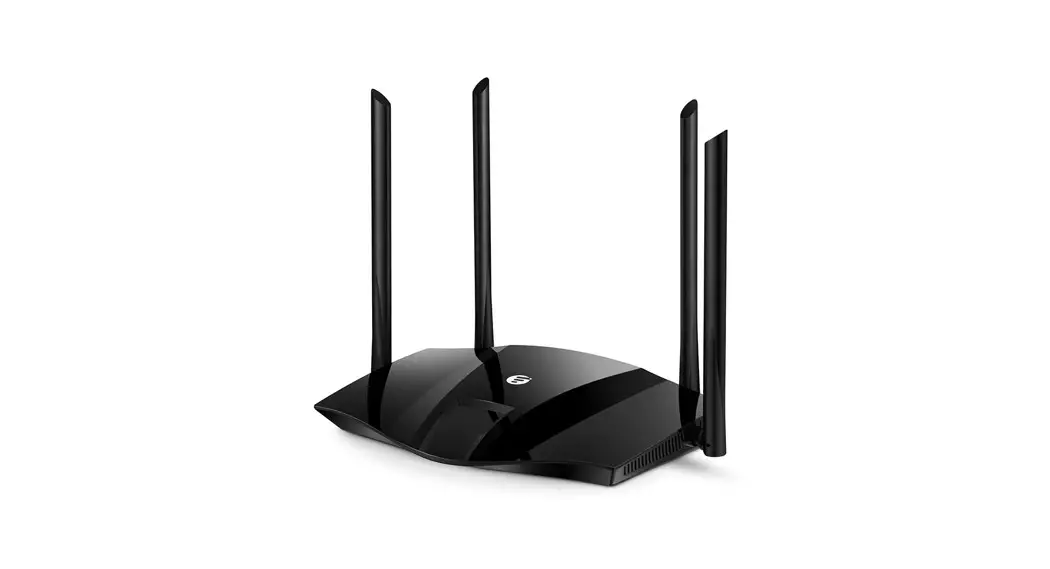
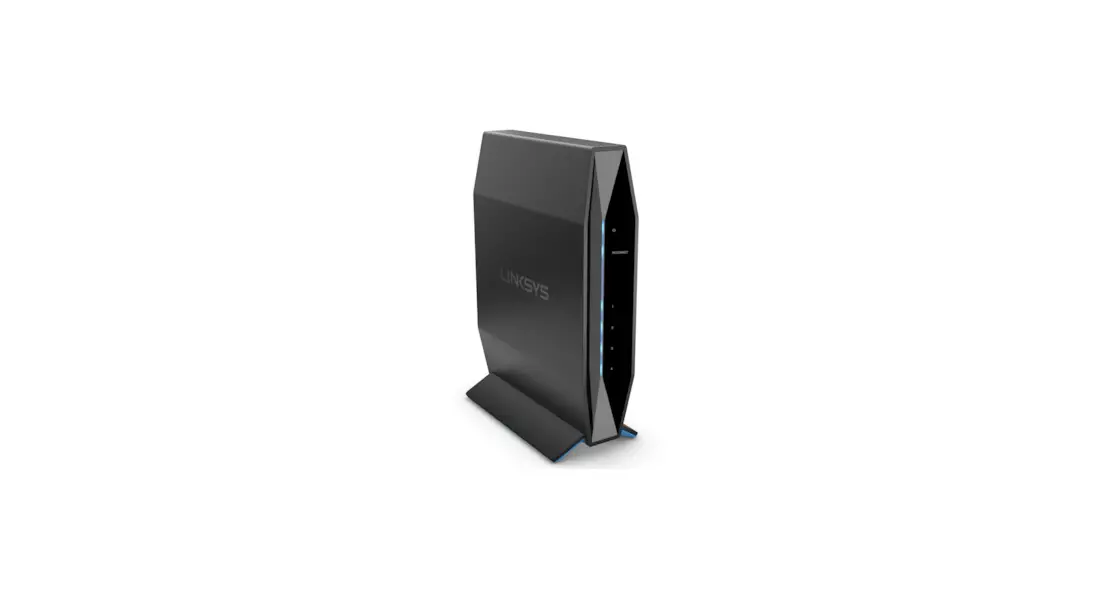
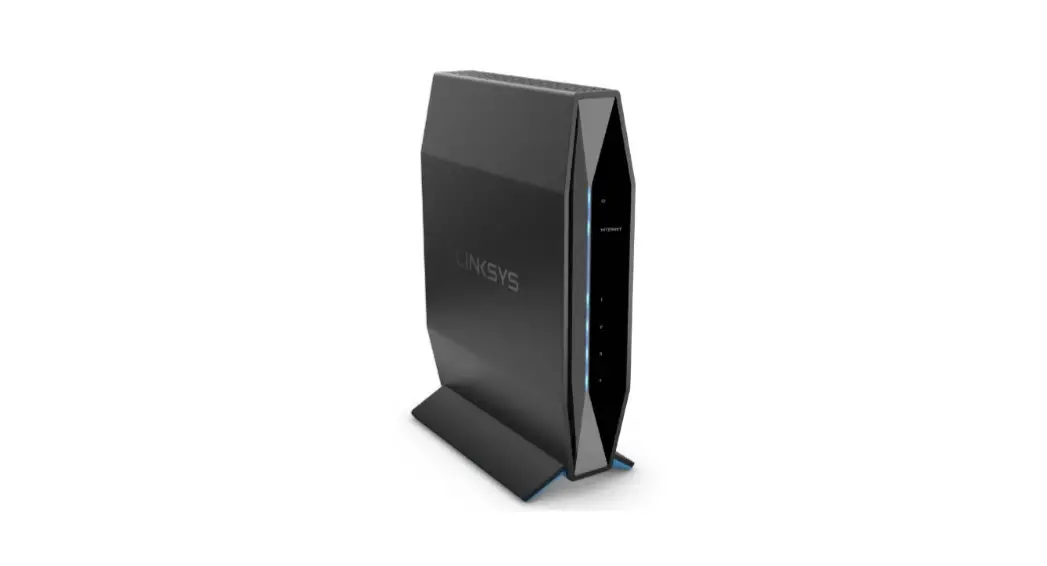
RT1800
RT1800
1 Where does your internet come from?
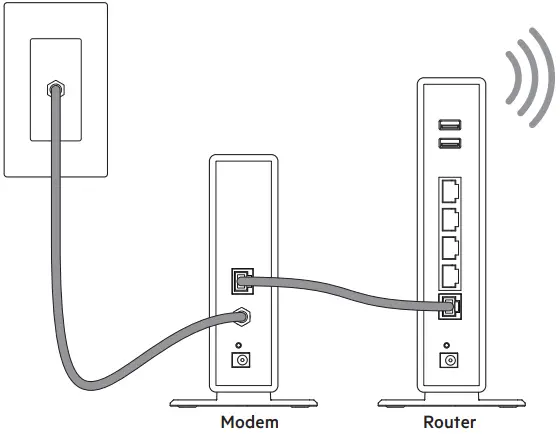

Separate Modem and Router
If you have a separate modem and router, disconnect and remove your old router.
OR
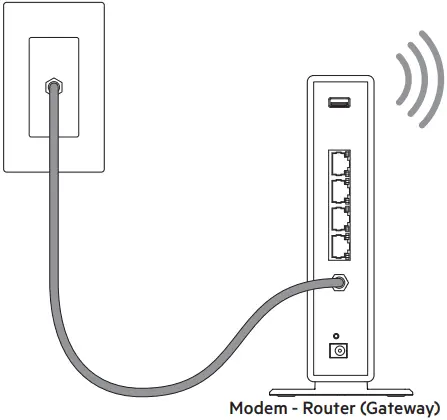

Modem-Router
If you have a modem-router, leave it connected.
2 Plug the router into a power source.
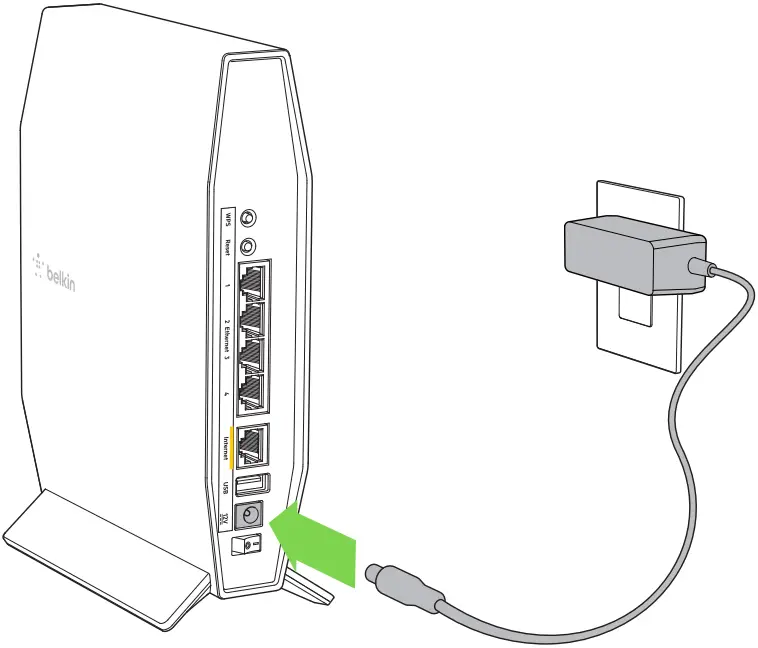
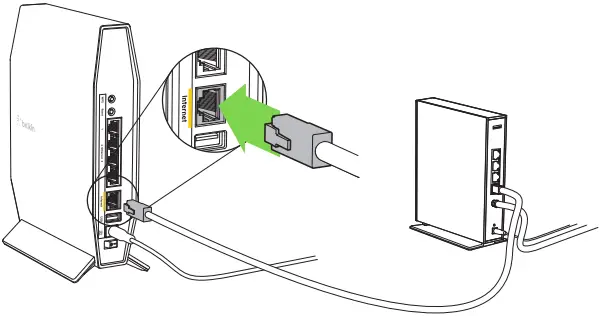
3 Connect your new router to your modem or modem-router.
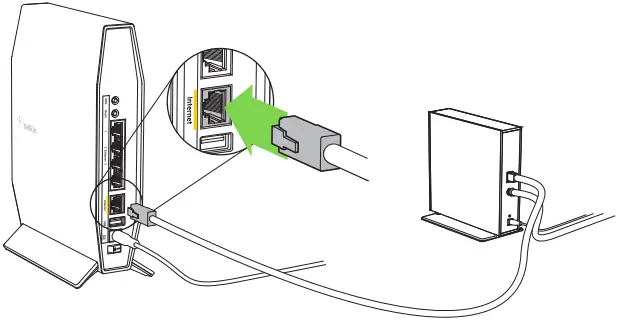
Modem
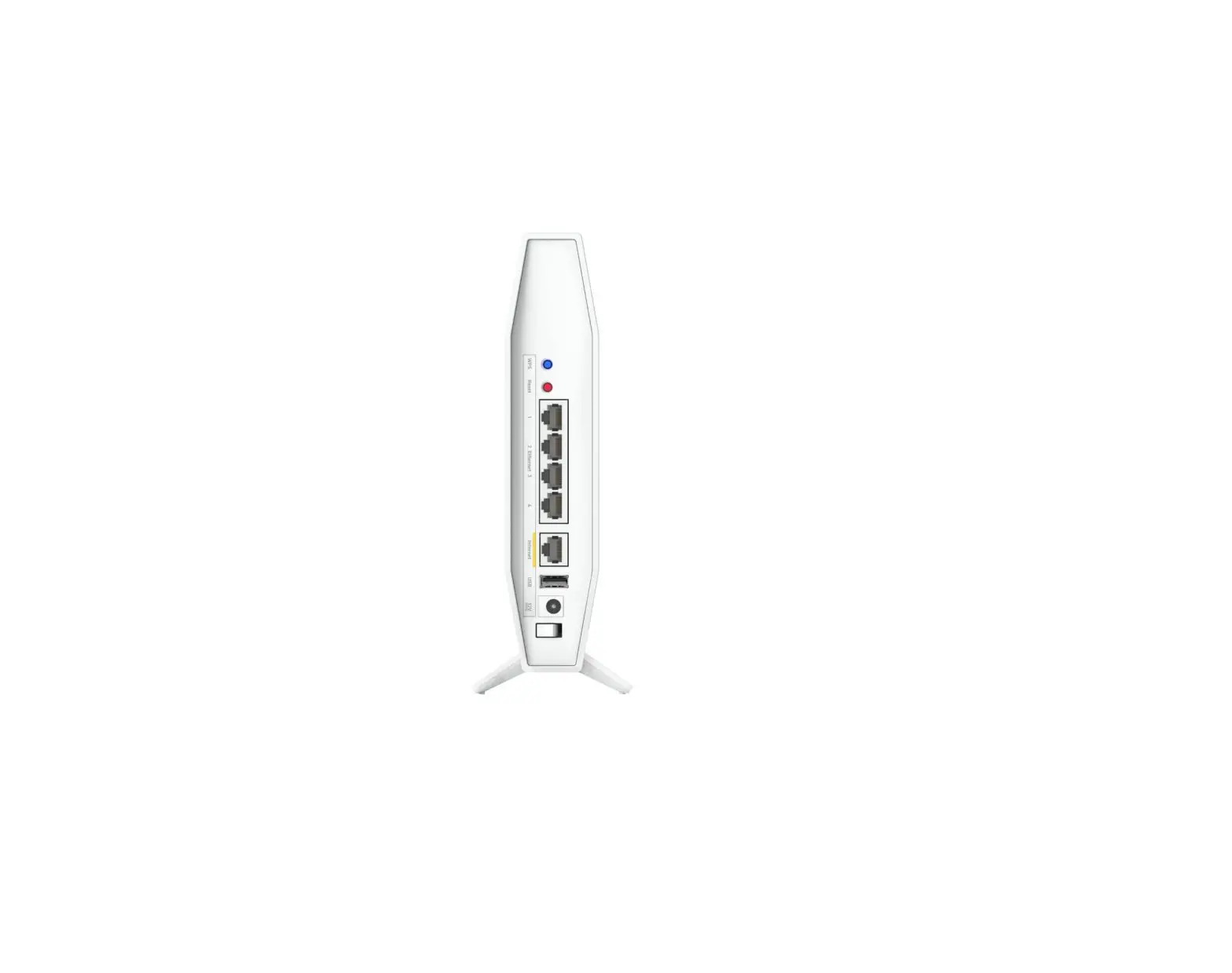
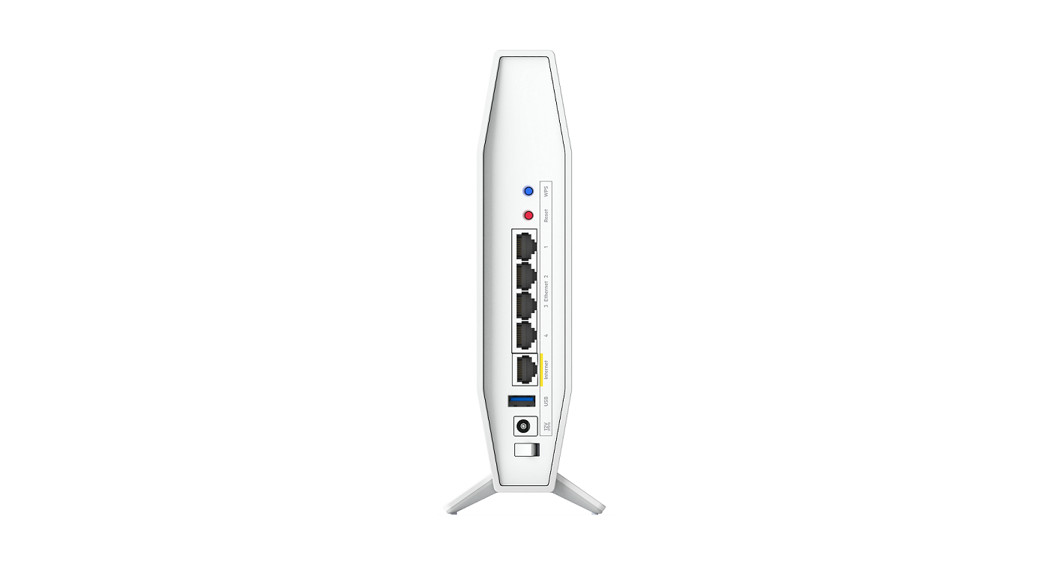
Plug one end of the included ethernet cable into the yellow Internet port on your new router. If you have a modem, plug the other end into the Ethernet (LAN) port on the modem.
OR
Modem-Router
Plug one end of the included ethernet cable to the yellow Internet port on your new router. If you have a modem router, plug the other end into any available port.
4 Connect to the secure Wi-Fi name shown on the sticker. (You can change these details later.) Select the option to automatically connect to this network in the future. You will not have internet access until you complete router setup (see Step 5).
Place sticker here
Wi-Fi Name/Wi-Fi Password
5 Enter http://myrouter.local in a web browser. Follow the on-screen instructions to complete your router setup. You also can type 192.168.1.1 in a browser to start setup.

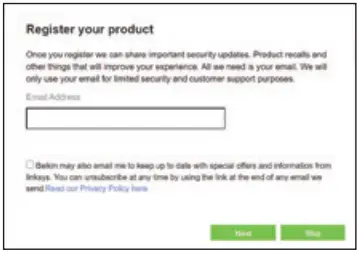
6 Once you are finished with setup, please be sure to register your router so we can keep you informed about security updates, product recalls and other things that will improve your experience.
AS YOU COMPLETE SETUP, RECORD YOUR ROUTER SETTINGS IN THE EMPTY SPACES PROVIDED

2.4 GHz Wi-Fi name (SSID) 2.4 GHz Wi-Fi password
5 GHz Wi-Fi name (SSID) 5 GHz Wi-Fi password
Router password (default is “admin”)
TIPS FOR SUCCESSFUL SETUP
- Check that you have a working broadband internet connection by connecting a computer directly to your modem.
- If you can’t connect to the internet after setting up your router, turn off your modem, router, and computer, then restart them in that order.
- For more tips, go to belkin.com/support/RT1800.
GET HELP
Internet: belkin.com/support/RT1800
Twitter: @BelkinCares
Phone (US/Canada): 800-223-5546 (complimentary during your warranty period)
8820-03078 Rev. A00