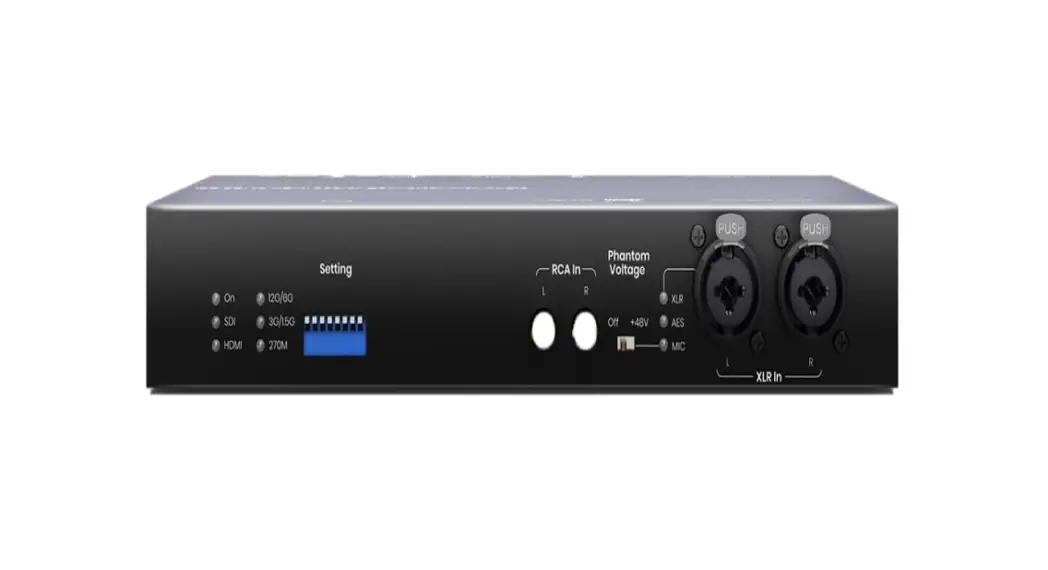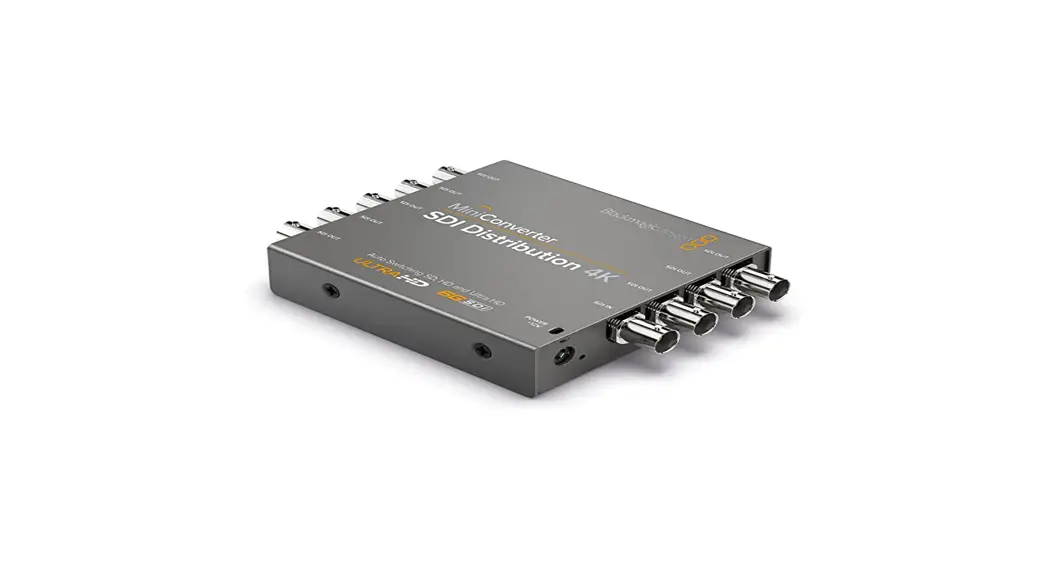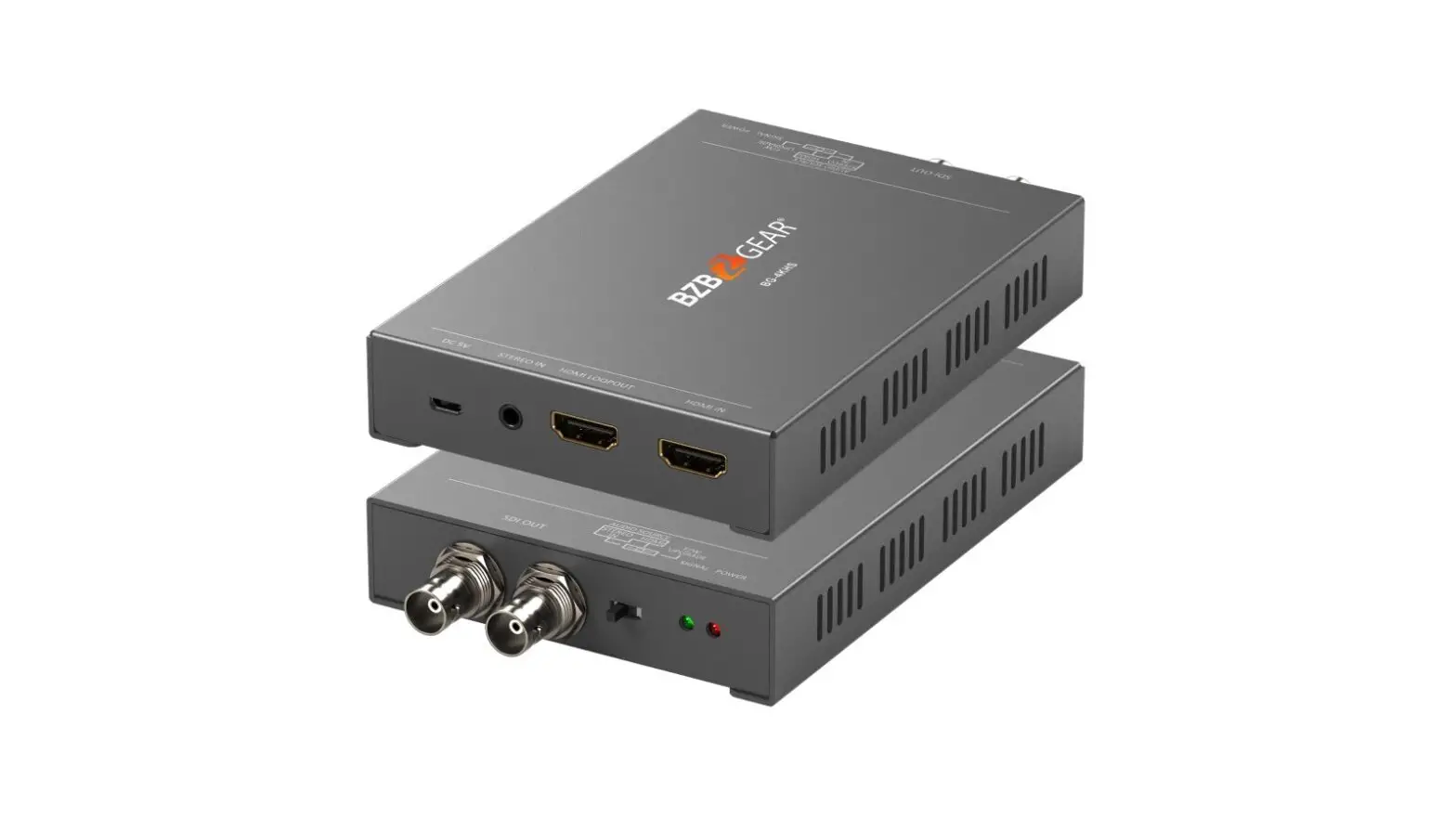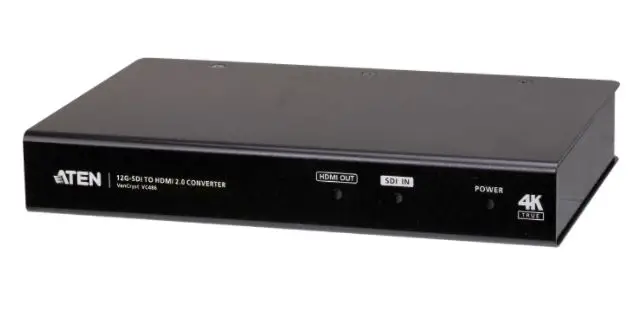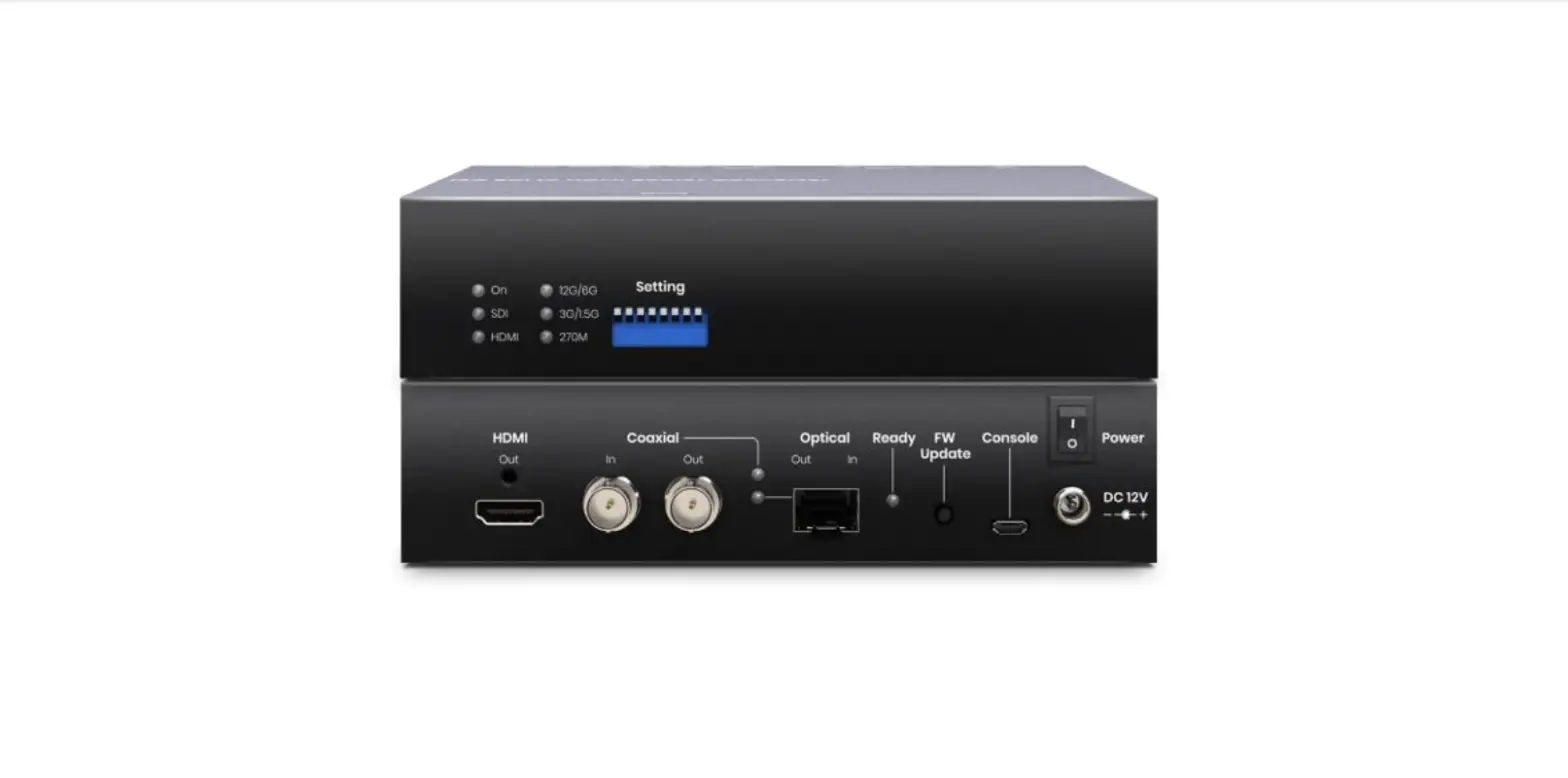

SC T SDI01-12G 12G-SDI to 4K HDMI Converter
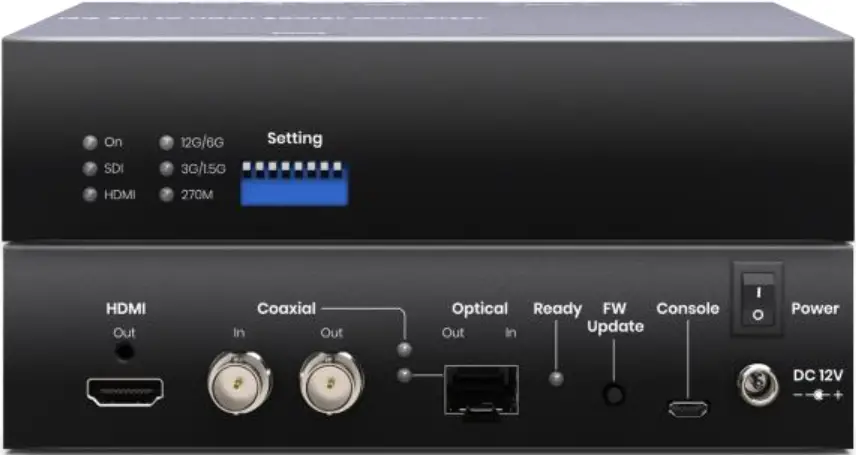
Introduction
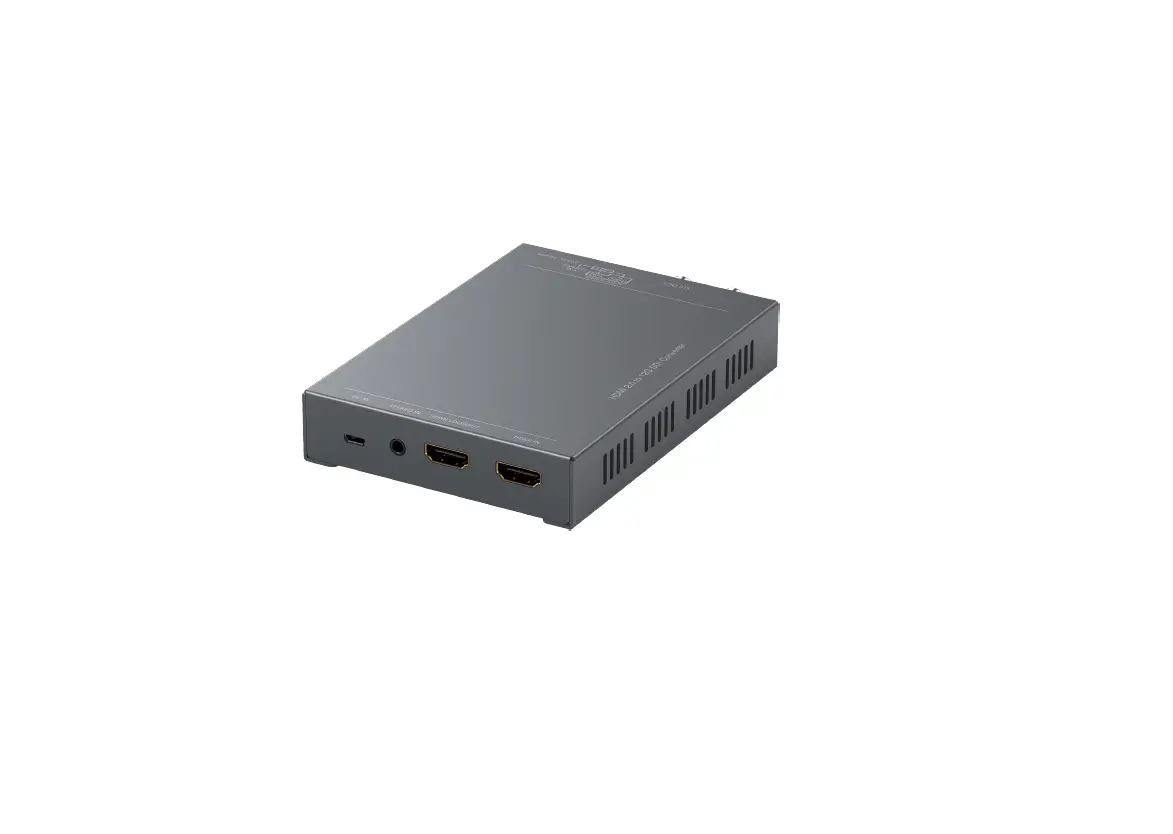
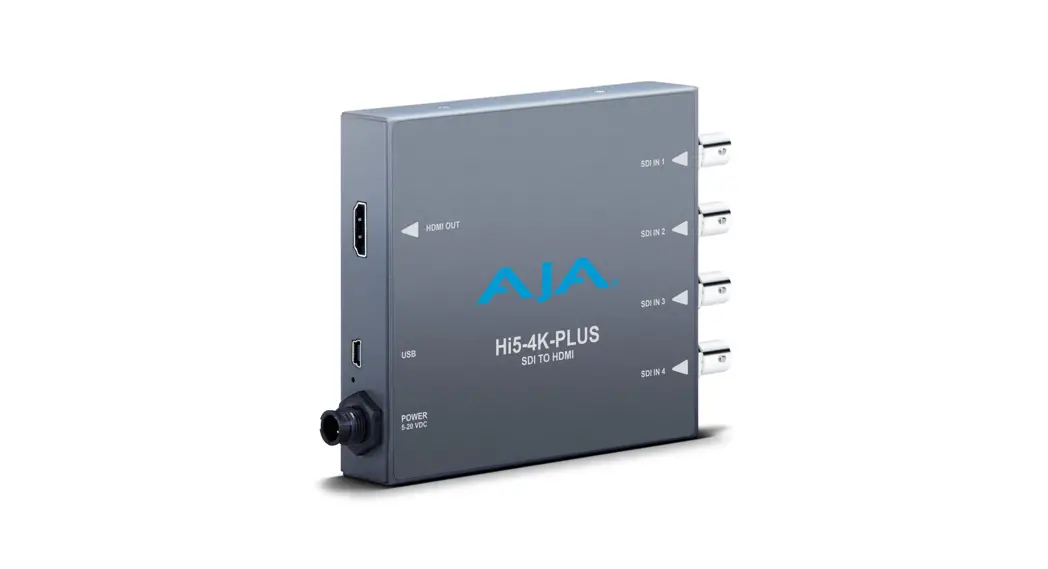
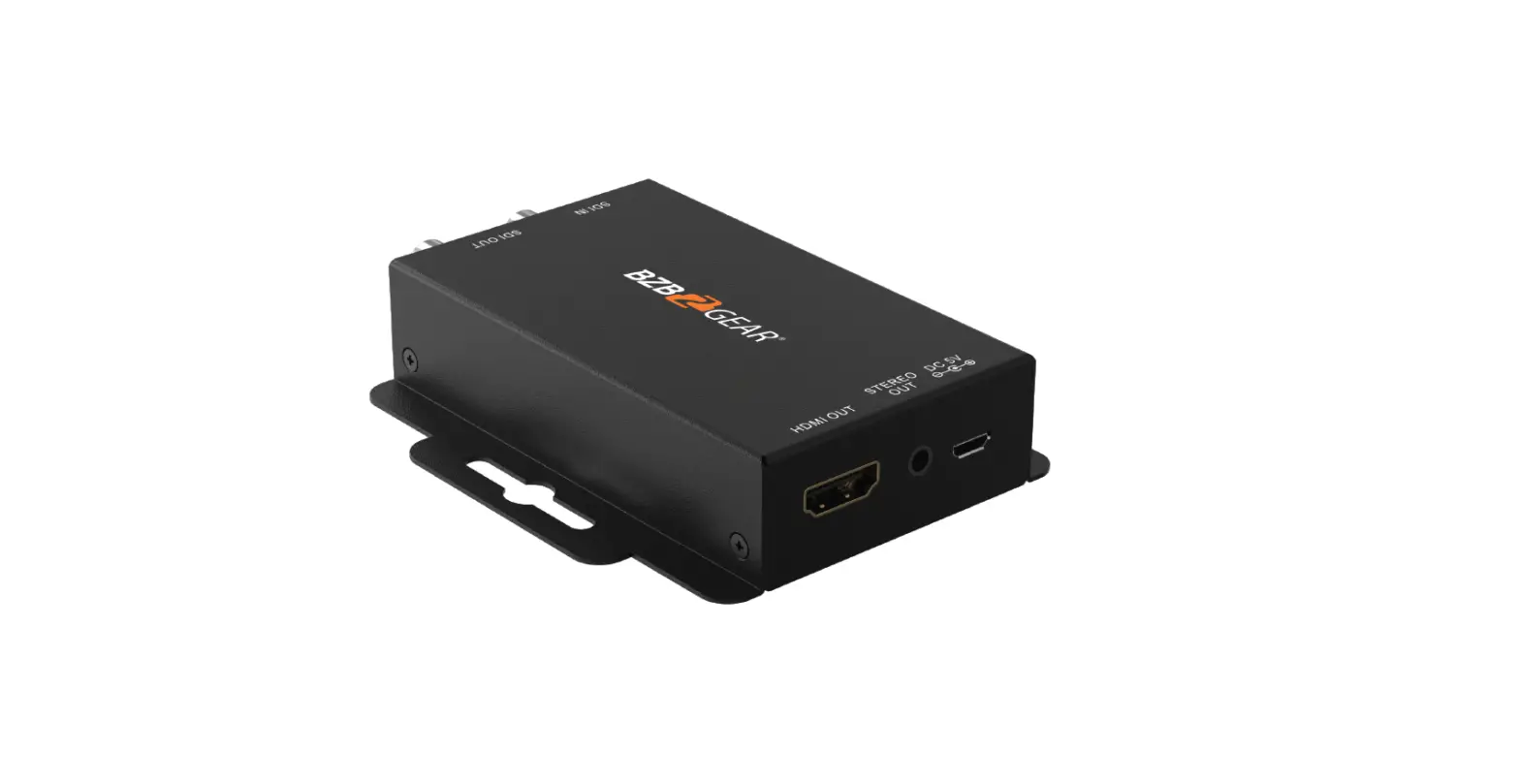
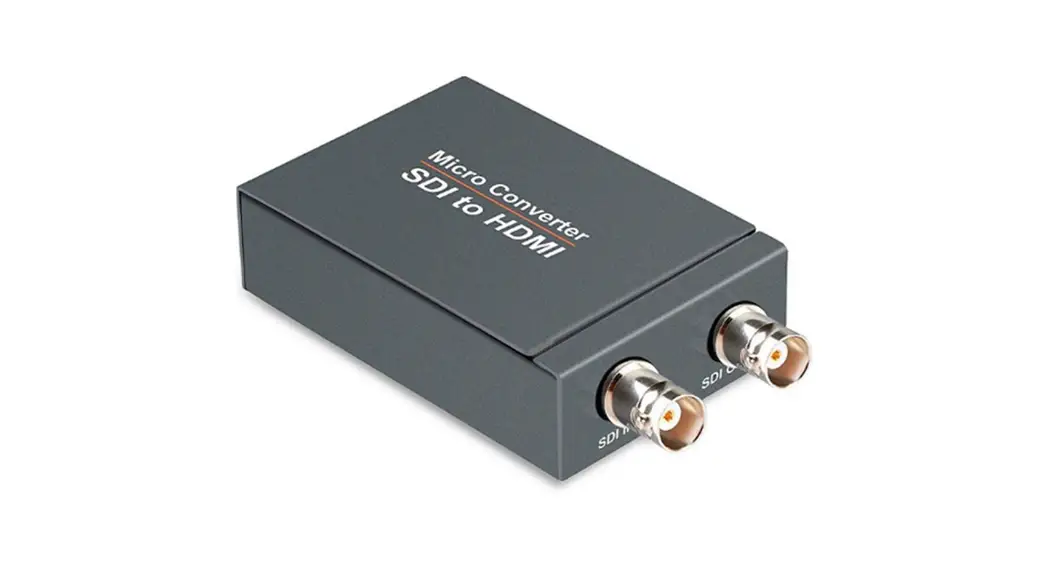
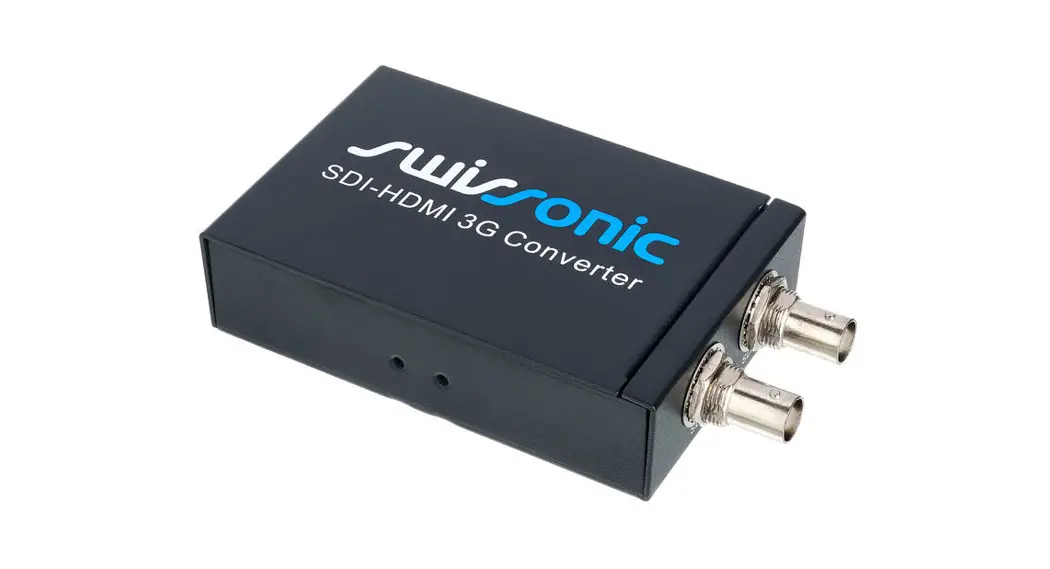
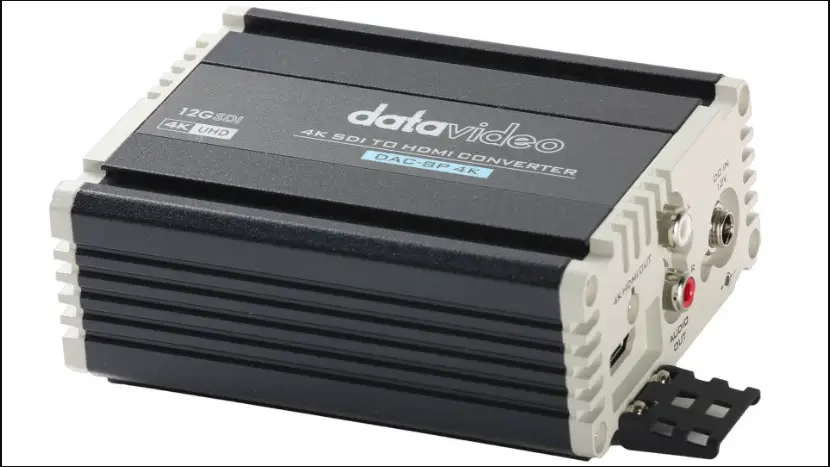
SDI01-12G is a 12G-SDI to HDMI 2.0 converter that can allows you to monitor 12G SDI video using a cost-effective HDMI display. The new converter has a built-in SDI loop-out port to send the input SDI signal to an extra SDI device.
Features
- HDMI Resolution up to 4096×2160@60Hz 4:4:4 10Bit or 4096×2160@30Hz 4:4:4 12Bit.
- SDI Resolution up to 12G.
- Built-in fiber module for long distance transmission.
- Built-in SDI loop out for an extra SDI output.
- Supports video up/down scaler for HDMI output.
- Managed via PC software or DIP switch.
Diagram 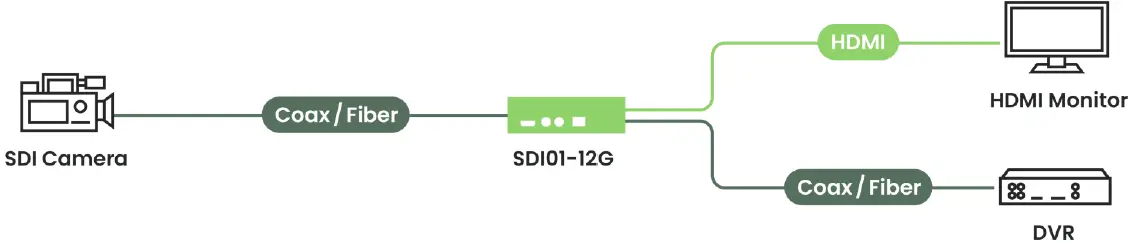 Transmission Distance
- The experiment is conducted by the application of Belden 1694A coaxial cables.
Cable Data Rate Distance RG6U Coaxial 11.88Gb/s 80M RG6U Coaxial 5.94Gb/s 100M RG6U Coaxial 2.97Gb/s 190M RG6U Coaxial 1.485Gb/s 260M RG6U Coaxial 270mB/s 450M 12G Video SFP+ 11.88Gb/s 10KM
Panel View
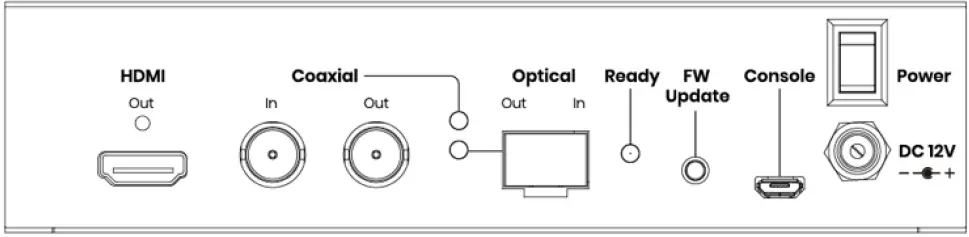
| NO | Interface | Function |
| 1 | HDMI Out | To connect an HDMI device |
| 2 | Coaxial In | To connect a SDI source via a coaxial cable |
| 3 | Coaxial Out | To connect a SDI device via a coaxial cable |
| 4 | Optical In | To connect a SDI source via a fiber cable |
| 5 | Optical Out | To connect a SDI device via a fiber cable |
| 6 | FW Update | To update firmware |
| 7 | Console | To update firmware update or configure the system. |
| 8 | Power | To turn on/ off power |
| 9 | DC12V | To connect a DC 12V power adapter |
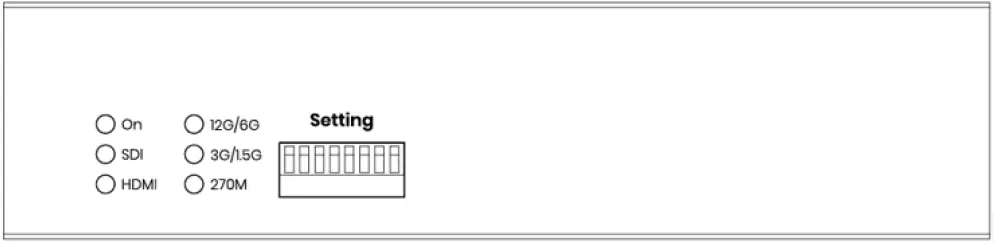
| NO | Interface | Function |
| 10 | Setting | To configure input interface, resolutions, HDCP, modes. |
LED Indication
| Front LED Indicator | LED Color | Bright | Blink |
| On | Green On/Off | Power On/ Off | |
| SDI | Green On/Off | Signal Locked | |
| HDMI | Green On/Off | HDMI Outputted | Resolution not supported |
| 12G/6G | Blue On/Off | 12G-SDI | 6G-SDI |
| 3G/1.5G | Blue On/Off | 3G-SDI | 1.5G-SDI |
| 270M | Blue On/Off | 270M-SDI |
| Rear LED Indicator | Rear Panel LED | Function |
| READY | Green On/Off | System Ready |
| Coaxial | Blue On/Off | Coaxial linked/ unlinked |
| Optical | Blue On/Off | Optical linked/ unlinked |
DIP Switch Settings
- Please adjust the DIP switch when power off and turn on to take effect.
NO Function ↑ OFF ↓ ON 1 Input Interface Select Coaxial Optical 2 Reserve 3 Reserve 4 Reserve 5 Scaler Setting 6↑5↑ = Pass-through 6↑5↓ = 1080p@60Hz 6 6↓5↑ = 3840×2160@60Hz 6↓5↓ = 4096x2160p@60Hz) 7 HDCP Setting HDCP Off HDCP On 8 Configuration Mode Software Mode Hardware Mode
SDI Resolution and Frame Rate
| SDI Resolution | SDI Frame Rate | SDI Sampling | SDI Audio |
| 4096×2160 | 60p, 59.94p, 50p, 48p, 47.95p, 30p, 29.97p, 25p, 24p, 23.98p | 4:4:4/4:2:2 | 32-CH 48KHz 24-Bit |
| 3840×2160 | 60p, 59.94p, 50p, 48p, 47.95p, 30p, 29.97p, 25p, 24p, 23.98p | ||
| 2048×1080 | 60p, 60i, 59.94p, 59.94i, 50p, 50i, 48p, 48i, 47.95p, 47.95i, 30p, 30psf, 29.97p, 29.97psf, 25p, 25psf, 24p, 24psf, 23.98p, 23.98psf | ||
| 1920×1080 | 60p, 60i, 59.94p, 59.94i, 50p, 50i, 48p, 48i, 47.95p, 47.95i, 30p, 30psf, 29.97p, 29.97psf, 25p, 25psf, 24p, 24psf, 23.98p, 23.98psf | ||
| 1280×720 | 60p, 59.94p, 50p, 48p, 47.95p, 30p, 29.97p, 25p, 24p, 23.98p |
HDMI Resolution and Frame Rate
| HDMI Resolution | HDMI Frame Rate | HDMI Sampling | HDMI Audio |
| 4096×2160 | 60p, 59.94p, 50p, 48p, 47.95p, 30p, 29.97p, 25p, 24p, 23.98p | 4:4:4/4:2:2 | 8-CH 48KHz 24-Bit |
| 3840×2160 | 60p, 59.94p, 50p, 48p, 47.95p, 30p, 29.97p, 25p, 24p, 23.98p | ||
| 2048×1080 | 60p, 60i, 59.94p, 59.94i, 50p, 50i, 48p, 48i, 47.95p, 47.95i, 30p, 29.97p, 25p, 24p, 23.98p | ||
| 1920×1080 | 60p, 60i, 59.94p, 59.94i, 50p, 50i, 48p, 48i, 47.95p, 47.95i, 30p, 29.97p, 25p, 24p, 23.98p | ||
| 1280×720 | 60p, 59.94p, 50p, 48p, 47.95p, 30p, 29.97p, 25p, 24p, 23.98p |
Scaler Resolution and Frame Rate
- The scaler doesn’t process the format of interlace and progressive segmented frame, it will directly pass-through original format from the input source.
HDMI Resolutions HDMI Frame Rates 4096×2160 59.94/ 60/ 50Hz 3840×2160 59.94/ 60/ 50Hz 1920×1080 59.94/ 60/ 50Hz 1280×720 59.94/ 60/ 50Hz 720x576p 50Hz 640x480p 59.94/ 60Hz
Trouble Shooting
- We strongly recommend using high quality 75Ω coaxial cables; bad quality cable may affect the connection stability and transmission distance.
- SD-SDI (480i & 576i) in the SMPTE 292 standard 270M is not supported.
- If the frame rate for video input sets as 59.94Hz and the scaler selects 60Hz, the output frame rate will stay on 59.94Hz.
Package Includes
| No. | Item | Amount |
| 1 | SDI01-12G | x 1 |
| 2 | DC12V 1.5A Power Adapter | x 1 |
| 3 | Screw Set | x 1 |
| 4 | Rubber Pad | x 1 |
Specification
| ITEM NO. | SDI01-12G |
| Support | |
| Compliance | SMPTE 2082-10 Mode 1 SMPTE 2081-10 Mode 2 SMPTE 425-1 3GA & 3GB SMPTE 425-1 3GB-DS SMPTE 292 HDMI 2.0 HDCP 2.2 |
| SDI Resolution | 12G-SDI, 6G-SDI, 3G-SDI, 1.5G-SDI |
| HDMI Resolution | 4096×2160@60Hz 4:2:2 10Bit, 4096×2160@30Hz 4:4:4 12Bit |
| Transmission Distance | 10KM over Single-mode Fiber Optic Cable, 100M over Coaxial Cable |
| Ports & Interfaces | |
| Video Input | 1 x 75Ω BNC, 1 x Video SMPTE SFP+ |
| Video Output | 1 x HDMI Type A |
| Video Loop-out | 1 x 75Ω BNC, 1 x Video SMPTE SFP+ |
| Power Interface | 1 x (5.5 x 2.1mm) DC Jack |
| Console | 1 x Micro USB |
| Power | |
| Power Supply | DC 12V 1.5A Regulated |
| Power Consumption | 1.0A (Typical), 1.2A (Maximum) |
| Ambient Temperature | |
| Operation | 0 to 50℃ |
| Storage | -20 to 85℃ |
| Humidity | Up to 95% |
| Physical Characteristics | |
| Dimensions | 167 x 154 x 40mm |
| Weight | 640g |