 User Manual
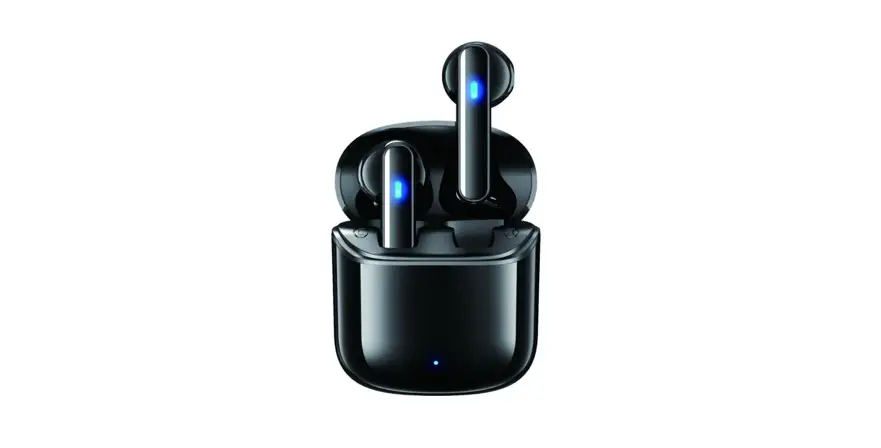
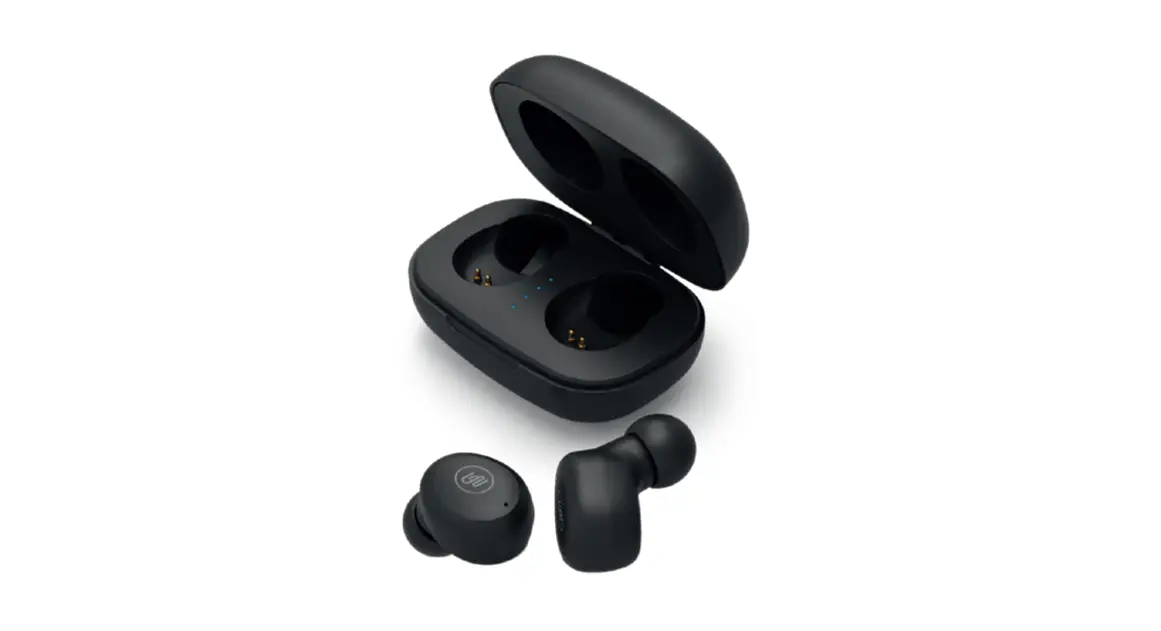
wireless earbuds
First time setup
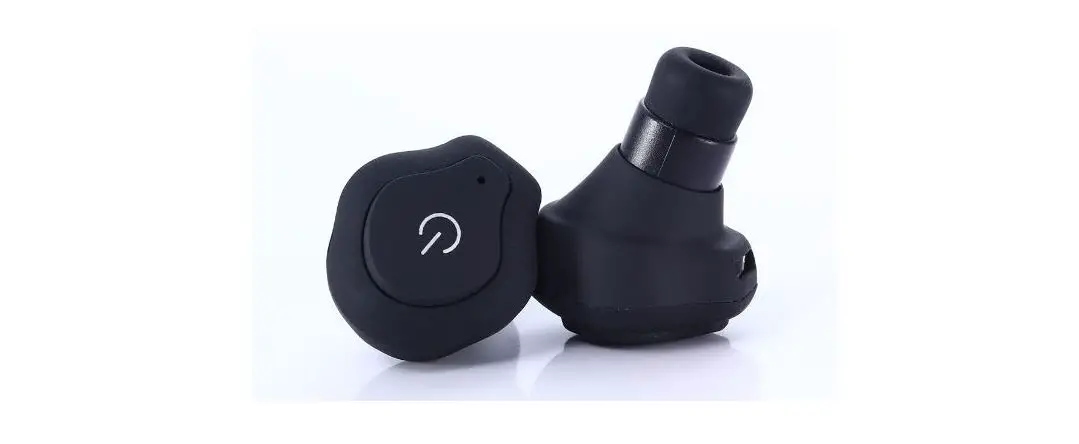
- First, you need to tear off the insulation sticker from the bottom of the earbuds, then put both the earbuds back into the charging case, close the cap, after then take out both earbuds from charging case, and the earbuds will turn on automatically. (The earbud that is taken out first is the host by default)

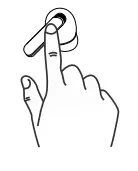
- Three-click the earbuds multi-function button, the earbuds enters TWS pairing mode, if the earbuds has a TWS pairing record: the earbuds will automatically reconnect.

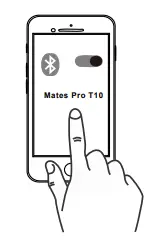
- Search for pairing name “Mates Pro T10 ” and select it.

Product Overview
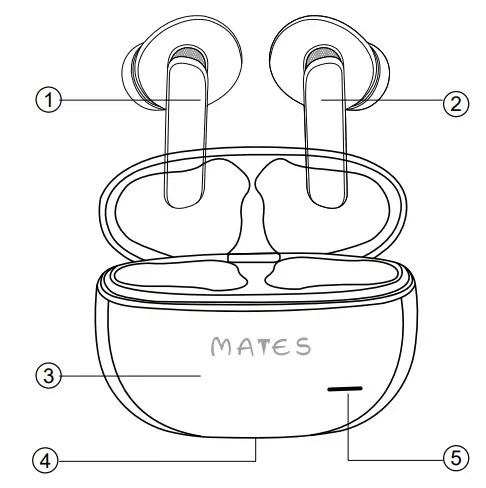
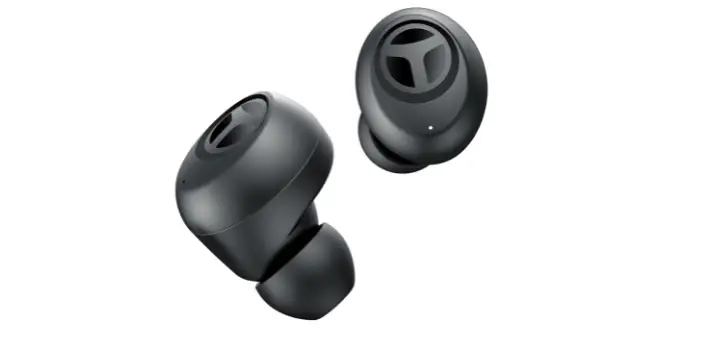
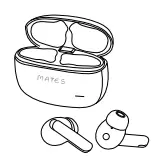
- Left ear touch control
- Right ear touch control
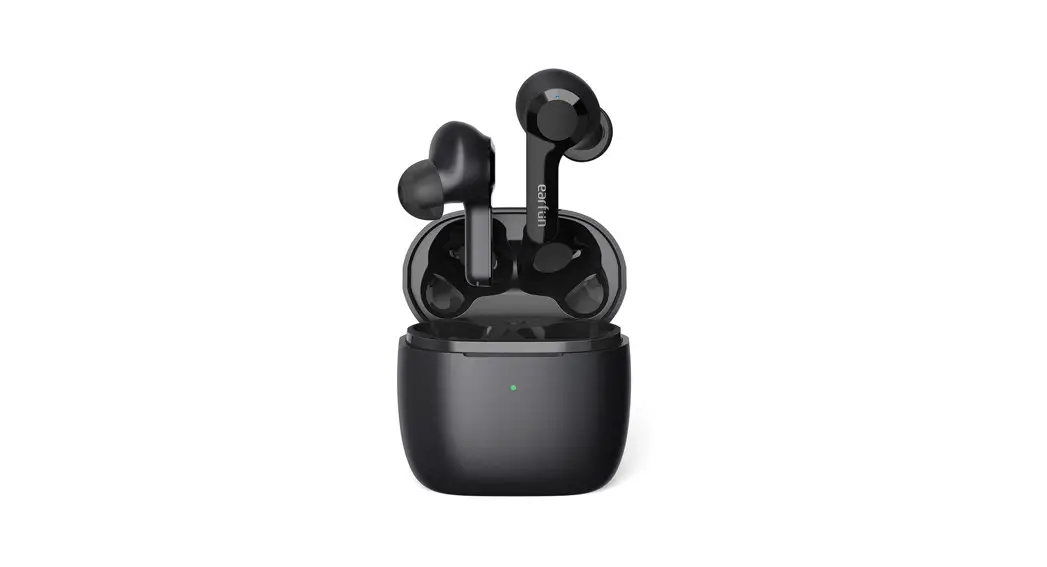
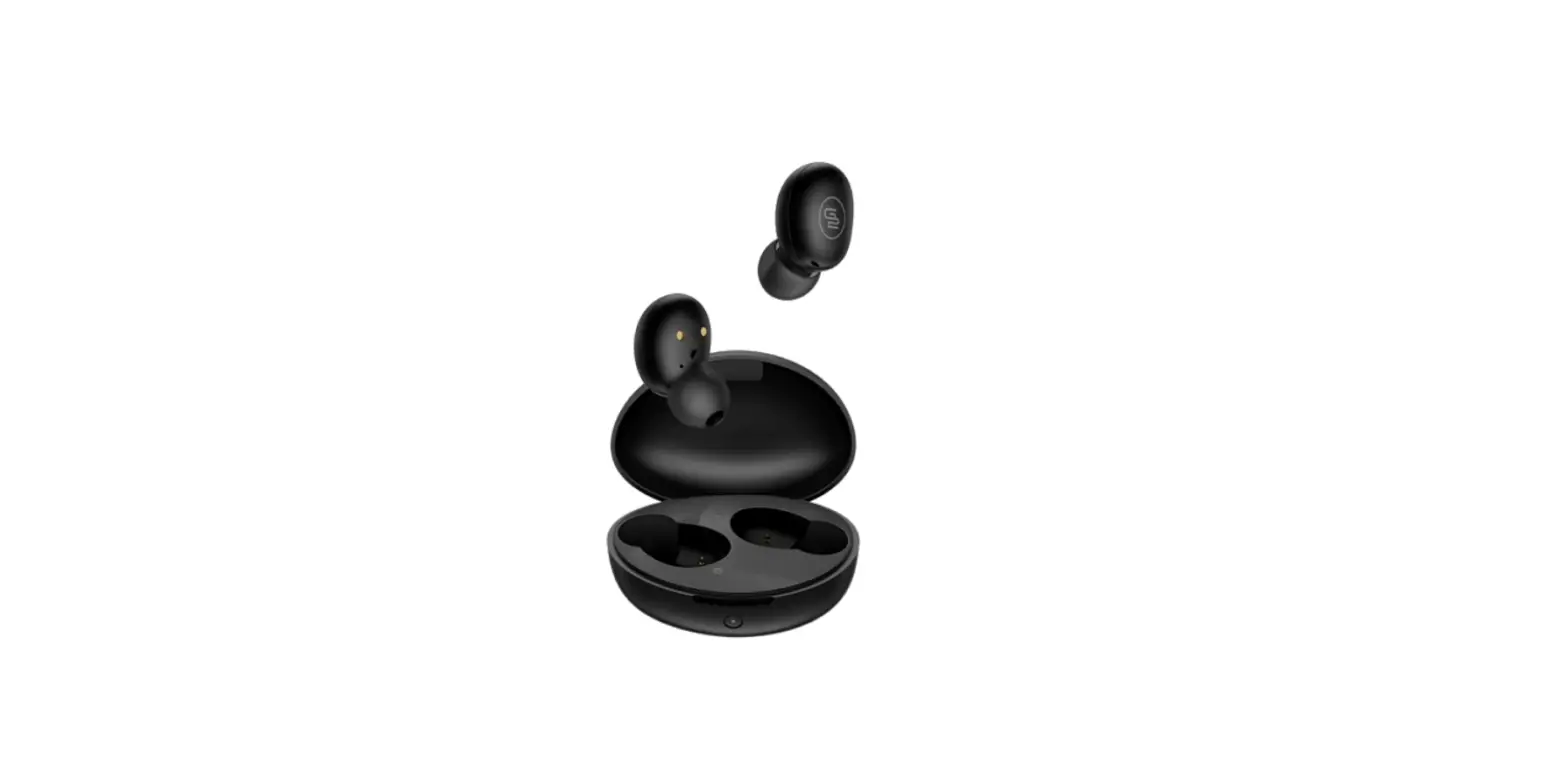
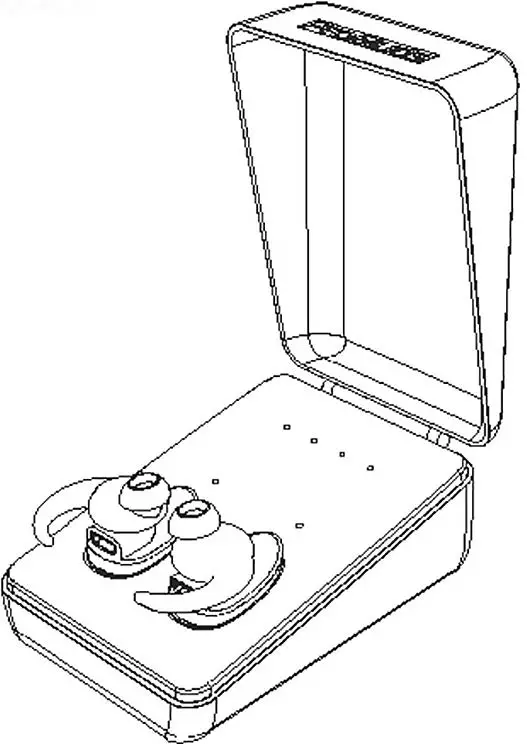
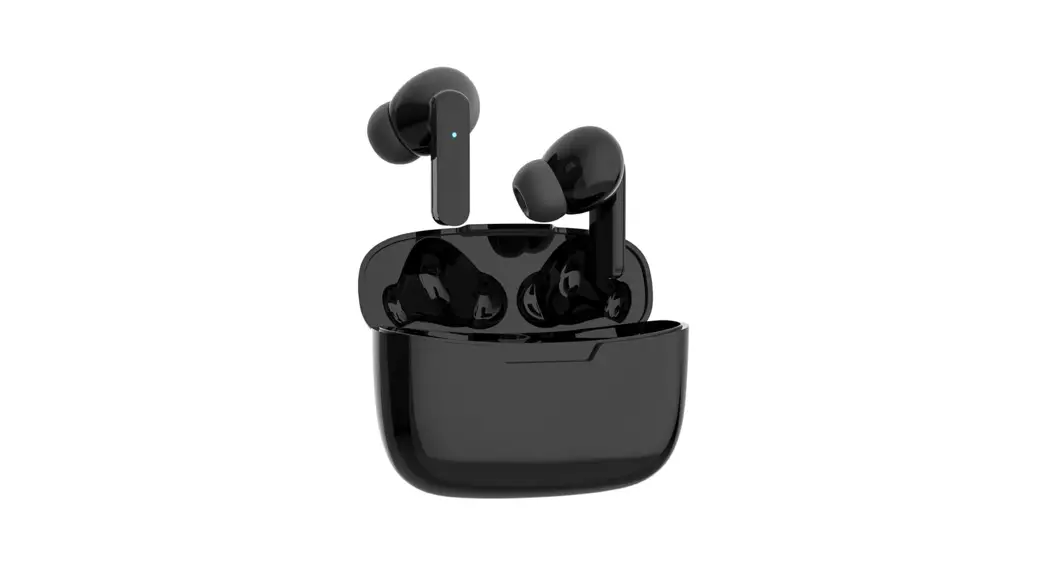
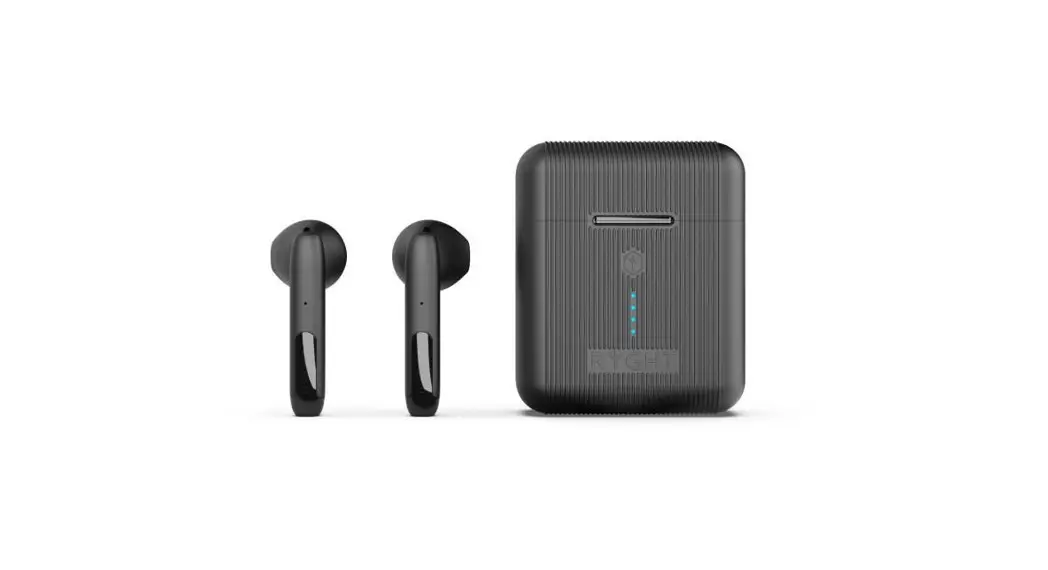
- Charging case
- Type-C charging port
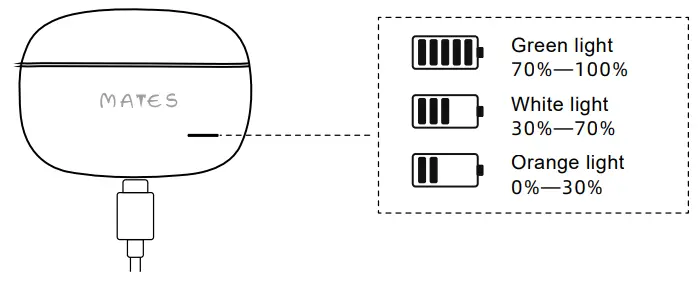
- Battery indicator
- Turn on
(1)In the turn off state, press and hold the multi-function button for 2 seconds.
(2)Open the cover of the charging case, the earbuds will automatically turn on. - Turn off
(1) In the disconnected state, press and hold the touch area for 6 seconds to power off.
(2) When the earbuds are put in the charging case, the cover of the charging box is closed, and the earbuds are automatically turned off
| Touch area | Standby | Anc on Transparency mode Anc off | Press hold 3 seconds |
| Call reject | Press hold 2 seconds | ||
| Play/pause Receive call | Single tap | ||
| Game mode on Game mode off | Triple tap left | ||
| Playing | Next song | Double tap right | |
| Previous song | Double tap left | ||
| Call reject | Press hold 2 seconds | ||
| In Call | Call stop | Double tap | |
| In Siri/ Google | Call Sirinley Google Cancel Siri/Cancel Google | Triple tap right |
- In-ear detection
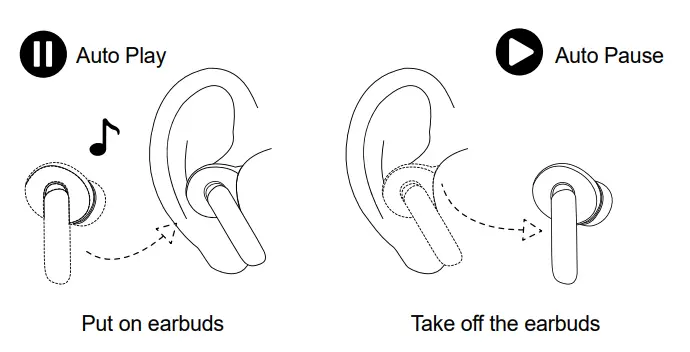
1. (Light Sensing) When playing music, remove the single-sided earbud to automatically pause the music, and automatically play after wearing it again. It takes five clicks to turn on or off the in-ear detection, and it is turned on by default.
- Charging For Earbuds
Place the earbuds in Bluetooth earbuds case and close the Lid. Upon closing the lid the case indicator light will flash, the charging case starts charging and the earbuds get disconnected from the connected device. - Charging For Case
Plug the charging cable into the charger port to charge the charging box and earbuds. When charging, the indicator light of the charging box flashes, and the green light is always on when it is full.
Specification
| Model: Mates Pf0 T10 | Standby time: About 80h |
| Bluetooth version: V5.3 | Music playtime/Talking time: 6h |
| Audio decoding: SBC, AAC | Input: DC 5V1A |
| Frequency response range: 20-20K Hz | Working hours: 34h |
| Effective distance: 15m | Size: 57.8’41.7’25mm (Charging box) |
Fitting
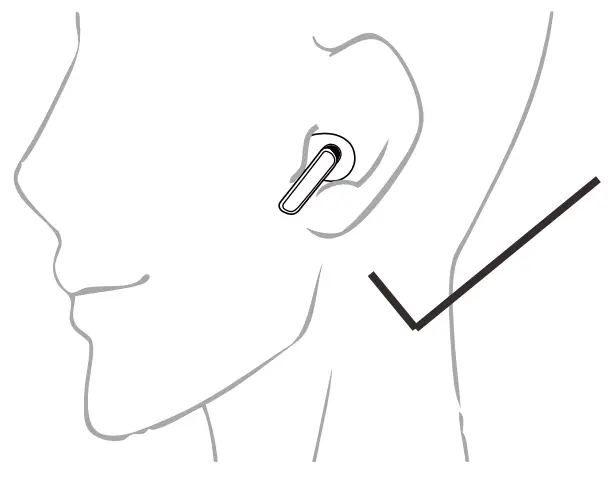
Try all eartips for best fit and proper seal. Place in the ear canal and slightly rotate to adjust for best fit.
Safety instructions for use
To avoid hearing damage, keep the volume at a moderate level.Avoid listening to music at high volume for long periods of time, which may cause permanent damage to hearing or loss of hearing. Please do not use this device while driving﹑cycling﹑crossing roads﹑etc., where your concentration is required.
Note: Audio and video may be slightly out of sync when watching video using earbuds.
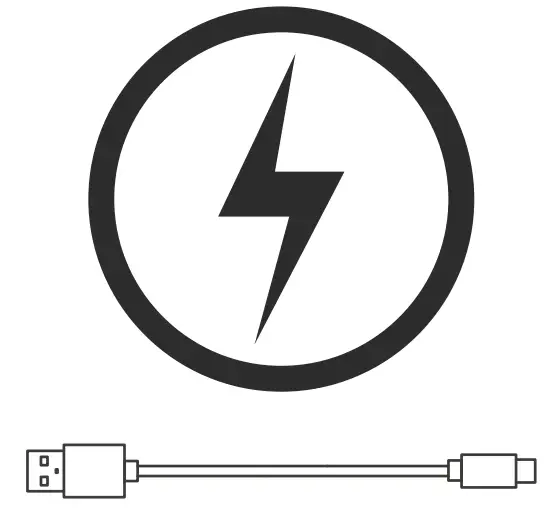
After charging, please pull the charging cable out of the charging case to avoid the product being charged for a long time.The output voltage and current of the charger is 5V/1A or 5V/1.5A is preferred.If the output voltage and current of the charger exceed the specified, it will cause serious damage to the product, and the product warranty will be invalid at the same time.
Designed by : Mates Lifestyle Products,Inc.
North Carolina,USA.
Website: www.mates-lifestyle.com
Contact us: [email protected]
Made in China http://mates-lifestyle.com/
 lifestyle.com - This website is for sale! - Shopping Resources and Information.
 Hermes1 Responsive Magento2 Theme