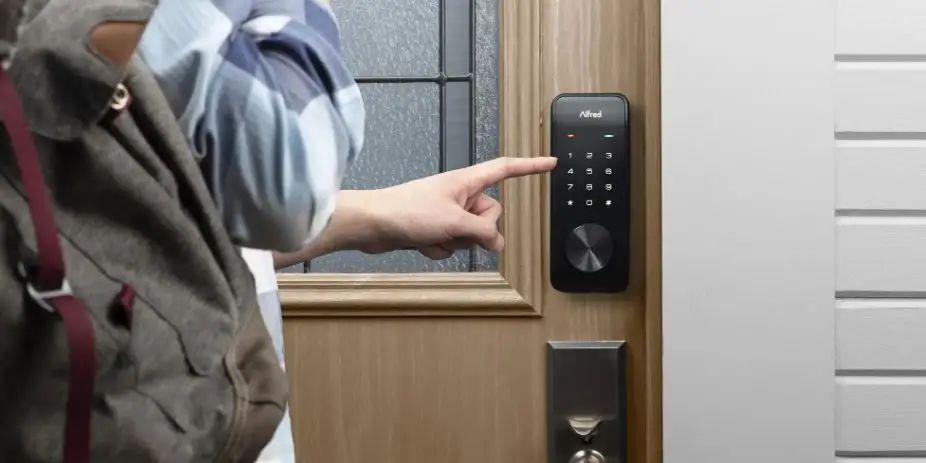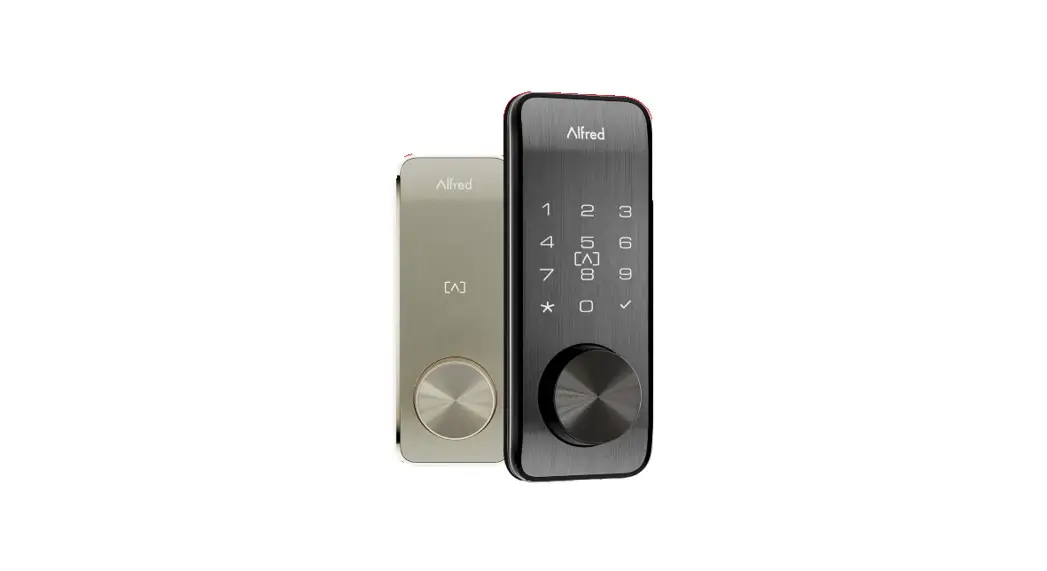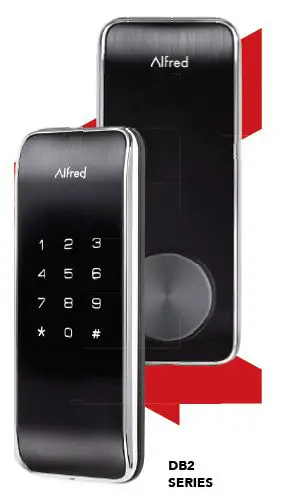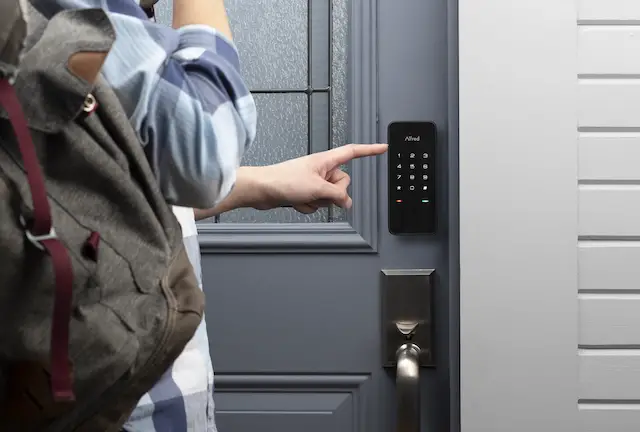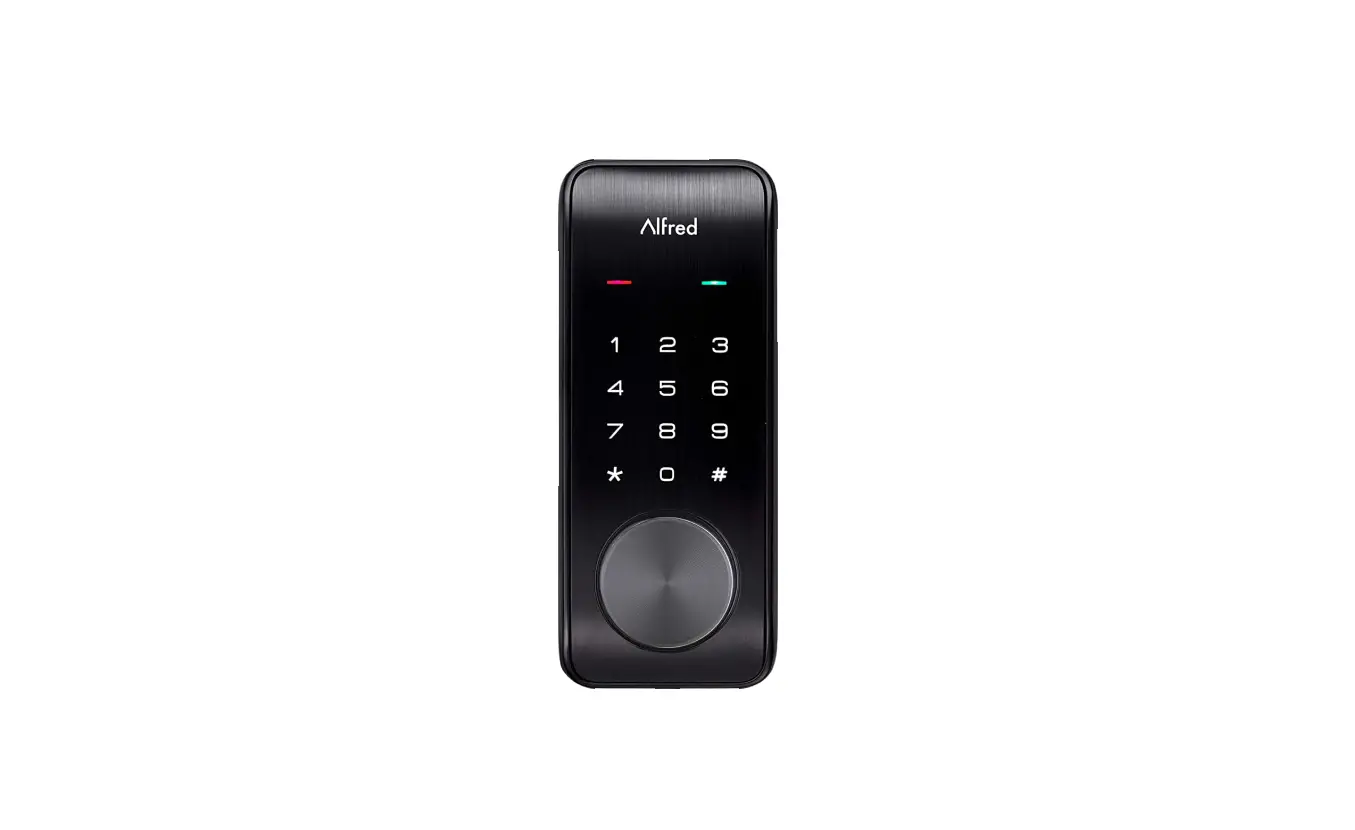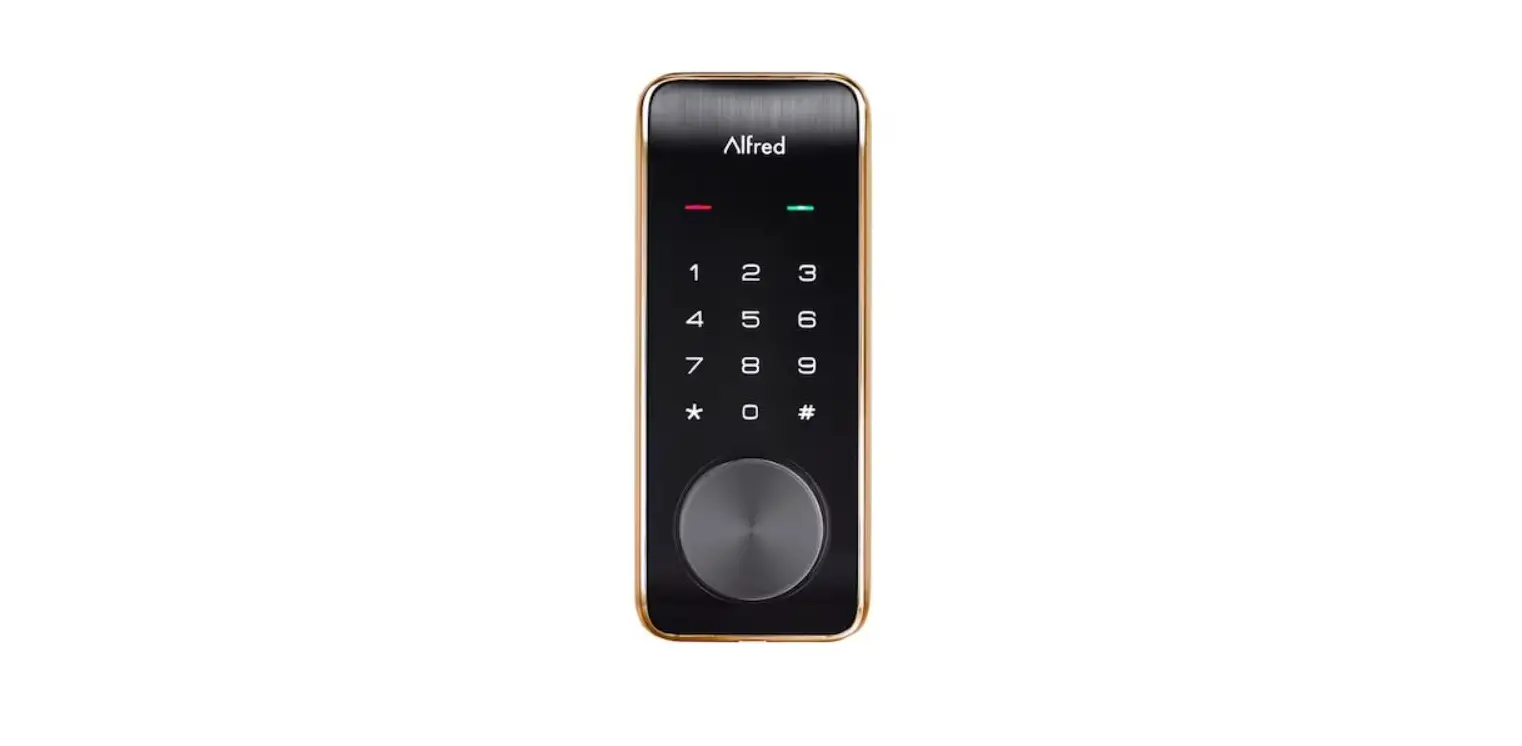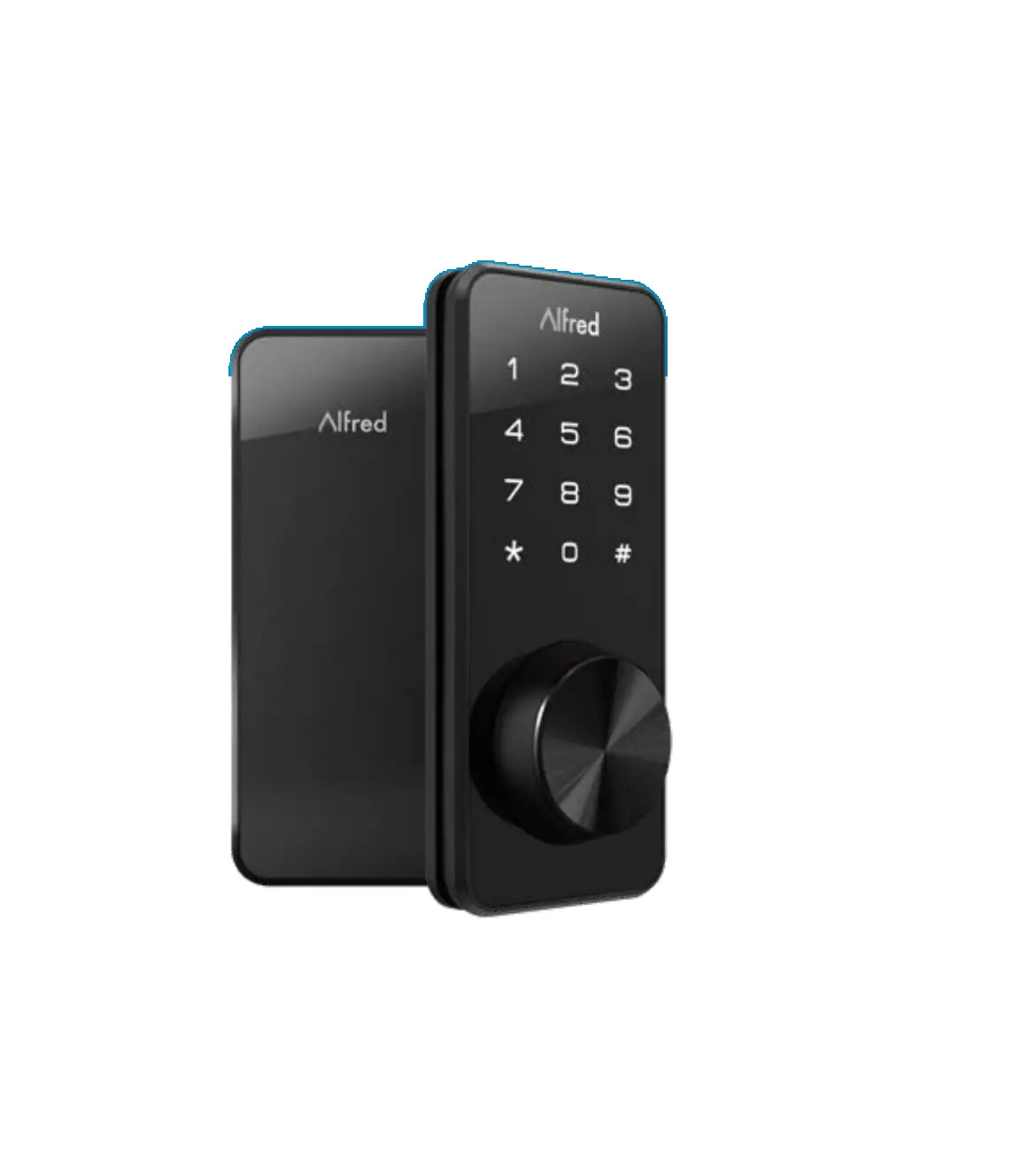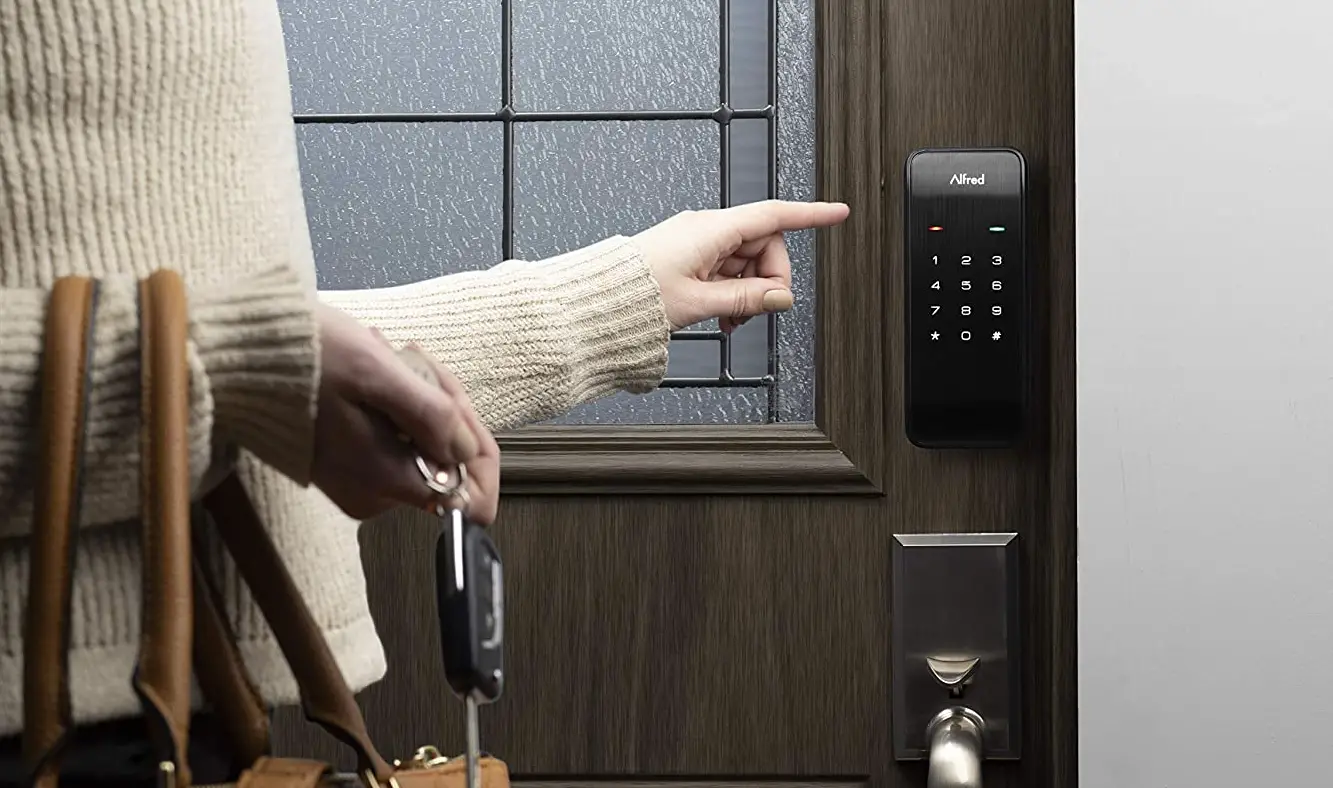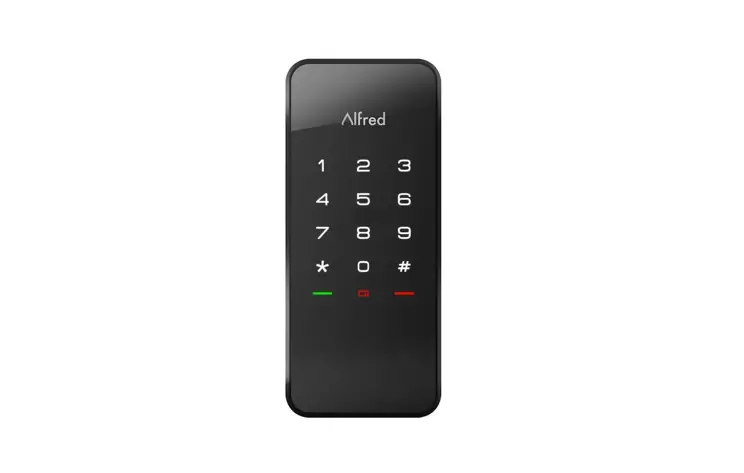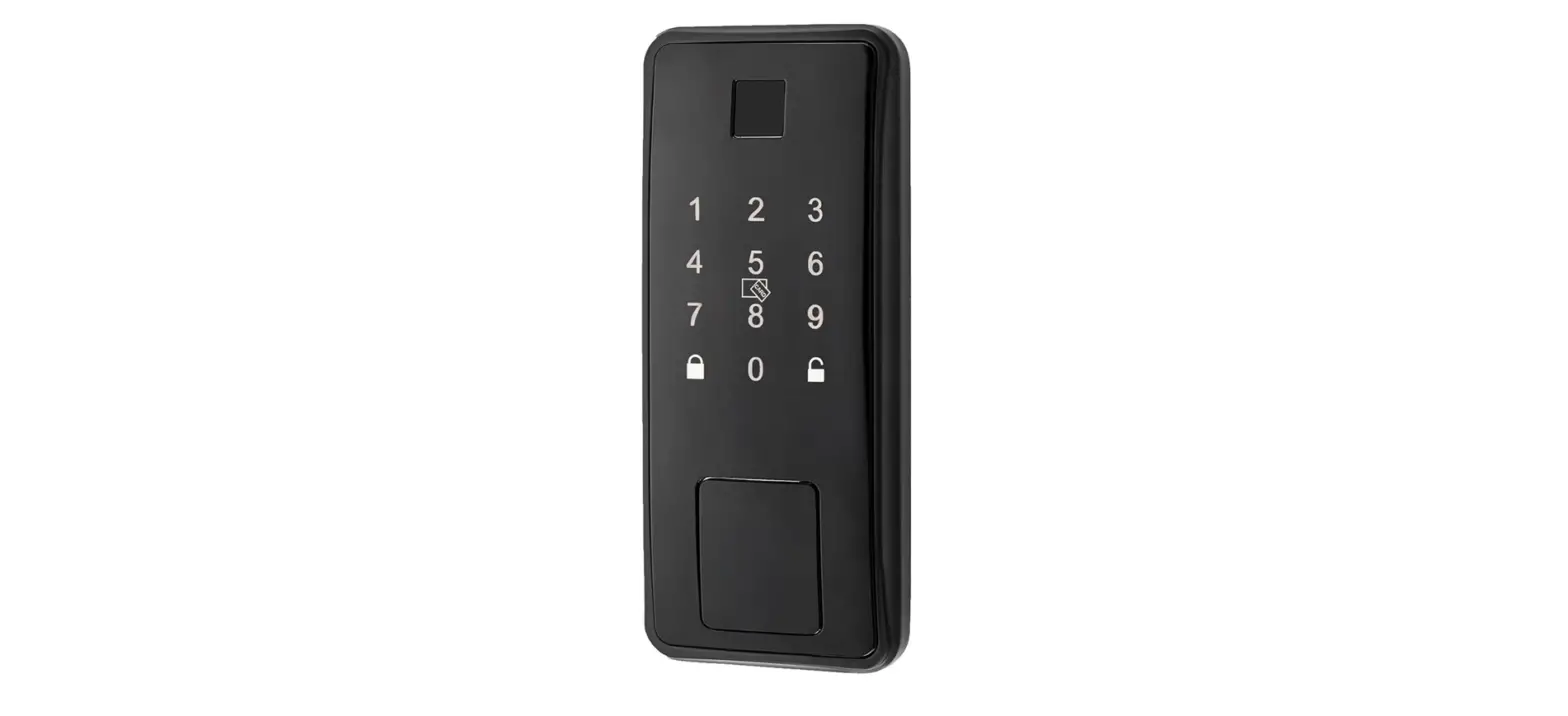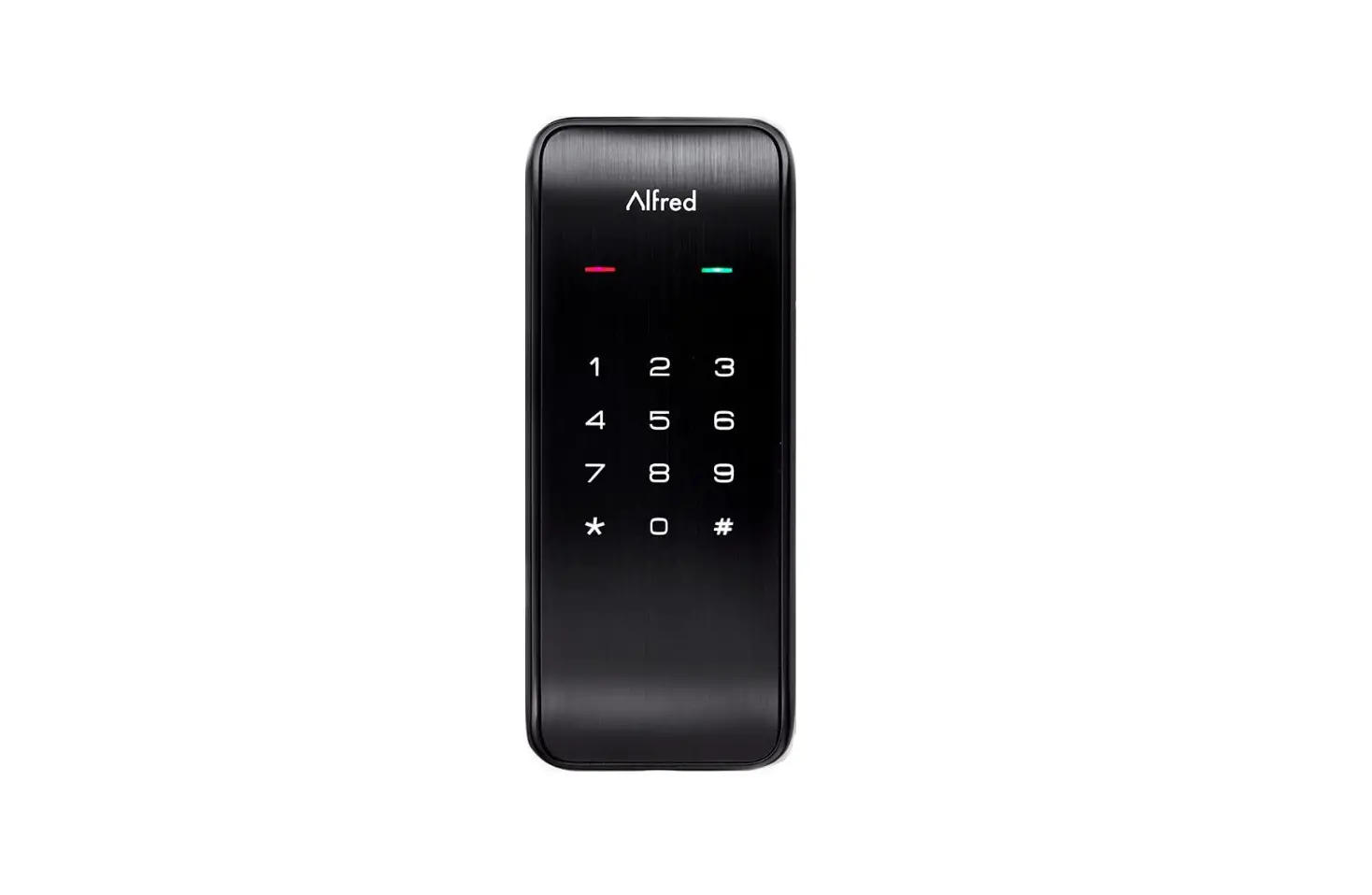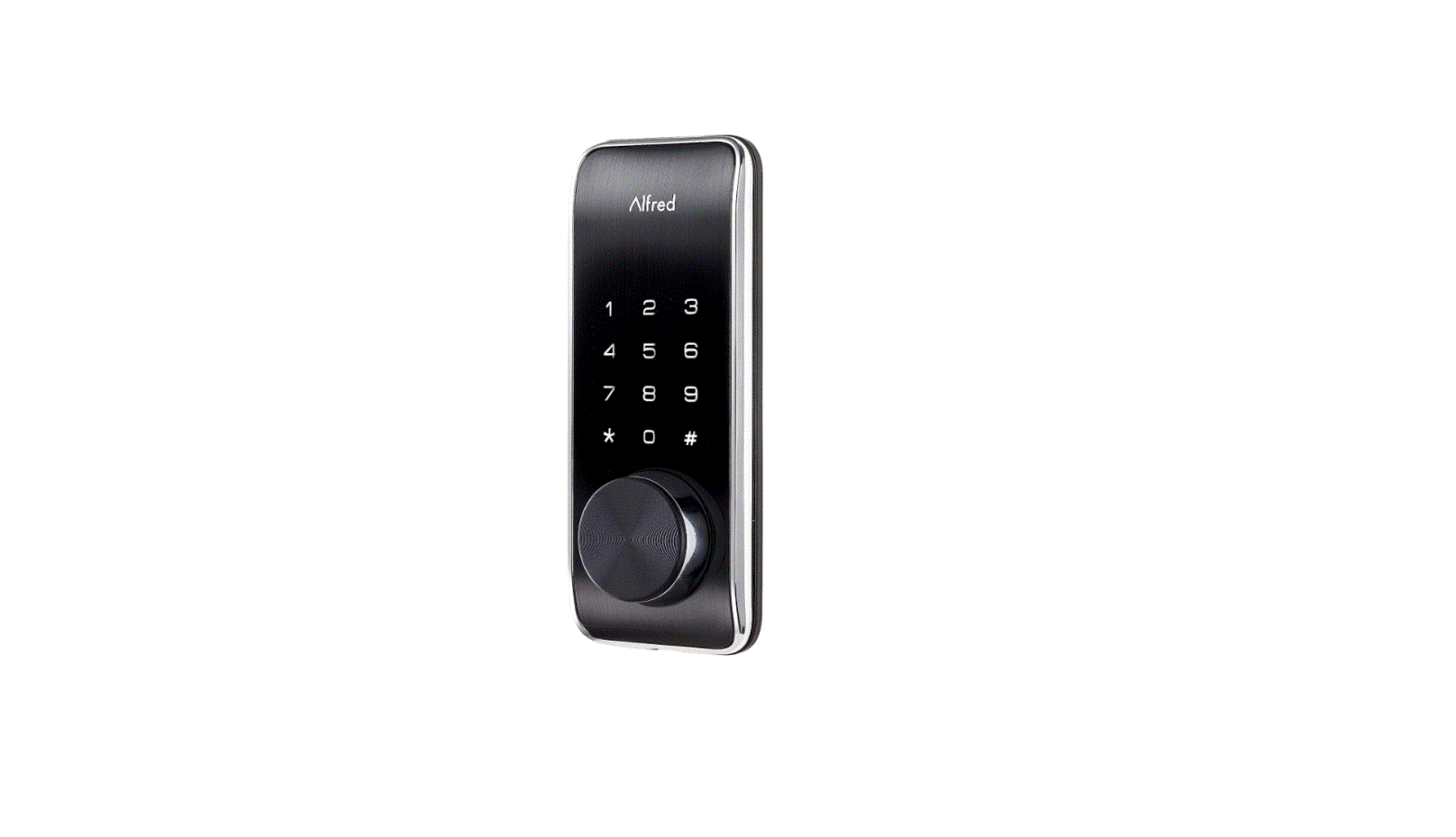

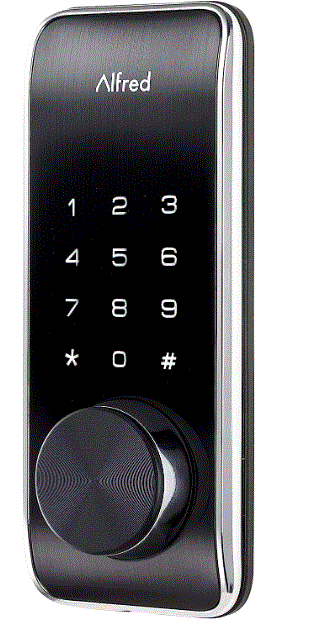
DB2 Smart Home Touchscreen Motorized Deadbolt Lock
 Alfred International Inc. reserves all rights for the final interpretation of the following instructions. All design and specifications are subject to change without notice
Specifications
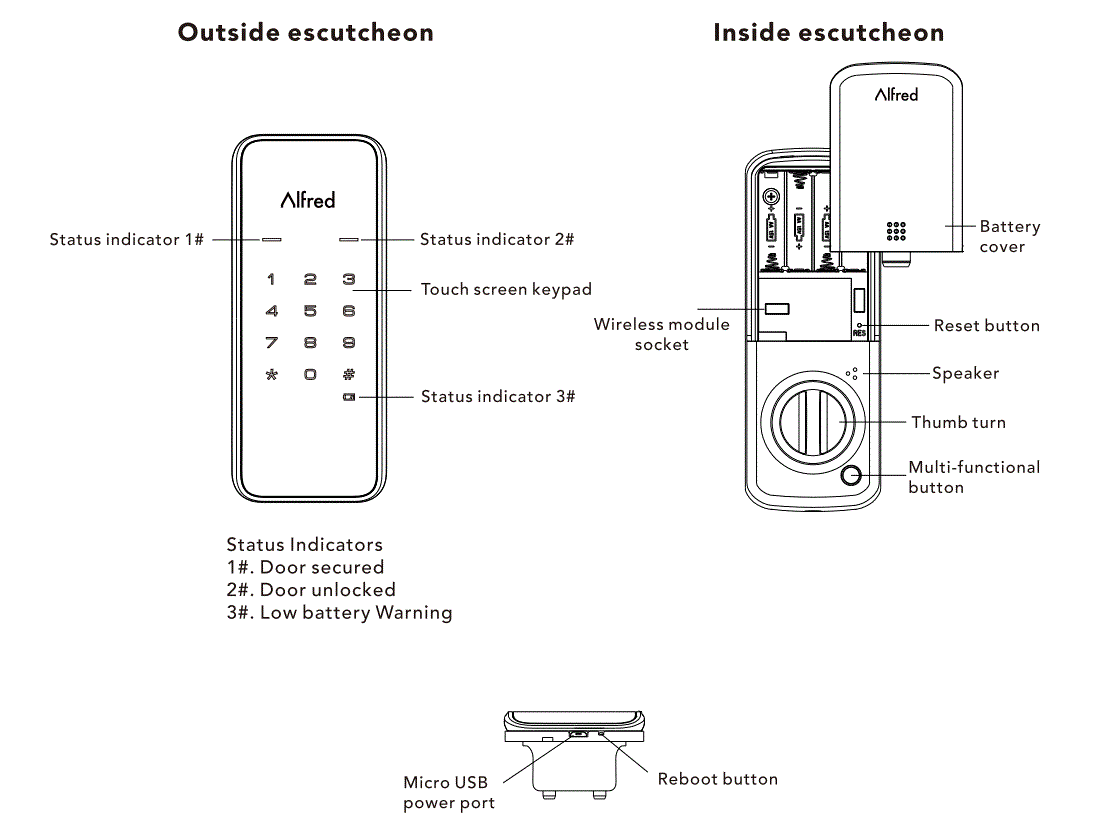
Components
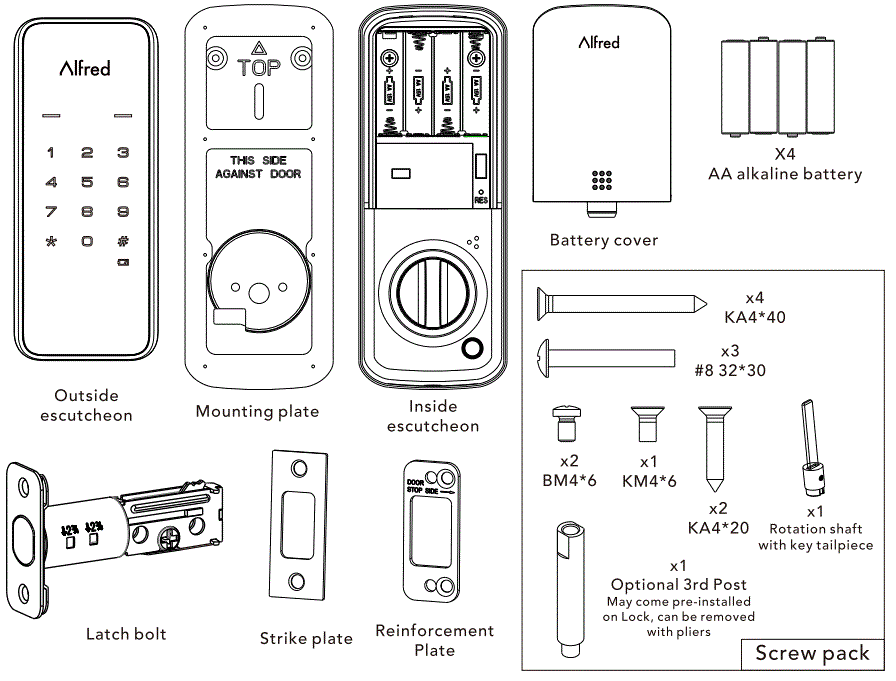
Preparing for Installation
Tools Needed
Lock Installation
#2 Philips screwdriver
Door prep (Optional Tools, only required if installing lock on new door without existing Lock Prep))
- 2-1/8″ 53mm hole saw
- 1″ 26mm boring bit
- 7/64″ 2.5mm drill bit
- 3/8″ 10mm drill bit
- Chisel&Hammer
IMPORTANT
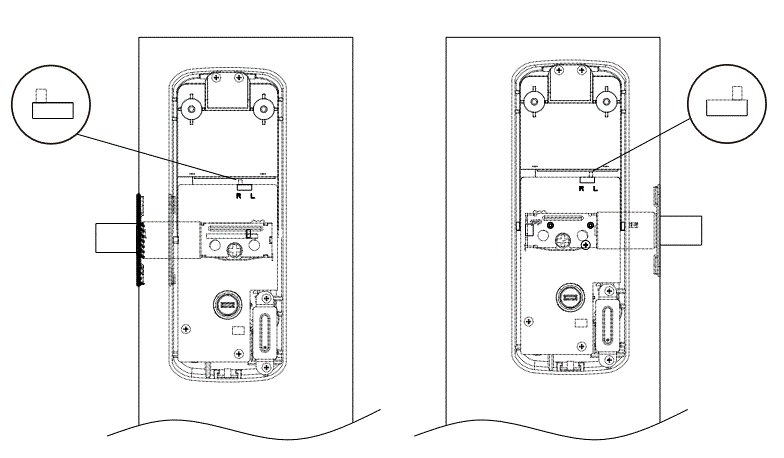
The handing switch needs to be put in the direction the latch bolt is sliding when looking at the inside of your door.
PREPARE LOCK FOR INSTALLATION
Unpack the Lock
A. Inside escutcheon
Confirm door handing direction.
- There is a switch on back side of the Inside escutcheon.
- Position of the switch should be towards the door frame (see picture at right) when installed.
B. Latch Bolt
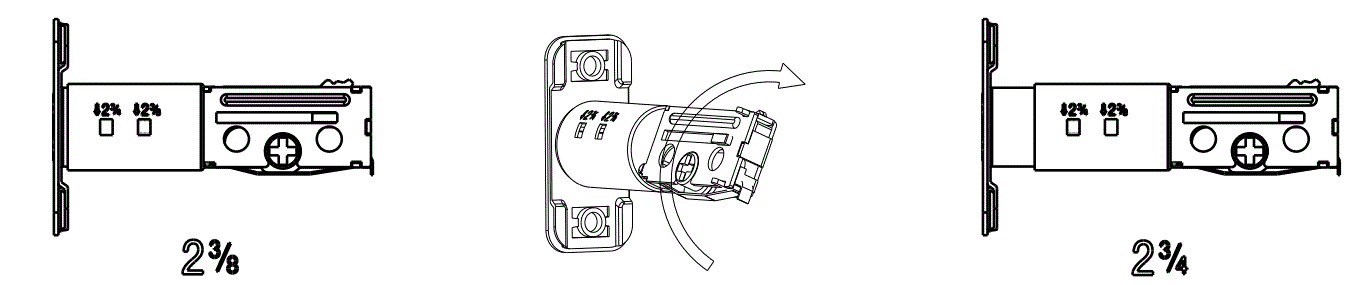
Confirm Backset measurement
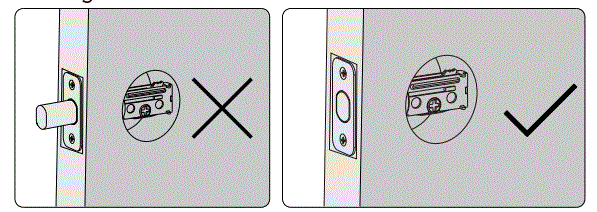
Note: Bolt ships with backset in 2-3/8″ position. If required, turn the bolt case and pull to extend to 2-3/4″ backset position.(see pictures below)
The bolt must be in retracted(Unlocked) position when you are changing backset.
C. Outside Escutcheon
Remains assembled.
Installation
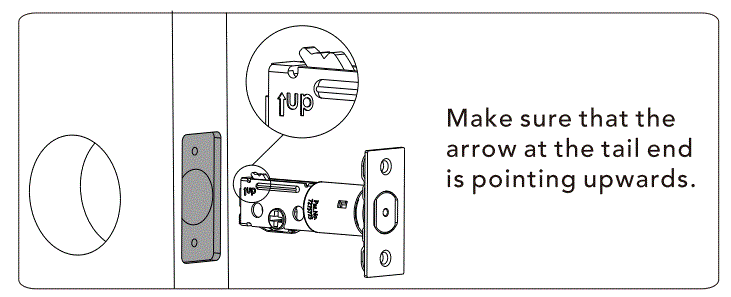
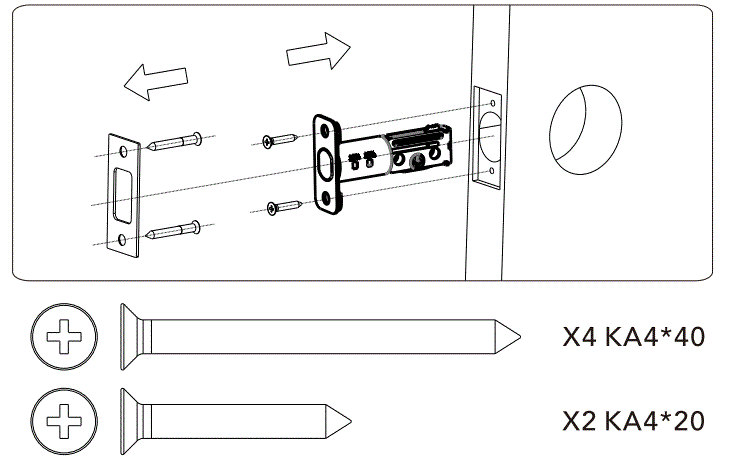
- Install Latch Bolt in door

NOTE: The bolt must be in retracted(Unlocked) position when Lll installing the lockset.
- Install strike on the door frame.

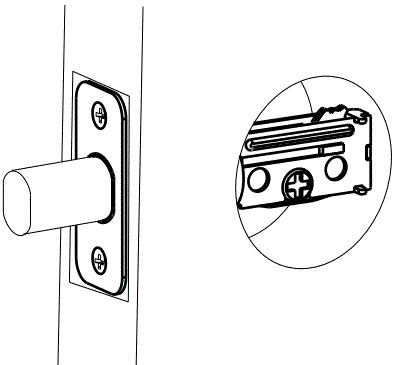
- Check to make sure bolt operates smoothly before moving forward. Use Screwdriver to extend and retract Bolt and check for smooth operation.

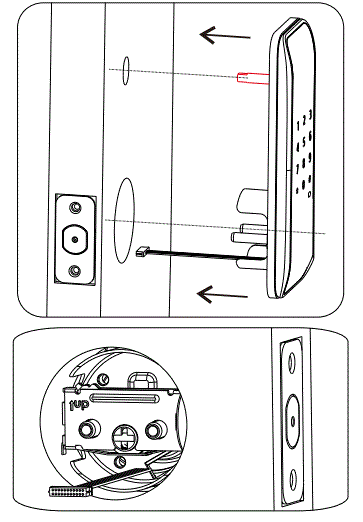
NOTE: Check to make sure bolt fully extends - Hold the outside escutcheon with Keypad, flush to your door and align tail piece and cable with door hole prep. Pass Cable through door UNDER latch bolt.
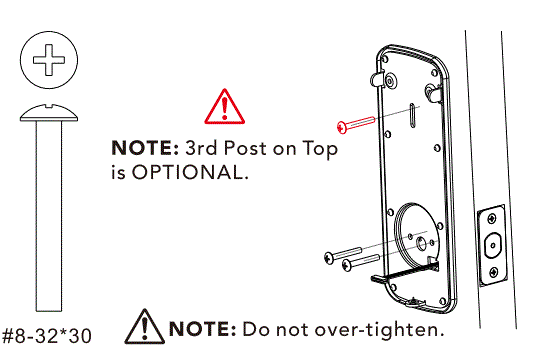
 The 3rd Top Post is OPTIONAL. The Top Post is used for additional security, or when a door is weak or warped. The Top Post can be easily removed by unscrewing with a pair of pliers and discarded.
As you position the outside escutcheon, route the cable through 2-1/8″ diameter hole.NOTE: Cable must go through door hole under the bolt.
NOTE: Bolt must be in retracted (unlocked) position. - Position the inside mounting plate by first routing the cable and connector through the mounting plate’s cable hole.

- Secure both assemblies using 3 #8-32*30 screws, making sure that outside escutcheon is vertically aligned. Tighten securely with a #2 Philips screwdriver.

- Place the rotation shaft key tailpiece into the hole on the inside escutcheon plate.
The tailpiece should be in the horizontal position.
NOTE: Tail piece must be in the horizontal position when properly installed. - Attach cable assembly to the inside escutcheon PCB by lining up notches on top of cable connector to slots on PCB connector. Press connector in firmly using thumbs until completely seated.

- Install inside escutcheon on inside mounting plate.
 NOTE: The horizontal orientation of the tailpiece as you insert the inside escutcheon(thumb turn should be vertical)
 - Secure using screws through the inside escutcheon onto the mounting plate.

- NOTE: Test operation using thumbturn before installing batteries to make sure latch bolt extends smoothly.
If latch bolt does not extend, please check that the tail piece was inserted correctly.. OPTIONAL – Install Wireless Module (Modules sold separately and not required for normal Bluetooth operation of Lock)”
 - Insert four AA alkaline batteries. Front Keypad will light up to confirm proper installation.
Then install battery cover plate.
 The 3rd Top Post is OPTIONAL. The Top Post is used for additional security, or when a door is weak or warped. The Top Post can be easily removed by unscrewing with a pair of pliers and discarded.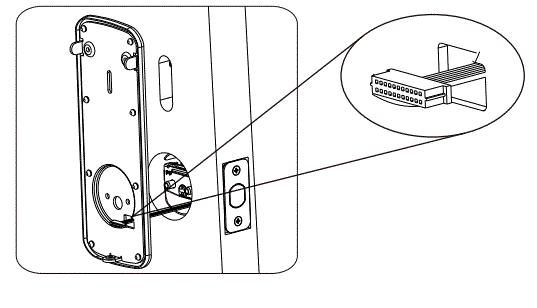
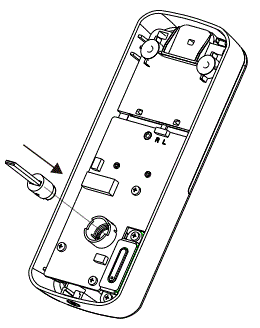
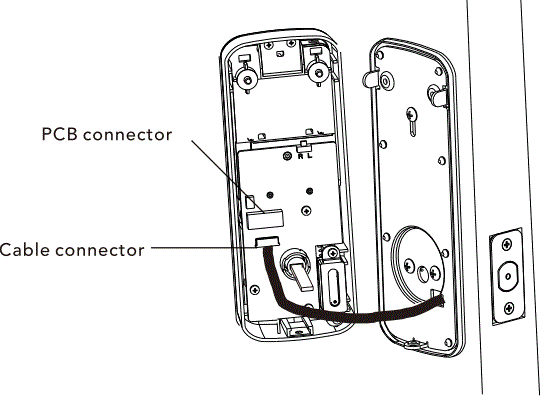
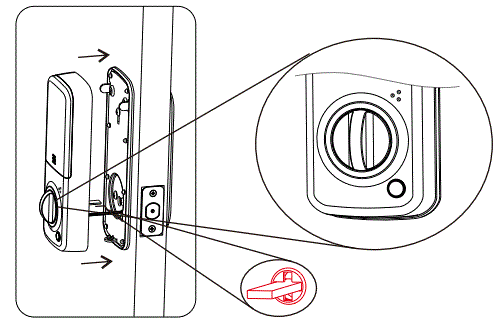 NOTE: The horizontal orientation of the tailpiece as you insert the inside escutcheon(thumb turn should be vertical)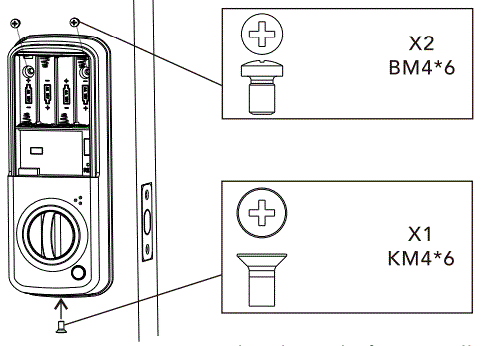
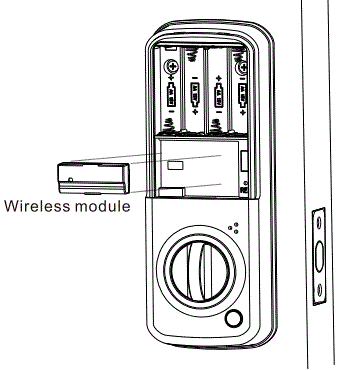 OPTIONAL – Install Wireless Module (Modules sold separately and not required for normal Bluetooth operation of Lock)”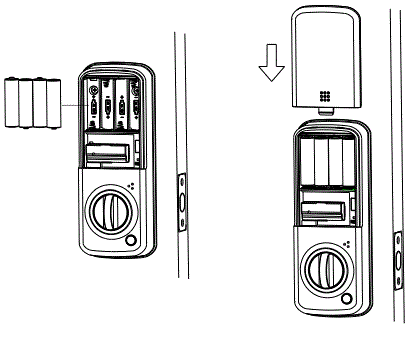
Congratulations, you have installed the Alfred D82 Touch Screen Smart Deadbolt.
Please now download the Alfred Home App from either the Apple App Store or Google Play Store to set up your Master PIN Code for the lock or refer to Programming Instructions booklet provided.
Download the Alfred Home App 
For support, please reach out to: [email protected] You can also reach us at 1-833-4-ALFRED (253733)
www.alfredinc.com