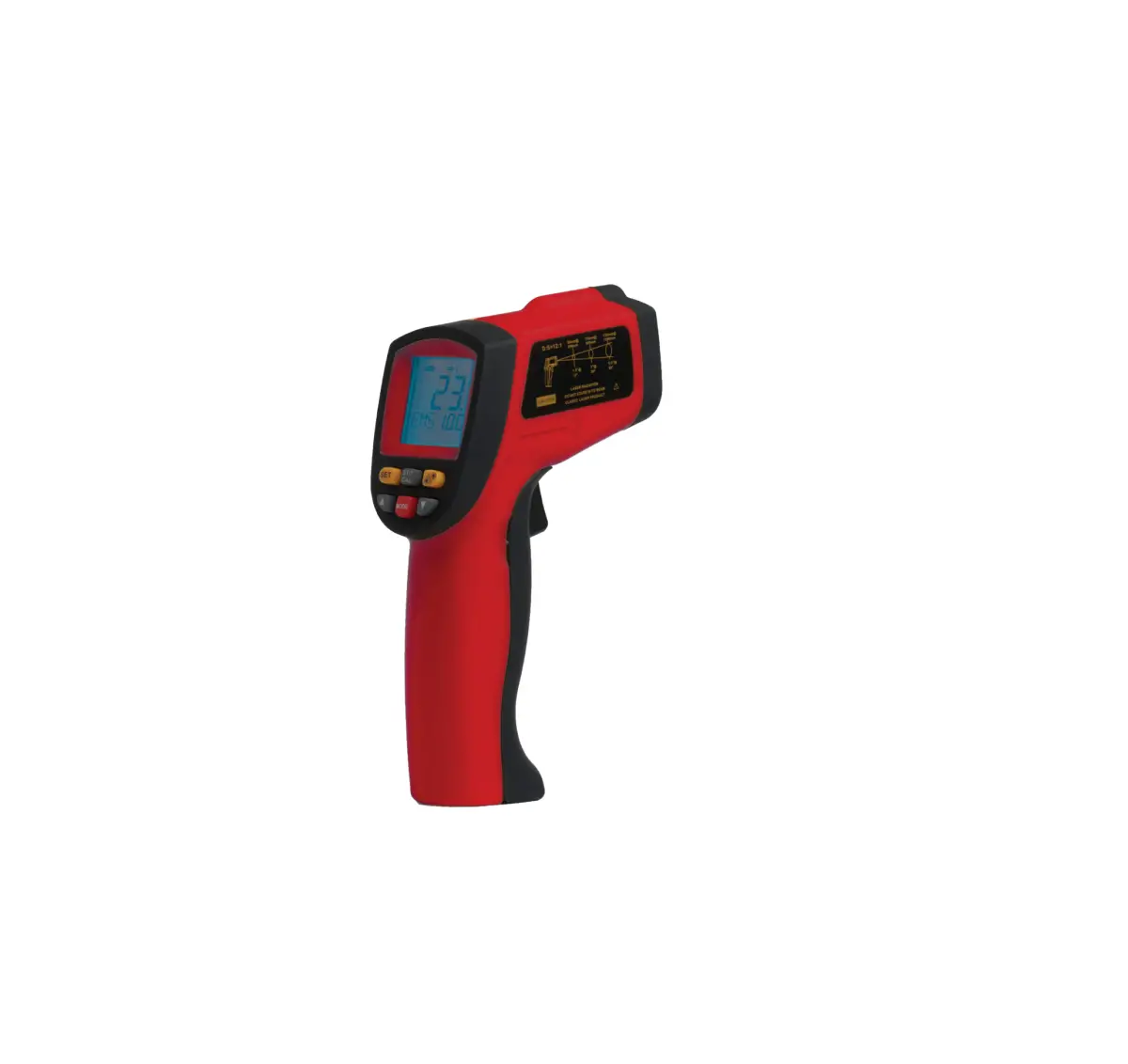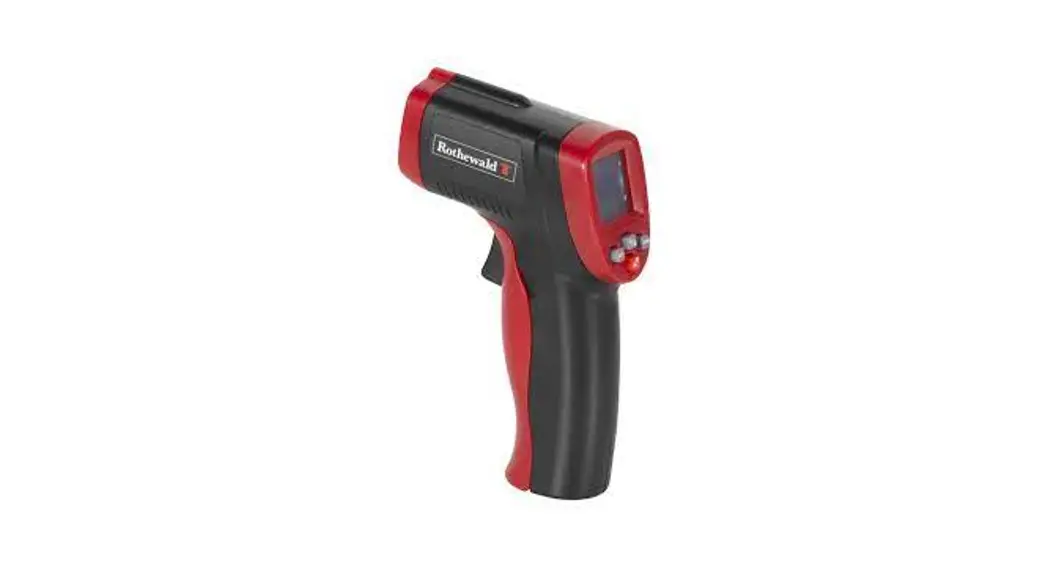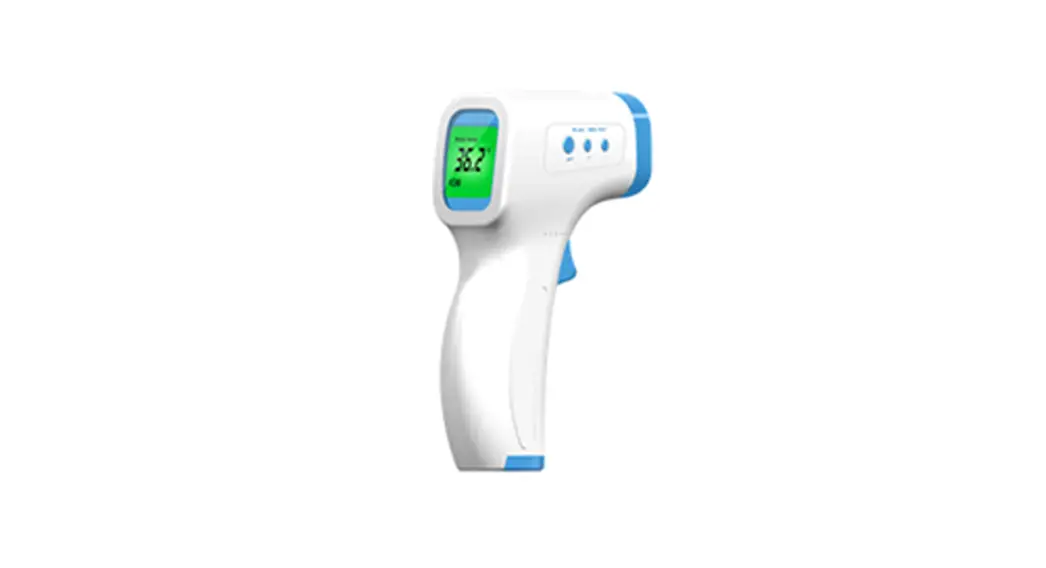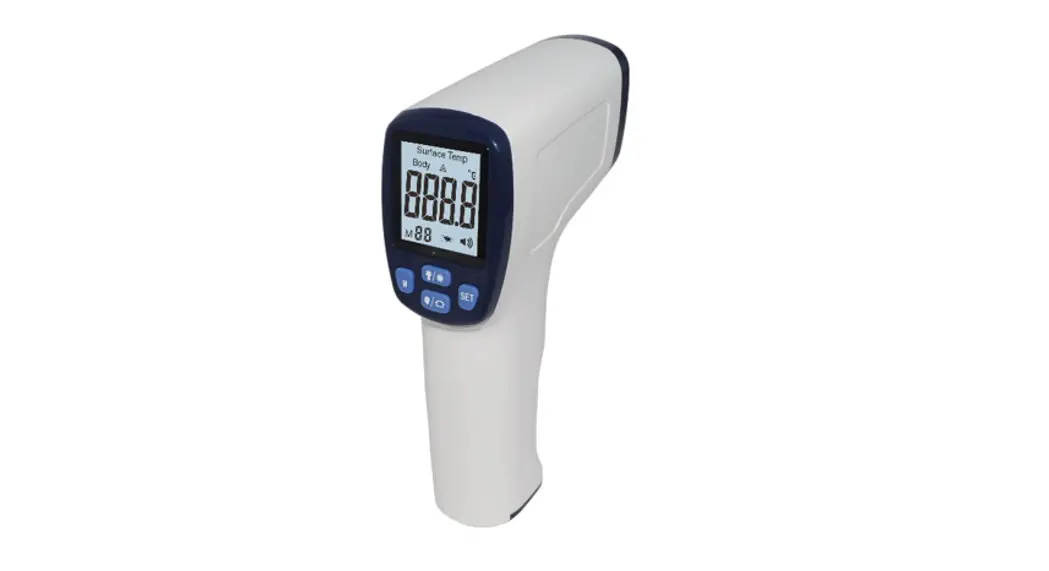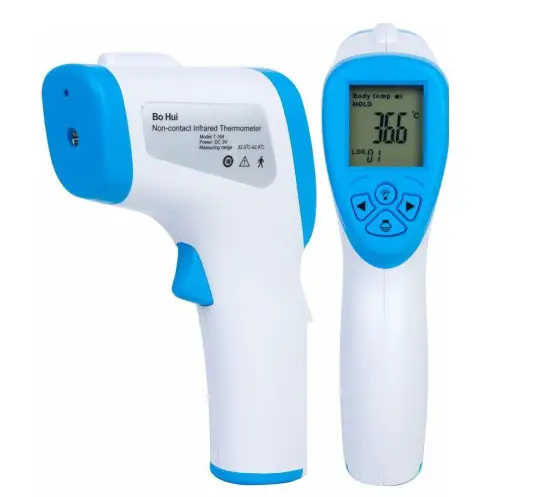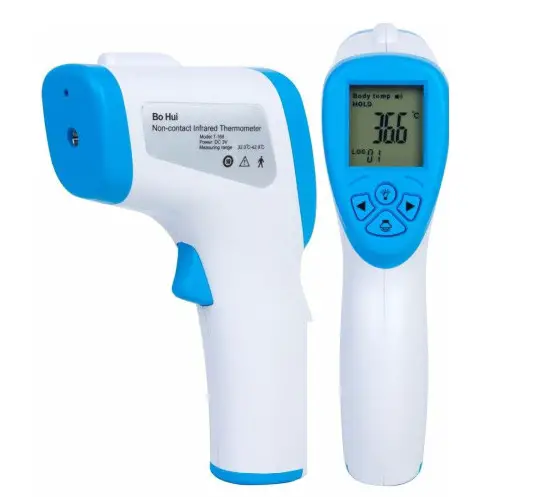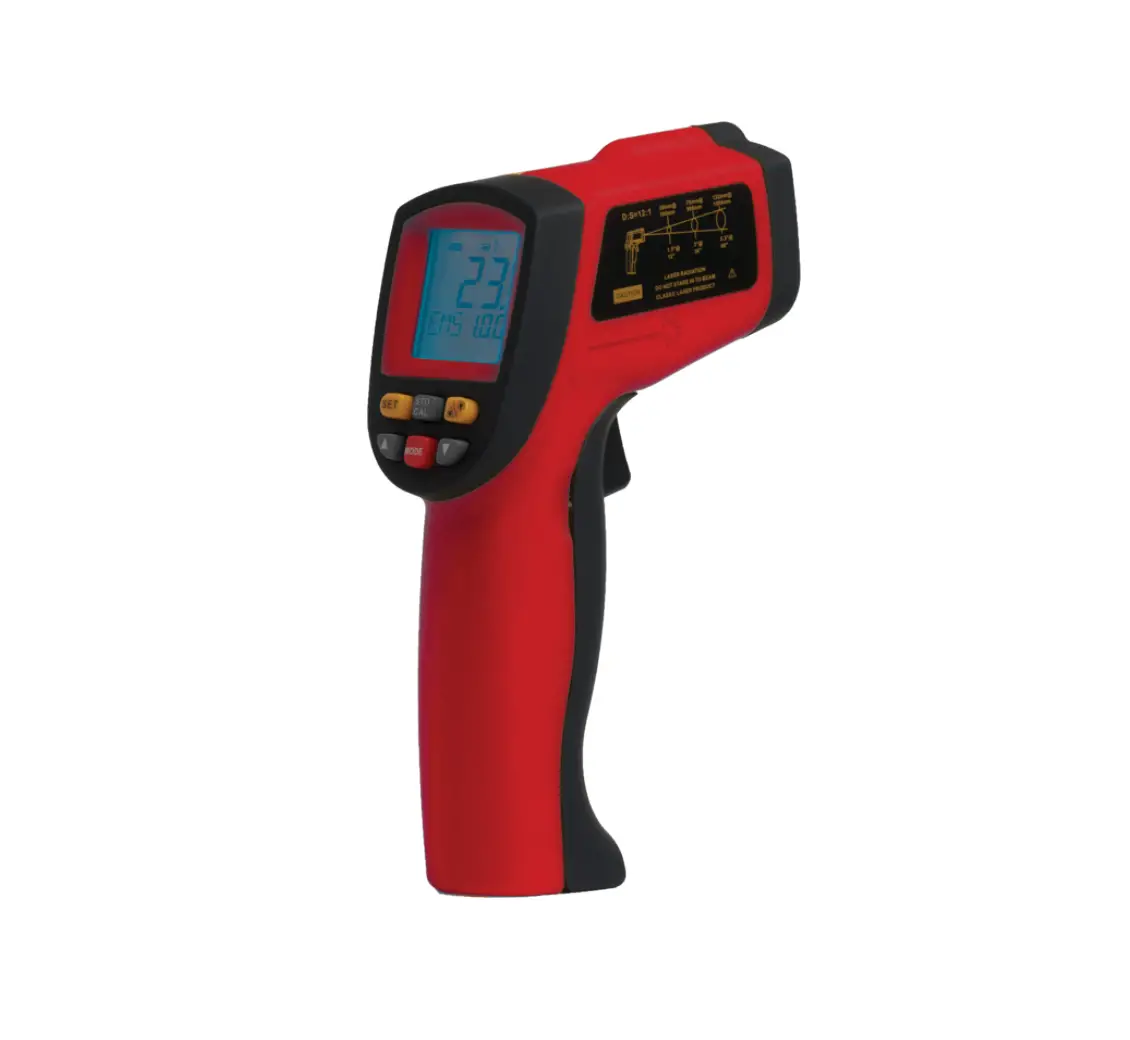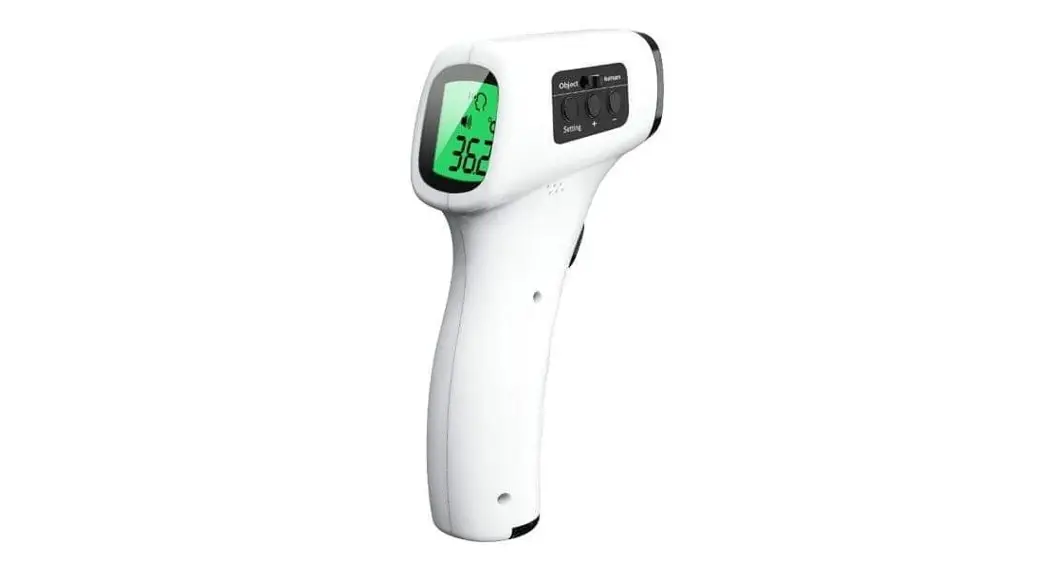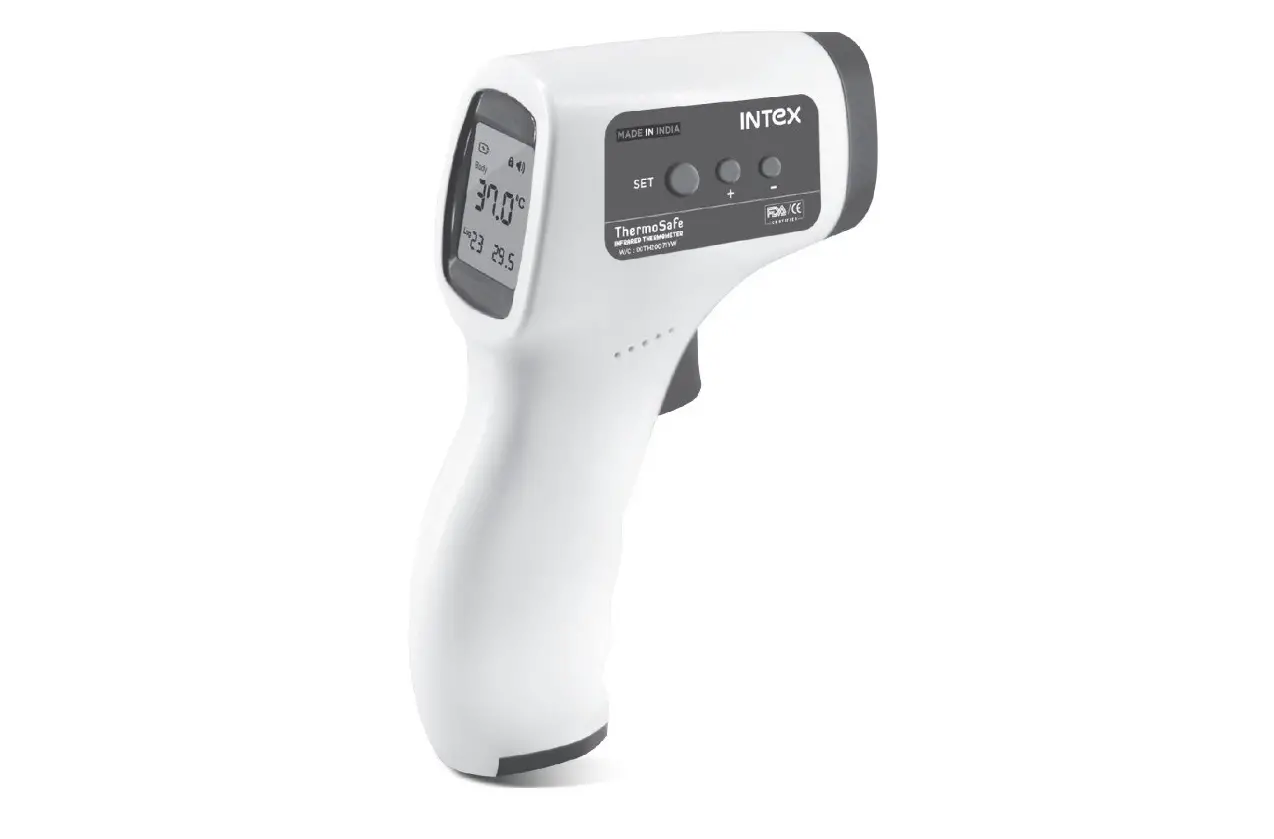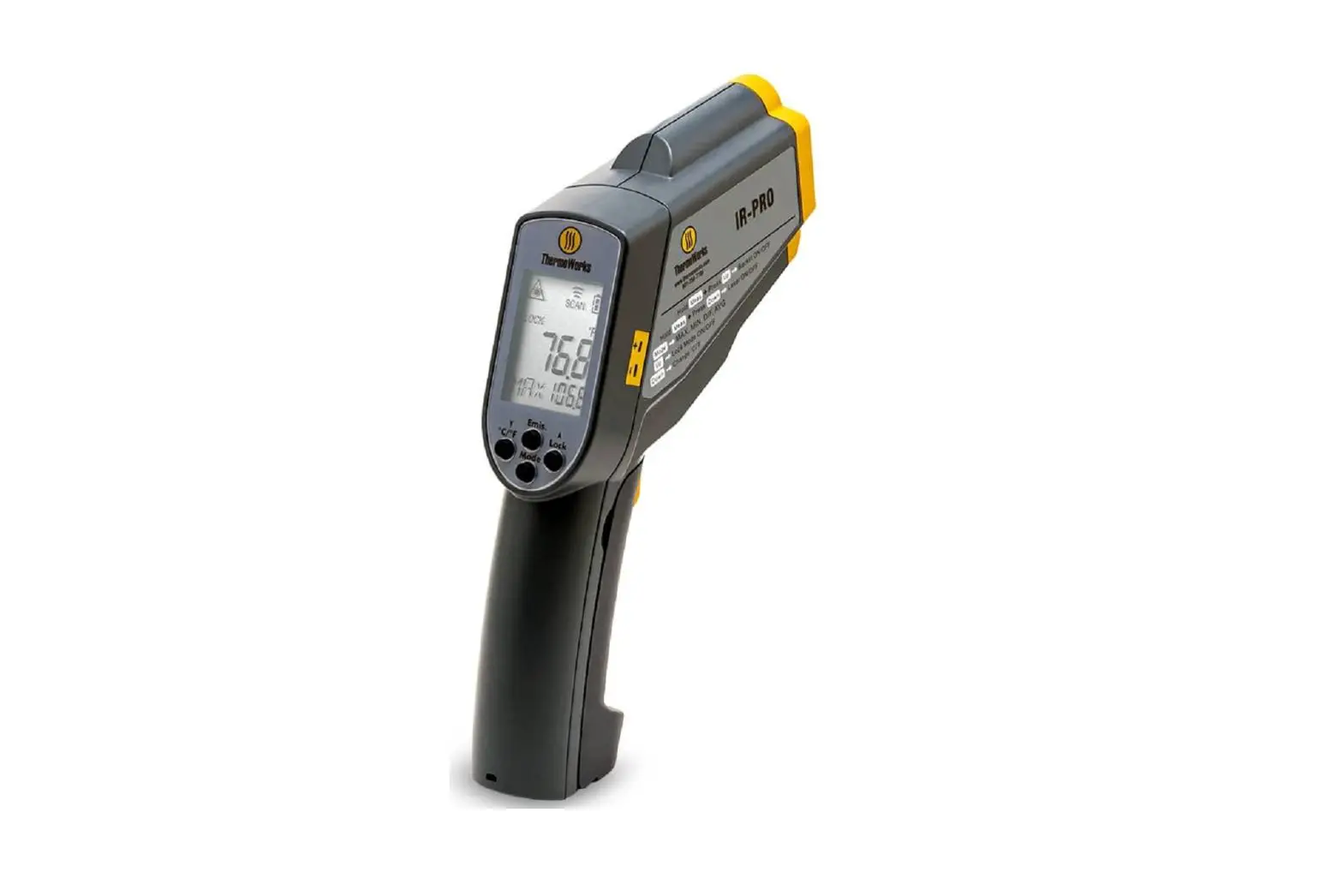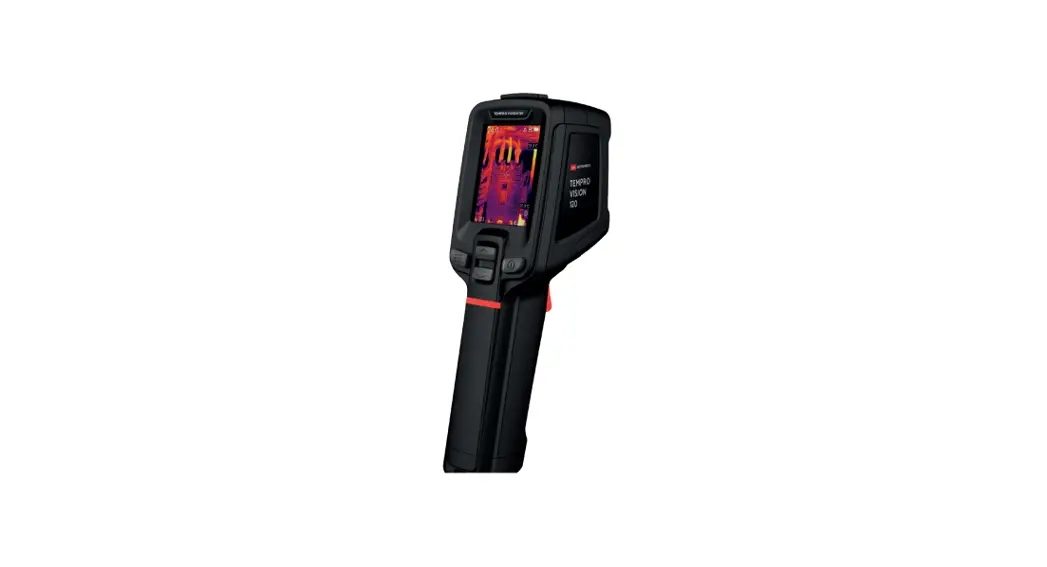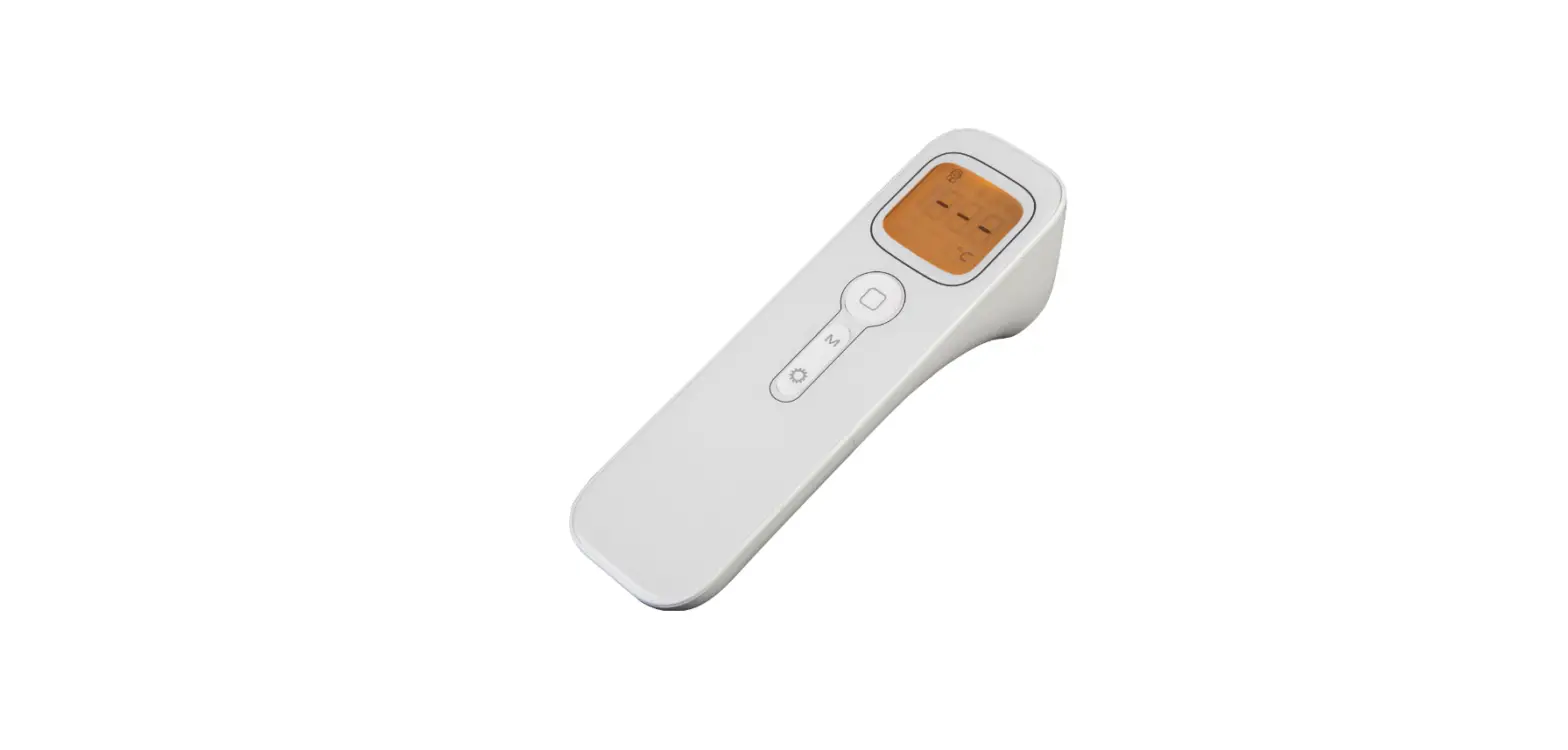

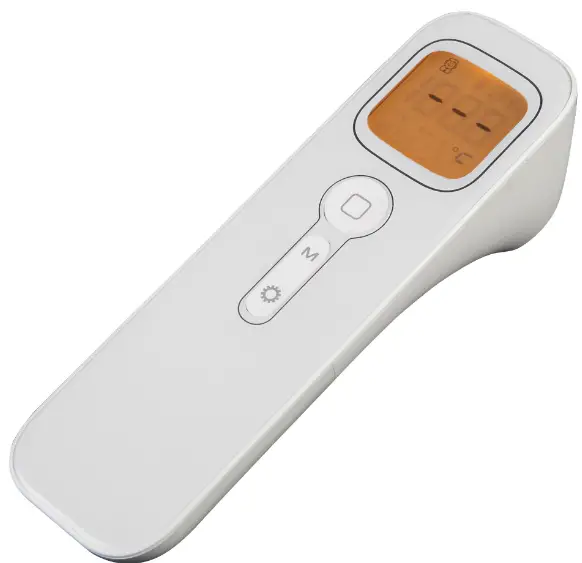
ALFA TECH 8000 Series Digital Infrared Thermometer
Specifications
| Product category | Infrared Thermometer |
| Accuracy | lOO”C, ±2% / slOO”C, ±2″C |
| Response time | O.Ss |
| Emissivity | Adjustable , 0.1 to 1.0 |
| Distance to spot ratio | 12:1 50:l |
| Resolution | 0.1″C(0.1°FJ |
| Remaining battery-power | 0%-100% |
| °C/°F Selection | |
| Backlight display selection | |
| Dual laser targeting | |
| Function selection | High/Low temperature alarm setup MAX,IMIN/AVG/DIF temperature me.asurement |
| Operating environment | Temperature:O”C-so,: Relative humiditv: 10-95%RH |
| Storage temperature | -20-S0″C (–4-122°F) |
| Operating temperature | 0-S0″C (32-122°F) |
| Power/Power life | 9V / about 12 hours |
Warning
Do not point laser directly or indirectly (through reflective surfaces) at eye.
Operation Turn on
Install the battery and press the measurement button,then the thermometer turns on and shows the temperature reading automatically.
LCD display
The LCD displays the signals of functions. (as diagram 3 shows)
Measurement
Aim to target article with thermometer head and press the measurement button (trigger), and release the button (need to press the button for at least 0.5 second) to show current temperature reading, or press the button all the time for continuous testing with more temperature reading results.
Turn off
The thermometer will turn off automatically after 15 seconds without any operation
Distance Spot Ratio
Farther the target, larger the test spot area, it means: As the distance from thermometer to the object increases, the spot size of measuring area becomes larger, (as Diagram 1) it is named as “D:S” (Distance Spot Ratio). The diameter of the target spot area is 3.0cm when you test from distance 36cm, and the thermometers will show the average temperature of target spot area with diameter 3.0cm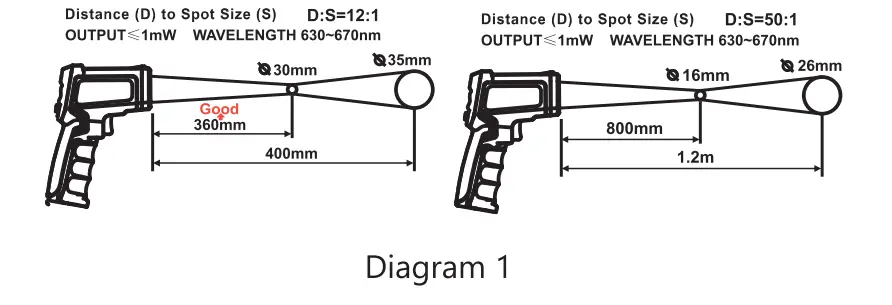
Emissivity
- Most organic materials, painted or oxidized surfaces have an emissivity of O.95(per-set in the unit). Inaccurate readings will result from measuring shiny or polished metal surfaces (for example,stainless steel or aluminium). To make better accuracy, cover the surface to be measured with masking tape or flat black paint. Measure the tape or painted surface when the tape or painted reach the same temperature of the material underneath.
- Please kindly note: Thermometer can not test the temperature of target objects through across the glass. And steam, dust, smog will lower the accracy of testing
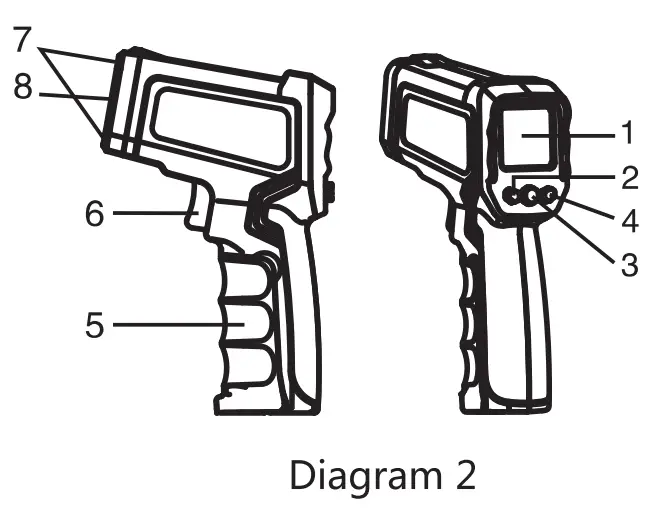
Function Diagram
- LCD
- Backlight laser button
- `Up key
- Mode selection
- °C/ °F button
- down key
- Battery cover
- Measure key
- Laser hole
- Infrared lens
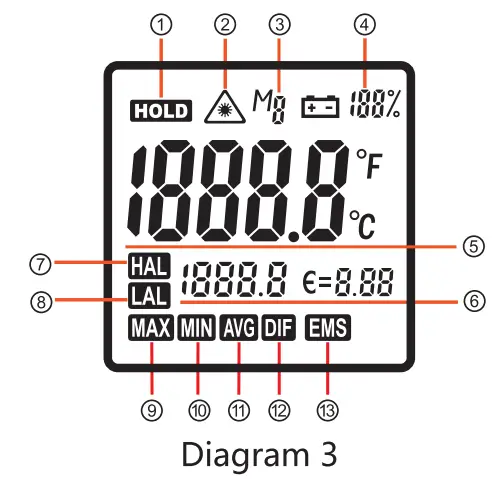
- Data hold
- Laser sign
- Data recall
- The percentage of remaining battery power
- Current temperature reading
- Setting Display
- High temp alarm
- Low temp alarm
- MAX measure
- MIN measure
- Average measure
- Difference measure
- Emissivity
- Data Hold: to keep current reading.
- Laser Sign: test with laser.
- Data recall: Press the mode button for 2-3 seconds to display the last record, then press the mode button for 0.5 second again and again to display the other 8 records one by one.
- The percentage of remaining battery power.
- Current temperature reading.
- Mode setting: press the mode button for 0.5 second to turn into different modes to display the related information.
- High temp alarm: alarm buzz on when the temperature reading is higher than setting temperature.
- Low temp alarm: the alarm buzz on when the temperature reading is lower than setting temperature.
- Max measure: it shows maximum temperature reading after pressing the measure button and hold for a while.
- Min measure: it shows minimum temperature reading after pressing the measure button and hold for a while.
- Average measure: it shows average temperature reading after pressing the measure button and hold for a while.
- Difference measure: it shows the difference between maximum and minimum reading.
- Emissivity: adjustable from 0.1 to 1.0 to suitable for testing of cdifferent articles
- I.aser/Backlight button: in the mode of MAX, MIN, AVG, DIF, press Laser/Backlight button shortly to switch among laser and backlight.
- C/F button: in the mode of MAX, MIN, AVG, DIF, press “Cj°F button shortly to switch between Fahrenheit and Celsius degree.
- Up/Down button: set and adjust value.
- Mode button: press Mode button shortly to switch among different modes. If press mode button for a while, then it turns into the mode of temperature records, and then press it shortly again and again, then it will show temperature records of last 9 testing one by one
Cautions
Infrared thennometer should be protected in the following:
- EMF (electro-magnetic fields) from an:: welders, induction heaters.
- Thennal shock (caused by large or abrupt ambient temperature changes, it allows 30 ,omites for unit to stabilize before use.)
- Do not leave the unit on or near objects of high temperature.
Maintenance
- Lens cleaning: Use the clean compressed air to blow off loose particles, use the soft brush to remove the debris away, at last clean it with wet cotton cloth.
- case cleaning: Clean the case with a damp sponge/cloth and mild soap.
NOTE
- Do not use solvent to clean lens.
- Do not submerge the unit in water.
Emissivity Of Articles
| Emlulvlty Of Artlclu | |||||
| Mat.rial | Featura | Emissivity | Mat.rial | F•atura | Emissivity |
| Aluminium | Oxidized | 0.20-0.40 | Human skin | 0.98 | |
| Polished | 0.02–0.04 | Graphite | Oxidized | 0.20–0.60 | |
| Brass | Oxidized | 0.40-0.80 | Plastic | Trarai–,cy | 0.95 |
| Polished | 0.02–0.05 | Rubber | >0.5rrm | 0.95 | |
| Gold | 0.01–0.10 | Plastic cement | 0. 85-0.95 | ||
| Iron | Oxidized | 0.60-0.90 | Concrats | 0.95 | |
| Stsel | Oxidized | 0.70–0.90 | Cement | 0.96 | |
| Asbestos | 0.95 | Soll | 0. 90-0. 98 | ||
| Plaster | 0.80–0. 90 | Mortar | 0. 89-0. 91 | ||
| Asphalt | 0.95 | Brick | 0. 90-0. 96 | ||
| Rock | 0.70 | Marble | 0.94 | ||
| Wood | 0.90–0. 95 | Textile | All kinds | 0.90 | |
| Charcoal | powdered | 0.98 | Paper | Wdhcolor | 0.95 |
| Carbon | 0.85 | Sand | 0.90 | ||
| Lacquerwork | lackluste1 | 0.97 | Clay | 0. 92–0. 96 | |
| Carbon Cement | 0.90 | Gravel | Tableware | 0.95 | |
| Soap Bubble | 0.75-0.80 | Glass | 0. 85-0.92 | ||
| Water | 0.93 | Textile | 0.95 | ||
| Snow | 0.83–0. 90 | Heated food | 0.95 | ||
| Ice | 0.96-0. 98 | Plastic | 0.95 | ||
| Frozen Foods | 0.95 | Oil | 0.94 | ||
| Ceramics | 0.95 | Stael and iron | 0.80 | ||
| Limestone | 0.98 | Wool | Natural | 0.94 | |
| Paint | 0.93 | Lead | Oxidized | 0.50 | |
Copyright 2023 Alfa Tech. All rights reserved. No part of this manual may be reproduced or transmitted in any form or by any means, electronic or mechanical, including photocopying, recording, or by any information storage and retrieval system, without permission in writing from the publisher.