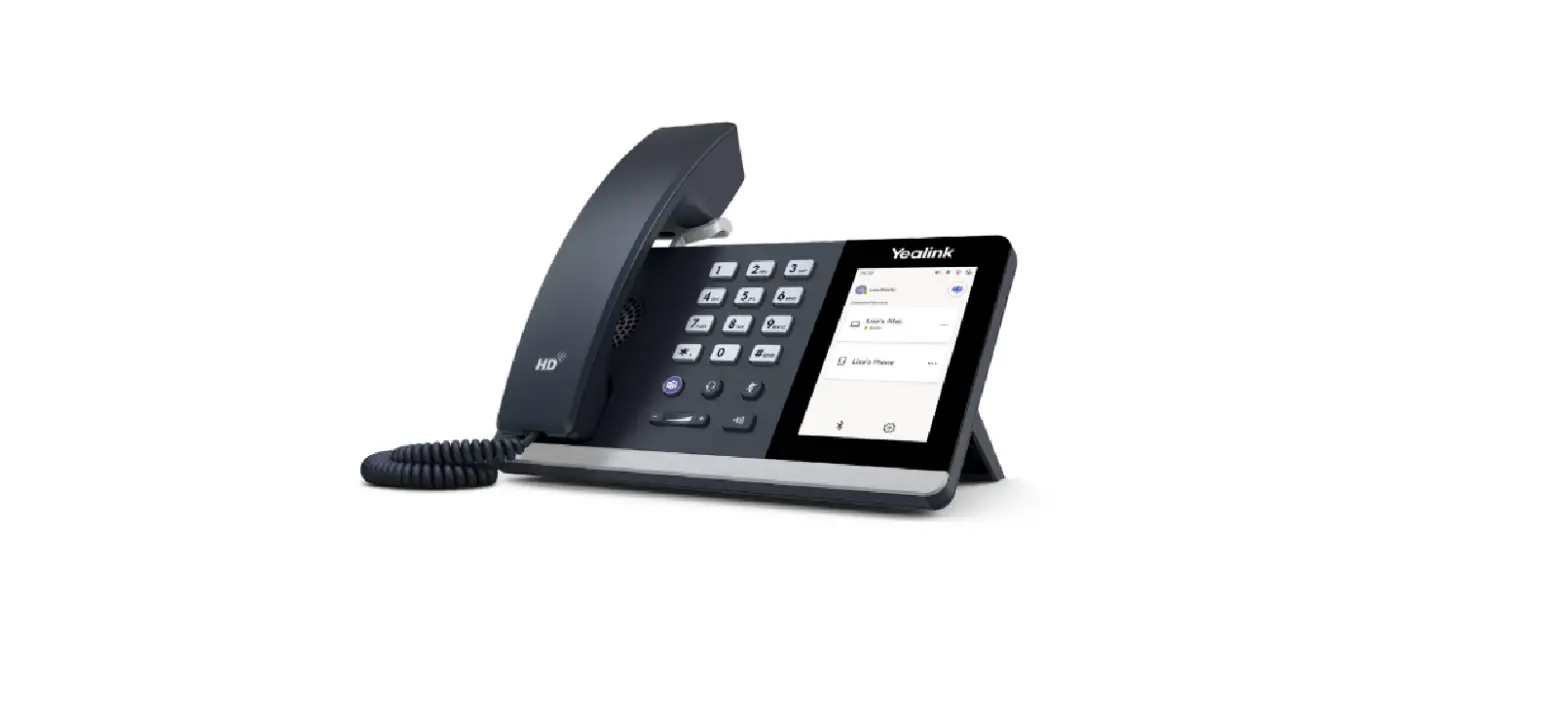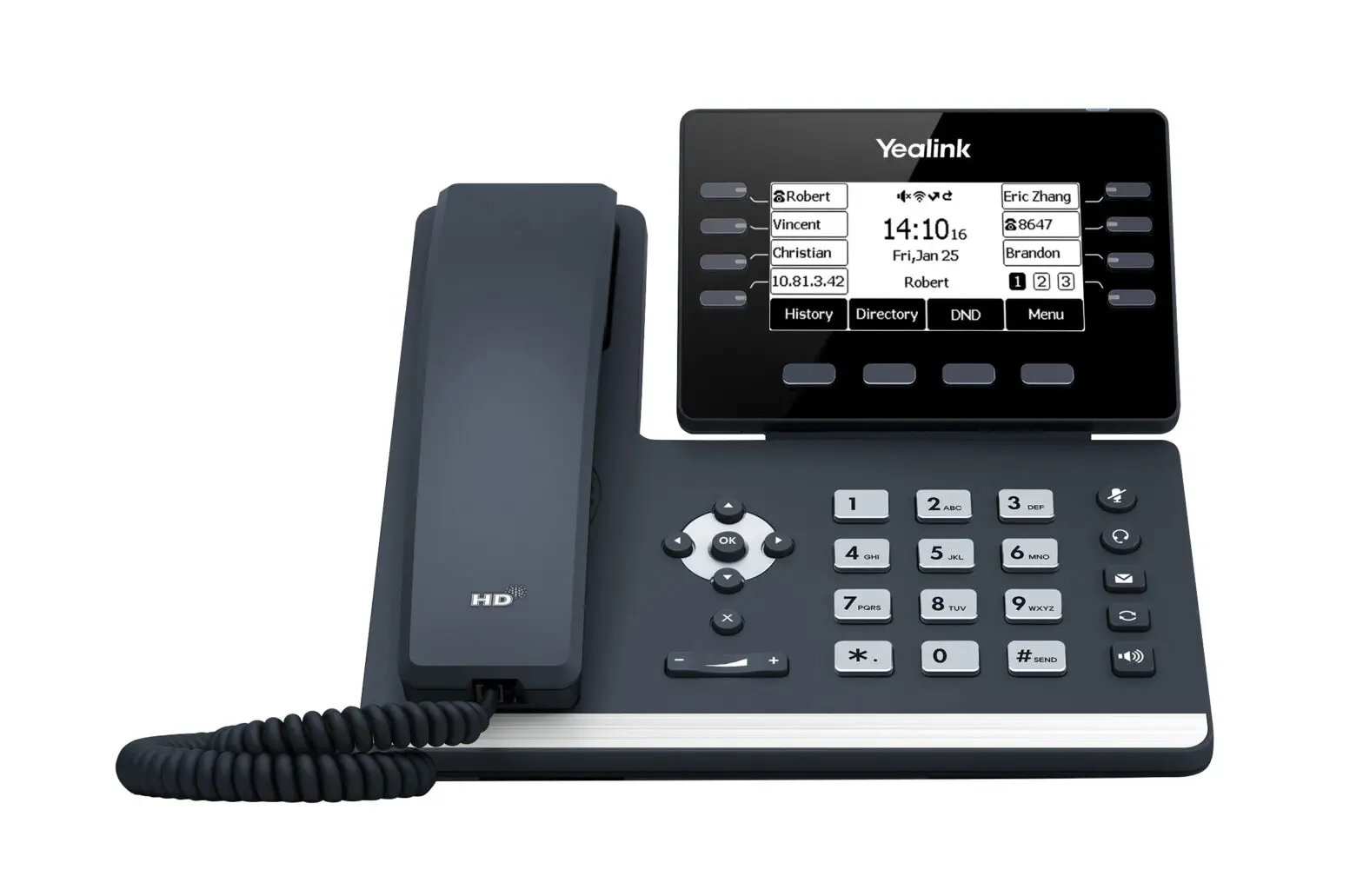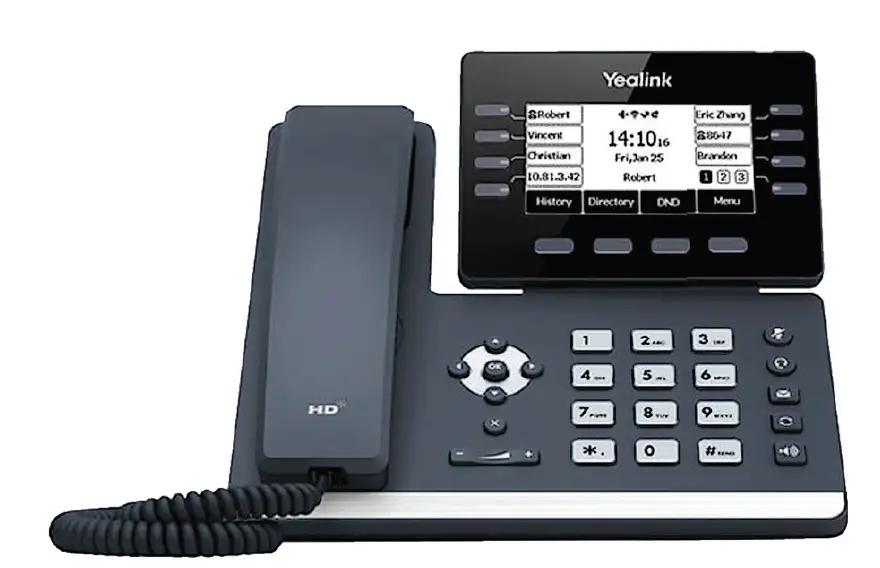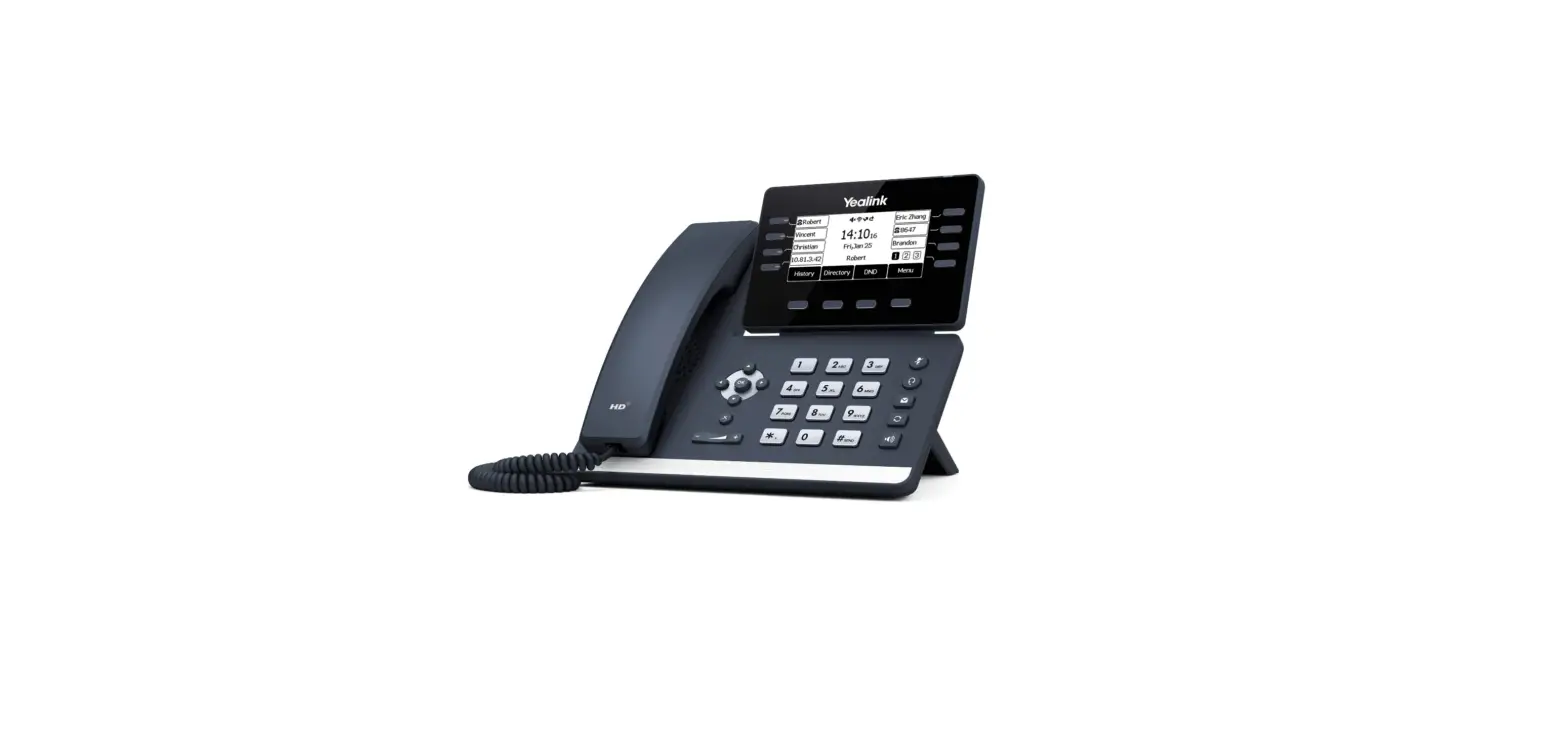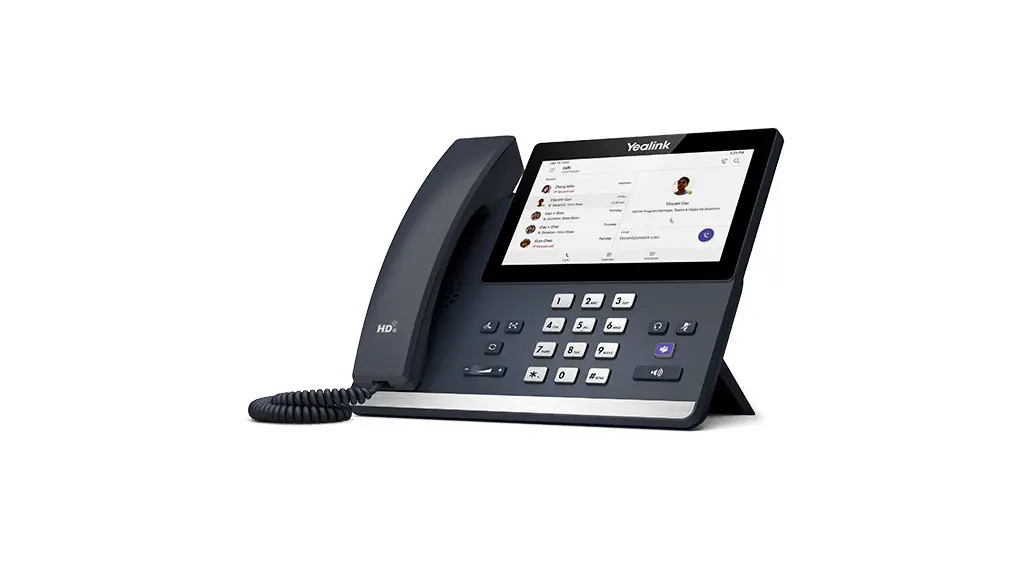
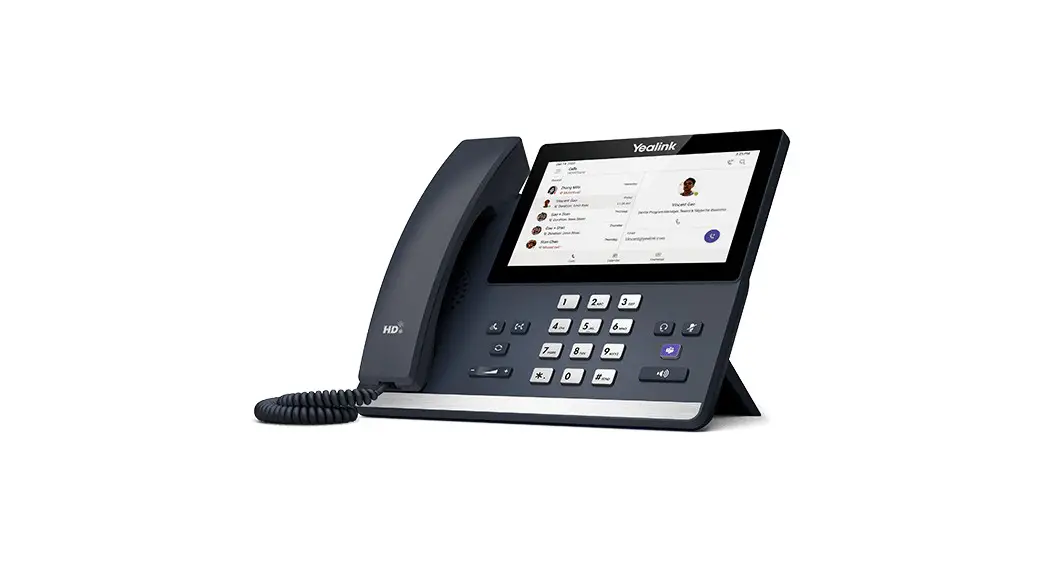
 MP56 Teams IP Desktop Phone
Installation Guide
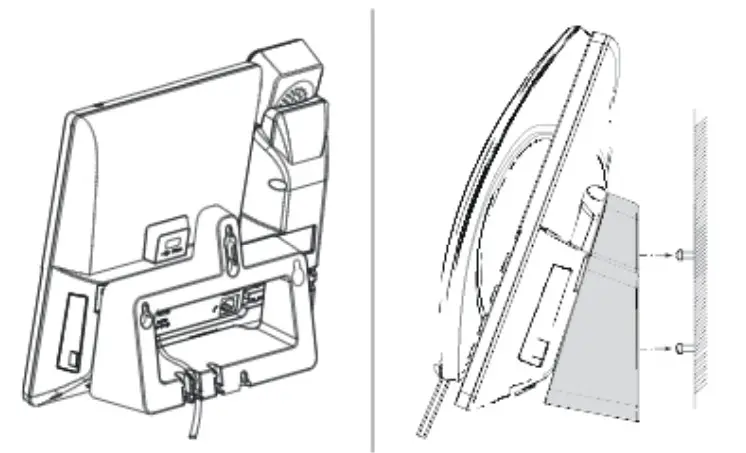
This quick installation guide provides step-by-step instructions for mounting your IP phone to a wall.
The wall mount bracket is for wall-required mount installation, which is not included with your IP phone, contact your reseller to purchase it separately.
Package Contents
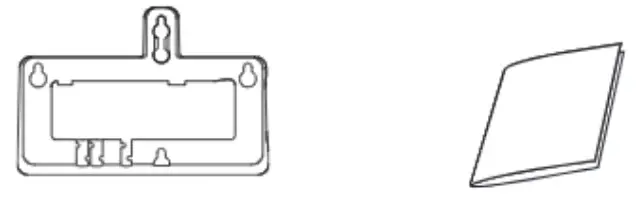
 Wall anchors and applicable tools not included in your package are also required for wall mount installation.
Mounting the Screws
Yealink provides the wall-mount drilling templates, which locate and mark the position for mounting the screws (not provided) on the wall as shown below
For American standard 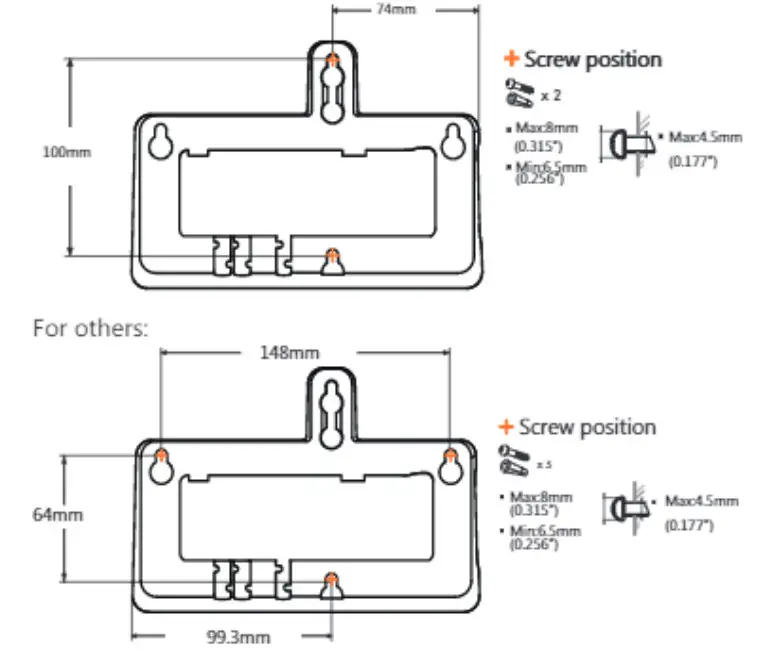
Attaching the Wall Mount Bracket
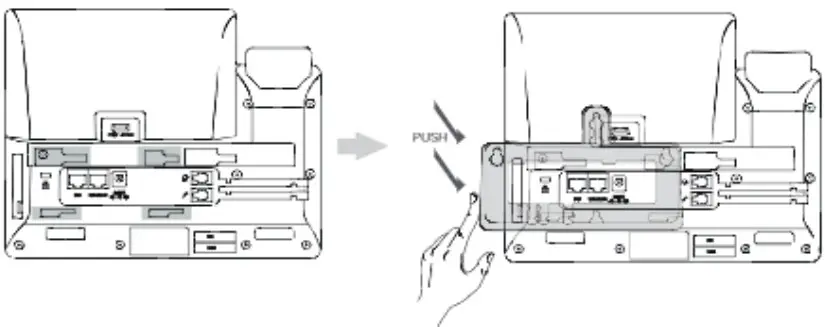
Adjusting the Hookswitch Tab
To prevent damage secure the handset in the handset cradle 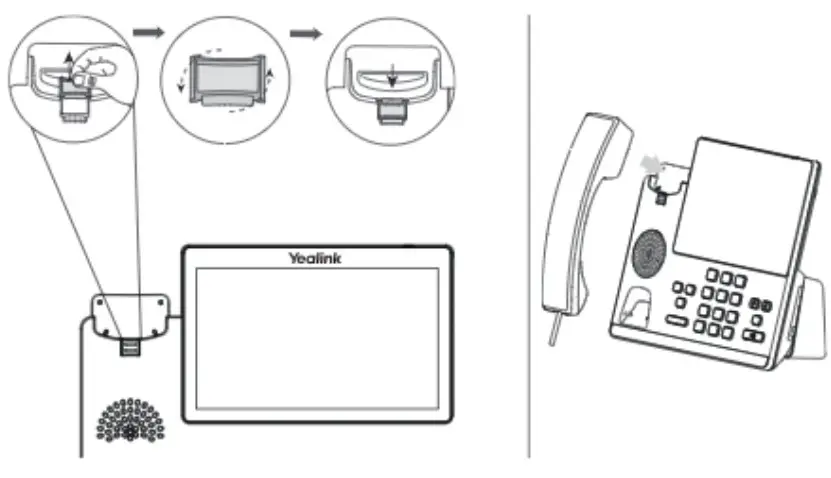
Mounting the IP Phone to the Wall



![Yealink Cordless Ip Phone Setup Manual [w60b, W56h]](https://static-data1.manualsee.com/1/img/27/19935/2020/12/00-115.jpg "Yealink Cordless Ip Phone Setup Manual [w60b, W56h]")