
User Manual
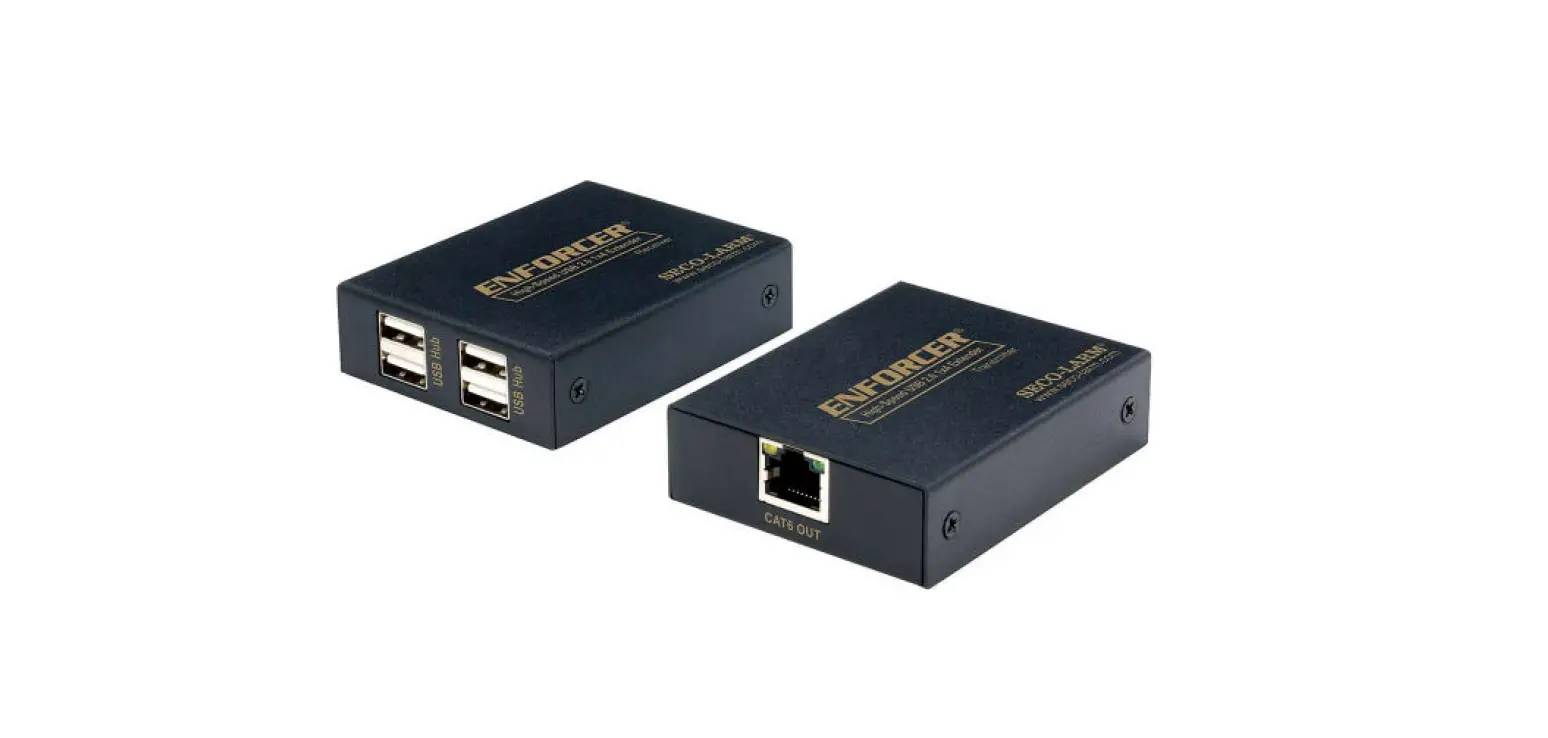
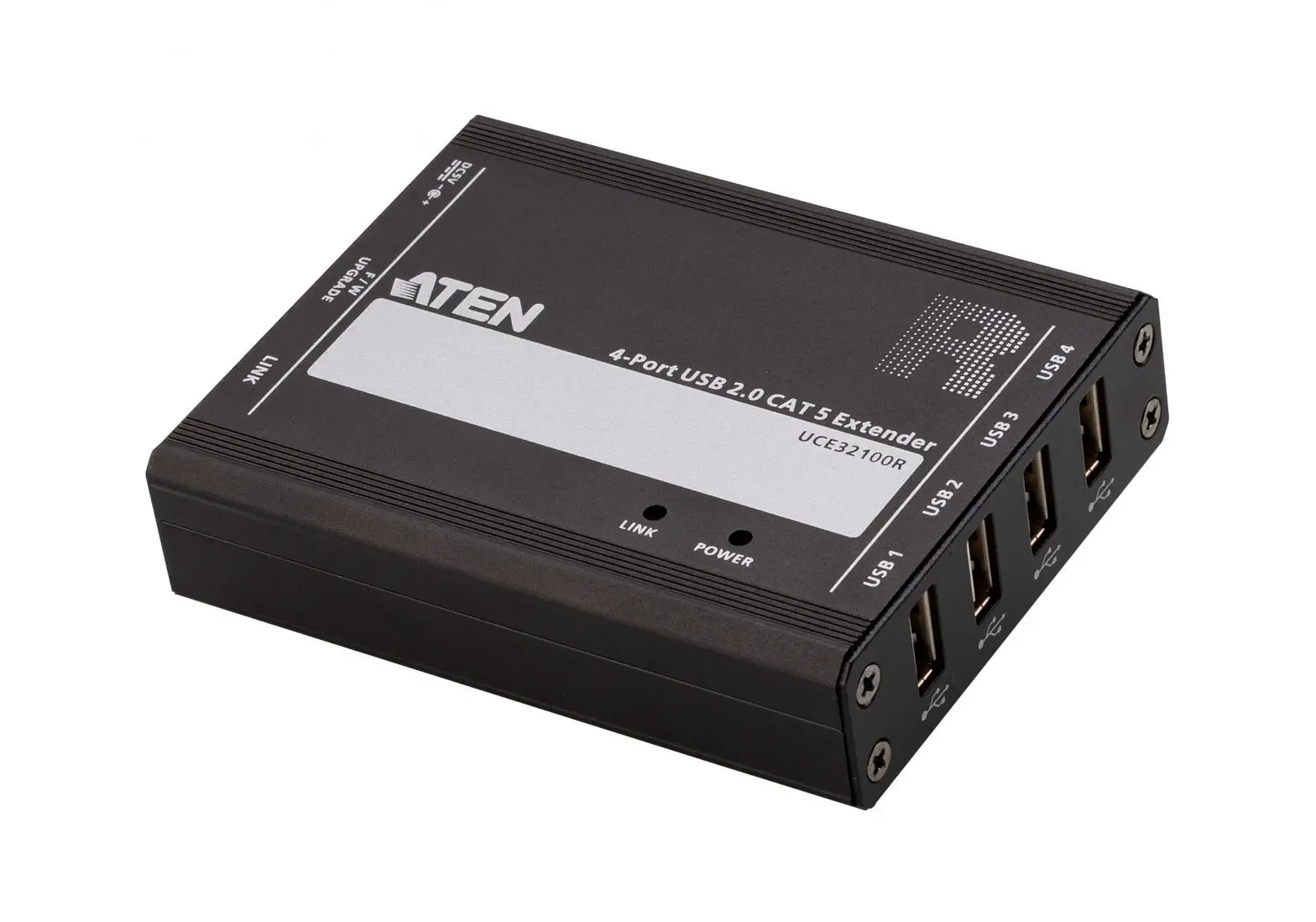
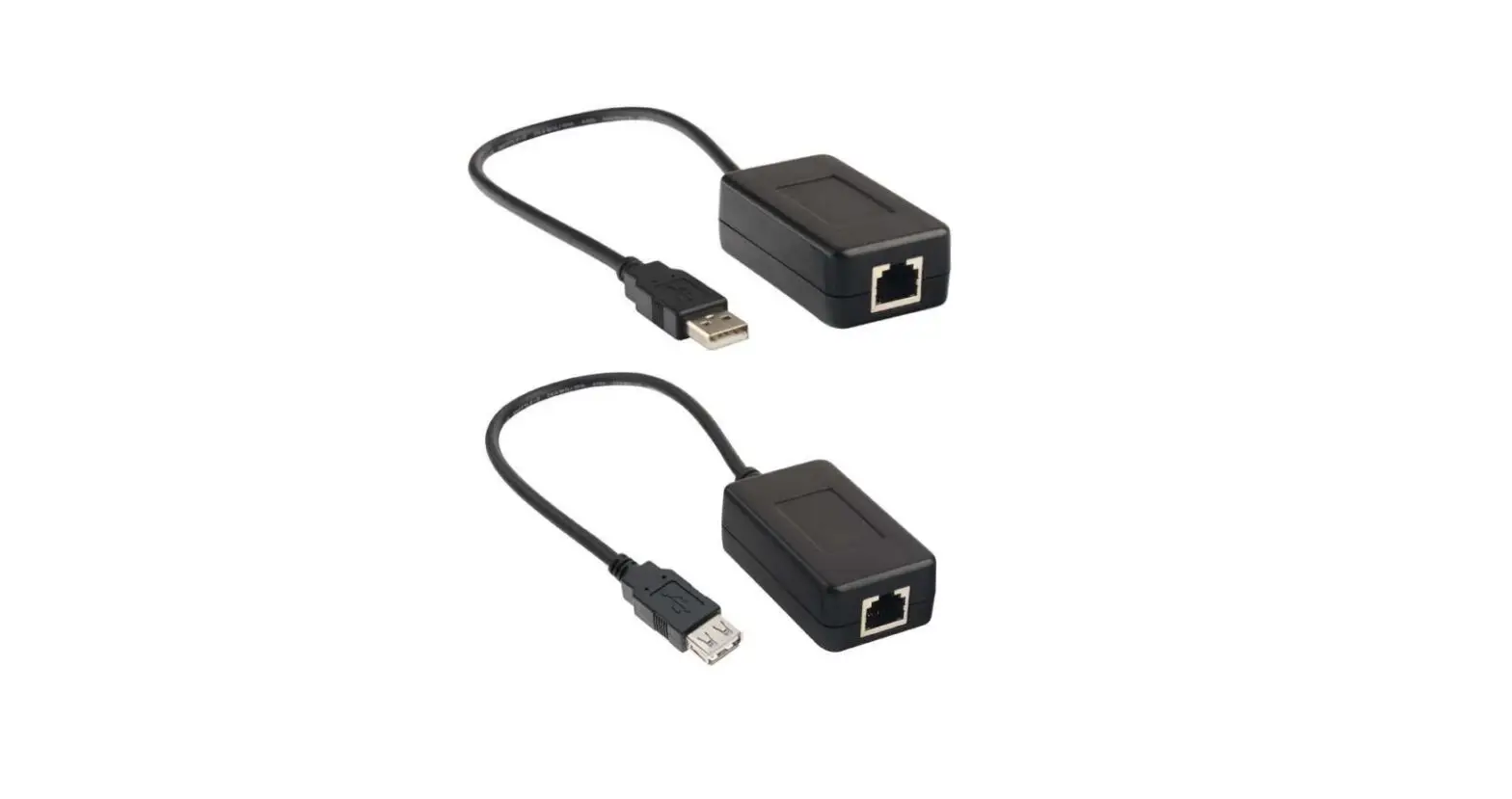
150m 4-Ports High-Speed USB2.0 Extender
Important Safety Instructions:
- To prevent electric shock, please ensure that all apparatus is properly grounded.
- Place the device in a well-ventilated area, do not block any ventilation openings.
- Do not expose this apparatus to rain or place it near water. Any liquid that goes into the apparatus may cause a failure, fire, or electric shock.
- Do not place the device on an uneven or unstable surface. The device may fall resulting in a malfunction.
- Never insert anything metallic into the open parts of this apparatus. This may cause a danger of electric shock.
- If a three-party power supply is used, please ensure that the power supply specifications meet the product requirements.
Introduction
This is a USB 2.0 extender, which can realize one-to-one connection through CAT5e/6/7 network cables, with a transmission distance of up to 100m for CAT5e and 150m for CAT6 and above; When the connection passes through the switch, the input and output cable distances can reach 100m respectively. It supports 4 channels of USB 2.0 device input, such as a printer, camera, scanner, USB flash drive, keyboard, mouse, touchscreen, etc., and supports gigabit switch cascade. It can be used for security monitoring, gaming, industrial control, professional audio-visual, smart medical, and other fields.
Features
- Support USB 2.0 High-Speed, Compatible with USB 1.1 Full-Speed, USB1.0 Low-Speed.
- Support 4 USB 2.0 inputs and 1 USB 2.0 output.
- Compatible with CAT5e/6/7 network cables, the CAT5e transmission distance can reach 100m, and the CAT6/7 transmission distance can reach 150m.
- Support USB hub connection.
- The transmitter is powered by the source device, no additional power supply is required.
- Support switch relay, the transmission distance of signals can be increased through the switch.
- Support hot-plugging of USB devices and automatically identify USB High-Speed, Full-Speed, and Low-Speed
- Lightning protection, surge protection, ESD protection.
- Plug and play.
Package Contents
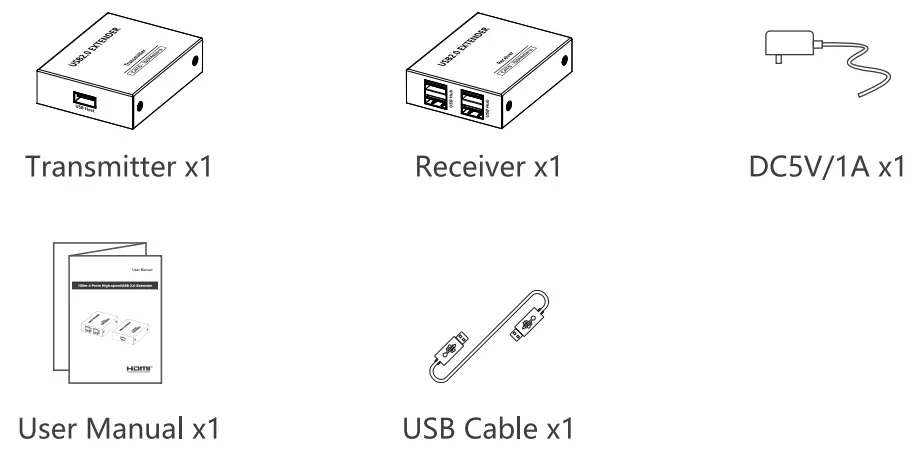
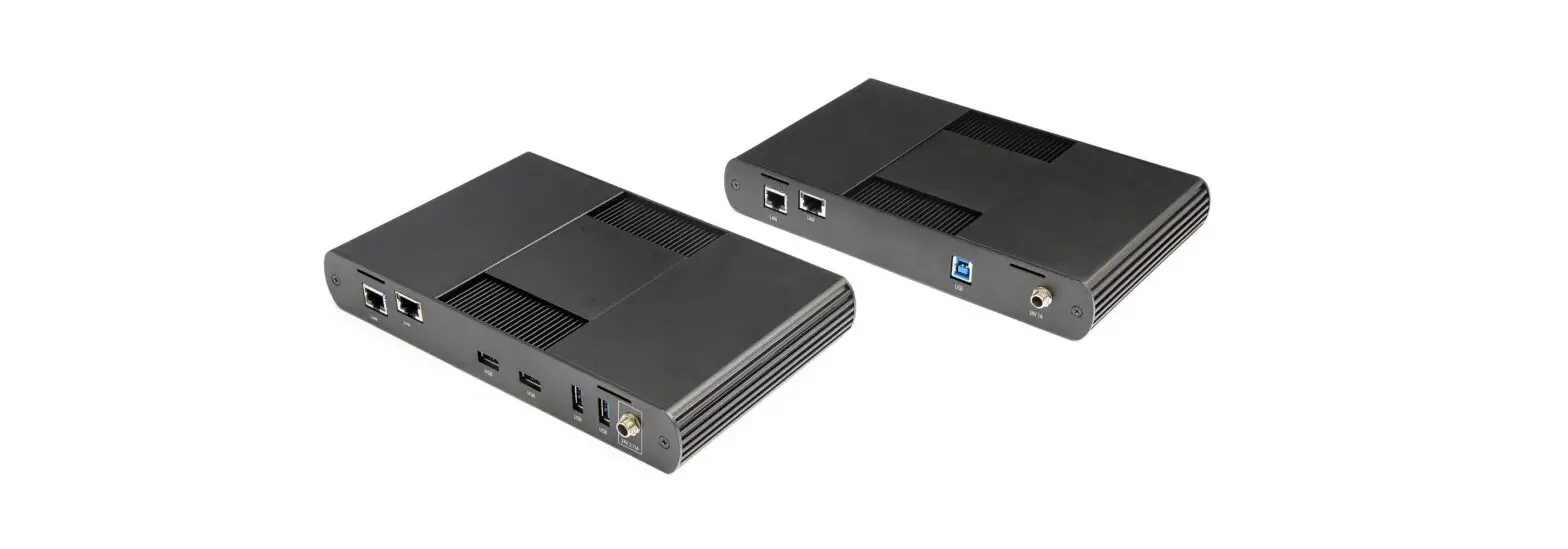
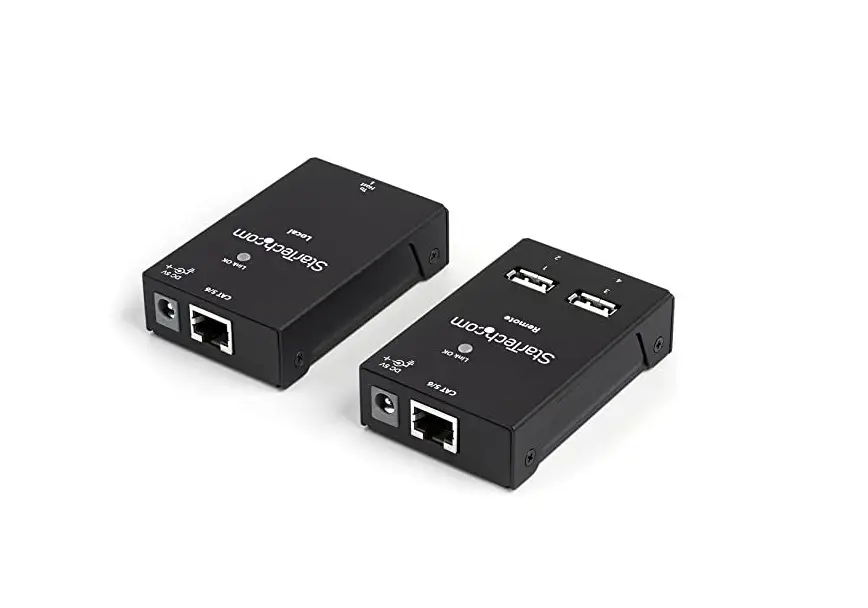
Panel Description
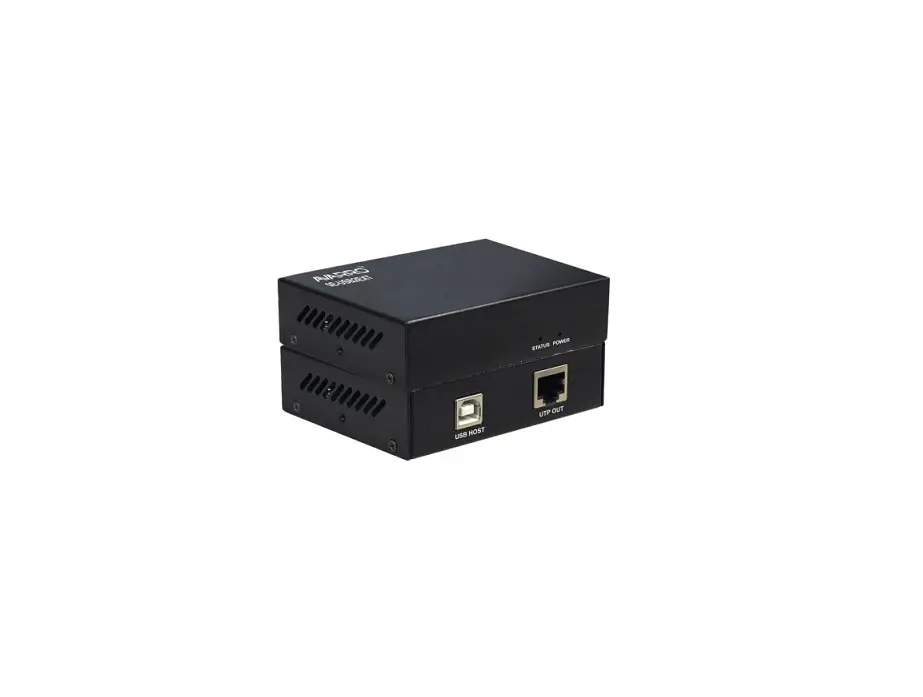
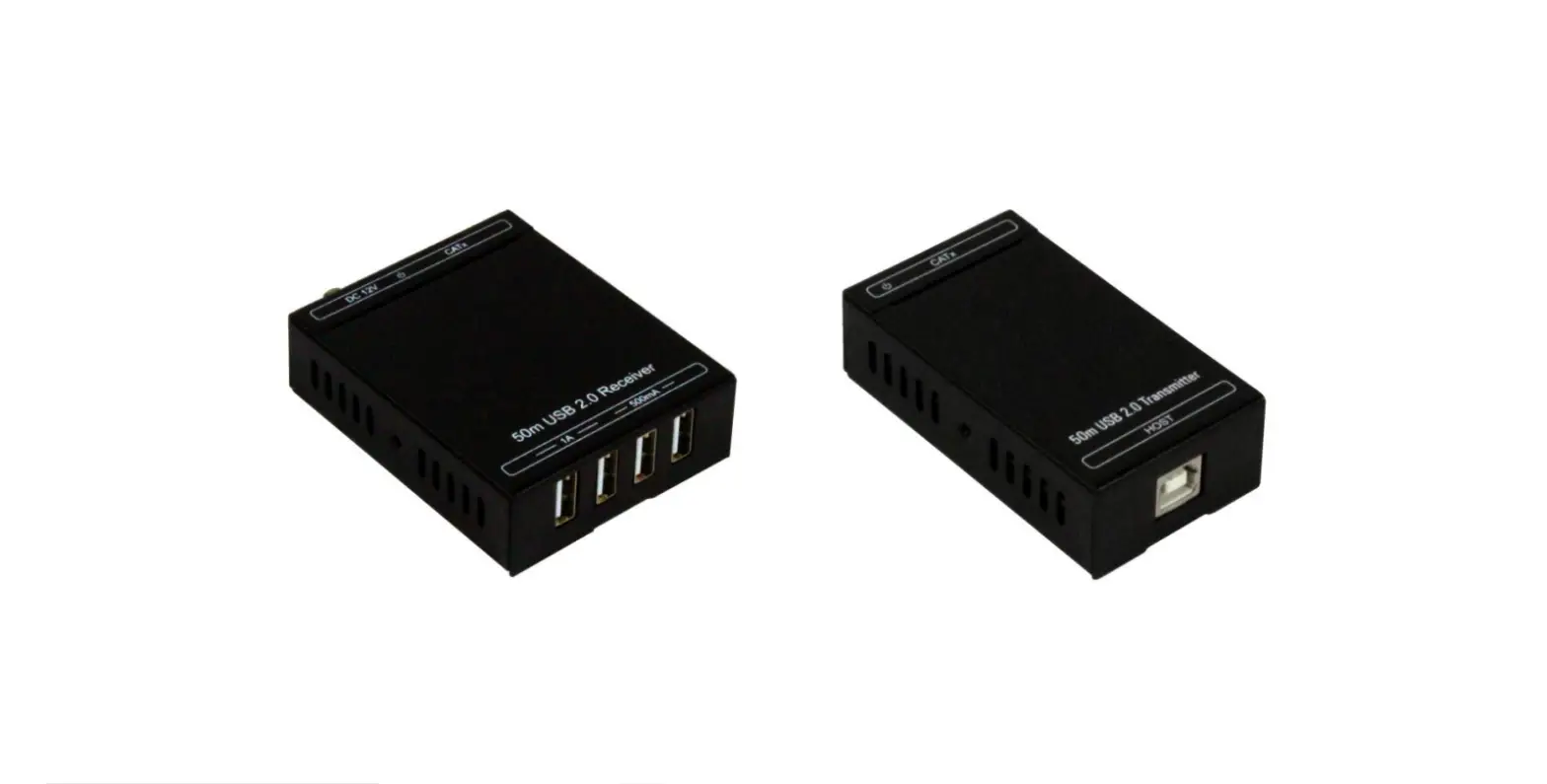
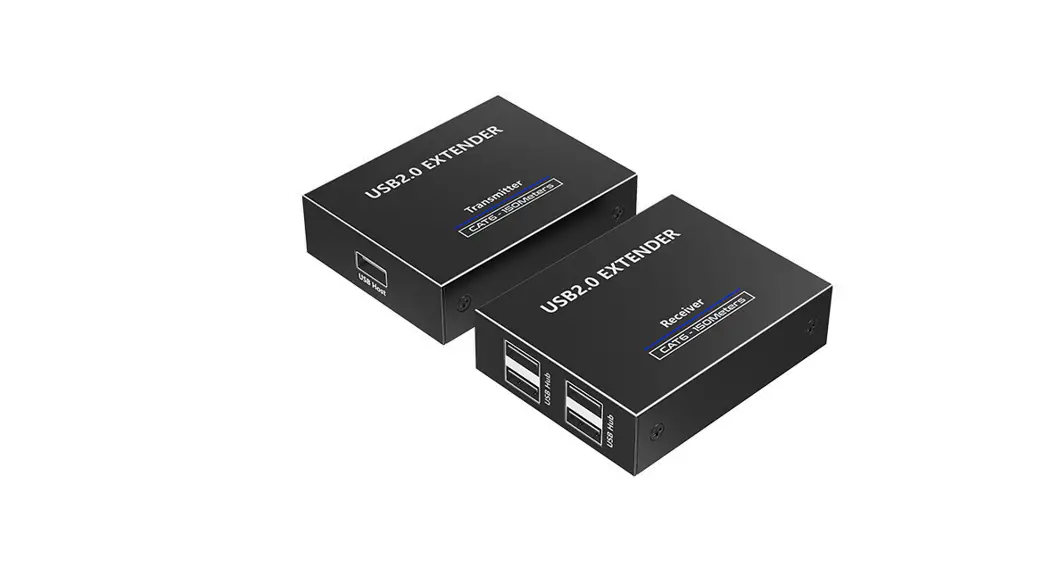
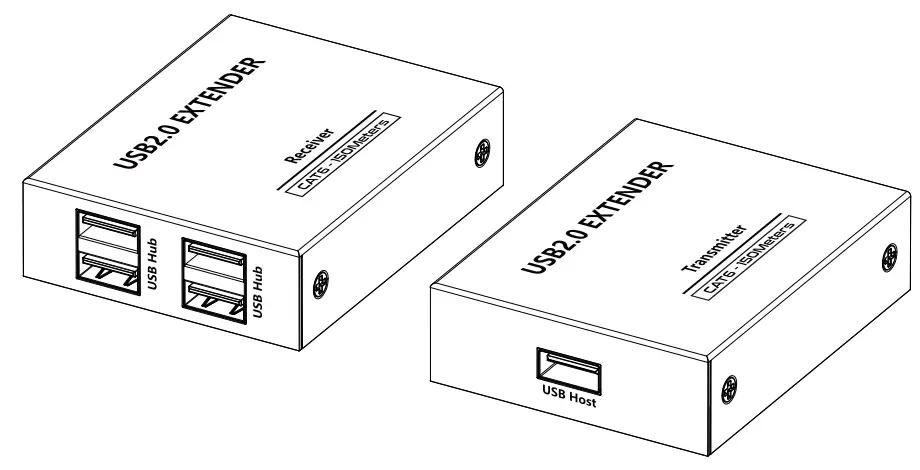
Transmitter
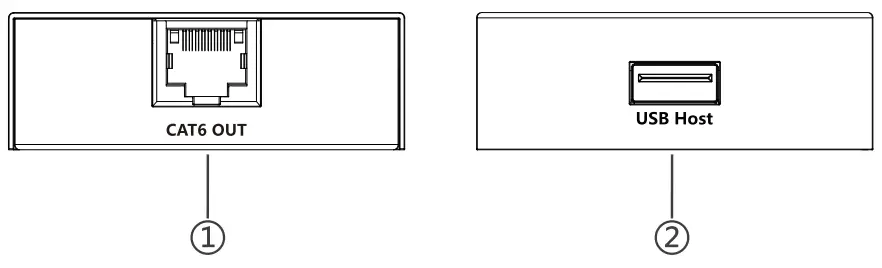
| 1 | R2145 Ports | Connect with CAT5e/6 network cable |
| 2 | USB-A Ports | Connect with computer |
Receiver
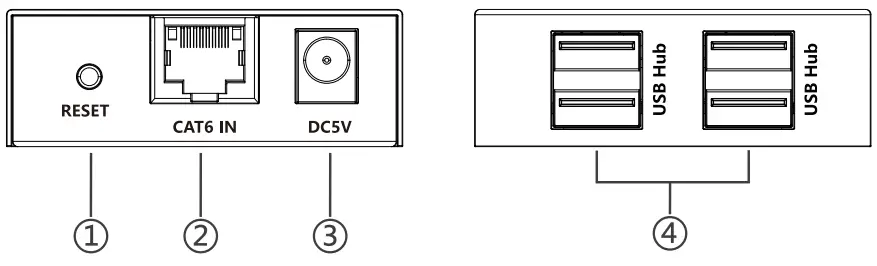
| 1 | Reset Button | Press to restart the device |
| 2 | RJ45 Ports | Connect with CAT5e/6/7 network cable |
| 3 | Power Input | Connect with DC5V/1 A power adapter |
| 4 | USB-A Ports | Connect with USB 2.0 devices such as USB flash drive, keyboard, mouse |
Installation Procedures
One-to-one connection
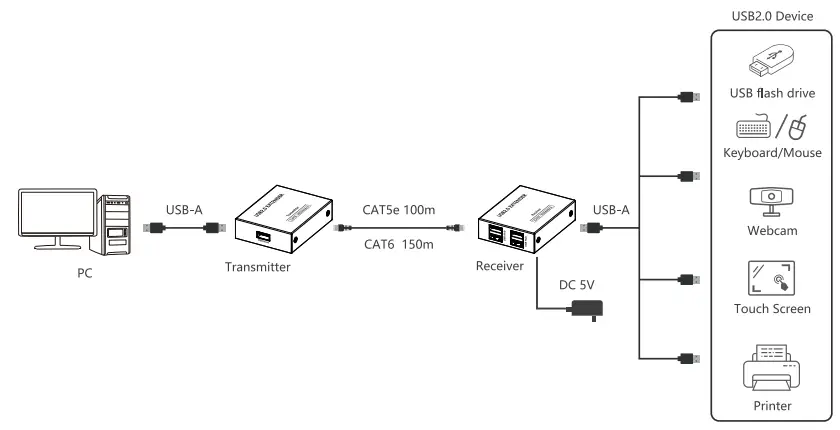
Switch relay
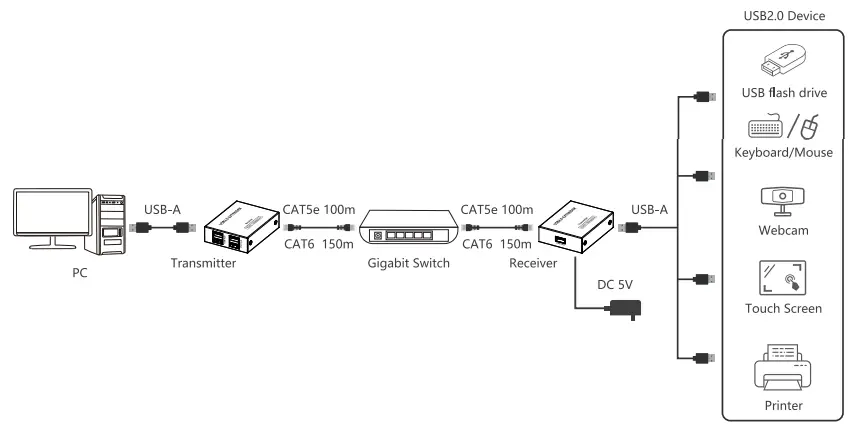
Connection Instructions
- Connect the transmitter to the signal source device via a USB cable, and then connect the USB device to the receiver.
- Connect the transmitter and receiver with the Cat5e/6/7 network cable. If the transmission distance needs to be further extended, connect the switch between the transmitter and the receiver.
- Plug the power supply into the receiver to get started.
Q&A
– A: Please check whether the driver is installed properly;
– Please check whether the network cable conforms to IEEE-568B standard and whether the cables are firmly connected;
– Reset the receiver by pressing the reset button or repower it.
– A: When connecting high-power USB devices, it is necessary to supply additional power to external devices.
Specification
| Item | Parameters |
| Compatibility | USB 2.0, compatible with USB1.1, USB1.0 |
| Transmission Rate | Compatible with High-Speed(480Mbps), Full-Speed(12Mbps), Low-Speed(1.5Mbps) |
| Transmission Distance | CAT5e 100m ; CAT6/6A/7 150m |
| USB Device | Support printer, camera, scanner, USB flash drive, keyboard, mouse, touch screen… |
| Switch Extension | Supports Gigabit switches |
| USB Hot-Plug | Support |
| Operating System | Windows, macOS, Linux, Android |
| USB-A | 4 ports USB-A input 1 port USB-A output |
| Standard | CAT5e/CAT6/CAT6A/CAT7, Follow IEEE-568B Standard |
| Physical Properties | |
| Housing | Iron |
| Dimensions | 76.0(L) x 60.0(W) x 21.0(H) mm |
| Weight | Tx: 123g Rx: 128g |
| Color | Black |
| Power | |
| Power Supply | TX: powered by the source device RX: DCSV/1A |
| Power Consumption | TX< -2W RX 2W |
| Operating Environment | |
| Working temperature | -20 – 60°C |
| Storage temperature | -30 -70°C |
| Humidity | 0 -90% (No condensation) |
| Protection | ESD protection la Contact discharge level 2 (±4KV) 1 b Air discharge level 3 (±8KV) Implementation of the standard: IEC61000-4-2 |
| Lightning protection, Surge protection | |
| Application | |
| Industrial Control, KVM Extension, Professional AV, Security and Monitoring, Gaming, etc. |
Disclaimer
The product name and brand name may be registered trademark of related manufactures.'” and ® may be omitted on the user manual. The pictures in this user manual are just for reference. We reserve the right to make changes without further notice to a product or system described herein to improve reliability, function, or design.