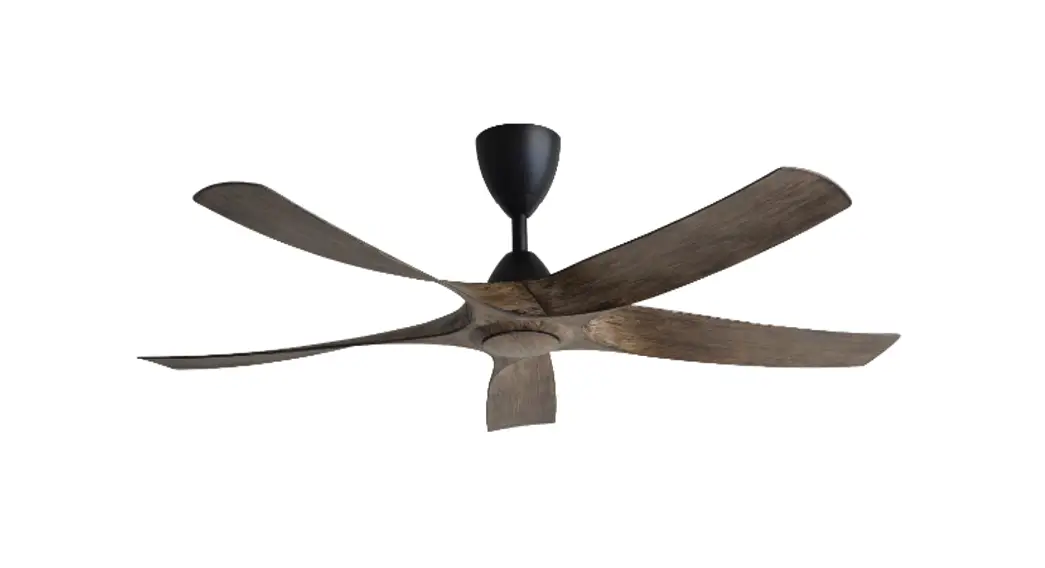
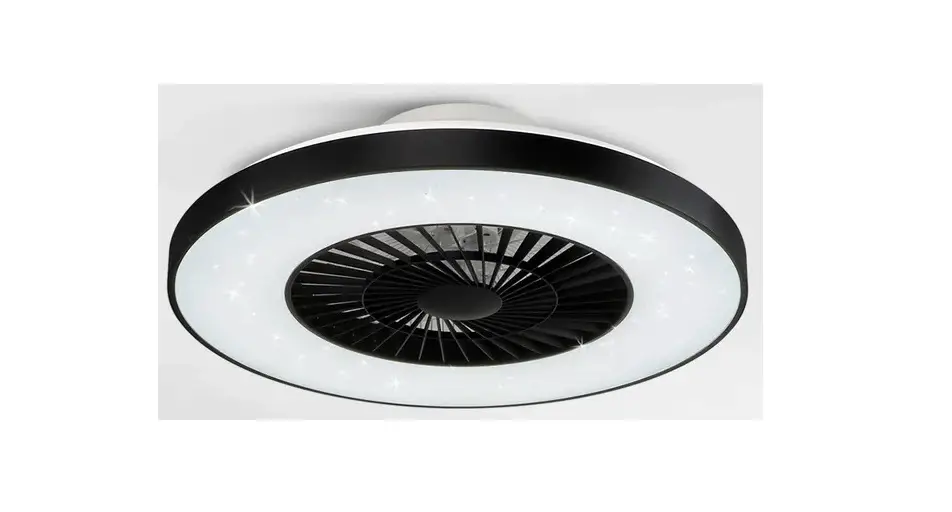
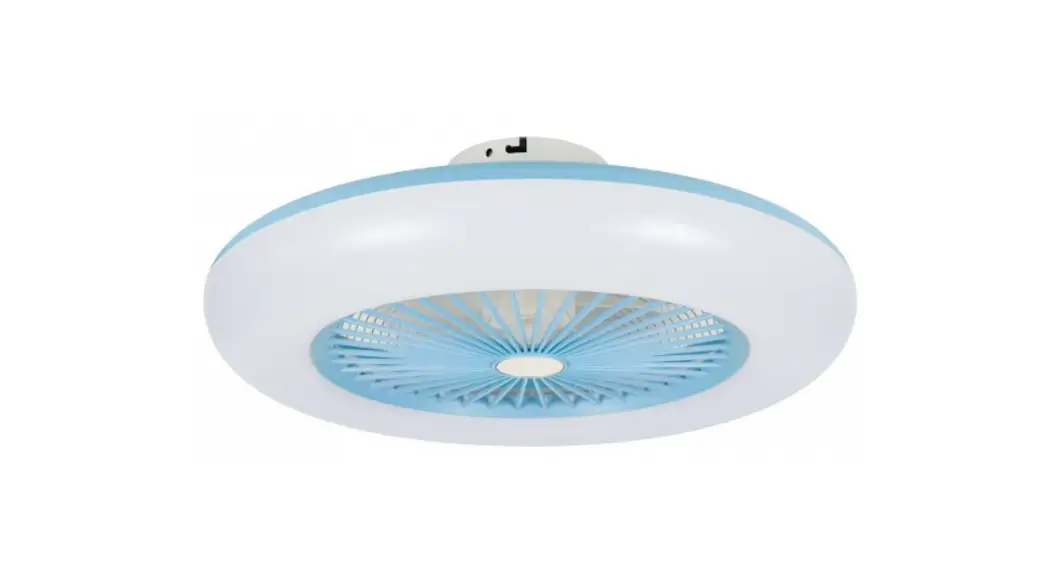
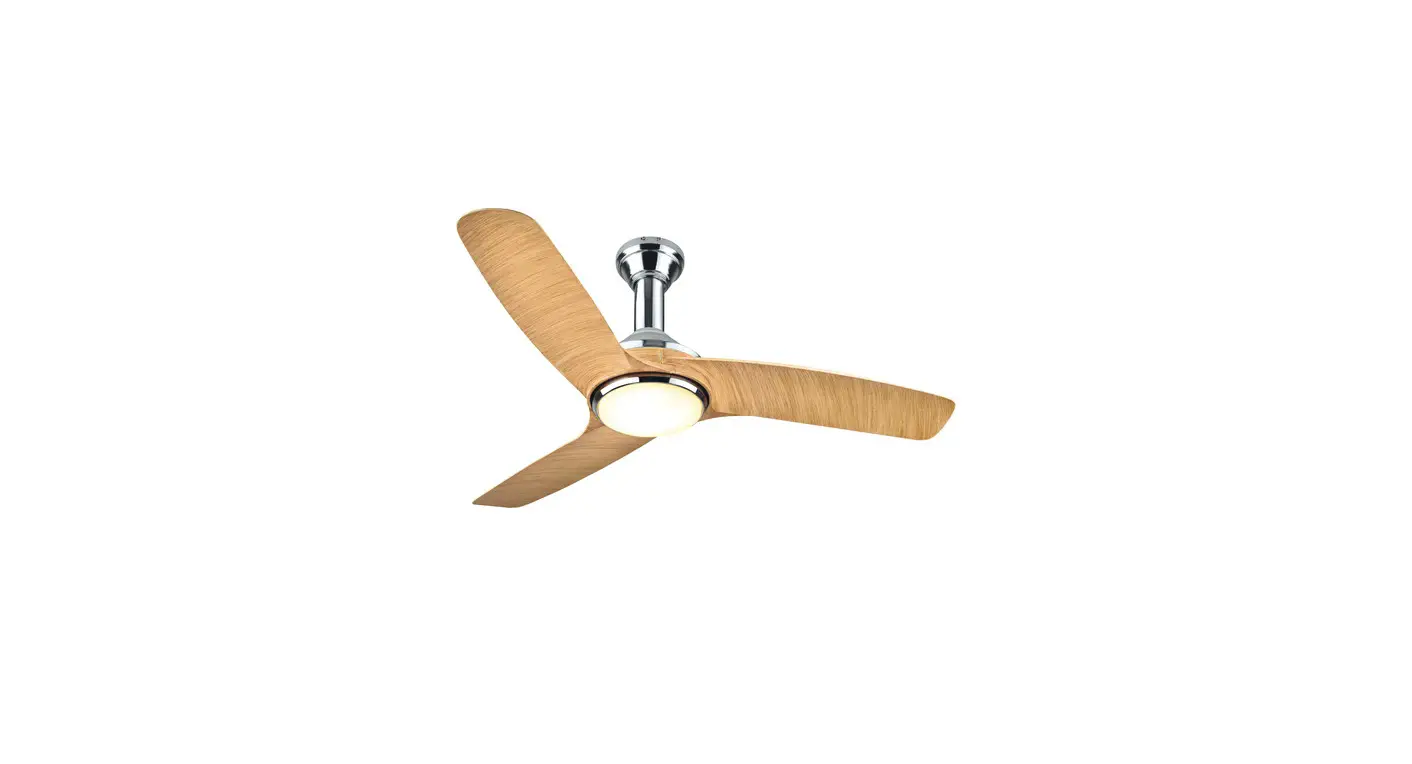
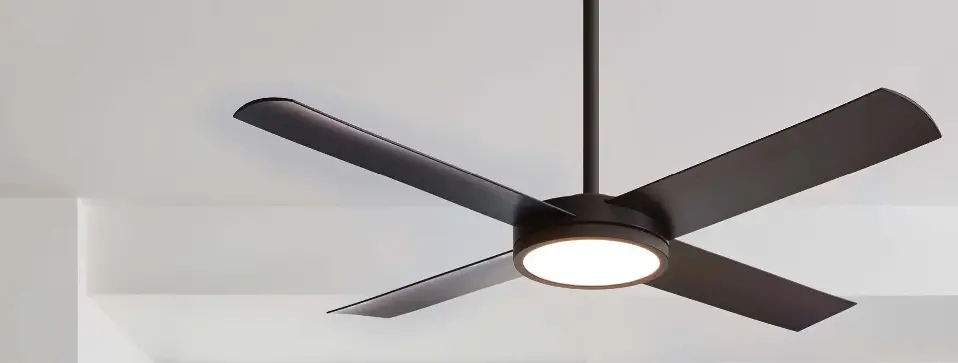
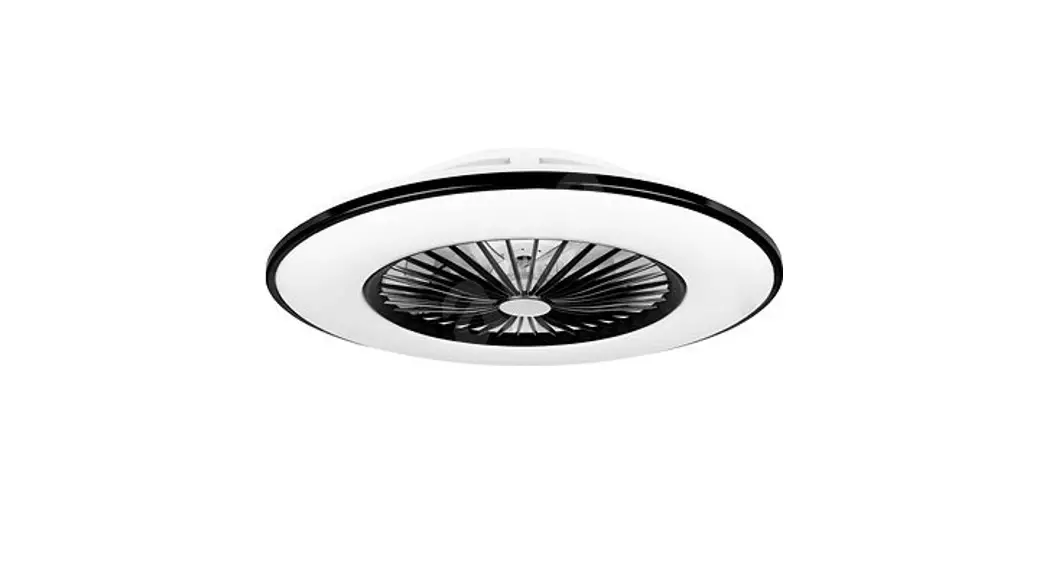
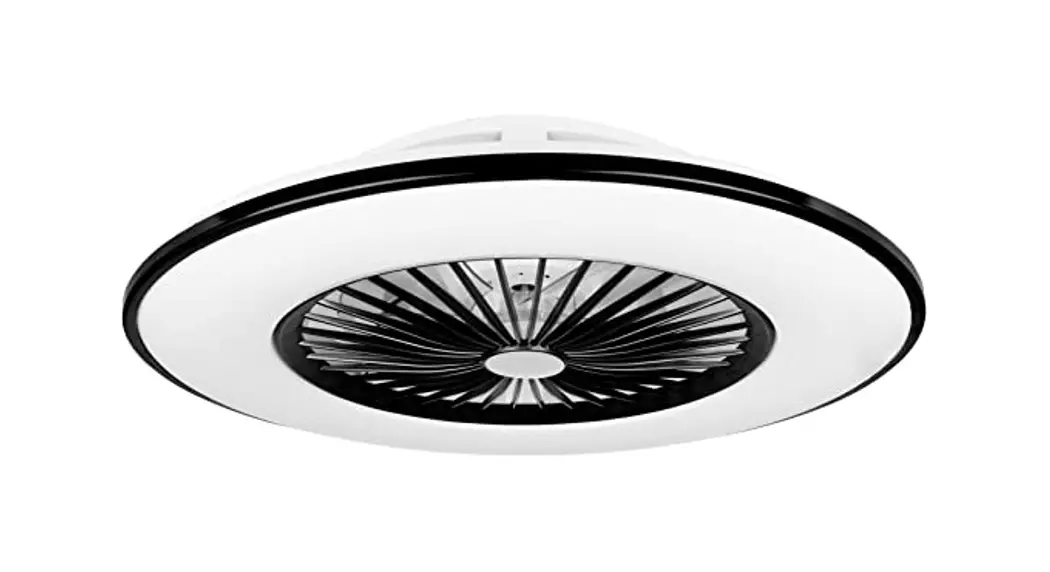
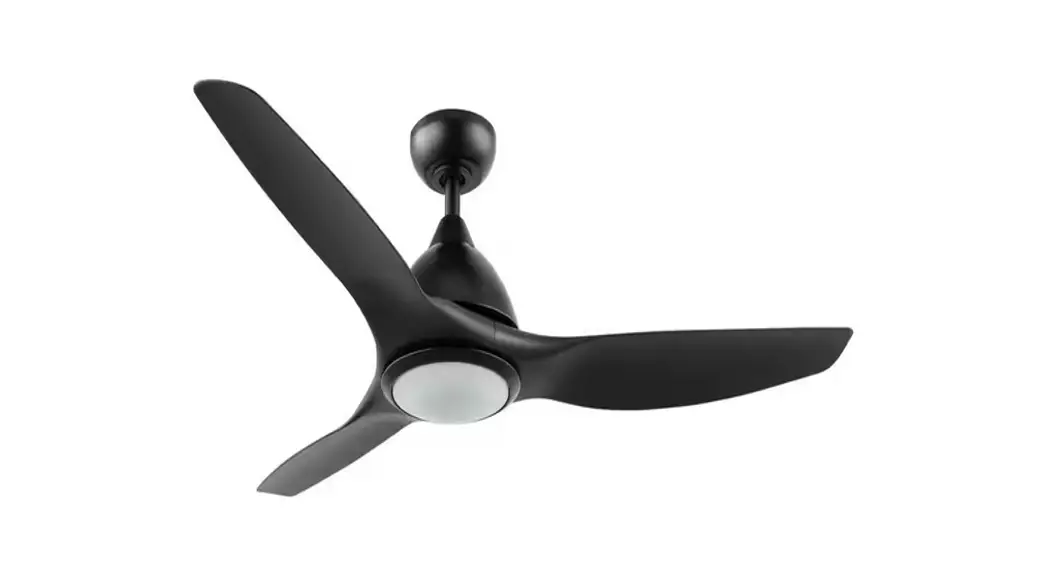
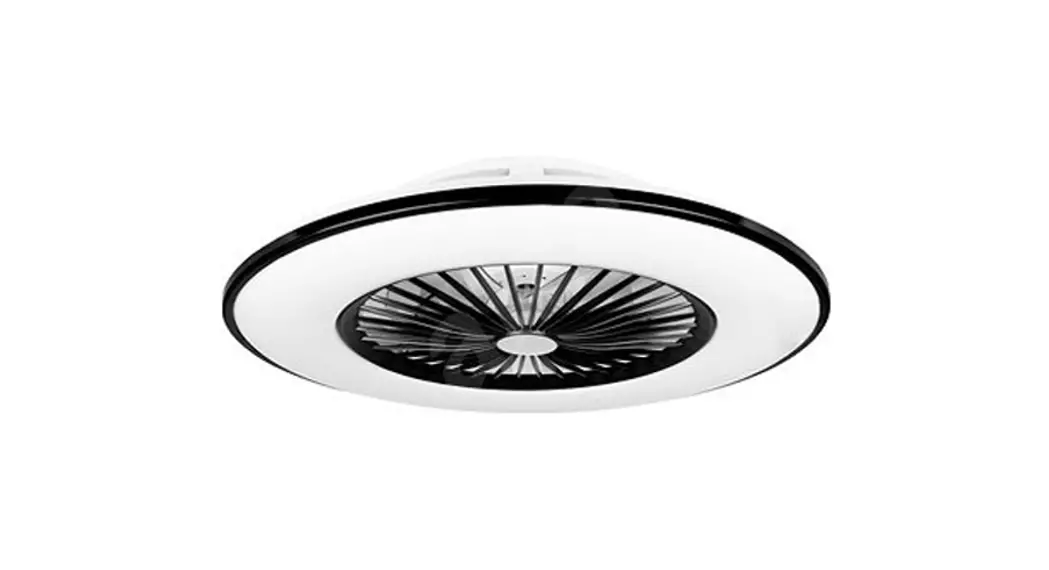
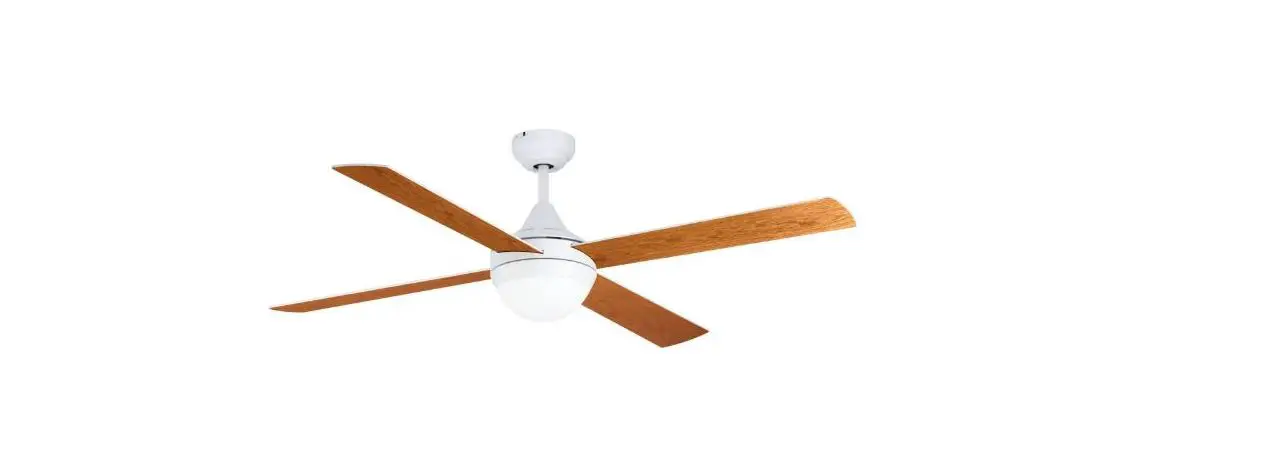
Pazion G2 Ceiling Fan
Product Information
Pazion G2
The Pazion G2 is a ceiling fan that comes in three variations:
5B/56 LED, 5B/46 LED, and 5B/40 LED. It is designed to provide
efficient and reliable cooling for residential and commercial
spaces. The fan is equipped with a powerful motor and sturdy blades
to ensure optimal air circulation.
This instruction manual provides detailed information on safety
precautions, installation instructions, transmitter function and
assembly, power supply connection, maintenance, technical
specifications, and customer service contact details.
Product Usage Instructions
Safety Precautions
- Installation and maintenance work should only be performed by
qualified individuals who are familiar with local codes and
regulations. - All field wiring must comply with national wiring
regulations. - Before starting any wiring work, ensure that the rated voltage
of the unit matches the information on the nameplate. - The appliance must be permanently connected to the electricity
supply through a double pole switch with a contact separation of at
least 3mm in all poles. - The unit must be grounded to prevent hazards due to insulation
failure. The earth wire should be approximately 60mm longer than
the safety wire to ensure proper grounding in case of suspension
system failure. - Tighten the blade firmly using a screwdriver to prevent
detachment during operation, which can cause injuries and property
damage.
Usage Precautions
- This appliance is not intended for use by individuals with
reduced physical, sensory, or mental capabilities unless they are
supervised or instructed by a person responsible for their
safety. - Children should be supervised to ensure they do not play with
the appliance. - Always switch off the power supply before installing or
servicing the unit. Ensure that the blade is fully static before
performing any maintenance work. - Stop using the ceiling fan if any abnormality or failure
occurs. - If you observe unusual oscillating movement, immediately stop
using the ceiling fan and contact the manufacturer, its service
agent, or qualified professionals.
Installation Precautions
- Ensure that the fixing means used to attach the fan to the
ceiling, such as hooks or other devices, are strong enough to
withstand 4 times the weight of the ceiling fan. - The suspension system should be installed by the manufacturer,
its service agent, or suitably qualified individuals. The blades of
the fan should be positioned at least 2.5m above the floor. - The length of the safety cord should not exceed that of the
earthing conductor. The fan’s earthing terminal should effectively
ground the fan assembly in case of suspension system failure. - After service or installation, ensure that the unit’s panel is
securely closed to prevent noisy operation. - Avoid contact with sharp edges and coil surfaces, as they may
pose injury hazards.
For any further assistance or inquiries, please refer to the
customer service center mentioned in this manual.
Pazion G2
5B/56 LED 5B/46 LED 5B/40 LED
Instruction Manual
Version: 2022 V1
Content
Item
1. Safety Precaution 2. Parts & Accessories 3. Installation Instruction 4. Transmitter Function & Assembly 5. Power Supply Connection & Circuit Diagram 6. Maintenance 7. Technical Specifications 8. Customer Service Centre
Page No. 1 5 7 15 19 21 22 24
Safety Precaution
WARNING
Installation and maintenance work shall only be performed by qualified persons, familiar with local code and regulation, and experienced with this type of appliance.
All field wiring must be installed in accordance with the national wiring regulation.
Ensure that the rated voltage of the unit corresponds to that of the name plate before commencing wiring work according to the wiring diagram.
The appliance must be permanently connected to the electricity supply through a double pole switch having a contact separation of at least 3mm in all poles.
The unit must be GROUNDED to prevent possible hazard due to insulation failure. The earth wire is approximately 60mm longer than safety wire. This is to ensure at the event whereby the suspension system fails, the (L) and (N) wire will break leaving the fan remain earthed to prevent electrocution.
Tighten the blade firmly using a screw driver.
Blades that are detached from the unit during operation will cause serious injuries and property
damages.
1
Safety Precaution
WARNING
This appliance is not intended for use by persons (including children) with reduced physical, sensory or mental capabilities, or lack of experience and knowledge, unless they have been given supervision or instruction concerning use of the appliance by a person responsible for their safety.
Children should be supervised to ensure that they do not play with the appliance.
Confirm that the power supply has been switched OFF before installing or servicing the unit. Ensure that the blade is fully static before doing any maintenance work.
STOP using the ceiling fan when any abnormality or failure occurs.
If unusual oscillating movement is observed, immediately stop using the ceiling fan and contact the manufacturer, its service agent or suitably qualified persons.
CAUTION Please take note of the following important points when installing.
The fixing means for attachment to the ceiling such as hooks or other devices shall be fixed with a
sufficient strength to withstand 4 times the weight of the ceiling fan.
2
Safety Precaution
CAUTION
The mounting of the suspension system shall be performed by the manufacturer, its service agent or suitably qualified persons. The fan is to be installed so that the blades are more than 2.5m above the floor.
Safety cord should not be longer than the earthing conductor. Should failure of the suspension system occur, the supporting of the fan must not rely on the earthing conductor. The earthing terminal in the fan assembly should be such that should any part of the suspension system fall off, the body of the fan assembly shall effectively earthed.
Ensure that the unit’s panel is closed after service or installation. Unsecured panels will cause the unit to operate noisily.
Sharp edges and coil surfaces are potential locations which may cause injury hazards. Avoid from being in contact with these places.
Before turning off the power supply set the remote controller’s ON/OFF switch to the “OFF” position.
3
Safety Precaution
If this is not done, the unit’s fans will start turning automatically when power resumes, posing a harzard to service personnel or the user.
Do not operate any heating apparatus too close to the ceiling fan unit or use in room where mineral
oil, oil vapour or oil steam exist, this may cause plastic part to melt or deform as a result of excessive heat or chemical reaction. Avoid the ceiling fan unit from exposing to direct sunlight, this may cause degradation of plastic material as a result of excessive heat and UV radiation
Ensure the colour of wires of the outdoor unit and the terminal markings are same to the indoors respectively.
Do not use joined and twisted wires for incoming power supply.
Do not place any object in the path of the blades. Avoid raising objects or your arms near the ceiling fan.
The fan suspension system and blade screw tightening shall be examined yearly.
Replacement of parts of the safety suspension system device shall be performed by the manufacturer, its service agent or suitably qualified persons.
Torque value for screw/bolts for securing primary suspension system for motor is 2Nm.
4
Parts & Accessories
Canopy x 1 LED Light Kit x 1
Motor Assembly With Downrod & Coupling Cover x 1
Rubber Pulley Assembly x 1
Lamp Shade x 1
Receiver x 1
5
Parts & Accessories
Blade x 5
Blade Screw & Washer x 11
Light Kit Screw x 3
Wall Screw x 2
Transmitter & Holder x 1
AAA AAA
Battery x 2
6
Installation Instruction
1
Assemble the Canopy and Coupling Cover through the Downrod.
Safety Wire Canopy Downrod Coupling Cover
7
Installation Instruction
Bolt
2
Fix the Rubber Pulley Assembly to the Downrod with Bolt, Washer, Nut and tighten them firmly then insert the Clevis Pin.
IMPORTANT :
CLEVIS PIN MUST BE INSERT
TO PREVENT NUT FROM
LOOSENING.
Washer, Nut & Clevis Pin
8
Installation Instruction
3
Remove the Bolt, Washer, Nut, Clevis Pin and Rubber Pulley from downrod.
Place the Rubber Pulley onto the ceiling hook and fix back the Bolt, Washer, Nut and Clevis Pin.
IMPORTANT : CLEVIS PIN MUST BE INSERT TO PREVENT NUT FROM LOOSENING.
Rubber Pulley
Clevis Pin Nut Washer Safety Wire
9
Installation Instruction
4
Remove the Safety Wire screw and spring washer from the Downrod.
Tie the Safety Wire across the hook as shown and firmly screw the Safety Wire onto the Downrod.
10
Installation Instruction
5
Connect the Connectors from Fan and Receiver.
Connect the wires from the receiver to House’s Supply Wire.
Connect Earth Wire to House Supply Earth Terminal.
House Supply Wires
Brown (L) Blue (N)
Green/Yellow (E)
Orange Blue
Orange Blue
Green/Yellow(E) Brown (L) Blue (N)
White White Yellow Yellow Grey Grey
Green/Yellow(E)
11
Installation Instruction
IMPORTANT : ASSEMBLE THE BLADES ONLY AFTER THE CEILING FAN IS MOUNTED ON THE HOOK.
6
Install the Blades on Motor with Blade Screw and Washer. Two pieces Blade Screw and Washer for each Fan Blade.
12
Installation Instruction
7
a. Install the LED Light Kit on Motor with Light Kit Screw.
b. Install Lamp Shade by twisting in clockwise.
Step 7a
WARNING: 1. The luminaire should positioned so that prolonged staring into the luminaire at a distance closer than 0.3m is not expected. 2. The light source contained in this luminaire shall only be replace by the manufacturer or its service agent or a similar qualified person.
Step 7b
13
Installation Instruction
8
Below shows a complete installation diagram
14
Transmitter Learning Process
The receiver & transmitter is pre-programmed in factory. If you wish to control 2 or more fans using 1 transmitter, the below steps are required. DO NOT PRESS ANY OTHER BUTTON DURING THIS PROCESS
Turn on power to fan.
Within 30 sec, press and hold “LEARN” button for 3 sec.
Once receiver has detected the frequency, transmitter with “Beep Beep” twice. Programming process is completed and fan is ready to use.
Transmitter
Learn Press and hold
for 3 sec
15
Transmitter Function
Forward/Reverse Anti-clockwise or clockwise rotation
Fan Speed 1 – Lowest speed 12 – Highest speed
Light On/Off & LED light colour selection Warm, Daylight & White
Natural Wind Fan speed changes within its range creating gentle sea-breeze effect
Timer On Setting from 1h to 12h
Power Turn on/off fan
The transmitter & receiver is incorporated with last memory function. This function stores your last setting in memory and the next time you turn on the fan, fan will operate as the last setting.
16
Function of Forward & Reverse
Fan must be turned on and rotating.
Press and hold Forward/Reverse button for 3 sec. Fan will slow down and then change direction (approx. 15 sec). When the fan is slowing down to change direction, the Fan Speed function is disabled until direction has been changed.
Forward Fan rotates anti-clockwise blowing the air downwards creating the wind chill effect. Suitable for hot weather condition.
Reverse Fan rotates clockwise drawing the air towards the ceiling circulating the warm air downwards. This function works best at low speed. Suitable for air-conditioned condition.
17
Transmitter Assembly
Install the Transmitter Holder to wall with the 2 Screws provided.
18
Power Supply Connection
IMPORTANT : DO NOT CONNECT THIS REMOTE CONTROL CEILING FAN TO REGULATOR OR DIMMER SWITCH.
Earth
Regulator
Dimmer Switch
Double Pole Switch
Single Pole Switch
220-240V~ 50Hz Power Supply
19
Circuit
Diagram
DC Motor
Earth (Green/Yellow) Grey
Yellow White
Neutral (Blue) Live (Brown) Earth (Green/Yellow)
Power Supply 220-240V~ 50Hz
Blue Brown Green/Yellow
W ANT V U
MAIN PCB N LED+
L LED-
24W LED Orange Blue Orange Blue
E
20
Maintenance
Due to the fan’s natural movement, connections may get loose after a period of usage. To ensure a proper and safety usage, it is highly recommended to inspect and tighten all connections every 6 months.
Cleaning Cleaning your fan periodically will prolong its new appearance. Basic cleaning procedures are as follows :
1. Use only lukewarm water. Do not use detergent, corrosive or acidic solution.
2. Damp the cloth lightly. Use only soft or lint-free cloth to clean the fan. Rough fabric will scratch the surface.
3. Do not bend the blades while cleaning. At the event where blades are bent or damage, order new set of blades from service centre or dealer shop.
4. There is no need to oil the fan.
21
Technical Specifications
MODEL
No. of Blades Fan Width Motor RPM Voltage Motor Wattage LED Wattage Nett Weight
PAZION G2-5B/56 LED
1420mm (56″) 80 – 184
5W – 55W
7.0 kg
Information may subject to 5% variation.
PAZION G2-5B/46 LED 5
1165mm (46″) 100 – 240
220-240V~ 50Hz 5W – 40W 24W 6.2 kg
PAZION G2-5B/40 LED
1015mm (40″) 107 – 270
5W – 40W
5.9 kg
22
Technical Specifications
More than 1m
320mm (1′ 1″)
PAZION G2-5B/56 LED – 1420mm (4′ 8″) PAZION G2-5B/46 LED – 1165mm (3′ 10″) PAZION G2-5B/40 LED – 1015mm (3′ 4″)
405mm (1′ 4″)
More than 2.5m (8′ 2″)
23
Customer Service
If you need any technical assistance or faulty report, please contact our customer service centre at :
ALPHA HOME APPLIANCES SDN. BHD. (390258-H) Head Office 6, Jalan Sungai Kayu Ara 32/37, Berjaya Park, Section 32, 40460 Shah Alam, Selangor. Tel : 03-5740 6666 Fax : 03-5740 8220 Website : www.alphamalaysia.com
www.alkovagallery.com Email : [email protected]
Johor 71, Jalan Molek 3/10, Taman Molek, 81100 Johor Bahru. Tel : 07-353 4833 / 4933 Fax : 07-355 4233
Pahang A131, TK1, Jalan Wang Ah Jang, Taman Liza, 25100 Kuantan, Pahang. Tel : 09-516 522 Fax : 09-513 9226
Melaka 19, 19-1 & 19-2, Jalan KSB 11, Taman Kota Syahbandar, 75200 Melaka. Tel : 06-292 6292 / 6293 Fax : 06-292 6296
Perak 11, Laluan Tasek Timur 5, Taman Tasek Indra, 31400 Ipoh, Perak. Tel : +605-545 / 547 2282 Fax : +605-547 6282
Penang 28, Jalan Icon City, Icon City, 14000 Bukit Mentajam, Penang. Tel : 04-506 2366 / 2066 / 2566 Fax : 04-506 2966
24
 Alkova Gallery | Discover Silence, Rediscover Yourself
 Home | Alpha Home Appliances Sdn Bhd