KTC2110 3.0MHz High Efficiency Low IQ Synchronous Boost
Product Information:
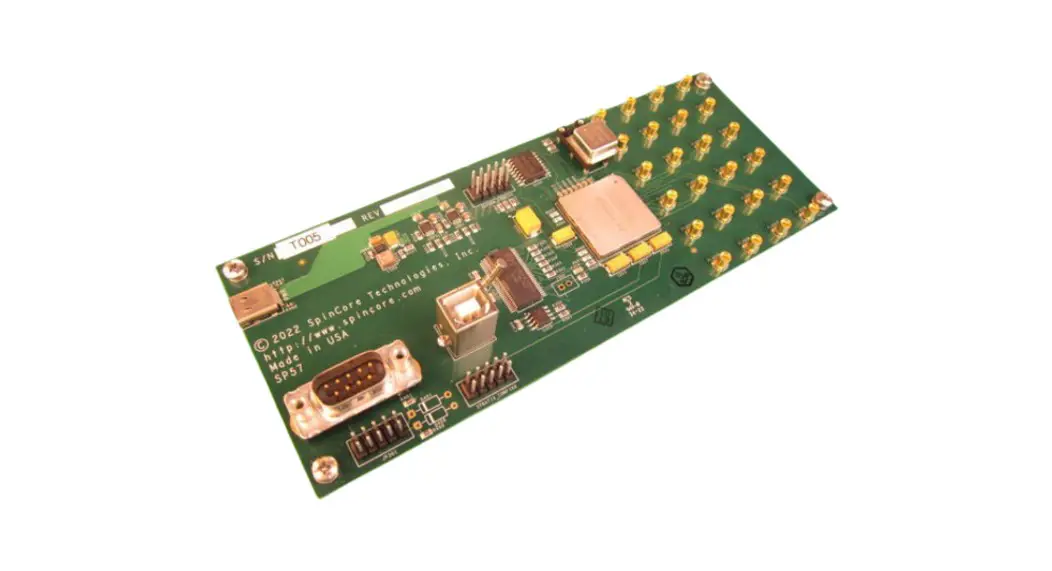
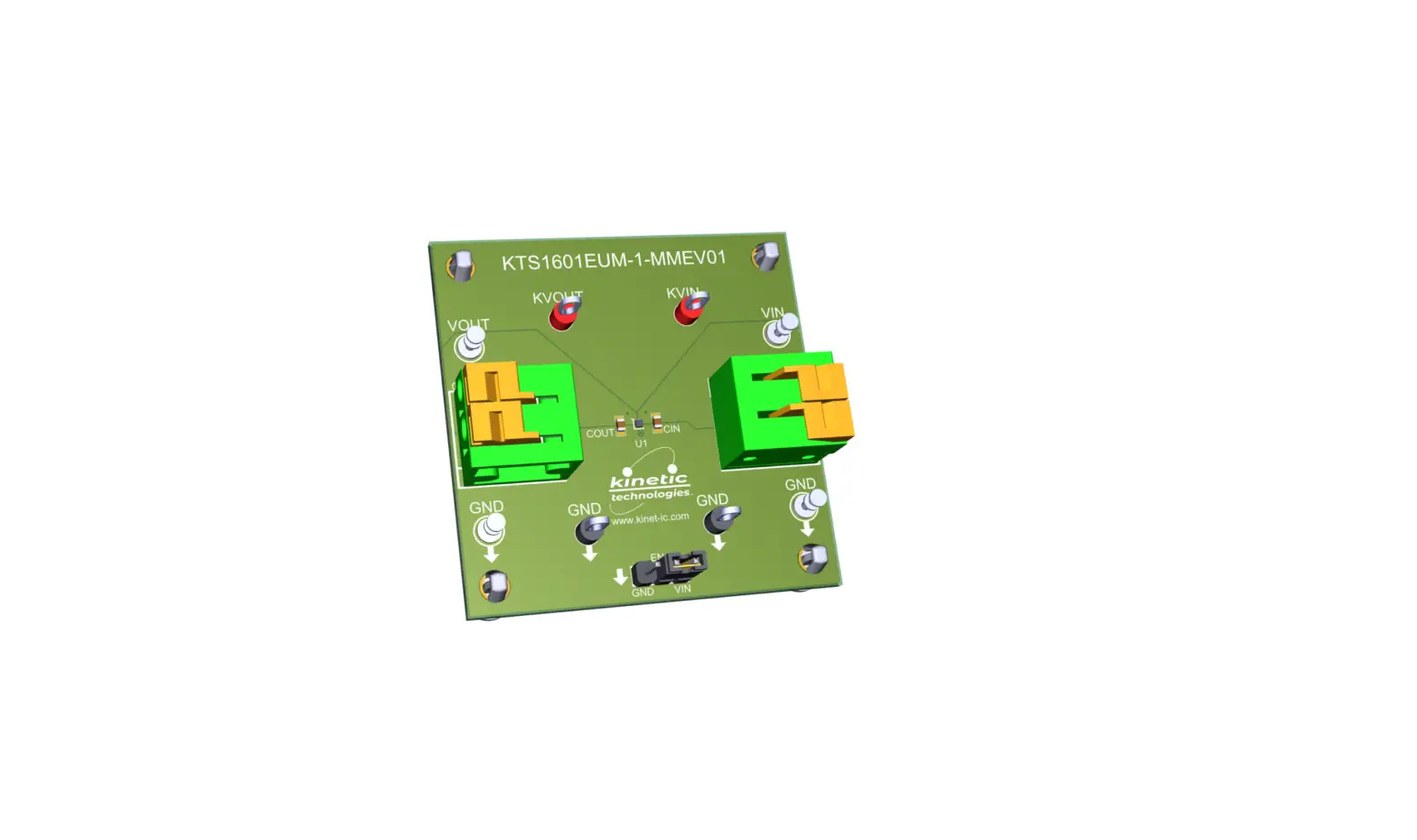
The product is the KTC2110 EVAL Kit, which includes a fully
assembled PCB in an anti-static bag, a connecting cable, a hard
copy of the Quick Start Guide (1 page), and an EVAL Kit box. The
KTC2110 is a 3.0MHz High Efficiency Low IQ Synchronous Boost.
For more detailed information about the product, you can visit
the IC Landing Page
or the EVAL
Kit Landing Page. The full EVAL Kit Manual can also be
downloaded from the EVAL Kit Landing Page.
Product Usage Instructions:
- Check the Jumpers for default setting.
- Connect one pair of power cables to the connector of EVAL Kit
at VIN and GND. - Before connecting the EVAL Kit to the VIN bench supply, turn on
the supply and adjust the voltage as close to the desired input
voltage. - Connect a voltage meter to the output K_VOUT and GND test pins.
It should measure the voltage of the boost regulator, which is
specified in the datasheet. - To select Pass Through mode, set jumper P1 with EN = GND, and
set jumper P2 with PT = VIN. - Measure VOUT voltage. It should be close to VIN voltage.
EVAL Kit Quick Start Guide
KTC2110
3.0MHz High Efficiency Low IQ Synchronous Boost
EVAL Kit Physical Contents
Item # 1 2 3 4
Description KTC2110 EVAL fully assembled PCB in Anti-static bag Connecting Cable Hard copy for the Quick Start Guide, 1 page (A4 or US Letter) EVAL Kit box
Included 1
1 pair 1 1
QR Links for Documents
IC Landing Page
EVAL Kit Landing Page
Note: The full EVAL Kit Manual is available for download on the EVAL Kit Landing Page.
User-Supplied Equipment
Required Equipment
1. Bench Power Supply for VIN 6V and 3A as needed for the intended application. 2. Digital Multimeter used to measure input/output voltages and currents. 3. Load either power resistors, an E-Load, or an actual system load.
Quick Start Procedures
1. Check the Jumpers for default setting 2. Connect one pair of power cables to the connector of EVAL Kit at VIN and GND. 3. Before connecting the EVAL Kit to the VIN bench supply, turn on the supply and adjust the voltage as close
to 0V as possible. Then turn off the supply. While off, connect the power cables ends to the VIN bench supply. 4. Turn on the VIN bench supply and very slowly ramp its voltage to an appropriate voltage, such as 3.6V. While ramping VIN slowly, use the bench supply’s output current indication (or a digital multimeter) to monitor the VIN current. If the current becomes high, reduce the VIN voltage quickly to prevent damage. Then inspect the setup for any wiring errors. 5. To hardware shutdown the regulator, simply use a jumper at P1 to connect EN to GND.
6. Connect a voltage meter to the output K_VOUT and GND test pins, it should measure the voltage of the
boost regulator, which is specified in the datasheet.
7. To select Pass Through mode, set jumper P1 with EN = GND, and set jumper P2 with PT = VIN. 8. Measure VOUT voltage, it should be close to VIN voltage.
April 2023 QSG-0013-01
Page 1 of 1
Kinetic Technologies Confidential
 Kinetic Technologies - Analog & Mixed-Signal Semiconductors