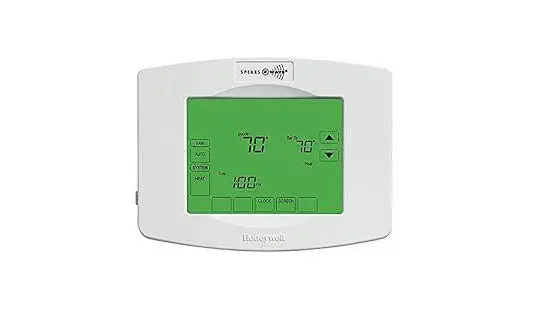
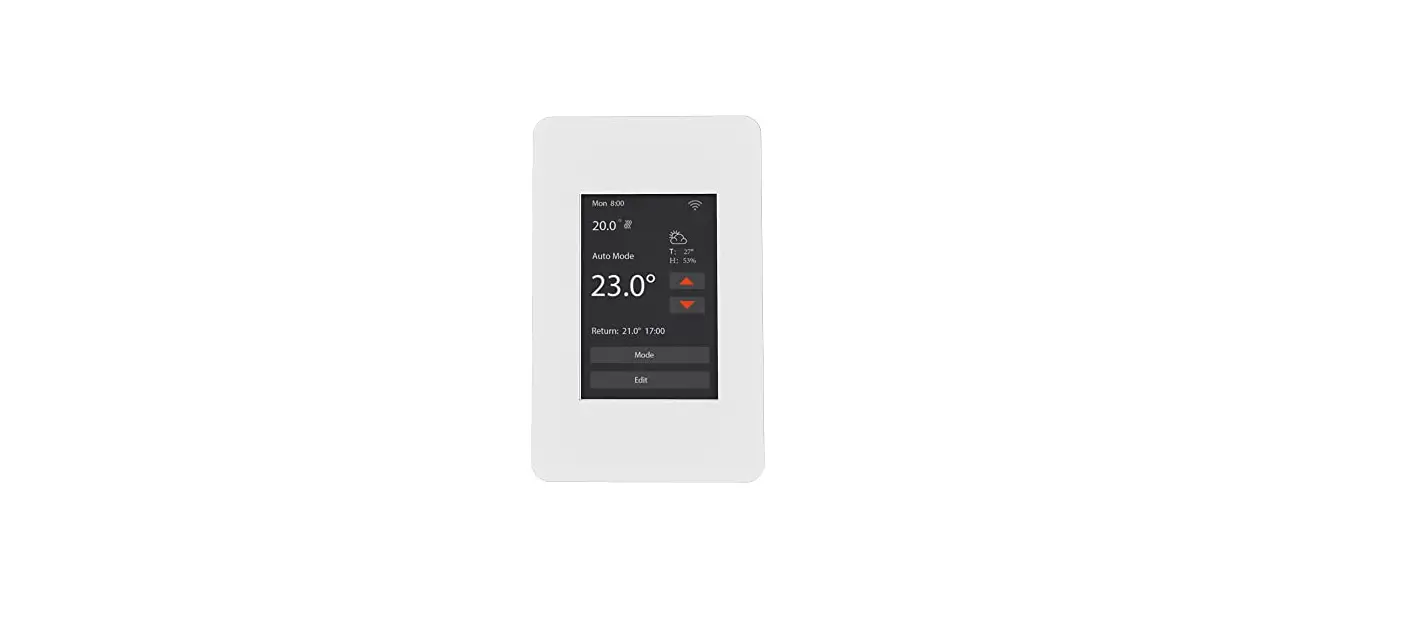
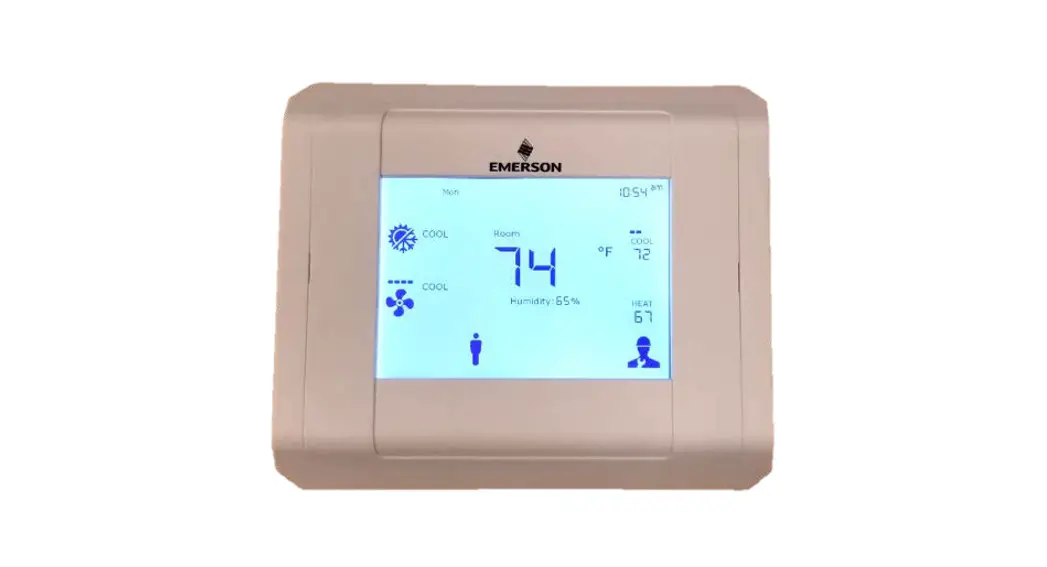
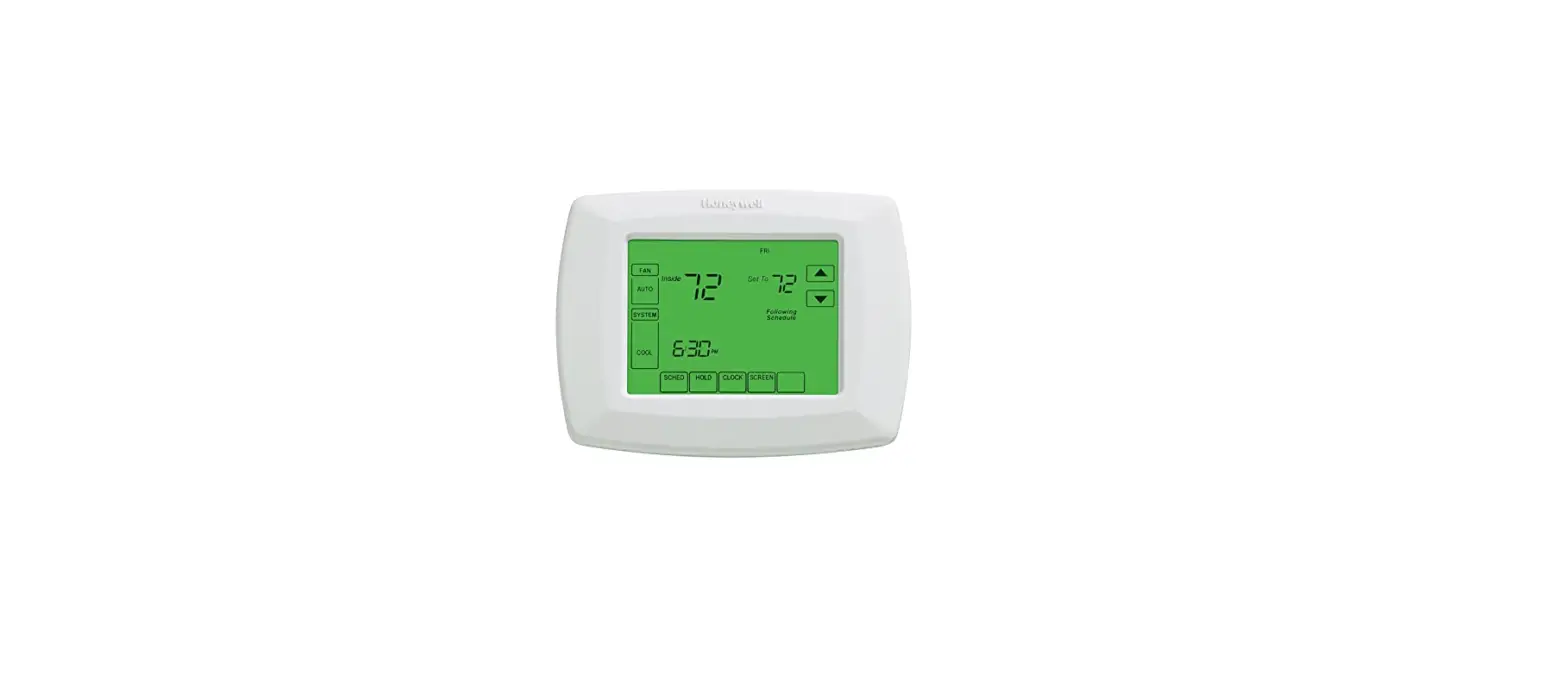
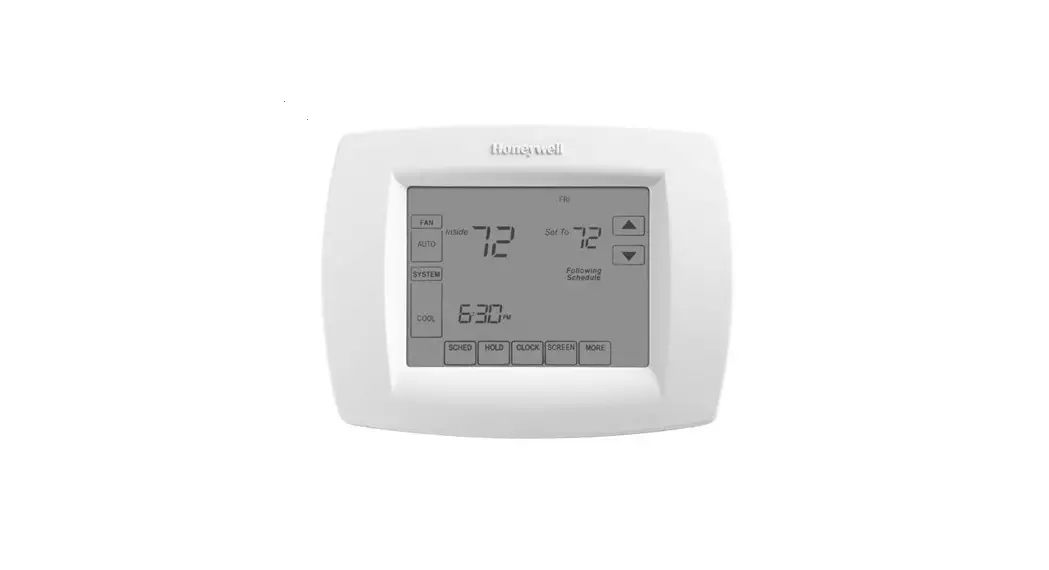
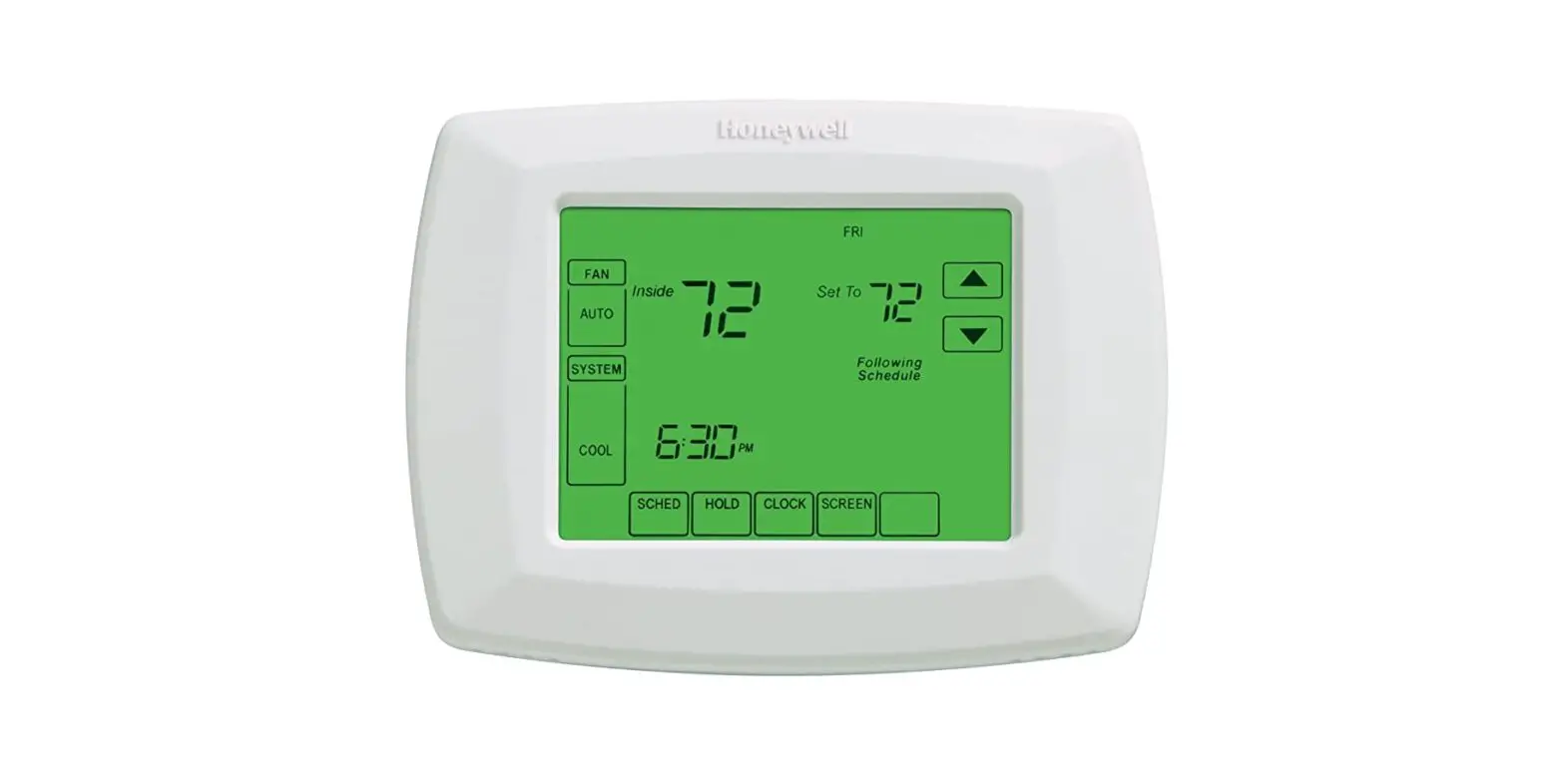
THM-0500 Touch Screen Programmable Thermostat
Product Information
The THM-0500 Touch Screen Programmable Thermostat Version 1.04
is a microprocessor-based controller designed to be used with the
ZON-0550 Zone Control, optional Wi-Fi ThermoLinx Module, and HBX
Zone mobile app. It features four daily automatic settings (wake,
day, evening, sleep) and weekend settings. The thermostat has two
external sensor inputs, multiple heating/cooling modes, and can
function as a digital setpoint/aquastat. It is only compatible with
the ZON-0550 Zone Control.
The THM-0500 has a touchscreen interface that allows for easy
adjustment of settings. It has a front view display that shows the
current temperature and other relevant information. The thermostat
has dimensions of 80 x 110 x 26mm and requires an input power of
5VDC 120mA. It is ETL listed and supports the English language.
Product Usage Instructions
- To navigate the thermostat, simply touch any item on the
touchscreen to adjust its setting, excluding the time on the home
screen. - To adjust the target temperature, touch the temperature
displayed on the screen and adjust it to your desired level. - To access the main Setup Menu options, press the menu icon
located in the top right corner of the screen. - To return to the home screen or setup menu, press the back
icon. - To view current demands, touch the area below the current
temperature.
Installation Manual
THM-0500 Touch Screen Programmable Thermostat Version 1.04
THM-0500
HBX Control Systems Inc.
TABLE OF CONTENTS
Introduction Safety symbols and Warnings Receipt and Inspection Description Technical data and dimensions
Programming THM-0500 – Navigating the THM-0500 – Setting the THM-0500 – Special Functions – Setup Menu
Installation and Wiring Troubleshooting Guide Limited Warranty
Index Index 1 1 1
2 – 15 2 2 – 5 2 – 5 6 – 15
16-18 19-20 21
INTRODUCTION
This manual will help with the installation, parameter setting, troubleshooting and general maintenance requirements for the controller. To guarantee the safe and reliable operation of this control, you must first read this manual in detail and take particular note to any and all warnings or caution directives prior to connecting to AC power.
Only suitably qualified individuals with formal training in electrical and HVAC controls should attempt the installation of this equipment. Incorrect wiring and installation will affect the warranty provided with this unit. Wiring must be completed in accordance with the codes and practices applicable to the jurisdiction for the actual installation.
The HBX THM-0500 is a microprocessor based controller and as such is not to be regarded as a safety (limit) control. Please consult and install the heating or cooling appliance in accordance with the manufacturer’s recommendations.
SAFETY SYMBOLS AND WARNINGS
Drawing reference
Refer to the specified electrical or mechanical drawing at the back of the manual.
Precaution
A measure taken in advance to prevent dangerous or an unpleasant event
I2ndex
© 2016 HBX Controls
RECEIPT & INSPECTION
After receiving, inspect the unit for any possible physical damage that may have occurred during transportation. After unpacking the unit make sure the box contains: · 1 x Universal sensor · 1 x Thermostat THM-0500 · 1 x Thermostat Wall Cutout Template · Instruction Manual
DESCRIPTION
The THM-0500 is a programmable thermostat designed to be used with the ZON- 0550 Zone Control, optional Wi-FiTM ThermoLinxTM Module, and HBX Zone mobile app. The thermostat has four daily, automatic settings (wake, day, evening, sleep) and weekend settings.
It is normal for the THM-0500 screen to remain off up to 120 seconds upon start-up.
The THM-0500 has two external sensor inputs, multiple heating/cooling modes and can function as a digital setpoint/aquastat.
Some features of the THM-0500 are: · Dual stage heating or cooling · P.I.D. algorithm · Large, full colour touch screen display · User-friendly programming features · Includes external sensor
The THM-0500 is only compatible with the ZON-0550 Zone Control
TECHNICAL DATA AND DIMENSIONS
27.90 1.099
Technical Data
80
14.82
2 x External Thermistor Input
3.150
.584
1 x Power and Communication
Input power: 5VDC 120mA
Dimensions: 80 x 110 x 26mm
110
4.331
70.50
ETL Listings:
2.776
Only used with ZON-0550
ETL Control No. 3068143
Storage: +10C to +40C
Front View
Side View
Languages: English
13.08 .515
45 1.772
Bottom View
1
PROGRAMMING THM-0500
navigating the thermostat The touchscreen of this thermostat makes it easy to change used settings. Touch any item to adjust it’s setting excluding the time on the home screen.
Simply touch the temperature to adjust your desired target temperature. Pressing the menu icon on top right corner allows you to view the main “Setup Menu” options. Pressing the back icon allows you to return to the home screen or setup menu.
Touching the area below the current temperature allows you to see what current demands are present.
10:00am
LIVING ROOM
ZONE 1
72 °F .3
Floor
75°F
Target
74°F
How to set target temperature
10:00am
LIVING ROOM Zone 1
72 °F .3
Floor
75°F
Target
74°F
10:00am LIVING ROOM
Zone 1
72 °F .3
Heat Target
74°F
How to see Current Demand
10:00am
LIVING ROOM Zone 1
72 °F .3
Floor
75°F
Target
74°F
10:00am
LIVING ROOM Zone 1
72 °F .3
Current Demands Fancoil Heat
Floor
75°F
Target
74°F
2
© 2016 HBX Controls
setting the thermostat
Special Functions Enter the “Special Functions” screen by touching and holding down the
menu icon for 5 seconds (from the status screen). To select the desired option, simply touch any item to adjust it’s setting.
Type – Select between Heating, Cooling, and a variety of combined modes.
Type
Functions
Heat Only
Backlight
View Auto
Room Offset 0°F
Setbacks
Geo Mode
Heat Only Function Select the “Heat Only Function” for applications using a single heating source.
Type
Functions
Cool Only
Backlight
View Auto
Room Offset 0°F
Setbacks
Geo Mode
Cool Only Function Select the “Cool Only Function” for applications using a single cooling source.
Type
Functions
Heat and Cool
Backlight
View Auto
Room Offset 0°F
Setbacks
Geo Mode
Heat and Cool Function Select the “Heat and Cool Function” for applications using a single heating source and a single cooling source.
Type
Functions
2 Stage Heat
Backlight
View Auto
Room Offset 0°F
Setbacks
Geo Mode
2 Stage Heat Function Select the “2 Stage Heat Function” for applications using 2 stage heating.
3
Type
Functions
2 Stage Cool
Backlight
View Auto
Room Offset 0°F
Setbacks
Geo Mode
2 Stage Cool Function Select the “2 Stage Cool Function” for applications using 2 stage cooling.
Functions Type 2 Heat with Cool Backlight View Auto Room Offset 0°F Setbacks Geo Mode
2 Heat with Cool Function Select the “2 Heat with Cool Function” for applications using 2 stage heating and 1 stage cooling.
Functions Type 2 Cool with Heat Backlight View Auto Room Offset 0°F Setbacks Geo Mode
2 Cool with Heat Function Select the “2 Cool with Heat Function” for applications using 2 stage cooling and 1 stage heating.
Functions Type 2 Heat and 2 Cool Backlight View Auto Room Offset 0°F Setbacks Geo Mode
2 Heat and 2 Cool Function Select the “2 Heat and 2 Cool Function” for applications using 2 stage heating and 2 stage cooling.
This option is only available in Geo Mode. You must set Geo mode to to enable this function.
Type
Functions
2 Heat/1 Cool
Backlight
View Auto
Backlight This option allows you to dim the idle mode screen to a darker setting.
ex. For bedrooms or living rooms
Room Offset 0°F
Setbacks
Geo Mode
No
4
© 2016 HBX Controls
Type
Functions
2 Heat/1 Cool
Backlight
View Auto
Room Offset 0°F
Setbacks
View Auto This feature allows you to choose between automatic changeover or manual changeover. Changeover refers to the thermostat being switched from heat to cool as the air crosses a certain temperature. Auto changeover switches from heat to cool automatically while manual changeover thermostats must be changed by hand. If you select , changeover will not appear in the “Adjustment Screen”.
Geo Mode
No
Applicable to: Heat/Cool, 2Heat/Cool, 2Cool/Heat and
2Heat/2Cool modes.
Type
Functions
2 Heat/1 Cool
Backlight
View Auto
Room Offset 0°F
Room Offset This feature allows you to program an offset. In the case that the thermostat is not reading the same temperature as the actual temperature in the room. This setting allows the used to offset the temperature showing on the thermostat.
Setbacks Geo Mode
eg. Actual Room Temperature 72 °F.
No Direct Sunlight causes Thermostat to show 73 °F. The user can put an offset of -1 °F to get the temperatures
to match.
Type
Functions
2 Heat/1 Cool
Backlight
View Auto
Room Offset 0°F
Setbacks
Setbacks Allows you to program a setback. A setback can be programmed to maximize energy during time frames where the zone may be vacant.
When you select you can program up to 4 setback time periods in the schedules menu.
Geo Mode
No
Type
Functions
2 Heat/1 Cool
Backlight
Geo Mode This feature allows you to control 2 or 4 pipe systems for geothermal applications. This allows for 2 stage heat and 2 stage cool functions.
View Auto Room Offset Setbacks
This mode can only be turned on/off using the first THM0°F 0500 thermostat connected to the ZON-0550 Controller.
(THM1)
Geo Mode
No
Default: 2 pipe system. To change to a 4 pipe system, go
to zone setup options (page 12).
5
Setup Menu
Pressing the menu icon on the top right corner allows you to view the main “Setup Menu” options. Pressing the back icon allows you to return to the home screen or setup menu. Once you are in the setup menu, to select the desired option, simply touch any item to adjust its setting.
Setup Menu Schedule Changeover AUTO
Setback Schedule Simply touch schedule on the display to bring up schedule options.
Mode
System Setup
Time
Schedules Weekday Weekend Away Temp Off Set Away
Schedule: Weekday Programs Adjust four time periods within the weekday program menu. The “Back” option allows the user to return to the previous screen.
Weekday 6:00am 70°F 85F 8:00am 66°F 85°F 4:00pm 72°F 85F 10:00pm 64°F 100°F
Heat Target
70°F
Cooling Programs A cooling setpoint is available when the thermostat has been chosen to have any cooling function.
There must be a minimum of 2°F differential between hot and cold settings. Cooling must be a minimum of 2°F higher than Heating.
Schedules Weekday Weekend Away Temp Off Set Away
Schedule: Weekend Programs Adjust four time periods within the weekend program menu. The “Back” option allows the user to return to the previous screen.
Weekend 8:00am 72°F 80°F 8:00am 72°F 80°F 10:00pm 64°F 100°F 10:00pm 64°F 100°F
Heat Target
72°F
Cooling Programs A cooling setpoint is available when the thermostat has been chosen to have any cooling function.
There must be a minimum of 2°F differential between hot and cold settings. Cooling must be a minimum of 2°F higher than Heating.
6
© 2016 HBX Controls
Schedules Weekday Weekend Away Temp Off Set Away
Schedule: Away Temperature Set the temperature for when the zone is in Away Mode Away Mode can only be set on the thermostat if setbacks are enabled in the System Function screen options.
Away mode will override the schedule to a lower/higher temperature.
Schedules Weekday Weekend Away Temp Off Set Away
Schedule: Set Away Select to set the zone to Away Mode.
Setup Menu Target Temp 72°F Changeover AUTO Mode System Setup
Target Temperature When Setbacks are set to , use this to change the minimum/maximum temperature for your zone depending on if your zone is set up for heating or cooling. If the temperature in the zone falls below/ rises above this temperature, heating or cooling will come on.
Time
Setup Menu Heating Temp 72°F Cooling Temp 80°F
Heating Temperature Change the minimum temperature for your zone. If the temperature in the zone falls below this temperature, heating will come on.
Changeover AUTO
This setting only applies to heating/cooling modes.
Mode
System Setup
Time
Setup Menu Heating Temp 72°F Cooling Temp 80°F
Cooling Temperature Change the maximum temperature for your zone. If the temperature in the zone increases above this temperature, cooling will come on.
Changeover AUTO
This setting only applies to heating/cooling modes.
Mode
System Setup
Time
7
Setup Menu Schedule Changeover AUTO Mode System Setup Time
Changeover Auto: this option allows you to change automatically from heat mode to cool mode or vice versa
Heat: Allows the user to be only in heat mode
Cool: Allows the user to be only in cool mode
This option is only available when you select “YES” in View Auto options in the Special Functions screen.
Applicable to: Heat/Cool, 2Heat/Cool, 2Cool/Heat and 2Heat/2Cool modes.
Setup Menu Schedule Changeover AUTO Mode System Setup
MODE OPTIONS
This option allows you to select between Room, Floor and Dual sensor modes. If you are setting your Thermostat as a DHW Zone, see Zone Demand on page 9. Selecting DHW will automatically configure your sensor.
Time
If you are using an external room thermistor, see
page 13 for thermistor switch settings.
room moDe oPtion
Mode Setup
Mode
Room
Sensor 1
Floor
Room Mode
Sensor temperature providing feedback for the specific room or zone being controlled by the thermostat.
Mode Setup
Mode
Room
Sensor 1
Floor
Room Mode: Sensor 1 None No external thermistor attached.
RM/Ave averages external 1 and internal sensor, or optional external room sensor (see page 13 for instructions).
Outdoor Uses external sensor to display outdoor temperature.
Room – disregards internal sensor, uses external 1.
Floor displays the floor temperature using external 1 sensor.
8
© 2016 HBX Controls
Dual moDe oPtion
Mode Setup
Mode
Dual
Floor Max
80°F
Floor Min
70°F
Sensor 1
Floor
Dual Mode Sensor temperature providing feedback for both the air temperature and floor sensor temperatures.
Only available when heating modes are the primary function.
Mode Setup
Mode
Dual
Floor Max
80°F
Floor Min
70°F
Sensor 1
Floor
Dual Mode: Floor Maximum The thermostat will not allow the temperature in the floor to go above this value, protecting the integrity of the floor covering.
If in a 2 stage heating mode, only the radiant heating contact is turned off.
Mode Setup
Mode
Dual
Floor Max
80°F
Floor Min
70°F
Sensor 1
Floor
Dual Mode: Floor Minimum
The thermostat will not allow the temperature in the floor to go below this value, protecting the integrity of the floor covering.
Mode Setup
Mode
Dual
Floor Max
80°F
Floor Min
70°F
Sensor 1
Floor
Dual Mode: Sensor 1 This option will be automatically set to floor sensor.
9
floor moDe oPtion
Mode Setup
Mode
Floor
Floor Max
5°F
Sensor 1
Floor
Floor Mode Sensor temperature providing feedback from the floor surface to the thermostat. This mode will run the thermostat on floor temperature only.
Only available when heating modes are the primary function.
Mode Setup
Mode
Floor
Floor Max
5°F
Sensor 1
Floor
Floor Mode: Differential When in floor mode, the differential option is set to allow a differential around the target to lesson the chances of short cycling.
Ex. A differential of 4°F is 2°F above the setpoint and 2°F below the setpoint.
Mode Setup
Mode
Floor
Floor Max
5°F
Sensor 1
Floor
Floor Mode: Sensor 1 This option will be automatically set to floor sensor.
Setup Menu Schedule
SYSTEM SETUP OPTIONS
This selection allows you to access the System Setup menu.
Changeover AUTO
Mode
System Setup
Time
10
© 2016 HBX Controls
Zone setuP oPtions
System Setup Zone Setup
Zone Setup This setting takes you to the Zone Setup Menu.
Fancoil Setup
Degrees
°F
Stage Delay 15 Mins
Sync-Code: ABCD-1234
Zone Setup Sequence 1 – 4
Demand
Low
Priority
None
Password AB12
Master ID:
A2
Damper Zone
Zone Setup: Sequence This option allows the user to set the zone module sequence order. Select the sequence you would like to set up for the module (1-4, 5-8, 9-12,13-16, 17-20). Adjusting the sequence order can only be done using the first THM0500 (zone 1) thermostat that is connected to the zone module (ZON-0550).
Ex. Sequence order 5-8 are zones 5, 6, 7 and 8.
Selecting sequence order (1-4) will set the zone module as the “master”.
Zone Setup Sequence 1 – 4
Demand
Low
Priority
None
Password AB12
Master ID:
A2
Damper Zone
Zone Setup: Demand This option allows the user to determine what happens when the thermostat makes a call.
Low – Low Temperature Demand
High – High Temperature Demand
DHW – Domestic Hot Water (Digital Aquastat)
Fan – Fancoil Demand
Geo – 2 stage heating and 2 stage cooling (only available when geo mode is enabled, see page 5)
Zone Setup Sequence 1 – 4
Demand
Low
Priority
None
Password AB12
Master ID:
A2
Damper Zone
Zone Setup: Priority This option allows the user to set a priority on a zone(s) over other zone(s). Priorities range from 1 (highest) to 7 (lowest). Higher priorities will lock out lower priorities until the demand has been satisfied. Multiple zones can be given the same numbered priority.
The Priority Shield option allows a zone to ignore other priorities from other zones.
Priority 1 is a timed priority of 60 minutes, generally used for DHW.
11
Zone Setup Sequence 1 – 4
Demand
Low
Priority
None
Password AB12
Master ID:
A2
Damper Zone
Zone Setup: Password This option allows the user to see the password to connect to the HBX Zone App.
Selecting this option allows you to change the password.
No – Password will remain the same Yes – The Thermostat will randomly generate a new password.
Zone Setup Sequence 1 – 4
Demand
Low
Priority
None
Password AB12
Master ID:
A2
Damper Zone
Zone Setup: Master ID With this option, if the thermostat is connected to the first zone module it will display the master ID. If selected it will put the module into “Discovery mode”.
If the thermostat is connected to additional zone modules, it will indicate the ID of the master module it is paired to. If selected it will put the module into pairing mode.
Zone Setup Sequence 1 – 4
Demand
Low
Priority
None
Password AB12
Master ID:
A2
Damper Zone
Zone Setup: Damper Zone This option allows you to set the zone as a damper zone. 2 zones and 2 dampers can be set up per zone module. Zones (1 and 3) are zones and (2 and 4) are dampers. No thermostats are needed for dampers. THM0500 thermostats must be only wired in THM1 and THM3 terminals when using dampers.
Default:
Zone Setup Sequence 1 – 4
Demand
Low
Zone Setup: 4 Pipe Zone (Geo Mode Only) This option allows you to control a 4 pipe system in a geothermal application.
Priority Password
None AB12
Default:
Master ID:
A2
4 Pipe Zone
fancoil setuP oPtions
System Setup Zone Setup
Fancoil Setup This setting takes you to the Fancoil Setup Menu.
Fancoil Setup
Degrees
°F
Stage Delay 15 Mins
Sync-Code: ABCD-1234
12
© 2016 HBX Controls
Fancoil Setup Fan on demand Zone on demand Temp Average None Fan Mode
Fancoil Setup: Fan On Demand This option will turn the fan on with any fancoil demand.
Fancoil Setup Fan on demand Zone on demand Temp Average None Fan Mode
Fancoil Setup: Zone On Demand This option will turn the zone pump on with any fancoil demand.
Fancoil Setup Fan on demand Zone on demand Temp Average 1 – 4 Fan Mode
Fancoil Setup: Temperature Averaging This option will average the temperature between thermostats (User Selectable), when that average falls below or above the setpoint, depending on if it’s in heating or cooling, then the thermostat will make a call for heating or cooling on the fancoil.
Fancoil Setup Fan on demand Zone on demand Temp Average None Fan Mode
Fancoil Setup: Fan Mode OFF: Fan is off ON: Enables the fan to run constantly, regardless of whether the thermostat is calling for heating or cooling INT: This setting will set the ON/OFF time for the intermittent fan Ex: The fan will come on for 15 min every 2H. Set (Int Fan On: 15 min) & (Int Fan Off: 2H)
Fancoil Setup Fan on demand
Zone on demand
Temp Average None
Fan Mode
Int
Int Fan ON
2 mins
Int Fan OFF 2 hrs
Fancoil Mode INT: Intermittent Fan On Sets the amount of time the fan will operate. Only applicable when Fan Mode is set to INT.
13
Fancoil Setup Fan on demand
Zone on demand
Temp Average None
Fan Mode
Int
Int Fan ON
2 mins
Int Fan OFF 2 hrs
Fancoil Mode INT: Intermittent Fan Off Sets the amount of time that must pass before the fan can come on again. Only applicable when Fan Mode is set to INT.
celsius or farenheit
System Setup Zone Setup Fancoil Setup
Degrees This option will change the thermostat temperature to either Celsius or Farenheit.
Degrees
°F
Stage Delay 15 Mins
Sync-Code: ABCD-1234
stage Delay
System Setup Zone Setup
Fancoil Setup
Degrees
°F
Stage Delay Use this setting to adjust the lagtime between stage 1 and stage 2 coming on.
Default: 15m
Stage Delay 15 Mins
Sync-Code: ABCD-1234
This option is only available in 2 stage applications.
sync coDe
System Setup Zone Setup Fancoil Setup
Sync Code
This number is the identifier used in the HBX Zoning App to connect to your thermostat.
Degrees
°F
Stage Delay 15 Mins
Sync-Code: ABCD-1234
14
© 2016 HBX Controls
Setup Menu Schedule
TIME OPTIONS
This selection allows you to access the System Setup menu.
Changeover AUTO
Mode
System Setup
Time
Time Setup
Time
10:00am
Day Of Week Tue
Time Zone Central
Auto Time
Time Setup: Time Set the time for your appropriate time zone.
Time Setup
Time
10:00am
Day Of Week Tue
Time Zone Central
Auto Time
Time Setup: Day of Week Set the current day of the week.
Time Setup
Time
10:00am
Day Of Week Tue
Time Zone Central
Auto Time
Time Setup: Time Zone Set the appropriate time zone for your area.
Time Setup
Time
10:00am
Day Of Week Tue
Time Zone Central
Auto Time
Time Setup: Auto Time
Use this setting to allow the network to automatically update your time when WiFi is enabled on your system
15
INSTALLATION AND WIRING
mounting instructions
In order to assure proper room temperature, it is important to identify the ideal location of the thermostat. It should be approximately 5 feet from the floor and at least 1 foot from door openings on an interior wall. Avoid exposing the thermostat to direct sunlight, to air flows (doors, windows, etc.) as well as to heat sources.
1 – 2: External Room Sensor 3 – 4: External Thermistor 5 – 6: Communication
& Power from ZON-0550
1 2 3 4 5 6
Use a screwdriver to gently pop the front cover off from the top of the thermostat, and then remove the front to expose wiring terminals.
Do not use the screwdriver on the bottom of the thermostat. This can cause damage to the THM-0500
external room thermistor
16
INTERNAL ROOM EXTERNAL ROOM
On the THM-0500, the room thermistor switch is located on the bottom left corner of the thermostat.
Toggling this switch will allow the user to alternate between the built in room thermistor on the THM-0500, or an external room thermistor connected to pins 1 and 2 on the THM-0500.
© 2016 HBX Controls
wiring examPles
THM-0500 using Internal Sensor
HBX THM-0500 Thermostat
INT. ROOM EXT. ROOM
DO NOT CONNECT
POWER HERE
12
TH TH 11
34
TH TH 22
56
COMM 33
THM-0500 using DHW Sensor as a Digital Aquastat
HBX THM-0500 Thermostat
INT. ROOM EXT. ROOM
DO NOT CONNECT
POWER HERE
12
TH TH 11
34
TH TH 22
56
COMM 33
5 6
To ZON-0550
THM-0500 using Room Sensor
HBX THM-0500 Thermostat
INT. ROOM EXT. ROOM
DO NOT CONNECT
POWER HERE
12
TH TH 11
34
TH TH 22
56
COMM 33
5 6
To ZON-0550
DHW Sensor
THM-0500 Room averaging using 2 External Room Sensors
To use external room thermistor, toggle dispswitch from Internal
to External on THM-0500
HBX THM-0500 Thermostat
INT. ROOM EXT. ROOM
DO NOT CONNECT
POWER HERE
12
TH TH 11
34
TH TH 22
56
COMM 33
5 6
To ZON-0550
5 6
To ZON-0550
Room Sensor
External Room Room Sensor Sensor
*Sensor input can be used for DHW, Room, Floor, and Outdoor Sensors
17
THM-0500 using Floor Sensor
HBX THM-0500 Thermostat
INT. ROOM EXT. ROOM
DO NOT CONNECT
POWER HERE
12
TH TH 11
34
TH TH 22
56
COMM 33
THM-0500 using Outdoor Sensor
HBX THM-0500 Thermostat
INT. ROOM EXT. ROOM
DO NOT CONNECT
POWER HERE
12
TH TH 11
34
TH TH 22
56
COMM 33
5 6
To ZON-0550
Floor Sensor
THM-0500 Dual Mode using External Room Sensor and Floor Sensor
To use external room thermistor, toggle dispswitch from Internal
to External on THM-0500
HBX THM-0500 Thermostat
INT. ROOM EXT. ROOM
DO NOT CONNECT
POWER HERE
12
TH TH 11
34
TH TH 22
56
COMM 33
5 6
To ZON-0550
Outdoor Sensor
5 6
To ZON-0550
External Floor Room Sensor Sensor
18
© 2016 HBX Controls
TROUBLESHOOTING GUIDE
ISSUE
Blank Screen
Stage 2 won’t come on
Demand not coming on
Temperature not displaying correct value
Target changing
POSSIBLE CAUSES & RESOLUTIONS
· Check the ZON-0550 power · Check wiring polarity between the THM-
0300/THM-0500 and ZON-0550 module.
· Ensure zones 1 and 3 damper/4-pipe is set correctly.
· Check stage delay in system setup for proper time.
· In special functions ensure you have selected correct thermostat type.
· Demands may take up to 5 minutes to operate due to P.I.D algorithm.
· Verify wiring on the ZON-0550 module. · Check priorities settings in zone setup. · Check the changeover settings
· If it is showing dash lines ensure that the proper thermostat mode is selected in mode setup.
· Ensure external sensor(s) is wired correctly. · Make sure the external room dipswitch on
the board is in the correct position.
· Check the setback schedule · If you’re in auto changeover, then the
target can change to either heating target or cooling target based on actual room temperature.
19
TROUBLESHOOTING GUIDE
ISSUE
Thermostat(s) not showing up on HBX Zone App
Thermostat settings not displayed on the HBX Zone App
POSSIBLE CAUSES & RESOLUTIONS
· Verify sync code and password on thermostat is correct when adding devices
· Manually check in thermostat(s) · Ensure zone modules are paired
· Contact HBX Technical support for contactor code to unlock advanced settings.
For additional assistance with the THM-0500, please contact our Technical Support Department toll free at:
+1 (855) 410-2341
20
© 2016 HBX Controls
LIMITED WARRANTY
HBX Controls warrants each of its products to be free from defects in workmanship and materials under normal use and service for a period of 24 months from date of manufacture or 12 months from date of purchase from an HBX Authorized Dealer, if within the above documented period after date of manufacture.
If the product proves to be defective within the applicable warranty period, HBX on its sole discretion will repair or replace said product. Replacement product may be new or refurbished of equivalent or better specifications, relative to the defective product. Replacement product need not be of identical design or model. Any repair or replacement product pursuant to this warranty shall be warranted for not less than 90 days from date of such repair, irrespective of any earlier expiration of original warranty period. When HBX provides replacement, the defective product becomes the property of HBX Controls.
Warranty Service, within the applicable warranty period, may be obtained by contacting your nearest HBX Controls office via the original Authorized Agent and requesting a Return Material Authorization Number (RMA #). Proof of purchase in the form a dated invoice/receipt must be provided to expedite the issuance of a Factory RMA.
After an RMA number has been issued, the defective product must be packaged securely in the original or other suitable shipping package to ensure that it will not be damaged in transit. The RMA number must be visible on the outside of the package and a copy included inside the package. The package must be mailed or otherwise shipped back to HBX with all costs of mailing/ shipping/insurance prepaid by the warranty claimant.
Any package/s returned to HBX without an approved and visible RMA number will be rejected and shipped back to purchaser at purchaser’s expense. HBX reserves the right, if deemed necessary, to charge a reasonable levy for costs incurred, additional to mailing or shipping costs.
limitation of warranties
If the HBX product does not operate as warranted above the purchasers sole remedy shall be, at HBX’s option, repair or replacement. The foregoing warranties and remedies are exclusive and in lieu of all other warranties, expressed or implied, either in fact or by operation of law, statutory or otherwise, including warranties of merchantability and fitness for a particular purpose/ application. HBX neither assumes nor authorizes any other person to assume for it any other liability in connection with the sale, installation maintenance or use of HBX Controls products.
HBX shall not be liable under this warranty; if its testing and examination discloses that the alleged defect in the product does not exist or was caused by the purchasers or third persons misuse, neglect, improper installation or testing, unauthorized attempts to repair or any other cause beyond the range of intended use, or by accident, fire, lightning or other hazard.
limitation of liability
In no event will HBX be liable for any damages, including loss of data, loss of profits, costs of cover or other incidental, consequential or indirect damages arising out of the installation, maintenance, commissioning, performance, failure or interruption of an HBX product, however caused and on any theory of liability. This limitation will apply even if HBX has been advised of the possibility of such damage.
local law
This limited warranty statement gives the purchaser specific legal rights. The purchaser may also have other rights which vary from state to state in the United States, from Province to Province in Canada and from Country to Country elsewhere in the world.
To the extent this Limited Warranty Statement is inconsistent with local law, this statement shall be deemed modified to be consistent with such local law. Under such local law, certain disclaimers and limitations of this statement may not apply to the purchaser. For example, some states in the United States, as well as some governments outside the United States (including Canadian Provinces), may: Preclude the disclaimers and limitations in this statement from limiting the statutory rights of a consumer (e.g. United Kingdom);
Otherwise restrict the ability of a manufacturer to enforce such disclaimers or limitations; or grant the purchaser additional warranty rights which the manufacturer cannot disclaim, or not allow limitations on the duration of implied warranties.
21
V1.02
Toll Free Technical Support: +1 (855) 410 2341
 password.no