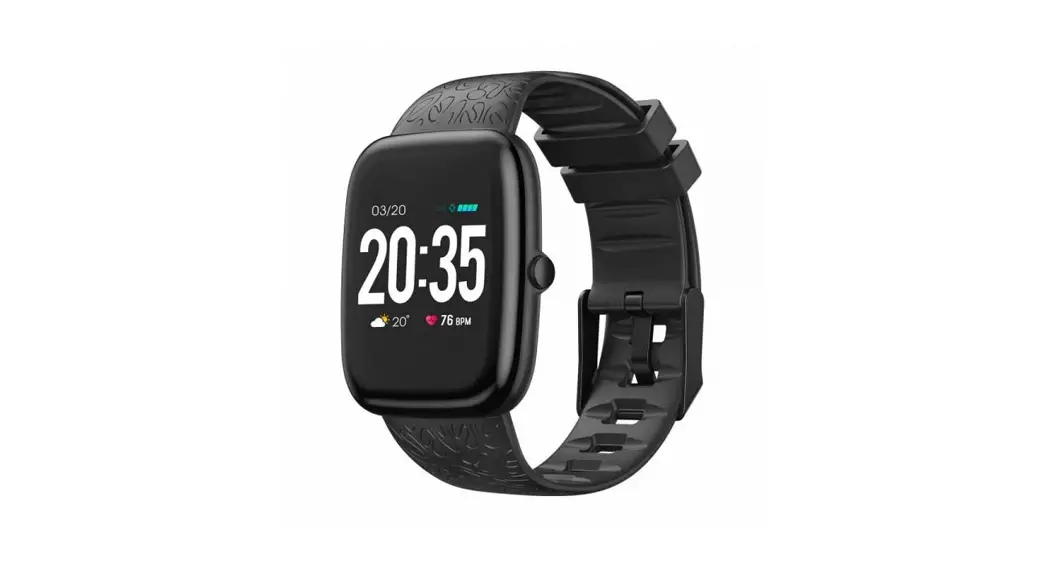
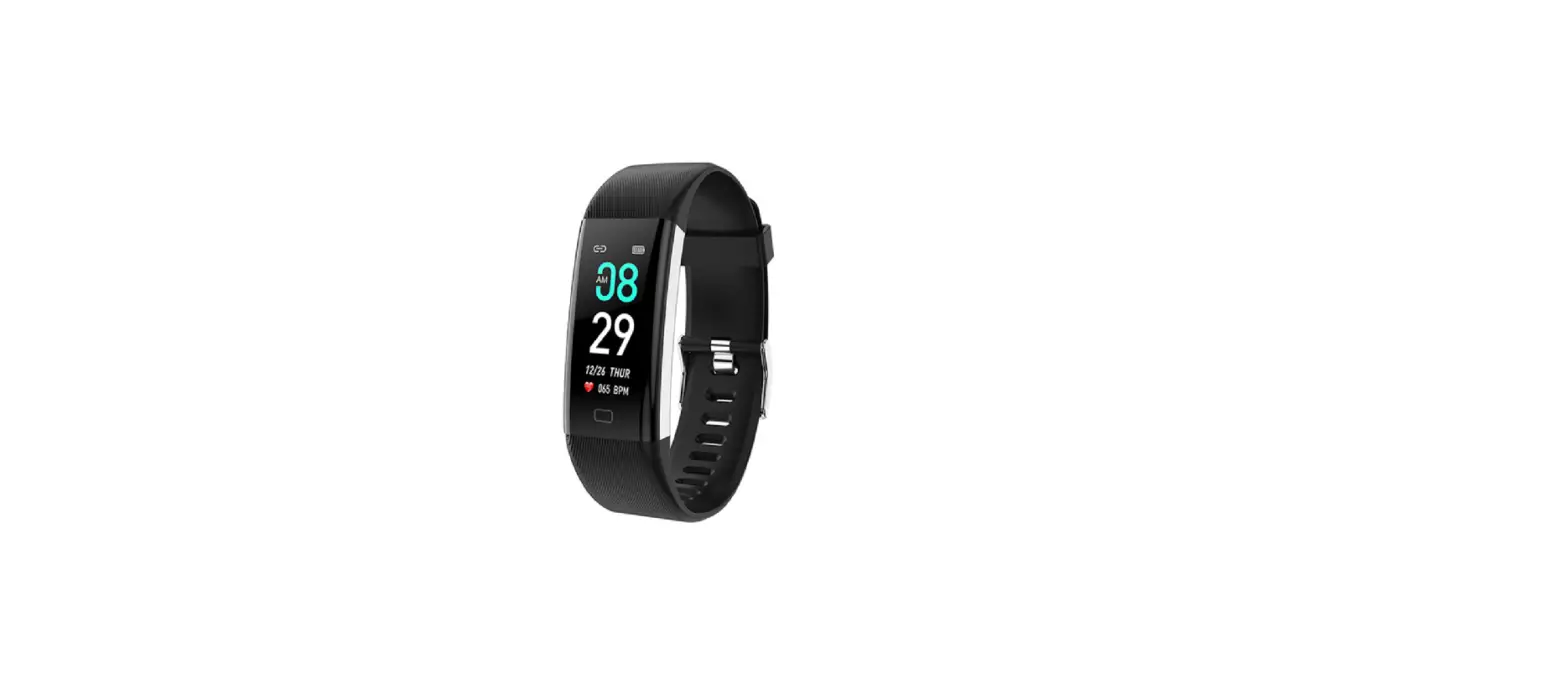
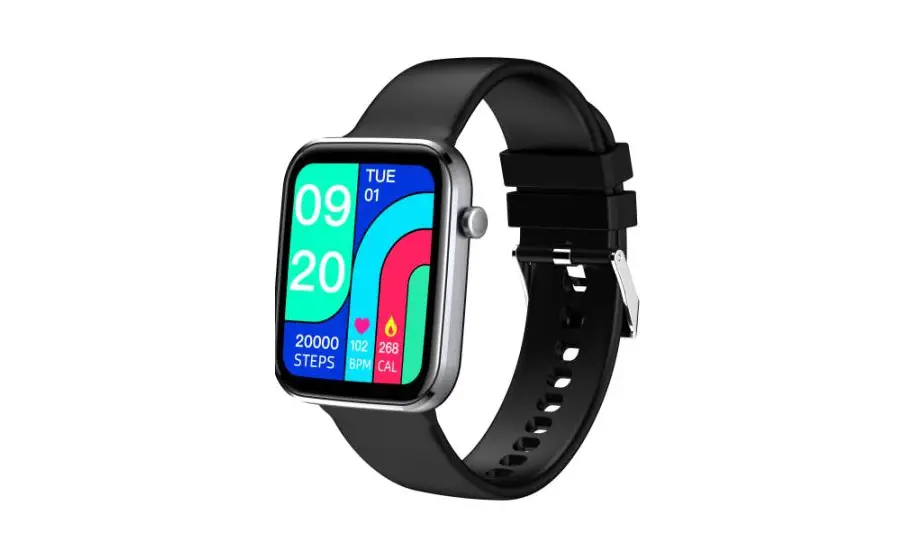
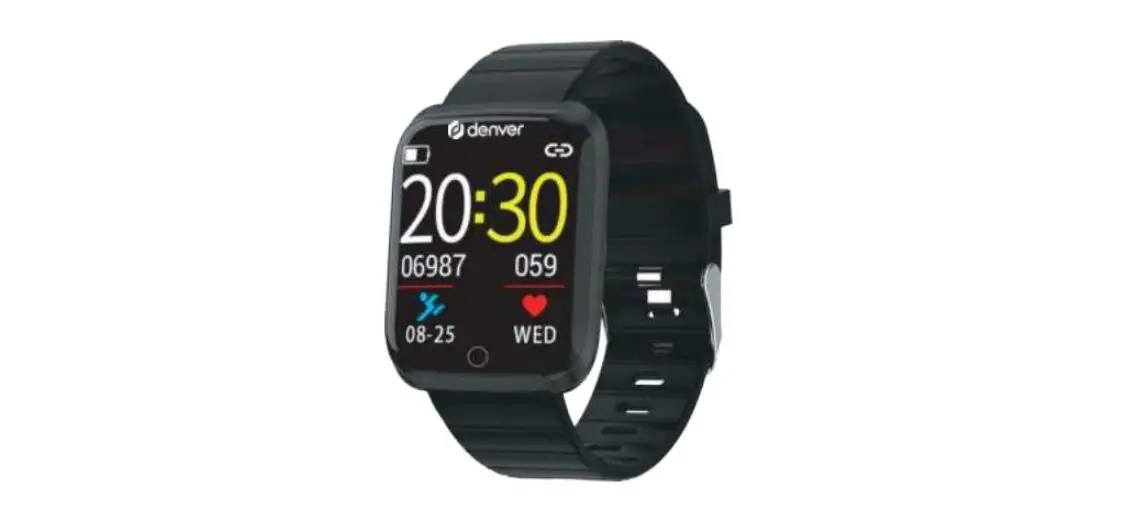
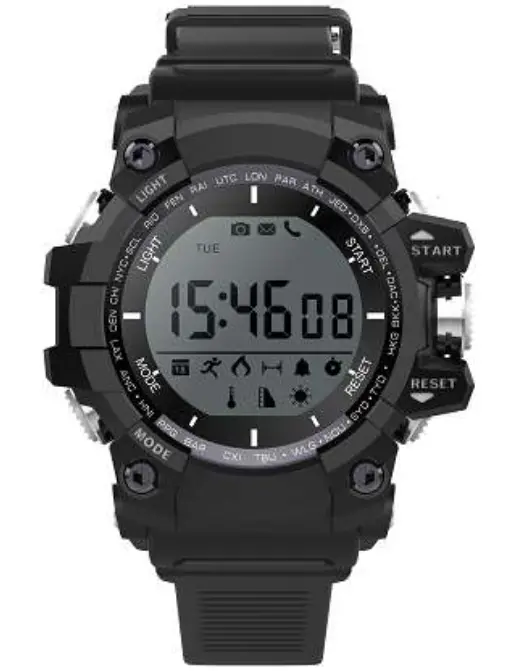
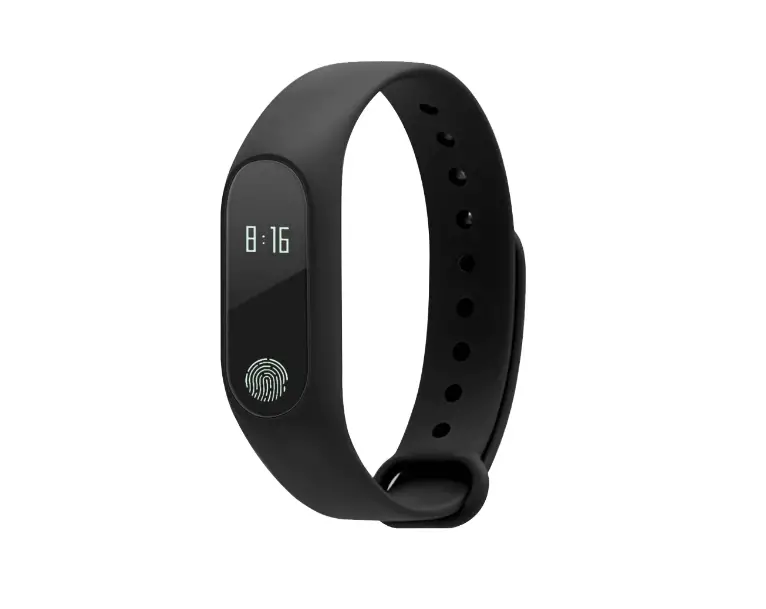
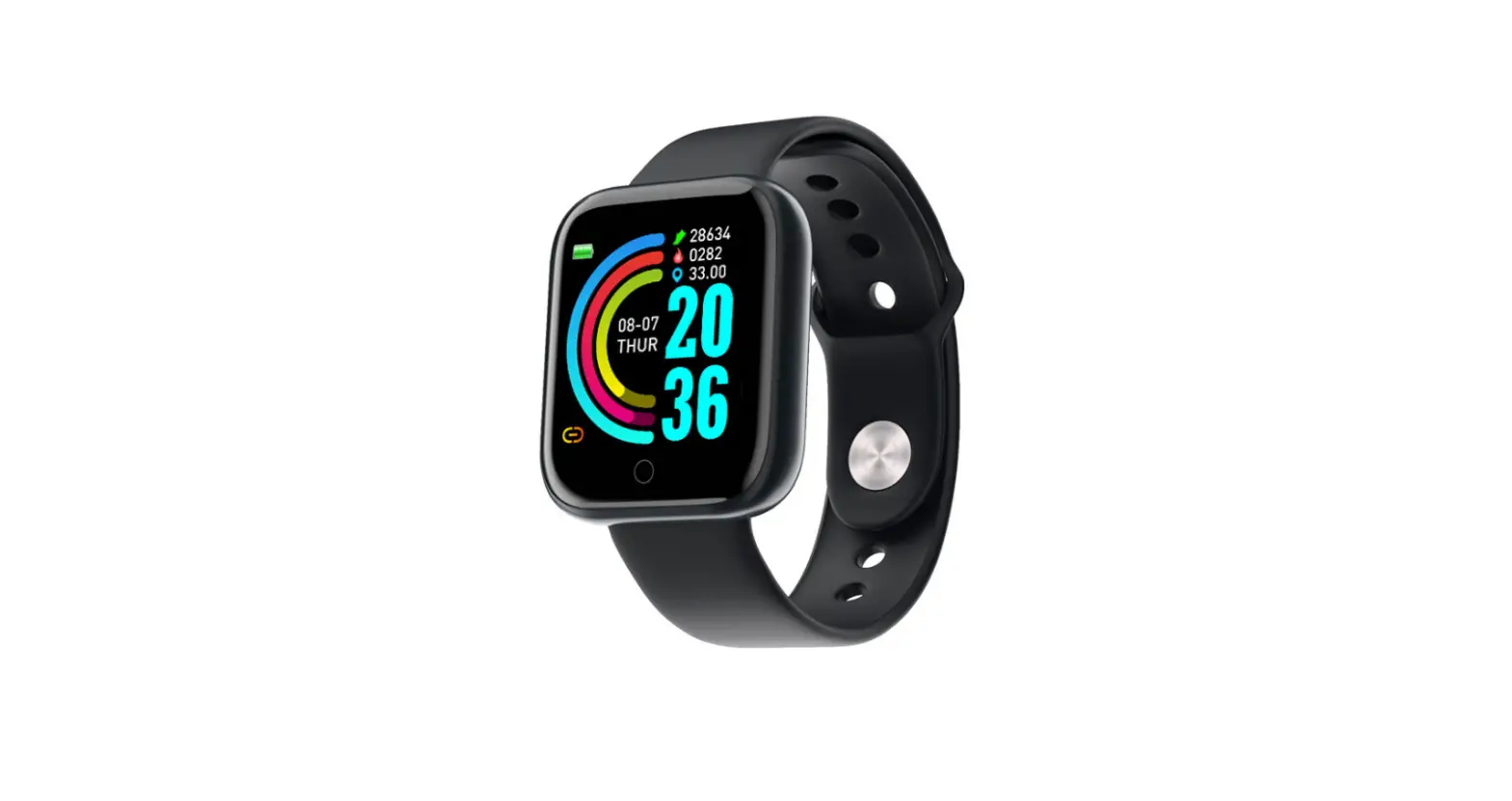
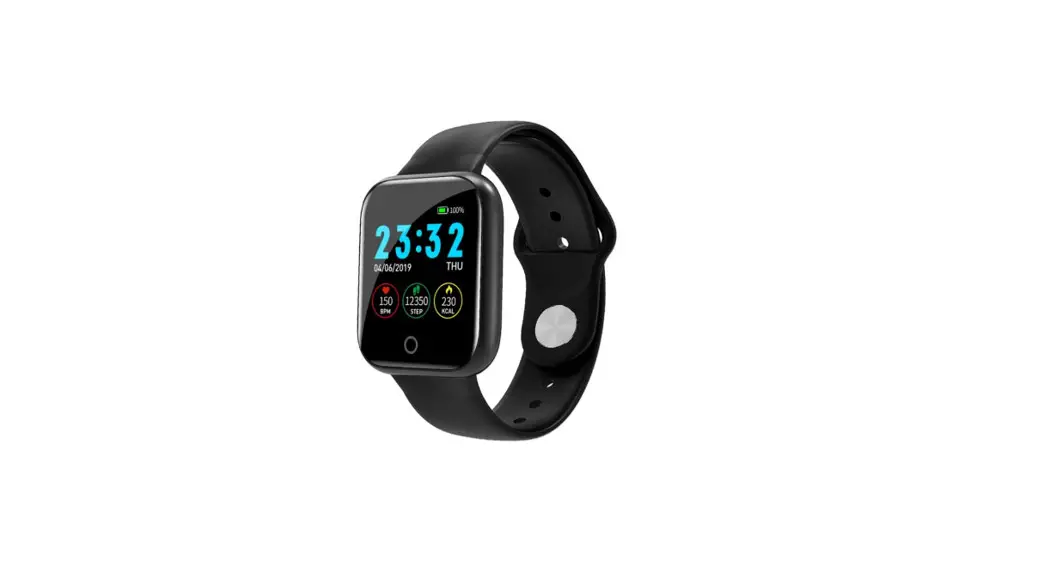
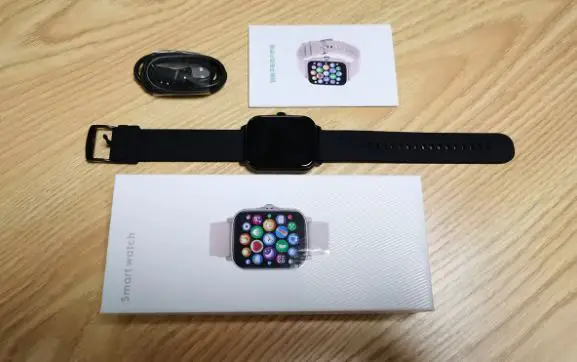
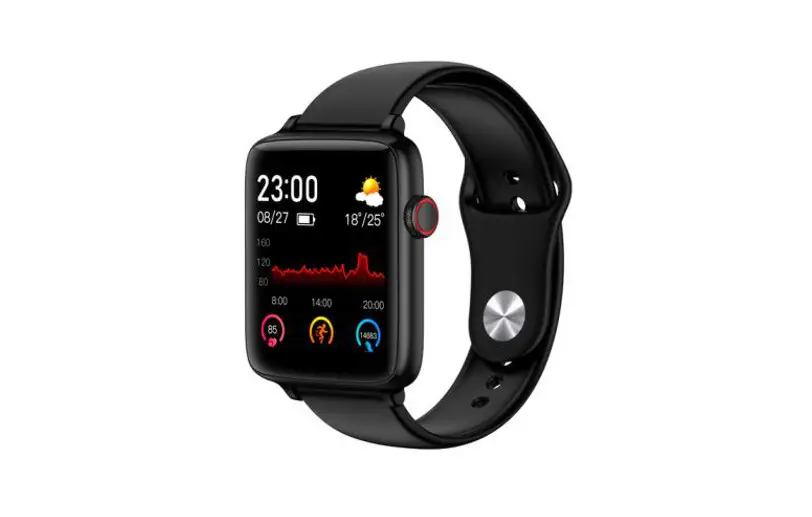
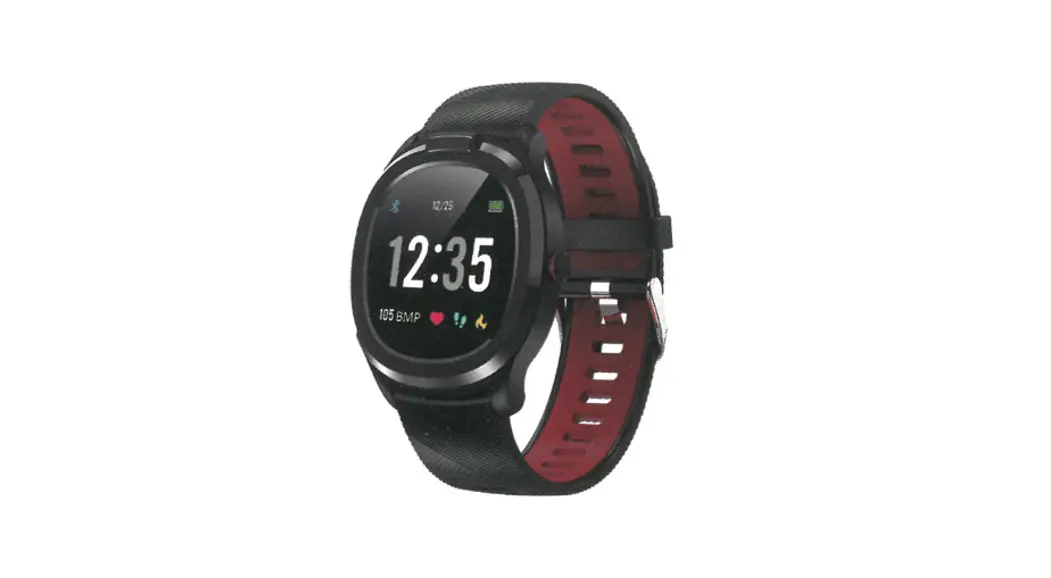
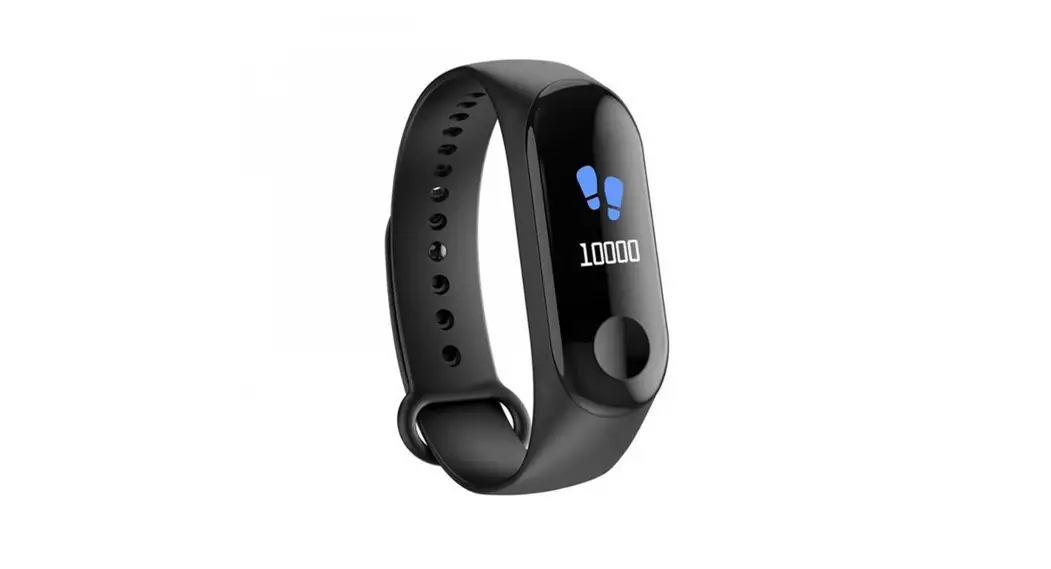
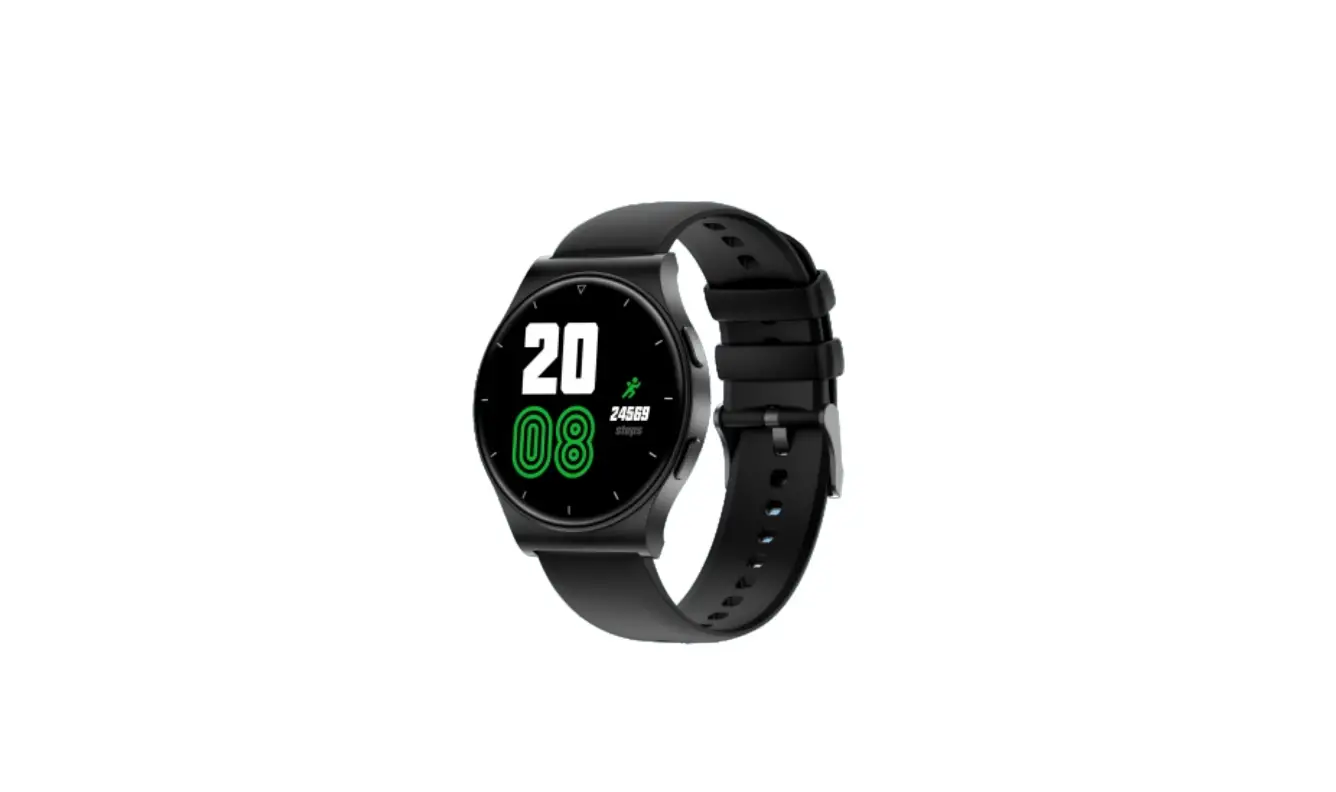
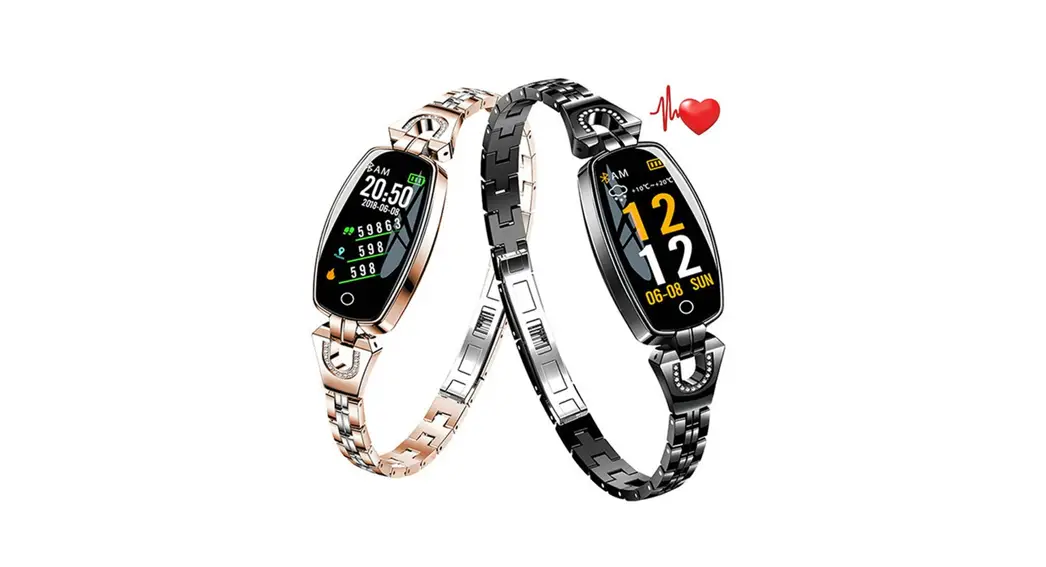
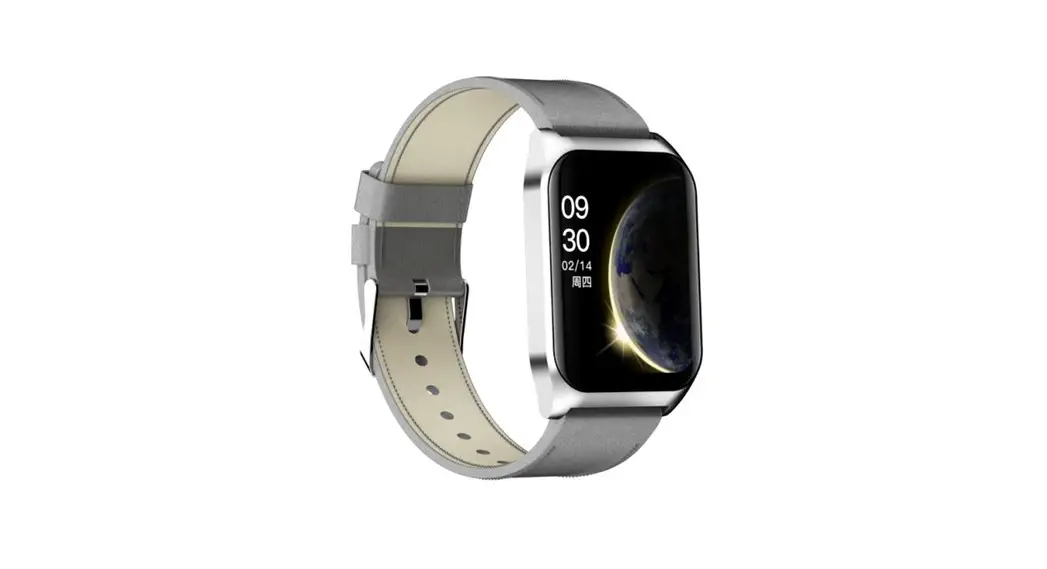
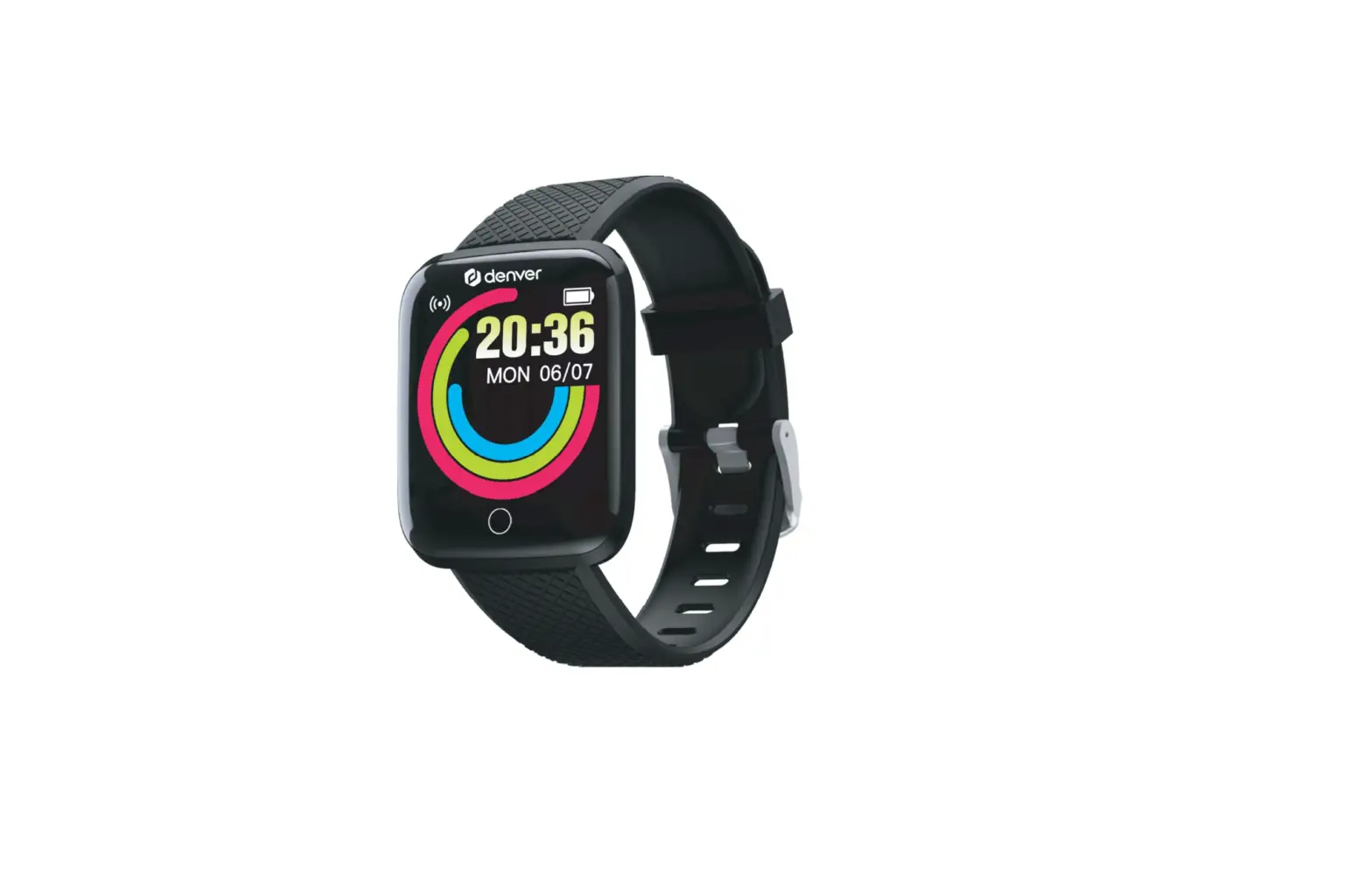
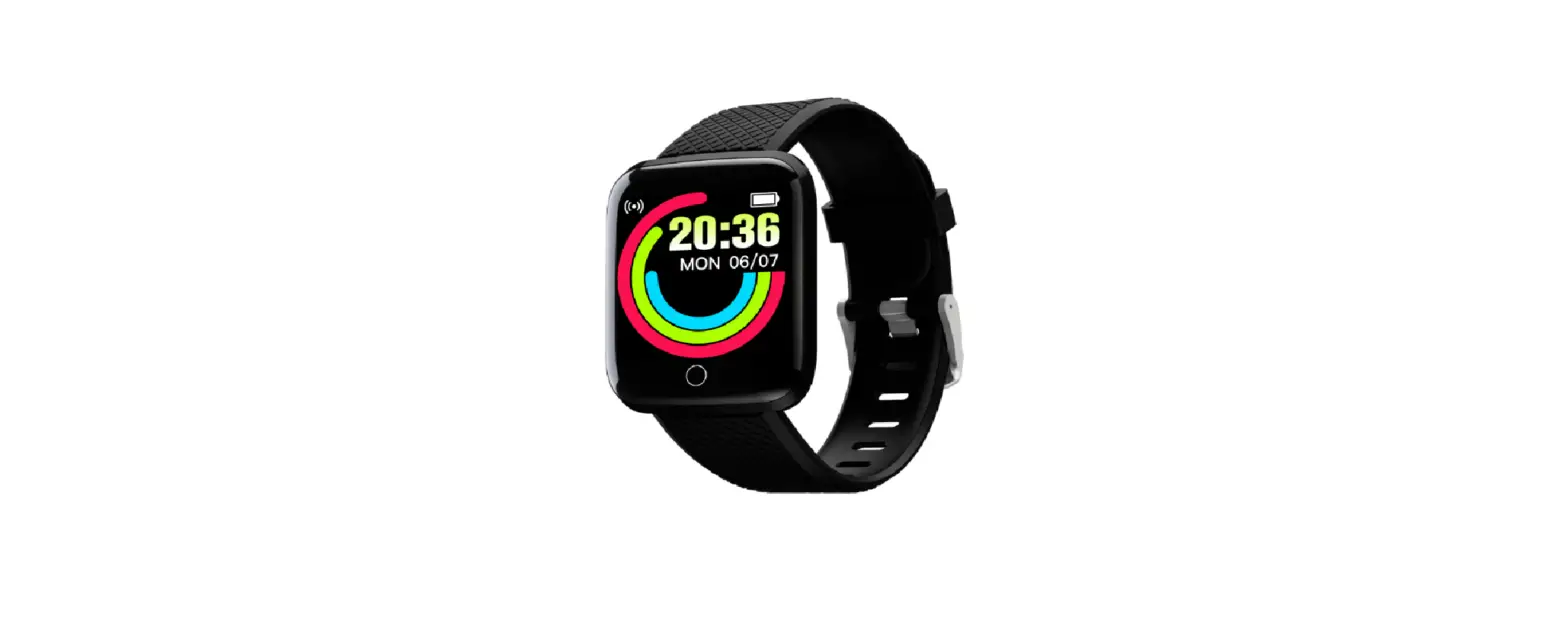
N18 Smart Bracelet Smartwatch
Product Information:
The product is a smart bracelet equipped with various features
to assist users in monitoring their health and daily activities. It
includes dial switching, control center movement data movement,
campaign record, heart rate monitoring, sleep tracking, voice
assistant support, blood pressure monitoring, blood oxygen
monitoring, alarm clock, stopwatch, message notifications, find
phone feature, settings, drinking reminder, sedentary reminder,
wallets, music control, and sleep data analysis.
The smart bracelet is powered by the AC7012A6S main control chip
and utilizes PAH8007 photoelectric sensing technology. It weighs
55g and supports data transmission via Bluetooth 4.2. The bracelet
is equipped with a 300mAh lithium polymer battery and can be
charged using a 5V power source with a charging current of 220mA.
It operates within a temperature range of -54°C to 5°C and is not
waterproof. Compatibility requirements include Android 8 and above
with Bluetooth 4.2 for Android devices, and iOS 10 or above for
Apple devices.
Caution: Any modifications or changes made to the device without
explicit approval from the manufacturer may void the user’s
authority to operate the equipment.
The device complies with part 15 of the FCC Rules, ensuring it
does not cause harmful interference and accepts any received
interference that may cause undesired operation. The device also
complies with FCC radiation exposure limits for an uncontrolled
environment and should be installed and operated with a minimum
distance of 0cm between the radiator and the user’s body.
Product Usage Instructions:
Dial Switching:
To switch between different watch faces or dials on the smart
bracelet, navigate to the dial switching option in the settings
menu and select your desired dial.
Control Center Movement Data Movement:
The control center movement data movement feature allows you to
monitor your daily physical activities. Simply access the control
center on the smart bracelet and navigate to the movement data
section to view information such as step count, distance traveled,
and calories burned.
Campaign Record:
The campaign record feature helps you track your exercise
routines and progress. Start a new campaign by selecting the option
in the settings menu, and the smart bracelet will record your
workout data, including duration, heart rate, and calories
burned.
Heart Rate Monitoring:
The smart bracelet uses optical sensors to monitor your heart
rate. Activate the heart rate monitoring feature either manually or
set it to continuous monitoring in the settings menu. The device
will display your current heart rate and provide historical data
for analysis.
Sleep Tracking:
The sleep tracking feature allows you to monitor your sleep
patterns and quality. Wear the smart bracelet while sleeping, and
it will automatically track your sleep duration, analyze sleep
stages, and provide insights into your sleep quality.
Voice Assistant Support:
After connecting your phone to the smart bracelet via Bluetooth,
you can access voice assistant features directly from the bracelet.
Use voice commands to perform various tasks, such as setting
reminders, sending messages, or making calls.
Blood Pressure Monitoring:
The smart bracelet is equipped with sensors to measure your
blood pressure. Place your wrist on a flat surface and activate the
blood pressure monitoring feature. The device will display your
blood pressure readings and provide historical data for
analysis.
Blood Oxygen Monitoring:
The blood oxygen monitoring feature measures the oxygen
saturation levels in your blood. Activate this feature on the smart
bracelet, and it will display your blood oxygen readings and
provide historical data for analysis.
Alarm Clock:
Set alarms directly on the smart bracelet to wake up or remind
yourself of important events. Access the alarm clock feature in the
settings menu and configure your desired alarm time and
settings.
Stopwatch:
Use the stopwatch feature on the smart bracelet to time various
activities or exercises. Access the stopwatch option in the
settings menu and start, pause, or reset the stopwatch as
needed.
Message Notifications:
When your phone is connected to the smart bracelet, you will
receive message notifications on the bracelet’s display. These
notifications can include incoming calls, text messages, or app
notifications. Ensure that your phone’s notification settings are
properly configured.
Find Phone:
If you misplace your phone, use the find phone feature on the
smart bracelet to locate it. Select the find phone option in the
settings menu, and your phone will emit a sound or vibrate, helping
you locate it quickly.
Settings:
Access the settings menu on the smart bracelet to configure
various device settings, including language preferences, display
options, notification settings, and other personalized
preferences.
Drinking Reminder:
The drinking reminder feature helps you maintain proper
hydration by reminding you to drink water at regular intervals.
Configure the drinking reminder in the settings menu by setting the
desired reminder frequency and interval.
Sedentary Reminder:
The sedentary reminder feature encourages you to move and avoid
prolonged periods of inactivity. Set the sedentary reminder in the
settings menu, and the smart bracelet will notify you when it’s
time to take a break and engage in physical activity.
Wallets:
The wallets feature allows you to store digital cards or payment
information on the smart bracelet for convenient access. Add your
cards or payment details in the wallets section of the settings
menu.
Music Control:
Connect your phone to the smart bracelet via Bluetooth to
control music playback directly from the bracelet. Use the music
control feature to play, pause, skip tracks, or adjust volume
without accessing your phone.
Sleep Data Analysis:
Note that the accuracy of sleep data may vary. If you encounter
any discrepancies, follow these steps: 1. Ensure the smartwatch is
worn correctly and securely on your wrist during sleep. 2. Make
sure the device is fully charged before sleep tracking. 3. If
issues persist, contact customer support for further
assistance.
Watch Won’t Turn On:
If your smart bracelet does not turn on, try the following
steps: 1. Check if the battery is depleted and connect it to a
power source for charging. 2. Ensure Bluetooth is connected or
attempt to reconnect it with your phone. 3. If the problem
persists, contact customer support for troubleshooting
assistance.
Bluetooth Connection Issues:
If you experience difficulties connecting or pairing the smart
bracelet with your phone via Bluetooth, try these steps: 1. Verify
that Bluetooth is enabled on your phone and within range of the
smart bracelet. 2. Restart both your phone and the smart bracelet.
3. If connection issues persist, ensure your phone and the smart
bracelet are compatible and meet the specified requirements. If
problems persist, contact customer support for further
assistance.
Inaccurate Measurement of Health Parameters:
If you notice inaccuracies in heart rate, blood pressure, or
blood oxygen measurements, try these steps: 1. Ensure the smart
bracelet is worn correctly and securely on your wrist during
measurement. 2. Make sure the sensors are clean and free from any
obstructions. 3. If issues persist, contact customer support for
calibration or troubleshooting assistance.
BT connected devices and pairing 1BT connection: In the device interface of APP, click Bind Device Now, click Connect, after successful connection, you can see the Bluetooth successful connection symbol on APP and under the device model, if it shows the disconnected symbol indicates that the connection is not successful, please operate again. After successful connection, the data and time will be synchronized automatically. 2After the first successful connection, the device will be automatically connected after it is turned off and on, disconnected after leaving the signal range and then returned to the vicinity of the host. 3APP connects the second or third ….. device, please unbind it on APP first, and then connect the device.
Bluetooth headset function use instructions and precautions 1. Indicator light A. Power on indicator: headset from the bracelet bin after removal, automatic power on, lights flashing, 1 second flashing once, on the connected or cell phone connection successfully extinguished lights (power-saving mode) B. Charging indicator: Long light when charging, and goes off when it is full. 2. Headphone function A. Headset and cell phone connection: the headset from the bracelet host bin to take out, there is a power-on tone, the light flashes, open the Bluetooth in the phone settings, find the corresponding Bluetooth name and pairing connection, after a successful connection inside the settings to see “connected”, that the product is successfully connected. B. After the first successful connection, remove the headset from the charging compartment again and it will be automatically connected in about 5 seconds. C. After the headset is successfully connected, if the phone has a manual disconnection, you need to reconnect in the phone Bluetooth settings.
Dial Switching Control Center Movement Data Movement
Campaign Record Heart rate Sleep
Voice Assistant Voice assistant support after connecting the phone to the bracelet Blood pressure
Blood Oxygen
Alarm Clock Stopwatch Message Find a phone
Settings Drinking Reminder
Sedentary Reminder Wallets
Music Copy Music
music
Sleep data is not accurate enough 1. 2. 3. Watch won’t turn on
Bluetooth is not connected or cannot be connected 1. 2. 3.
Inaccurate measurement of heart rate/blood pressure/blood oxygen 1.
2.
VI. Basic Parameters
Main control chip: AC7012A6S Photoelectric sensing: PAH8007 Main body weight: 55g Data transmission: Bluetooth 4.2 Battery type: Lithium polymer Battery capacity: 300mAh Charging voltage: 5V Charging current: 220mA Operating temperature: -545 Waterproof: No Device requirements: Android 8 and above, Bluetooth 4.2 for phone, iOS 10 or above
FCC Warnning: This equipment has been tested and found to comply with the limits for a Class B digital device, pursuant to part 15 of the FCC Rules. These limits are designed to provide reasonable protection againstharmful interference in a residential installation. This equipment generates, uses and can radiateradio frequency energy and, if not installed and used in accordance with the instructions, maycause harmful interference to radio communications. However, there is no guarantee thatinterference will not occur in a particular installation. If this equipment does cause harmfulinterference to radio or television reception, which can be determined by turning the equipmentoff and on, the user is encouraged to try to correct the interference by one or more of thefollowing measures: · Reorient or relocate the receiving antenna. · Increase the separation between the equipment and receiver. · Connect the equipment into an outlet on a circuit different from that to which the receiver is connected. · Consult the dealer or an experienced radio/TV technician for help.
Caution: Any changes or modifications to this device not explicitly approved by manufacturer could void your authority to operate this equipment.
This device complies with part 15 of the FCC Rules. Operation is subject to the following two conditions: (1)This device may not cause harmful interference, and (2) this device must accept any interference received, including interference that may cause undesired operation.
This equipment complies with FCC radiation exposure limits set forth for an uncontrolled environment. This equipment should be installed and operated with minimum distance 0cm between the radiator and your body.