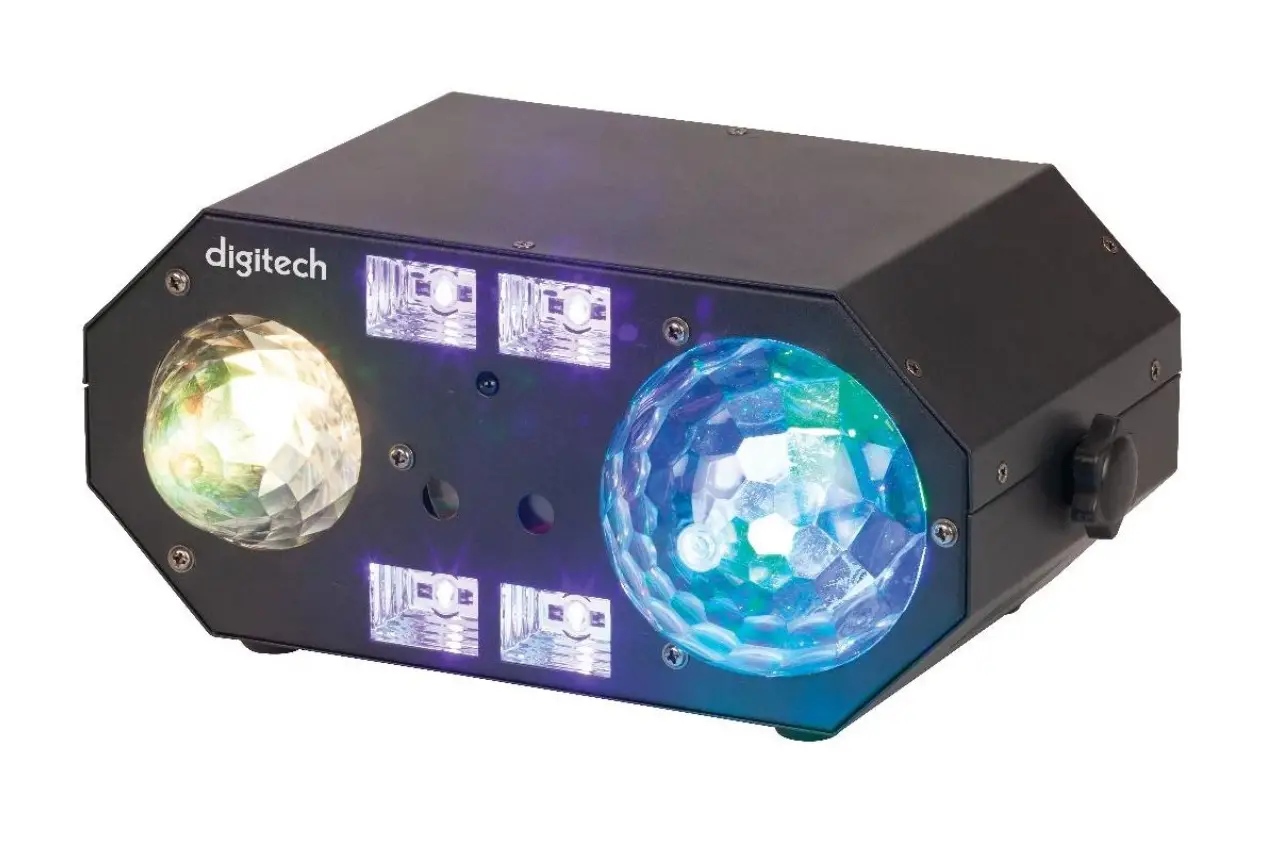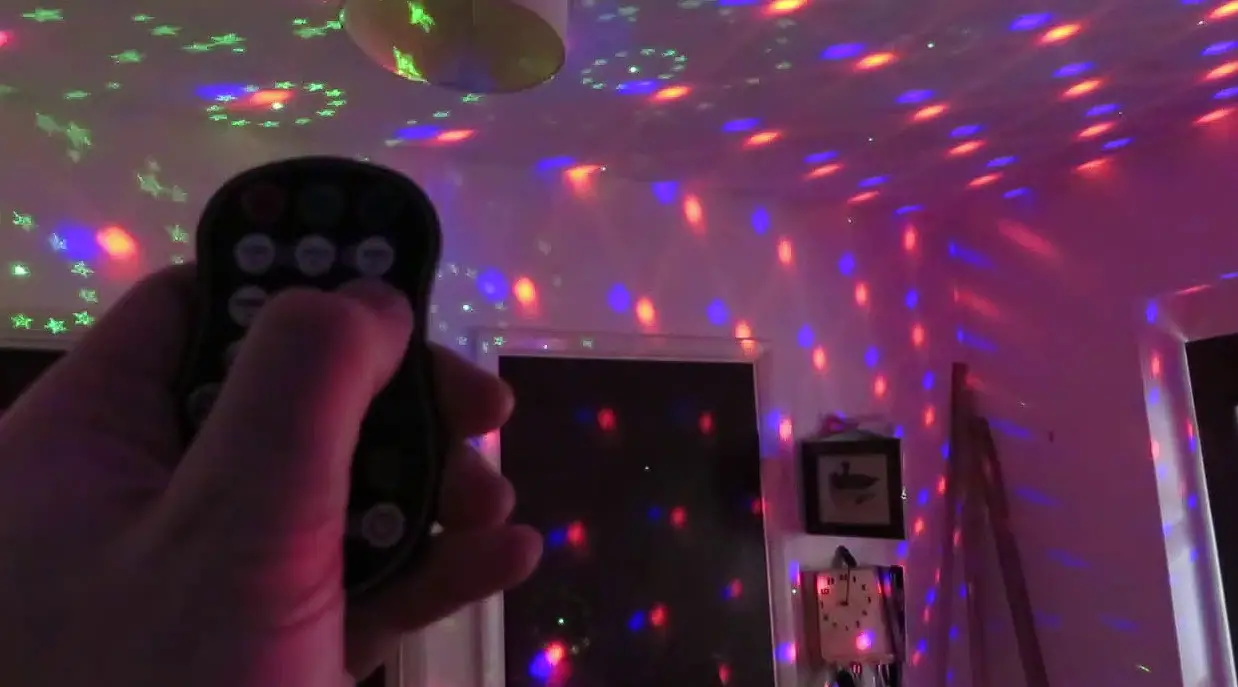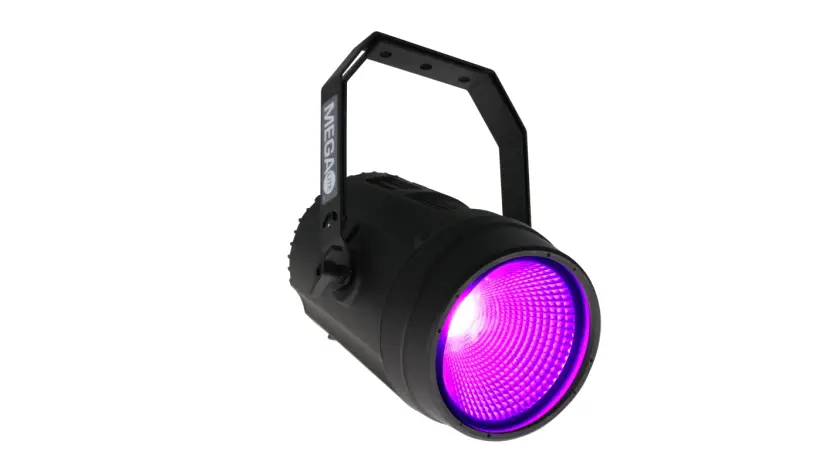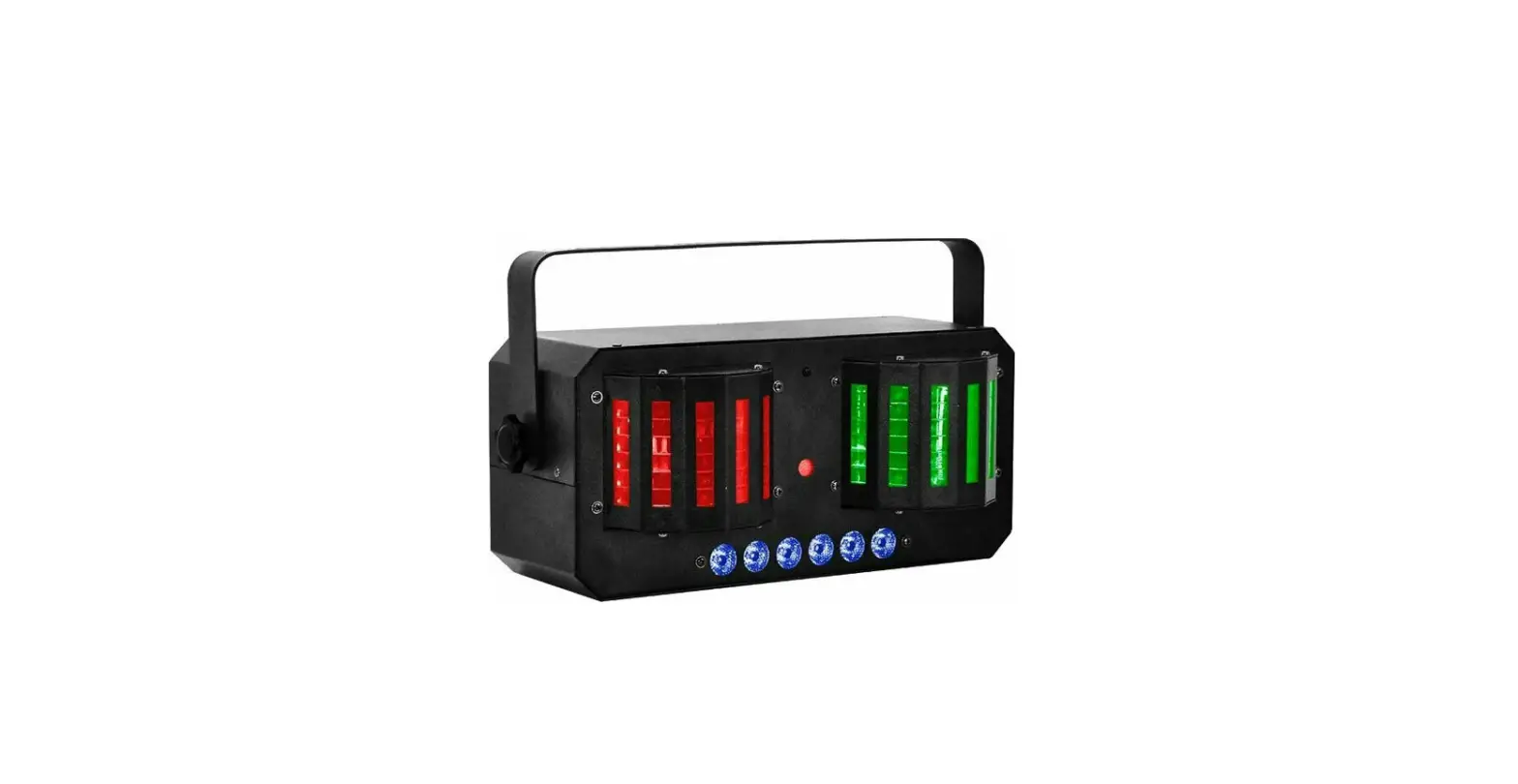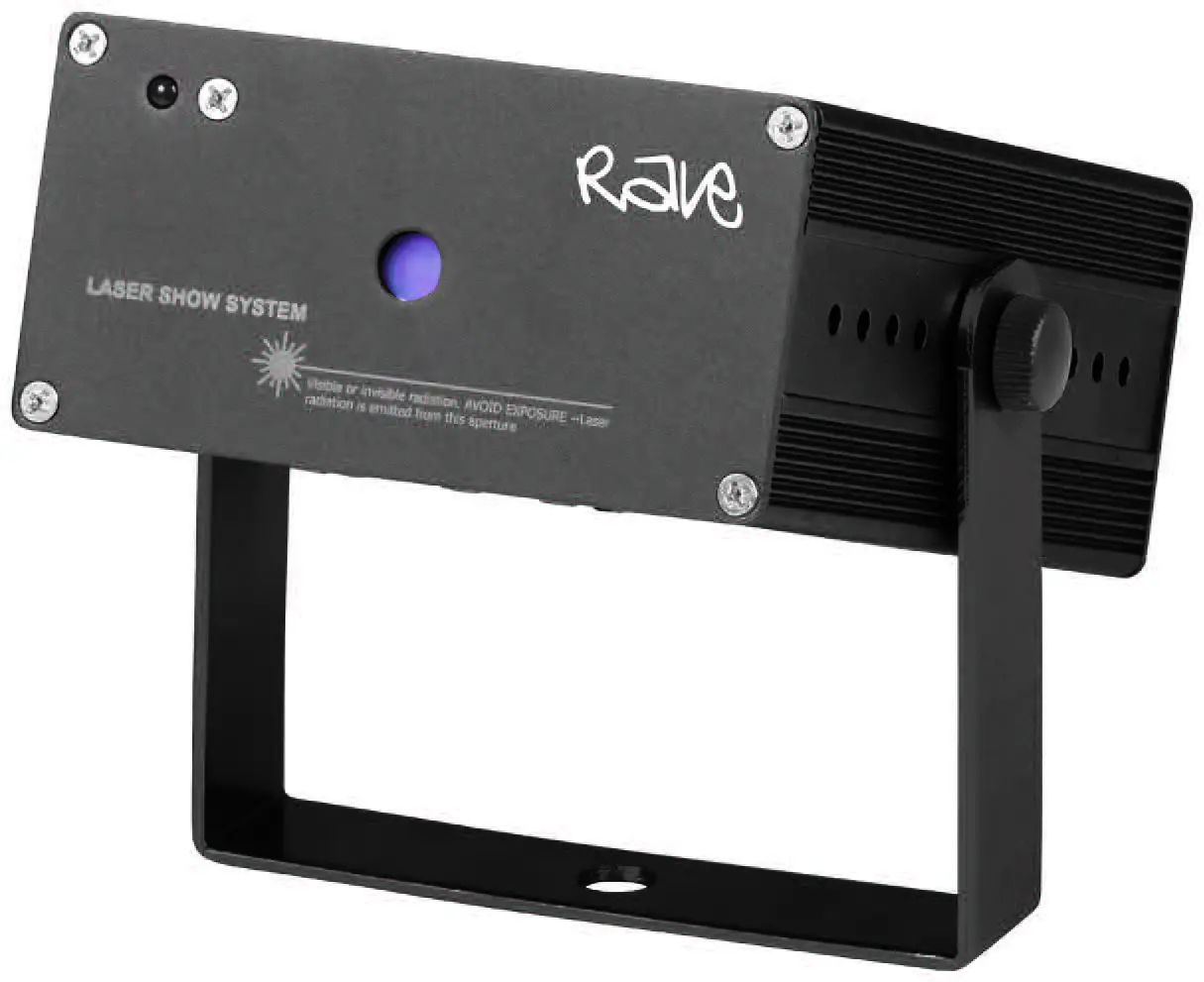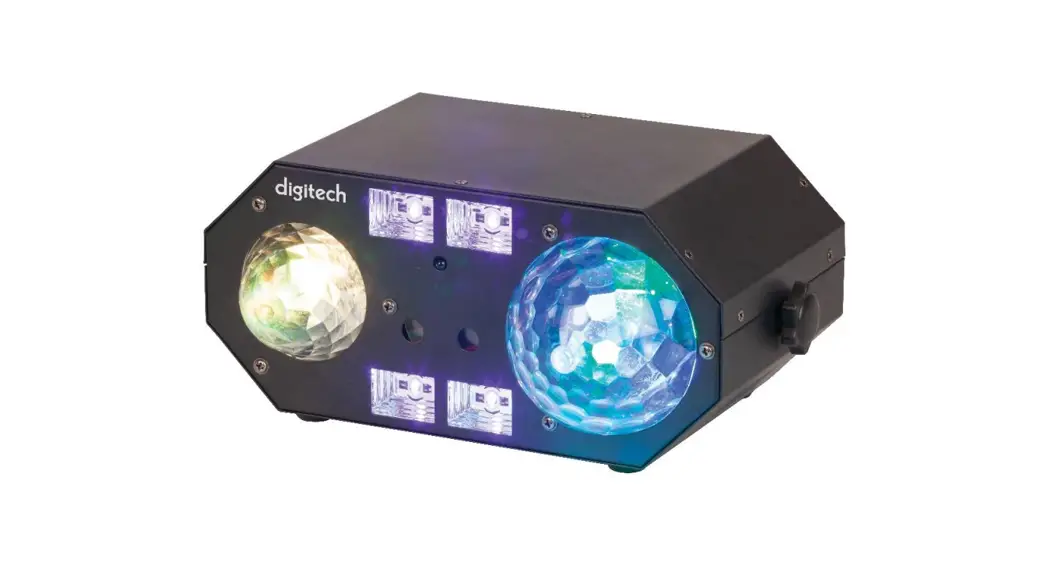
 SL-3542 5-In-1 Ball Waterwave Laser UV and Strobe Party Light
User Manual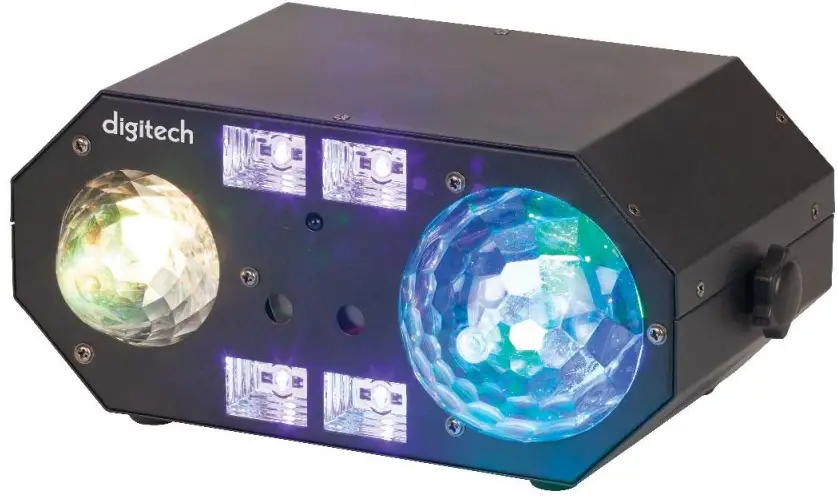
SL-3542 5-In-1 Ball Waterwave Laser UV and Strobe Party Light
5-In-1 Ball, Waterwave, Laser
UV & Strobe Party Light
User Manual SL-3542
Box Contents:
1 x 5-I n-1 Party Light
1 x Infrared Remote Control
1 x Mounting Bracket
1 x Mains Power Cable
2 x Laser Lock Keys
Product Diagram:
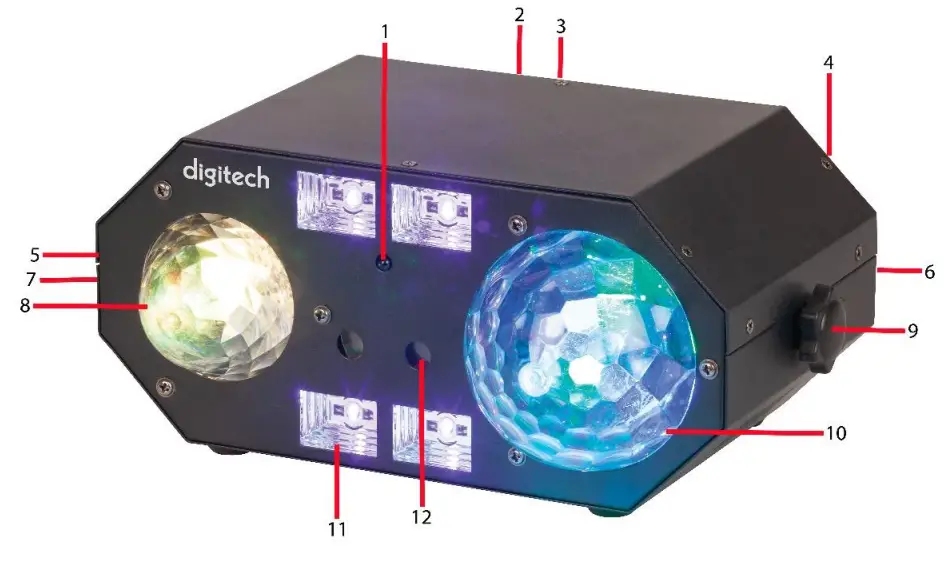
| # | Feature: | Description: |
| 1. | Infrared Port | Used for the infrared remote control |
| 2. | LED Screen (Rear) | Displays the current mode and DMX channel |
| 3. | Function Buttons (Rear) | Menu, up, down and enter buttons to change the menu and channels |
| 4. | Microphone (Rear | Listens to the beat of the music for sound activation mode |
| 5. | DMX Input | Connect a XLR cable to the DMX input socket if you’re using a DMX controller |
| 6 | Mains Power Socket (Rear) | Connect the mains power cable to the power socket located on the rear of the unit and plug into a 240VAC wall socket |
| 7. | DMX Output | Connect a XLR cable to the DMX output socket if you’re using a DMX controller |
| 8. | Waterwave Light | Displays a red, green, blue and white colour LED Waterwave light |
| 9. | Adjustable Knob | Adjust the tightness for the mounting bracket |
| 10. | Ball Light | Displays red, green and blue colours |
| 11. | UV/Strobe | 4 LEDs that display ultra violet (UV) and white colour strobe |
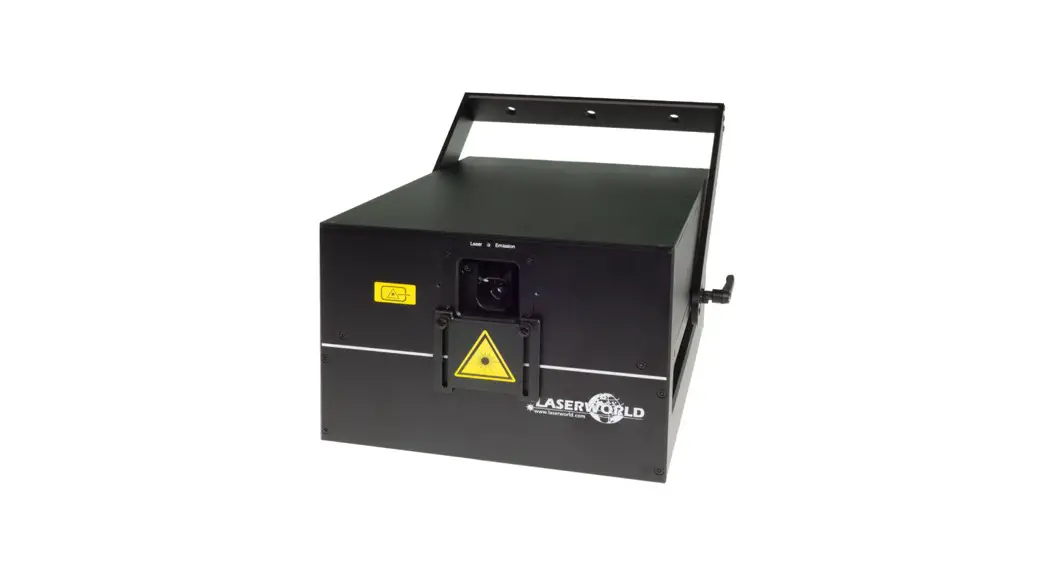
| 12. | Laser | Red and green twin lasers |
Installation:
- Unscrew the adjustable knobs on each side of the party light.
- Attach the mounting bracket and align it with the screw holes.
- Insert the adjustable knobs on each side and tighten in place.
- Note: It is suggested to use a safety cable and attach it the safety rope ring located on the rear of the unit when attaching to a lighting stand.
- Insert the mains power cable in to the rear power socket of the unit and the opposite end of the cable to a 240VAC mains wall socket.
Operation:
- Press the power switch located on the rear of the unit to on.
- The unit will start operating in automatic mode once turned on; you can change the modes by press the menu, up and down buttons. Please refer to the function table in the manual to see all the functions available.
Remote Control
| Feature: | Description: |
| Power | Press to turn the unit on or off |
| Mode | Change between automatic and sound activation modes |
| Sen+/Sen- | Press to increase or decrease the light sensitivity |
| Flash | Press to activate the flashing of the strobe light |
| Speed+/Speed- | Press to increase or decrease the flashing of the strobe light |
| Laser | Press to activate the laser light |
| Colour | Select the colour between red and green lasers |
| Speed | Press to change the speed of the lasers |
| LED | Press to select the disco ball LED |
| Red/Green/Blue/White | Press to select between the different colours of the LEDs |
| Jump | Press to jump between one colour to another for the disco ball LED |
| Gradual | Press to change the colour slowly for the LED disco ball |
| Flash | Press to change the flash of the disco ball LED |
| Motor | Change the motor speed of the LEDs |
Functions
| NO | Main menu | Sub menu | Function |
| 1 | PU” | PUON | UV ON |
| PUOF | UV OFF | ||
| 2 | LA” | LAoF | LASER OFF |
| LMu | LASER AUTO | ||
| LA r | RED | ||
| LAG | GREED | ||
| LArG | RED+GREED | ||
| LA01-LA20 | RED/GREED | ||
| SP 1-9 | SPEED | ||
| 3 | LE’ | LE 1 | LED 1 |
| LE 2 | LED 2 | ||
| LE 3 | LED 3 | ||
| LE 4 | AUTO1 | ||
| LE 5 | AUTO2 | ||
| LE 6 | STROBE | ||
| LE 7 | AUTO3 | ||
| Sd 1-9 | SOUND1 | ||
| SP 1-9 | SOUND2 | ||
| 4 | FL” | FLoF | STROBE OFF |
| FL 1-9 | STROBE ON | ||
| 5 | PA’ | PA 1 | LED 1 |
| PA 2 | LED 2 | ||
| PA 3 | LED 3 | ||
| PA 4 | LED 4 | ||
| PA 5 | AUTO1 | ||
| PA 6 | AUTO2 | ||
| PA 7 | STROBE | ||
| PA 8 | AUTO3 | ||
| Sd 1-9 | SOUND1 | ||
| SP 1-9 | SOUND2 | ||
| 6 | Au 1 | Au 1 | AUTO1 |
| 7 | Au2 | Au2 | AUTO2 |
| 8 | S1** | S101-S120 | SOUND1 |
| uoL1-uoL9 | SEED | ||
| 9 | S2″ | S201-S220 | SOUND2 |
| uoL1-uoL9 | SEED | ||
| 10 | A001-A512 | DMX |
| Channel | DMX Value | Function |
| 1 | 0-9 | water wave LED OFF |
| 10-255 | water wave LED ON | |
| 2 | 0-9 | WHITE OFF |
| 10-255 | WHITE ON | |
| 3 | 0-9 | BALL LED OFF |
| 10-44 | BALL LED RED | |
| 45-79 | BALL LED GREED | |
| 80-114 | BALL LED BLUE | |
| 115-149 | BALL LED RED+GREED | |
| 150-184 | BALL LED GREED+BLUE | |
| 185-219 | BALL LED RED+BLUE | |
| 220-255 | BALL LED RED+GREED+BLUE | |
| 4 | 0-9 | LASER OFF |
| 10-99 | LASER RED | |
| 100-199 | LASER GREED | |
| 200-255 | LASER RED+GREED | |
| 5 | 0-9 | UV OFF |
| 10-255 | UV ON | |
| 6 | 0-255 | MODER |
| 7 | 0-9 | STROBE OFF |
| 10-255 | STROBE ON | |
| 8 | 0-9 | water wave MOTOR OFF |
| 10-255 | water wave MOTOR ON | |
| 9 | 0-9 | BALL MOYOR OFF |
| 10-255 | BALL MOTOR ON | |
| 10 | 0-9 | LASER MOTOR OFF |
| 10-127 | LASER MOTOR ON 1 | |
| 128-255 | LASER MOTOR ON 2 | |
| 11 | 0-50 | 1-8CH |
| 51-150 | AUTO1 | |
| 151-200 | AUTO 2 | |
| 201-250 | SOUNDI | |
| 251-255 | SOUND2 |
Safety
- Do not open the case of the party light to avoid damage and injury.
- Keep the party light away from high temperatures as it may cause damage to the unit.
- Do not expose the party light to water or liquids to prevent the unit from damage.
- The unit must be installed in a well ventilated area.
- It is suggested to use a safety cable when fixing this unit to a mounting stand or wall to prevent the unit from falling.
- It is suggested to clean the unit’s lenses every 2-3 months with a soft cloth so the unit can display the light properly.
- Keep the remote control away from children as it contains button cell batteries which may be harmful. Contact a doctor immediately if swallowed.
WARNING KEEPKEEP BUTTON BATTERIES OUT OF REACH OF CHILDREN
- If swallowed a lithium button battery may to lead to serious or fatal injury in as little as 2 hours, due to chemical burns and potential perforation of the oesophagus.
- Non-lithium button batteries battery can cause serious injuries if it is swallowed or placed inside any part of the body.
- All button batteries must be kept away from children regardless if they are new or used.
- If you suspect your child has swallowed or inserted a button battery immediately call the 24-hour Poisons Information Centre on 13 11 26 (Australia) or 0800 764 766 (New Zealand) for fast, expert advise.
- If your child is having difficulty breathing contact 000 (Australia) or 111 (New Zealand).
- Dispose of used button batteries immediately and safely out of the reach of children. A battery can still be dangerous even when it can no longer operate the device.
- As soon as you have finished using a button battery, put sticky tape around both sides of it. This will make it harder for children to swallow the button battery and avoid the risk of the battery catching fire.
- Immediately dispose of button batteries immediately out of reach of children, or recycle using a child resistant container and take used cells to your local battery collection centre.
Specifications:
LED: 6 x 3W RGB (Ball)
1 x 5W RGBW (Waterwave)
4 x 3W WUV (Strobe/UV)
Laser: 120mW (Red), 30mW (Green)
Modes: Automatic, Sound Activated, DMX
Remote Control Battery: 1 x CR2025 (Included)
Power: 240VAC, 50-60Hz
Power Consumption: 30W
Dimensions: 270(W) x 170(D) x 114(H)mm
Distributed by:
Electus Distribution Pty. Ltd
320 Victoria Rd, Rydalmere NSW
2116 Australia Ph: 1300 738 555
Intl: +61 2 8832 3200
Fax: 1300 738 500
www.electusdistribution.com.au