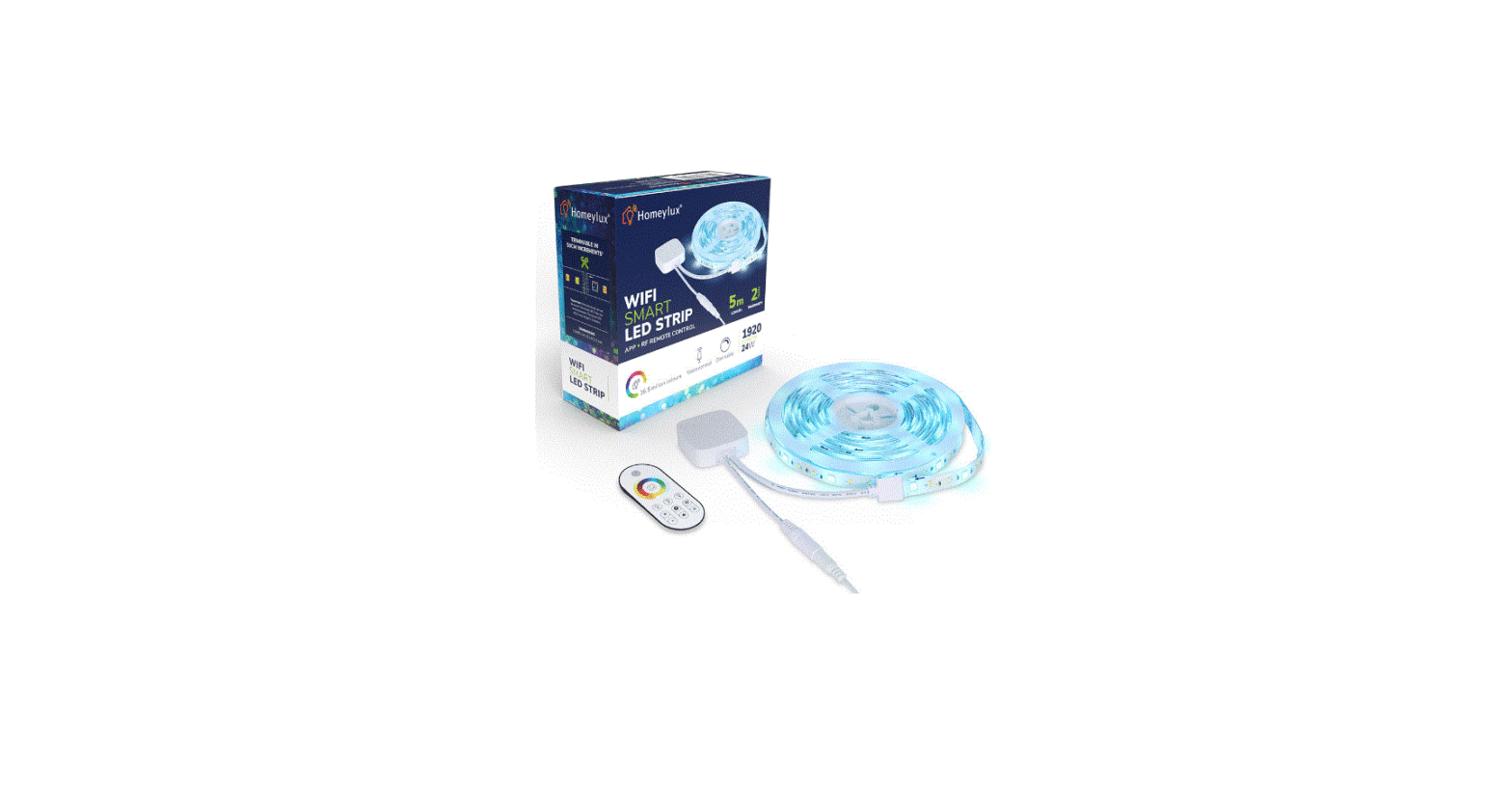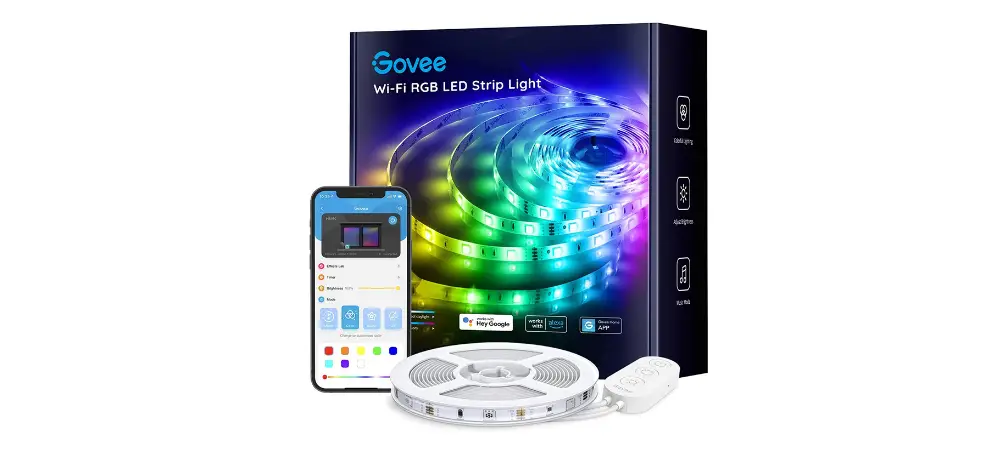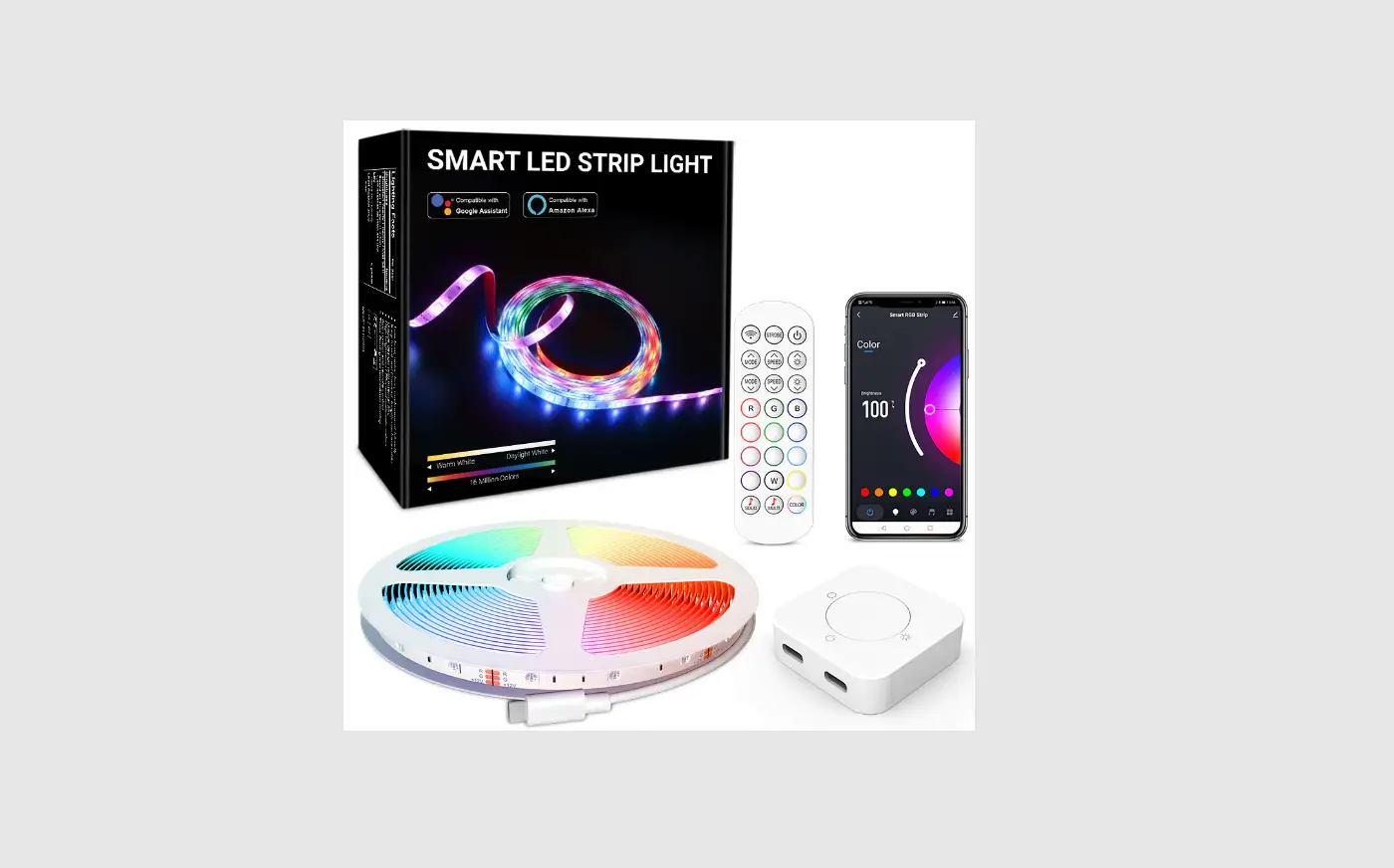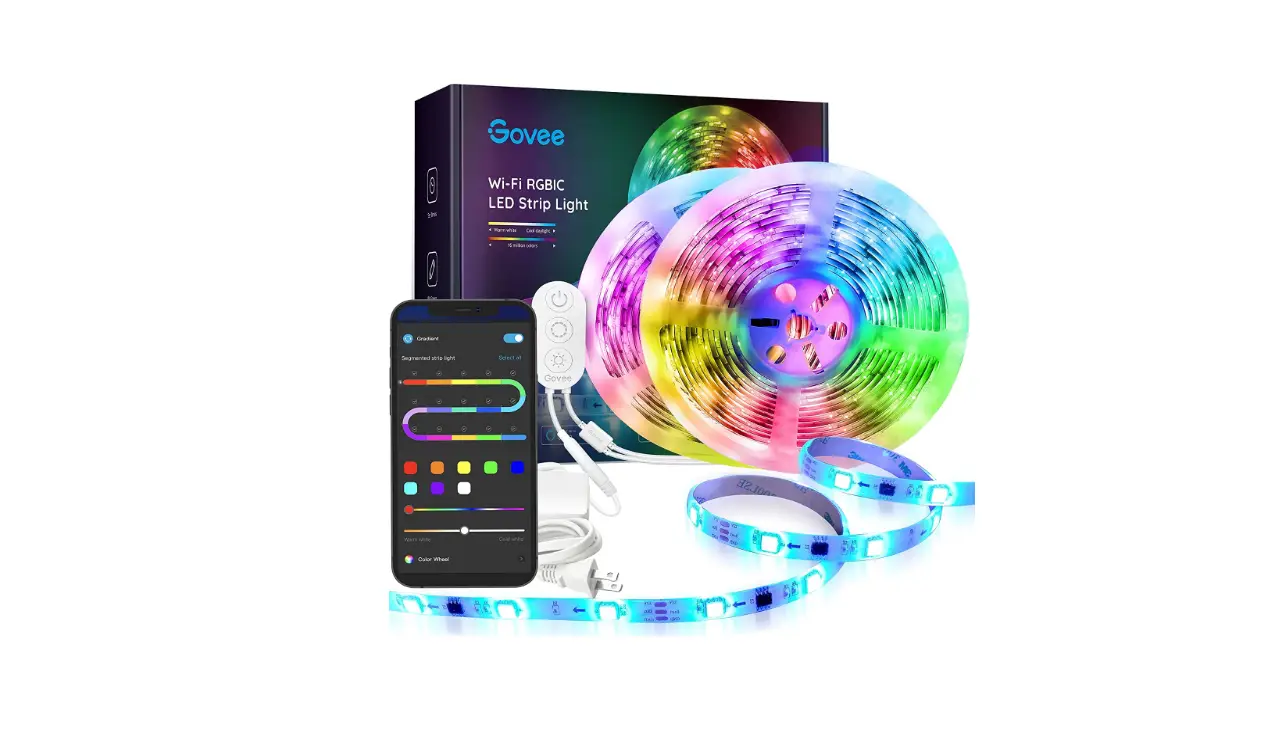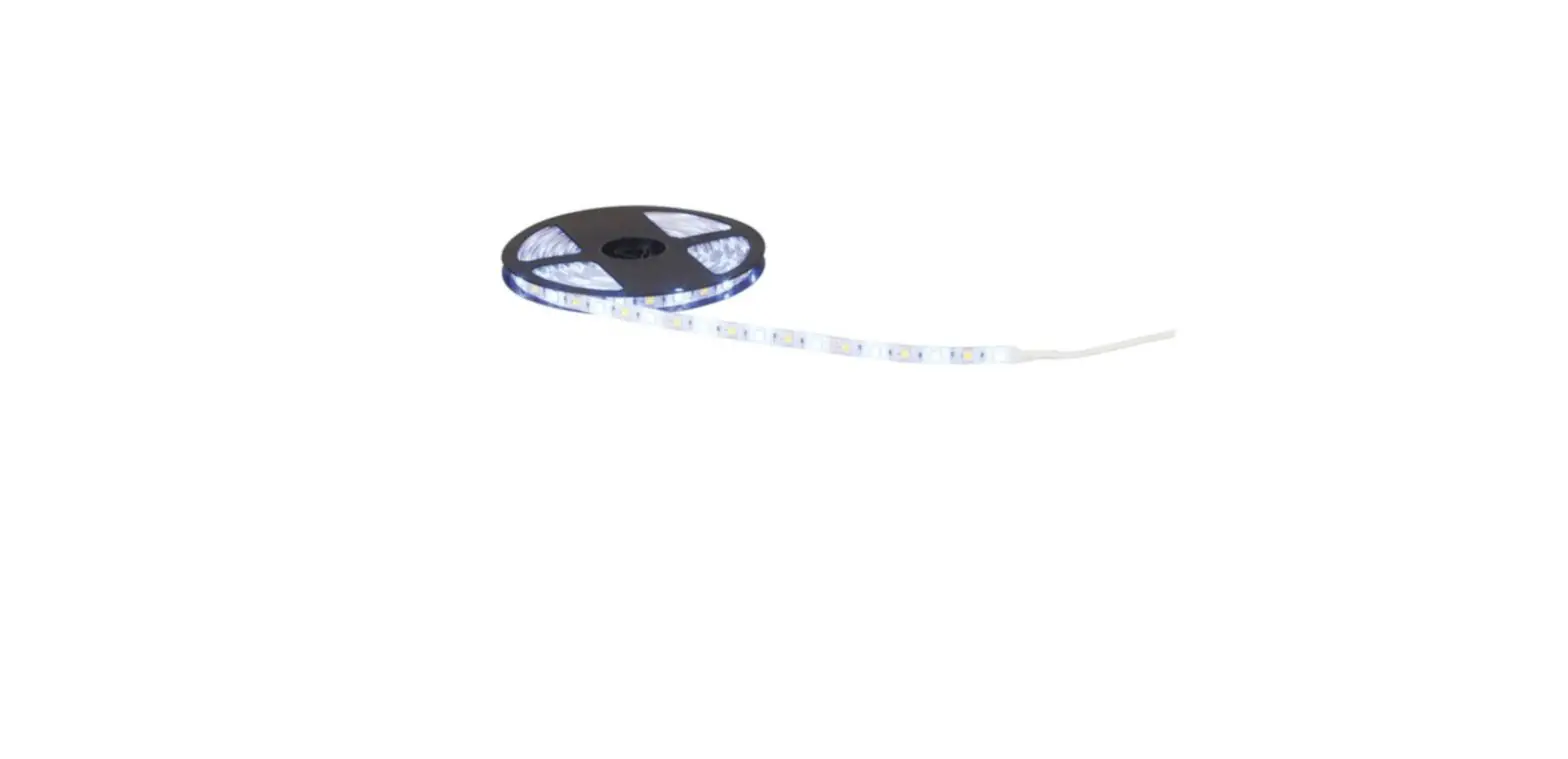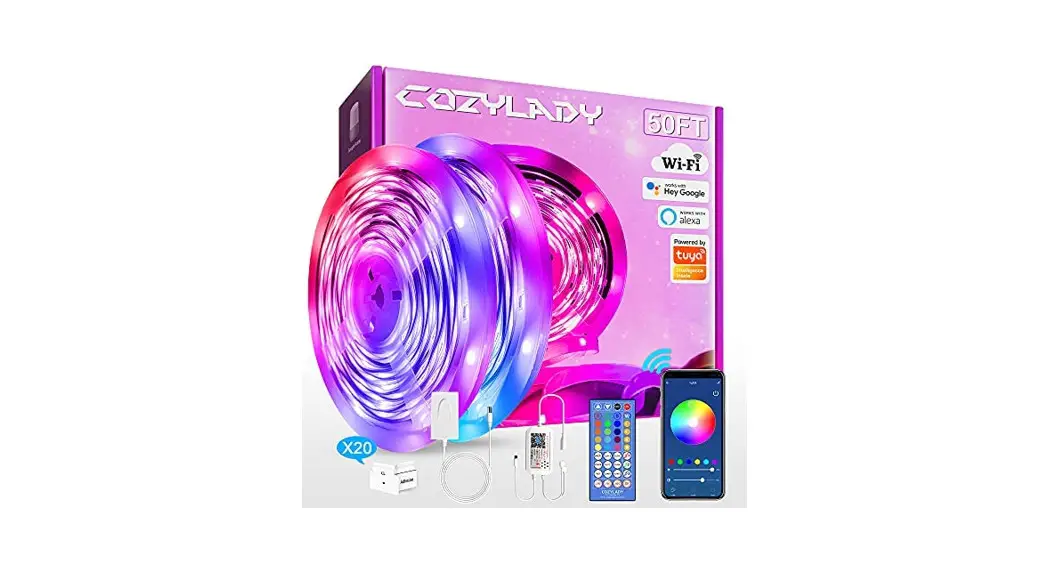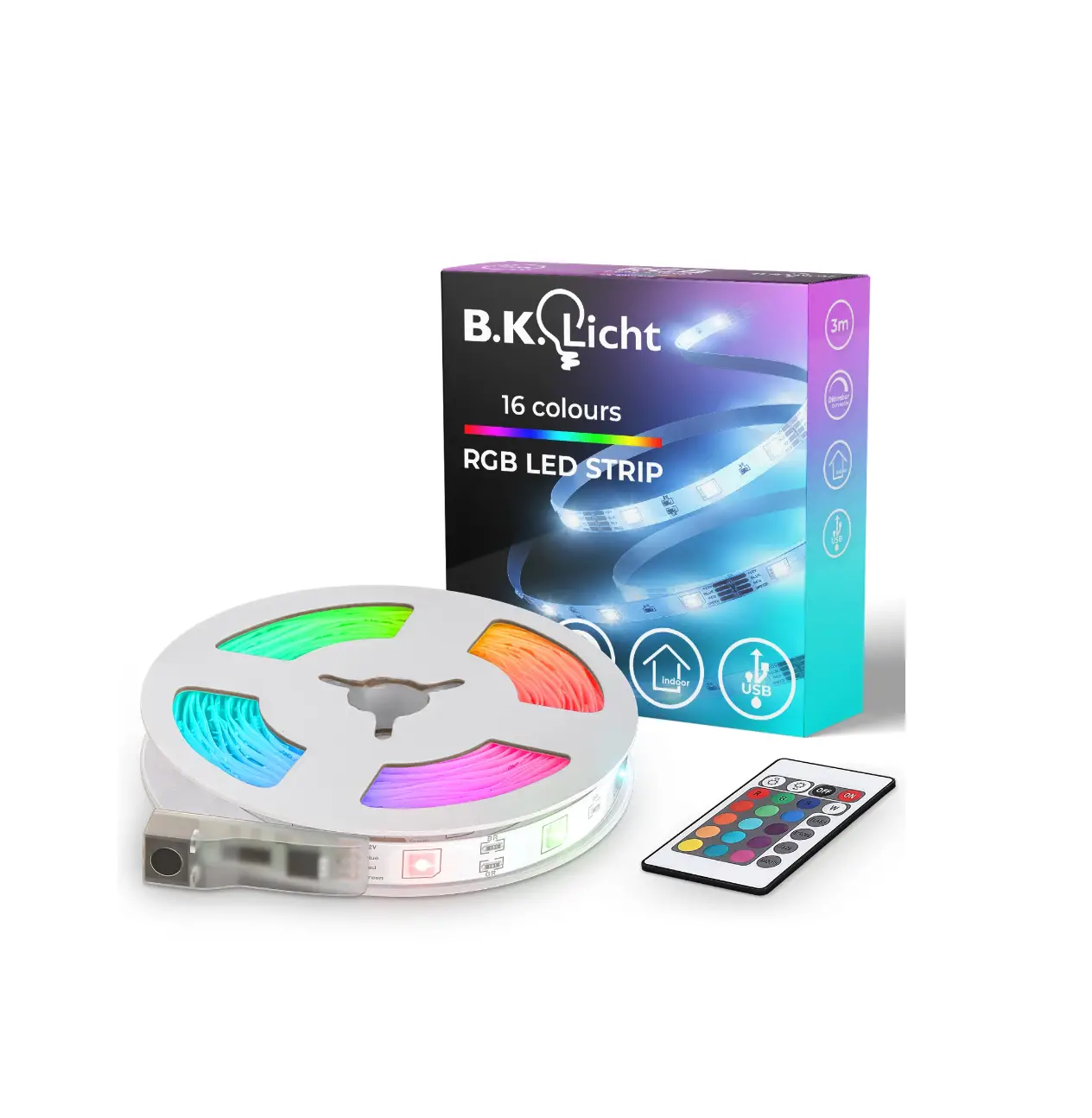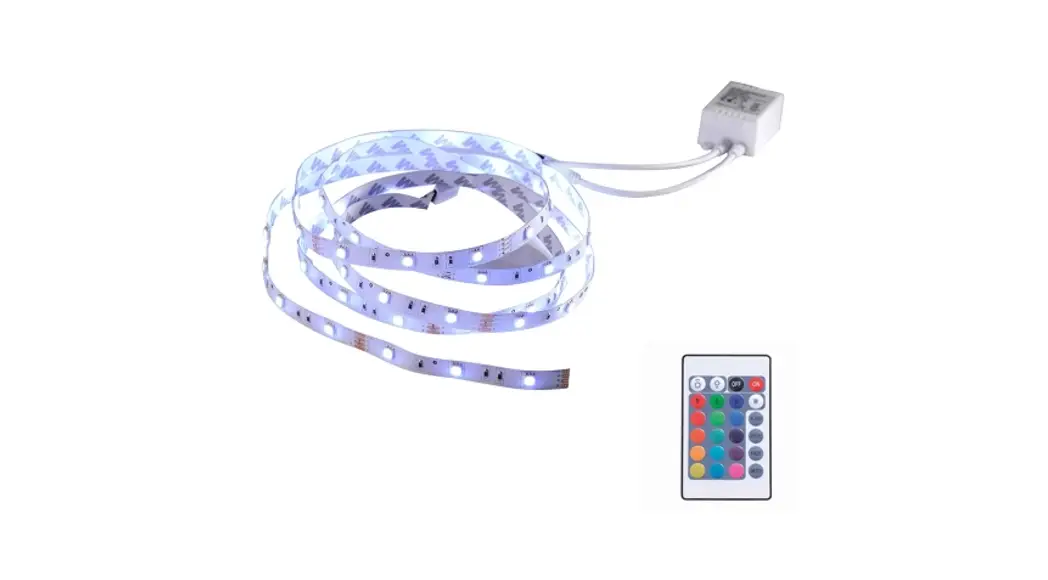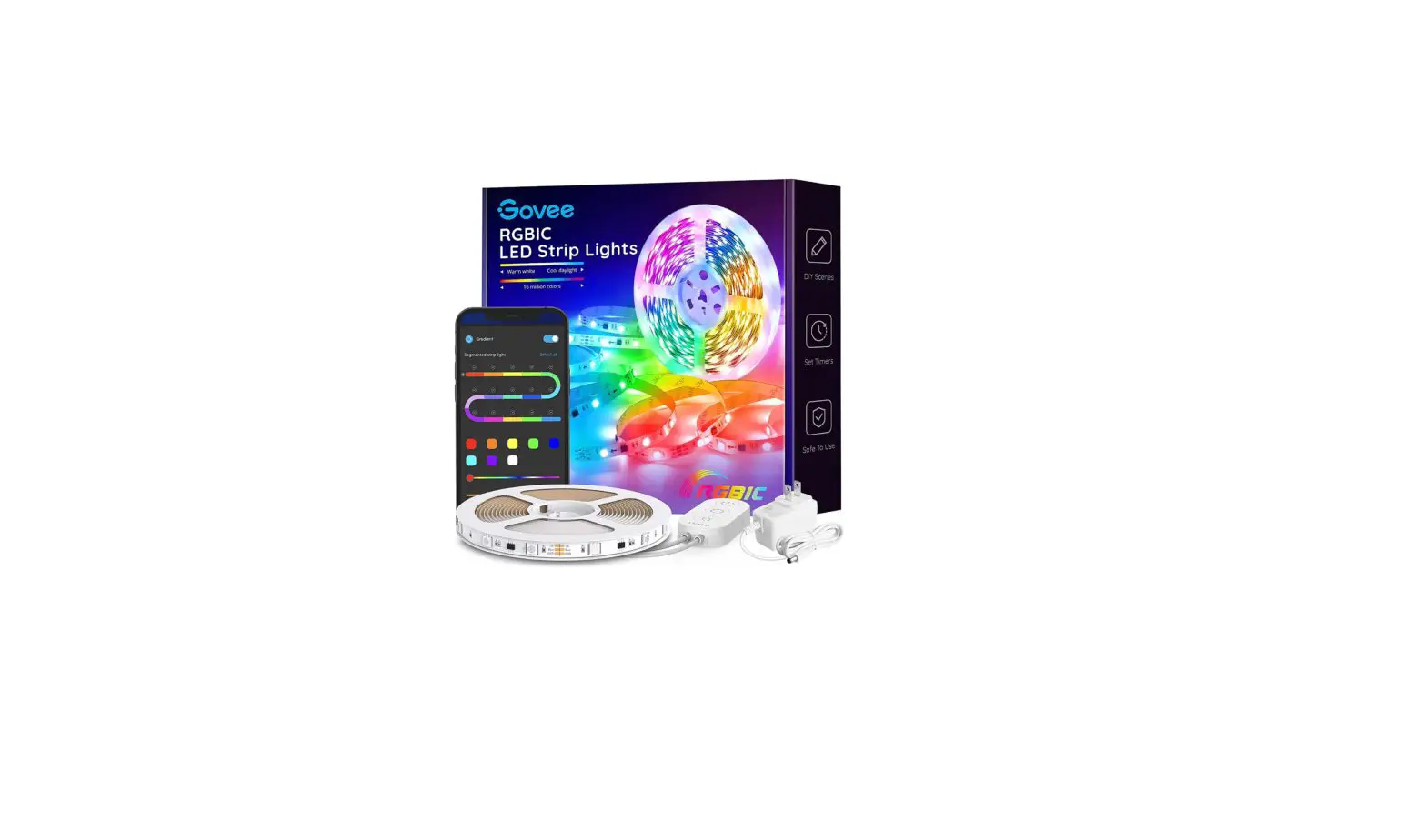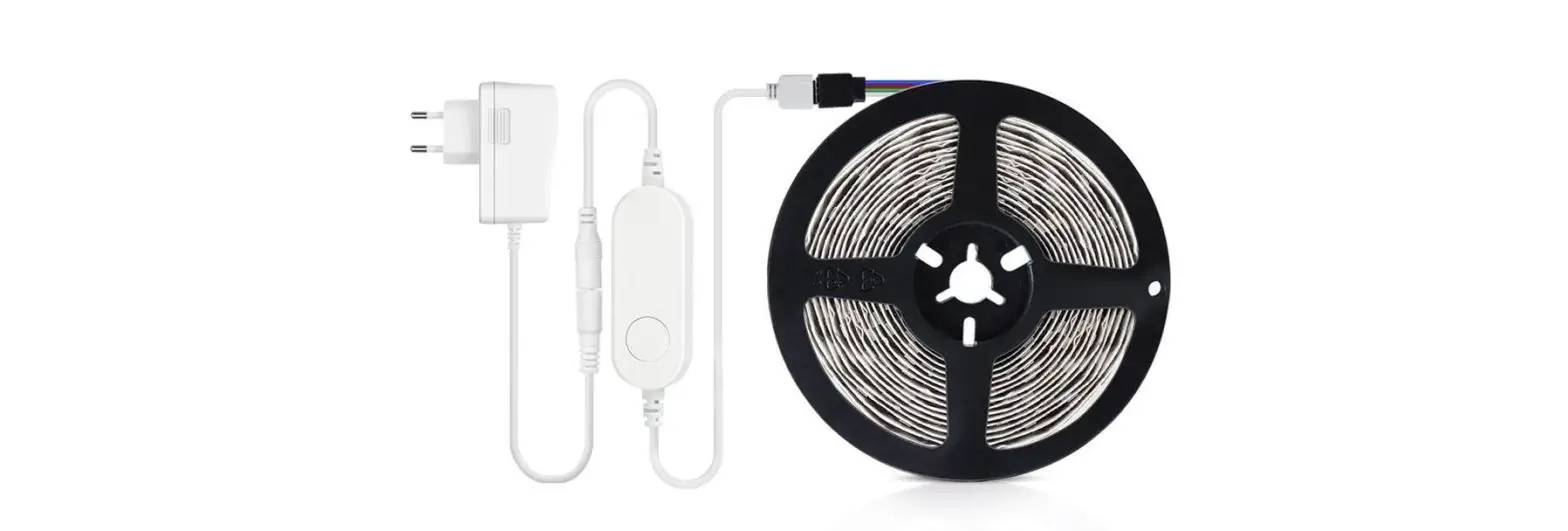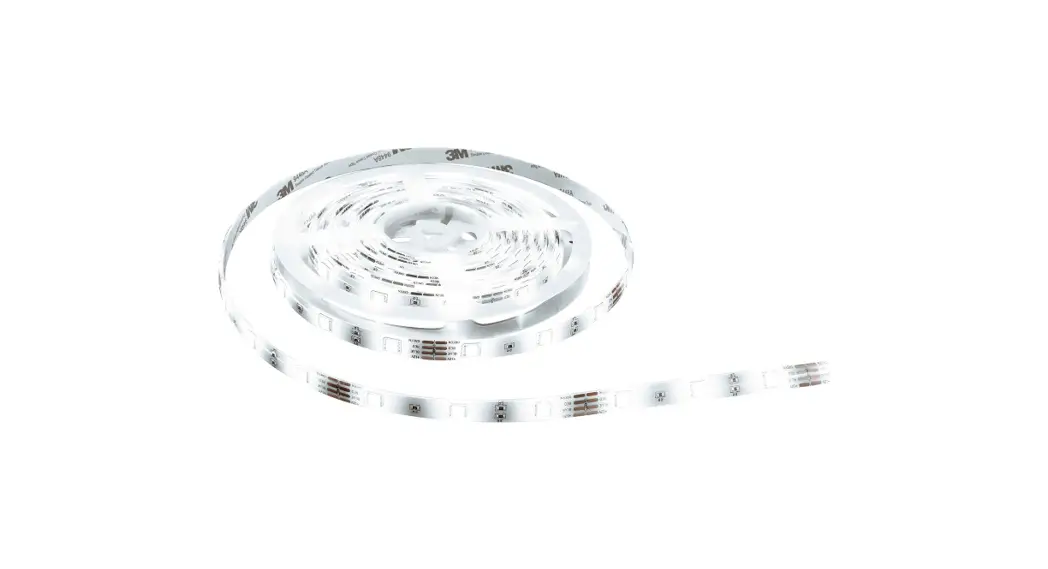

Casalux Wifi LED RGB Light Strip
ALDI-Süd 2022-01-06 9,99 € in local store
Product Description
- 150 x RGB LED including color change function
- 9,6 W
- Length about 5 m
- self-adhesive
- Dimmable
- Color selectable
- 8 pre-programmed light scenes
- Timer function
- Internet access per 2,4 GHz Wi-Fi network is necessary to operate all available features
- App to download by QR code printed on the package
- Remote control with battery included
- Direct connection of strip and Smartphone via Internet (no additional gateway needed)
- Strip operation supported via app for free per voice control or per IR remote control
- Via app usable features:
o Color: select color / brightness / saturation
o Scene: 8 pre-programmed light scenes
o Timer: time control for automatic on or off switching
o Schedule: automatic on and off switching each according to time plans
Technical Data
| Product name: | Wifi LED RGB Light Strip |
| Article number: | 711151 |
| Model: | 9A22019 |
LED strip
| Supply voltage: | 12 V |
| Power consumption: | 12 W |
| Protection: | IP20 |
Receiver
| Input voltage: | 12 V |
| Output voltage: | 12 V |
| Output current: | 3× max. 2 A |
| Protection class: | III/ |
Power supply
| Input voltage: | 200–240 V AC, 50/60 Hz |
| Input current: | 0,5 A |
| Output: | 12 V, 1000 mA, max. 12 W |
| Protection class: | II/ |
Remote control
| Transmission: | Infrared |
| Battery supply: | button cell (CR2025, 1,5 V) |
WiFi
| Frequency: | 2,4 GHz ISM Band |
| Max. transmission power: | <20 dBm |
Product Views
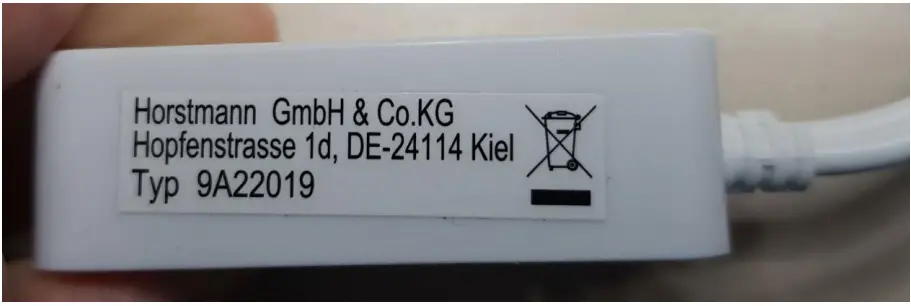
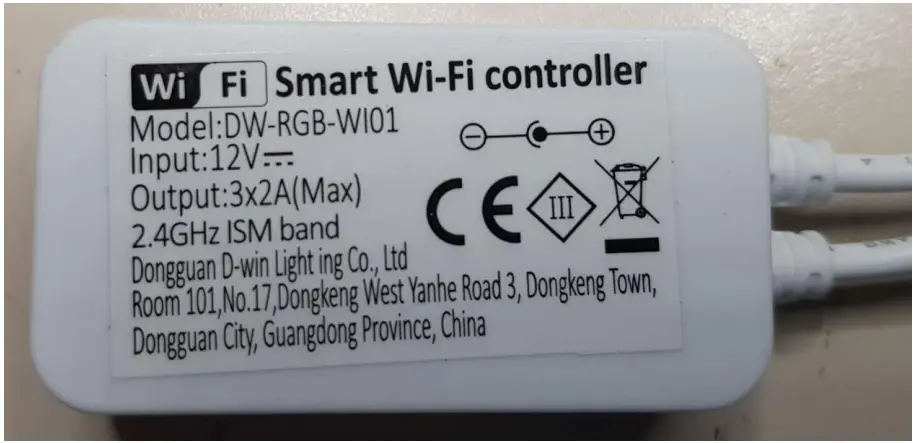
To open the Controller Case for flashing other Firmware please insert a small blade or flat screw driver between the bottom lid and side walls of the box – turn the tool a little bit to get a gap and repeat this all around until it’s open.
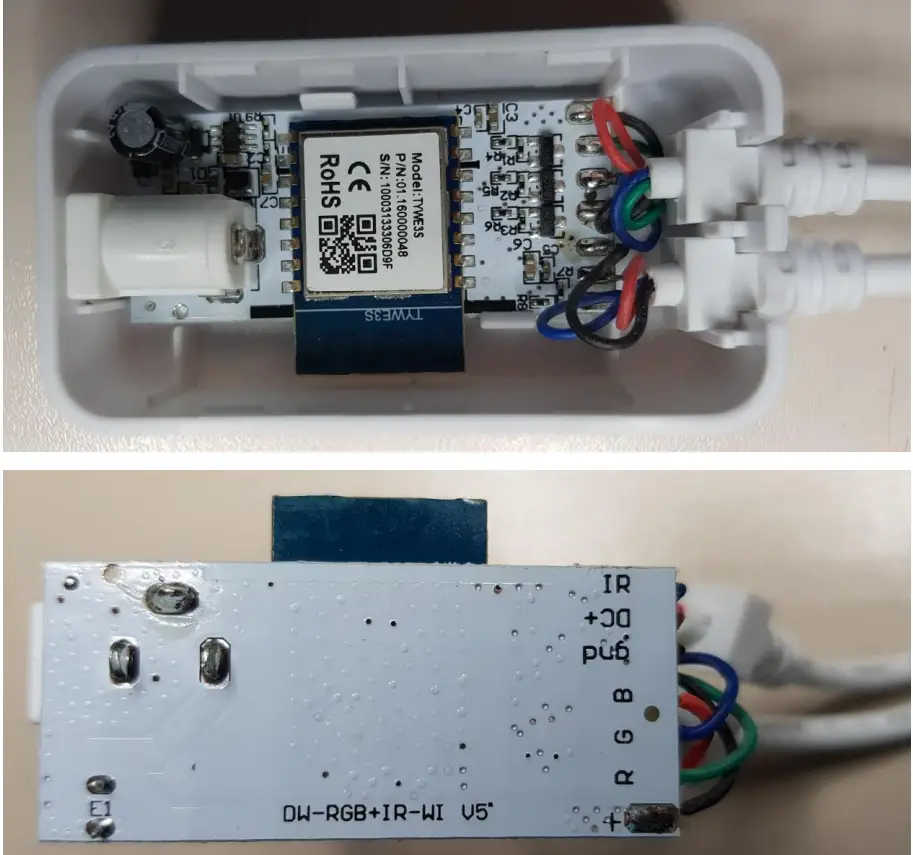
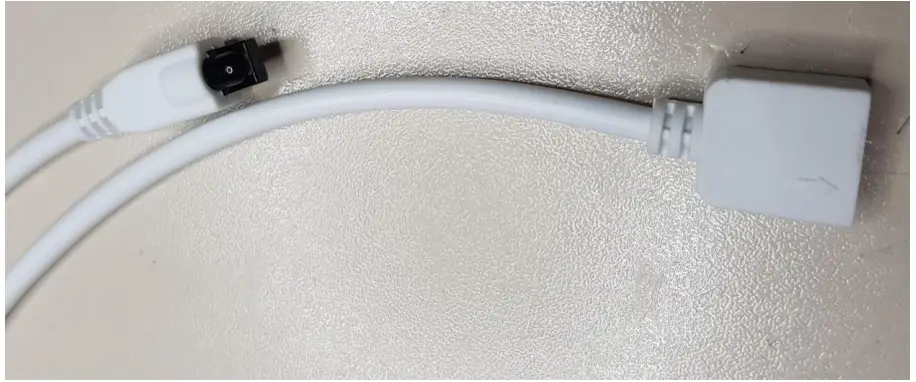
IR remote control receiver and LED strip connector.
Tasmota Web Interface
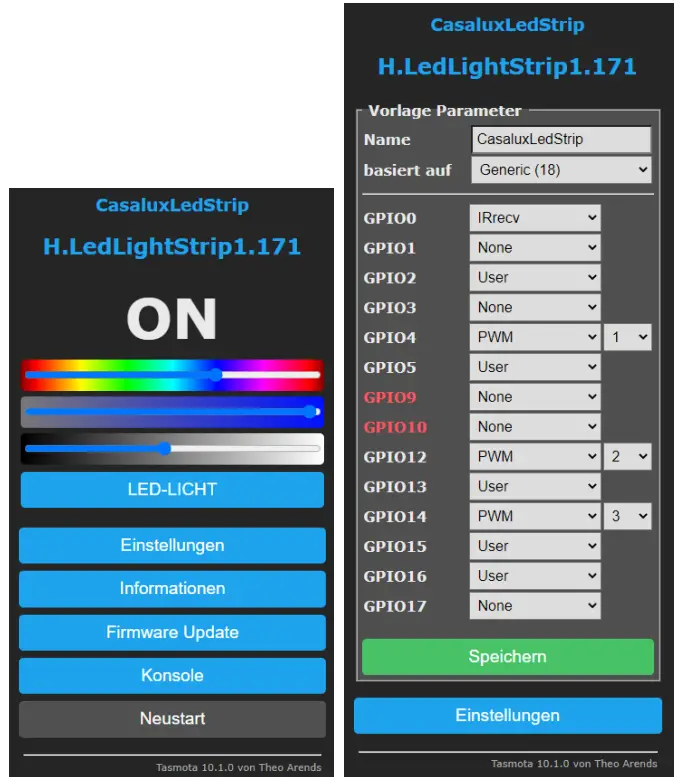
{“NAME”:”CasaluxLedStrip”,”GPIO”:[1088,0,1,0,416,1,0,0,417,1,4 18,1,1,0],”FLAG”:0,”BASE”:18}
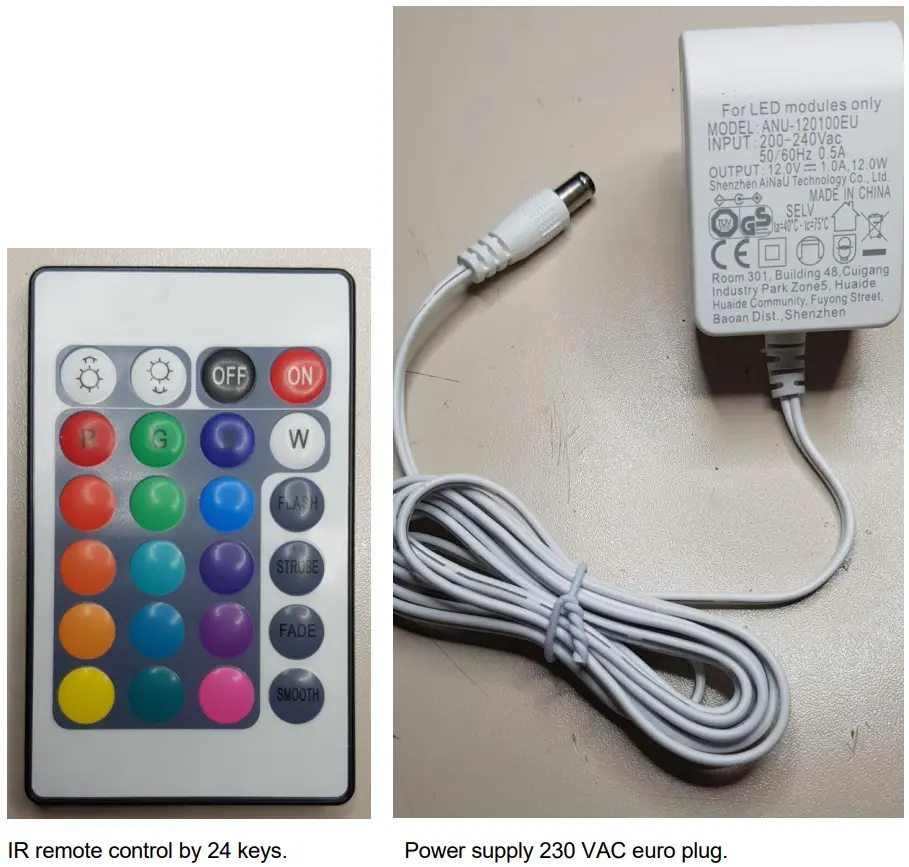
Per Infrared Remote Control received telegrams
23:02:42.516 MQT: tele/H.LedLightStrip1/RESULT = {“Time”:”2022-01-10T23:02:42″, “received”:{“Protocol”:”NEC”,”Bits”:32,”Data”:”0x00ABCDEF”}}
By port GPIO 0 = IRrecv (1088) a new key press generates a telegram to be received according to the above schema and the following field “Data”:”0x00F7hhhh”.
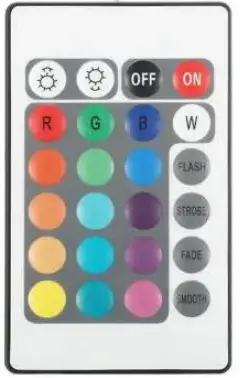
| 00F700FF | 00F7807F | 00F740BF | 00F7C03F |
| 00F720DF | 00F7A05F | 00F7609F | 00F7E01F |
| 00F710EF | 00F7906F | 00F750AF | 00F7D02F |
| 00F730CF | 00F7B04F | 00F7708F | 00F7F00F |
| 00F708F7 | 00F78877 | 00F748B7 | 00F7C837 |
| 00F728D7 | 00F7A857 | 00F76897 | 00F7E817 |
| Bright + | Bright | OFF | ON |
| Red | Green | Blue | White |
| FLASH | |||
| STROBE | |||
| FADE | |||
| SMOOTH |
If the key is hold, periodically an additional telegram with following fields “Bits”:0,”Data”:”0xFFFFFFFFFFFFFFFF” is produced.
Processor module Tuya TYWE3S
- Chip ESP8266
- 2 MB Flash Memory
- Maybe flashed by configuration 115.300 baud and Mode = DOUT. Therefore the following marked pins can be used.
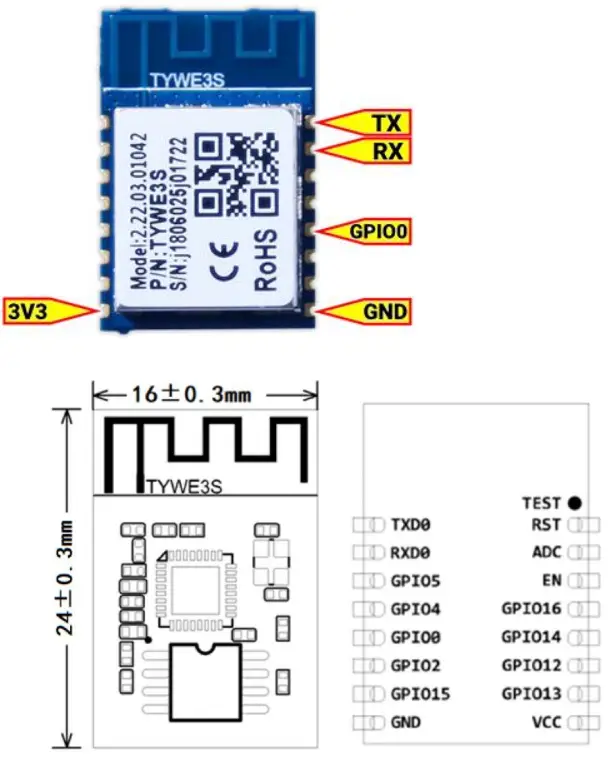
| Pin Number | Symbol | IO type | Function |
| 1 | TXD0 | O | UART0_TXD |
| 2 | RXD0 | I/O | UART0_RXD |
| 3 | I/O | GPIO 5 | |
| 4 | I/O | GPIO 4 | |
| 5 | I/O | GPIO 0 (Participate in the module power-on initialization process, use with caution) | |
| 6 | O | GPIO 2 (Used to print module internal information) | |
| 7 | O | GPIO 15 (Participate in the module power-on initialization process, use with caution) | |
| 8 | P | Power Reference Ground | |
| 9 | P | Module Power Pin (3.3V) | |
| 10 | I/O | GPIO 13 | |
| 11 | I/O | GPIO 12 | |
| 12 | I/O | GPIO 14 | |
| 13 | I/O | GPIO 16 (Use 10K pull-up resistor for use) | |
| 14 | I | Module enable pin, normal use needs to receive 3.3V | |
| 15 | AI | ADC port, 10-bit precision SAR ADC | |
| 16 | I/O | Hardware reset pin (low level effective, internal pull-up resistance) |