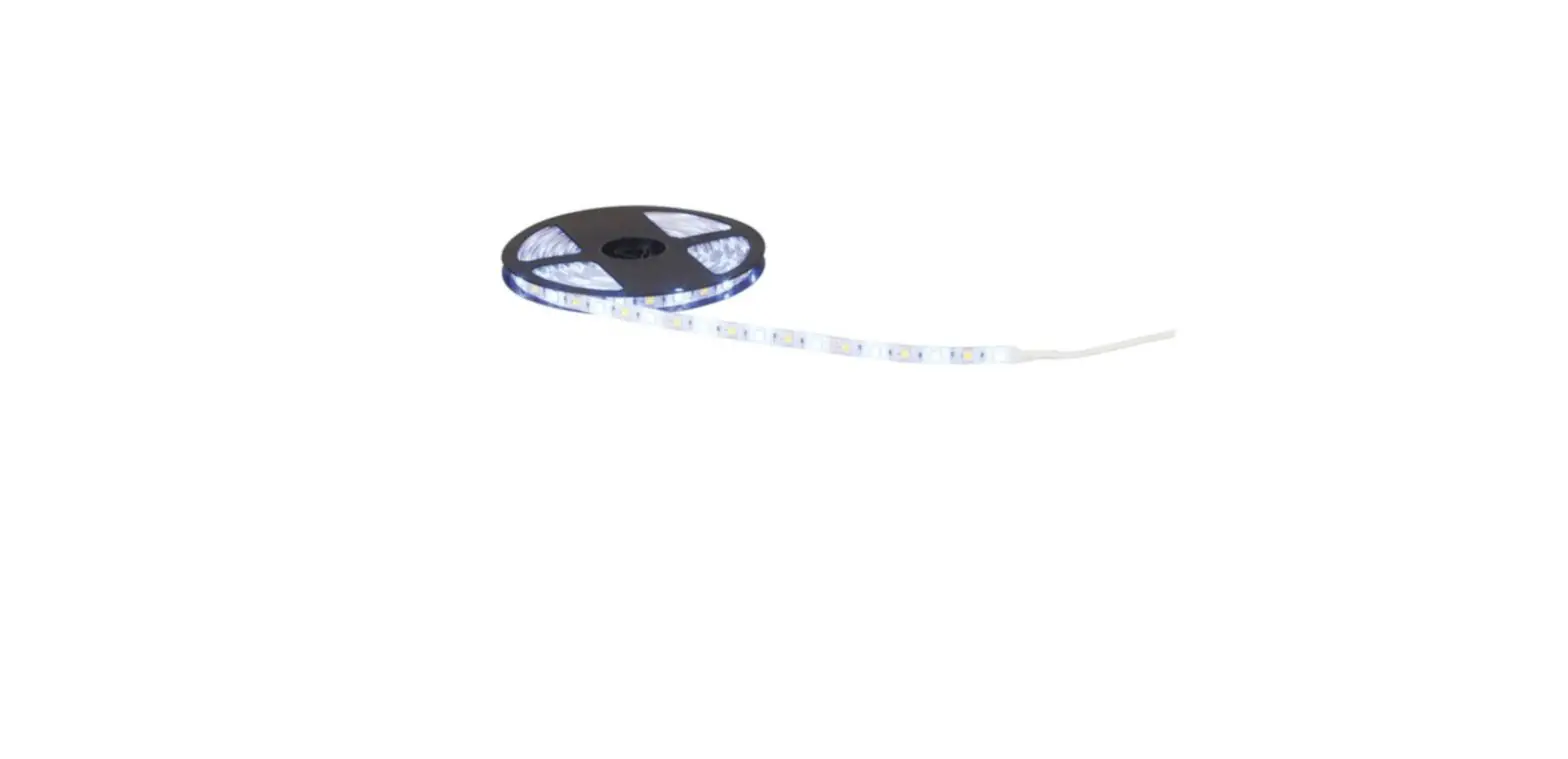
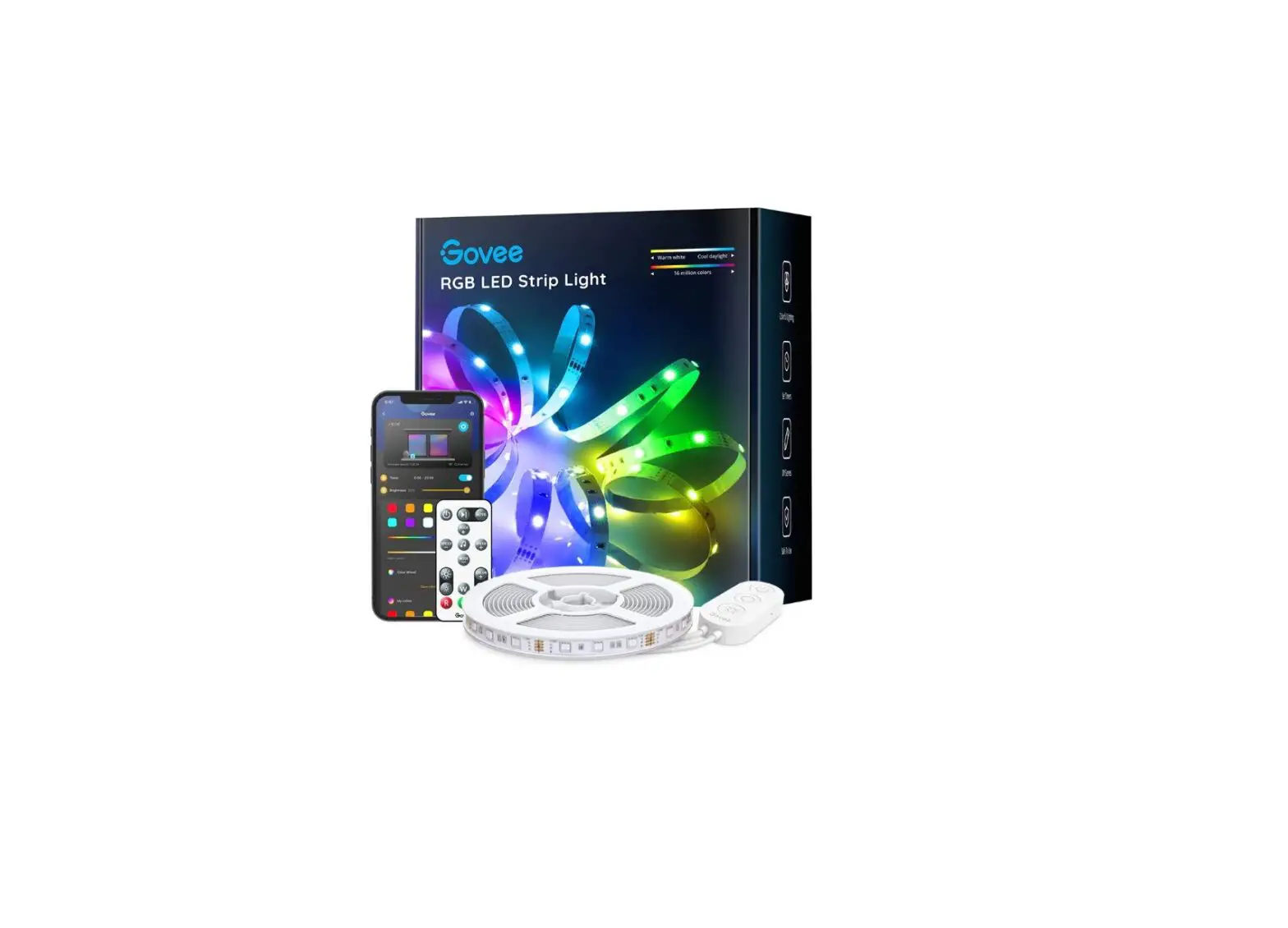
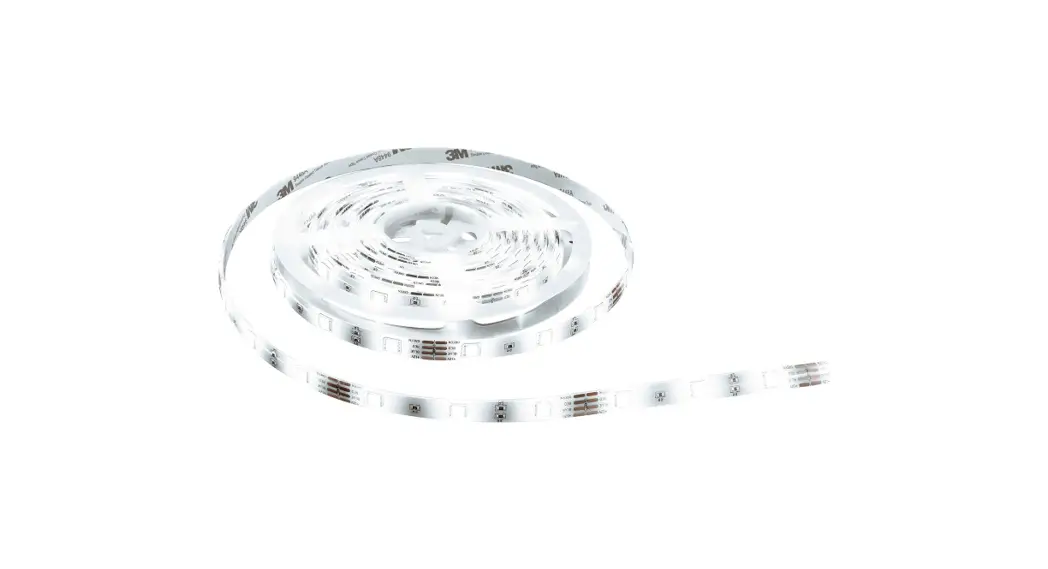
BE09-220509 WiFi RGB Strip Light
Product Information:
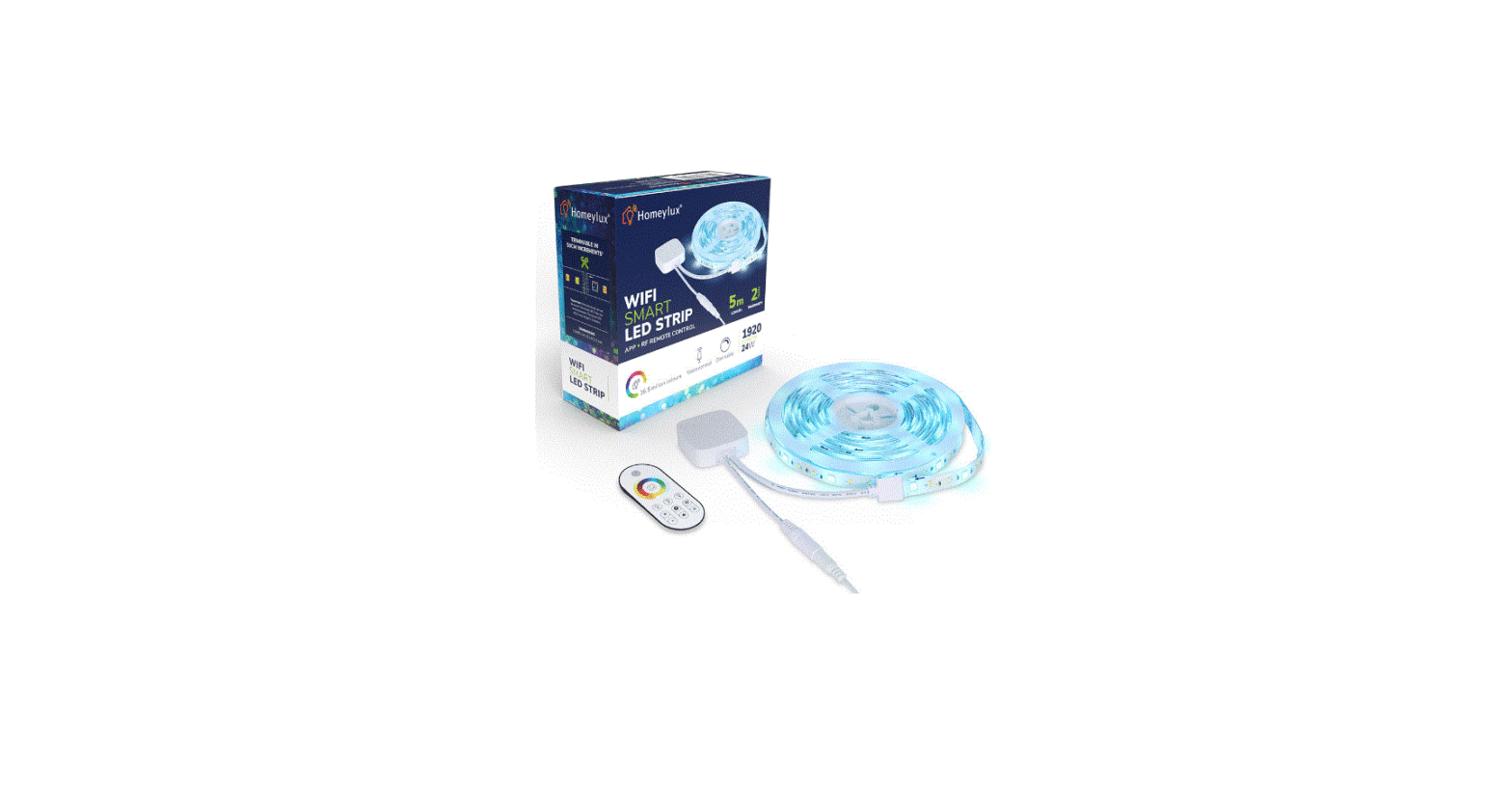
The Smart LED Strip is a high-quality RGB music strip designed
and manufactured according to European and local lighting
standards. It comes with a 24V 1A adaptor, a 44 keys remote
controller, and a controller. The LED strip has a length of
10mm*5000mm and uses 5050 LED type. It operates at a rated wattage
of 24W and a rated voltage of 24V. The strip is capable of
displaying RGB color temperature and has a warranty of 1 year. The
power adapter has a rated input voltage of AC 220-240V and a
nominal frequency of 50/60 Hz. The remote control operates on DC 3V
battery (CR2025) and has an available distance of 4-5 meters.
Preparation for Use:
- Download the MOES Application (Smart Life APP can also be
used). - Register or login to create an account (phone number
verification code required). - Ensure that your device is connected to a 2.4G network
(disconnect from 5G network if necessary).
Product Usage Instructions:
Safety Instructions:
This product is suitable for indoor decoration in areas such as
hallways or living rooms. To ensure proper installation, follow
these steps:
- Stick the double-sided tape to the back of the connector.
- Remove the paper cover and attach the strip to a clean, dry,
and smooth surface. - Connect the DC connector and power the adaptor by pressing the
reset button. - Insert the battery (CR2025) into the remote controller.
- Use the remote controller to control the strip.
Operation:
The strip is controlled using the provided remote controller.
Refer to the following for colors and functions:
- Always switch off the product using the respective button on
the remote control before disconnecting it from the power
supply.
Steps for connecting the APP to the device:
- Open the Smart Life/Tuya App and click on the “+” button.
- Enter your Wi-Fi password and wait for the connection to be
completed. - Once successfully added, you can edit the name of the device
and access its page. - Enjoy your smart life with home automation.
Additional Information:
Our company reserves the right to update or change the product
specifications without notice. Please refer to our official website
for any updates or changes.
NN
HOME, SMART MOES HOME
Instruction Manual Smart LED Strip
W
WW
R1 R2
W
WW
W
WW
W
WW
W
WW
24V
24V
W
WW
W
W
WW
WW
English
Bitte scannen Sie den QR-Code, um das deutsche Handbuch, das Installationsvideo und die Funktionseinführung zu erhalten Escanee el código QR para obtener el manual en español, el video de instalación y la introducción de la función Veuillez scanner le code QR pour obtenir le manuel en français, la vidéo d’installation et l’introduction des fonctions QR-, , Leia o código QR para obter o manual em português, o vídeo de instalação e a introdução das funções
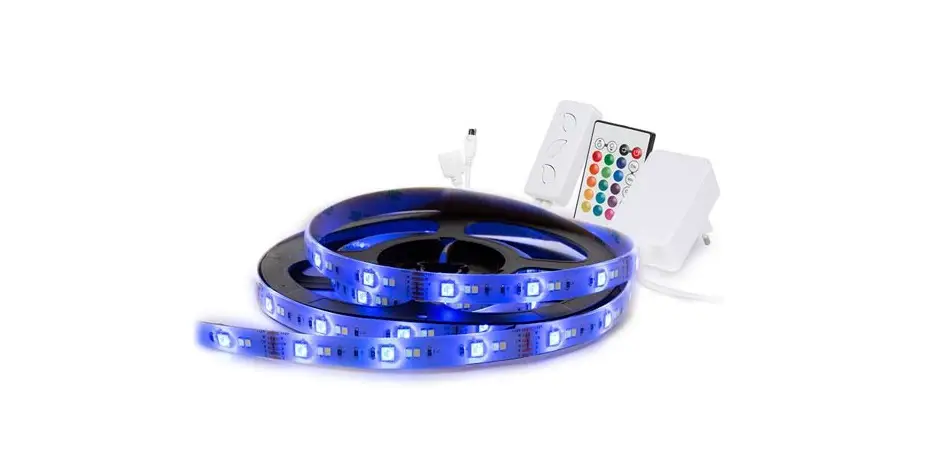
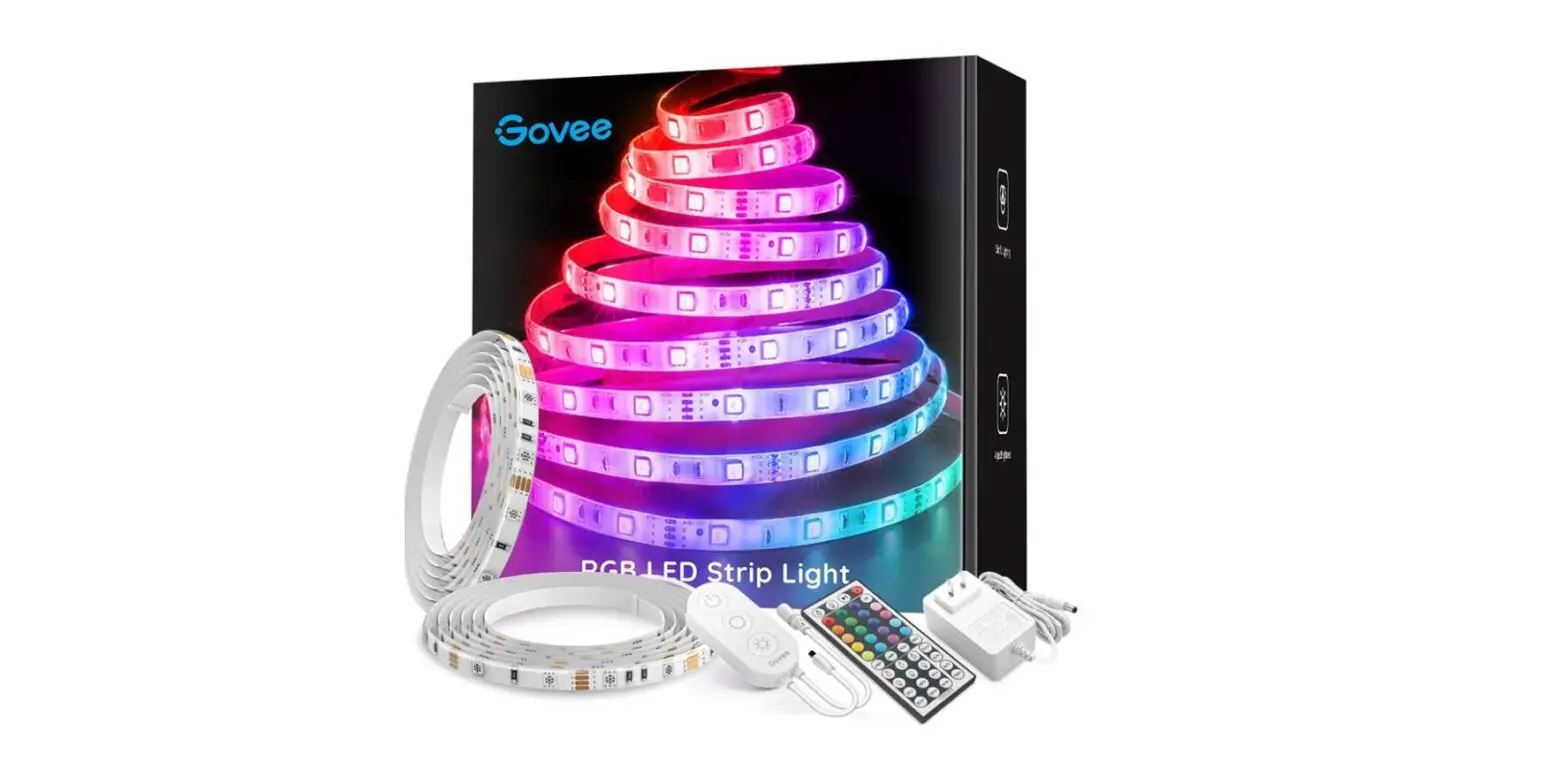
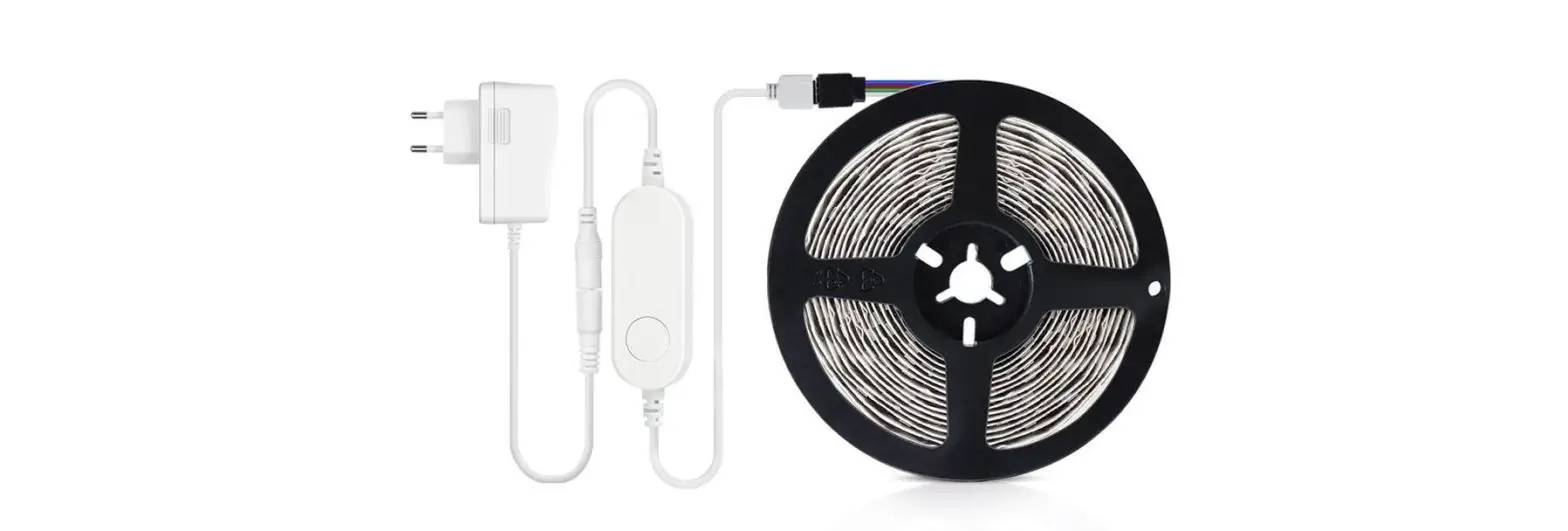
This strip has been designed and manufactured according to European and local lighting standards. Content of the box: >10mmx5000mm strips >1pc 24V1A adaptor >1pc 44 keys remote controller >1pc controller >1pc User manner
Preparation for use
1.APP Download Smart Life APP
MOES APP is upgraded as much more compatibility than Tuya Smart/Smart Life APP,functional well for scene controlled by Siri,widget and scene recommendations as the fully new customized service. (Note:Tuya Smart/Smart Life APP still works,but MOES APP is highly recommended)
2.Register or Login
Download “MOES” Application. Enter the Register/Login interface; tap “Register” to create an account by entering your phone number to get verification code and “Set password”. Choose “Log in” if you already have a MOES account.
Note: The device only supports 2.4G network.If you have connected 5G network,please disconnect 5G network firstly and connect 2.4G network.
Technical data
Product Description:
RGB music strip with adaptor and remote controller
LED Chain:
Rated Wattage
24W
Rated Voltage
24V
Color Temperature
RGB
Luminous Flux
/
Dimensions
10mm*5000mm
LED Type
5050
Cut
/
Operating Temperature
-20 ~ 25
Warranty
1 year
Power Adapter
24V 1A 24W
Rated Input Voltage
AC 220-240V
Nominal Frequency
50/60 Hz
Rated Input Current
max 1.0A
Rated Output Voltage
DC 24V
Rated Output Current
1A
Protection Class
Class
Rated Maximum Ambient Temperature(ta) -10
Maximum Operating Temperature(tc)
45
Remote Control
Input Voltage (Battery)
DC 3V
Battery Type
CR2025
Available Distance
4-5meters
English
1
2
English
English
3
Safety instructions
>The light source of this luminaire is not replaceable. When the light source reaches its end of life, the whole luminaire shall be replaced. >FOR INDOOR USE ONLY. >Children should be prevented from accessing electrical appliances. >Do not connect the rope light to the supply while it is in the packing or wound onto a reel. >Do not operate the product unless the LED light strip has been fully rolled out. >Do not use rope light when covered. >Do not open or cut the rope light. >Do not switch on before complete installation. >For damages caused by non-compliance with the safety and installation instructions, the manufacturer assumes no liability
mounting position pic
>This product is suitable for decorating indoor areas such as hallways or living rooms. >The strip should be stuck on a clean, dry and smooth surface.
1. Stick the double sided tape to the back of the connector
2. Remove the paper cover and attach to the wall
W
WW
R1 R2
W
WW
W
WW
3. connect the DC connector, power the adaptor press the reset button
4. put the battery into the remote controller
5. control the strip
4
English
English
5
operation
>The strip is controlled by the remote controller. For colors and functions refer to below: >Always switch off the product with the respective button on the remote control and then disconnect it from the power supply after use.
6
English
Steps for connecting the APP to the device
1. Open Smart Life/Tuya App and Click”+”,then the prompt page will automatically show on the screen.Click “Add”.Enter Wi-Fi Password and click “Next”,waiting for the connection completed.
2.Add the device successfully, you can edit the name of the device to enter the device page by click “Next”
3. Click”Done”to enter the device page to enjoy your smart life with home automation.
English
7
8
English
English
9
How to Reset/Re-pair WIFI code press the button on the led controller until the strip light flashes in 3 seconds.Reset/Re-pair is successful.
SERVICE
1.During the free warranty period, if the product breaks down during normal use, we will offer free maintenance for the product. 2.Natural disasters/man-made equipment failures, disassembly and repair without the permission of our company, no warranty card, products beyond the free warranty period, etc., are not within the scope of free warranty 3.Any commitment (oral or written) made by the third party (including the dealer/service provider) to the user beyond the warranty scope shall be executed by the third party 4.Please keep this warranty card to ensure your rights
10
English
5.Our company may update or change the products without notice. Please refer to the official website for the updates.
RECYCLING INFORMATION
All products marked with the symbol for separate collection of waste electrical and electronic equipment (WEEE Directive 2012/19 / EU) must be disposed of separately from unsorted municipal waste. To protect your health and the environment, this equipment must be disposed of at designated collection points for electrical and electronic equipment designated by the government or local authorities. Correct disposal and recycling will help prevent potential negative consequences for the environment and human health. To find out where these collection points are and how they work, contact the installer or your local authority.
English
11
WARRANTY CARD
Product Information Product Name_______________________________________ Product Type________________________________________ Purchase Date_______________________________________ Warranty Period______________________________________ Dealer Information___________________________________ Customer’s Name____________________________________ Customer Phone_____________________________________ Customer Address___________________________________ ____________________________________________________
Maintenance Records
Failure date
Cause Of Issue
Fault Content
Principal
Thank you for your support and purchase at we Moes, we are always here for your complete satisfaction, just feel free to share your great shopping experience with us.
If you have any other need, please do not hesitate to contact us first, we will try to meet your demand.
@moessmart @moes_smart
@moes_smart @moes_smart
MOES.Official www.moes.net
12
English
English
13
AMZLAB GmbH Laubenhof 23, 45326 Essen
UK EVATOST CONSULTING LTD Address: Suite 11, First Floor, Moy Road Business Centre, Taffs Well, Cardiff, Wales, CF15 7QR Tel:+442921680945 Email:[email protected]
WENZHOU NOVA NEW ENERGY CO.,LTD Address: Power Science and Technology Innovation Center, NO.238, Wei 11 Road, Yueqing Economic Development Zone, Yueqing, Zhejiang, China Tel:+86-577-57186815 Email:[email protected] Made In China
14
English
BE09
 MOES Smart WiFi ZigBee Smart 2/3 Way Switch Socket Thermostat Sensor