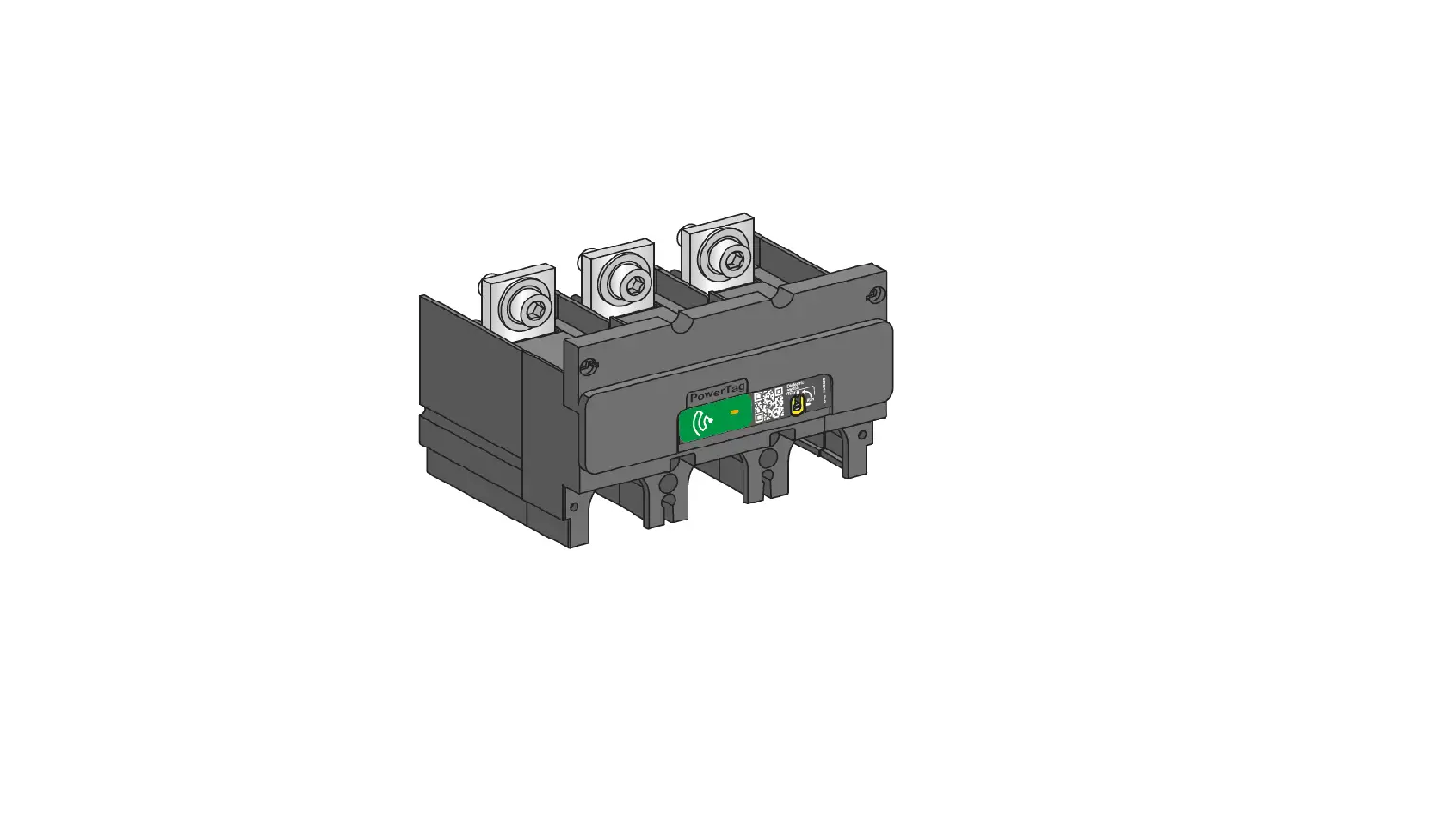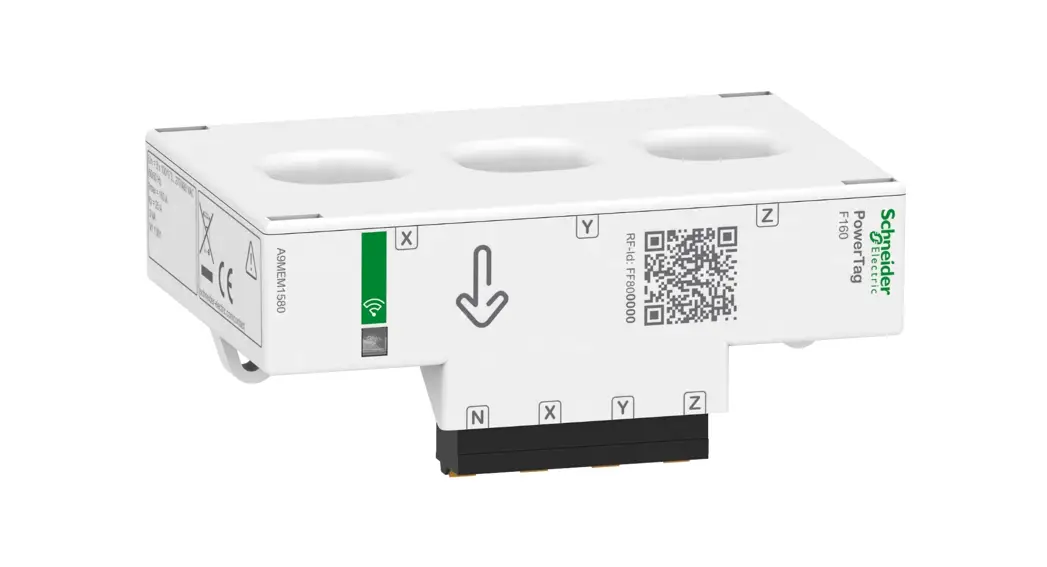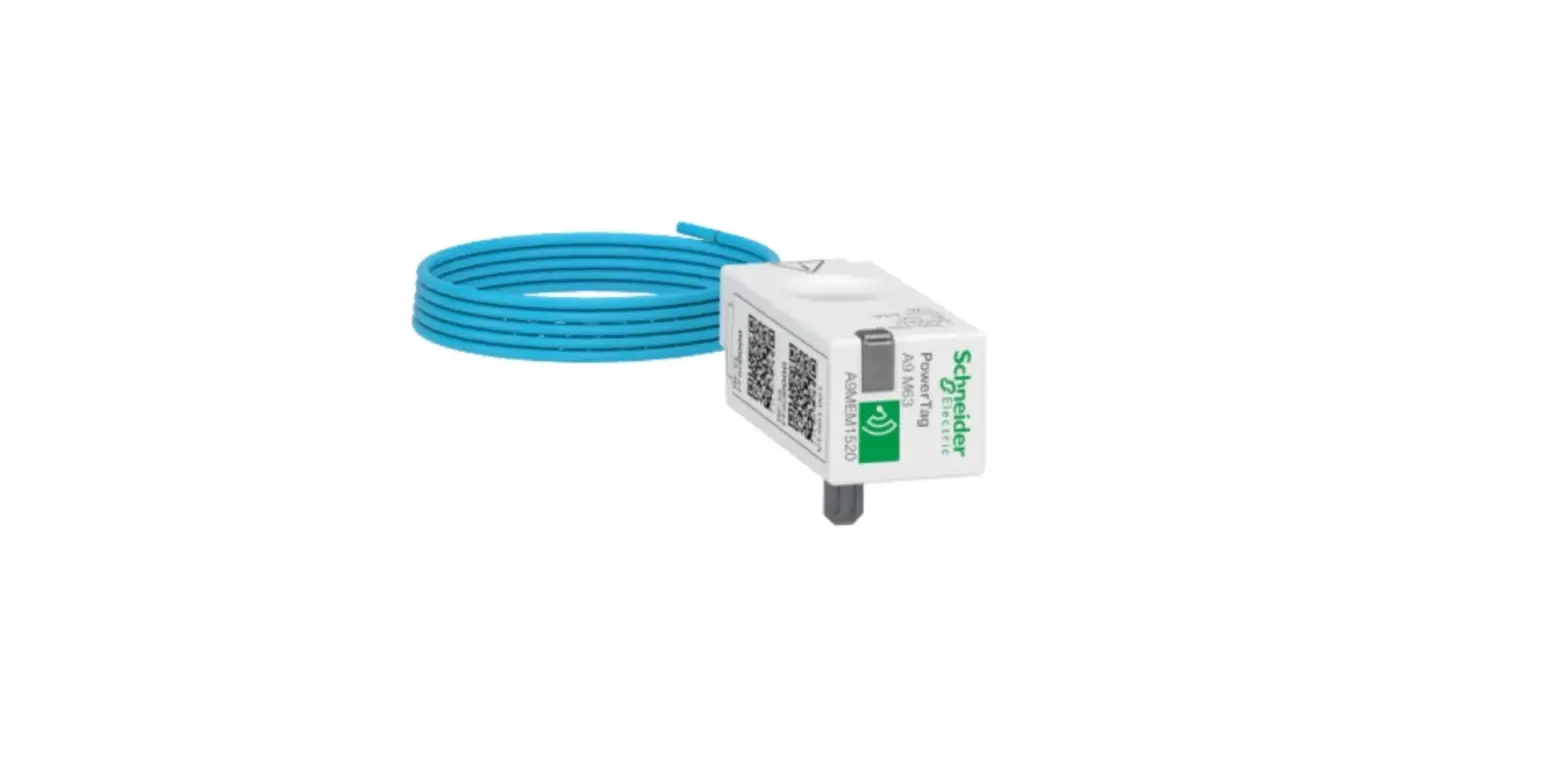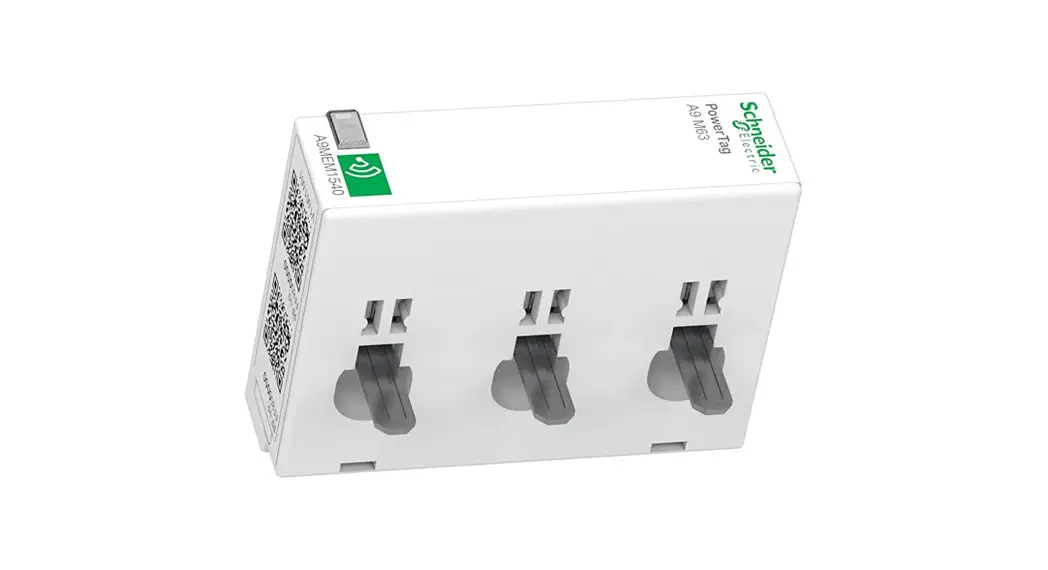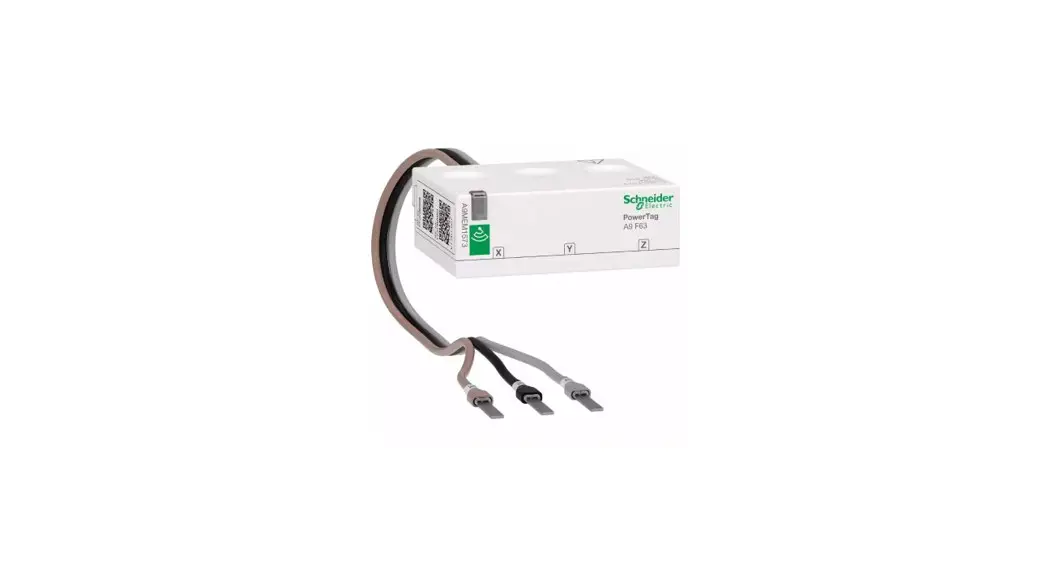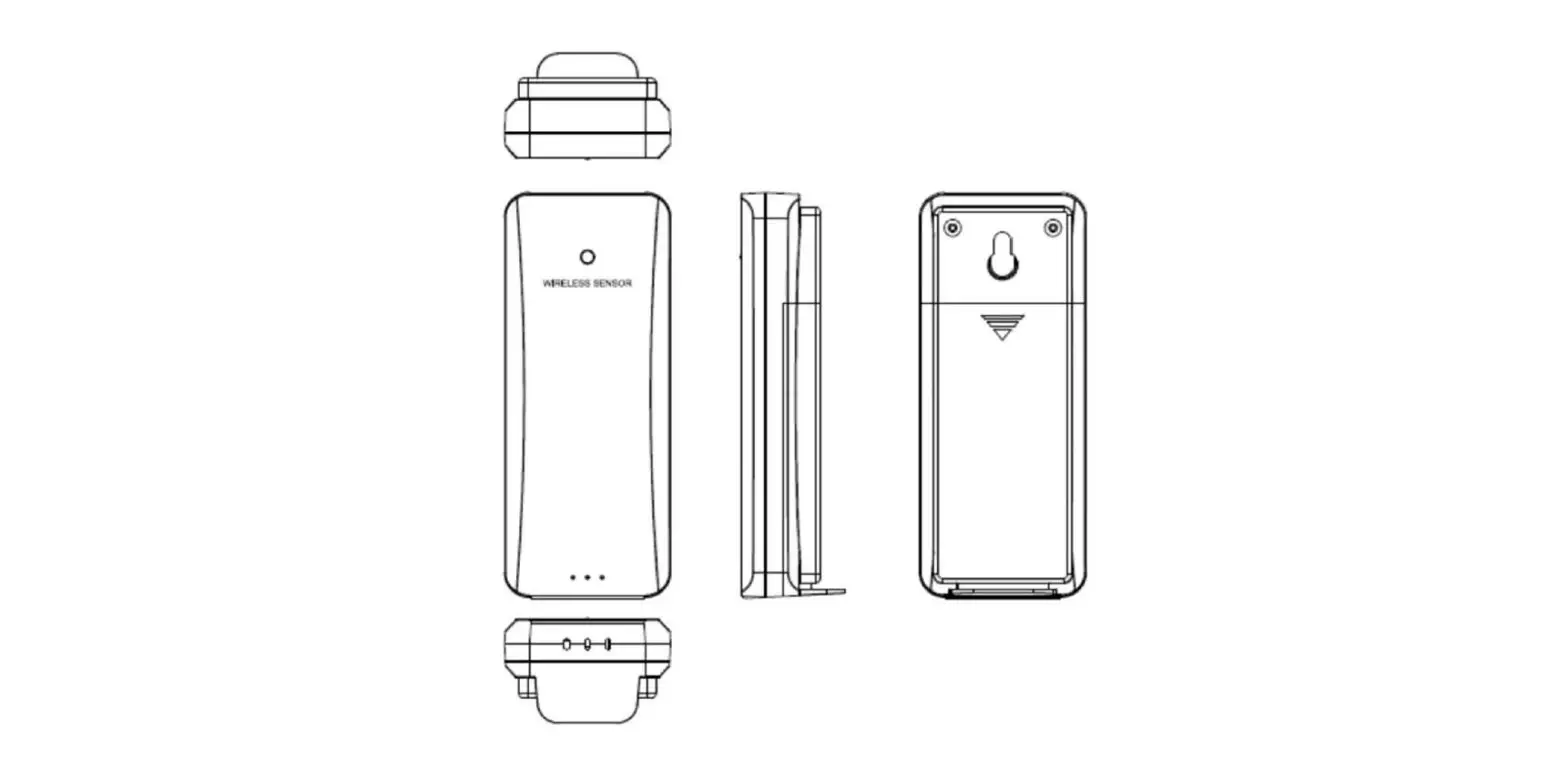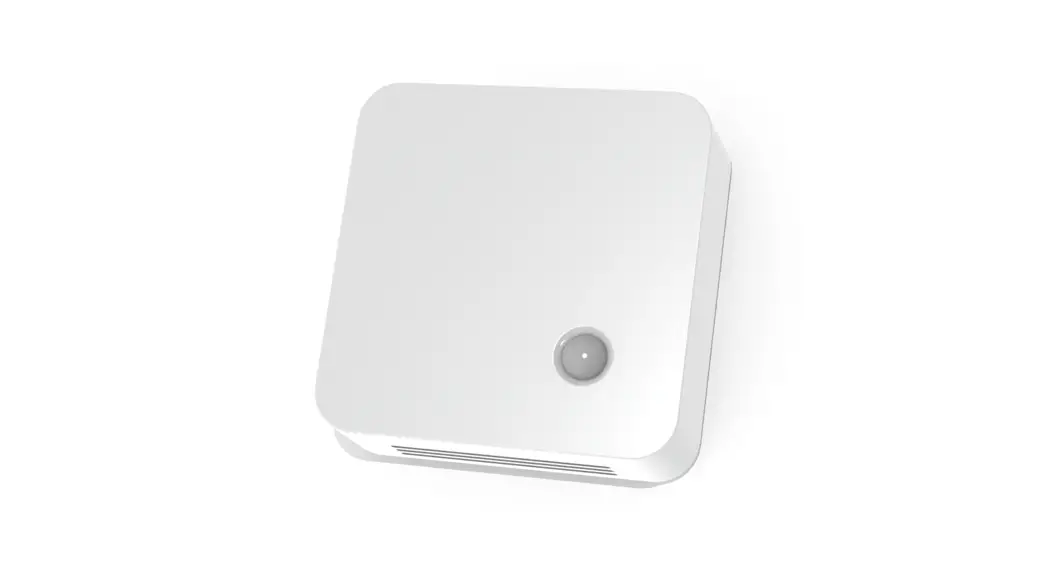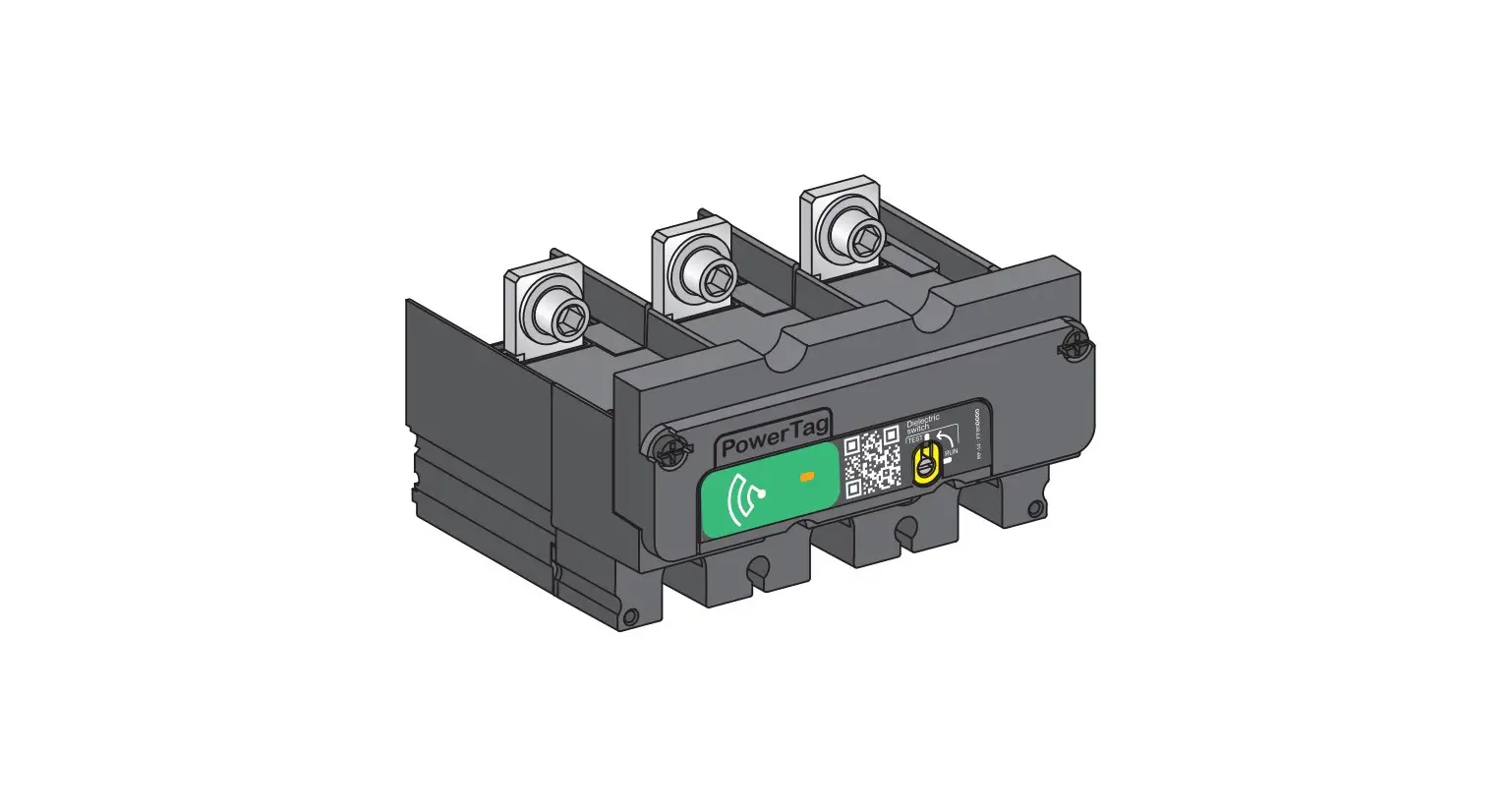
Schneider Electric LV434021 PowerTag M250 Wireless Energy Sensor Owner’s Manual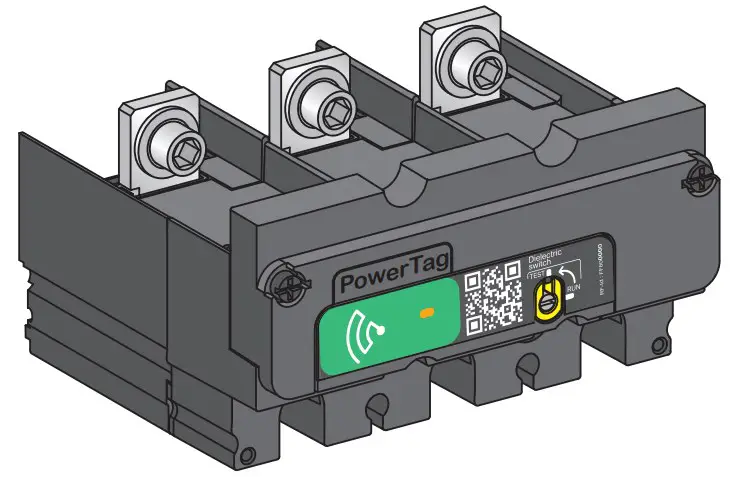



Refer to the concentrator’s user manual to configure your system.
This instruction sheet must be kept for future use.
PLEASE NOTE
- PowerTag devices must only be installed and maintained by qualified professionals.
- PowerTag devices should not be installed if, while unpacking, any damage is observed.
- PowerTag devices must not be repaired.
- The PowerTag devices must be installed inside electrical panels or switchboards, behind a door or plate, so that they are inaccessible for unauthorised persons. The electric panels must meet the requirements of the applicable standards (IEC 61439-1) and installed in compliance with current installation and safety rules (IEC 61140).
- All relevant local, regional, and national regulations must be respected while installing and using PowerTag devices.
- Schneider Electric declines any responsibility in the event that PowerTag equipment is associated with equipment that is not listed in the document CA908058E.
- Schneider Electric is not liable in case the instructions mentioned in this document and other referred documents are not respected.
DANGER
HAZARD OF ELECTRIC SHOCK, EXPLOSION OR ARC FLASH
- Apply appropriate personal protective equipment (PPE) and follow safe electrical work practices.
- Turn off all power supply sources before installing and during maintenance of this equipment.
- Do not use a PowerTag product for voltage testing purposes. A Voltage Tester must be used instead.
- Replace all devices, doors, and covers before turning on power to this equipment.
Failure to follow these instructions will result in death or serious injury
NOTICE
HAZARD OF POWERTAG M250 DETERIORATION
Do not mount PowerTag M250 if the rated network voltage is greater than 480 Va 50/60 Hz.
Failure to follow these instructions can result in equipment damage.
Description
PowerTag
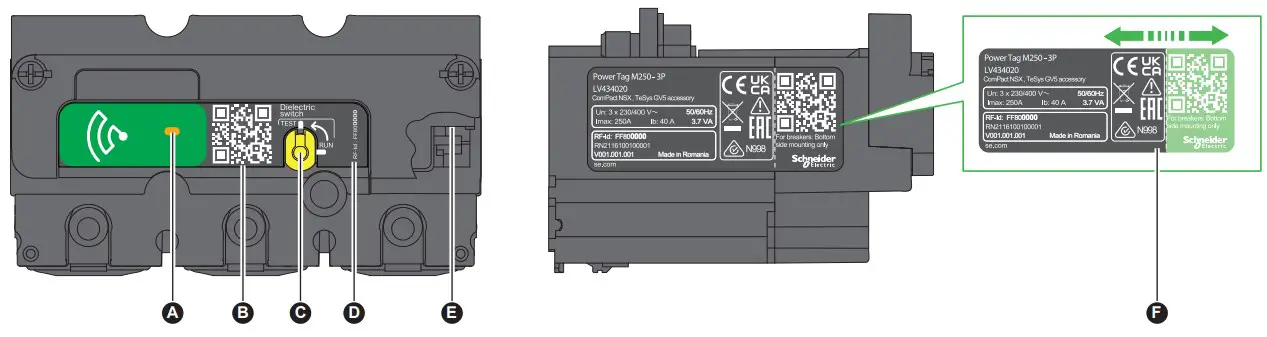
A. Status LED
B. QR code to access device information.
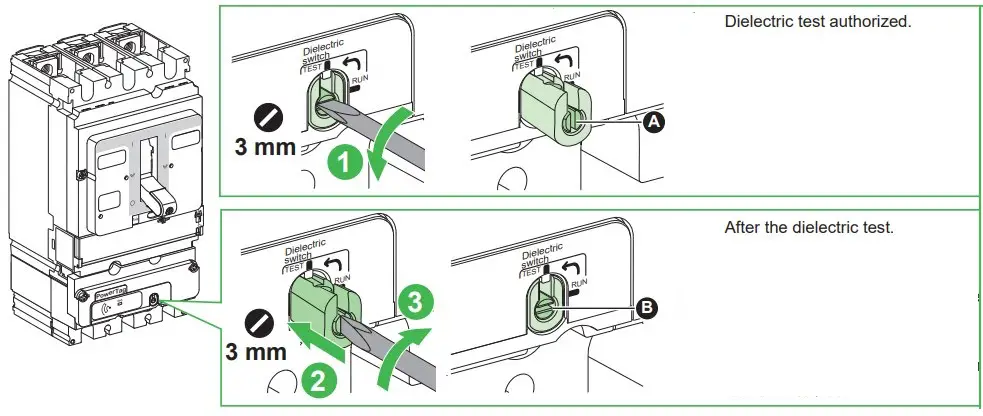
C. Switch to disconnect PowerTag supply from the phases, used when performing a panel dielectric test.
D. RF-Id identifier.
E. Neutral voltage picking (on PowerTag 3P only).
F. Label with a detachable adhesive part carrying a QR code and a RF-Id identifier, useable during commissioning on certain concentrators.
Refer to the selection guide between PowerTag devices and Schneider Electric devices – CA908058E.
Status LED
Before proceeding with pairing, fr es ensure that the concentrator has the latest available software version. Refer to the user manual
 | 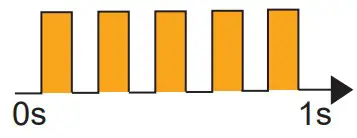 | 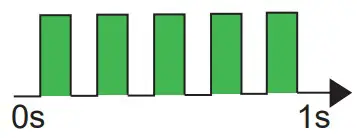 | 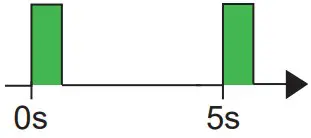 | 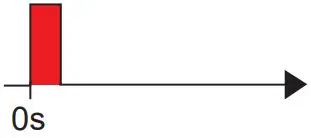 | 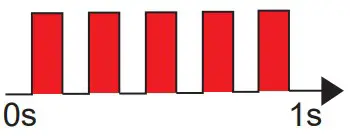 | 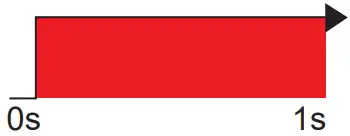 |
| PowerTag switched off. | PowerTag is searching a concentrator. | PowerTag in identification mode | PowerTag is in network. Normal communication with the concentrator. | Occasional loss of communication. | Loss of communication with the concentrator. | Internal error detected. |
Installation and Connection
NSX100-250 (3P/4P) / TeSys GV5 (3P)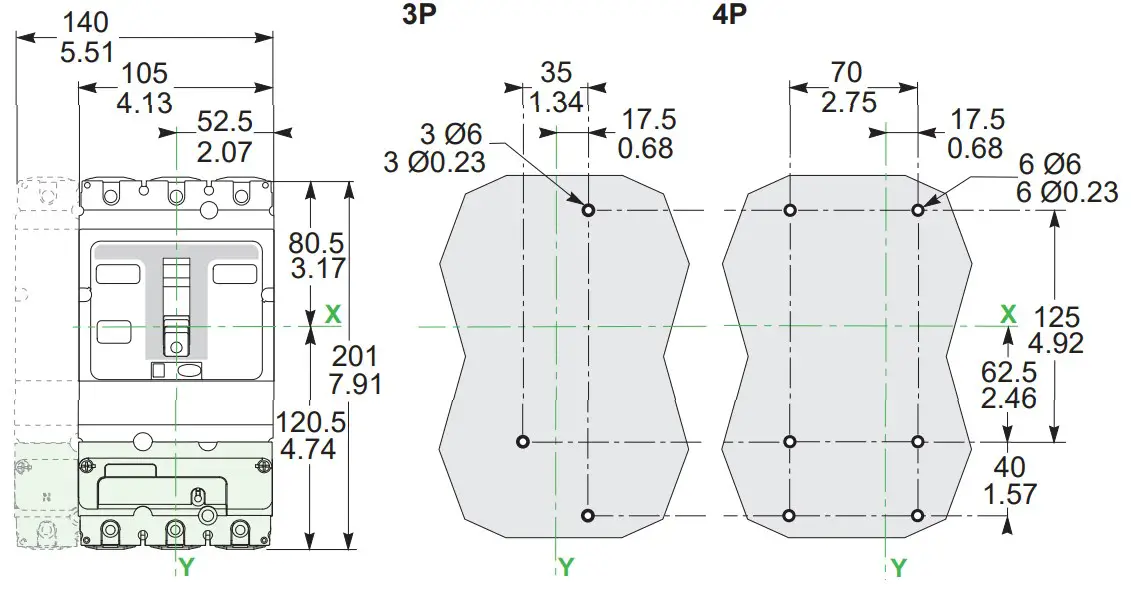
INS250 / INV100-250 (3P/4P)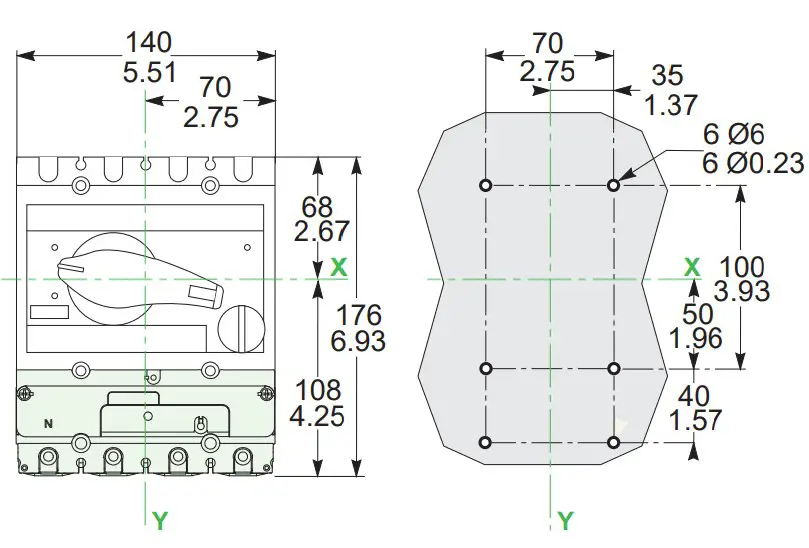

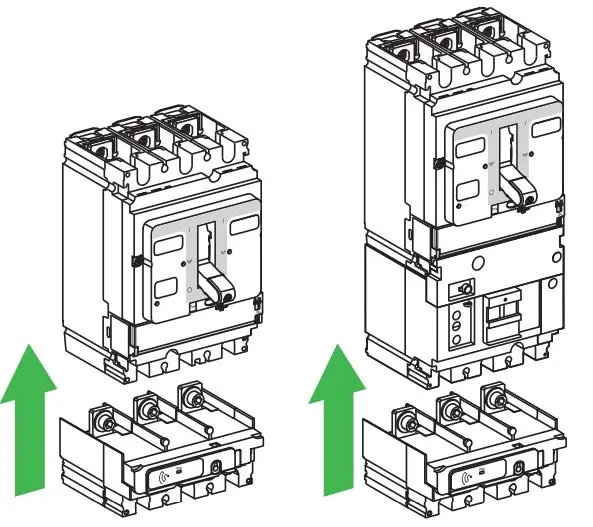
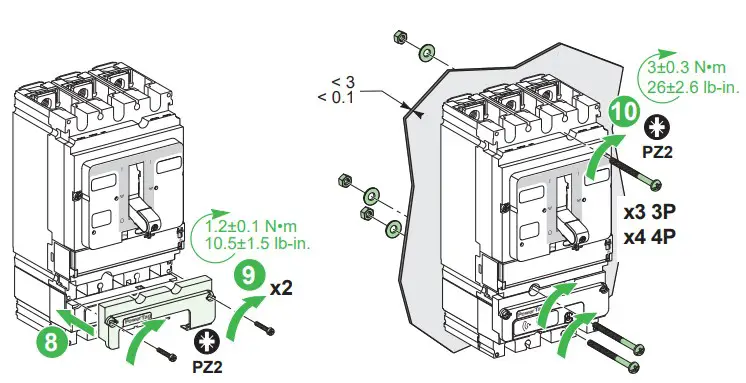
On a fixed circuit breaker with or without VigiPacT module, PowerTag M250 must be mounted on the bottom side.
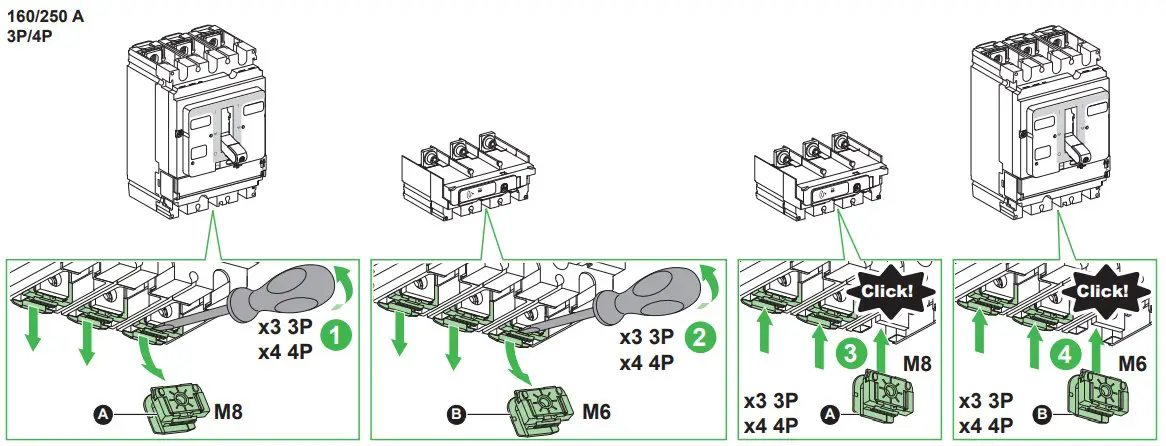
100/160/250 A
3P/4P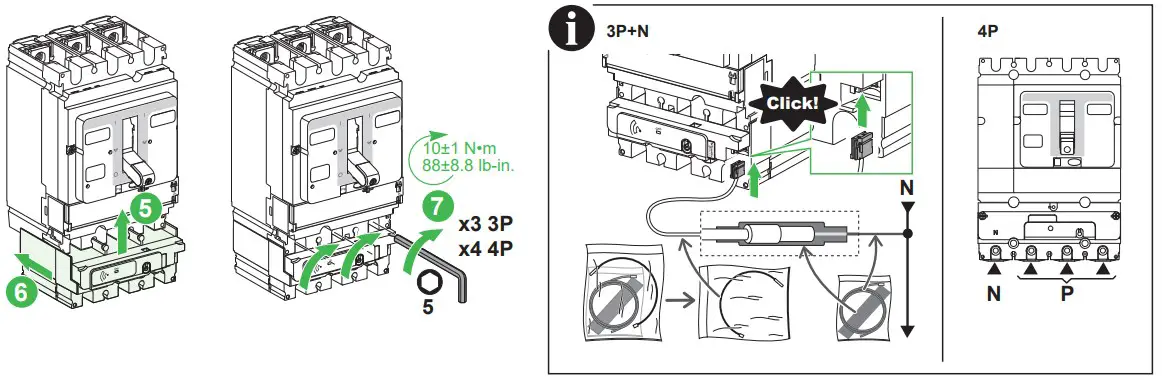
To install the PowerTag M250 on the plug-in base, consult the instruction sheet MFR37601.

To connect the 3 phases and the neutral on the main device, consult the relevant instruction sheet.

ComPacT NSX100-250


ComPact INS250
ComPact INV100-250

TeSys GV5

Dielectric Test
NOTICE
HAZARD OF POWERTAG M250 DETERIORATION
- Turn the dial to the position TEST (A) when performing a dielectric test.
- Turn the dial back to the position RUN (B) after the dielectric test.
Failure to follow these instructions can result in equipment damage.
Technical Data
- Voltage range Un 3a 400 V or 3Na 230/400 V +/-20%
- Frequency: 50/60 Hz
- Maximum current: 250 A
- Basic current (Ib): 40 A
- Maximum power consumption: y 3.7 VA
- Operating temperature: -25°C to +70°C (-13°F to +158°F)
- Altitude: y 2000 m (y 6500 ft)
- Relative humidity: Maximum 93% without condensation
- Impact resistance index: IK07
- Protection degree: IP20
- Overvoltage and measurement category: IV
- Withstands temporary surges on the power supply
- Pollution degree: 3
- Accuracy:
- Voltage: class 0.5
- Current, Power and Active Energy: Class 1
- Electromagnetic Compatibility (EMC): IEC 61326-1 Industrial Environment
Symbols Printed on the Device
Description
 Alternating current
 Comply with all safety instructions associated with this symbol to avoid any potential risk of injury or death.
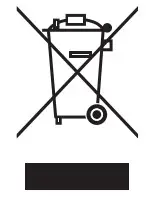 WEEE directive 2012/19/EU (Waste Electrical and Electronic Equipment).
Radio Frequency Compliance Statements
Europe
EU and UK Declaration of Conformity
Hereby, Schneider Electric Industries, declares that the wireless-communication energy sensors PowerTag are in compliance with the essential requirements and other relevant provisions of RED-DIRECTIVE 2014/53/EU and UK regulations SI 2017 n°1206.
The EU declaration of conformity n°PB17101901 and UKCA declaration of conformity n°PB17101901_UK can be downloaded on: www.se.com/docs
- 2.4 GHz ISM band (2400 MHz to 2483.5 MHz)
- Channels 11 to 26 (IEEE 802.15.4)
- Max. transmitted RF power: y 10 mW (EIRP)
Schneider Electric Industries SAS
35, rue Joseph Monier
CS 30323
F – 92506 Rueil Malmaison Cedex
www.se.com
 Printed on recycled paper.

Уполномоченный поставщик в РФ:
АО «Шнейдер Электрик»
Адрес:
127018, г. Москва, ул.
Двинцев, д.12, корп.1, тел. +7 (495)777 99 88,
факс: +7 (495)777 99 94, 8-800-200-6446
www.se.com/ru

Schneider Electric Limited
Stafford Park 5
Telford, TF3 3BL
United Kingdom
www.se.com/uk

 Schneider Electric Global | Global Specialist in Energy Management and Automation