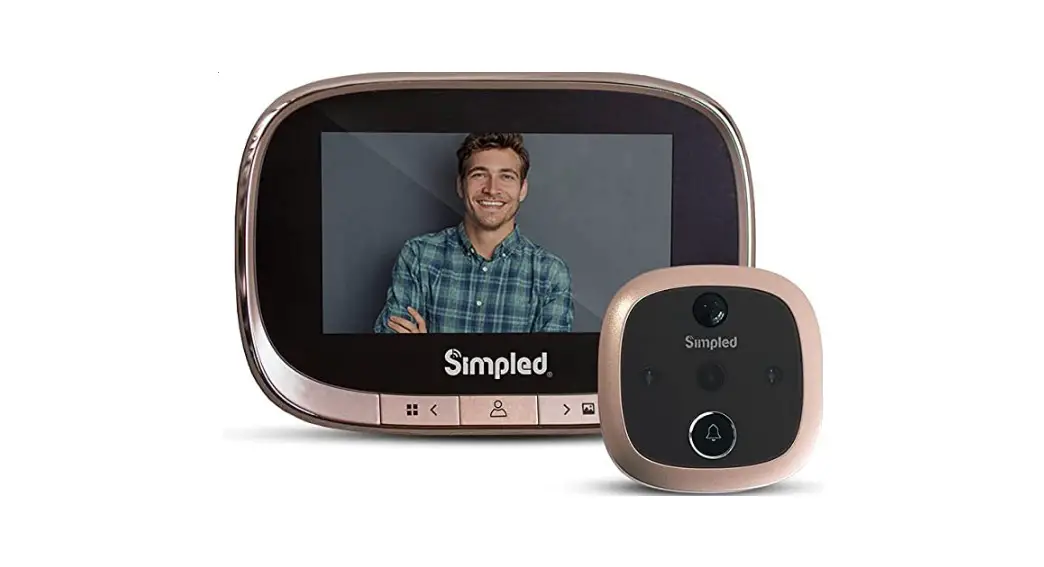

Digital Door Viewer User’s Manual
Thanks for purchasing the digital door viewer from us, In order to help you using the product in right way, please read this manual carefully before using it.
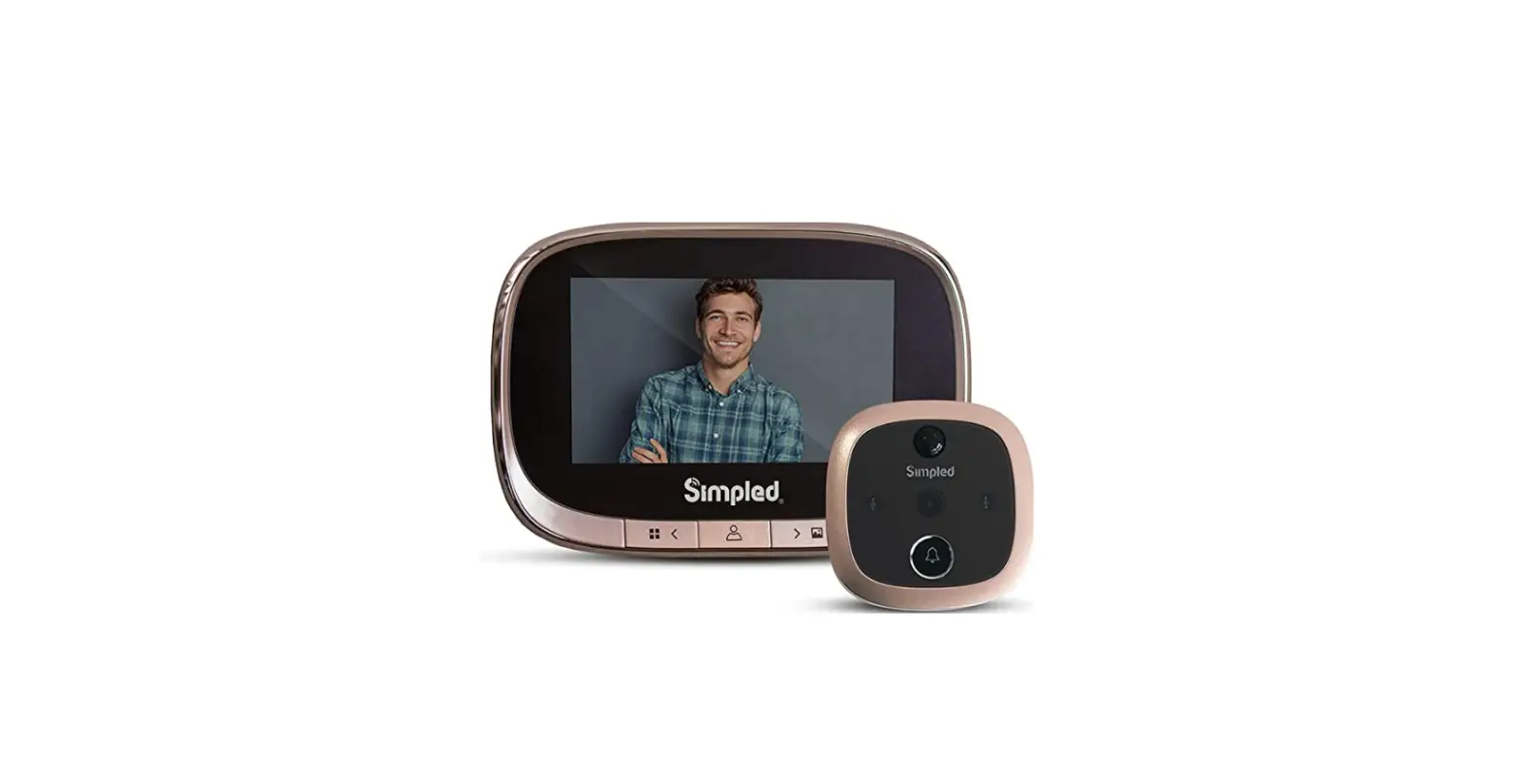
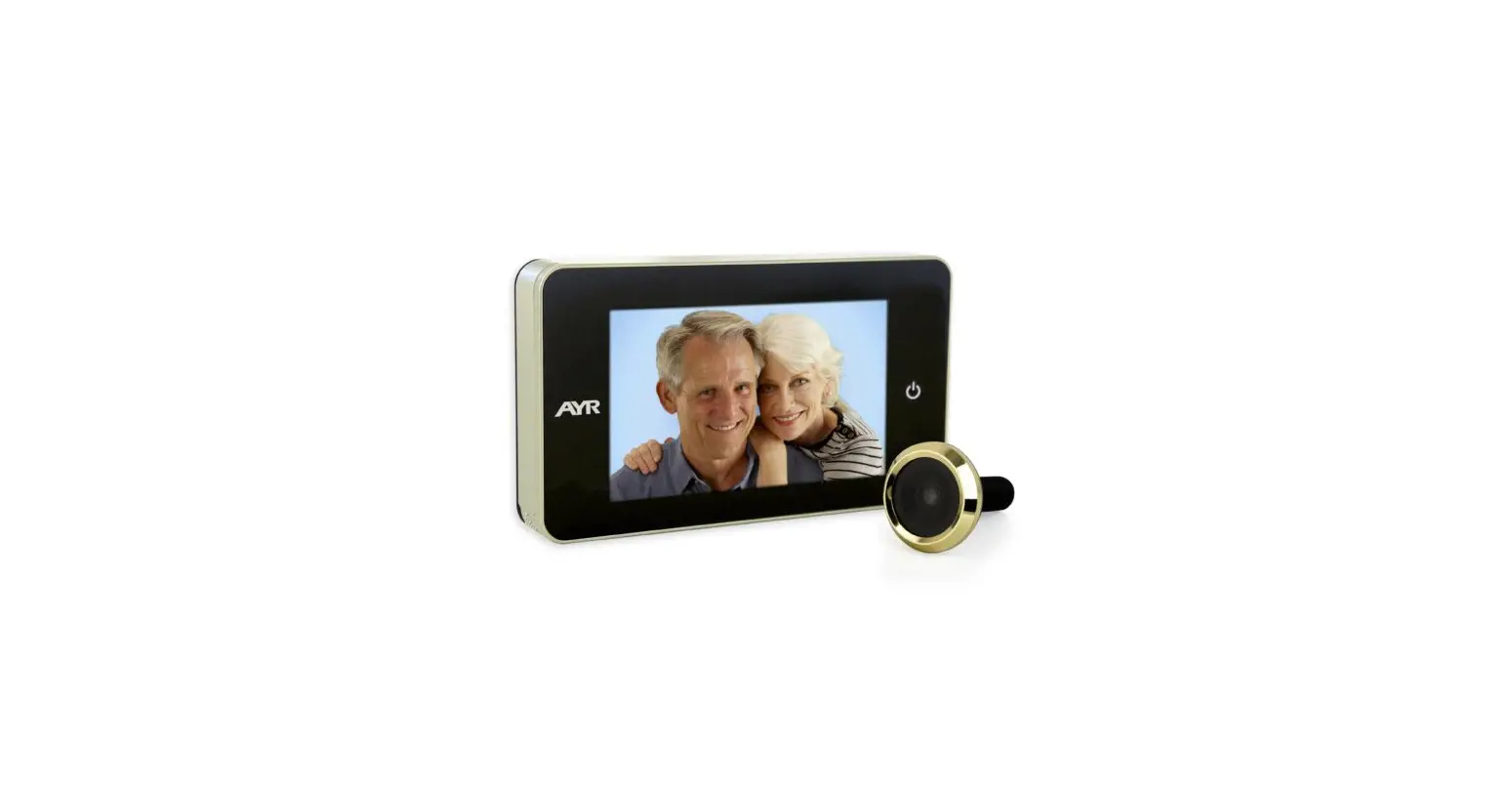
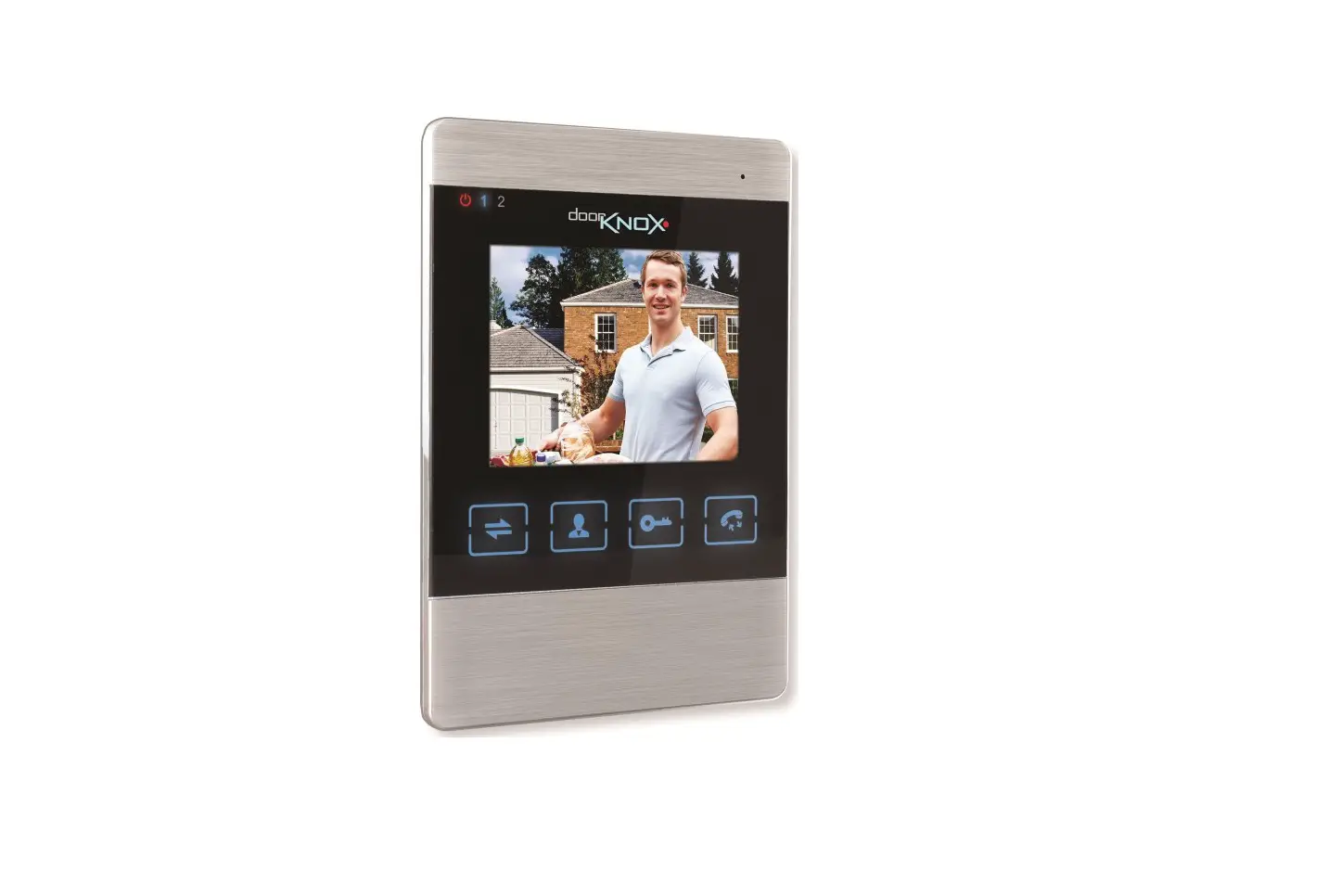
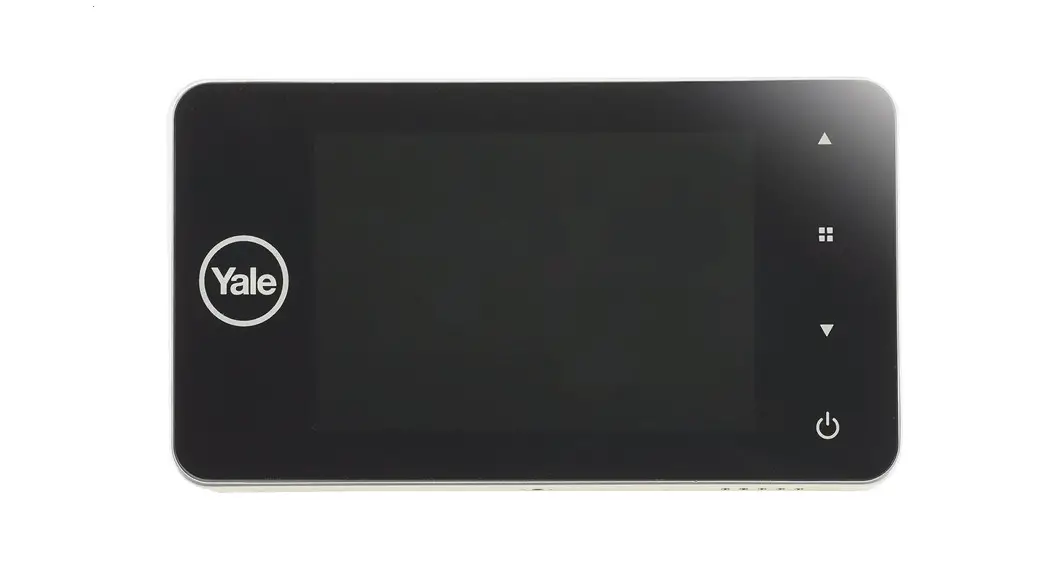
The product frame
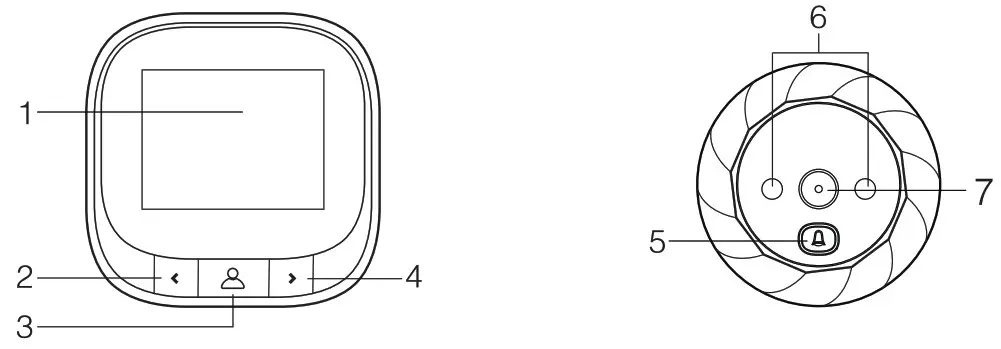
| 1. LCD Display 2. left key 3. Powe/Confirm key 4. right key | 5. Doorbell key 6. IR LED 7. Camera |
Installation Instruction
step1:According to the door thickness to choose a suitable bolt, then screw the bolt into the screw hole on the barrel of outdoor unit.
step2:Insert the barrel together with the FPC through the door peephole, then hold the outdoor part on the doorin right direction.
step3:Take out the metal bracket(the”UP”arrow on the bracket means upward), pass the FPC through the rectangular hole, pass the screw through the round hole of the metal bracket, then screw the bolt to lock the metal bracket with outdoor part tightly.
step4:The four slots on the back of indoor unit is aligned with four hooks on the metal bracket and buckle up, then pull down indoor unit to lock tightly.
Function Operation
- Power on/off: when pressing”doorbell key” or “power key””, the indoor part will power on and ring, keep on pressing “power key” for 3 seconds, and the device will power off.
- Take photo: pressing”doorbell key”, the device will power on and take photo; in power on mode, pressing”power key’” it will take photo too.
- Review photo: In power on mode, press left key” or ‘”right key” to review photos.
- Delete all photos: in power on mode or when reviewing photos, press left key” for three seconds to delete all photos in memory.
- Delete single photo: when reviewing photos, press”right key”for three seconds to delete one photo in memory.
- Set power off time: In power on mode, press “right key” for three seconds to select the power off time:15s/25s/off.
Technical Specifications
| LCD screen | 2.4 inch | Material | ABS plastic |
| Resolution | 320*240 | Vision angle | 90 ° |
| Memory | Built-in cyclic storage in device | Product Size | Indoor part: 80*80*16 mm Outdoor part: 058*13mm |
| Battery | 600 mAh | Door hole Diameter | 14-28 mm |
| Camera | 0.3 MP | Door thickness | 35-120mm |
| IR LEDS | 2 PCS,850nm | Temperature | -20°C —55°C |
Products Accessories
| Indoor part *1 | outdoor part *1 | mental Bracket *1 |
| User manual *1 | Screws *3 |
Safety Precaution
- Non professional, please do not dismantle the device.
- Do not use this product in high temperature/humidity/salt.
- Please make Sure never to pull the cable fiercely in case to break it.
- Please use standard model battery. Poor quality battery may lead to the procut demaged or can not be powered on.
Quality warranty: one year
Picture is just for reference, good in kind prevail, manufacturers reserve the right to improve the appearance and functionality and upgrades without notice.