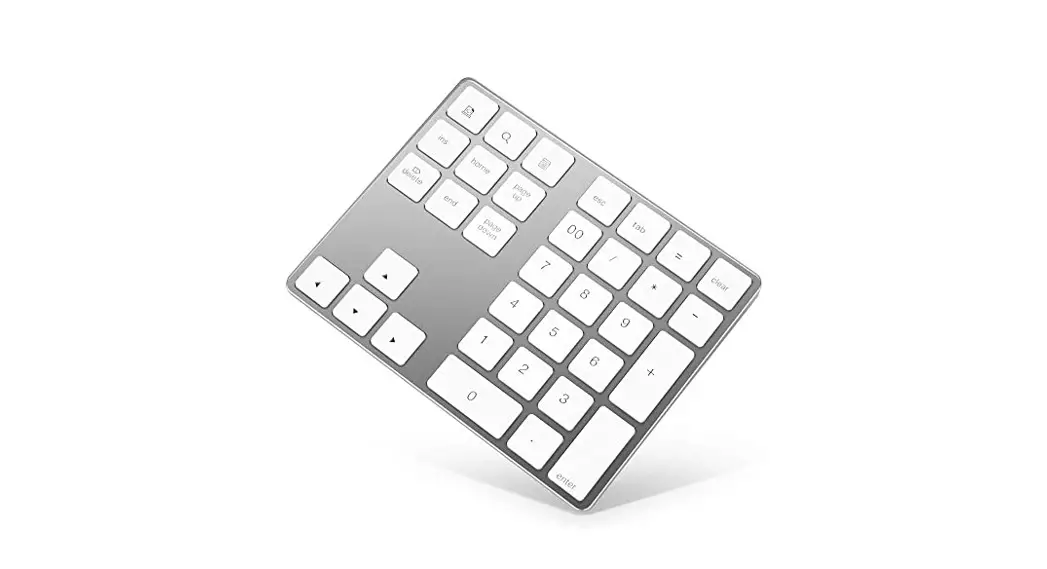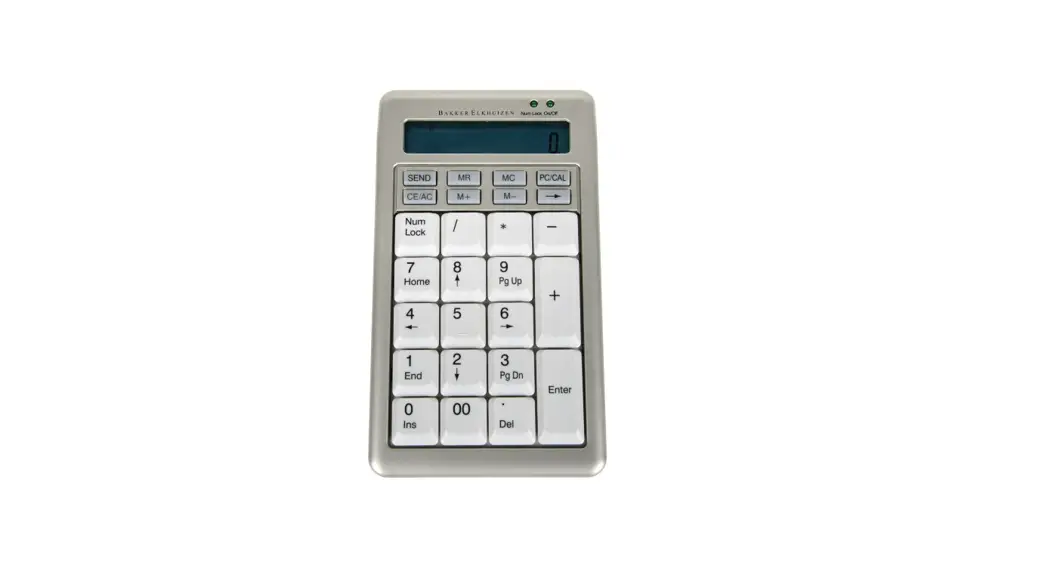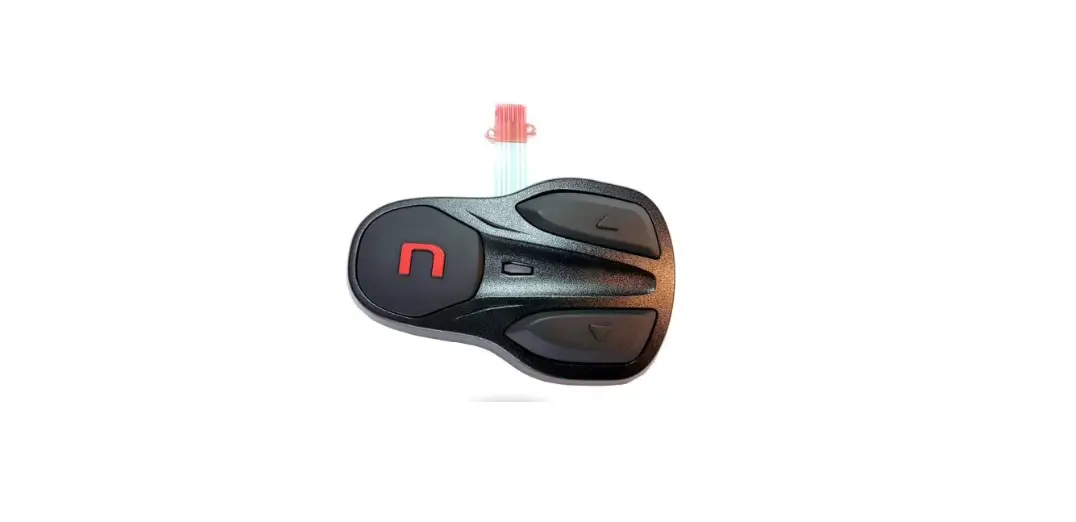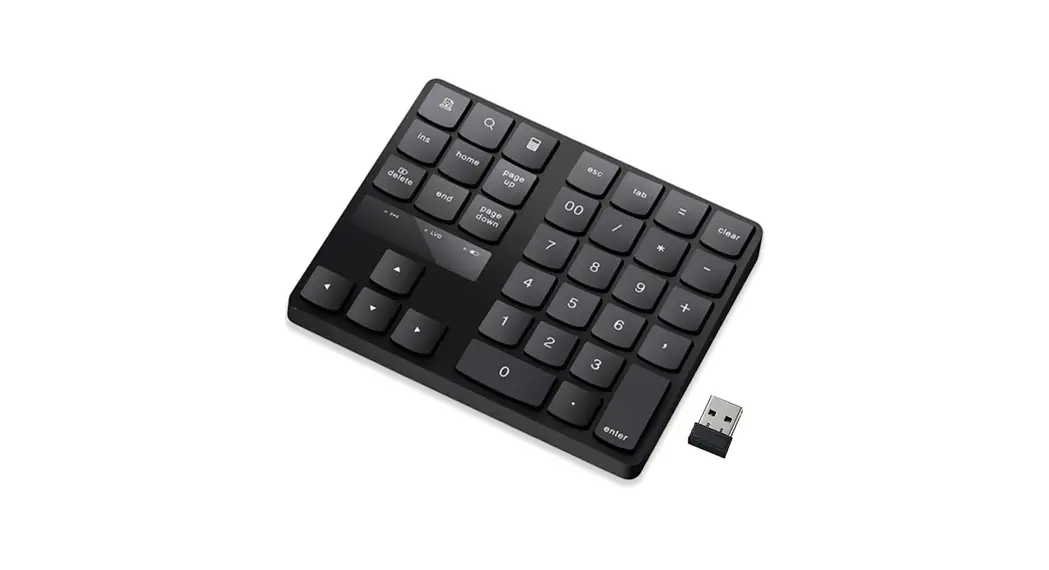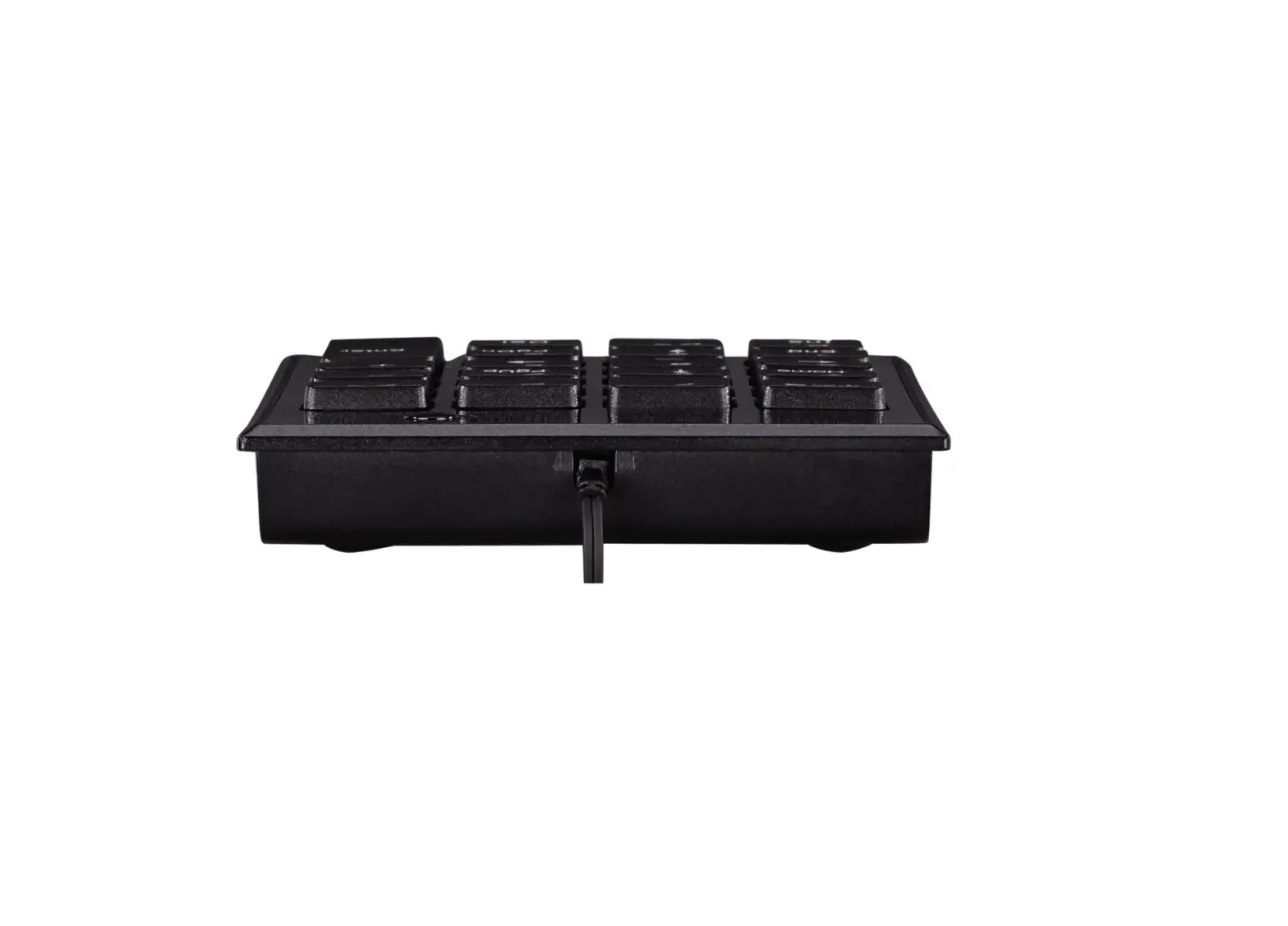

Shanghai Shengzhen Commercial Trade 2ANHJGDLINPAD Keypad 
KEYPAD PROGRAMMING INSTRUCTIONS
STEP 1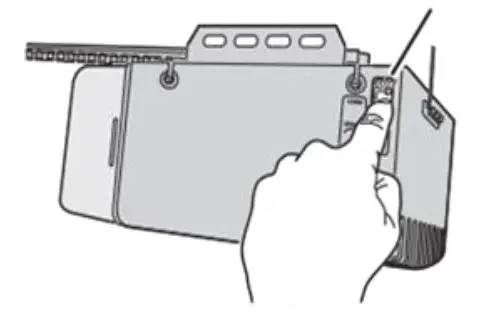
- PRESS THE OPERATOR’S LEARN BUTTON
- PRESS THE OPERATOR’S FOR 15 SECONDS
NOTE: PRESSING THE LEARN BUTTON FOR MORE THAN 10 SECONDS WILL ERASE ALL KEYPAD CODES AND REMOTE CONTROLS
STEP 2
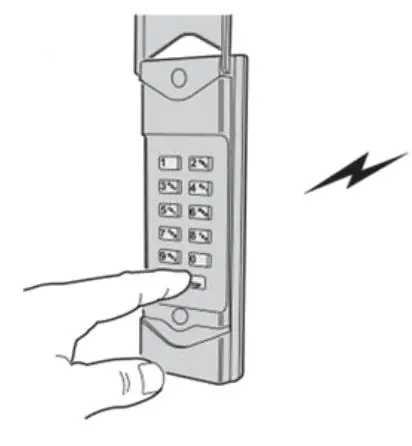
WHILE THE LEARN LIGHT IS ON, ENTER A 1-6 DIGIT KEYPAD CODE AND PRESS THE KEYPAD’S START/STOP KEY 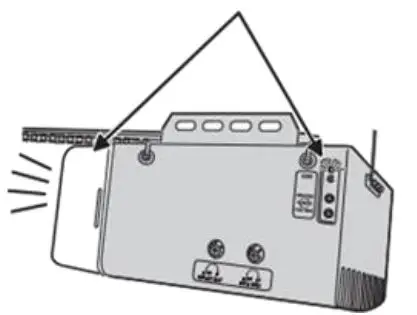
OPERATOR LIGHTS FLASH WHEN THE KEYPAD CODE IS ACCEPTED
STEP 3
REPEAT STEPS 1 & 2 FOR ANY ADDITIONAL KEYPAD CODES
FCC RULES
Please take attention that changes or modifications not expressly approved by the party responsible for compliance could void the user’s authority to operate the equipment.
This device complies with Part 15 of the FCC Rules. Operation is subject to the following two conditions:
- This device may not cause harmful interference, and
- This device must accept any interference received, including interference that may cause undesired operation.