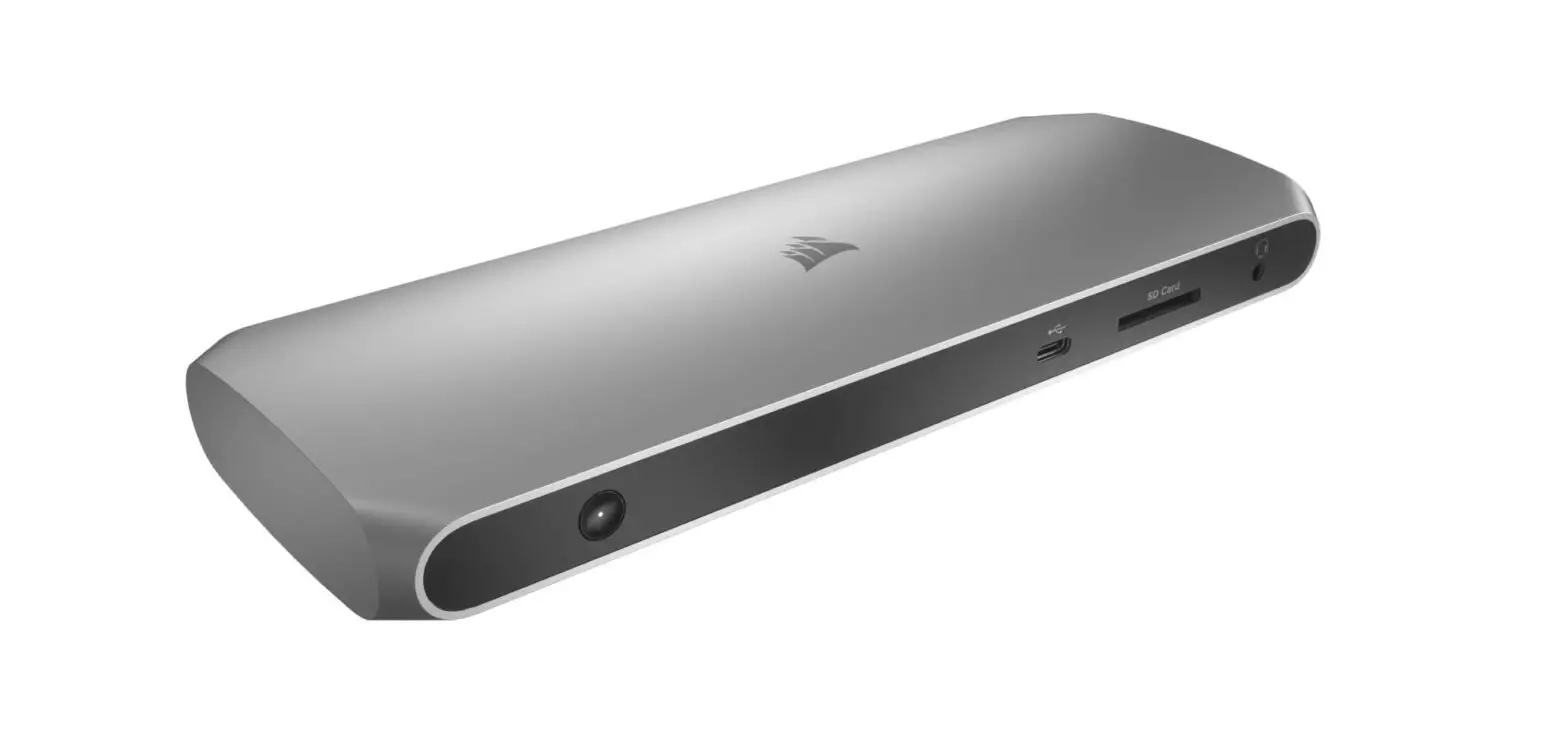
TBT100 Thunderbolt 3 Dock 85W Charging Station
CORSAIR
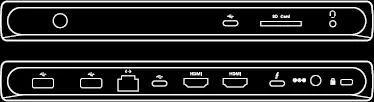 TBT100
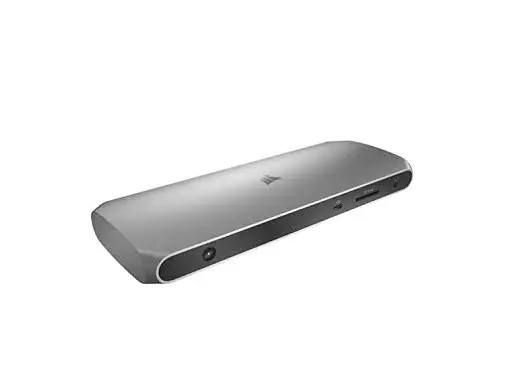
GETTING TO KNOW THE DOCK
Connect a wealth of devices to your Mac or PC with the CORSAIR TBT100 Thunderbolt™ 3 Dock, boasting up to 40Gbps bandwidth while efficiently charging your laptop with smart charging technology.
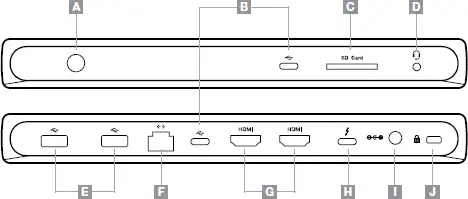
A — Power On/Off Button
B — USB-C SuperSpeed 10Gbps
C — SD Card Slot (supports UHS II)
D — 3.5mm Combo Port
E — USB-A SuperSpeed 5Gbps
F — Gigabit Ethernet
G — HDMI 2.0
H — Thunderbolt™ 3 40Gbps
I — Power In
J — Kensington™ Security Slot
Connect power supply to dock and plug into wall outlet
> Connect the dock to an available Thunderbolt™ 3 port on your
computer using the included Thunderbolt™ 3 cable
> To turn power on/off, push power button for 3 seconds
(When plugging in power directly to dock, the dock will
automatically be in power “on” mode)
| LED DOCK | POWER MODE |
| ON | ON |
| OFF | OFF |
WEB: corsair.com
PHONE: (888) 222-4346
SUPPORT: support.corsair.com
BLOG: corsair.com/blog
FORUM: forum.corsair.com
YOUTUBE: youtube.com/corsairhowto
© 2021 CORSAIR MEMORY, Inc. All rights reserved. CORSAIR and the
sails logo are registered trademarks in the United States and/or other
countries. All other trademarks are the property of their respective owners.
Product may vary slightly from those pictured. 49-002071 AD
Thunderbolt and the Thunderbolt logo are trademarks of Intel Corporation or its
subsidiaries.
The terms HDMI, HDMI High-Definition Multimedia Interface, and the HDMI Logo
are trademarks or registered trademarks of HDMI Licensing Administrator, Inc.
 PC Components | Gaming Gear | CORSAIR
 Home - Corsair Community