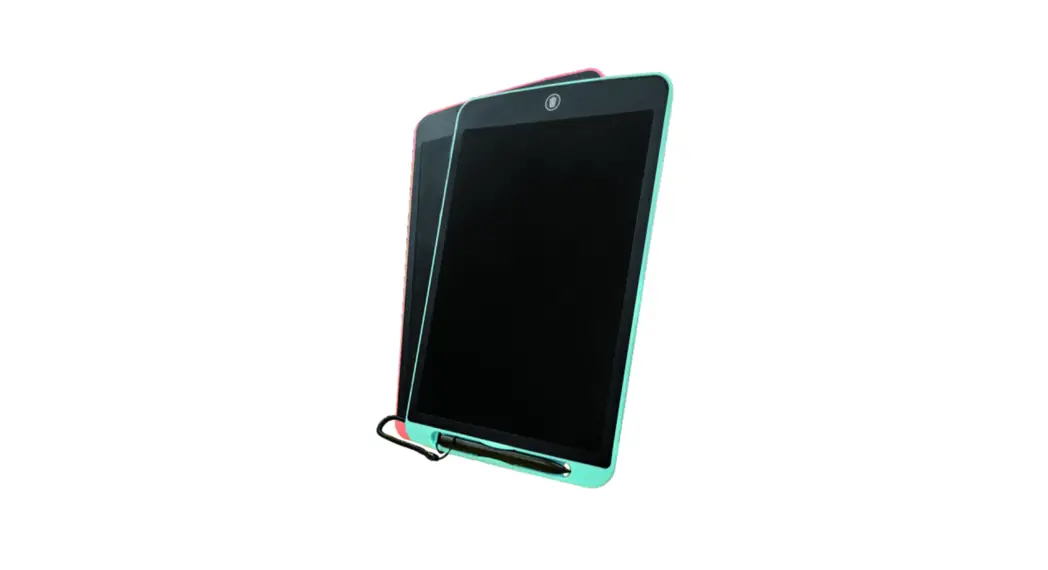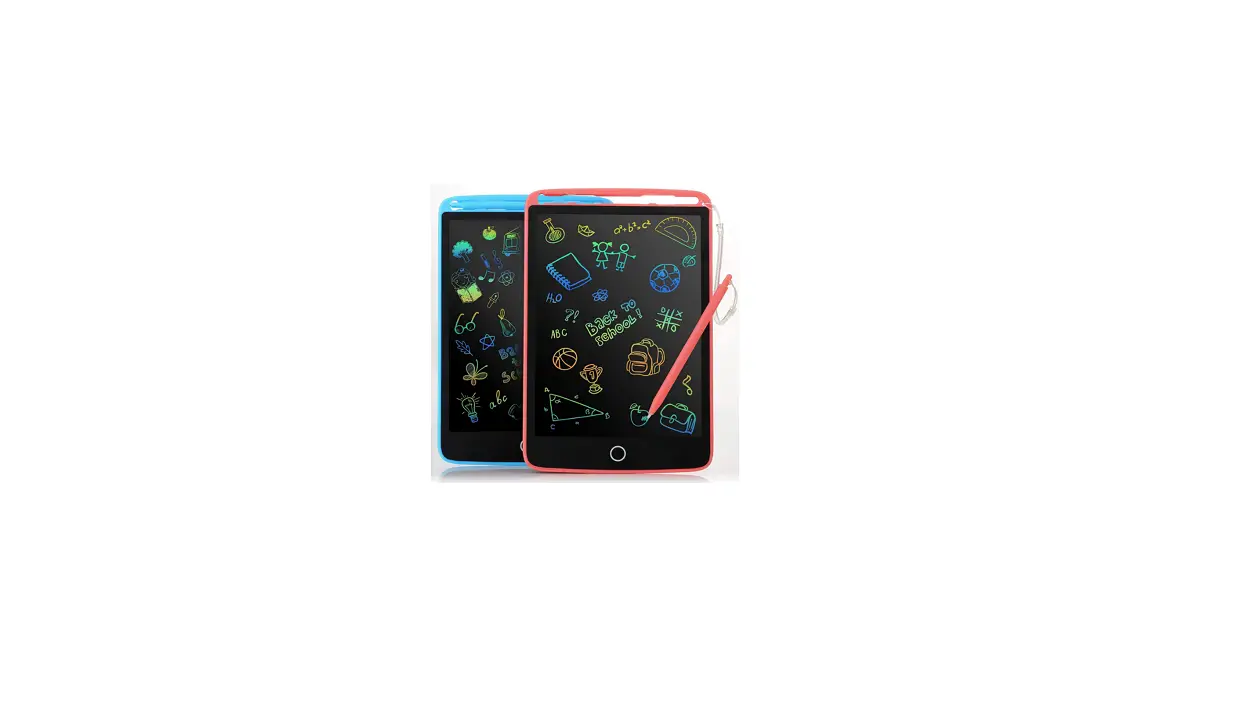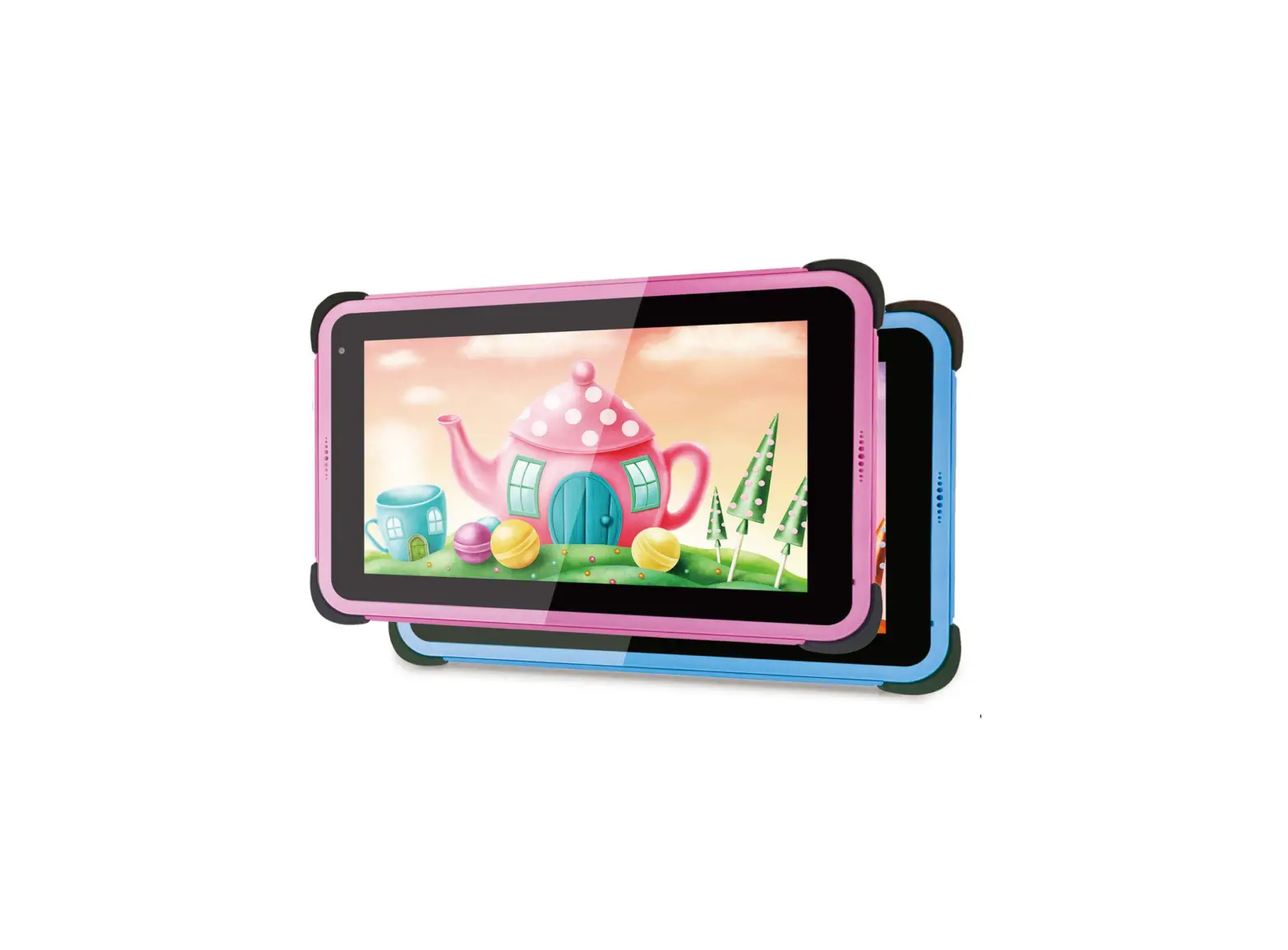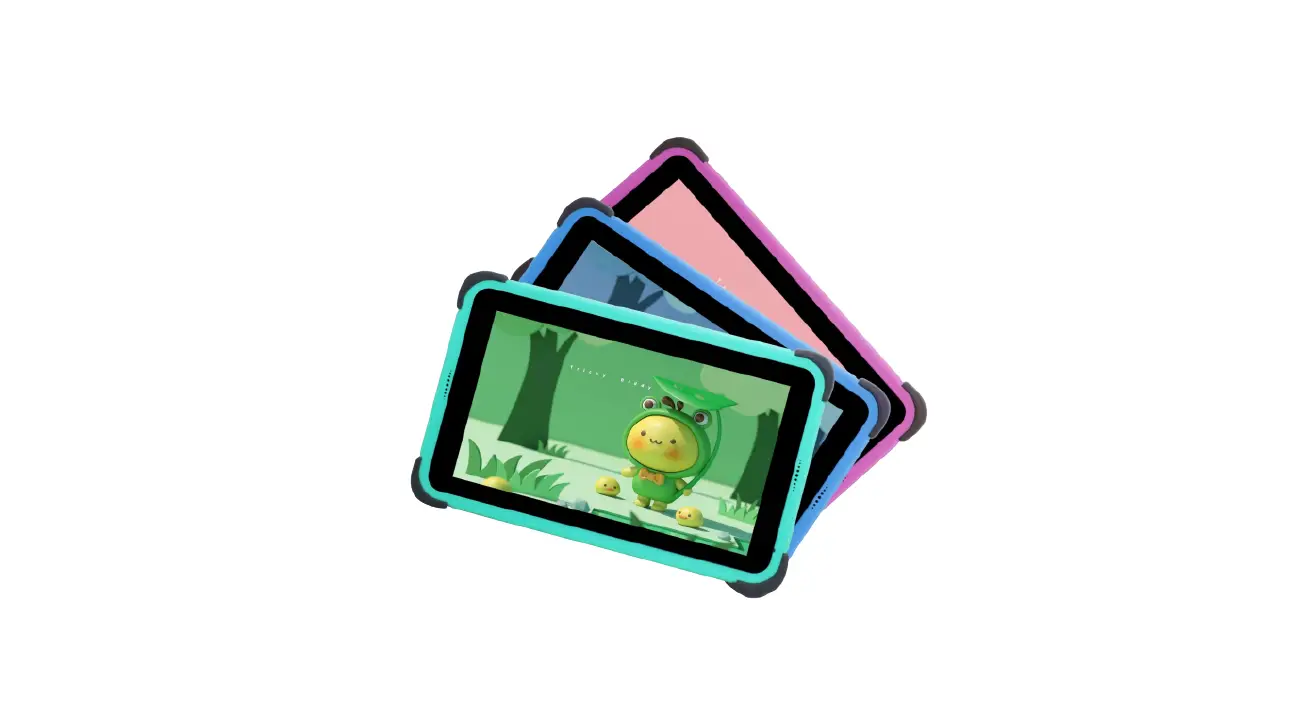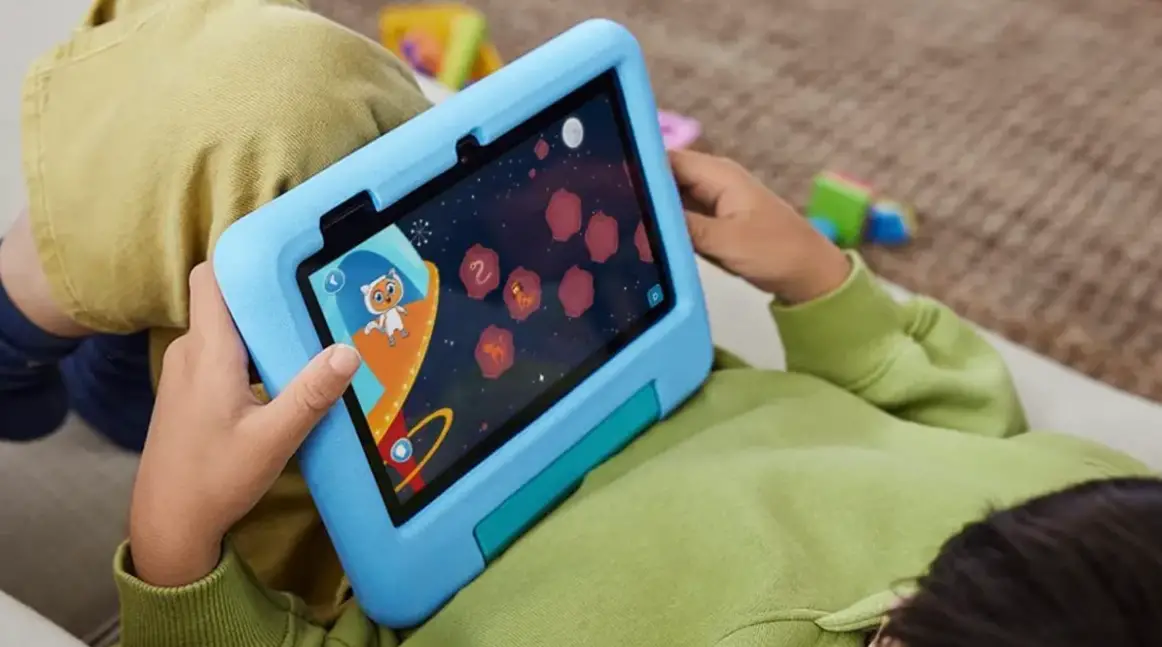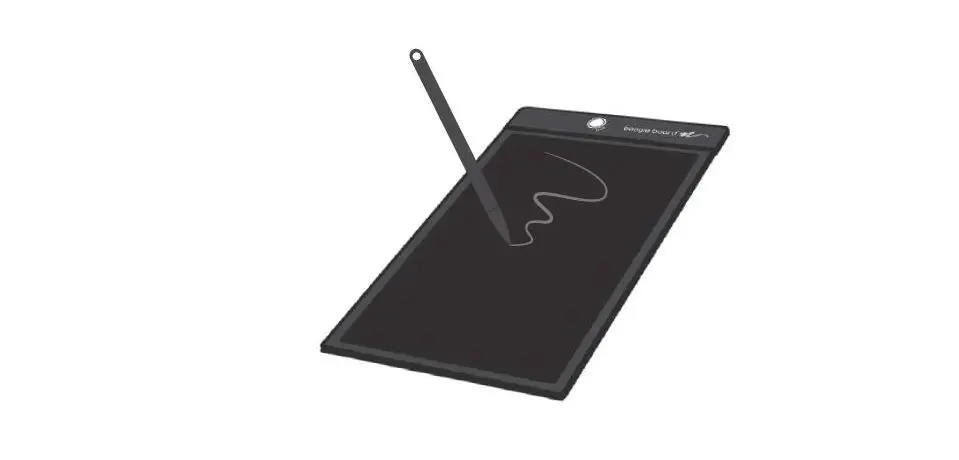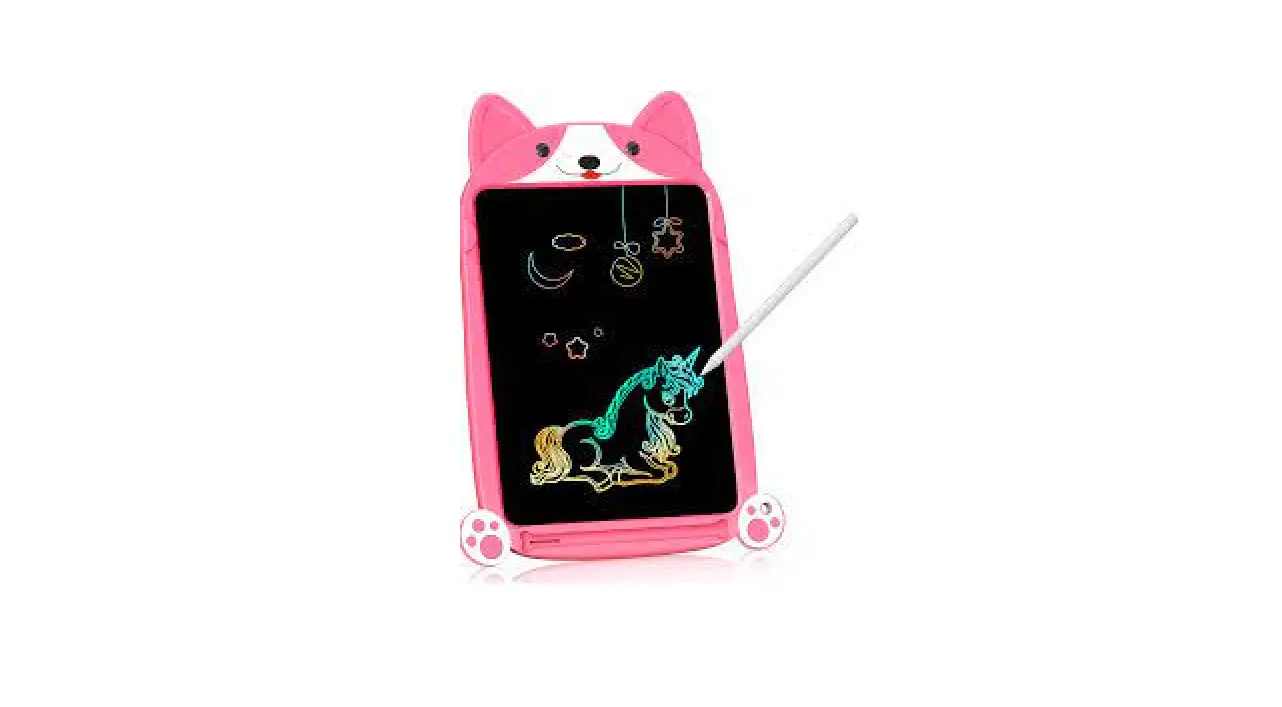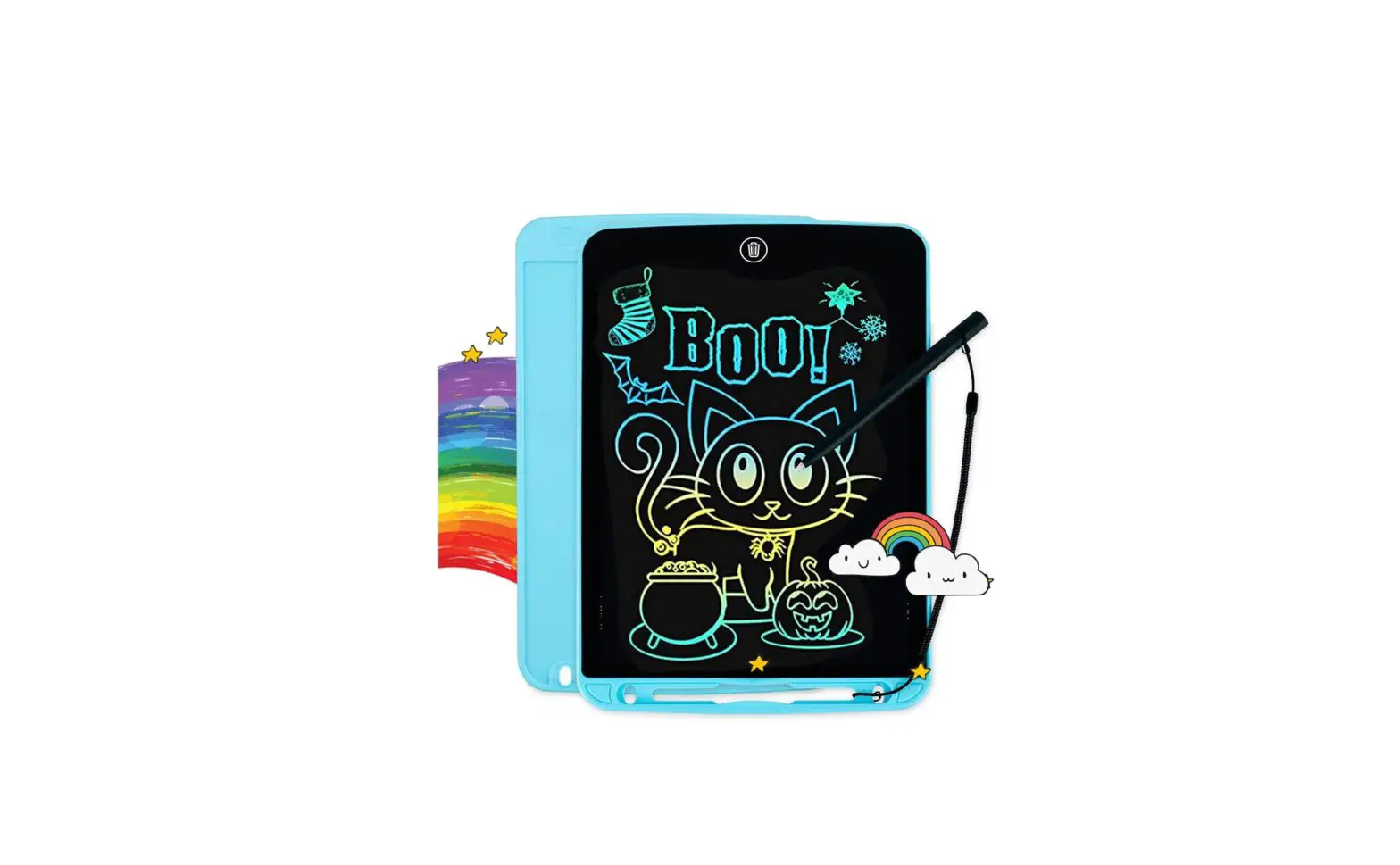

FLUESTON WK-DS 10 Kids Writing Tablet
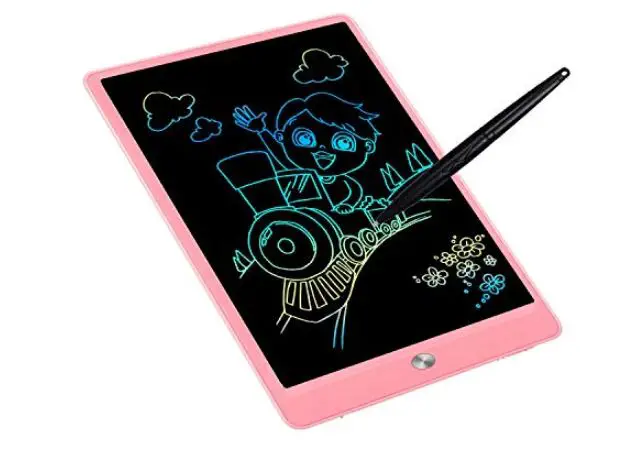
OVERVIEW
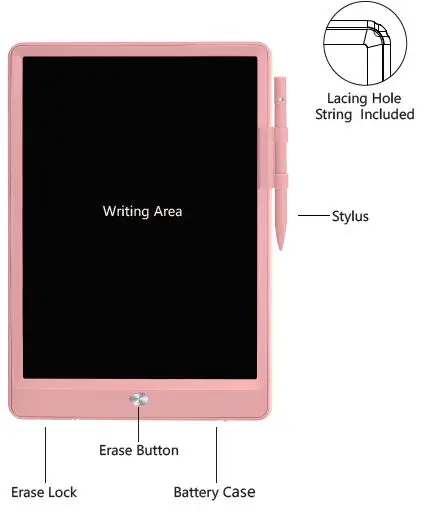
Maintenance
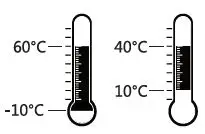
- Cleaning: Please clean gently with soft cloth
- Storage Temperature: -10°C-60°C
- Operating Temperature: 10°C-40°C
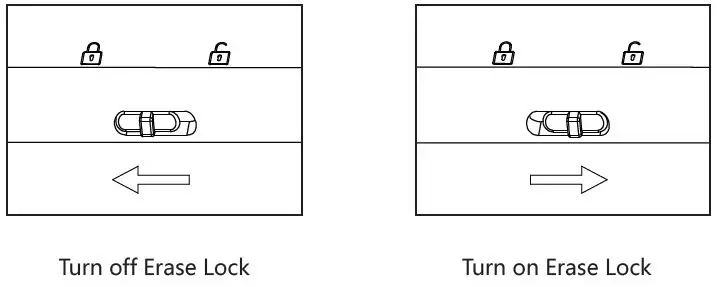
Attention
The Erase Lock is off in default.
- When Erase Lock is off, the Erase Button is disabled.
- When Erase Lock is on, the Erase Button is available.
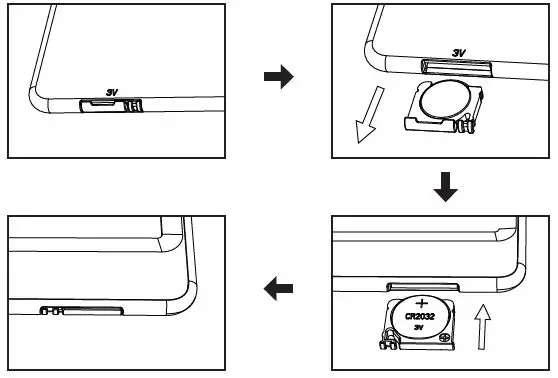
Battery Replacement:
- Remove battery case.
- Pull out battery.
- Replace the battery.(Requires one CR2032[3V] battery)
- Insert battery case.
Attention
To achieve better writing experience and to avoid scratching the screen, please use the matching stylus.

Warning:
- Please don’t press too hard or write with objects that could damage the screen.
- This product cannot transfer data or images to or from any other devices.
- Do not get product wet or submerged in water.
- Avoid continuous exposure to sunlight.
Warning: Small parts included, not suitable for kids under 3 years old.
Warning: Do not disassemble the product.
Service and support information
FCC Statement
This device complies with Part 15 of the FCC Rules. Operation is subject to the following two conditions: (1)this device may not cause harmful interference, and(2)this device must accept any interference received, including interference that may cause undesired operation.