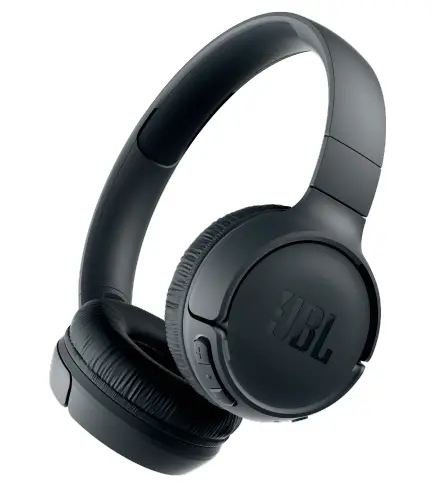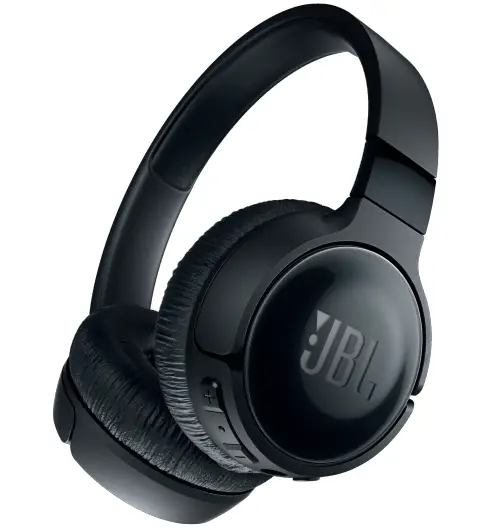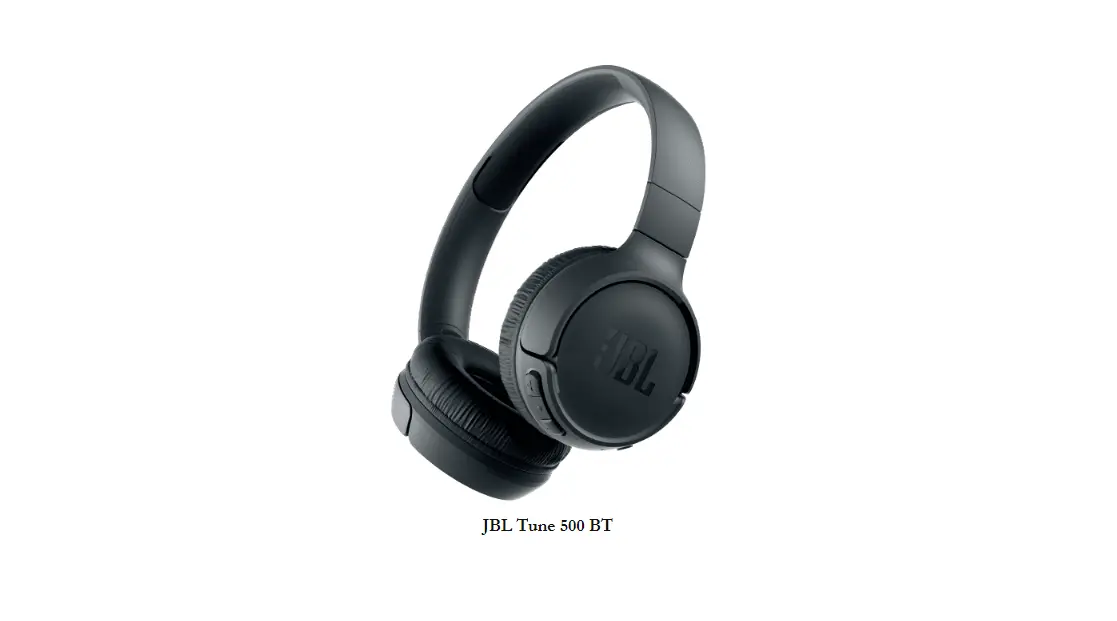

JBL Tune 500 BT User Manual
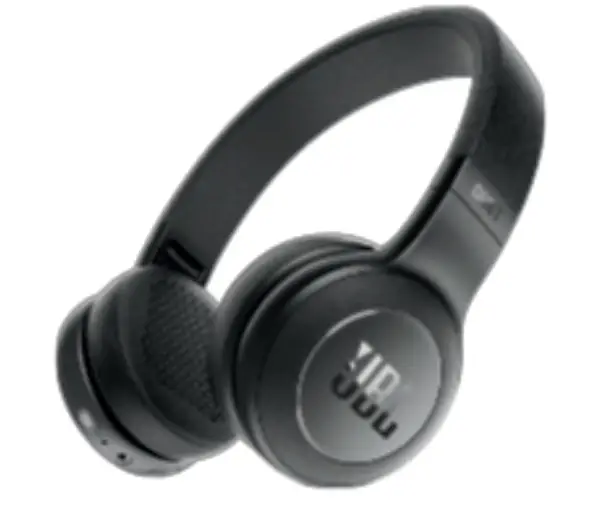
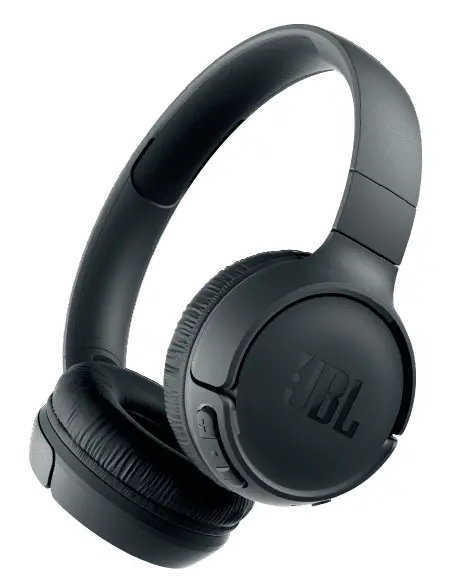 JBL Tune 500 BT User Manual
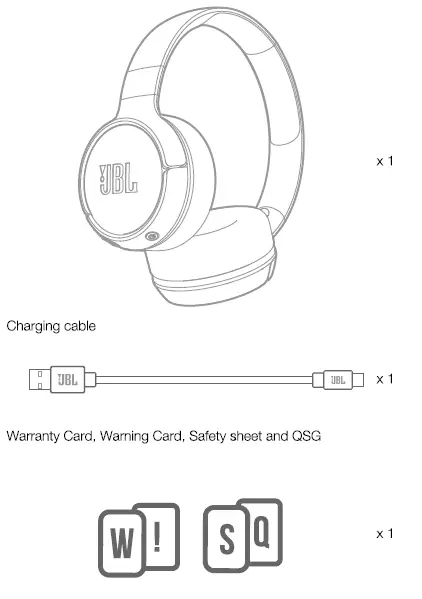
What’s in the Box
 Other Top JBL Tune Manuals:
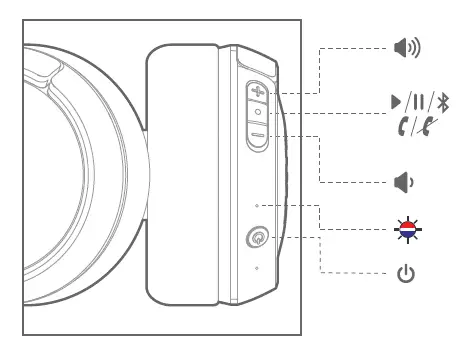
OverView
- Buttons & LEDs
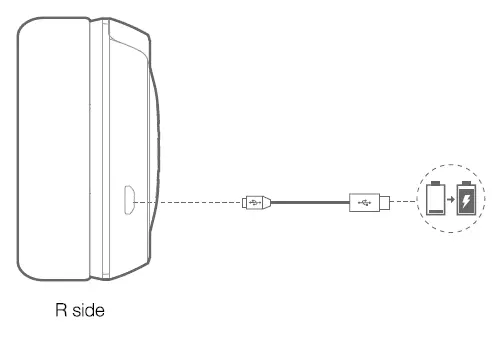
Charging
Bluetooth Connections
- Turn on / off the Headphone
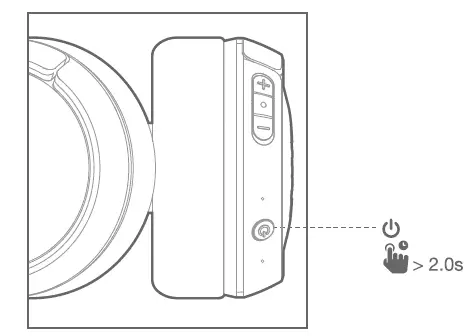
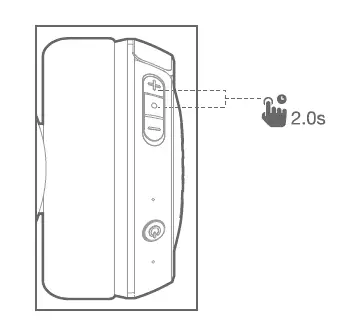
2) If connecting for the first time, the headphone will enter paring mode automatically after It is powered on.
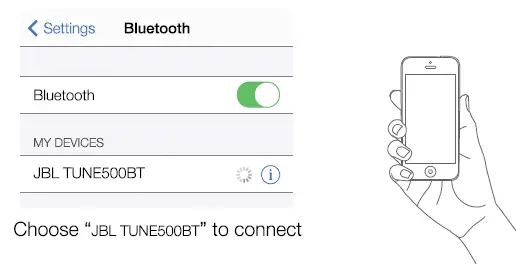
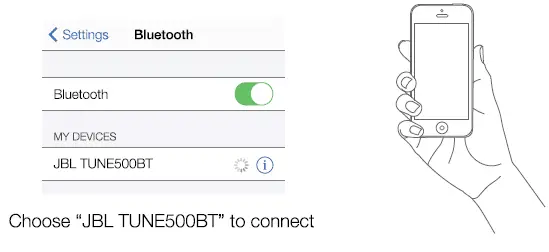
3) Connect to Bluetooth device
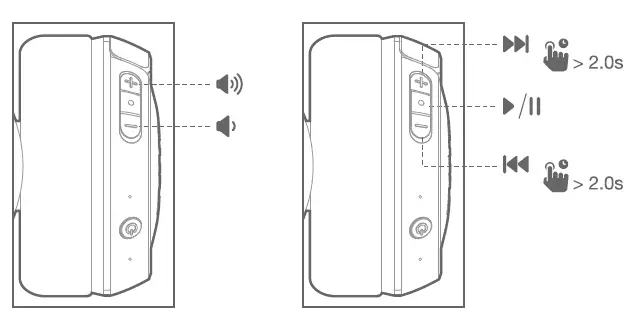
Music Controls
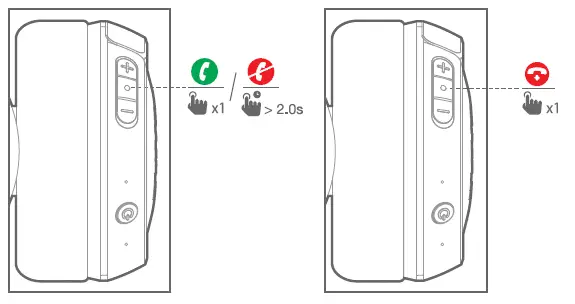
Phone Call
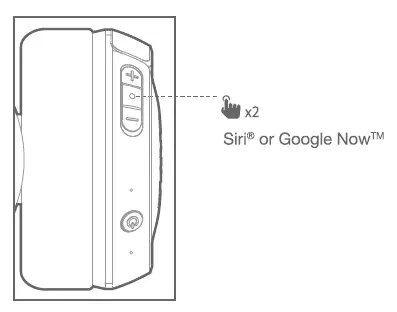
Voice Assistant
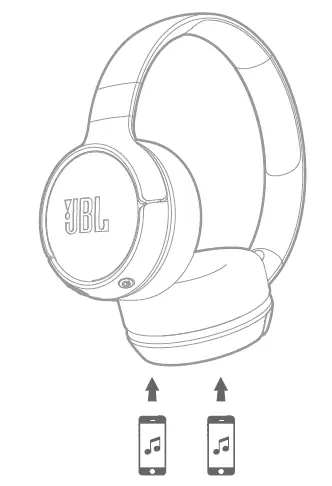
Seamlessly switch between devices
- Per and connect the headphone with the 1st Device. (see Section 3 Bluetooth Connection)
- Per and connect the headphone with the 211 Bluetooth Device
3. Connect to Bluetooth Device
Items to note:
a. Maxmum 2 devices can be connected simultaneously
b. To switch music source, pause the music on the current device and select play on the 2rc device.
c. Phone call will always take priority.
d. If one device goes out of bluetooth range or powers off, you may need to manually reconnect the remaining device. See Section 7 Step 3.
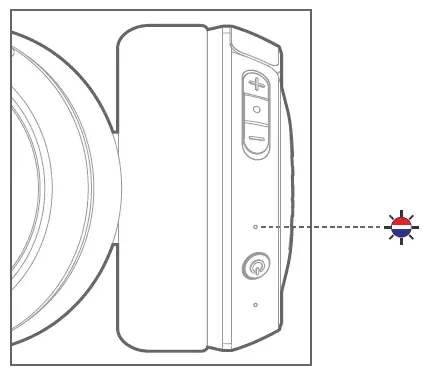
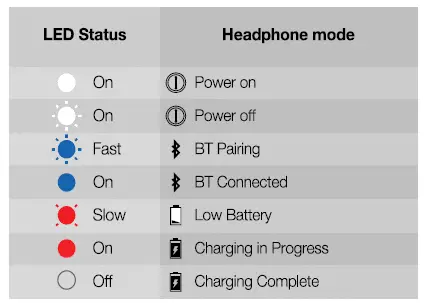
LED Behavior
Specification
- Driver size: 32mm
- Frequency Response: 20Hz — 20kHz
- Bluetooth transmitted power: < 4dBm
- Bluetooth transmitted modulation: GFSK, o/4 DQPSK, 8DPSK
- Bluetooth frequency: 2.402 — 2.480GHz
- Bluetooth Profile: BT 4.1, A2DP v1.2, AVRCP v1.5, HFP v1.6, HSP v1.2
- Battery type: Lithium-ion Polymer (3.7V, 300mAH)
- Charging time: 2 hrs
- Music play time with BT on: 16 hrs
- Weight: 0.155kg
FAQS
What the difference between live and tune
Has in-line control panel, better bluetooth version, has a 3.5mm male connector, more battery power, sound pressure level and less weight
They work on all my Bluetooth devices.
No. Just charger
These are wireless and do not have a jack for headphone cable
No
It has Bluetooth, not sure if 5.0
The battery is already in the headphones. It’s rechargeable headphones. Plug and charge.
These are the same, honestly idk why. They retail for $49.95 on JBL website
Yes they are.
Yes, you can.
Xbox does not utilize Bluetooth, so these by default will not work as a wireless headset with your Xbox. However, they can be wired to your controller using the headphone jack on the bottom side to allow use semi-wirelessly while playing. I am unsure however if the online chat function would work in addition to the game audio when going this route.
Don’t know you let me know why
Turn on the headphone 2) Press and hold the Power button for 7 seconds until the LED flashes blue and red alternately 3) Go to Bluetooth settings on your Macbook Pro 4 ) Select “JBL TUNE 500BT” and pair with your Macbook Pro 5 ) Select “JBL TUNE 500BT” in Bluetooth settings on your Macbook Pro 6 ) To switch device, pause music on one device and play on another device 7 ) If one device goes out of bluetooth range or powers off, you may need to manually reconnect the remaining device.
Yes they have Bluetooth
usb
Yes. Very light and comfortable. Suitable for walking/running.
Yes, you can.