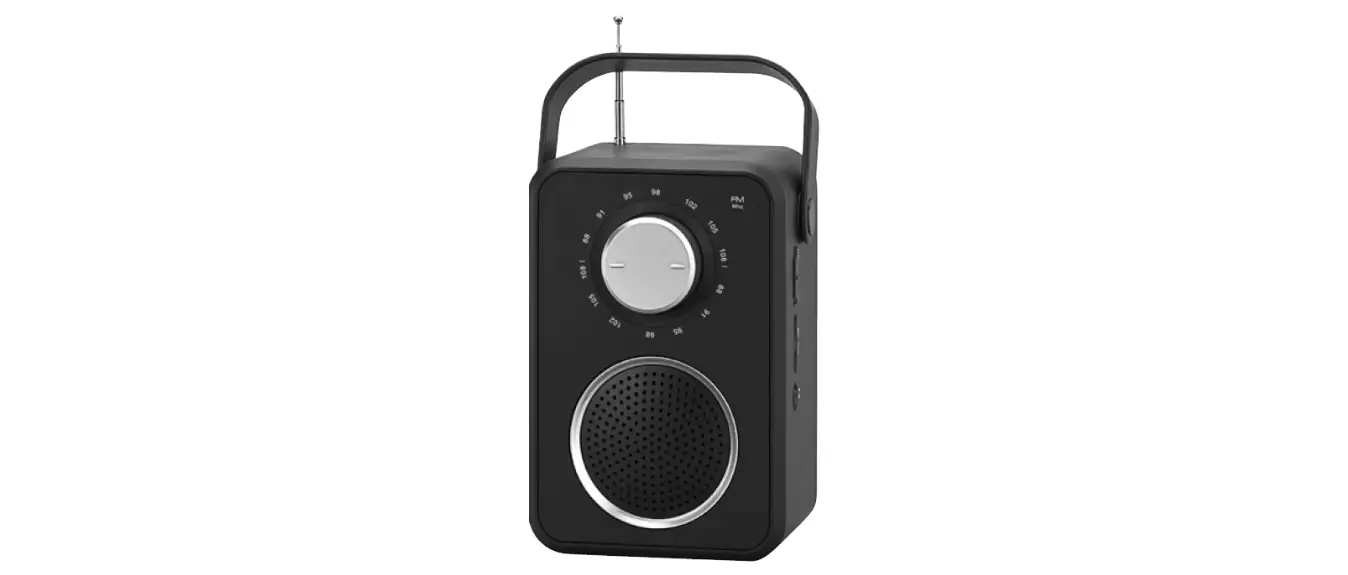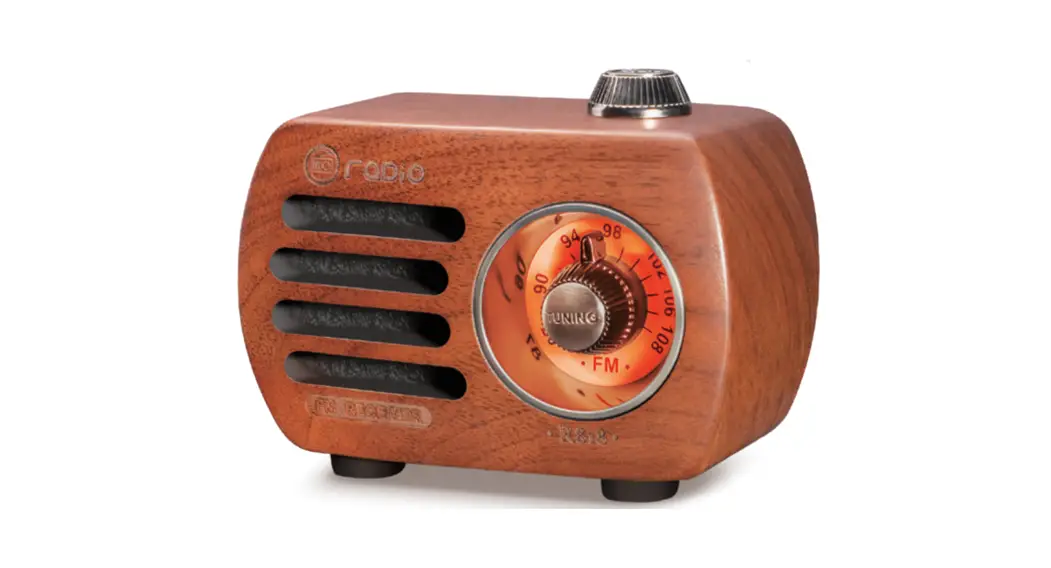
 R-818 Retro Mini FM Radio
User Manual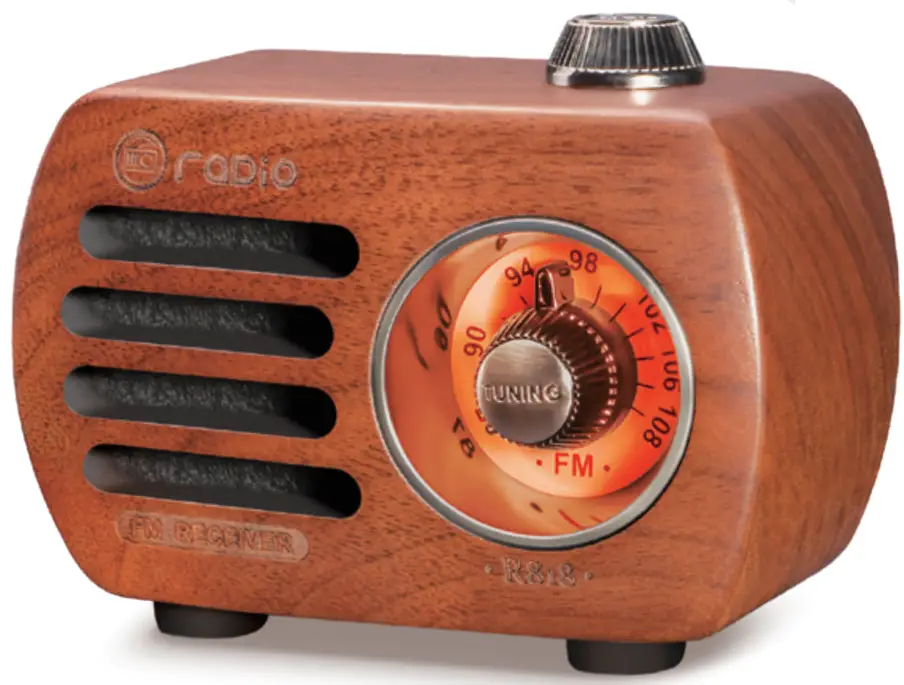
The Perfect Partner of Your Life
Jin Ming Technology co., Ltd.
E-mail:[email protected]
Website:www.prunustech.com
PRUNUS R-818 Retro Mini FM Radio User Manual
PREFACE
Thank you for purchasing PRUNUS R-818 radio/Bluetooth speaker/mp3 player. In order to get the best from the radio, please read this manual carefully before using it and take special notice of the section on precautions.
PRECAUTIONS
- Don’t get the radio wet or use it in a moist environment. E.g. Keep it out of the rain and use it carefully in bathrooms and kitchens.
- Don’t place any potentially damaging objects such as liquid-filled containers or lighted candles on the top of the radio.
- Keep the radio away from sources of heat such as radiators, hot water pipes, or fires. And do not leave it in full sun.
- Keep the radio away from any solvents, such as white spirit, paraffin, or petrol.
- Keep the radio away from magnets and magnetic fields.
- Place the radio in a well-ventilated place leave a space of 5 to 10cm in front of and behind the radio.
PRODUCT INTRODUCTION
1. Functional Components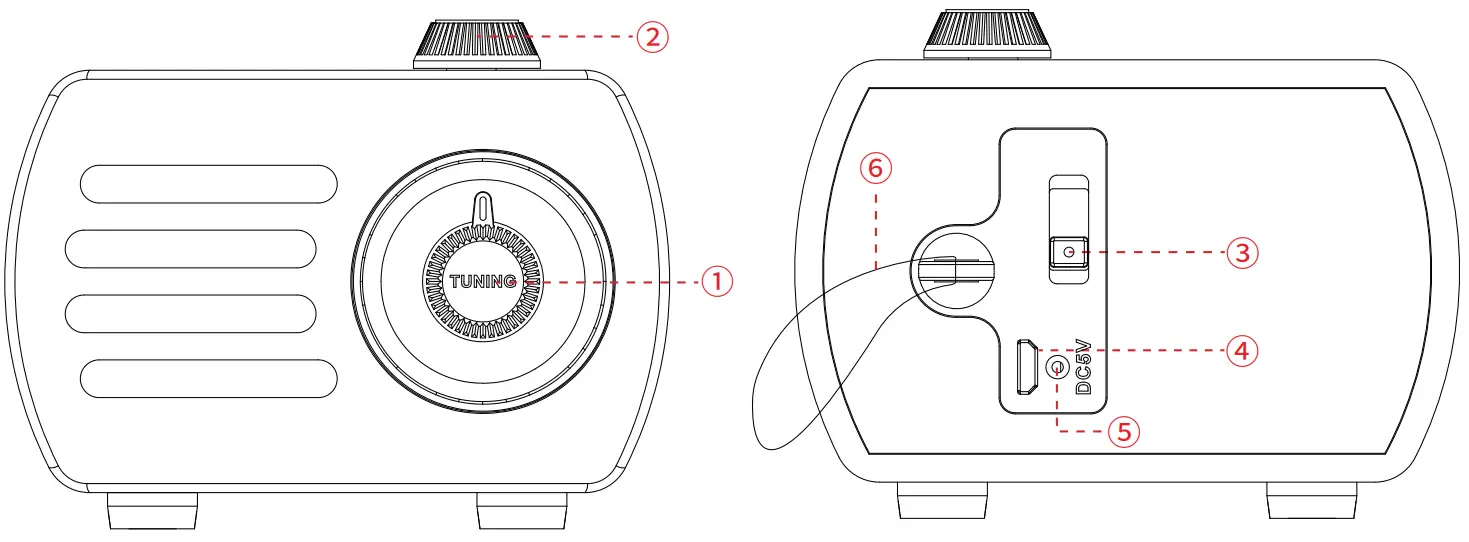
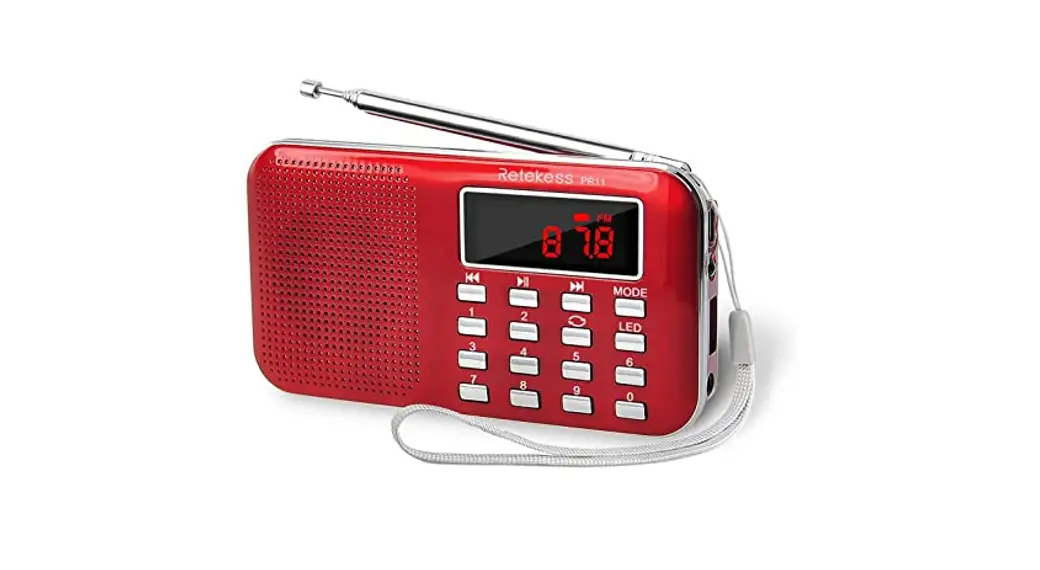
- Tuning Knob
- Volume Knob
- OFF/FM/BT(Bluetooth)/AUX
- DC5V Charging / AUX in Jack
- Charging Indicator
- Lanyard
2. Product Specifications
- Model No: R-818
- Band: FM: 87 – 108MHz
- Music Playback: Bluetooth / AUX
- Charging Time: 3-5h
- Built-in Battery: Li-ion 3.7V 450mAh
- Dimension: 88*50*65mm
- Weight: 136g
- Package Included: Radio*1, USB Charging Cable/AUX Cable*1, User Manual*1, Lanyard*1
POWER SUPPLY
Charging time is 3-5 hours. While charging, the charging indicator turn Red; turn OFF once fully charged.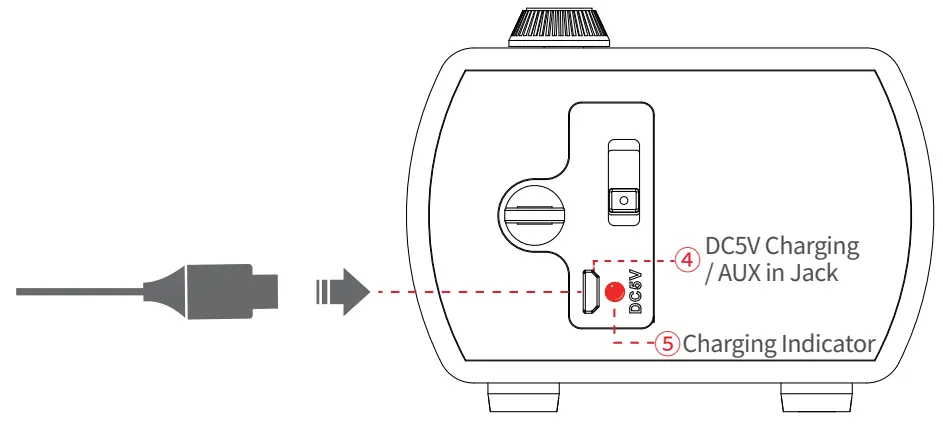
Tips
a. To protect the radio, please charge the radio with a standard DC5V/0.5-2A charger (or other devices that can supply this type of power).
b. To protect the battery, please stop charging the radio as soon as it’s fully charged. Try to avoid charging the radio continuously for a long time, such as 24 hours or more.
c. If an adapter is important for you, please send the message “PRUNUS Charger” to
E-mail: [email protected] (reply in 1 working day) to get a PRUNUS quality charger with indicator at 60% discount.
HOW TO USE
1. Listen to FM
1) How to Get My Station?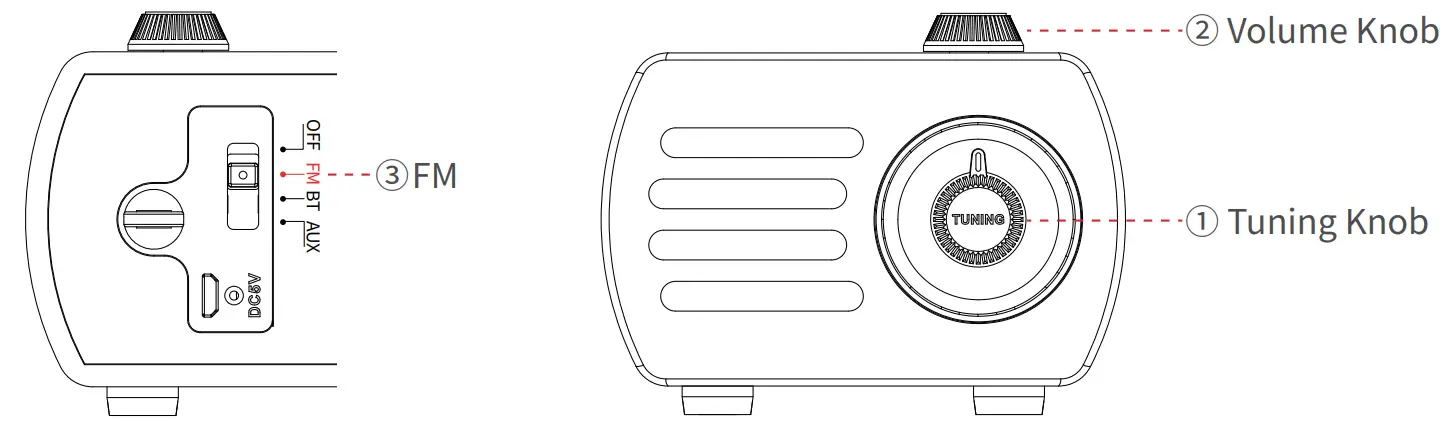 Step1: Turn the <OFF/FM/BT/AUX> to “FM”.
Step2: Tune the <Tuning Knob> to the station you want to listen to.
Step3: Tune the <Volume Knob> to your desired volume.
2) How to Get Better Reception?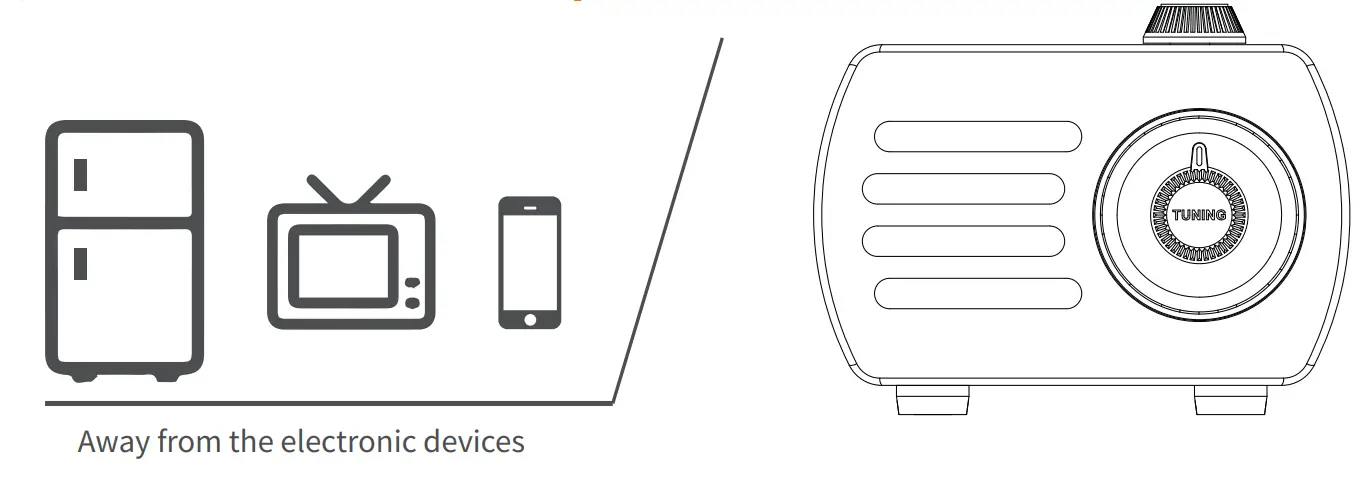 a. Rotate or reposition the radio.
b. When you’re indoors, approach the radio to the window and try to keep it away from electronic devices, such as computers, TVs, refrigerators, mobile phones, etc.
c. Hold the radio in your hands, but the reception will be weak again when your hands are away. This is a common phenomenon called “Human Body Induction” among almost all radios.
2. Music Playback
1) Played by Bluetooth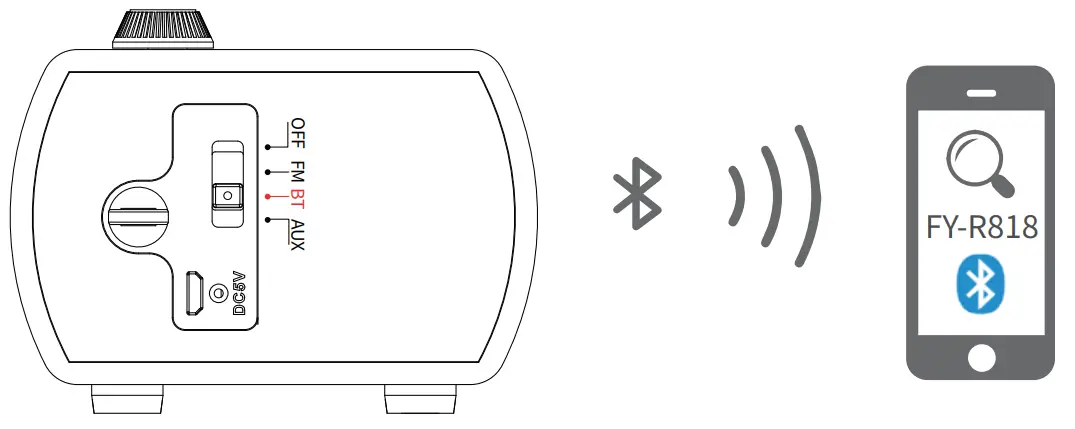 Step1: Turn the <OFF/FM/BT/AUX> to “BT”. A “Ding Dong” sound means the Bluetooth connection is available and ready to be paired.
Step2: Switch on Bluetooth on your devices, such as mobile phones, iPods, computers, etc., then search for and connect the device named “FY-R818”. A “Dingdong” sound means the device has been connected successfully.
Step3: Open your music app/software and choose your favorite music.
2) Played by AUX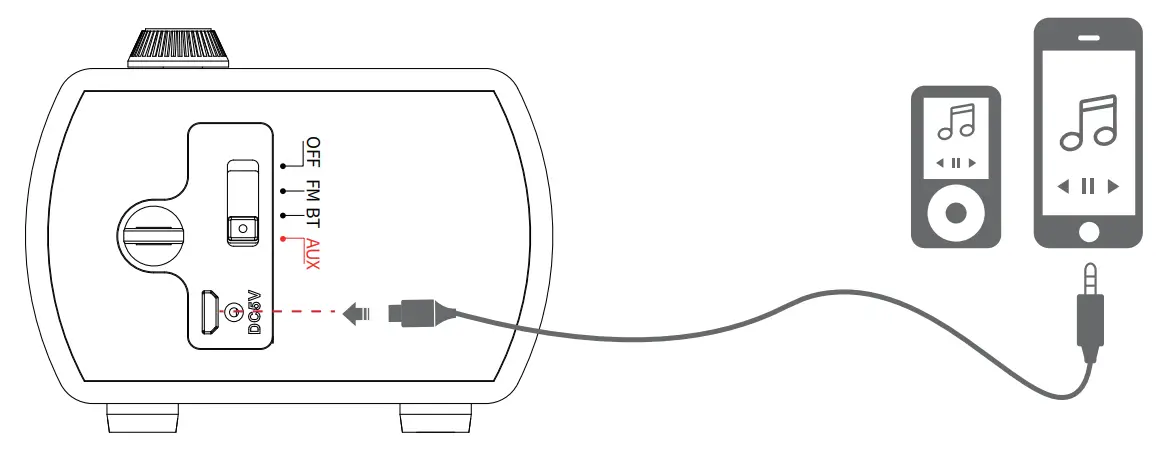 Step1: Turn the <OFF/FM/BT/AUX> to”AUX”. Then the radio will give an “AUX Mode” sound, which means the AUX connection is available and ready to be paired. Step2: Insert one end of the AUX cable into the “AUX” jack of the radio and the other end into the earphone jack of your mobile phone or computer.
Step3: Open the music App/software to play the music.
AFTER-SALES SERVICE
- If the radio fails, please scan this QR code. Then click “Ask a question” and log into Amazon to contact us. We will provide you with the best service.

https://www.amazon.com/sp?_encoding=UTF8&asin=&isAmazonFulfilled
=1&isCBA=&marketplaceID=ATVPDKIKX0DER&orderID=&seller=A3UV9E0618
LMU9&tab=&vasStoreID=

https://www.amazon.co.uk/sp?_encoding=UTF8&asin=&isAmazonFulfill
ed=1&isCBA=&marketplaceID=A1F83G8C2ARO7P&orderID=&seller=AUSAUEQ
DHOZ63&tab=&vasStoreID=
https://www.amazon.ca/sp?_encoding=UTF8&asin=&isAmazonFulfilled=
1&isCBA=&marketplaceID=A2EUQ1WTGCTBG2&orderID=&seller=A3UV9E0618
LMU9&tab=&vasStoreID=
- You can also send your messages to our customer service e-mail: [email protected]
- America Local Customer Support Number: (805) 712-2661