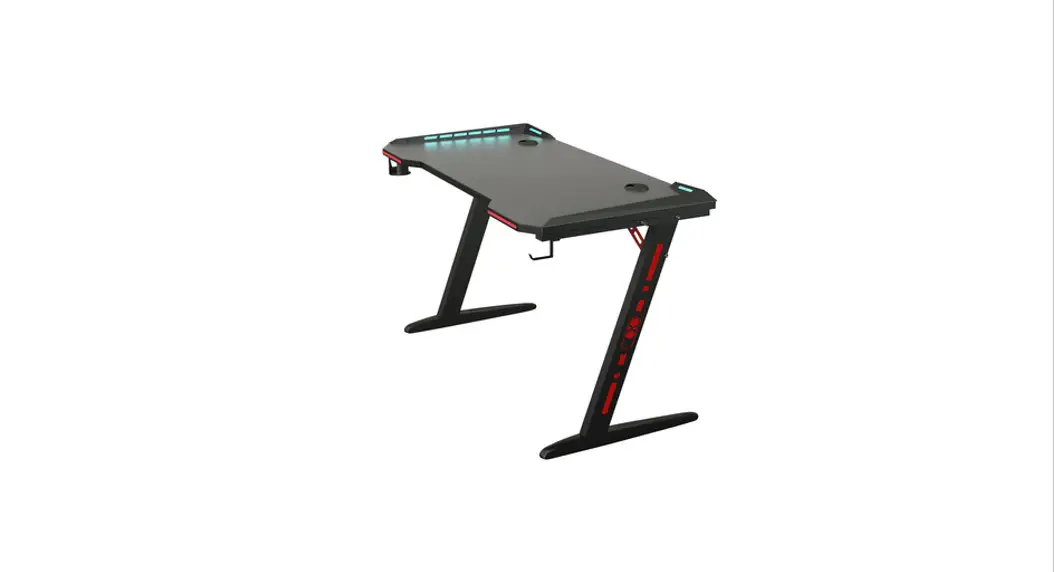
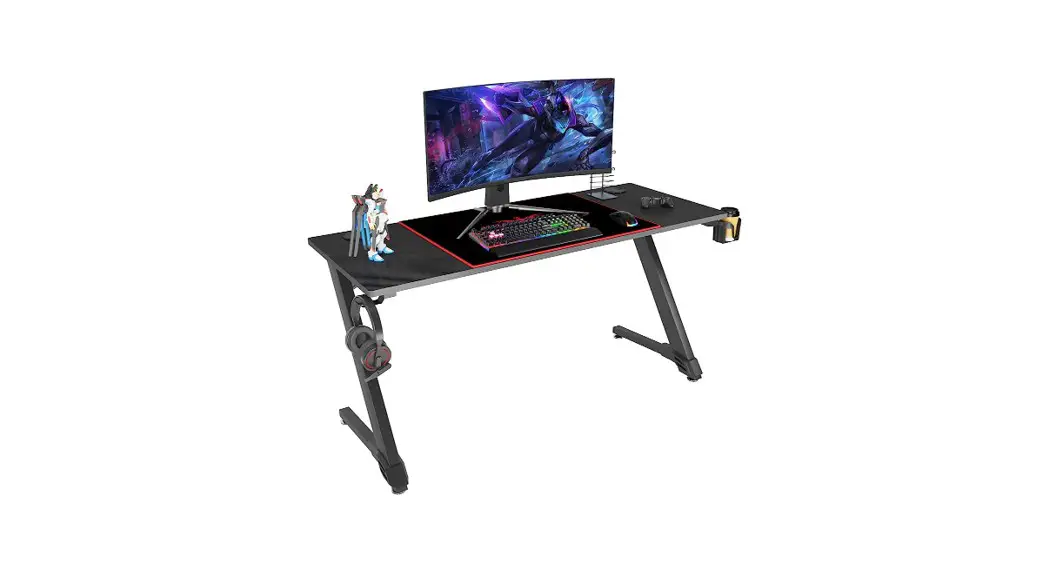
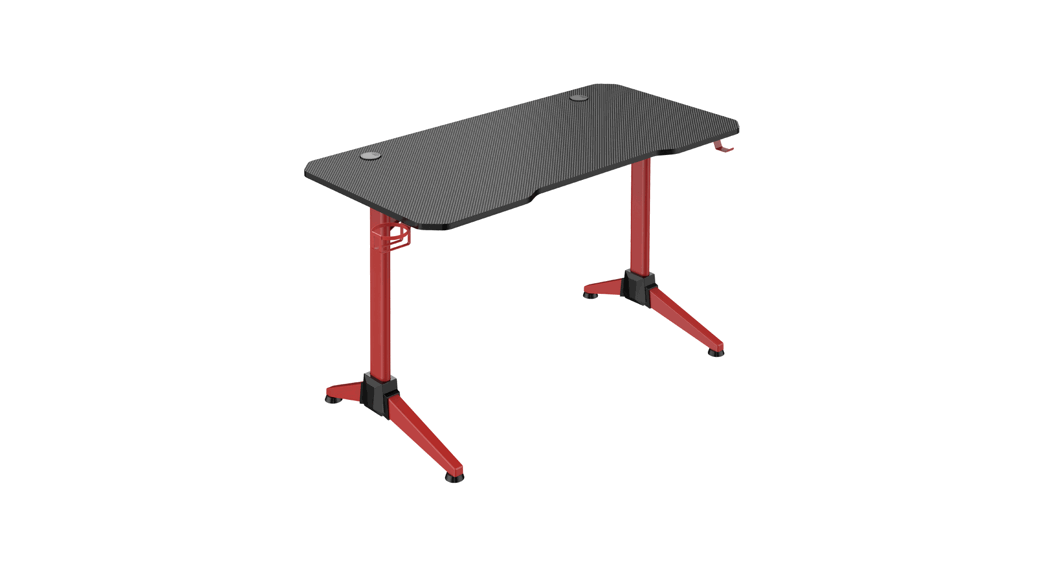
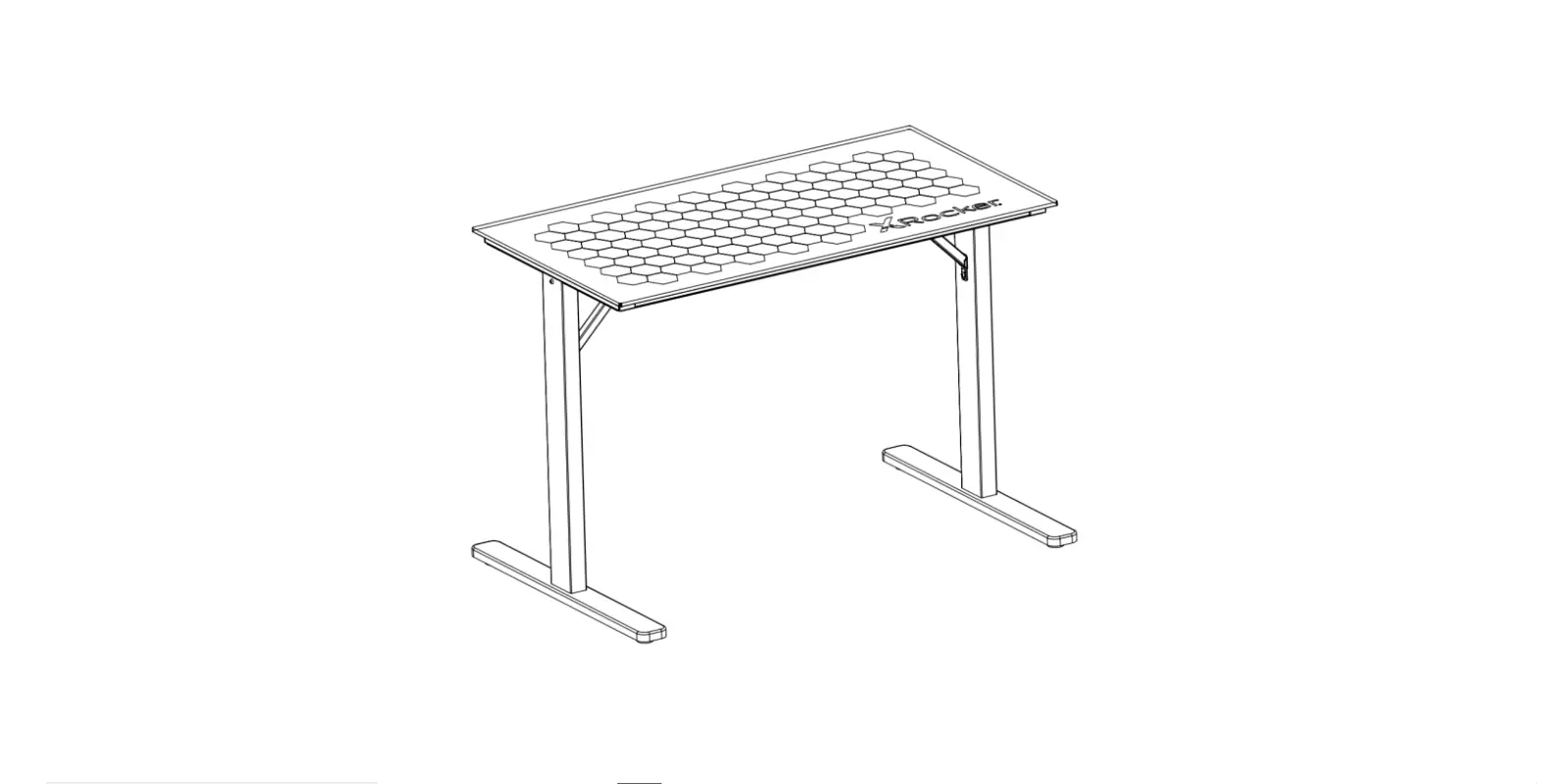
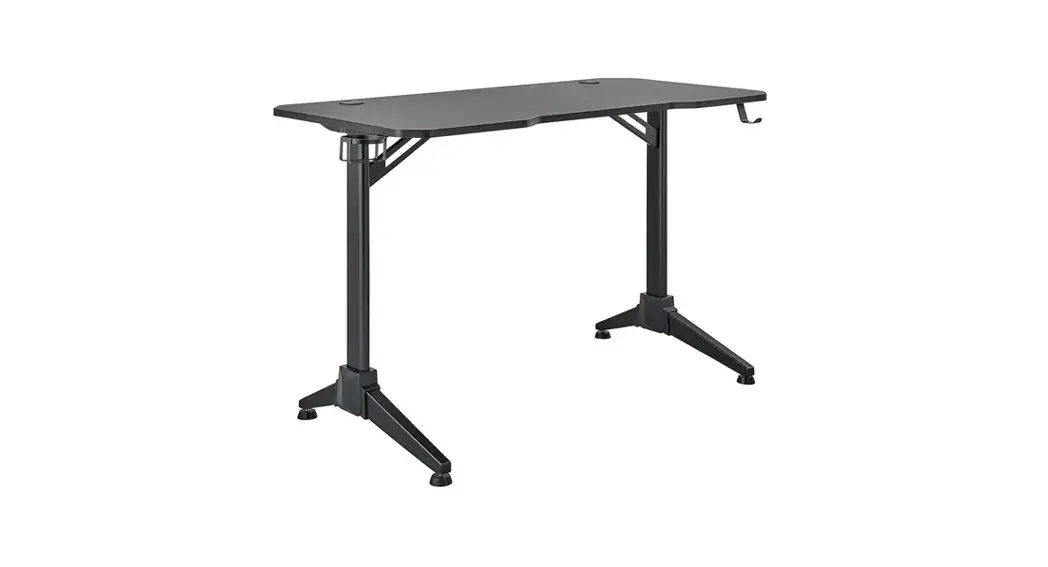
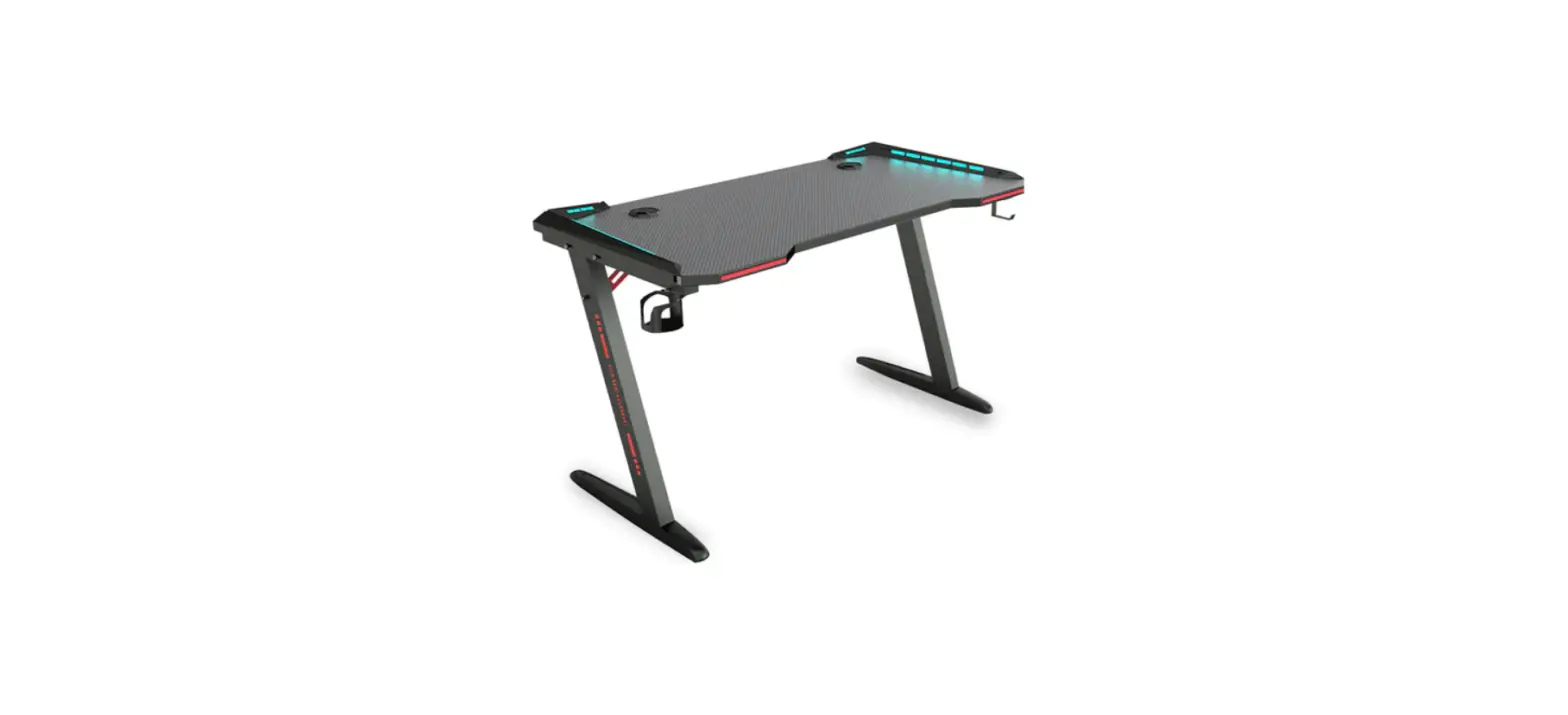
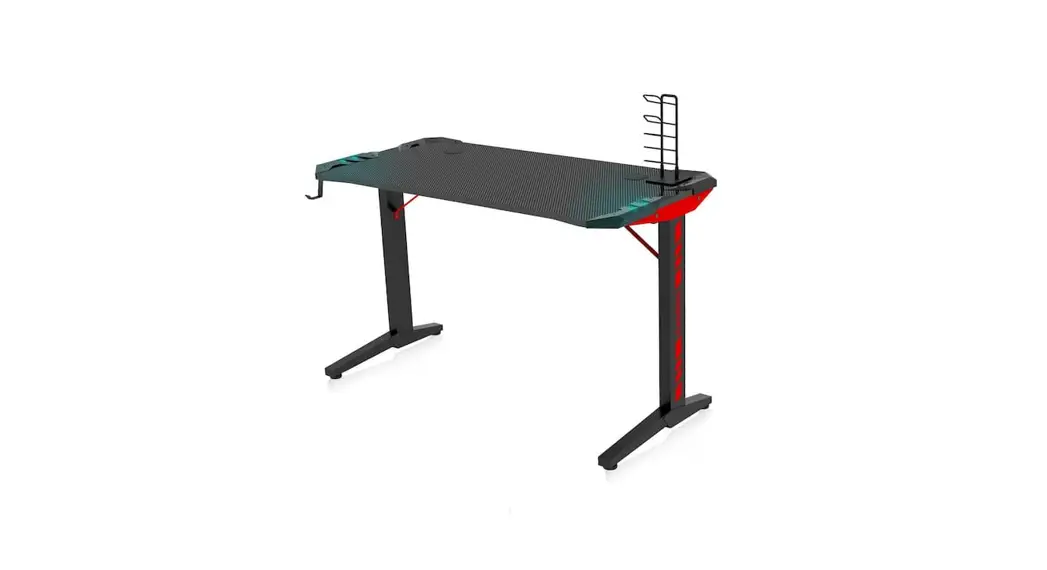
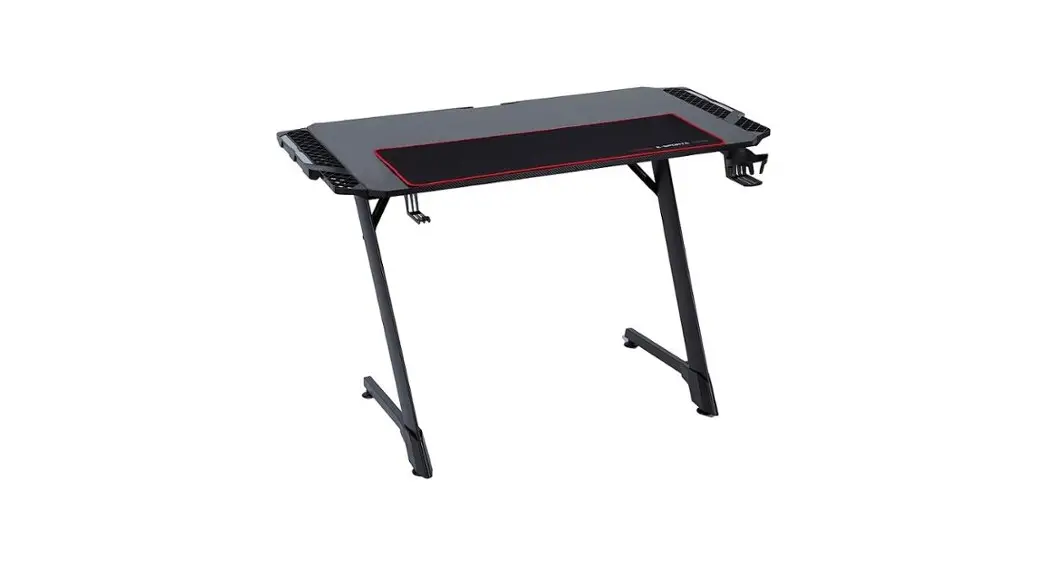
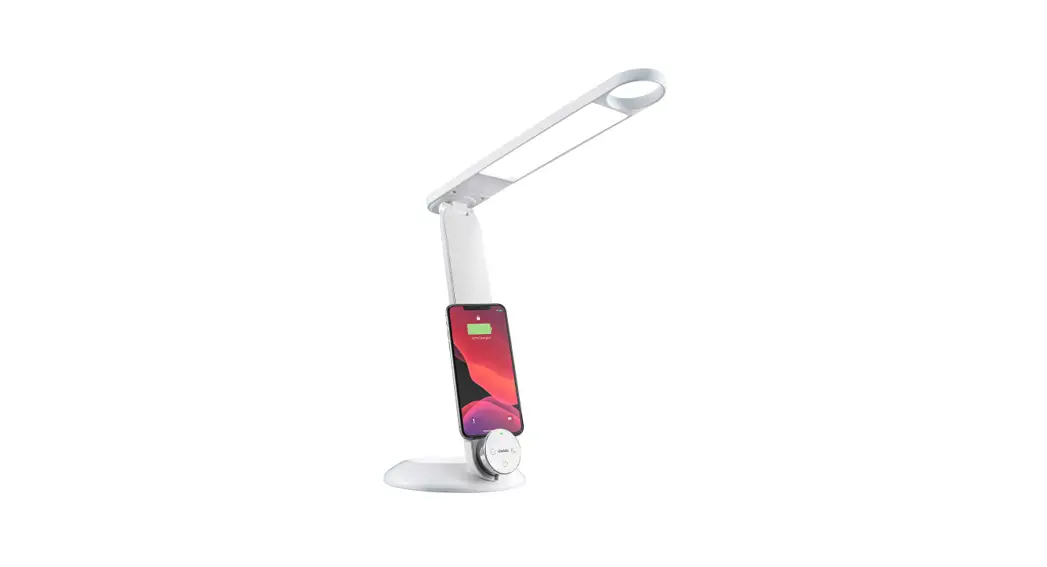
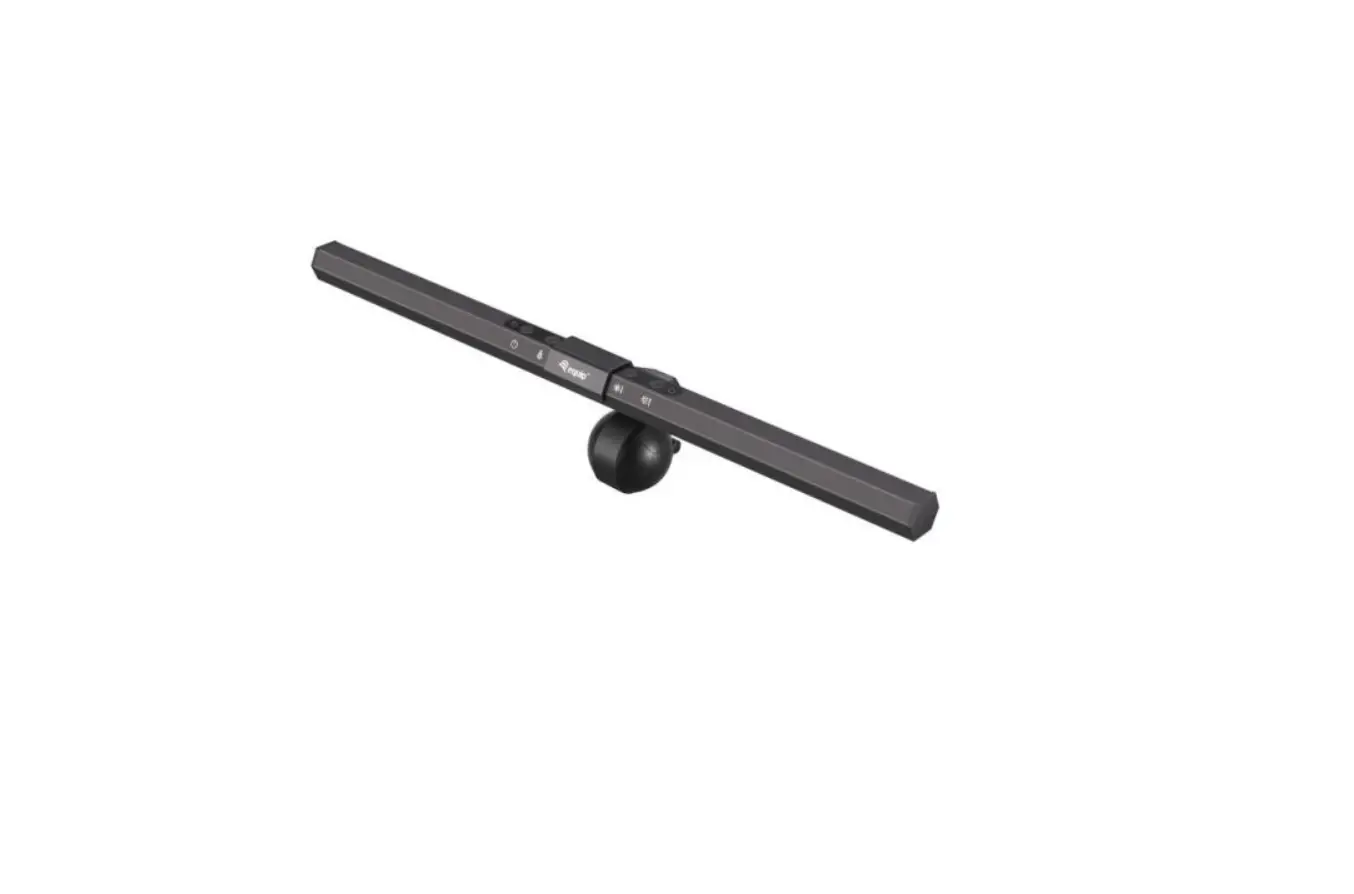
EMUP48 Warp Pro 48 Gaming Desk With Led Lights USB
Product Information: EMUP48 BATTLESTATION GAMING DESK
The EMUP48 Battlestation Gaming Desk is a high-quality gaming
desk designed for gamers. It comes with various features and
accessories to enhance your gaming experience. The desk includes a
desk top, top shelf, storage tray, accessory hook, cup holder,
wireless charger, power outlet, remote control, LED power supply,
upper crossbar, front crossbar, back crossbar, lower crossbar, and
hardware.
Features:
- Sturdy construction with left and right side frames
- Ample space on the desk top for gaming setup
- Top shelf for additional storage
- Tension bars for stability
- Storage tray for organizing gaming accessories
- Accessory hook for hanging headphones or other items
- Cup holder for keeping drinks within reach
- Wireless charger for convenient charging of compatible
devices - Power outlet for connecting gaming equipment
- Remote control for easy operation of LED lights
- LED power supply for customizable lighting options
- Crossbars for added stability and support
Safety Warnings:
Before using the EMUP48 Battlestation Gaming Desk, please read
and follow these safety warnings:
- Ensure all bolts, screws, and knobs are securely tightened
before use - Regularly check and tighten all bolts, screws, and knobs every
three months or as needed - Dispose of packing material properly and do not use the plastic
cover as a head covering to avoid suffocation - Do not use the desk as a stepladder
- Use the desk for its intended purpose only
- Use mild detergent only for cleaning
Product Usage Instructions:
Follow the assembly instructions below to set up your EMUP48
Battlestation Gaming Desk:
Step 1:
Attach the left side frame (Part 1) and right side frame (Part
2) to the desk top (Part 3).
Step 2:
Attach the top shelf (Part 4) to the upper crossbar (Part
13).
Step 3:
Attach the tension bars (Part 5) to the front crossbar (Part 14)
and back crossbar (Part 15).
Step 4:
Attach the storage tray (Part 6) and accessory hook (Part 7) to
the desk top (Part 3).
Step 5:
Attach the cup holder (Part 8) and wireless charger (Part 9) to
the desk top (Part 3).
Step 6:
Attach the power outlet (Part 10) and remote control (Part 11)
to the desk top (Part 3).
Step 7:
Attach the LED power supply (Part 12) to the desk top (Part
3).
Safety Precautions:
- Ensure all bolts, screws, and knobs are securely tightened
- Follow the weight limit guidelines provided in the user
manual - Avoid placing excessive weight on the desk
- Do not lean or sit on the desk
- Keep the desk away from direct sunlight and moisture
- Do not disassemble or modify the desk without professional
assistance
For more detailed instructions and information, refer to the
complete user manual included with the product.
FCC INSTRUCTIONS
NOTE: This equipment has been tested and found to comply with the limits for the Class B digital device, pursuant to Part 15 of the FCC Rules. These limits are designed to provide reasonable protection against harmful interferences in a residential installation. This equipment generates, uses and can radiate frequency energy and, if not installed and used in accordance with the instructions, may cause harmful interference to radio communications. However, there is no guarantee that interference will not occur in a particular installation. If this equipment does cause harmful interference to radio or television reception, which can be determined by turning the equipment off and on, the user is encouraged to try to correct the interference by one or more of the following measures: — Reorient or relocate the receiving antenna. — Increase the separation between the equipment and receiver. — Connect the equipment into an outlet on a circuit different from that to which the receiver is connected. — Consult the dealer or an experienced radio/TV technician for help. — This device complies with Part 15 of the FCC Rules. Operation is subject to the following two conditions: (1) This device may not cause harmful interference, and (2) this device must accept any interference received, including interference that may cause undesired operation. — Instructions shall caution users that modifications not approved by part responsible for compliance could void user’s authority to operate the equipment.
Office Star Products
Model number:
EMUP48 BATTLESTATION GAMING DESK
OPERATING INSTRUCTIONS
WARNING
1. Do not use unless all bolts screws and knobs are securely tightened.
2. Check that all bolts screws and knobs are tight every three months or as needed.
3. Dispose of packing material properly. Do not use plastic cover as head covering. It may cause suffocation.
4. Do not use as a stepladder. 5. Use for its intended purpose only. 6. Use mild detergent only for cleaning.
OSP FURNITURE LIMITED PRODUCT WARRANTY
Design Lab Products · 3 years on gaming desks and chairs · Upholstery is not warranted against routine scratching and scuffing
*All warranties are limited to the original purchaser for normal commercial usage defined as a standard forty hour work week by persons weighing 250 lbs. or less. This warranty will not cover labor, freight or damage from misuse, abuse, negligence, alteration, accident, vandalism, rusting, acts of nature or any other event beyond the control of Office Star Products. The warranty does not cover cosmetic damage that may result from normal use. Liability for incidental or consequential damages is excluded. The user assumes all risk of injury resulting from use of this product. When usage is more than 40 hours per week, a two year warranty on all parts applies. Fabric and foam is warranted for one year. This warranty gives you specific legal rights, and you may also have other rights which vary from state to state. It is the customer’s responsibility to prepay freight on any components returned to the factory. Return freight on components covered by warranty will be paid by Office Star Products. Our quality standards are among the highest in the industry. Sometimes, no matter how hard we try, there are times when parts are damaged or missing. Our Parts Department will do everything possible to promptly remedy the problem. Contact us via e-mail [email protected], by Fax 1-909-930-5629, or toll free parts number 1-800-950-7262, Monday through Friday 8:00 a.m. – 3:30 p.m. Pacific Time.
© Office Star Products June, 2022
STEP 1 (1) (I)
STEP 2 (14)
(2)
EMUP48 BATTLESTATION GAMING DESK
ASSEMBLY INSTRUCTIONS
PART
QTY
1. Left Side Frame. . . . . . . . . . . . . . . . . . . . . .1
(I)
2. Right Side Frame. . . . . . . . . . . . . . . . . . . . .1
3. Desk Top . . . . . . . . . . . . . . . . . . . . . . . . . . .1
4. Top Shelf . . . . . . . . . . . . . . . . . . . . . . . . . . .1
5. Tension Bar. . . . . . . . . . . . . . . . . . . . . . . . .2
6. Storage Tray . . . . . . . . . . . . . . . . . . . . . . . .1
7. Accessory Hook . . . . . . . . . . . . . . . . . . . . .1
8. Cup Holder. . . . . . . . . . . . . . . . . . . . . . . . . .1
9. Wireless Charger. . . . . . . . . . . . . . . . . . . . .1
10.Power Oulet. . . . . . . . . . . . . . . . . . . . . . . . .1
11. Remote Control. . . . . . . . . . . . . . . . . . . . . . 1.
12.LED Power Supply . . . . . . . . . . . . . . . . . . .1
13.Upper Crossbar. . . . . . . . . . . . . . . . . . . . . .1
(2)
14. Front Crossbar. . . . . . . . . . . . . . . . . . . . . .1 15. Back Crossbar . . . . . . . . . . . . . . . . . . . . . .1
16. Lower Crossbar. . . . . . . . . . . . . . . . . . . . . .1
HARDWARE
QTY
A.Wire Clip. . . . . . . . . . . . . . . . . . . . . . . . . . . 2
B.Bolt (M6 x 12mm). . . . . . . . . . . . . . . . . . . . 6
C.Bolt (M6 x 32mm) . . . . . . . . . . . . . . . . . . . . 4
D.Flat Head Bolt (M6 x 28mm) . . . . . . . . . . . .4
E. Flat Head Bolt (M6 x 25mm) . . . . . . . . . . . .8
F. Allen Wrench . . . . . . . . . . . . . . . . . . . . . . . .1
G.Machine Screw (M4 x 12mm). . . . . . . . . . . 6
H.Wood Screw (M3.5 x 12mm) . . . . . . . . . . . .2
I. Floor Leveler. . . . . . . . . . . . . . . . . . . . . . . . 4
(C) (F)
(13)
(15) (16) (B)
(B) (1)
STEP 3 STEP 4
EMUP48 BATTLESTATION GAMING DESK
ASSEMBLY INSTRUCTIONS
(15)
(5)
(5)
(G) (16)
(3)
(E) (14)
(F)
EMUP48 BATTLESTATION GAMING DESK
ASSEMBLY INSTRUCTIONS
STEP 5
(H)
(8)
(10)
(6)
(9) (3)
(G) (7)
STEP 6 (4) (D)
(D)
(E) (F)
EMUP48 BATTLESTATION GAMING DESK
ASSEMBLY INSTRUCTIONS
STEP 7
(4)
(4)
(4)
(12)
(12)
(A)
SAFETY WARNINGS – PLEASE READ FIRST
R G BW
QUICK SLOW DIY 1 DIY 2 DIY 3 AUTO DIY 4 DIY 5 DIY 6 FLASH JUMP3 JUMP7 FADE3 FADE7