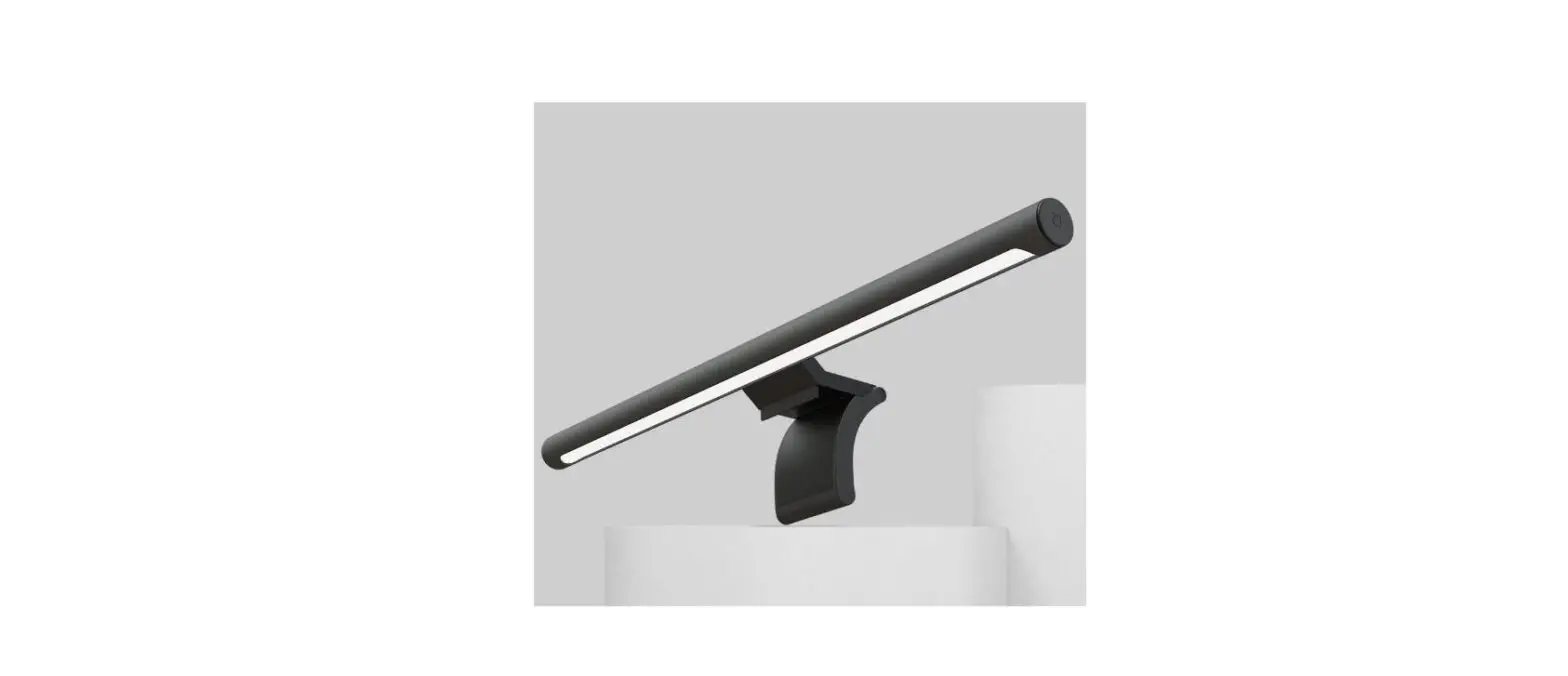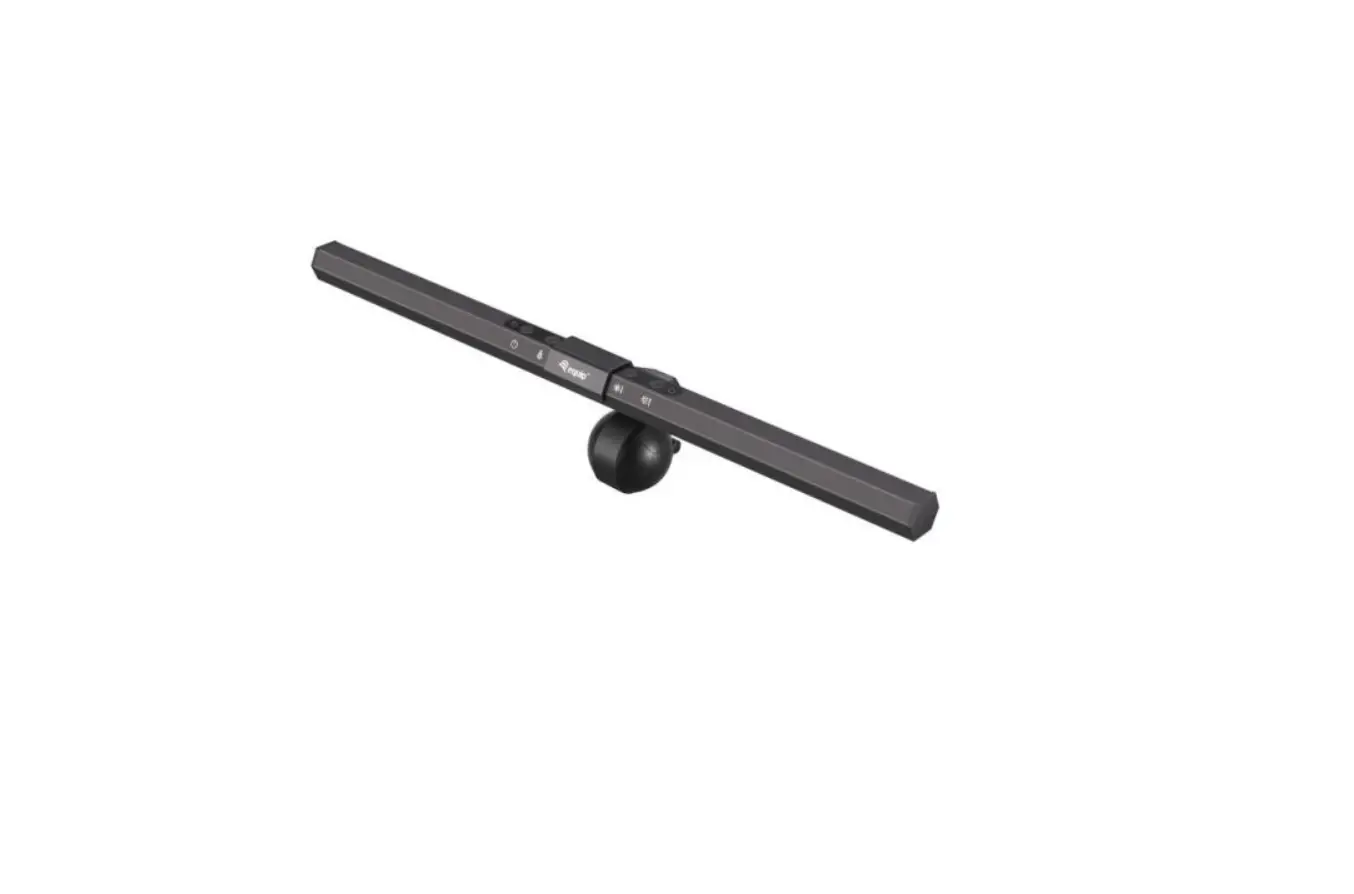
equip 245450 Monitor USB LED Lamp User Guide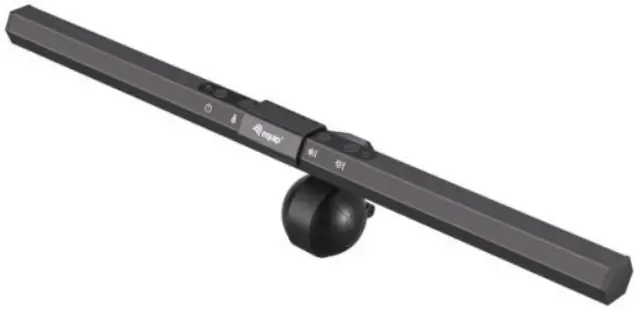
Package contents
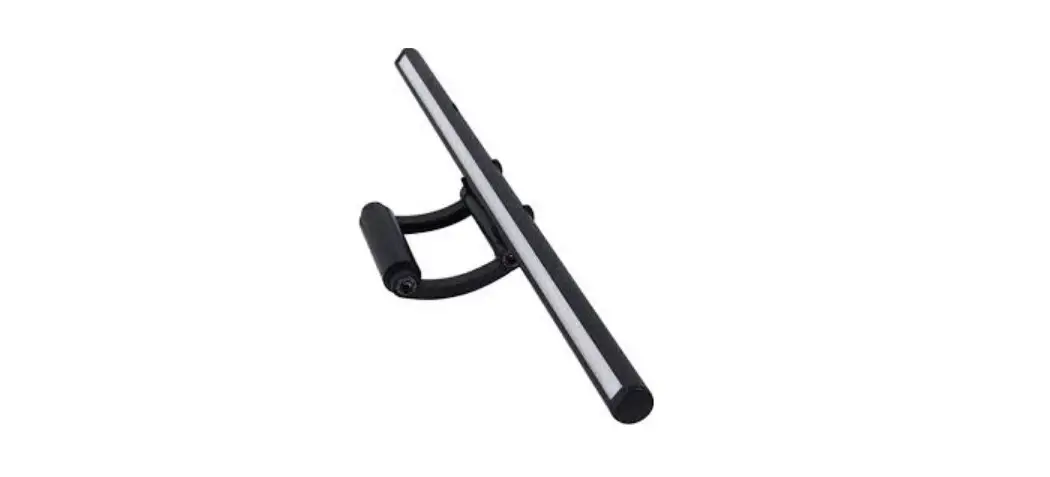
- LED lamp
- Clip holder
- USB-A to C Cable
- Multi language quick installation guide
Specifications
- Input: USB DC5V
- Size: L400*W24*H20mm
Installation & usage
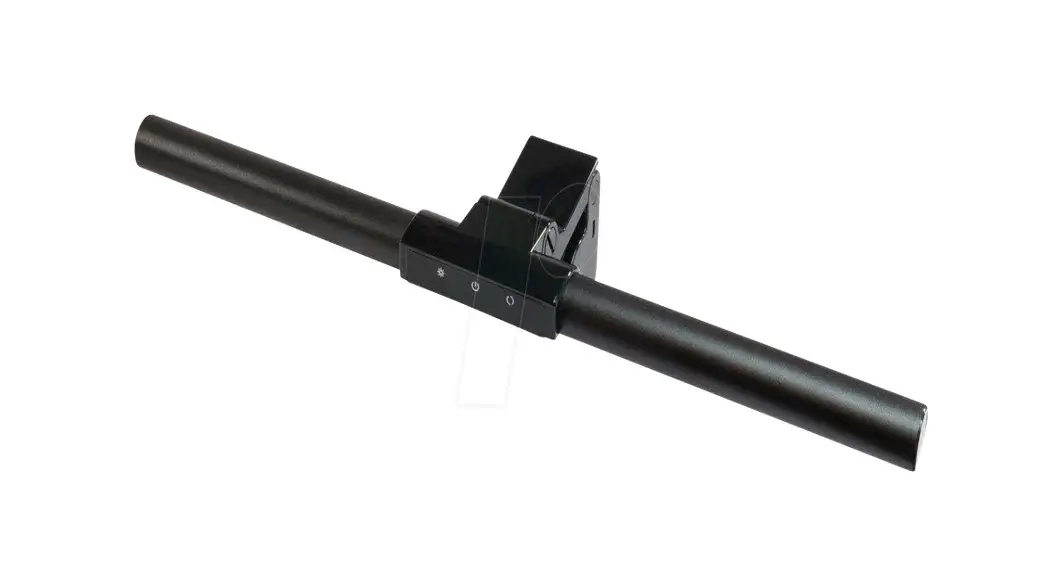
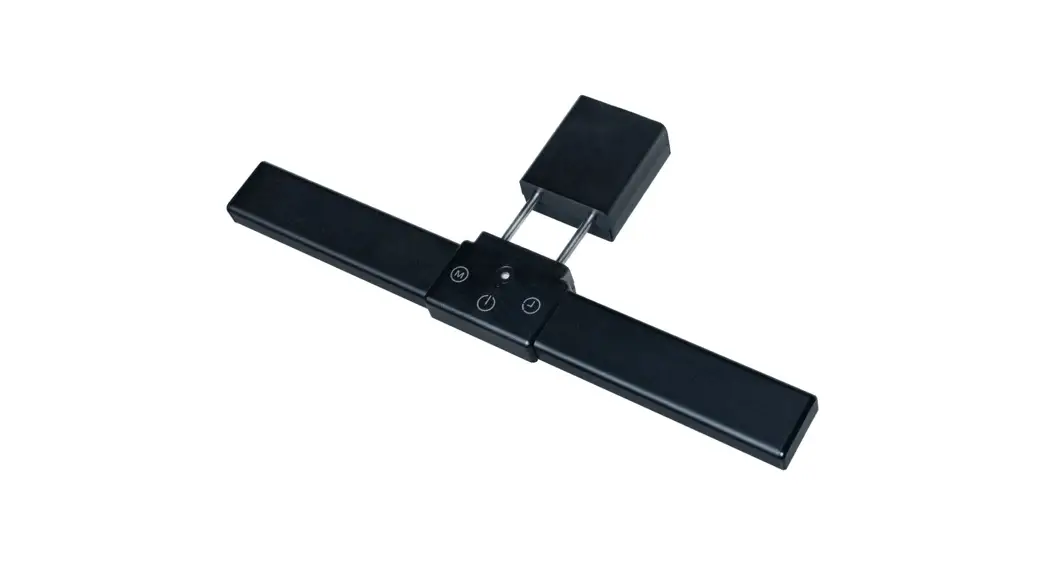
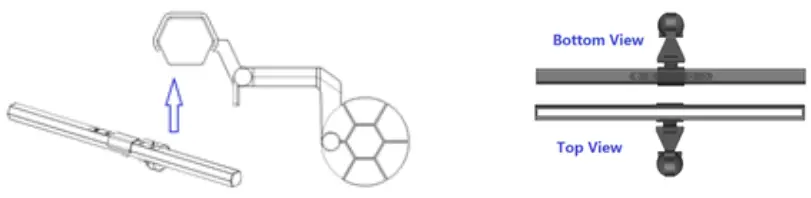
- Put the light bar clip into the holder,please make sure the type C input port and touch control switch on the top.

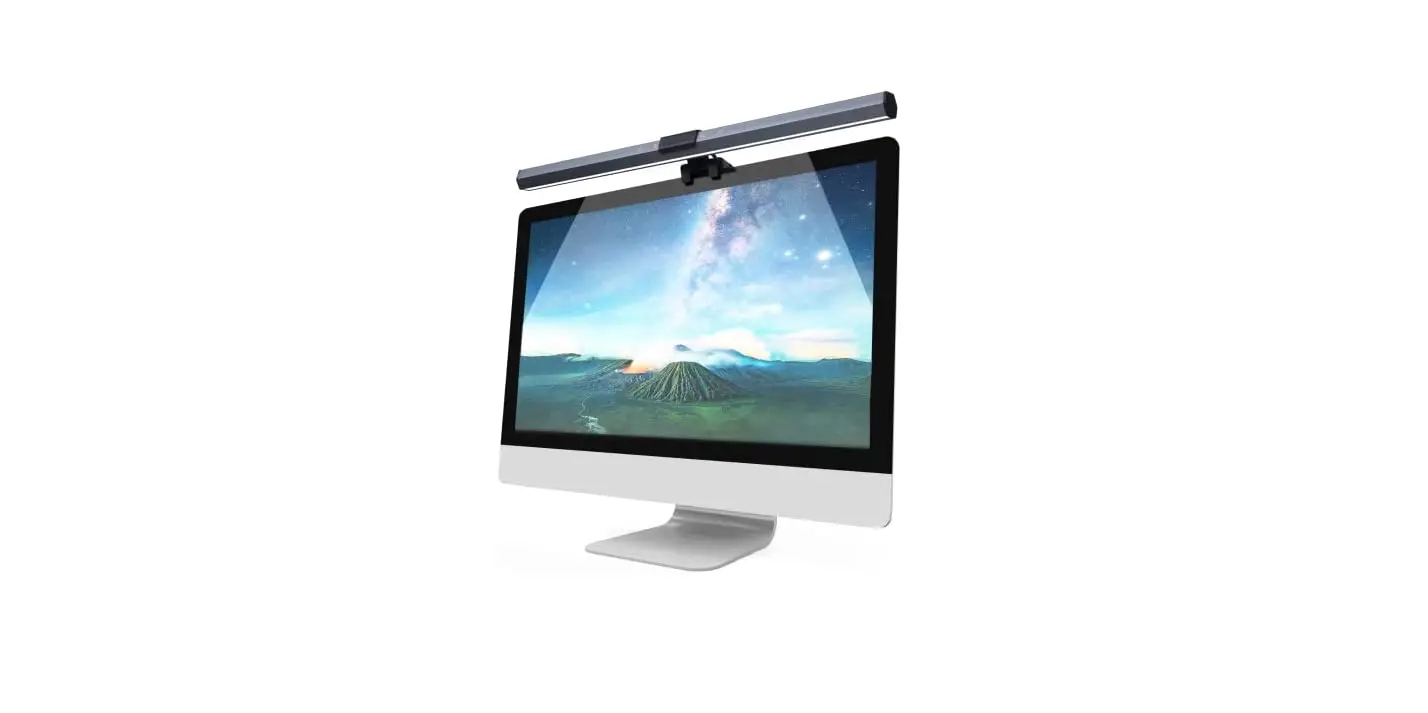
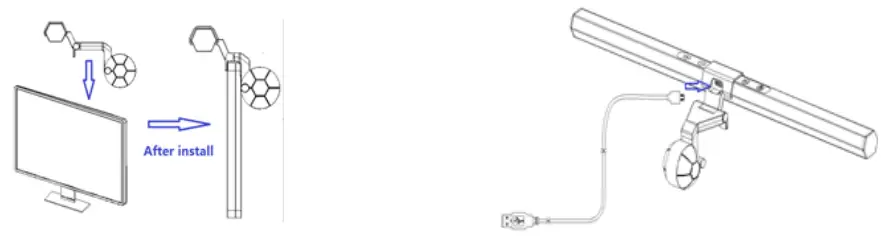
- Clip holder assemby into the monitor as per the thickness of screen, Connect the USB wire to the light bar and power supply.

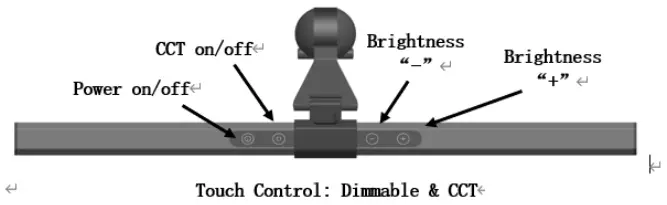
- Click the “Power”key on the light bar to turn on the light, change the CCT you want and adjust the brightness as you want.

Warnings:
- Keep the device away from water, humidity, fire or hot environments.
- Do not attempt to open the device, which may cause it to short circuit.