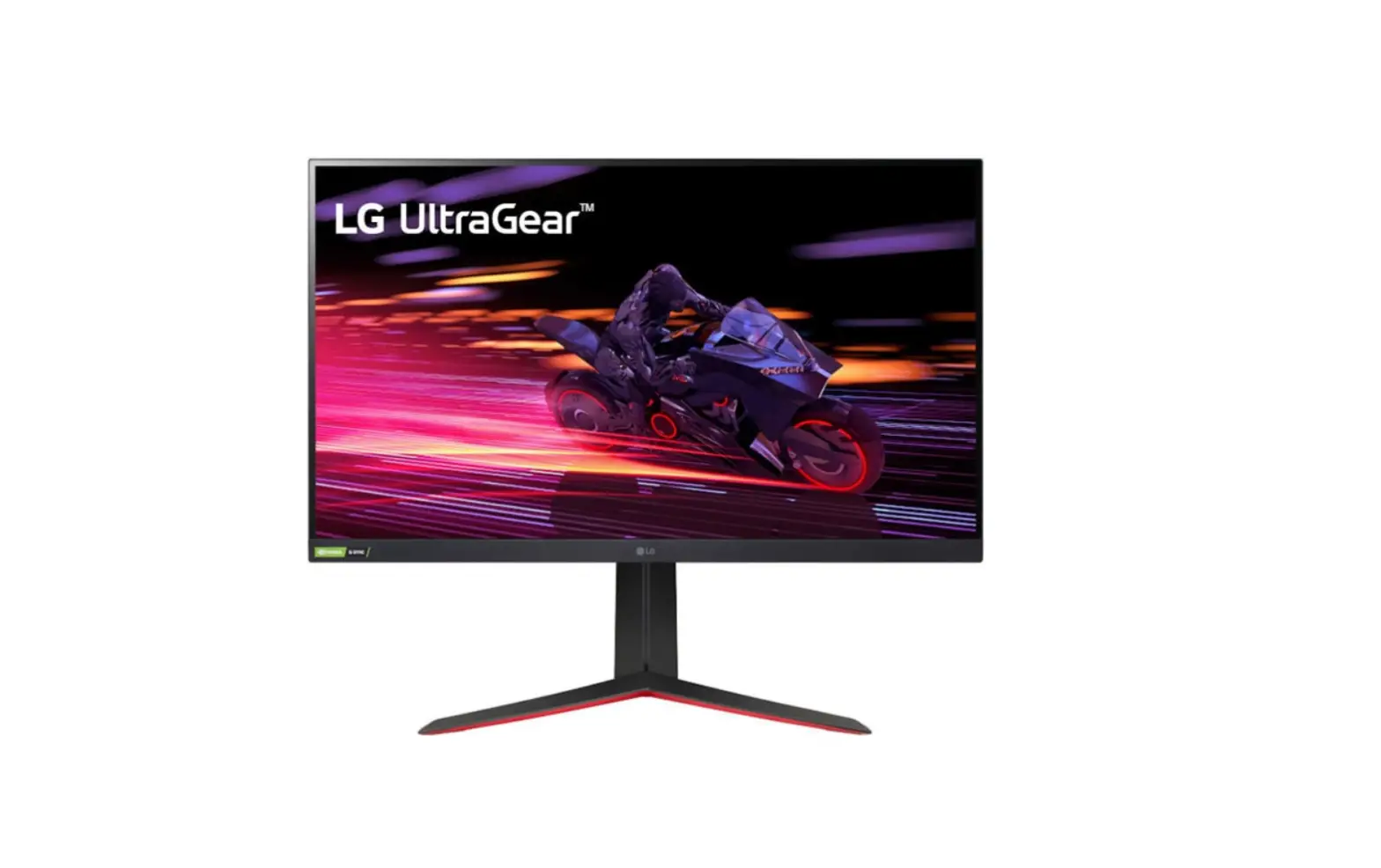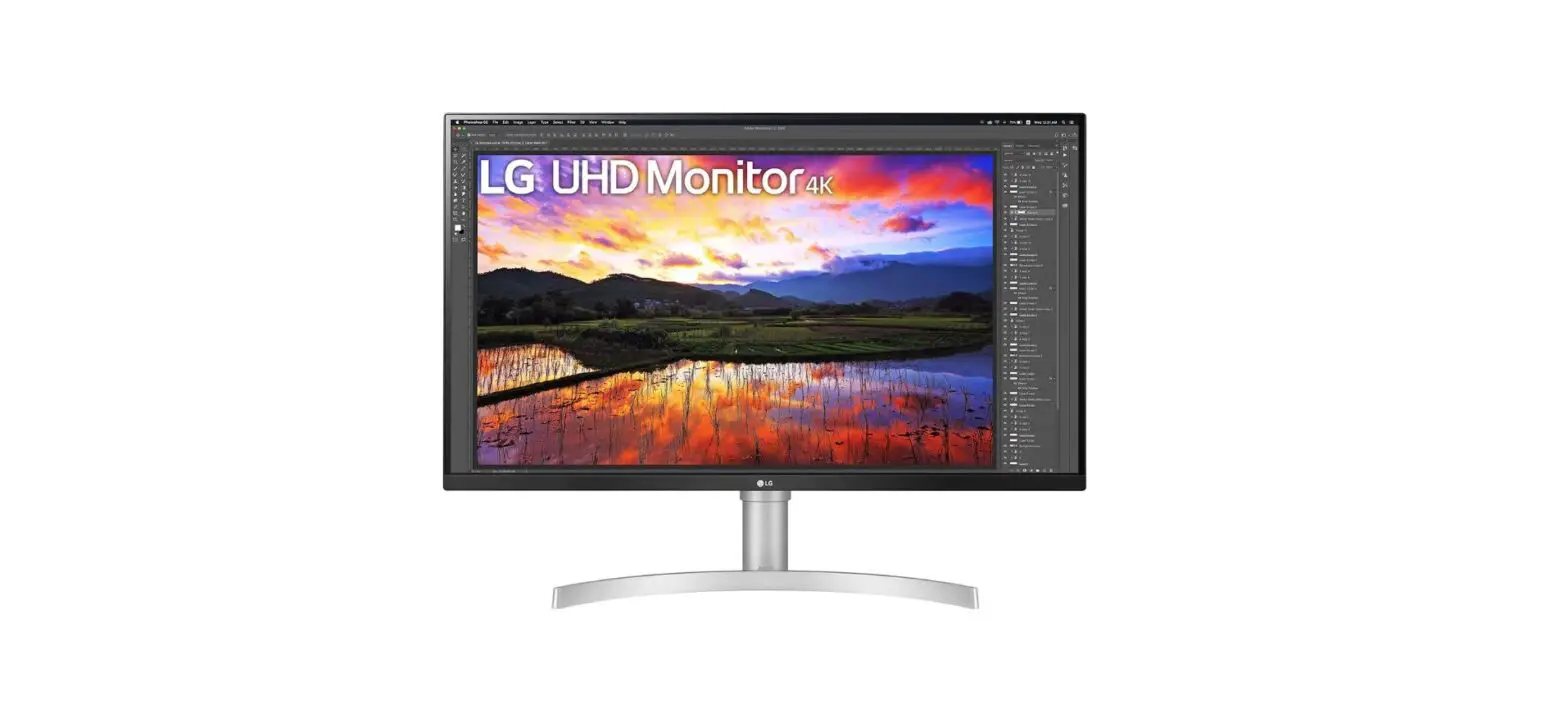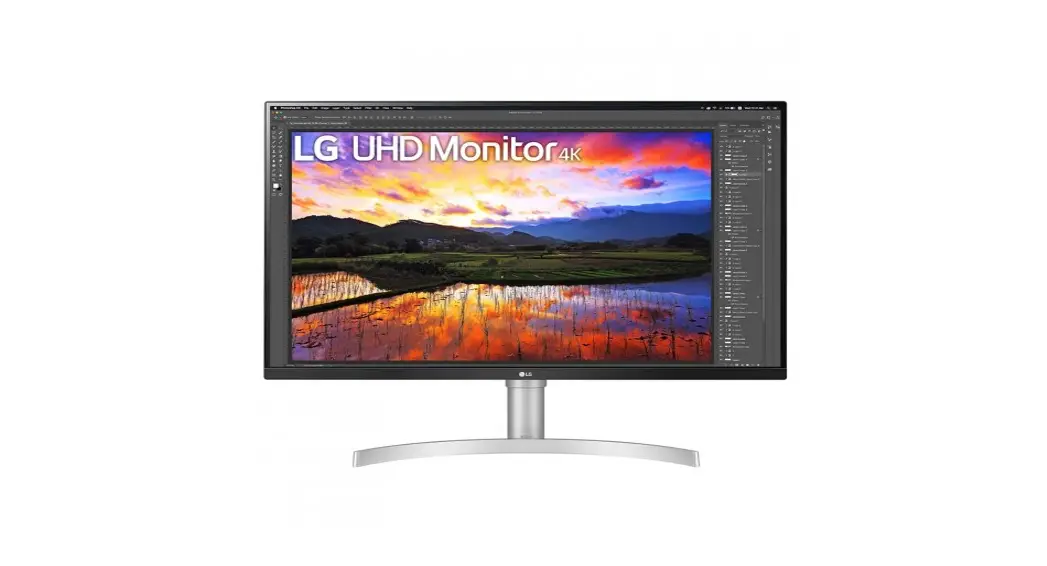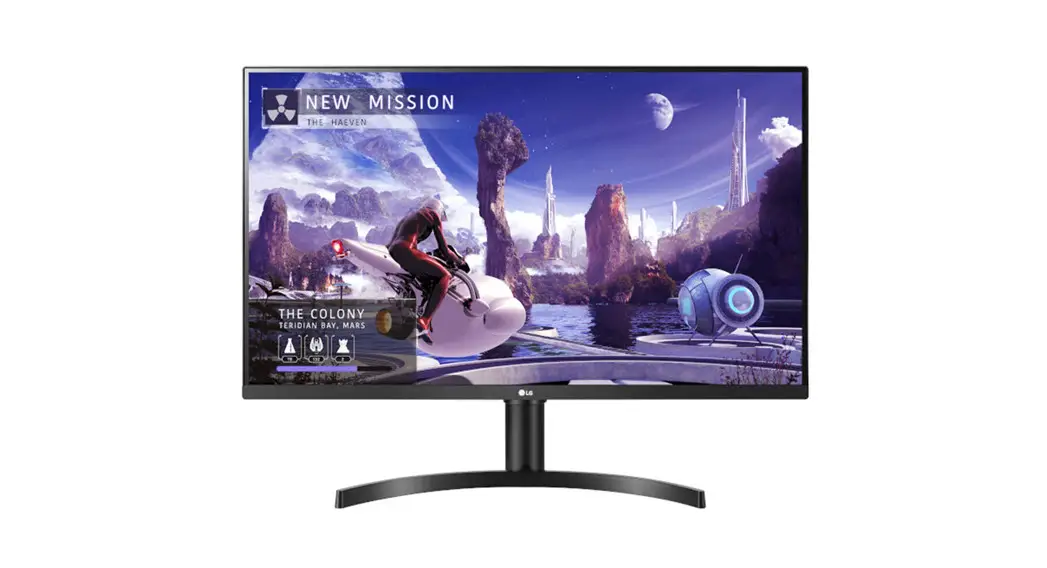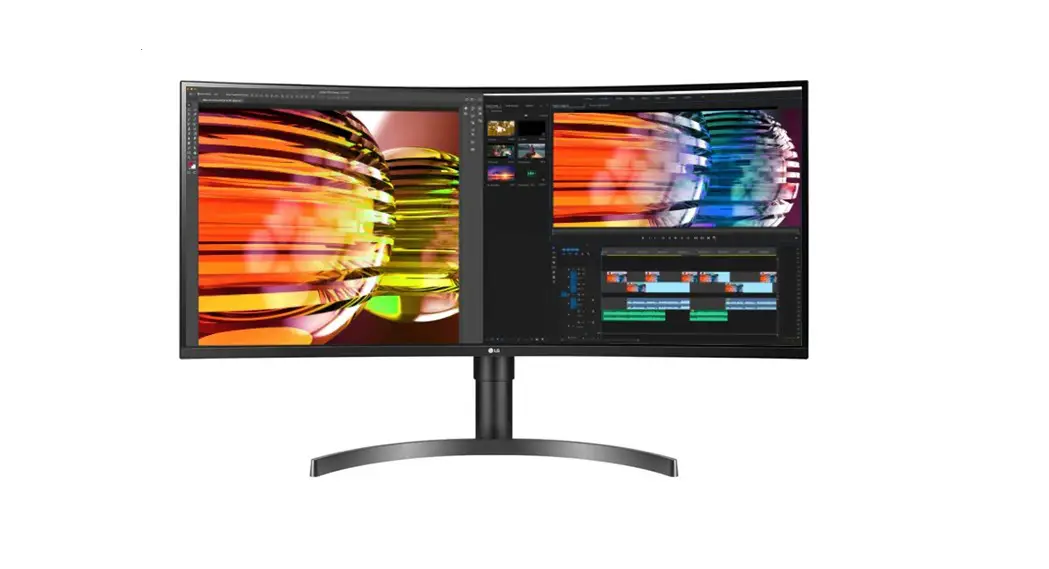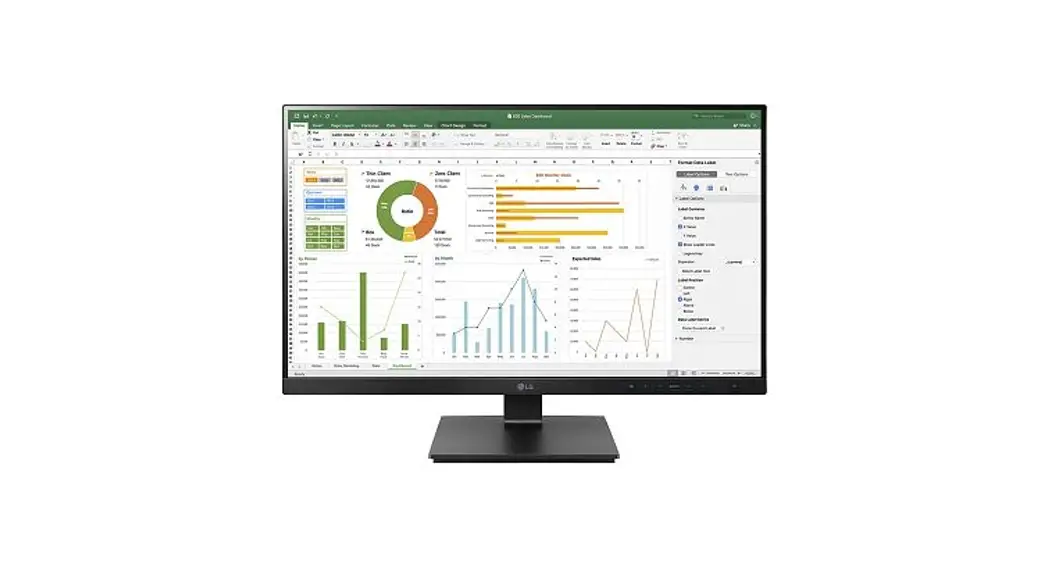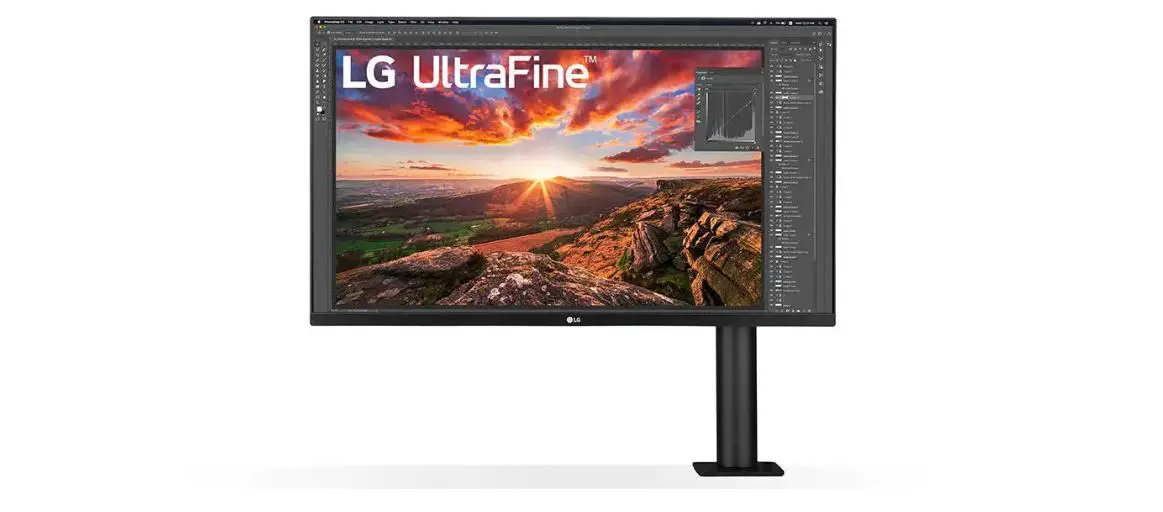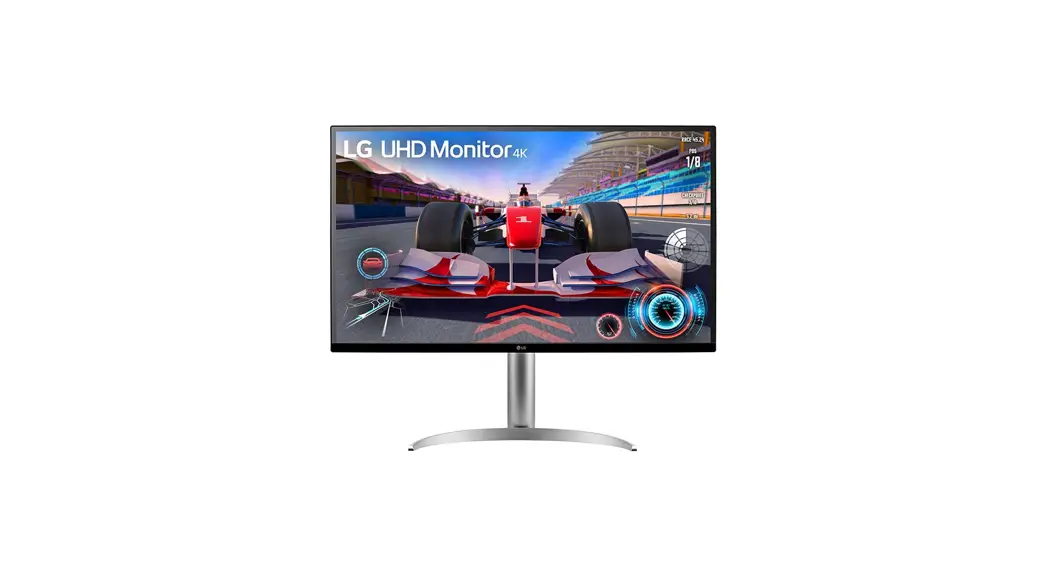

 32GP750 LED Computer Monitor
User Manual
32GP750 LED Computer Monitor
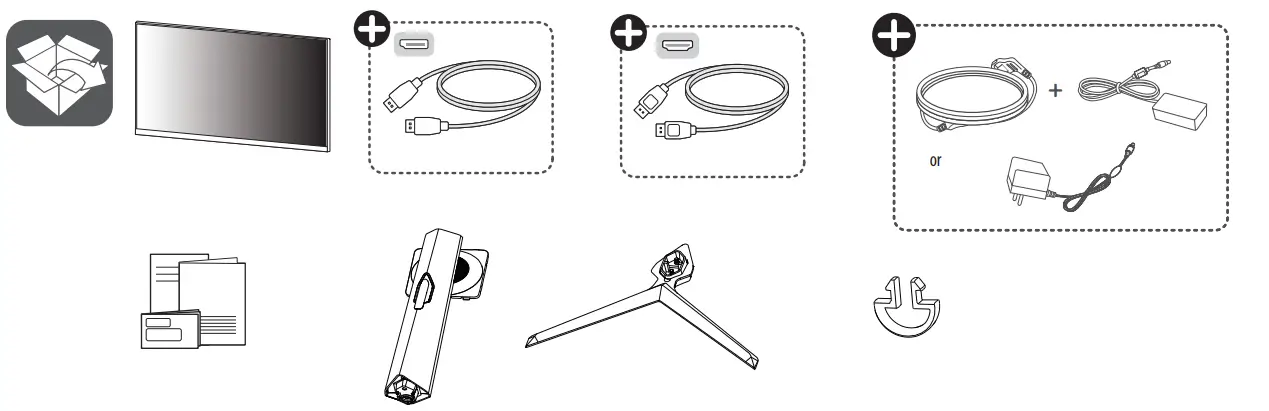
Depending on country
 You can download manuals from the LGE website.
OWNER’S MANUAL AND REGULATORY INFO. are available at https://www.lg.com/au/support/manuals.
PLEASE READ SAFETY INFORMATION BEFORE INSTALLATION AND USE. SCAN QR CODE TO ACCESS.
 https://www.lg.com/au/support/manuals
 MBM67513605REV00
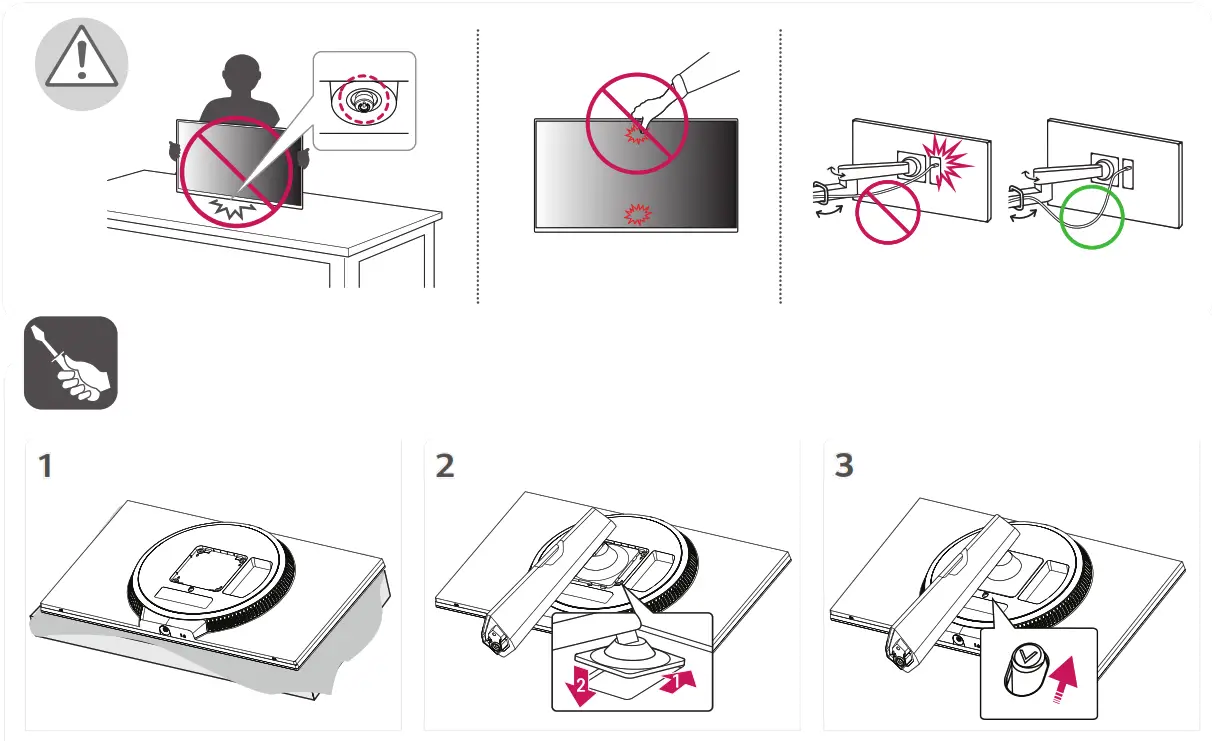
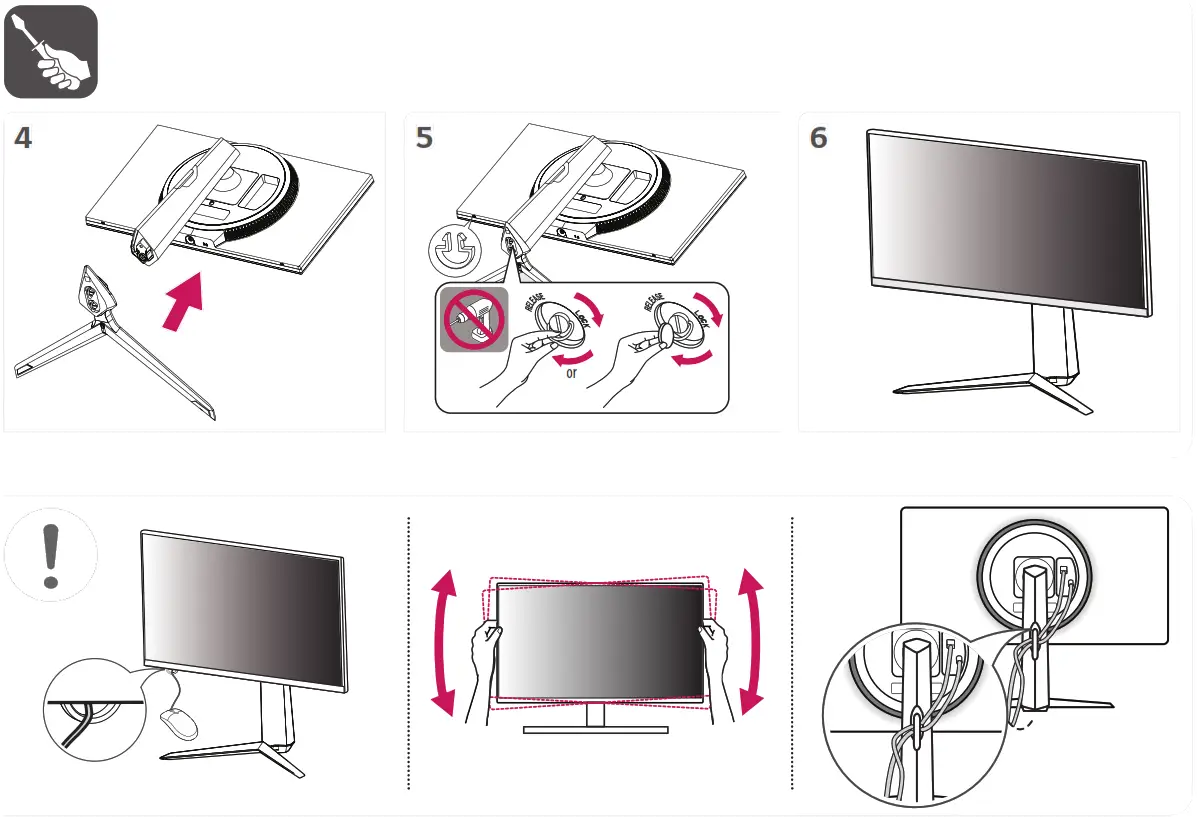
 It is recommended that use the supplied components.
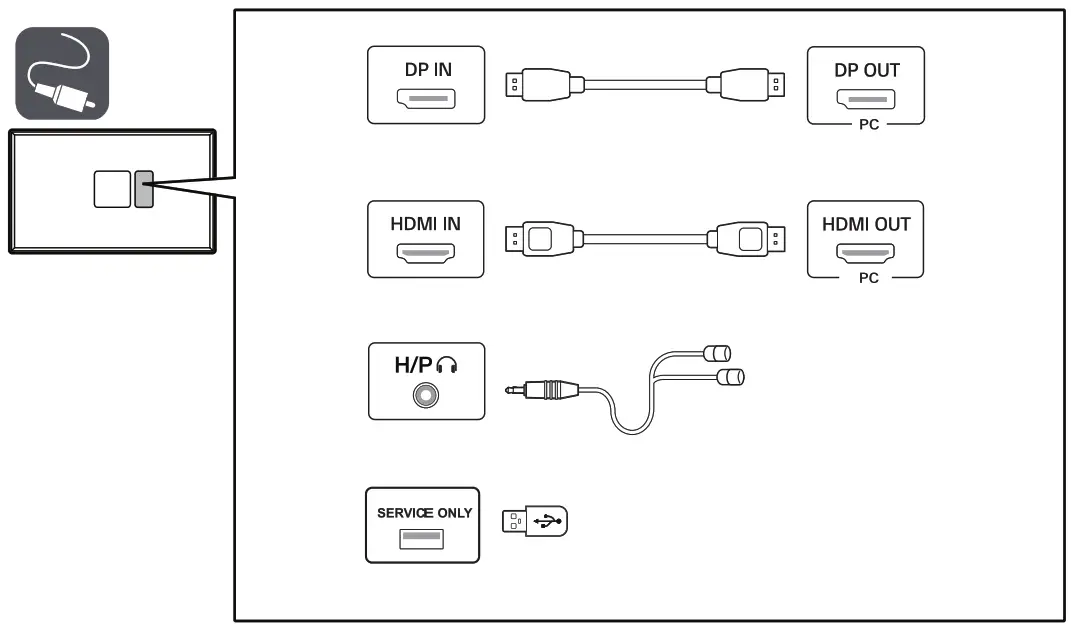
 Using a DVI to HDMI/DP (DisplayPort) to HDMI cable may cause compatibility issues.
- Make sure to use the supplied cable. Otherwise, this may cause the device to malfunction.
 Using a DVI to HDMI/DP (DisplayPort) to HDMI cable may cause compatibility issues.
 MBM67513605REV00
 LG Electronics & Home Appliances | Shop Now | LG USA