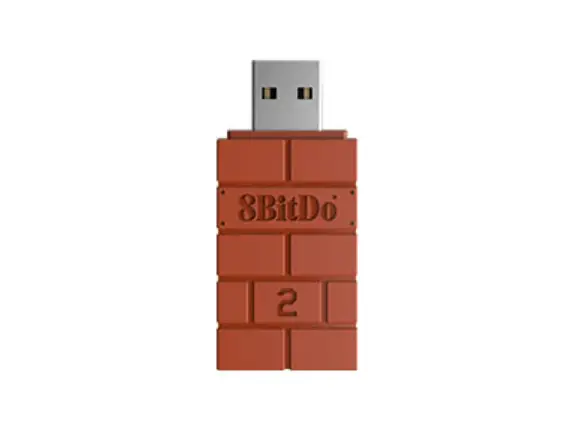
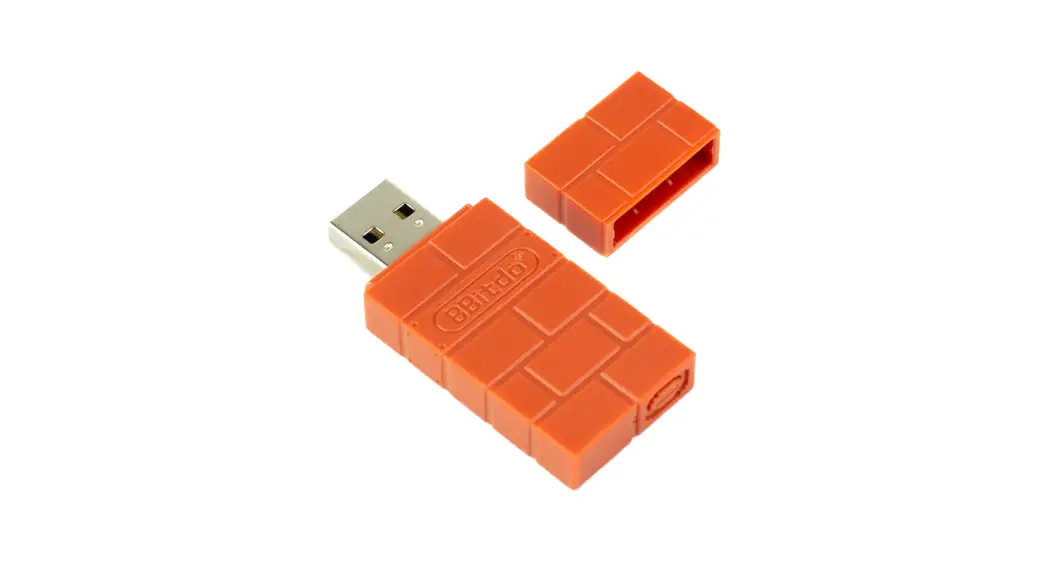
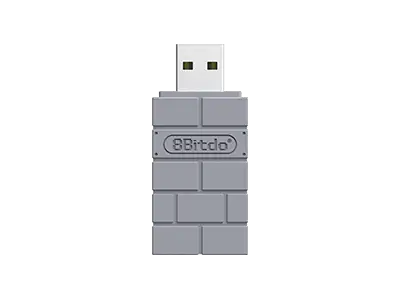
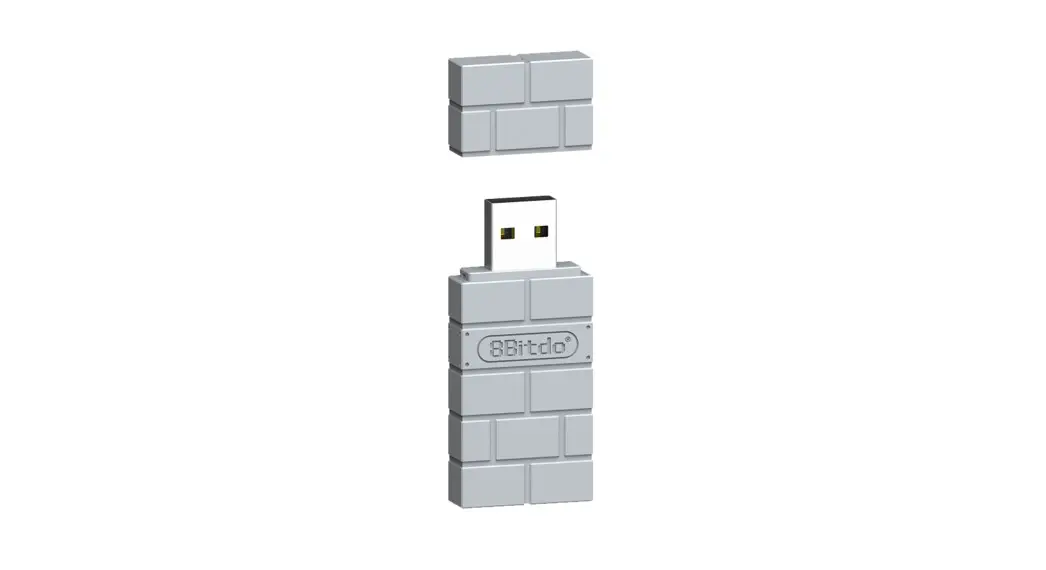
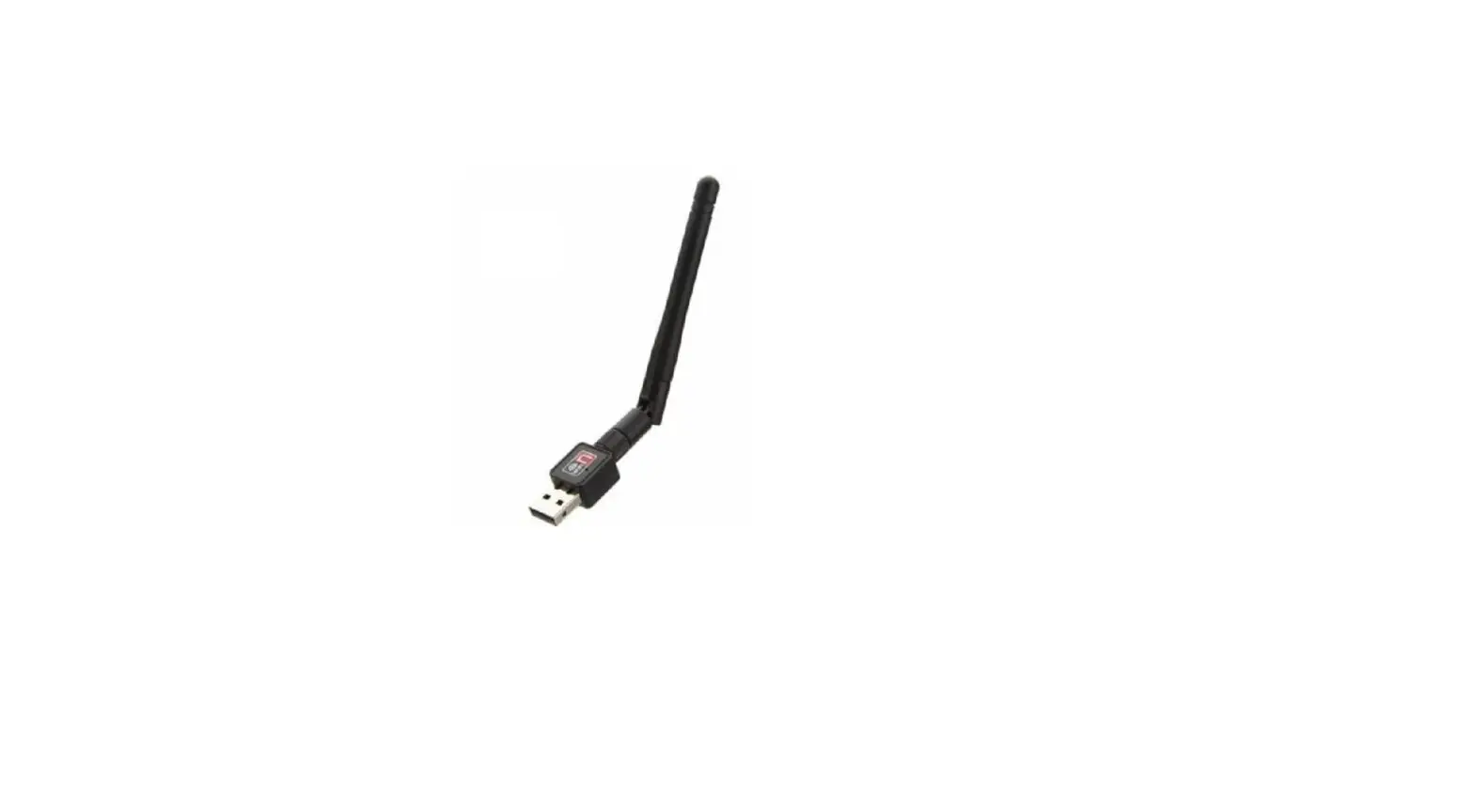
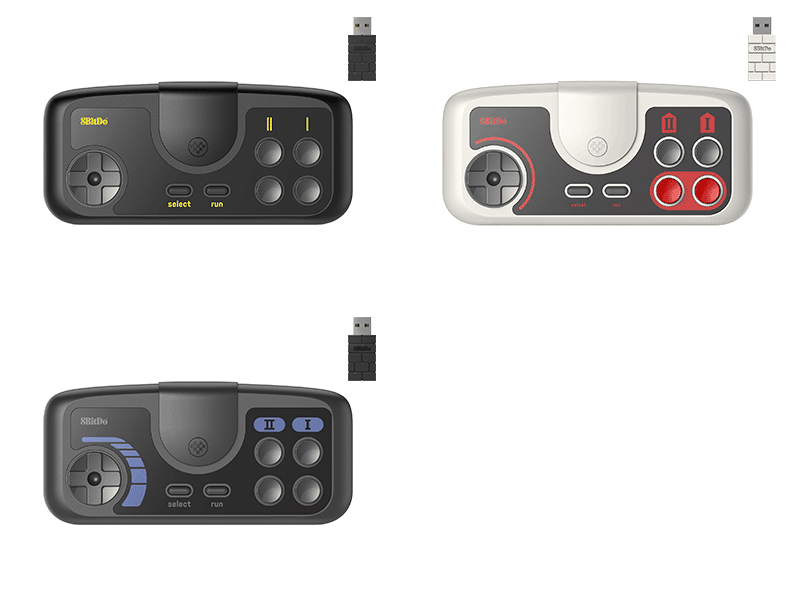
Wireless USB Adapter 2 for Switch
Product Information
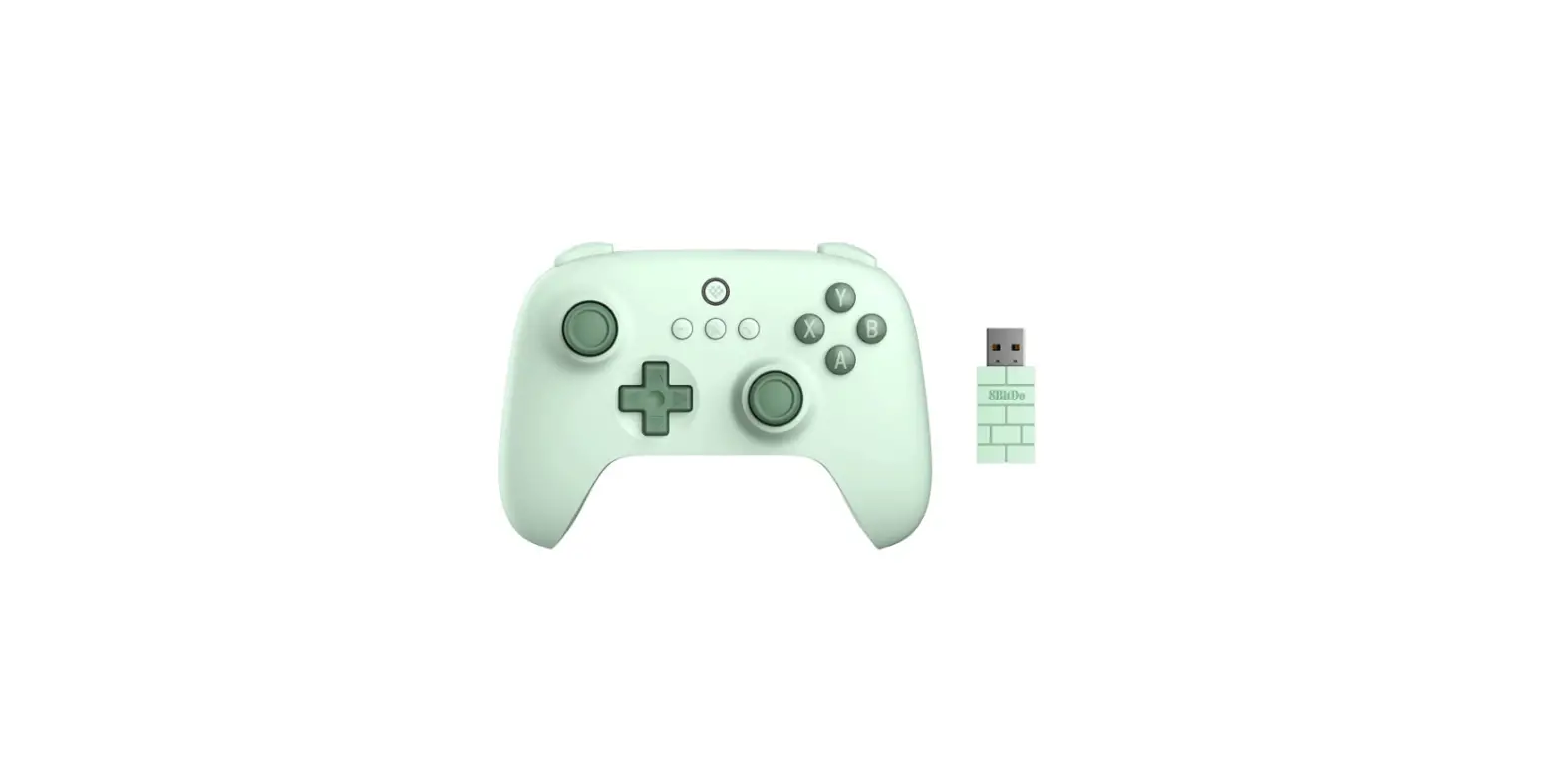
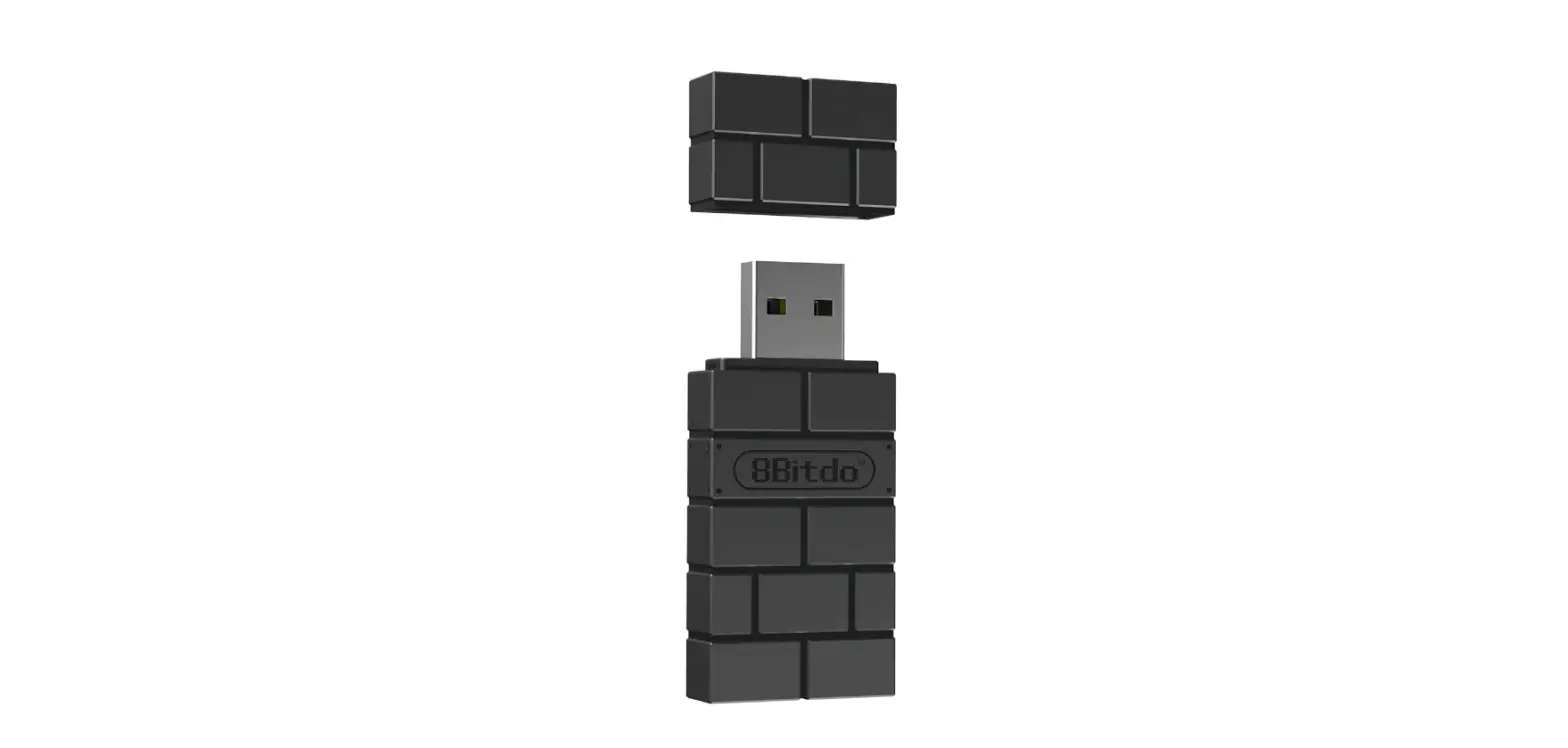
The 8Bitdo Wireless USB Adapter 2 for Switch is a device that
allows you to connect your controllers wirelessly to your Nintendo
Switch or other compatible devices.
It supports multiple modes, including Xinput, Dinput, Mac, PSC,
MD, and switch modes. The adapter has a LED indicator that provides
visual feedback.
Please note that the automatic mode switching feature is only
supported on Windows and Switch platforms.
Product Usage Instructions
- Press and hold the following button combinations for 3 seconds
to enter manual setting mode (LED will flash twice):
- Button + UP = Xinput mode
- Button + LEFT = Dinput mode
- Button + RIGHT = Mac mode
- Button + DOWN = PSC mode
- Button + L = switch mode
- Button + UP + LEFT = MD mode
combinations.
and hold the pairing button on the USB wireless adapter 2 until the
LED turns off (the controller needs to be re-paired).
8Bitdo Wireless USB Adapter 2 for Switch
Manual setting · Press the button combos below for 3 seconds to enter manual setting (LED will blink twice)USB Wireless Adapter 2 will not switch mode automatically.
· – Button + UP = Xinput mode · – Button + LEFT = Dinput mode · – Button + RIGHT = Mac mode · – Button + DOWN = PSC mode · – Button + L = Switch mode · – Button + UP + LEFT = MD mode
· * Automatic mode switch supports Windows and Switch only. Press the button combos to switch other modes.
· * Press pair button on the USB Wireless Adapter 2 till LED turns off to cancel manual settingcontroller needs to be re-paired
Handmatige instelling
Druk gedurende 3 seconden op de onderstaande toetsencombinaties om de handmatige instelling te openen (LED knippert tweemaal). De draadloze adapter 2 zal niet automatisch van modus veranderen.
– Knop + OMHOOG = Xinput-modus – Knop + LINKS = Dinput modus – Knop + RECHTS = Mac-modus – Knop + OMLAAG = PSC-modus – Knop + L = schakelmodus – Knop + OMHOOG + LINKS = MD-modus
* Automatische modusomschakeling ondersteunt alleen Windows en Switch. Druk op de toetscombinaties om andere modi te wisselen.
* Druk op de koppelingsknop op de USB draadloze adapter 2 totdat de LED uitgaat om de handmatige instelling te annuleren (de controller moet opnieuw worden gekoppeld).