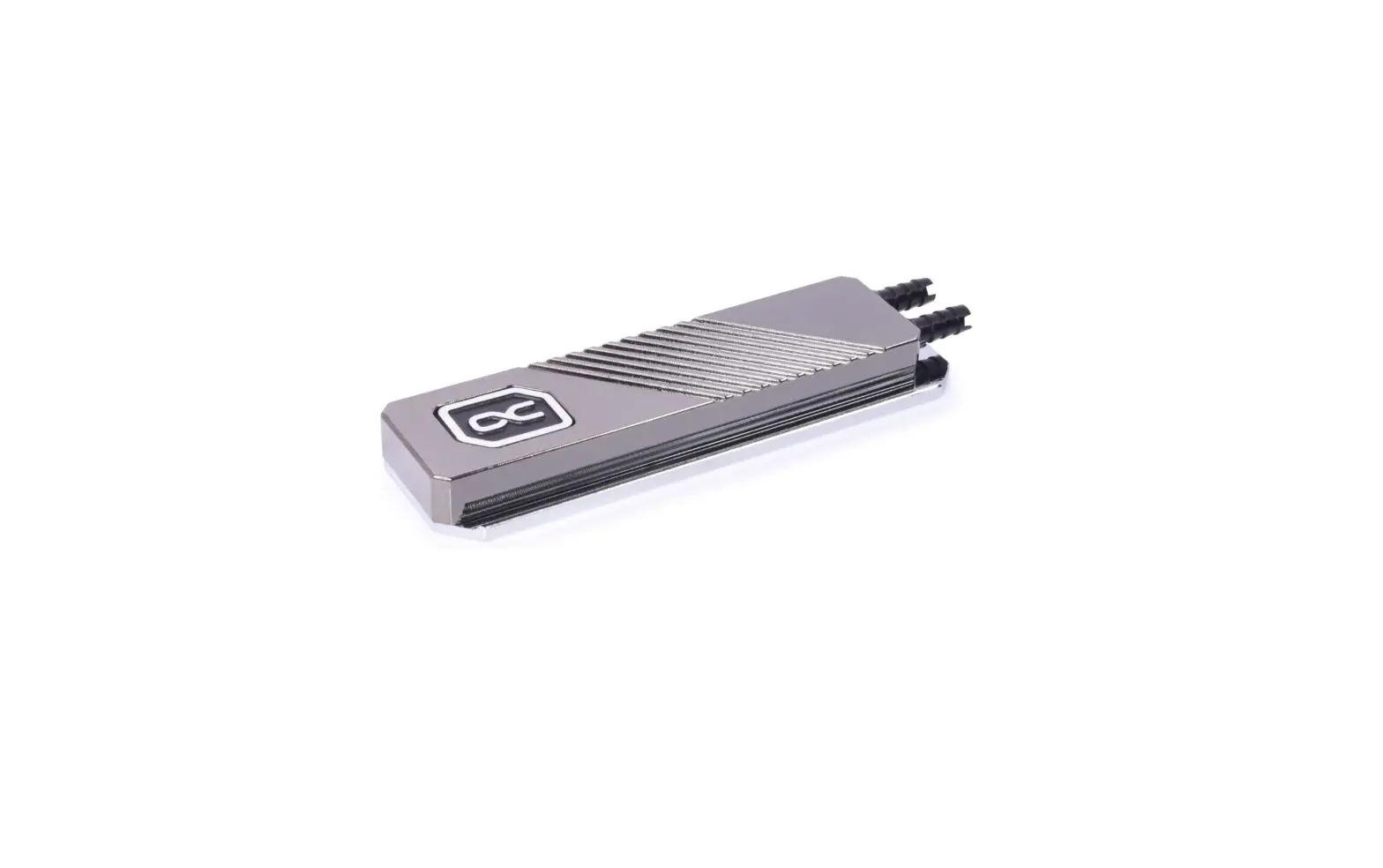
alphacool M.2 NVMe HDX Pro Water Instruction Manual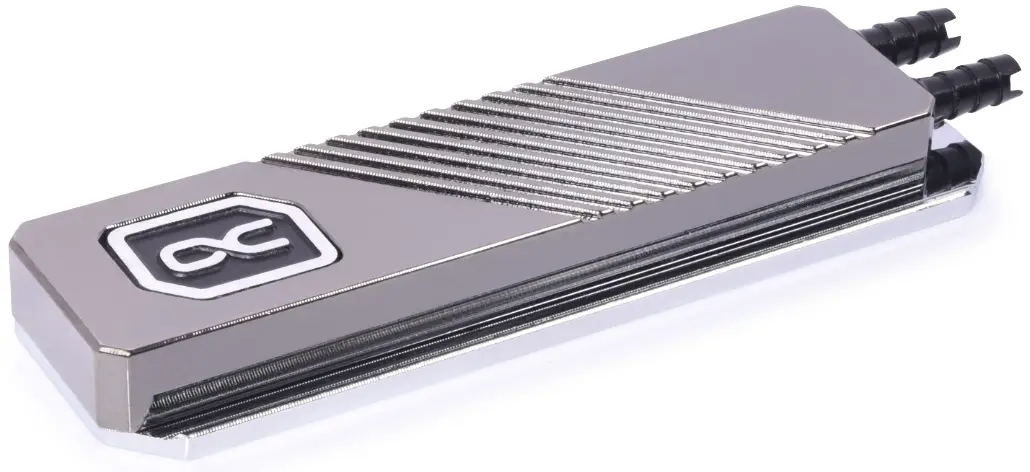
Read the safety instructions before starting the installation.
ACCESSORIES
- 2x 20 mm x 68 mm
Thermal Pads 0.5 mm
- 1x 20 mm x 68 mm
Thermal Pad 1.5 mm
- 1x MCX Splitter
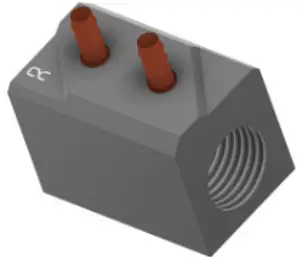
- 1x 1m
PVC 5/3 mm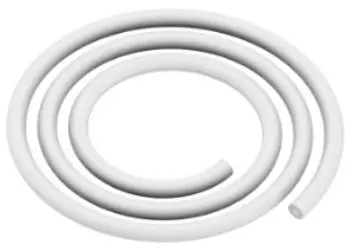
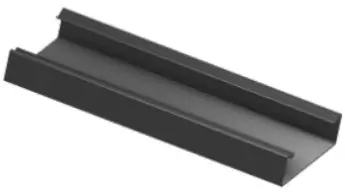
- 1x Clip
Installation Instructions

If the PCB is assembled with memory chips on both sides, use the 0.5 mm thermal pad on both sides. If memory chips are only assembled on one side, use the 1.5 mm thermal pad on the side without chips.
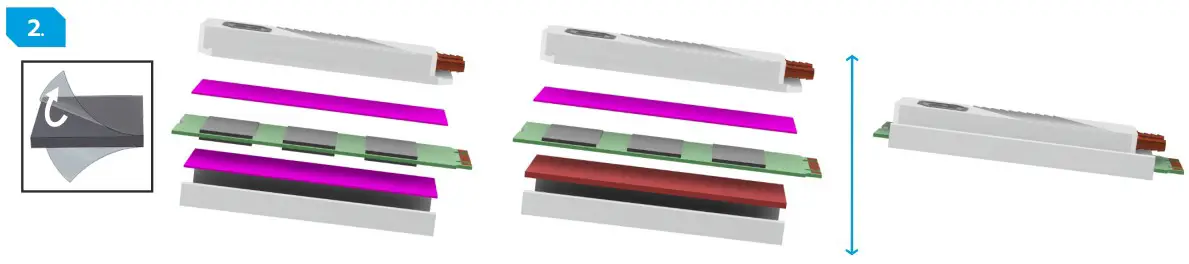
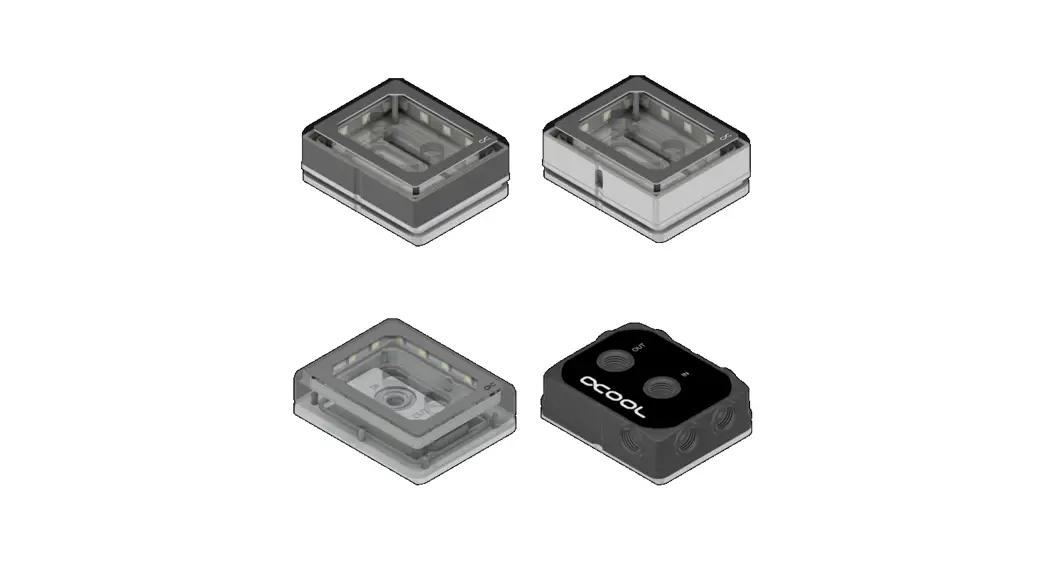
Remove the protective foils from the thermal pads and place the pads on the copper block as shown. Place the coolers on the thermal pads and fix them both with the clip.
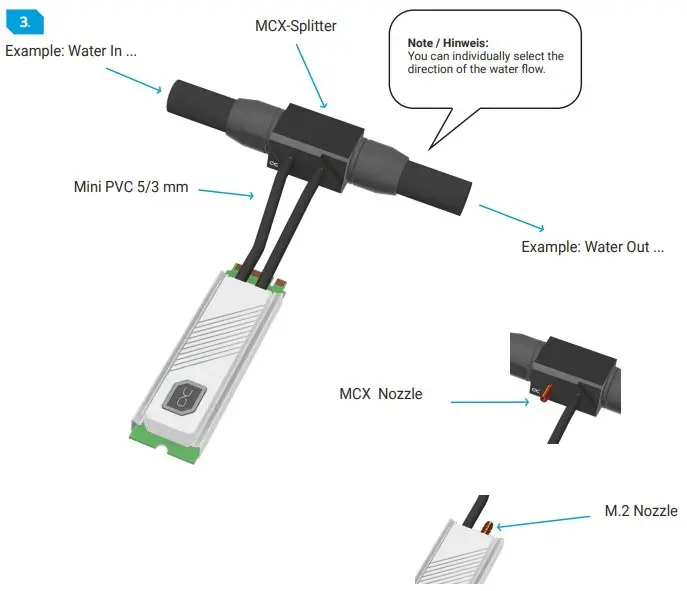
Plug the hoses onto the M.2 cooler and connect them to the MCX splitter. You can position the MCX splitter anywhere in your cooling circuit. Make sure that the hoses are pushed completely over the connection.
Alphacool International GmbH
Marienberger Str. 1
D-38122 Braunschweig
Germany
Support: +49 (0) 531 28874 – 0
Fax: +49 (0) 531 28874 – 22
E-Mail: [email protected]
https://www.alphacool.com
General Managers: Andreas Rudnicki, Nathanael Draht, Fabian Noelte
WEEE-Reg.-Nr.: DE 54464644
Trade Register: Amtsgericht Braunschweig HRB 202390
VAT.ID.Nr.: DE270458421
Tax number: 13/207/02047
 Alphacool International GmbH - Wasserkühlungs Spezialist!