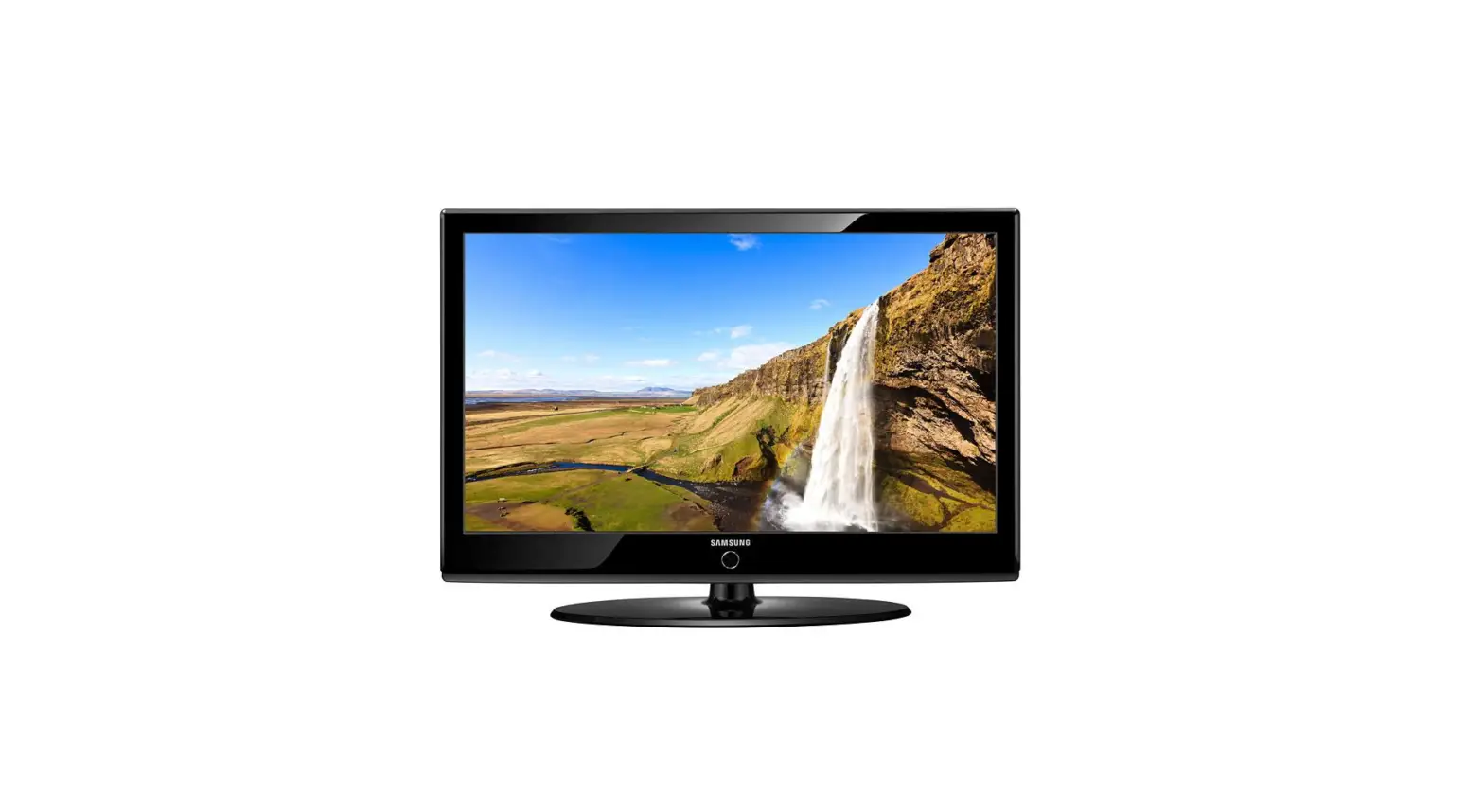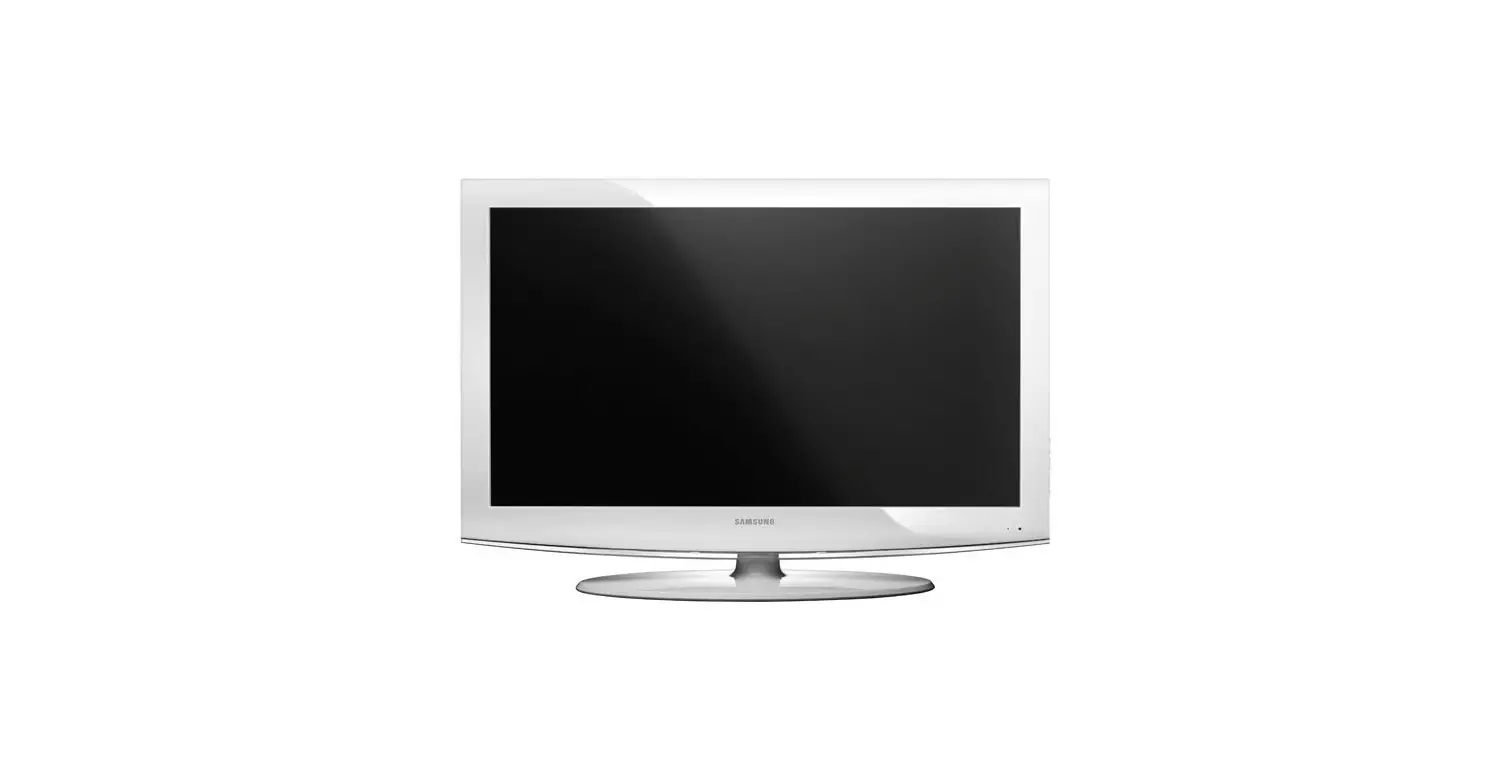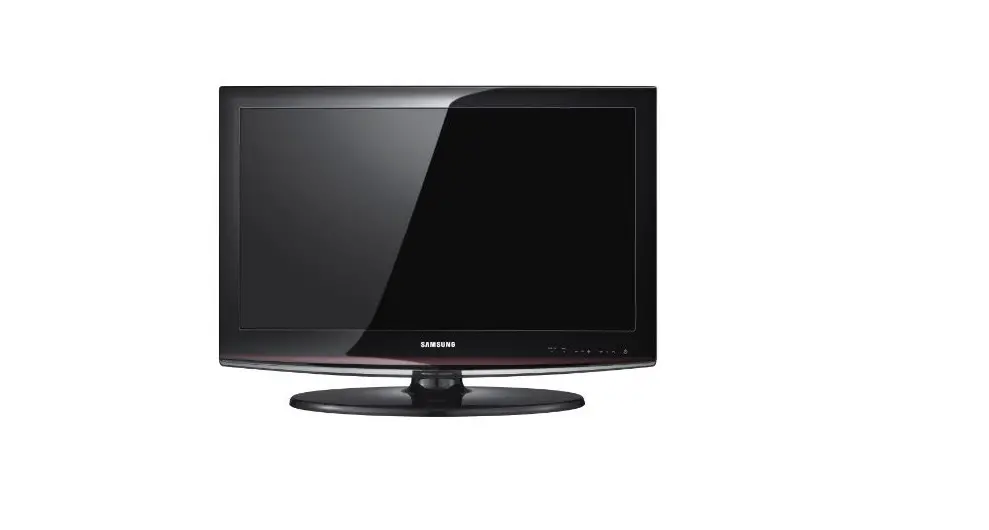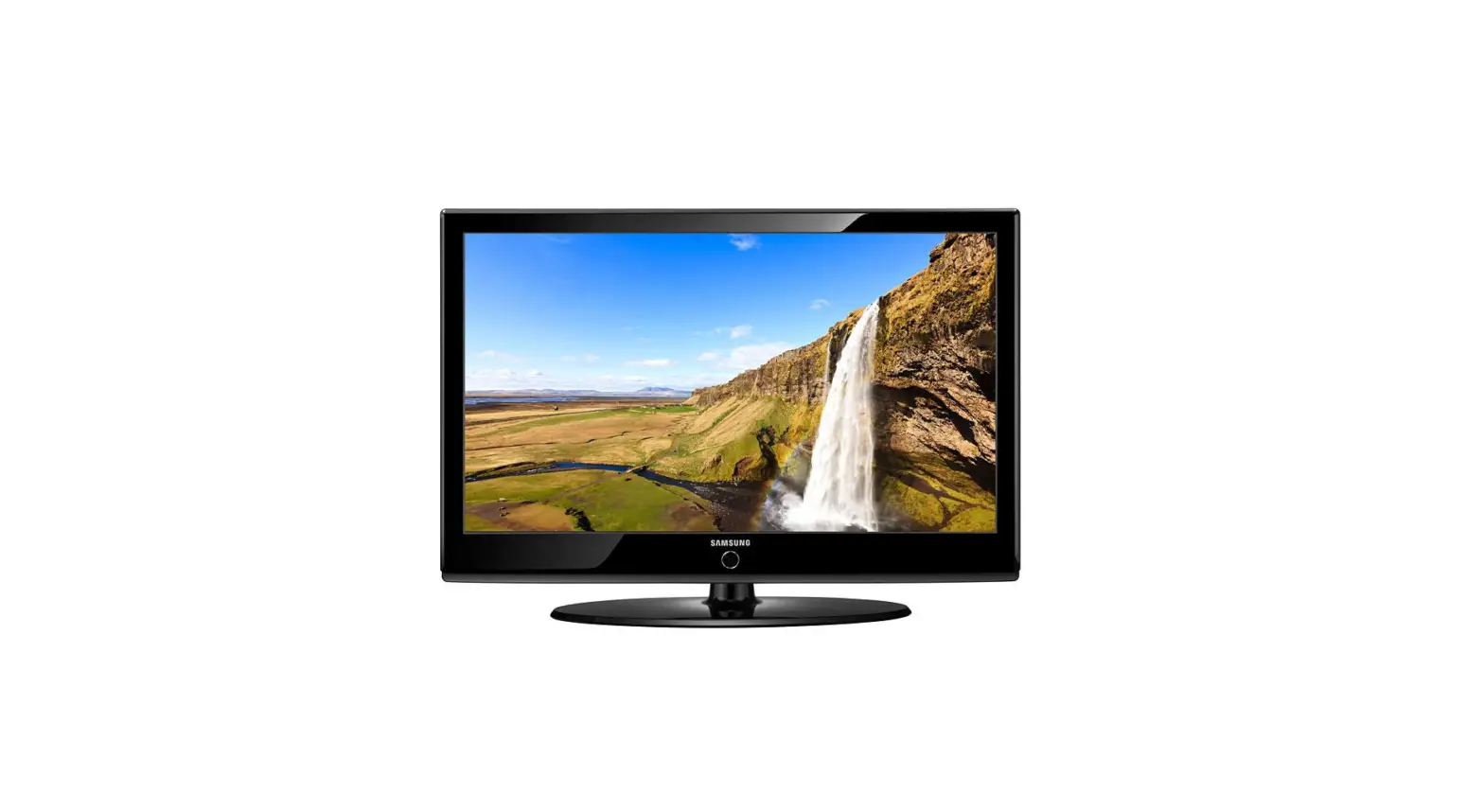

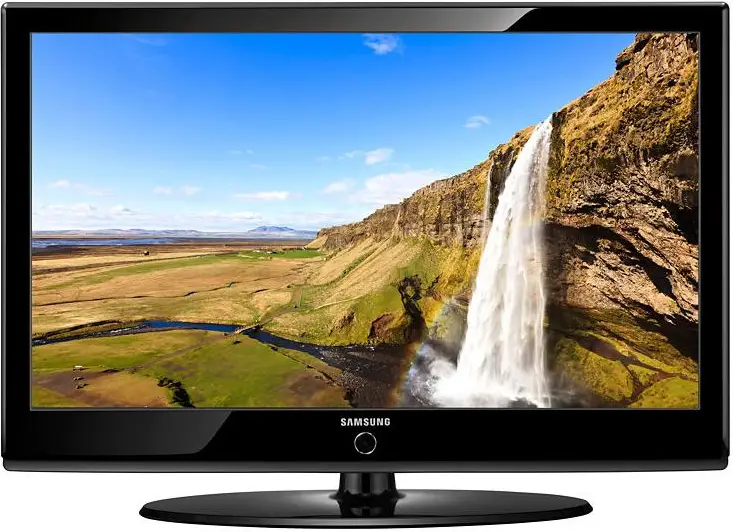
Samsung LE40A536T1F LCD TV
Connections
Caution
- When connecting an external device, match the color of the connection terminal to the cable.
- The product color and shape may vary depending on the model.
- Each Cable Box/Satellite receiver (Set-Top Box) has a different back panel configuration.
- Whenever you connect an external device to your TV, make sure that the power on the unit is turned off.
CONNECTING A CABLE BOX/SATELLITE RECEIVER (SET-TOP BOX) VIA HDMI
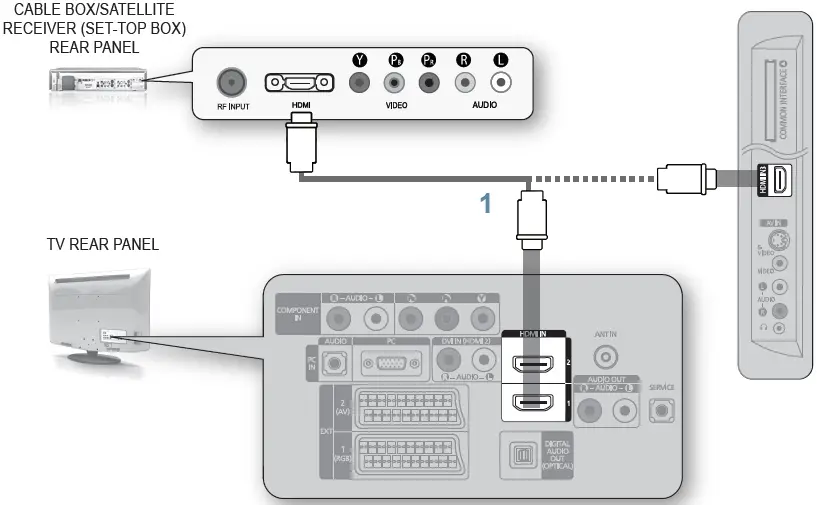
- Connect an HDMI Cable (Not supplied) between the HDMI IN (1, 2, or 3) jack on the TV and the HDMI jack on the Cable Box/Satellite receiver (Set-Top Box).
No additional Audio connection is needed for an HDMI to HDMI connection.
CONNECTING A CABLE BOX/SATELLITE RECEIVER (SET-TOP BOX) VIA DVI
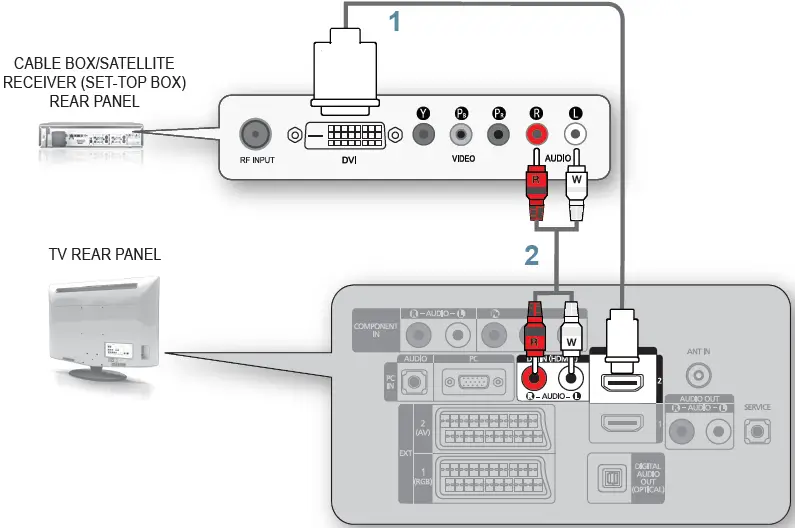
- Connect an HDMI Cable (Not supplied) between the HDMI IN 2 jack on the TV and the HDMI jack on the Cable Box/Satellite receiver (Set-Top Box).
- Connect Audio Cables (Not supplied) between the DVI IN [R-AUDIO-L] jack on the TV and the Cable Box/Satellite receiver (Set-Top Box).
When using an HDMI/DVI cable(Not supplied) connection, you must use the HDMI IN2 jack.
CONNECTING A CABLE BOX/SATELLITE RECEIVER (SET-TOP BOX) VIA COMPONENT CABLES
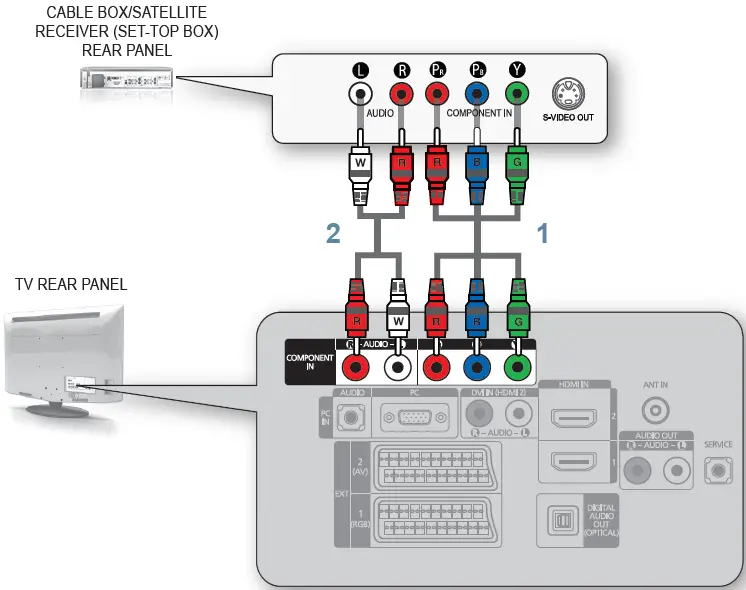
- Connect a Component Cable (Not supplied) between the COMPONENT IN [Y, PB, PR ] jacks on the TV and the COMPONENT jacks on the Cable Box/Satellite receiver (Set-Top Box).
- Connect Audio Cables (Not supplied) between the COMPONENT IN [R-AUDIO-L] jacks on the TV and the AUDIO OUT jacks on the Cable Box/Satellite receiver (Set-Top Box).
Storing Channels Automatically
You can scan for the frequency ranges available to you (and availability depends on your country). Automatically allocated program numbers may not correspond to actual or desired program numbers. However, you can sort numbers manually and clear any channels you do not wish to watch.
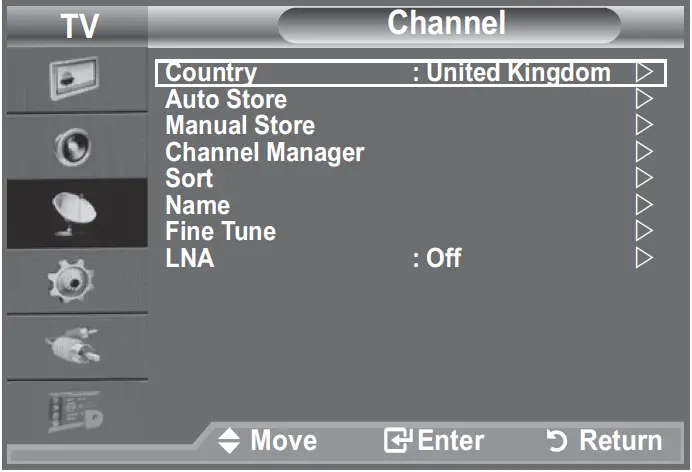
- Press the MENU button to display the menu.
- Press the ▲ or ▼ button to select “Channel”, then press the ENTER
 button.
- Press the ▲ or ▼ button to select “Channel”, then press the ENTER
- Press the ENTER button to select “Country”.
- Select the appropriate country by pressing the ▲ or ▼ button. Press the ENTER button to confirm your choice.
- Even though you have changed the country setting in this menu, the country setting for DTV is not changed.
- Press the ▲ or ▼ button to select “Auto Store”, then press the ENTER button. N If a channel is locked using the “Child Lock” function, the PIN input window appears.
- Press the ENTER button.
- The TV will begin memorizing all of the available channels.
- Press the ENTER button at any time to interrupt the memorization process and return to the “Channel” menu.
- After all the available channels are stored, the “Sort” menu appears.
 button.
Troubleshooting
| My TV is out of order. | Why? | Try this. |
| TV HD is displayed, but the visual quality is not good. | • The visual quality may be degraded when the broadcasting stations convert the analog signal to digital. (Although you are watching digital broadcasting, the video source is analog.) | • Check the transmitting signal of the corresponding cable TV network or broadcasting station. |
| The picture on the TV screen is broken intermittently (a mosaic or distorted). | • This may occur when the broadcast signal received by the TV is too weak or unstable. | • Check the transmitting signal of the corresponding cable TV network or broadcasting station. • If you are using a publically shared antenna, check the signal by asking your apartment manager. |
| I cannot control the TV using the remote control. | • When the battery is flat. • When it is not in TV mode. • When the remote control malfunctions temporarily. | • Replace the battery and then retry. • Press the TV button on the remote control to select TV mode. |
| A strange sound is generated by the TV. | • Sound may be generated by the temporary swelling and shrinking of the plastics in the TV due to temperature and humidity changes. • Temporary electronic oscillation sounds may be generated due to the characteristics of the TV | • Some noise can be heard due to the characteristics of the product. |
Contact SAMSUNG WORLDWIDE
If you have any questions or comments relating to Samsung products, please contact the SAMSUNG customer care center.
| Country | Customer Care Center | Web Site |
| AUSTRIA | 0810 – SAMSUNG (7267864, € 0.07/min) | www.samsung.com/at |
| Belgium | 02 201 2418 | www.samsung.com/be |
| CZECH REPUBLIC | 800 – Samsung (800-726786) | www.samsung.com/cz |
| Distributor pro Českou republiku: Samsung Zrt., česká organizační složka, Oasis Florenc, Sokolovská394/17, 180 00, Praha 8 | ||
| DENMARK | 8 – Samsung (7267864) | www.samsung.com/dk |
| EIRE | 0818 717 100 | www.samsung.com/ie |
| FINLAND | 30 – 6227 515 | www.samsung.com/fi |
| FRANCE | 3260 ‘dites’ SAMSUNG (€ 0,15/Min) 0825 08 65 65 (€ 0.15/Min) | www.samsung.com/fr |
| Germany | 01805 – SAMSUNG (7267864, € 0.14/ Min) | www.samsung.de |
| Hungary | 06 – 80 – Samsung (7267864) | www.samsung.com/hu |
| ITALIA | 800 – Samsung (7267864) | www.samsung.com/it |
| Luxemburg | 02 261 03 710 | www.samsung.com/lu |
| NETHERLANDS | 0900 – SAMSUNG (7267864, € 0.10/Min) | www.samsung.com/nl |
| NORWAY | 3 – SAMSUNG (7267864) | www.samsung.com/no |
| POLAND | 0 – 801 – 1SAMSUNg (172678) 022 – 607 – 93 – 33 | www.samsung.com/pl |
| Portugal | 808 20 – Samsung (7267864) | www.samsung.com/pt |
| SLOVAKIA | 0800 – Samsung (7267864) | www.samsung.com/sk |
| SPAIN | 902 – 1 – SAMSUNG (902 172 678) | www.samsung.com/es |
| SWEDEN | 075 – SAMSUNG (726 78 64) | www.samsung.com/se |
| SWITZERLAND | 0848 – SAMSUNG (7267864, CHF 0.08/min) | www.samsung.com/ch |
| U.K | 0845 SAMSUNG (7267864) | www.samsung.com/uk |
| TURKEY | 444 77 11 | www.samsung.com/tr |
| ESTONIA | 800-7267 | www.samsung.ee |
| LATVIA | 8000-7267 | www.samsung.com/lv |
| LITHUANIA | 8-800-77777 | www.samsung.lt |
| KAZAKHSTAN | 8-10-800-500-55-500 | www.samsung.com/kz_ru |
| Kyrgyzstan | 00-800-500-55-500 | – |
| RUSSIA | 8-800-555-55-55 | www.samsung.ru |
| TAJIKISTAN | 8-10-800-500-55-500 | – |
| UKRAINE | 8-800-502-0000 | www.samsung.ua |
| UZBEKISTAN | 8-10-800-500-55-500 | www.samsung.com/kz_ru |
Download this PDF Link: Samsung LE40A536T1F LCD TV Quick Start Guide