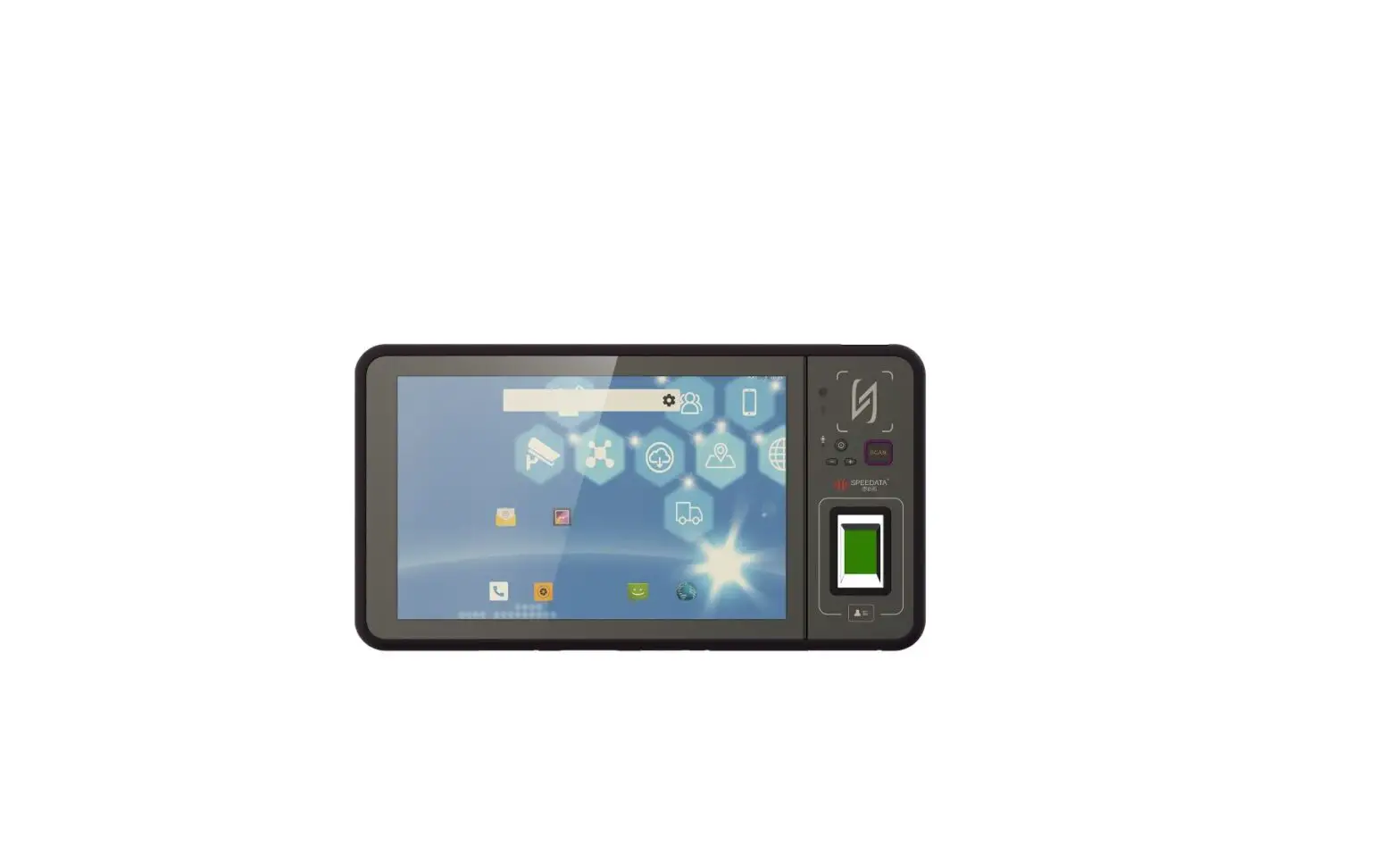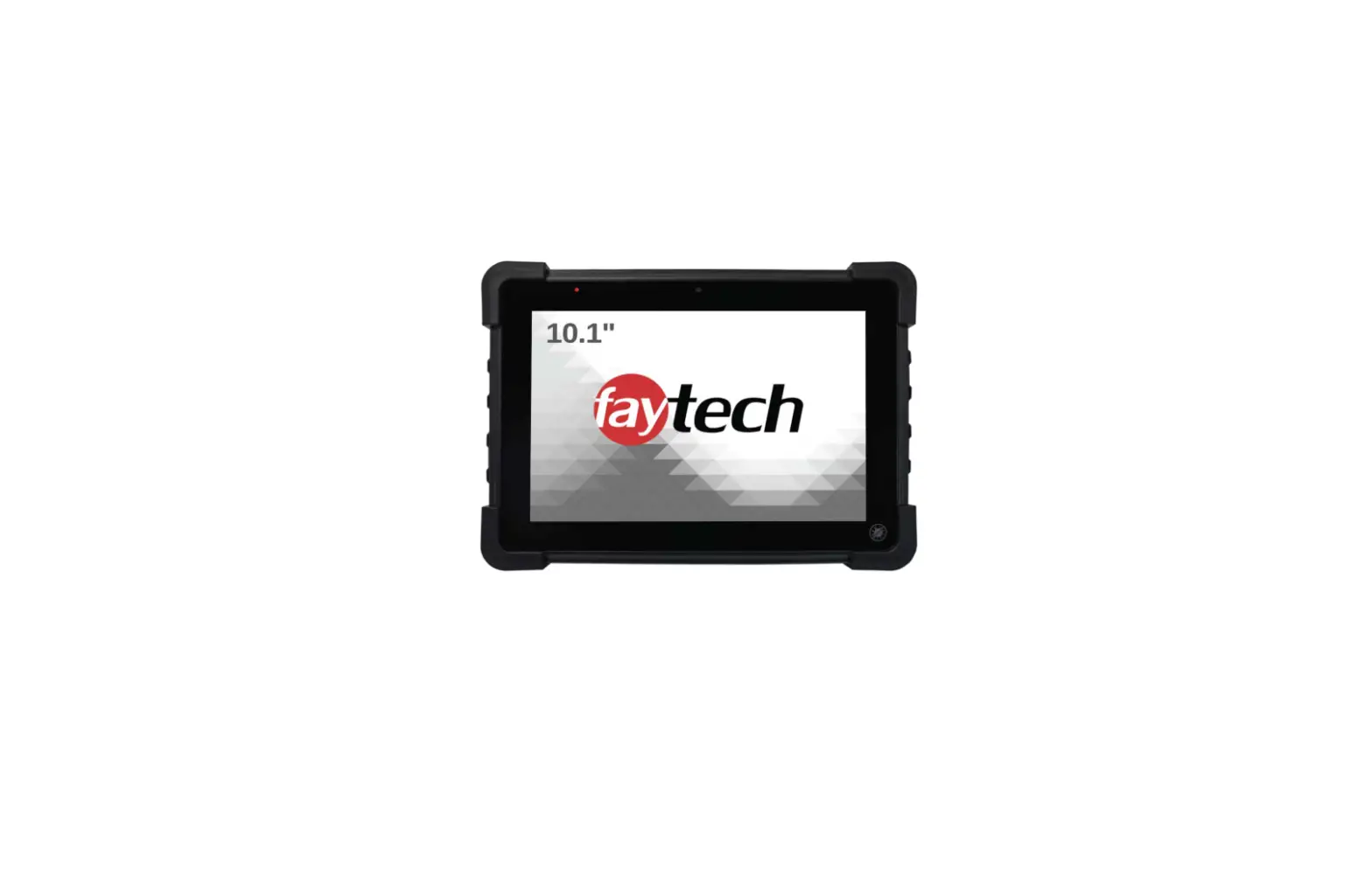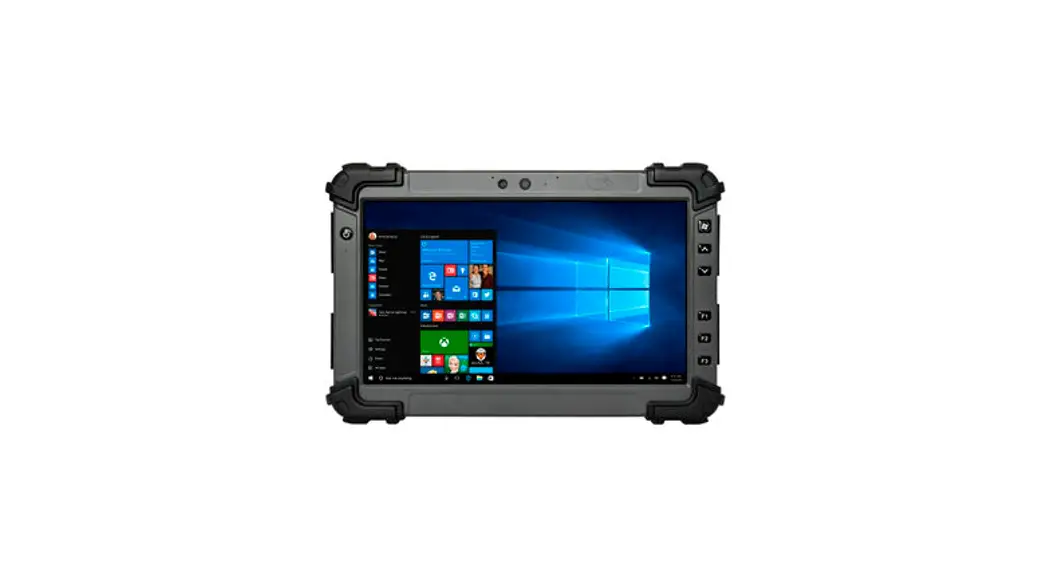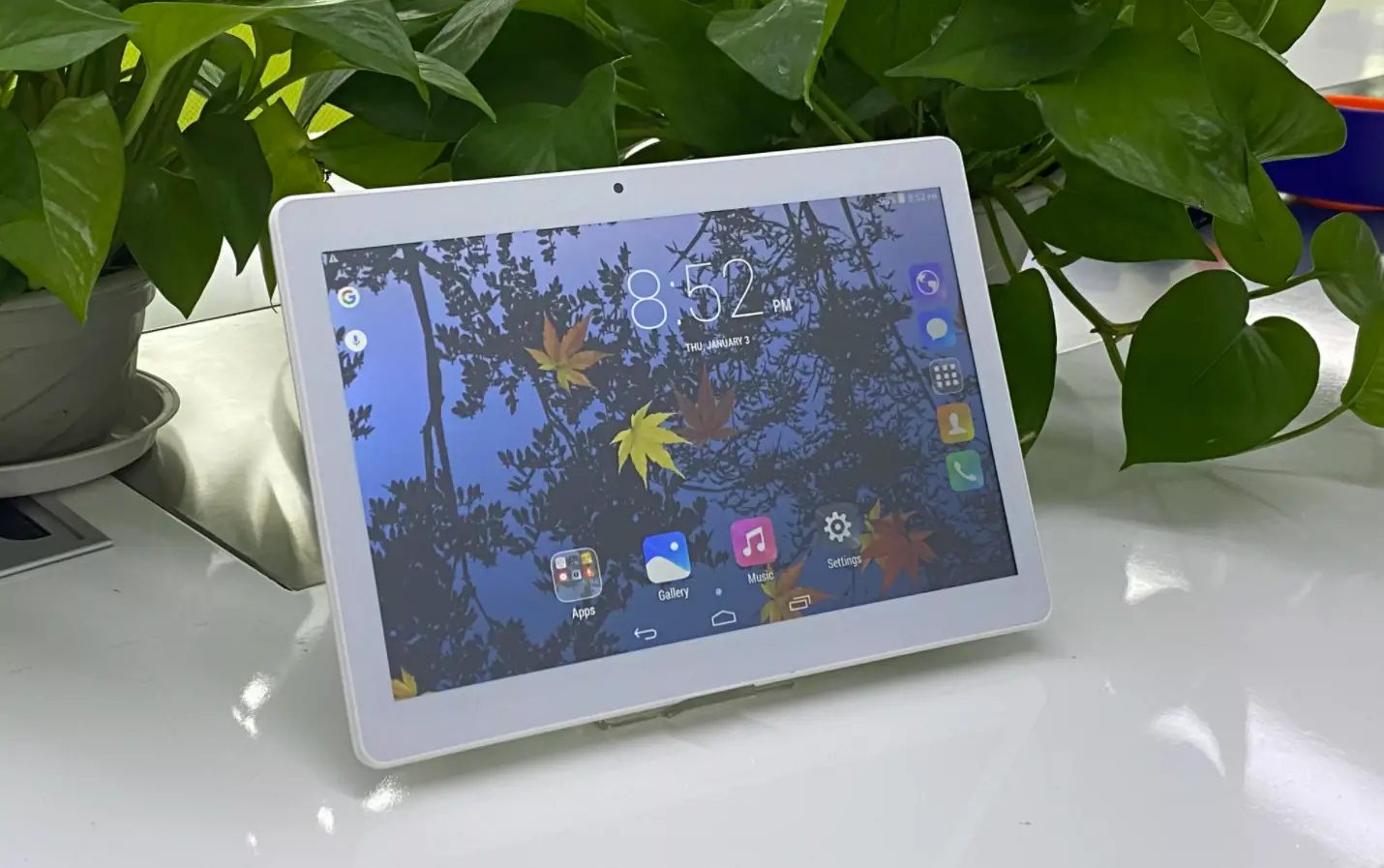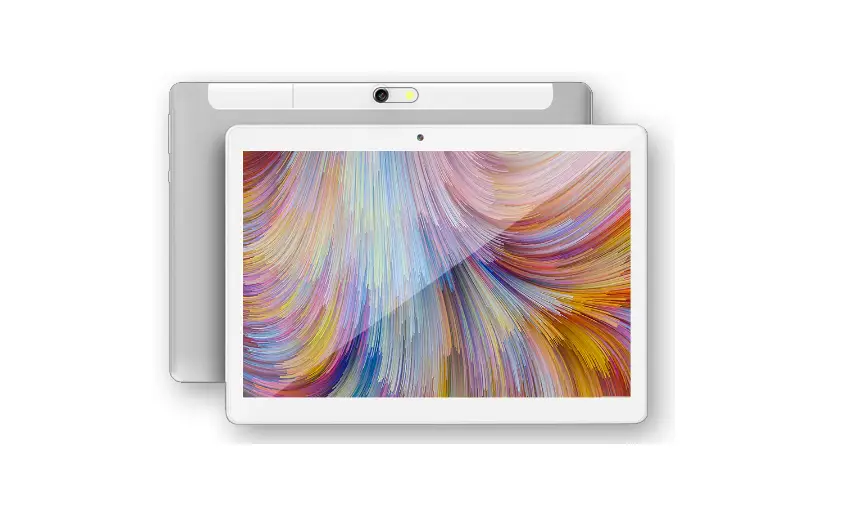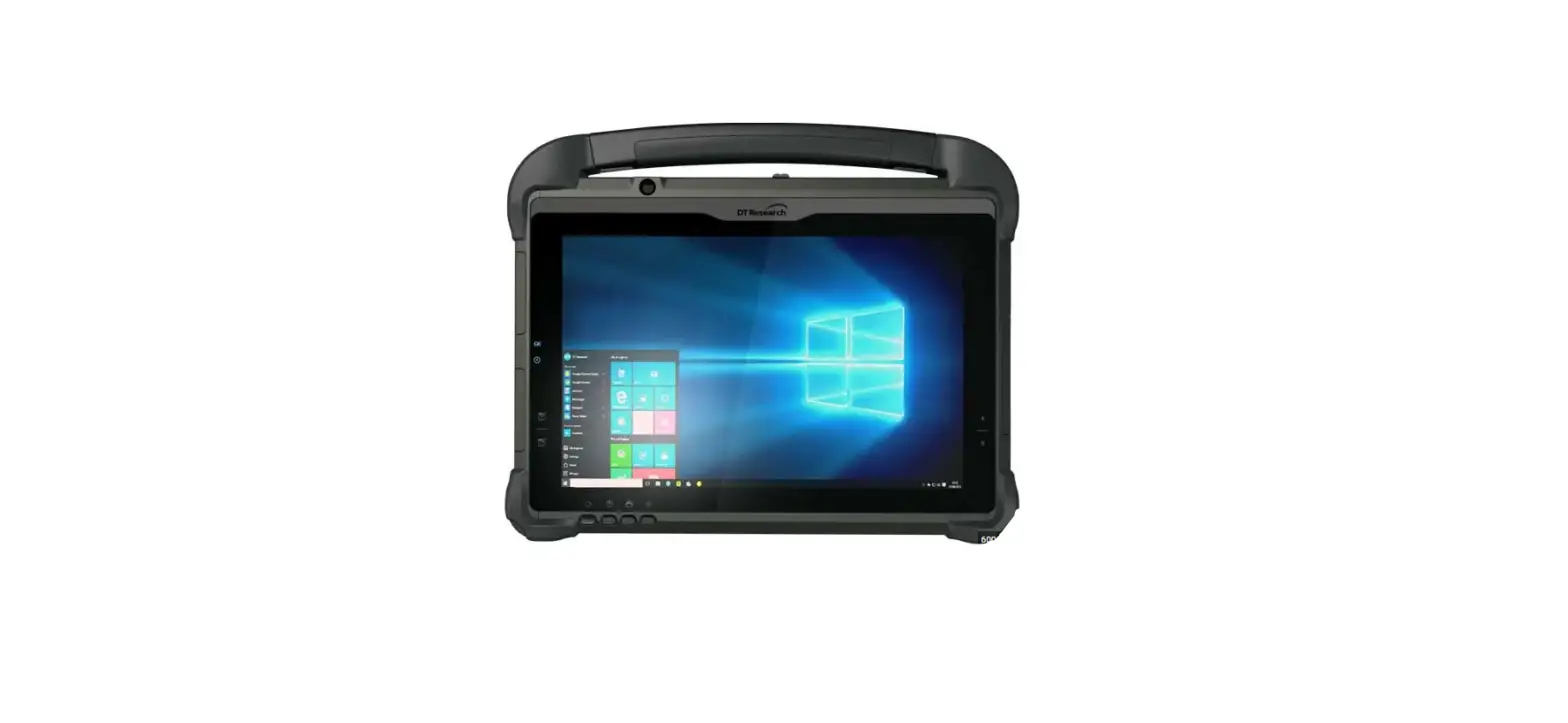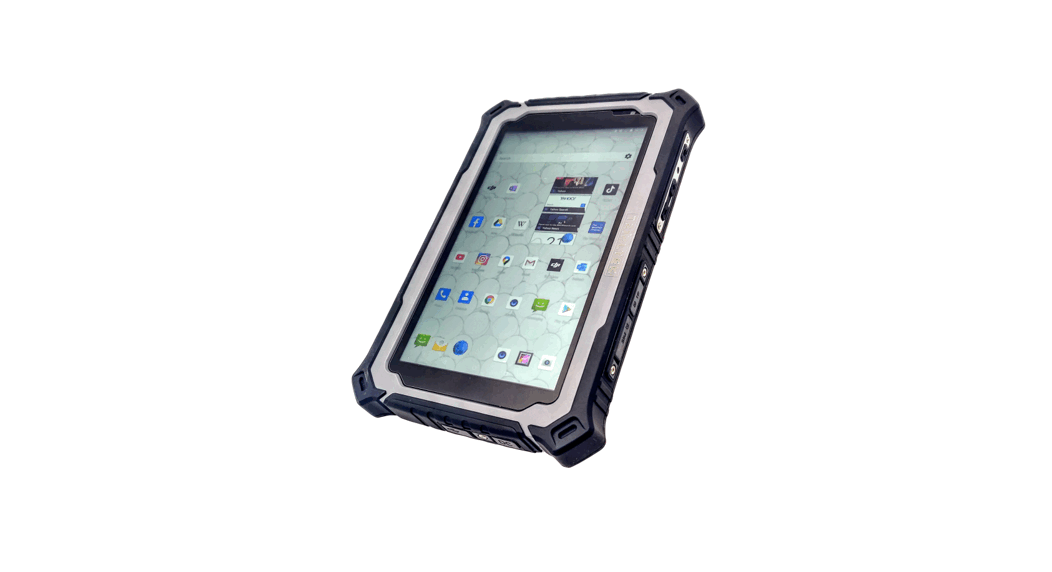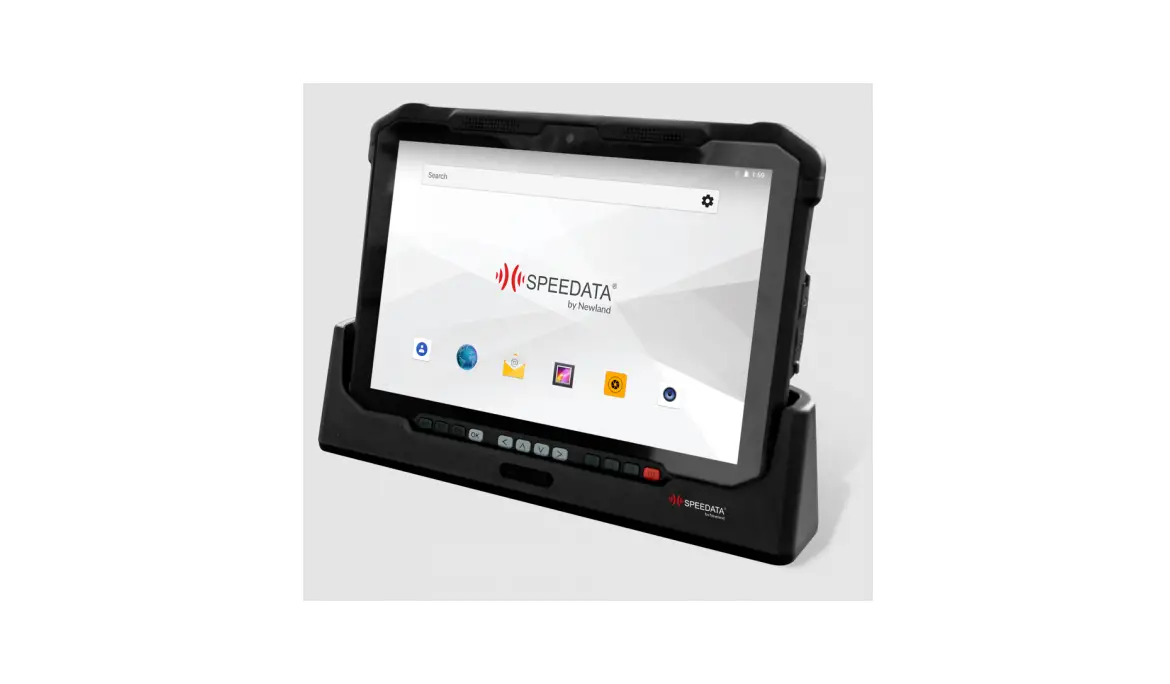

SPEEDATA SD100 Series Industrial Tablet  Product Overview

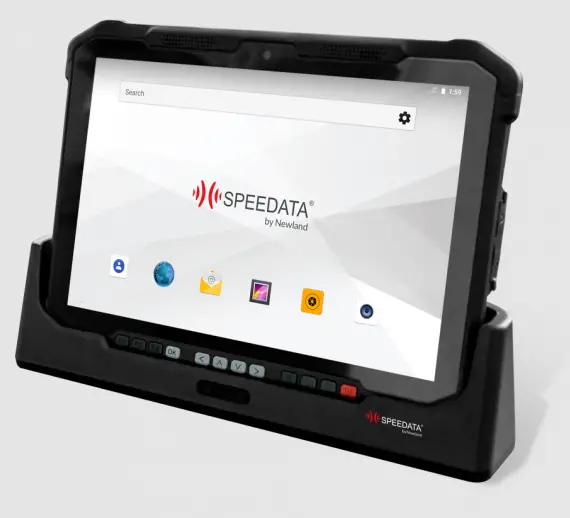 Product Overview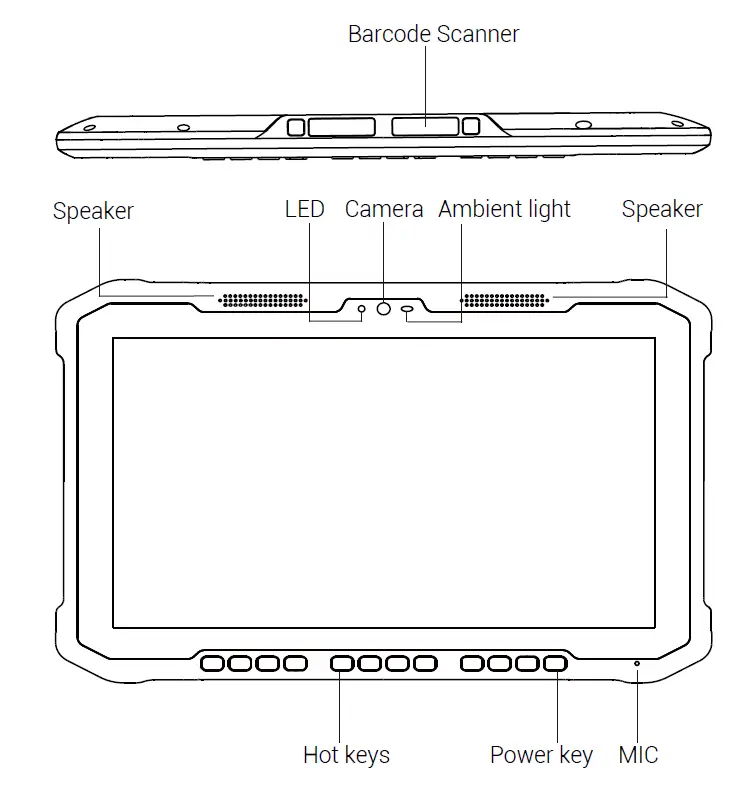
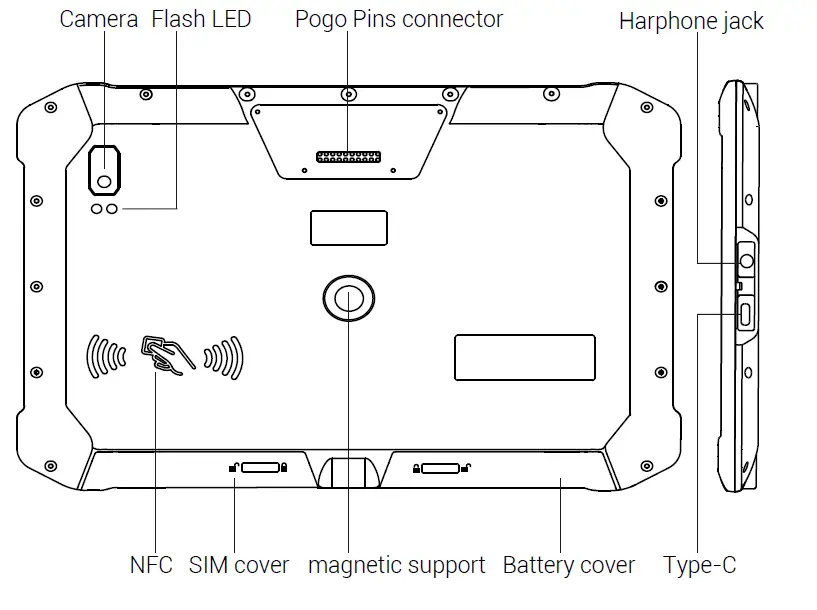
Installation of SIM card and SD Card
Please pay attention to the direction of slot when inserting the card. Inserting a non-standard card may cause damage to the SIM card holder of the device.
The cover of SIM card needs to be opened when installing the SIM card and the SD card. 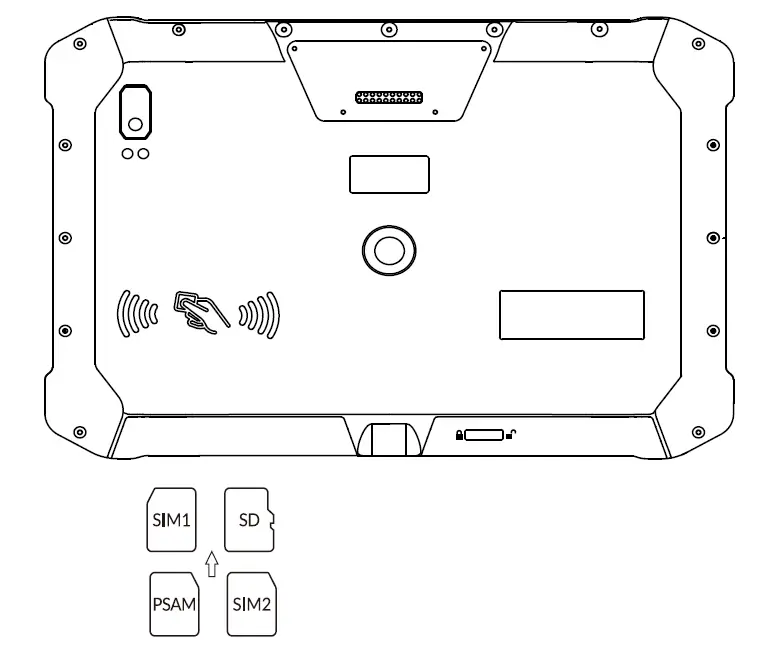
Installation of Battery and start up device
lnstall battery as showed in the follwing figure, and tighten battery cover. Hold power button to start up device. 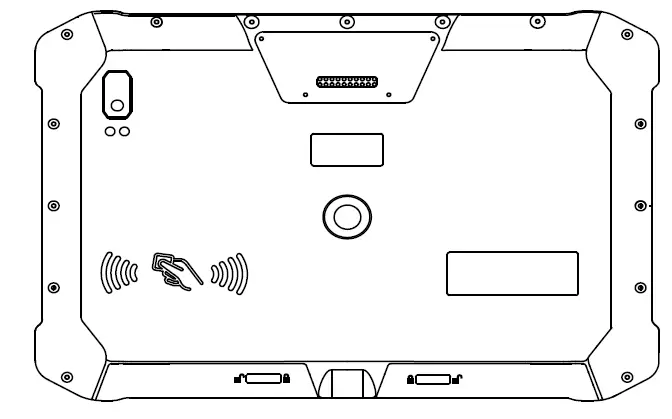
Step 1:Open the battery cover before installing the battery 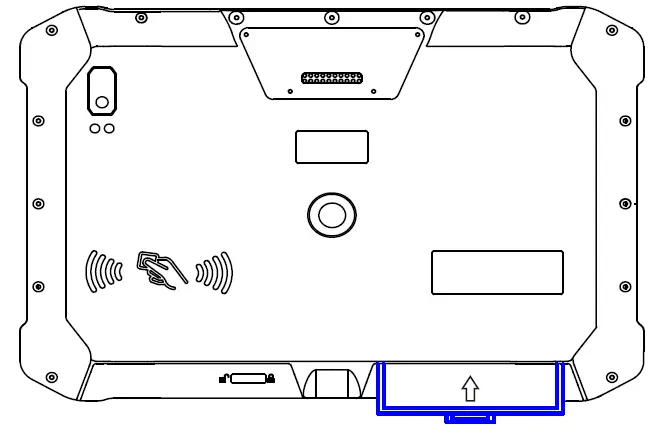 Step 2: Gently push battery in according to the direction indicated by the arrow in the picture, and then close the cover
Restart Device
Holding power button 2 seconds, choose restart.
Force Device Restart
Holding power button over 8 seconds.
Charge
Charging device before first use is recommended.
Note: The charger plugs should be fully plugged into socket and keep in easy-to-unplug location.
Barcode scanner
Go into “Settings>Scan”, enable barcode scanner and configure other settings of barcode s canner.
Laser Radiation!
A Barcode scanner is Class2 laser device, do not directly expose human eyes to laser.
Safety Information
The device is designed for working in -20℃~55℃ environment,proper storage temperature is -30℃~70℃, lower or higher temperature would compromise, device performance, even cause potential damage to device or battery. Charge devise in 5℃~35℃ environment, in case of battery endurance weakness.No support or responsibility will be undertaken if end user update device with third party ROM or crack device system.
Electromagnetic Radiation
The maximum absorption rate of electromagnetic radiation is (SAR) ≤ 2.0 W/kg. ln special cases such as pacemakers, hearing aids,cochlear implants,users should follow the doctor’s instructions.
Warning
- Disassembly battery.
- Demolition device.
- Repair device in unofficial sercice.
- Using uncerttified USB cable.
- Put device into or near microwave oven, fire, or other heat source.
Statement!
This device complies with Part 15 of the FCC Rules. Operation is subject to the following two conditions:
- This device may not cause harmful interference.
- This device must accept any interference received, including interference that may cause undesired operation.
Product Specification
| General specification | |
| Dimensions | 254*126*17.4mm |
| Weight | 800g |
| OS | Android 8.1 |
| CPU | Octa-core 2.0GHz |
| RAM | 4GB or 6GB |
| ROM | 64GB or 128GB |
| Camera | 13MP rear camera with high brightness LED flash 5MP front Camera |
| Display | 10.1 inch 1200*1920 IPS High bright screen 5 points capacitive touch |
| GPS | GPS/GLONASS/BEIDOU |
| NFC | ISO14443A/B,ISO15693,Working Range: 0~5cm |
| Battery | Swappable 9000mAh lithium-ion polymer battery |
| Wireless specification | |
| Bluetooth | BT4.1 BLE |
| WI-FI | IEEE 802.11 a/b/g/n/ 2.4G 5G |
| FDD-LTE B1/B2/B4/B5/B7/B28 | |
| WWAN (4G) | TDD-LTE B38/B39/B40/B41 TDSCDMA B34/B39 WCDMA B1/B2/B4/B5 |
| GSM B2/B5 | |
| CDMA1x/CDMA2000 BC0/BC1 | |
| Special Feature | |
|
Barcode (Optional) | Scan engine:NLS-CM60 Symbology:EAN13, EAN8, UPCA, UPCE, Code 128, Code 39,Codabar, UCC/EAN128, RSS, lTF, ITF14, TF6, ISSN, ISBN, Standard 25, Matrix 25,Code 11, Industrial 25, MSI Plessey, Plessey, Code 93, PDF417, QR Code, DataMatrix, AZTEC,Maxicode, Hanxin Code,Micro QR, Micro PDF417, Composite |
|
UHF (Optional) | Protocol: EPC G2/ISO 18000-6C Working frequency: China (920-925mhz) North America (902-928MHz) Europe (865-867MHz) Antenna: 1.5dBi Ceramic antenna Working distance: indoo > 3m; Outdo > 1.5m Inventory speed > 30 tags/s |
| Interface | |
| SIM card slot | 2 Micro SIM card slots |
| SD card slot | 1 Micro SD card slot |
| USB | USB TYPE-C,OTG, fast charging 5V/9V 1.67A |
| Others | Cradle contact |
| Performance | |
| Working temperature | -20℃~55℃ |
| Storage temperature | -30℃~70℃ |
| Humidity | 5%~95% |
| ESD protection | Air discharge ±15kv, contact discharge ±8kv |
| Protection | 1m free drop to concrete Seal to IP65 |
| Accessory | |
| AC adaptor | 1 |
| USB cable | 1 |
| Wirst strap | 1 |
| Quick start guide | 1 |
| Charging base (Optional) | 1 |
Environmental Protection
List of toxic and hazardous substances or elements
| Parts | Toxic and hazardous substances or elements | ||||||
| Lead (Pb) | Mercury (Hg) | Cadmium (Cd) | hexavalent chromium (Cr6+) | poly- brominated biphenyls (PBB) | poly- brominated biphdiphenyl ethers (PBDE) | ||
| Device | PCBA | X | 0 | 0 | 0 | 0 | 0 |
| LCD | 0 | 0 | 0 | 0 | 0 | 0 | |
| Plastic | 0 | 0 | 0 | 0 | 0 | 0 | |
| Metal | X | 0 | 0 | 0 | 0 | 0 | |
| Battery | X | 0 | 0 | 0 | 0 | 0 | |
| Accessory | X | 0 | 0 | 0 | 0 | 0 | |
O: indicates that the toxic and hazardous substances in all homogenized materials of the componentare below the limit required by GB/T 26572-2011.
X: indicates that the toxic and hazardous substance in at least one homogeneous material of the component exceeds the limit set by GB/T 26572-2011.
Note: this productis labeled “X” because there are no alternative technologies or components available at this stage. Please handle such parts or materials properly to avoid environmental and human health effects.
This product’s “environmental protection life” is 10 years. The environmental protection of some internal or external components may differ from the environmental life of the product.The service life mark on the component has precedence over any conflicting or different environmental life identification on the product.The term of environmental protection of this product refers to the safe life of using the product without toxic and harmful substances leakage under the conditions stipulated in this information guide.
For more information
About the devIce Android and software versions, check in: settings > about the phone.
Note: Accesso the Internet, send and receive information,upload and download, automatic synchronization, so that some applications or use of location services may incur other costs. To avoid additional charges, please contact the service provider and select the appropriate tariff package scheme.
Warranty Card
- Company:
- Tel:
- Name:
- Add:
- E-mail:
- Product Info:
Attention: Warranty card is an important certificate for obtaining warranty service. Please keep well this card. Once it is lost or the SN, IMEI number cannot be provided, then can not provide warranty service.
The following conditions are not covered by the warranty:
- Warranty period has expired.
- Any adapted, disassembly and maintenance without Speedata’s permission;
- Product damage caused by natural or human reasons, for example, water penetration, product falling, inappropriate voltage input, overcompression, mainboard transformation,etc;
- Breakdowns or damage caused by failure to install, use, maintain and keep according to the requirements of the operation manual;
- Fail to identify Product Nameplate, SN Number ,IMEI Number, anti-tampering label for being torn, damaged or unclear.
- Warranty Card is not in accordance with product model or has been falsified.
- Breakdowns or damages by irresistible reasons like the occurrence of fire, earthquake, flood.
Technique Support:
Please contact us for development support.
Global supportMail: [email protected] China Mainland support Mail: [email protected]
After-sale service: + 400 1088 019
FCC Radiation Exposure Statement
This device meets the government’s requirements for exposure to radio waves. The guidelines are based on standards that were developed by independent scientific organizations through periodic and thorough evaluation of scientific studies. The standards include a substantial safety margin designed to assure the safety of all persons regardless of age or health. The SAR limit of USA (FCC) is 1.6 W/kg averaged. Device types: Industrial tablet (FCC ID: 2AJO5SD100) has also been tested against this SAR limit. SAR information on this and other pad can be viewed on‐line at http://www.fcc.gov/oet/ea/fccid/. Please use the device FCC ID number for search. This device was tested simulation typical 0mm to body. To maintain compliance with FCC RF exposure requirements, use accessories should maintain a separation distance between the user’s bodies mentioned above, use accessories should not contain metallic components in its assembly, the use of accessories that do not satisfy these requirements may not comply with FCC RF exposure requirements, and should be avoided.
FCC Warning
This device complies with Part 15 of the FCC Rules. Operation is subject to the following two conditions:
(1) This device may not cause harmful interference, and (2) this device must accept any interference received, including interference that may cause undesired operation.
NOTE 1: This equipment has been tested and found to comply with the limits for a Class B digital device, pursuant to part 15 of the FCC Rules. These limits are designed to provide reasonable protection against harmful interference in a residential installation. This equipment generates uses and can radiate radio frequency energy and, if not installed and used in accordance with the instructions, may cause harmful interference to radio communications. However, there is no guarantee that interference will not occur in a particular installation. If this equipment does cause harmful interference to radio or television reception, which can be determined by turning the equipment off and on, the user is encouraged to try to correct the interference by one or more of the following measures:
- Reorient or relocate the receiving antenna.
- Increase the separation between the equipment and receiver.
- Connect the equipment into an outlet on a circuit different from that to which the receiver is connected.
- Consult the dealer or an experienced radio/TV technician for help.
NOTE 2: Any changes or modifications to this unit not expressly approved by the party responsible for compliance could void the user’s authority to operate the equipment.
 FCC ID Search | Federal Communications Commission