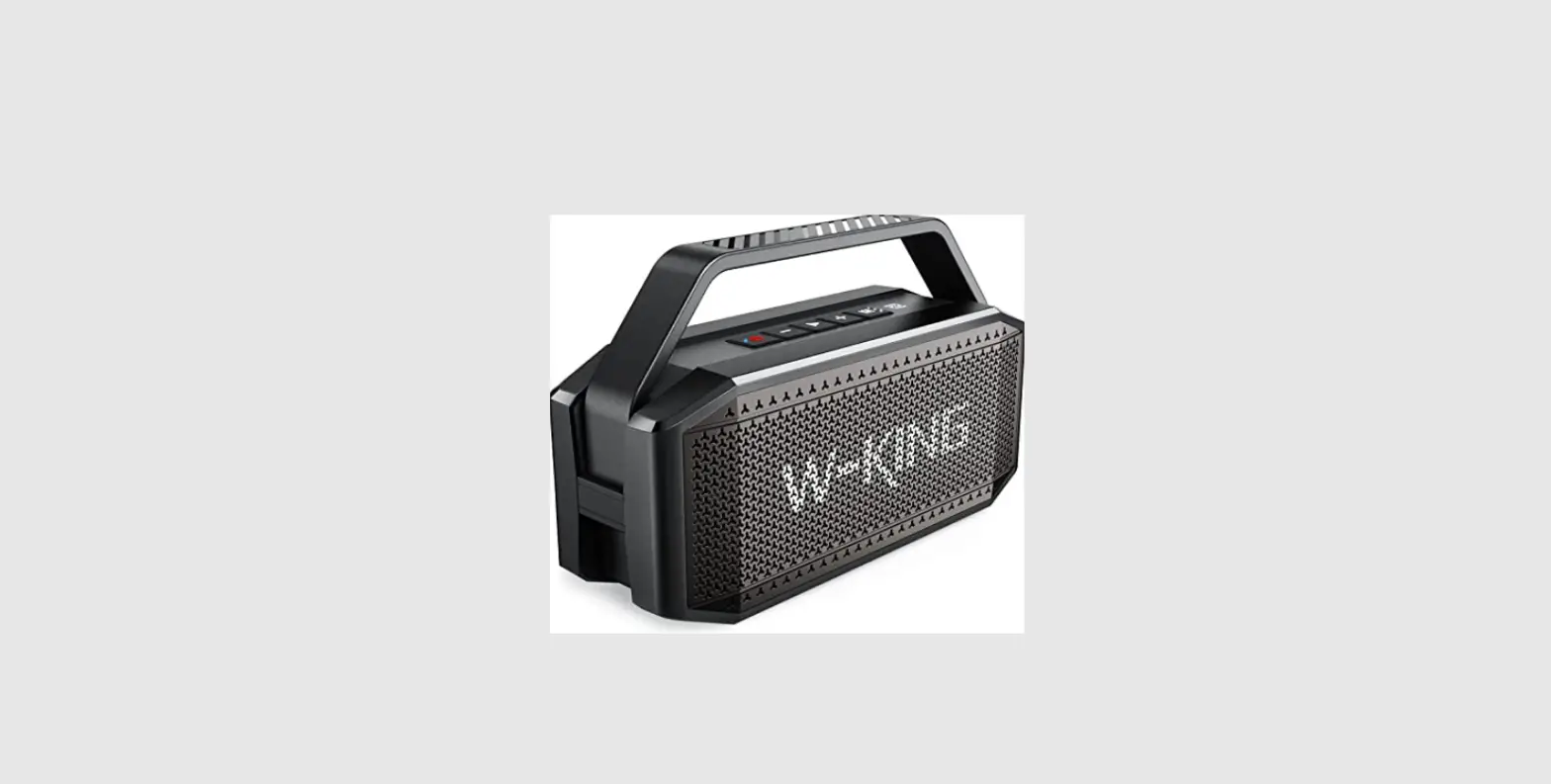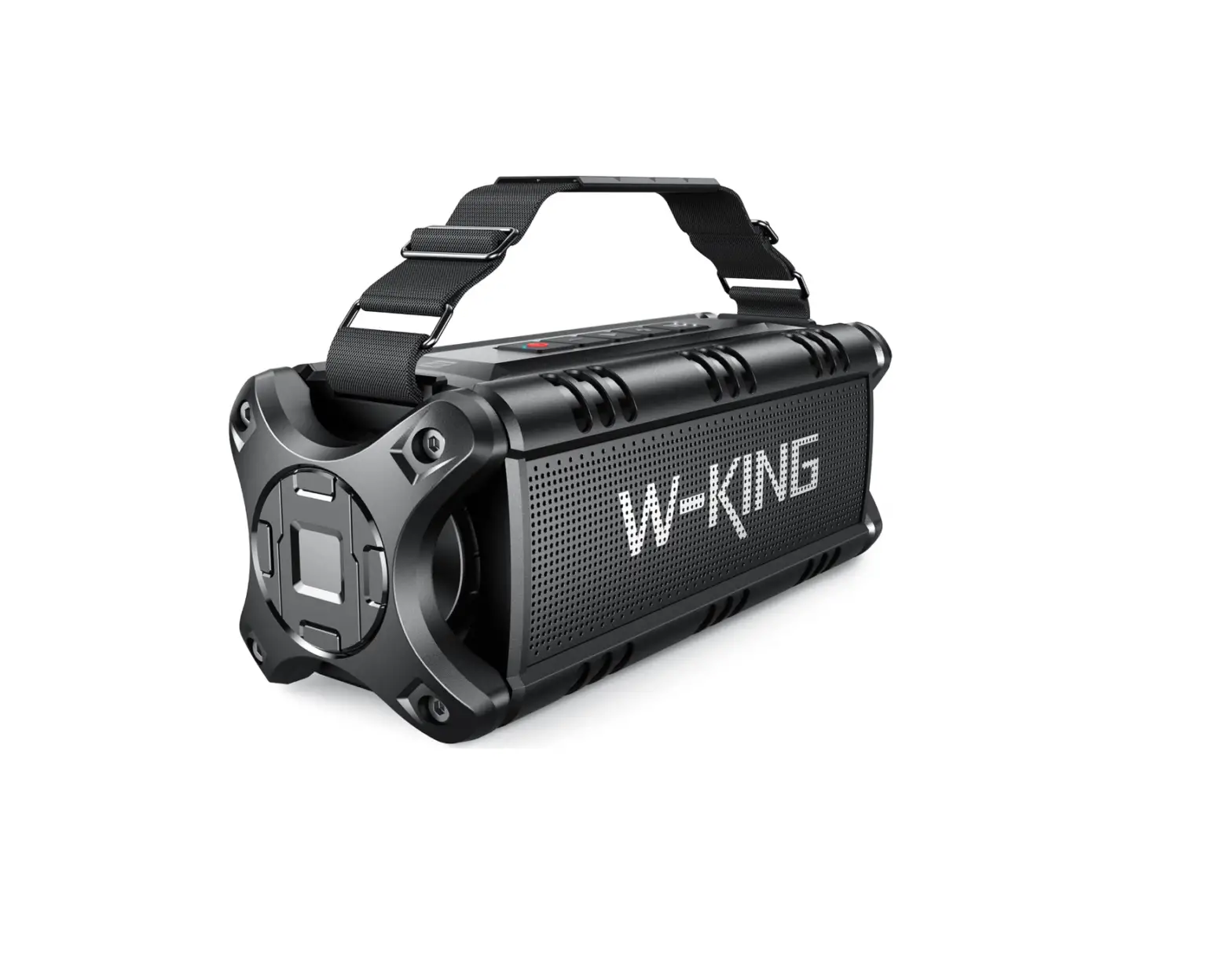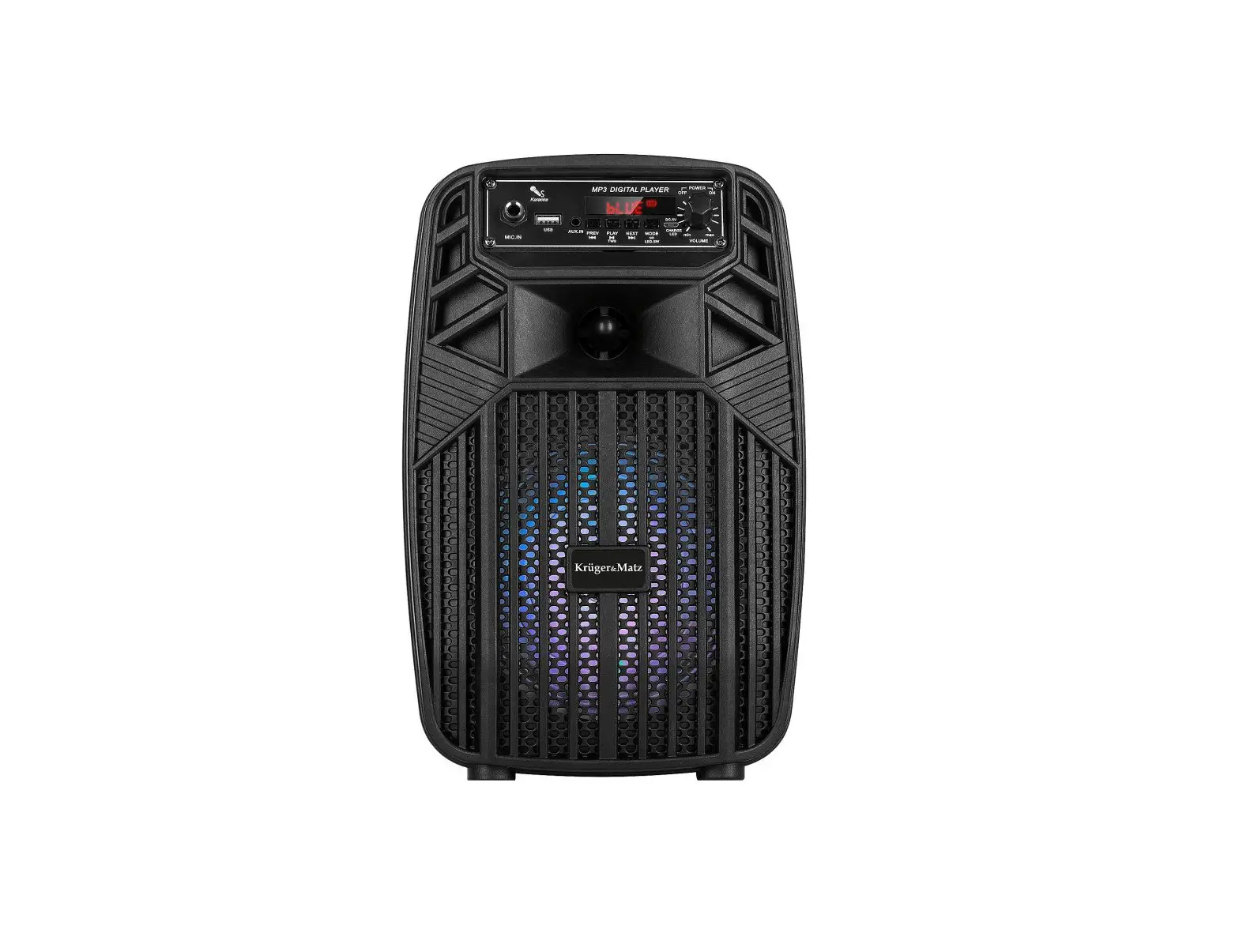

W-KING K6L Super Power Portable Wireless Speaker
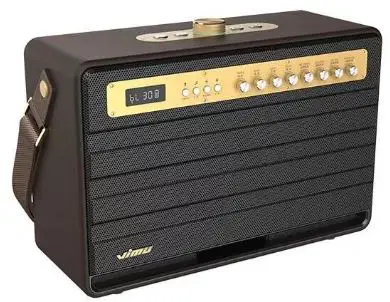
K6L SUPER POWER PORTABLE WIRELESS SPEAKER
Accessories
- Microphone *2
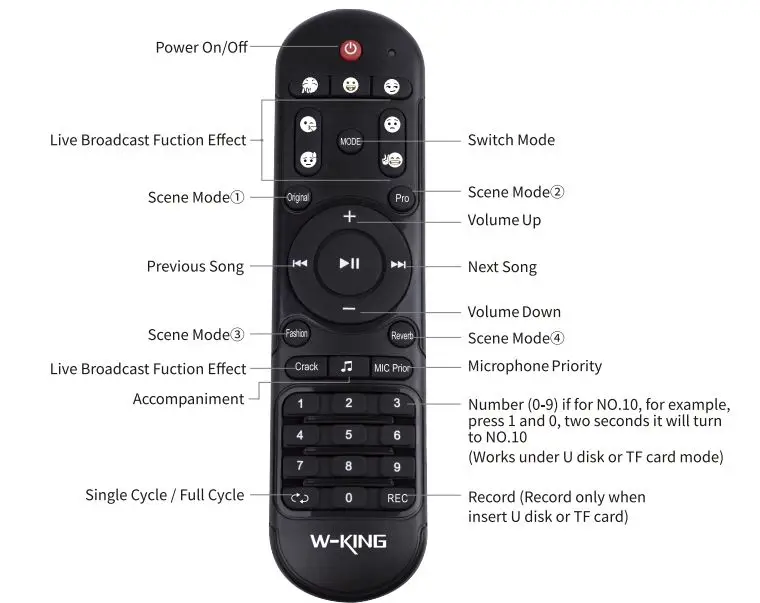
- Remote control *1
- User manual *1
- DC15V 1.6A charger *1
- 3.5mm Audio line *3
Specification
- Bluetooth 5.0
- Power: 120W
- S/N ratio: >70dB
- Distortion THD: <10%
- Frequency Range: 50Hz-15KHz
- Sensitivity: 95‡3dB
- Battery capacity: 22500mAh
- Charging time: about 3-4 hours
- Working time: 6-8 hours(vary with volume)
- Charging voltage/Current: DC 15V/1.6A O Support TF card, USB Disk, Music format: MP3, WAV, APE, FLAC, WMA
- Transmission distance: 10M (due to environmental factors and Bluetooth devices)
Charge Regularly
In order to guarantee the battery lifetime, please charge it at least one time in 6 months.
Operating instructions


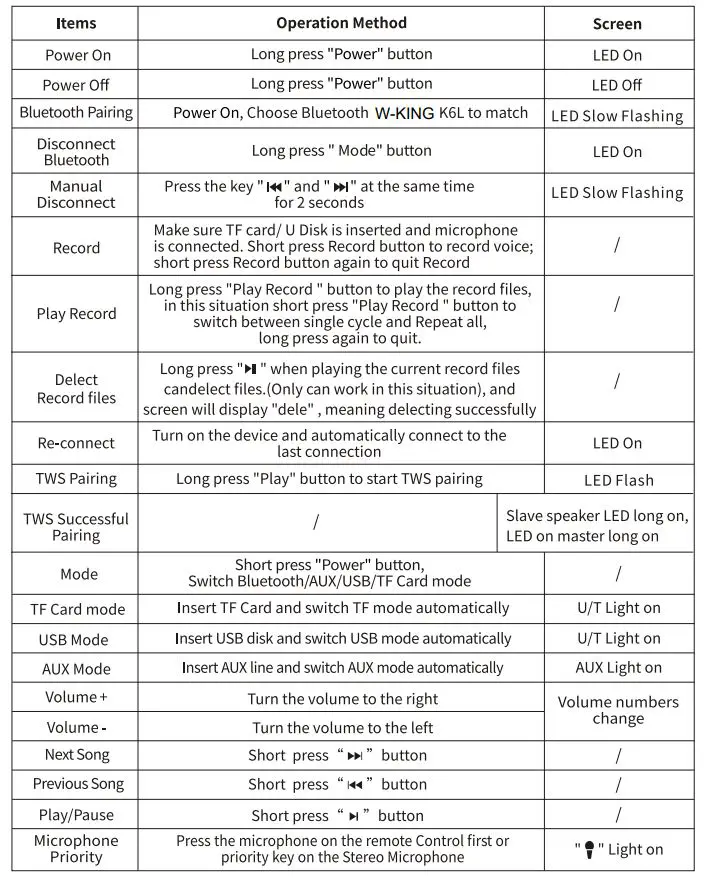
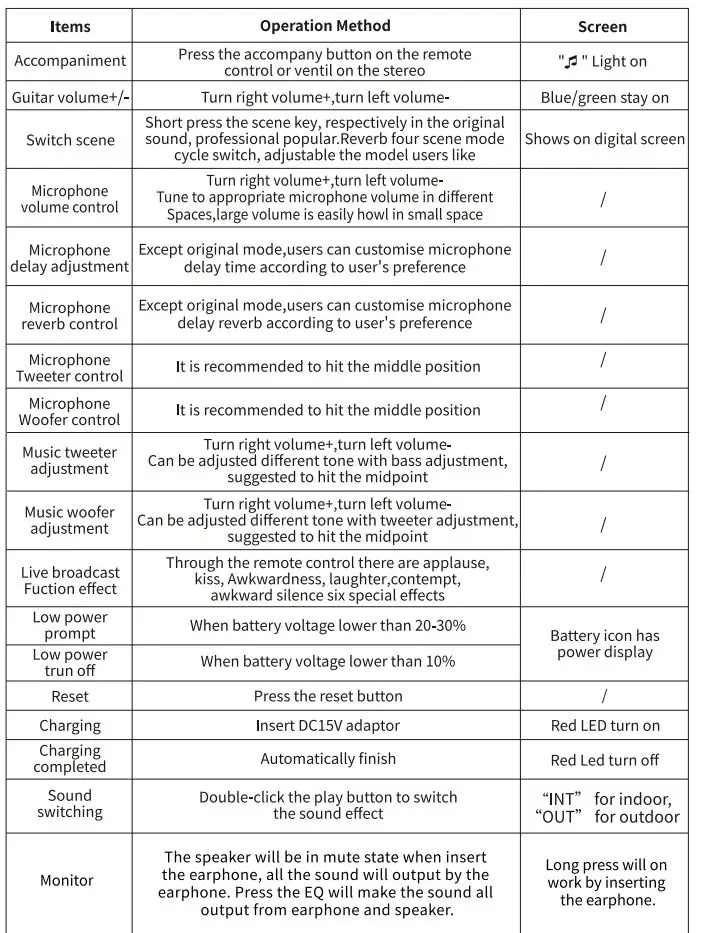
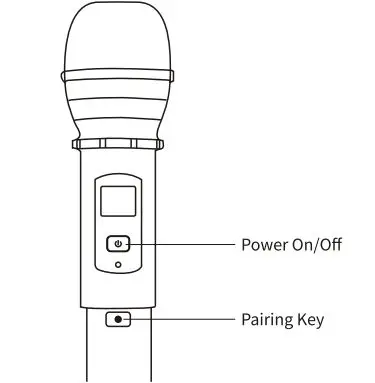
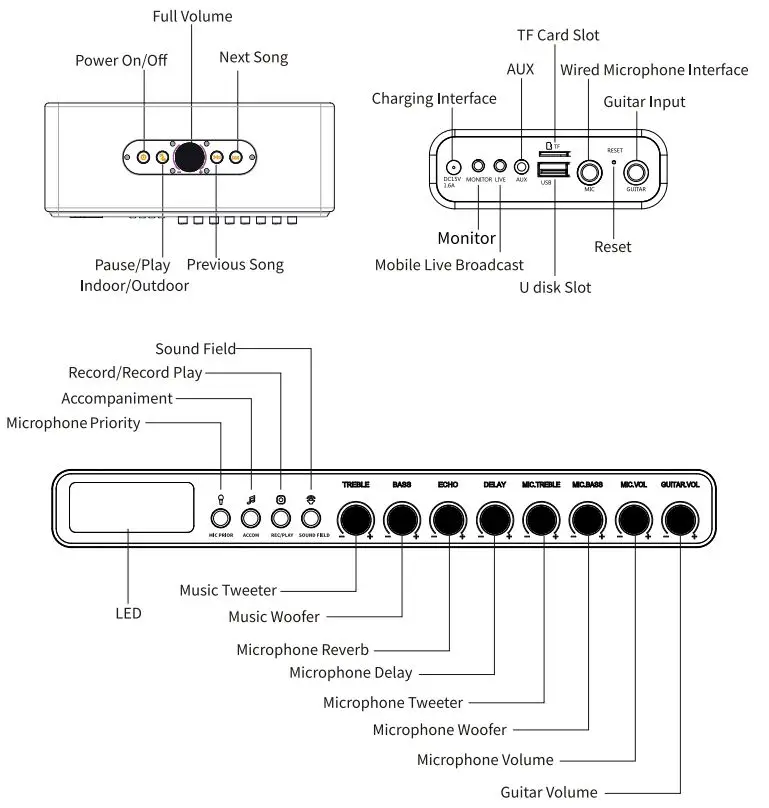
Microphone Pairing
- Turn the microphone switch to “ON” and the red light ON;
- Press the button below the microphone switch position for 1 second to make the red light flash;
- Turn on the speaker, press the power button for 5-10 seconds to exit the pairing mode (the screen exits flashing and enters steady light) to connect successfully.
Note: there should be no interference signal when the microphone is pairing
TWS/Single using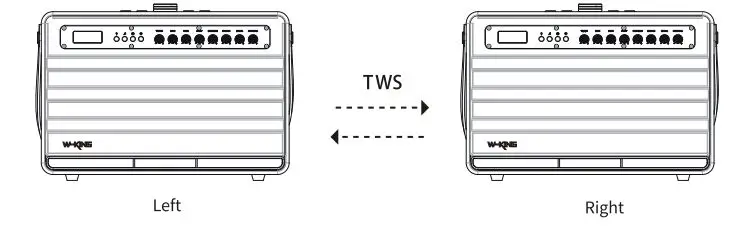
TWS Pairing Steps:
- Turn on two devices simultaneously, you will see the LED screen flashes.
- Select one device as the main speaker, long press “Play” button and you will go to automatically pairing mode. LED screen flashes at this time.
- After successfully paired,the LED screen is bright, the auxiliary machine is in the long state of the LED screen, and the host Bluetooth symbol is flashing slowly.
- Turn on your phone’s Bluetooth, search K6L and connect. The two devices play music simultaneously.
- Disconnect TWS: Long press “Play” button to disconnect the TWS pairing. LED screen flashes (flashes two times every second).