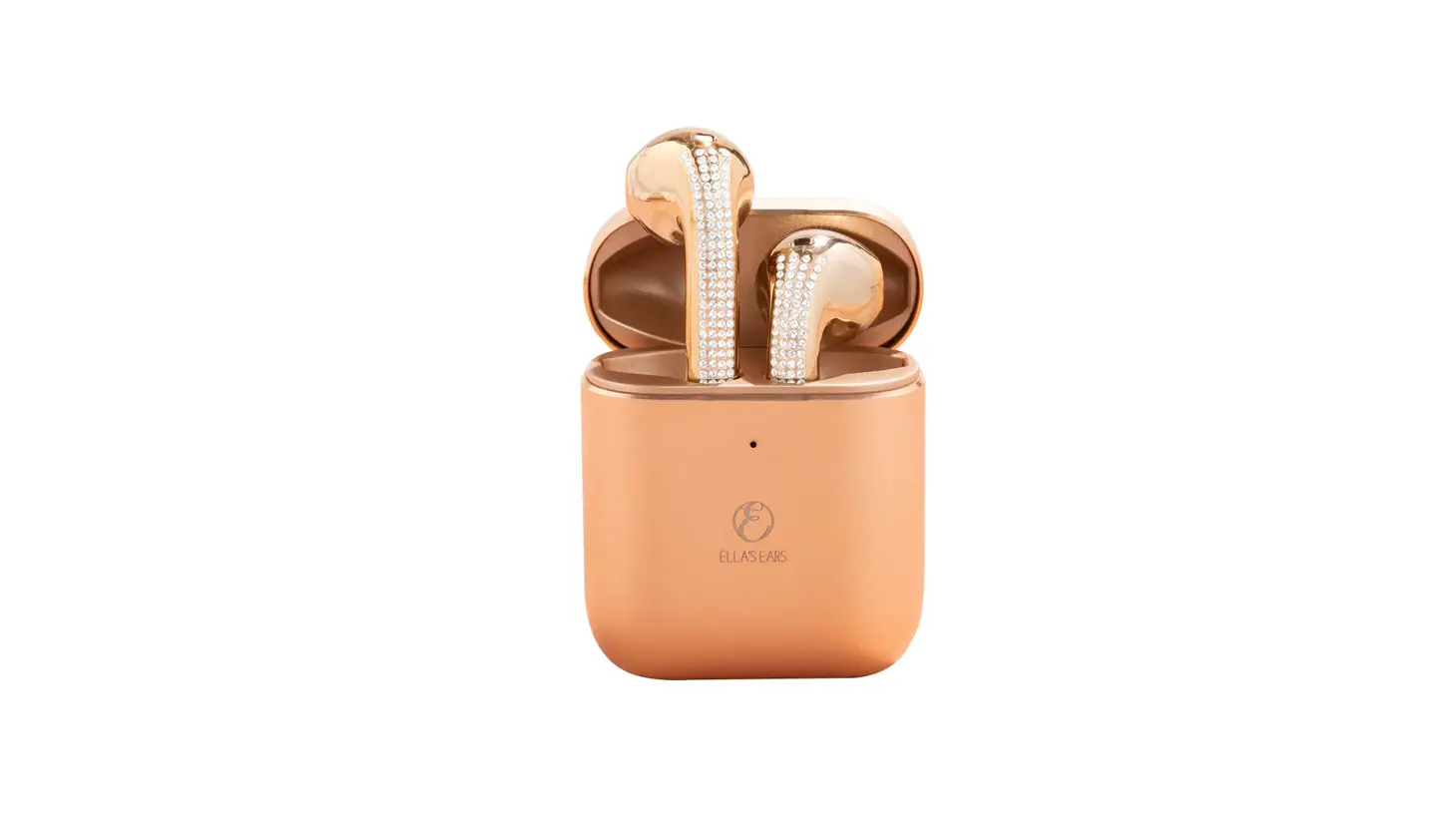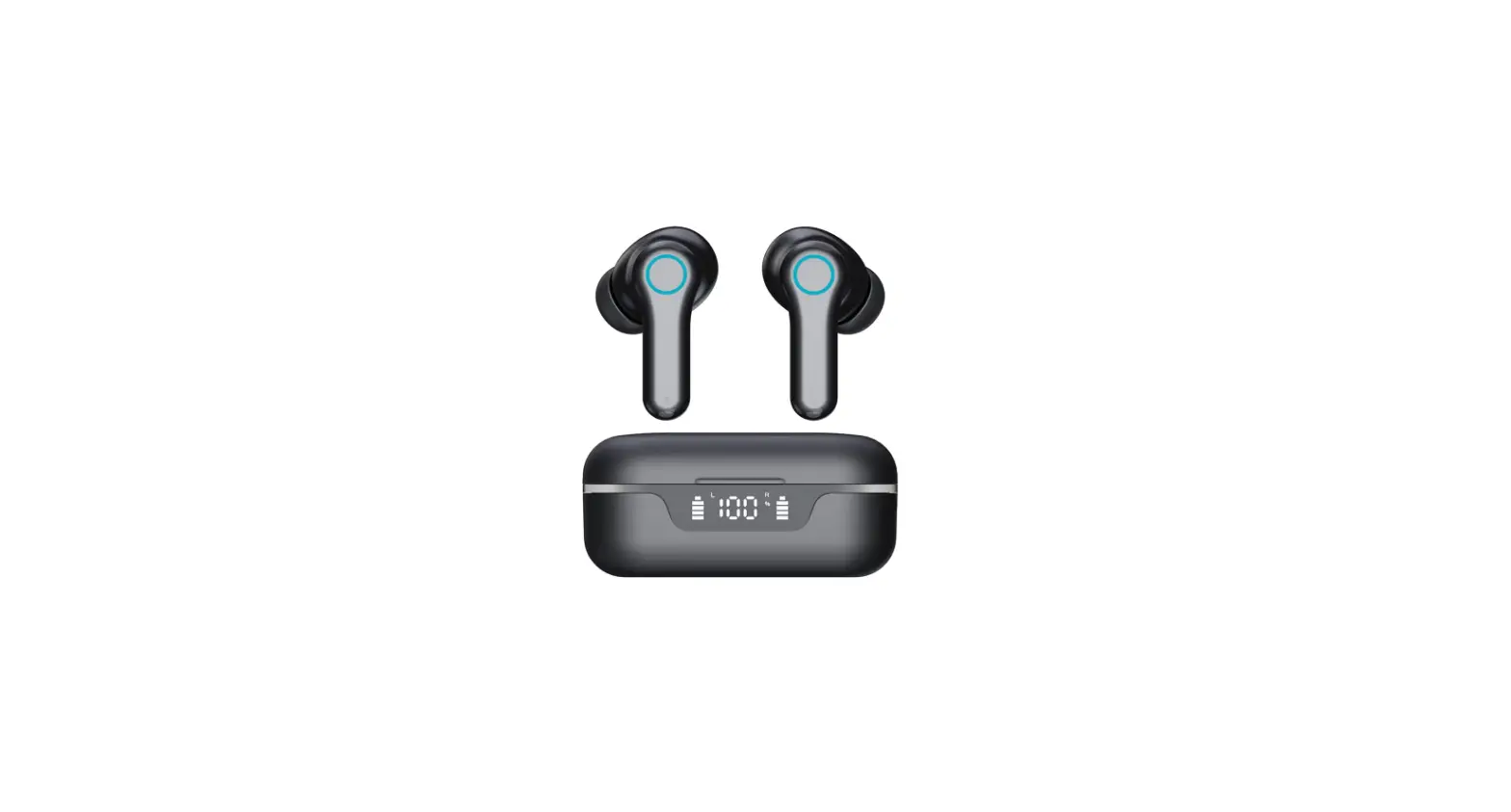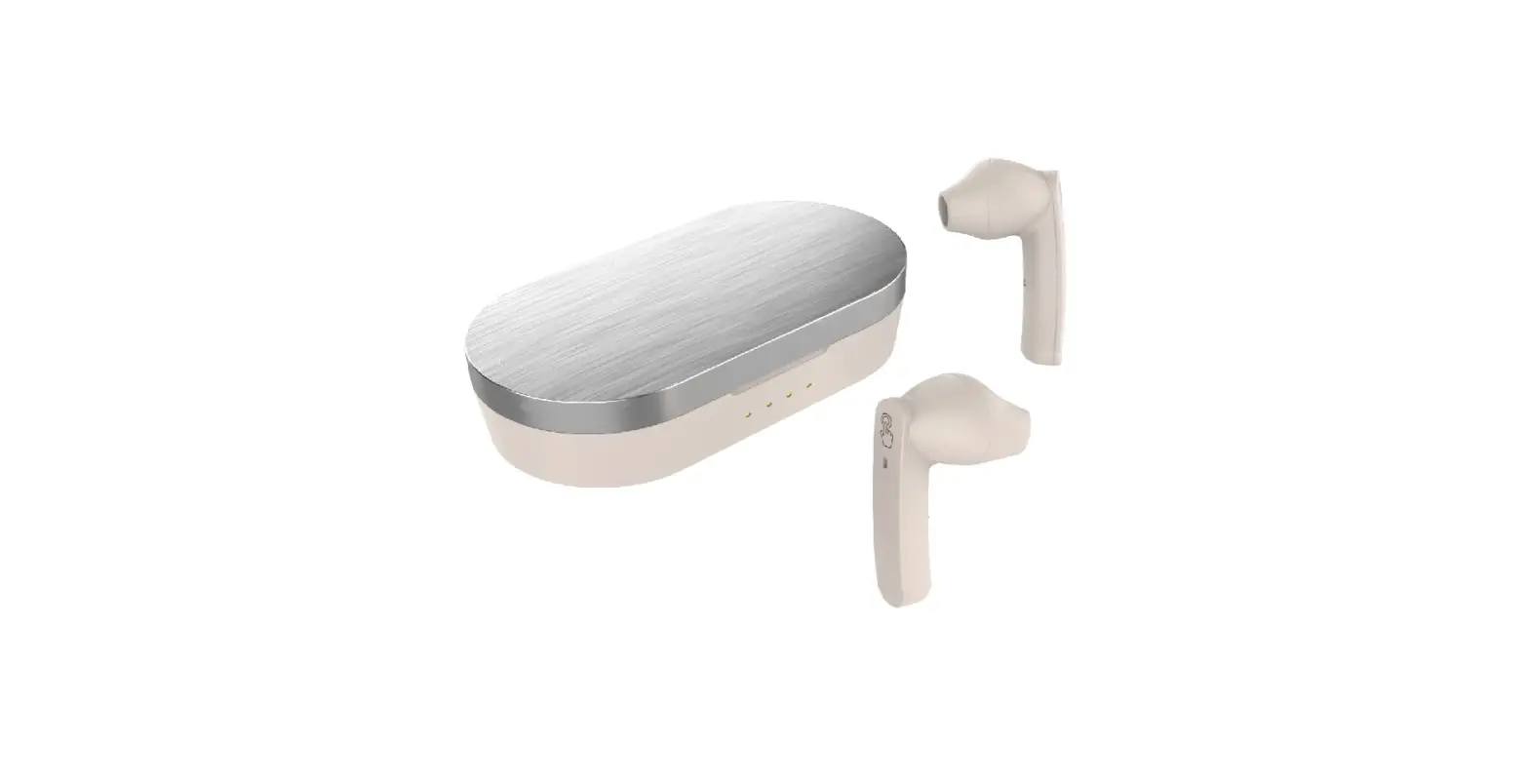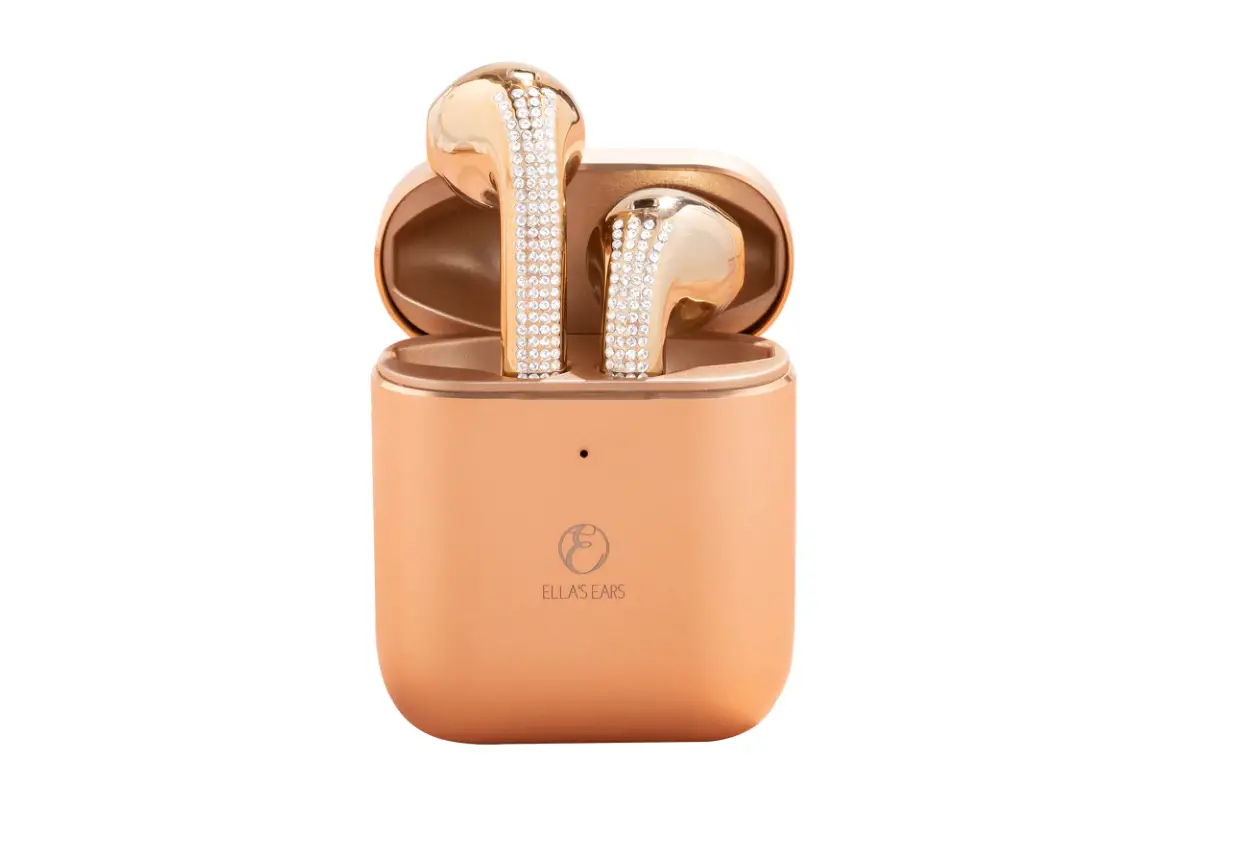
ELLA S EAR S400 Bluetooth Headphones User Manual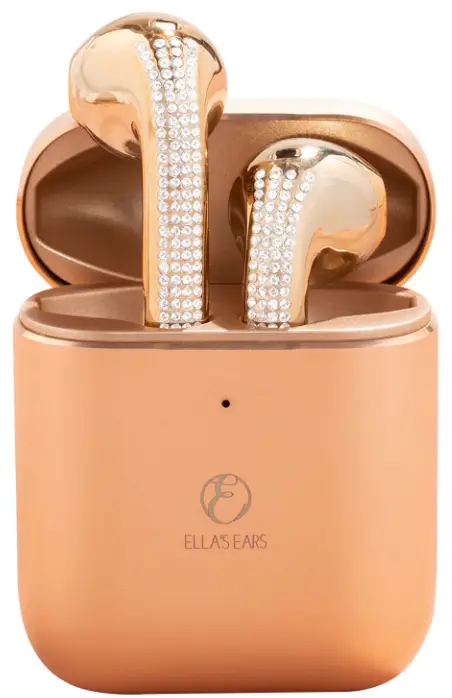
Introduction
Please read this manual carefully before use and keep it for future reference.
Package Content
- Bluetooth headphones x 1 pair (L/R)

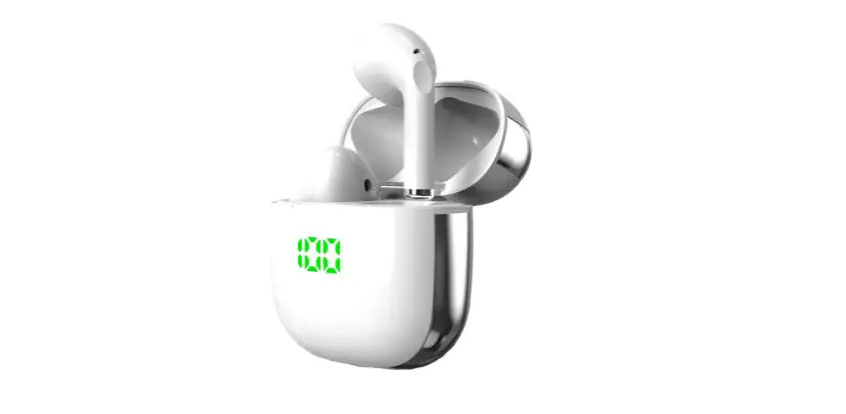
- Charging case xl

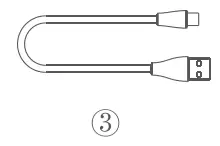
- USB-C charging cable x l

- User manual x 1

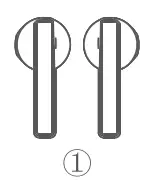
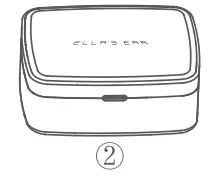
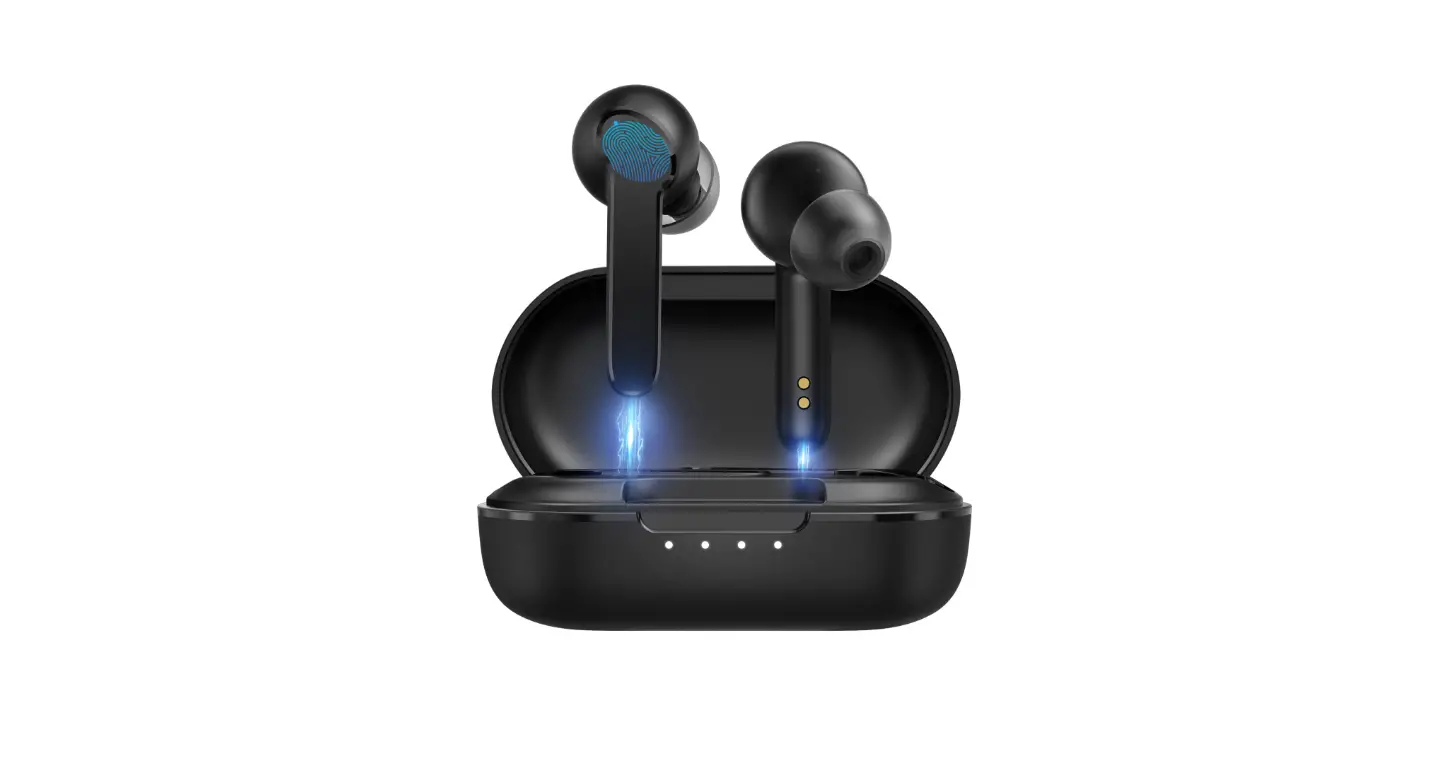
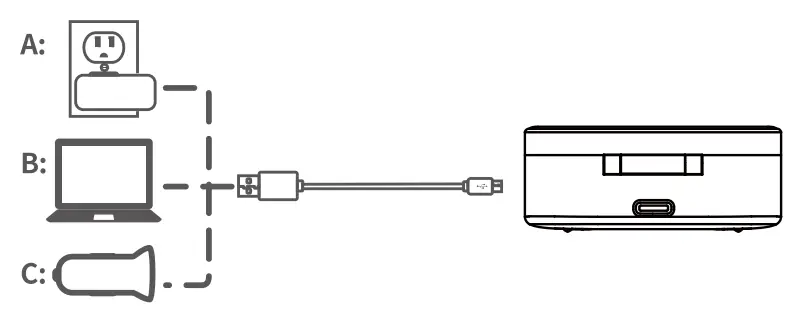
Multiple Charging Method
Important Reminder
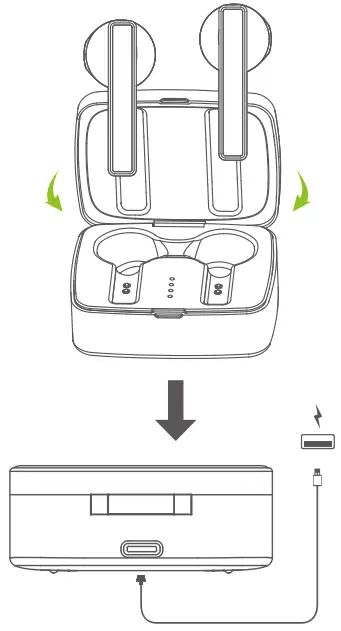
- Please take the Following steps before using the headphones for the first time;
- Step 1: Put the headphones back into the charging case.
- Step 2: Close the lid and let the headphones charge for about 30 minutes.

Important: Do not touch the touch area when you use voice or video of other mobile phone software, otherwise the sound will be interrupted.
PAIRING
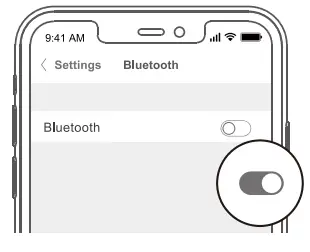
- Turn on the Bluetooth of your phone.

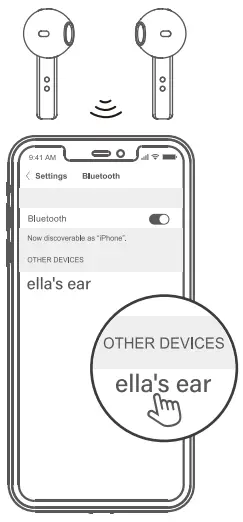
- Take the headphones out
- Choose “Ella’s ear’ to pair.

Important: First use, if only one ear has sound?
The left and right headphones have independent chips and complete circuits, and the main headphones are on both sides Just put the two back into the charging bin and open them again to pair automatically.
POWER ON
- Manual operation
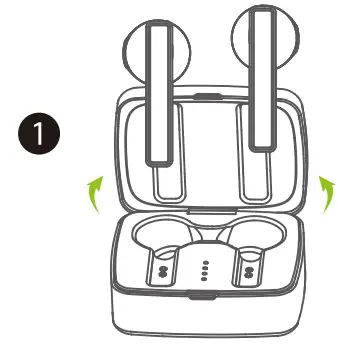
- Open the charging case and take the headphone out.

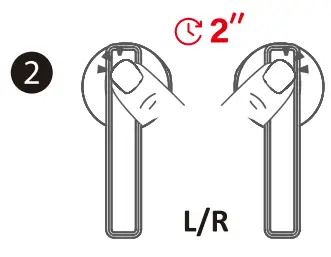
- Tap and hold the touchpad on the left/right headphones for 2 seconds to power on. You will hear a voice prompt or Power se from the headphones
- Open the charging case and take the headphone out.
- Automatic operation
- Open the charging case and take the headphones out .the headphones will power on automatically. with voice prompt of ‘Power On”

POWER OFF
- Manual opinion
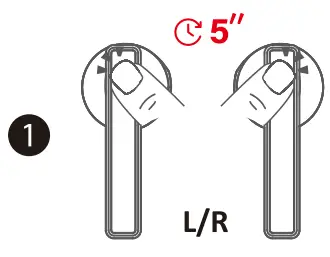
- Tap and hold the touchpad on the left/right for 5 seconds .You will hear a voice prompt of Power Off from the headphones.
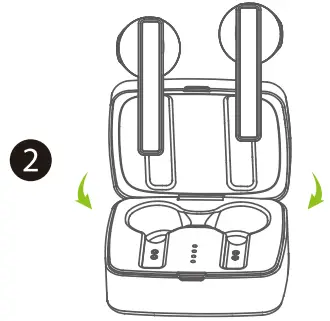
- After the headphones are closed, put them back in the headphone case and close the cover.

- Automatic operation
- Put the headphones back into the charging case and se the case. 2.lieadphone automatically toms off (and enters charging mode).

- Put the headphones back into the charging case and se the case. 2.lieadphone automatically toms off (and enters charging mode).
HEADPHONES LED INDICATOR GUIDE
| System State | Indicator Activity |
| Power on | The indicator stays Blue for two second |
| Power off | The indicator stays red for two second |
| Pairing | Left and right ear white light flashing at the same time, left and right ear interconnected, the secondary (left / right) out of the light host (left / right) red and white lights flashing alternately (pairing mode) The indicator goes off |
| Connected | Right ear red and blue lights flash alternately |
| Being charged | The indicator stays red |
| Fully charged | The indicator goes off |
CHARGING CASE LED INDICATOR GUIDE
| Indicator State | Battery Level |
| Being charged | White light flashing |
| Fully charged | Indicator light is always on |
| The first lamp indicator flashes white | – = 25% battery |
| The second lamp indicator flashes white | 25% -50% battery |
| The three lamp indicator flashes white | 50% -75% battery |
| The fourth lamp indicator flashes white | 75% -100% battery |
MANUAL
| Play / pause: | tap the touch pad of either headphones once |
| Previous : | tap the touchpad of the Right Three Strikes |
| Next : | tap the touchpad of the Right Double strikes |
| Voice assistant: | In the connected state, hit the left ear three times. |
| Answer end a call: | Click the left or right touch area, |
| Refuse to answer the phone: | Press and hold the multi-function button for 2 seconds |
| Automatic shutdown: | Power on status. Bluetooth is not connected to any device and will automatically shut down in 5 minutes. |
| VOL UP: | When connected, press the right (only the right) for 2S, and the volume begins to increase until it is released. When the volume is maximum there is tone prompt tone |
| VOL DN: | When connected, press the life (only the lift)for 2S, and the volume begins to increase until it is released. When the volume is minimum , there is tone prompt tone |
| Support main / auxiliary ear switching: | two paired headphones is put into the charging bin, and the other automatically becomes the main ear, which is connected to the mobile phone to continue playing |
FCC STATMENT
This device complies with part 15 of the FCC Rules. Operation is subject to the following two conditions: (1) this device may not cause harmful interference, and (2) this device must accept any interference received, including interference that may cause undesired operation.
Any changes or modifications not expressly approved by the party responsible for compliance could void the user’s authority to operate the equipment. NOTE: This equipment has been tested and found to comply with the limits for a Class B digital device, pursuant to Part 15 of the FCC Rules.
These limits are designed to provide reasonable protection against harmful interference in a residential installation. This equipment generates, uses and can radiate radio frequency energy and, if not installed and used in accordance with the instructions, may cause harmful interference to radio communications. However, there is no guarantee that interference will not occur in a particular installation. If this equipment does cause harmful interference to radio or television reception, which can be determined by turning the equipment off and on, the user is encouraged to try to correct the interference by one or more of the following measures:
- Reorient or relocate the receiving antenna.
- Increase the separation between the equipment and receiver.
- Connect the equipment into an outlet on a circuit different from that to which the receiver is connected.
- Consult the dealer or an experienced radio/TV technician for help.
The device has been evaluated to meet general RF exposure requirement The device can be u sed in portable exposure condition without restriction