
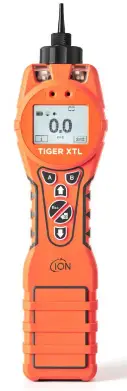
ION TIGER XT, XTL and XT Select
- Scan the QR code or visit www.ionscience.com to register your instrument to increase the standard warranty of your product, giving you peace of mind that your instrument is covered by the manufacturer for longer

- Press power button and hold to turn on instrument

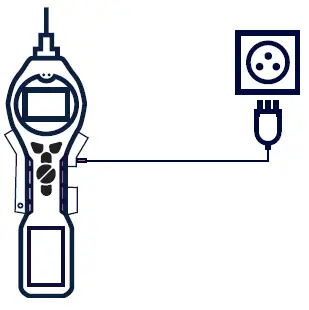
- Fully charge instrument using charger (p/n A-912258). The battery icon on the instrument will display the level of charge

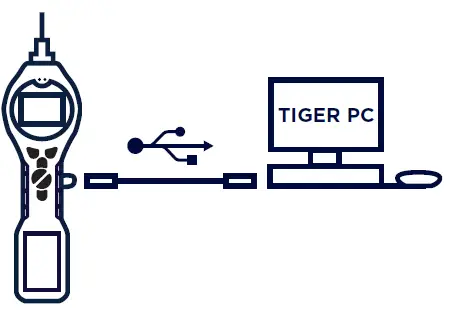
- Download Tiger PC from www.ionscience.com and connect instrument to computer using Tiger USB cable (p/n 861230

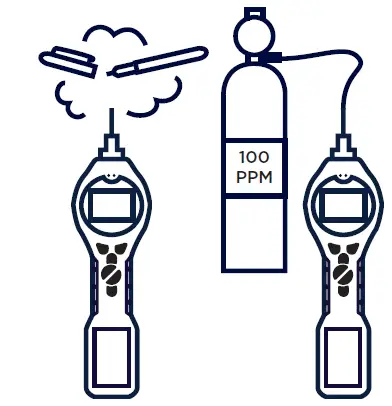
- Ensure you bump test before use and calibrate if necessary



Pioneering Gas Sensing Technology. ionscience.com
 Pioneering Gas Sensing Technology - ION Science Inc
 Pioneering Gas Sensing Technology - ION Science Inc