
Quick Use Guide
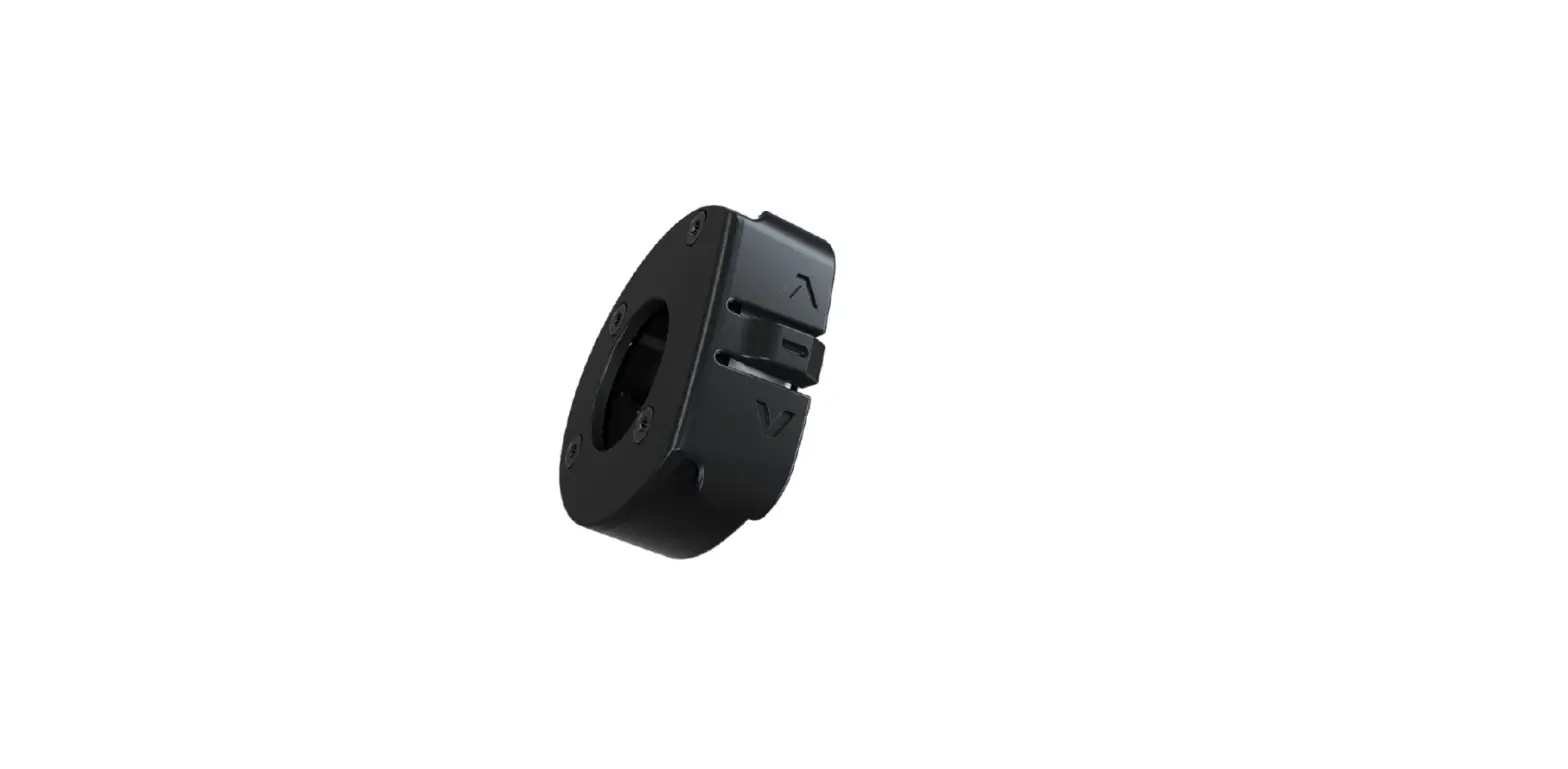
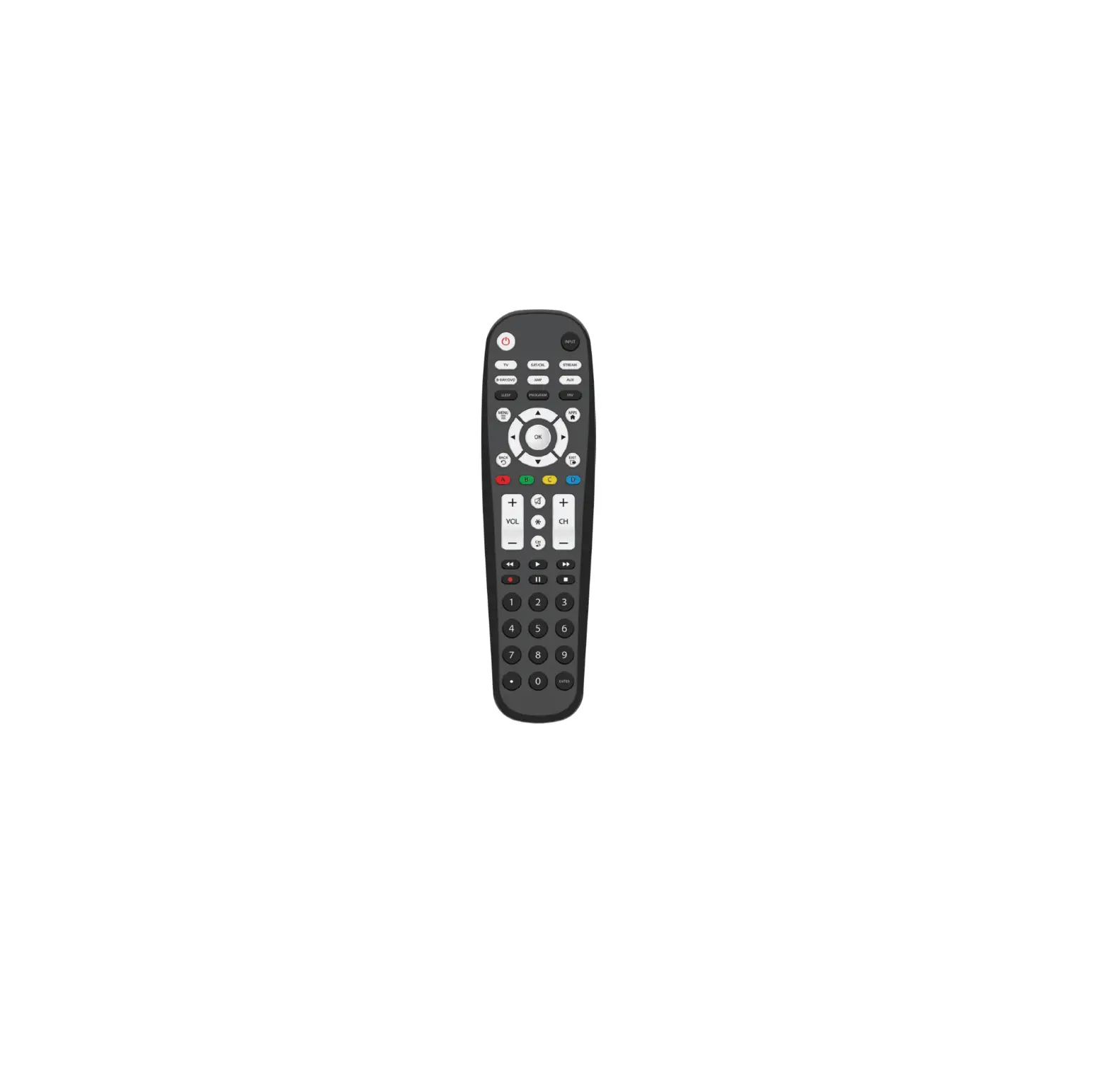
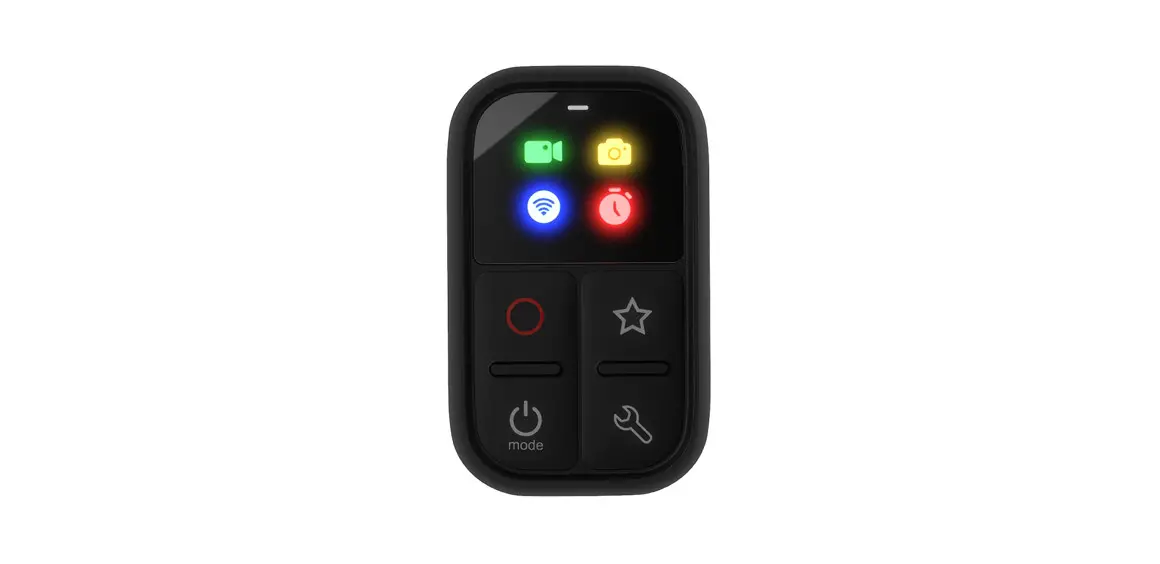
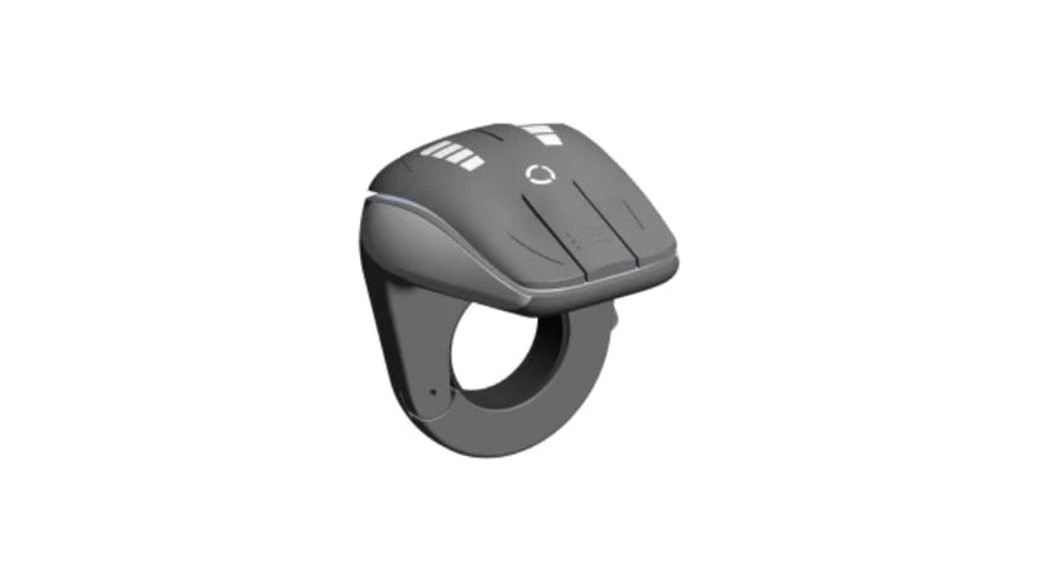
iWoc® remote
ebikemotion®
The B2B Connected Bicycle Platform
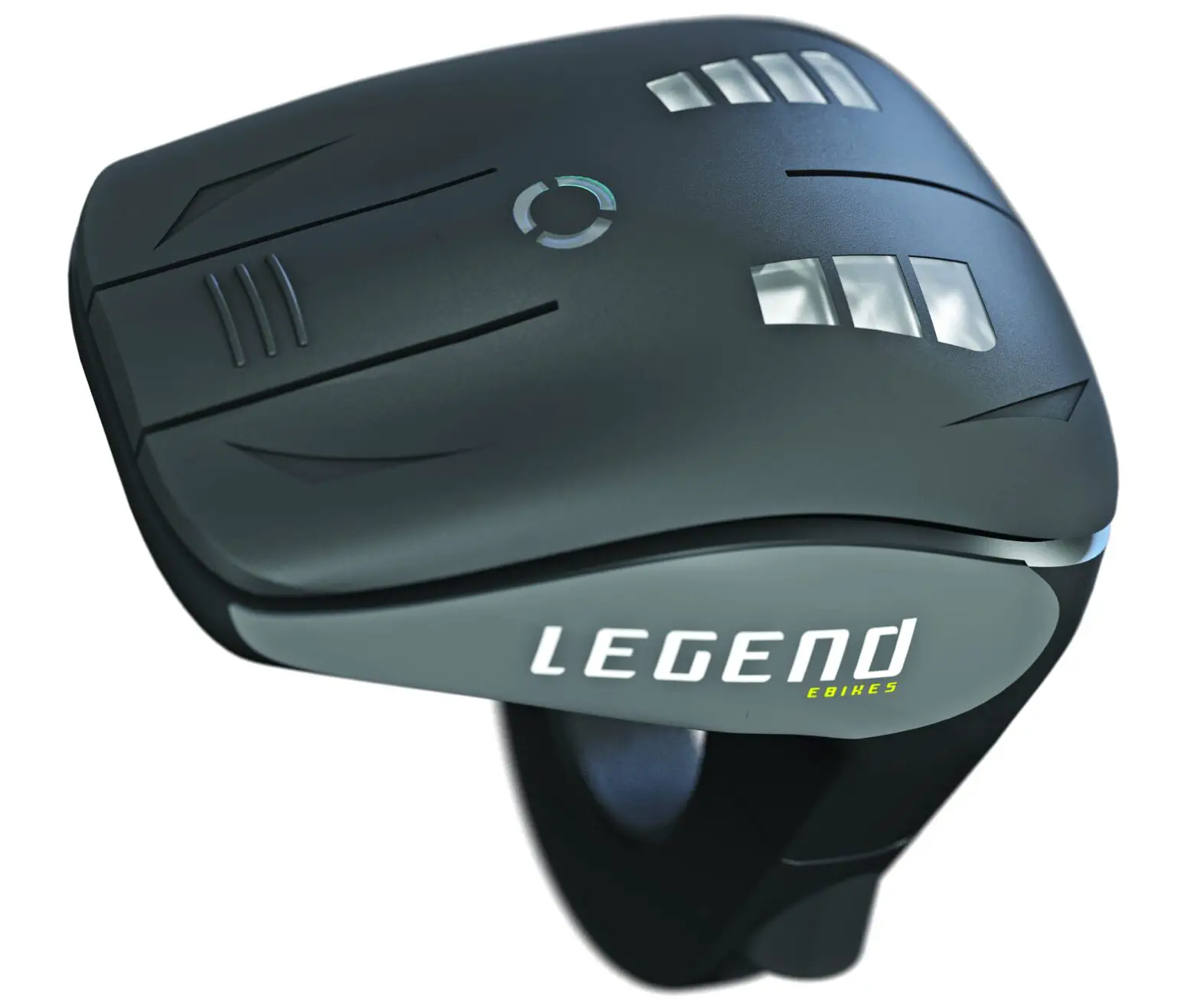

iWoc 5 Remote
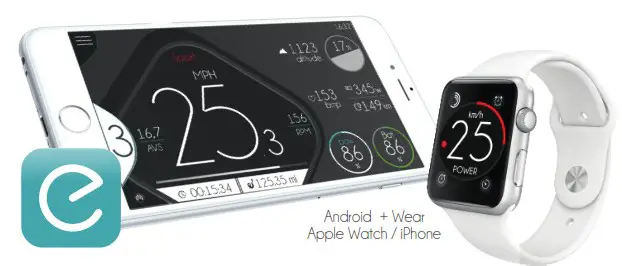
ebikemotion® App
emotion®
Download the ebikemotion APP and you will turn your smartphone in an advance cycling computer. Remember to download the free maps from in your APP. You will have 3 months to download updates from your first map download (maximum 5 maps/times) . You can also control the ebikemotion APP by the iWoc remote.
Available

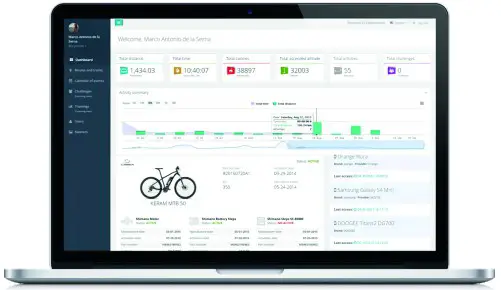
ebikemotion® User Web Dashboard
Go to www.ebikemotion.com to check information about your activities and e-bike. You must use the same user account you used in the ebikemotion APP on your phone. You will see the status of your e-bike, activities, reports, situation, alerts robbery, change ownership and consult the manuals online. http://ebikemotion.com/userweb/
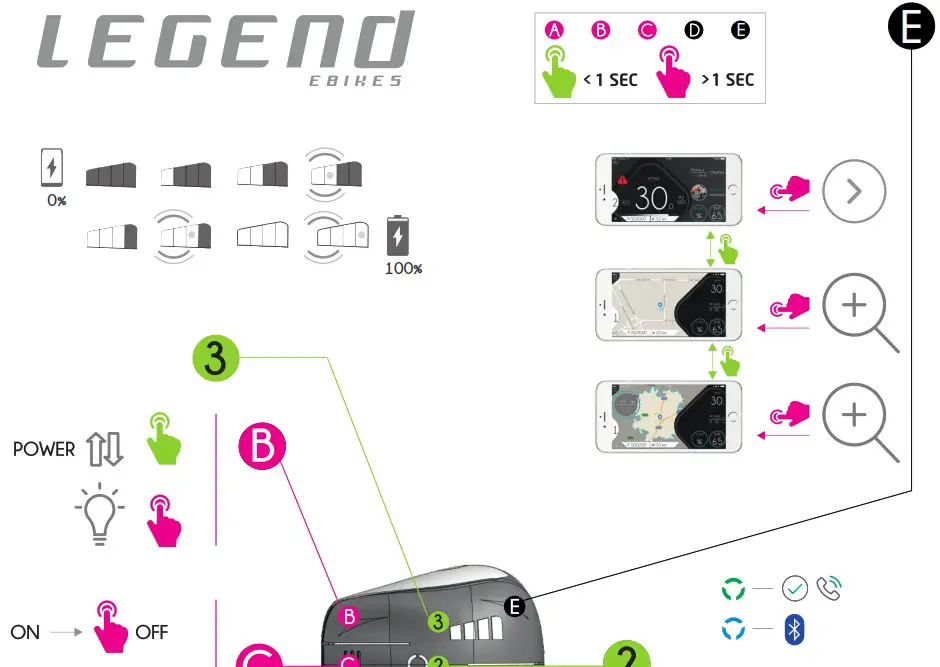
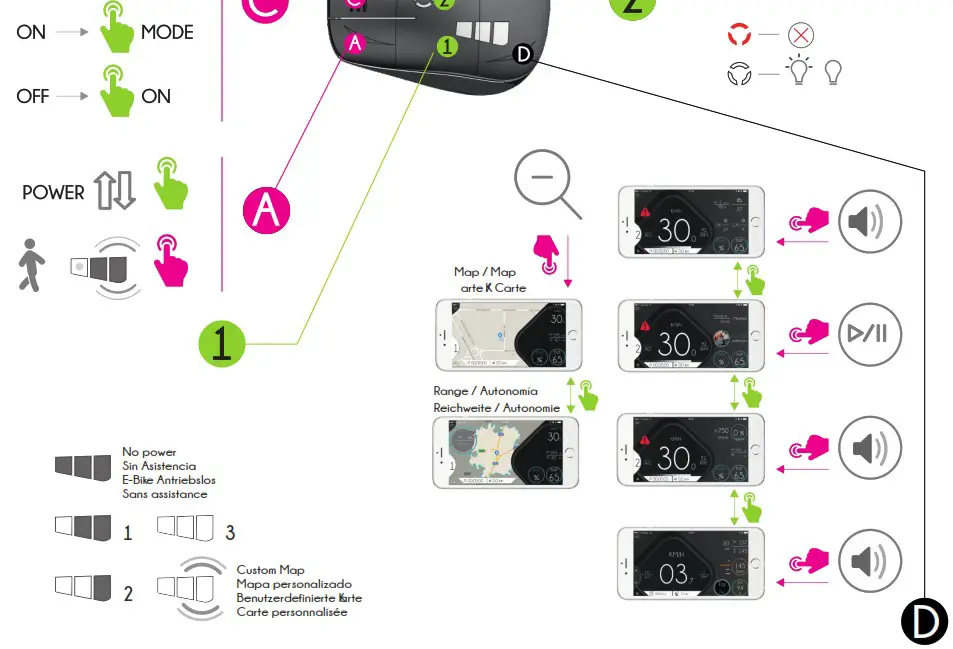
SWITCHING THE EBIKE SYSTEM ON/OFF
 Short press button “C” to switch ON the eBike
 Long press button “C” to switch OFF the eBike
WALK MODE AND SWITCHING LIGHTS
 Long press button “A” to start the walk mode. the eBike will assist to you under 6km/h without pedaling. It is switched off as soon as you release the button.*
 Short press button “B” to switch ON/OFF the lights.
*On bikes with throttle installed, the long pressing button “A” will activate/deactivate the use of the throttle
ASSISTANCE LEVEL
 Short press button “A” to increase/decrease* the assistance level of your eBike. The LED pannel will show the new assist level
 Short press button “B” to increase/decrease* the assistance level of your eBike. The LED pannel will show the new assist level
* These functions can be interchanged depending on the position/orientation of the iWoc® remote on the handlebar. Once the operation is completed, the new level will be shown on the panel: 1
BLUETOOTH PAIRING PROCESS WITH SMARTPHONE APP
 with eBike switch off press and hold button “C” until the RGB LED “2” starts blinking.
 Open your ebikemotion® APP with Bluetooth® On and go to menu SETTINGS / Pair with a new bike.
 If Bluetooth® link is realised the RGB LED will light for 2 seconds and the APP shows an alert to inform about the status of pairing process
ERROR IN THE SYSTEM
 If RGB LED is blinking, there is an error on course. Connect your Smartphone by Bluetooth® to check and get a detail description of it or go to your closer authorized dealer. The e-bike system will stop if the error is severe.
INCOMING CALLS WHILE RIDING
 If you are receiving a call while riding with the smartphone paired the RGB LED will blink in green until you pick up the call
 if you pick up the call the RGB LED will stay in green color
 when you hang up a call the RGB LED will stay on in RED for few seconds
SMARTPHONE APP AND MAPS
Remember that your smartphone APP includes a system to download maps for off-line navigation. Once the is installed in your smartphone, the first user connected to the ebike that downloads a MAP will get the free map license to down download 4 updates or 4 new maps during the next 3 months. Once this time has finished you will need to get a new Map Subscription.
USB PORT (ACCESSORIES)
Some models of iWoc® remote includes a USB charging port added into the factory wiring, in other models it is and accessory you can optionally purchase and install. If your system doesn’t includes it and you want to you charge your smartphone, put in contact with your dealer to get the charging port USB on.wire. (Maximum power supplied 500 mAh)

REPLACING ANY COMPONENT
If you connect a new iWoc® remote to the eBike, the iWoc® will not work until it has been associated to the eBike by the dealer. You can even have several remotes associated to the eBike to be used as spare parts if you need to replace one during your activity. Go to your Authorized Dealer to get the new iWoc® Remote. Dealer must ASSOCIATE the new iWoc® remote to your eBike using ebikemotion DEALER APP, an special APP designed for Dealers
MAINTENANCE AND SERVICE
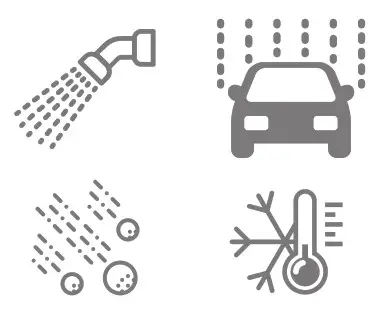
Your e-bike components are designed to be used outdoors. Do not immerse any components, including the drive unit, in water or clean them with pressurized water. Clean your on-board computer using a damp soft cloth. Have your eBike system checked by an expert at least once a year (including mechanical parts and system updates). Do not immerse any components, including the drive unit, in water or clean them with pressurized water. During transport in a car protect the remote and USB on.wire properly or disassembling them.
EBIKEMO
TION TECHNOLOGIES S. L.
C/ Orfebres, 10 – 34004 (Palencia, Spain)
ebikemotion.com
https://www.ebikemotion.com/web/download-center/
V.1.0
 Home - MAHLE SmartBike Systems
 Home - MAHLE SmartBike Systems