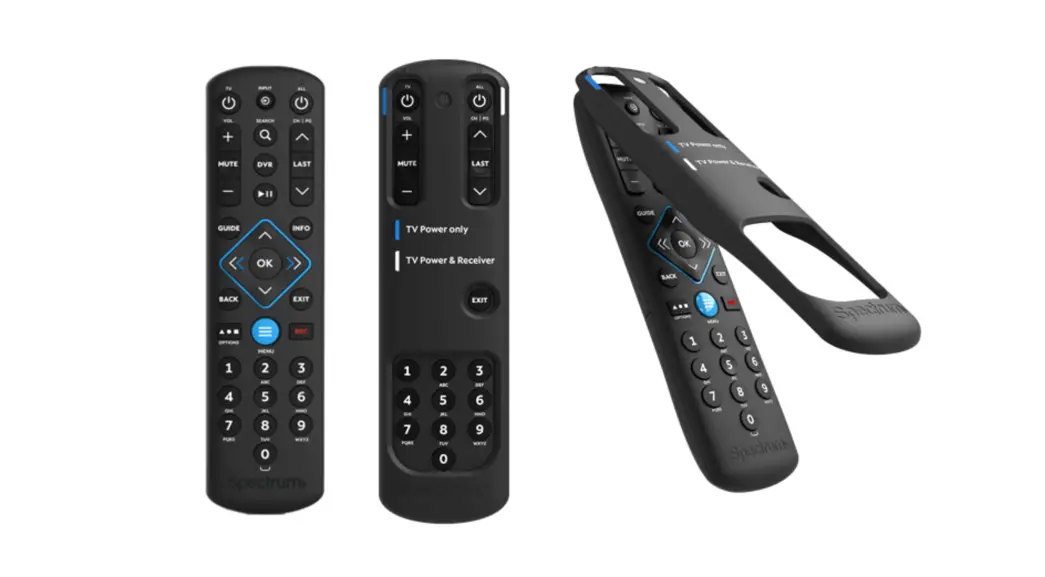

Here’s What’s Included
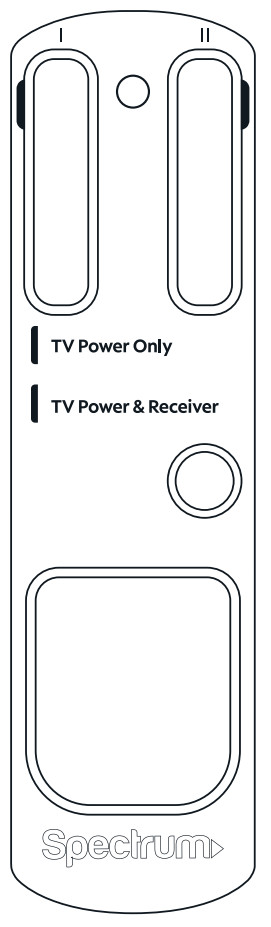
remote cover
 Have Questions?
We’re here to help. To learn more about your remote, visit spectrum.net/spectrumremote
QUICK START GUIDERemote Cover Spectrum Remote
STEP 1
Check Your Remote
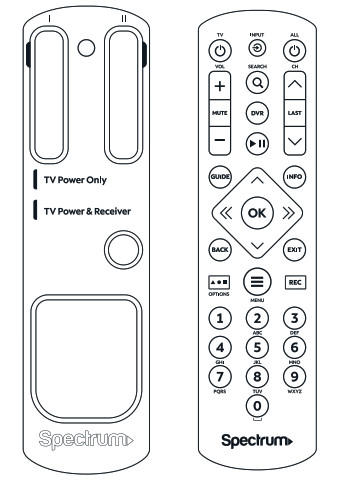 Important: This cover is designed for a Spectrum Remote (provided separately) and won’t fit on other remotes.
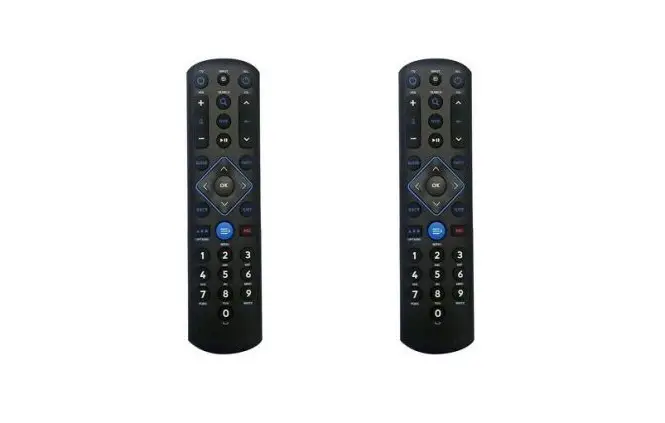
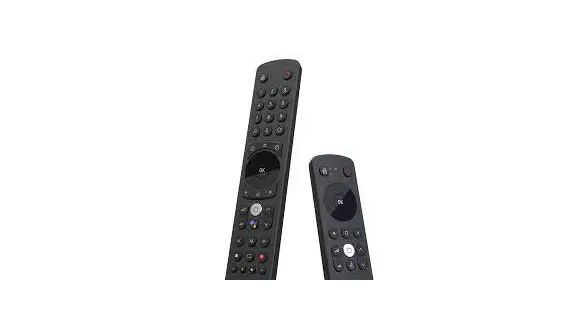
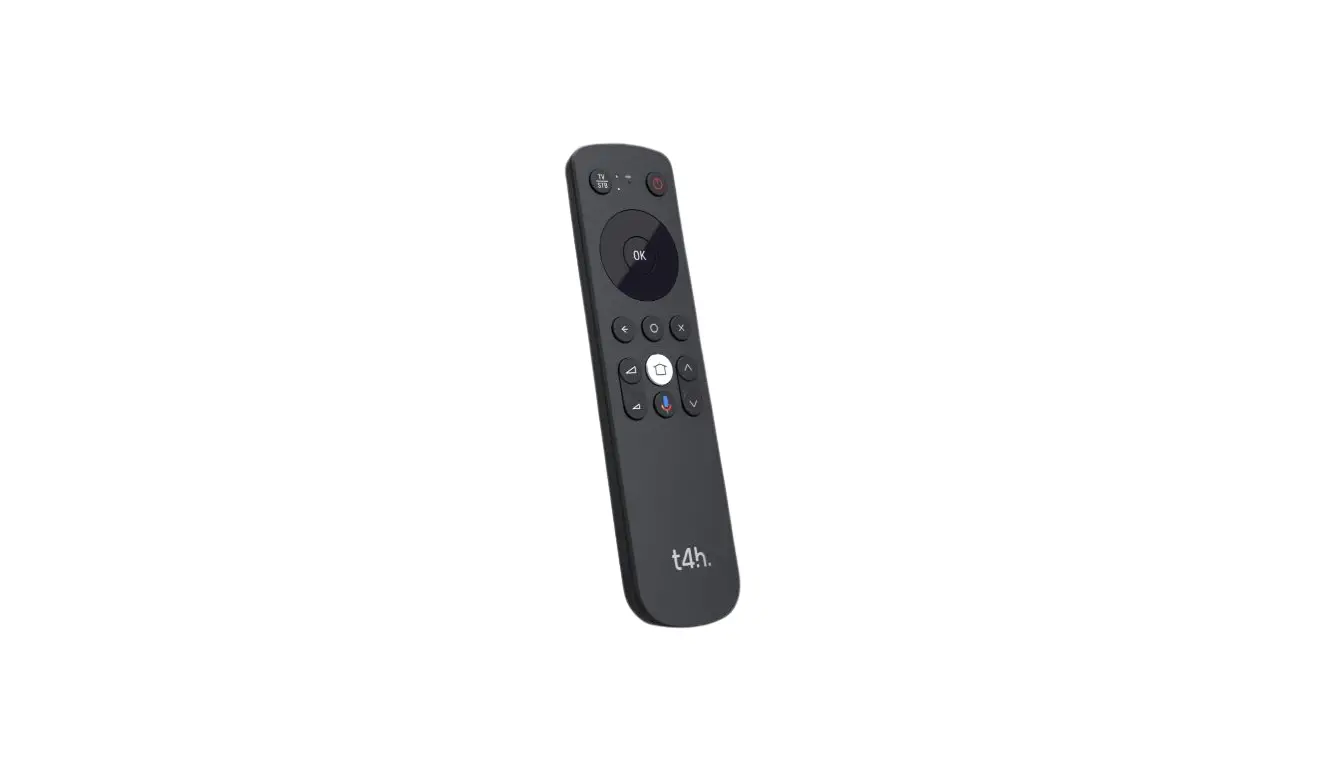
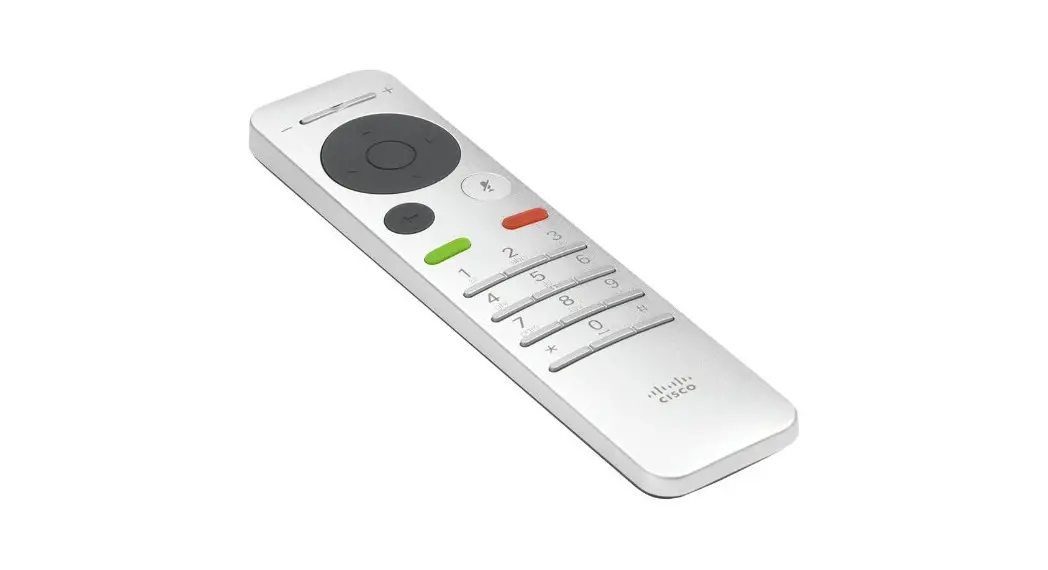
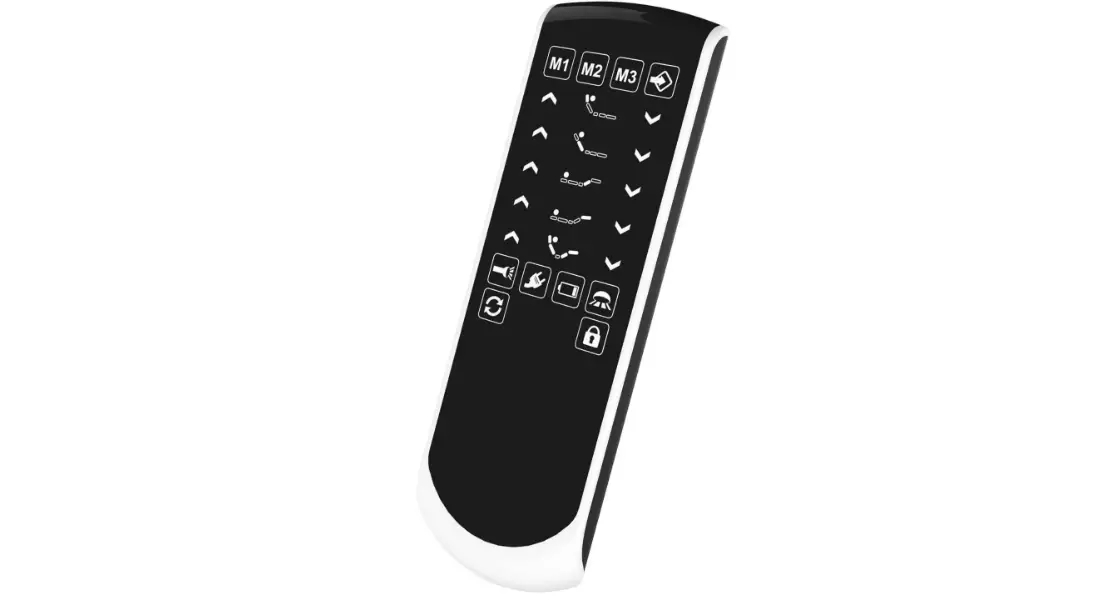
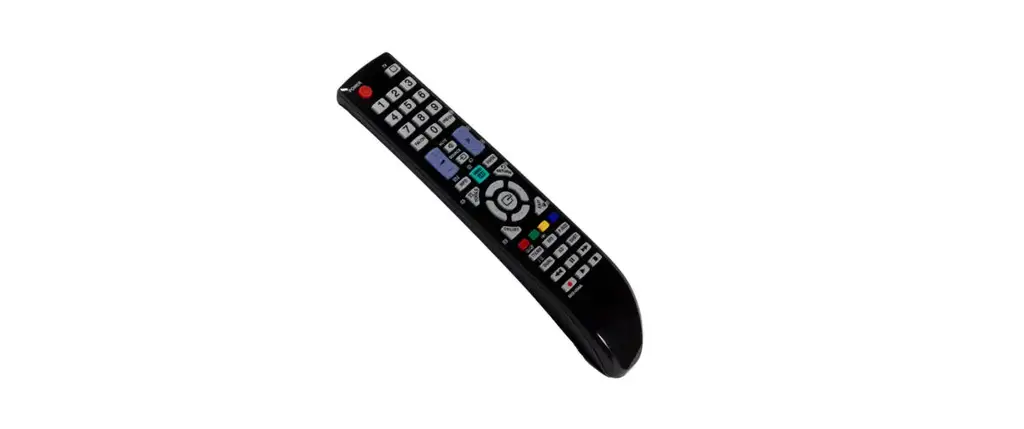
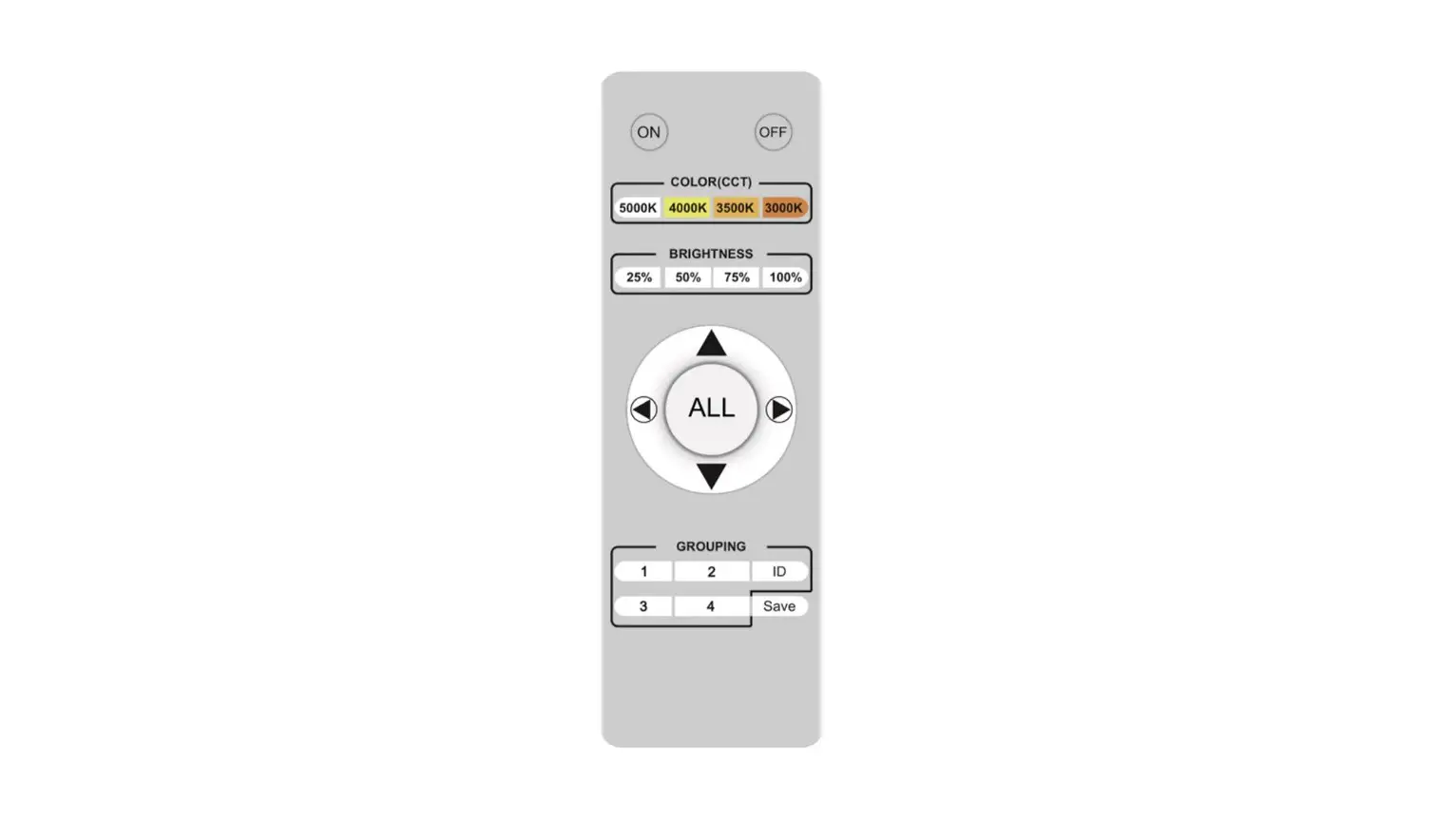
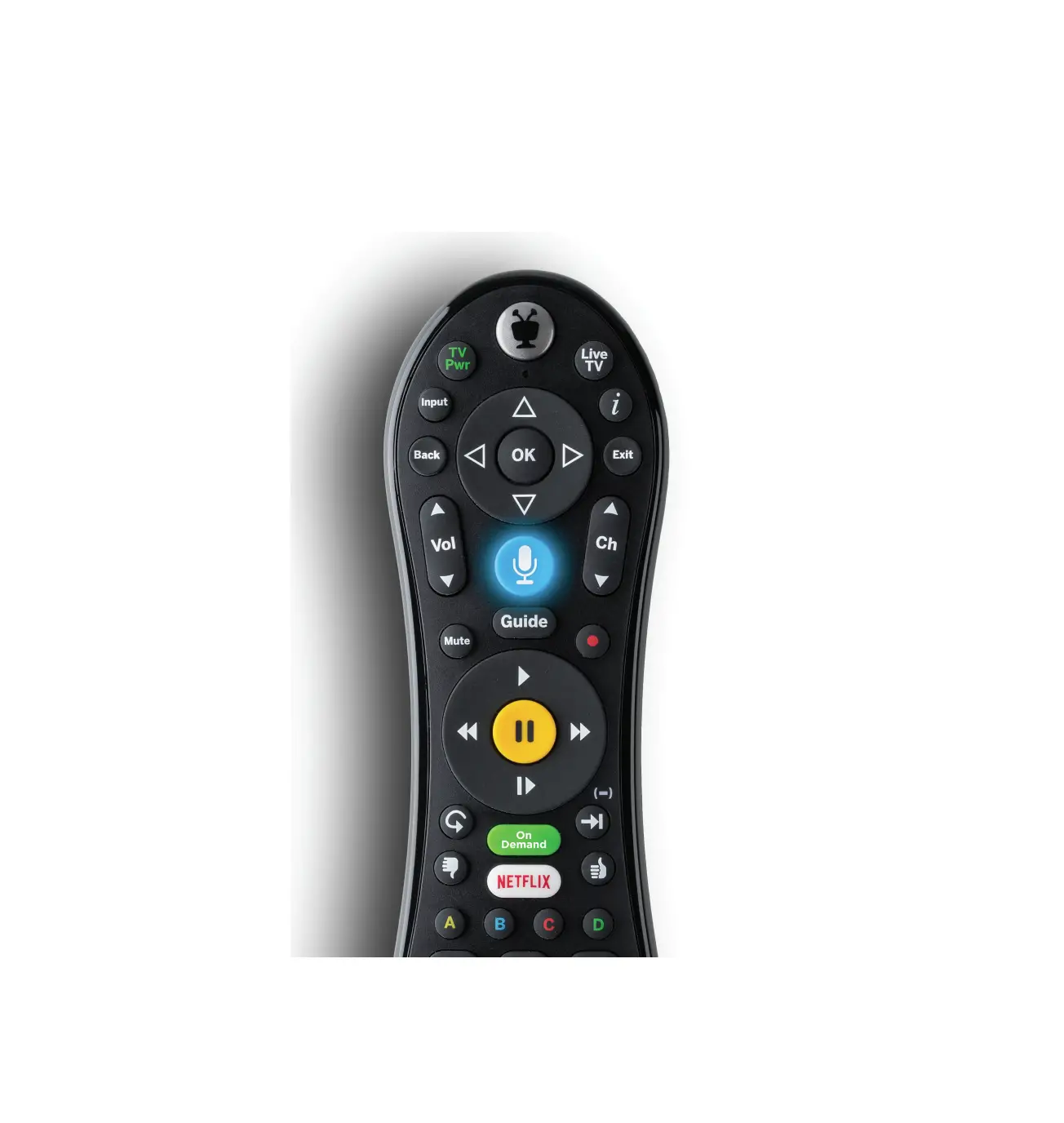
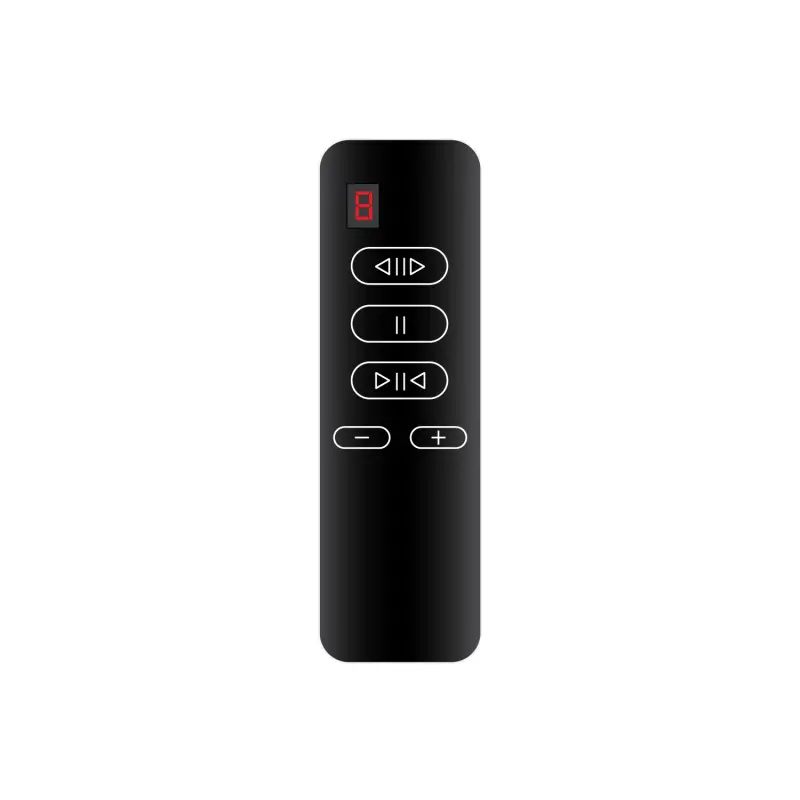
A. Refer to the diagram to make sure you have the correct remote.
B. If you haven’t already programmed your remote, visit spectrum.net/spectrumremote for instructions.
STEP 2
Attach the Cover
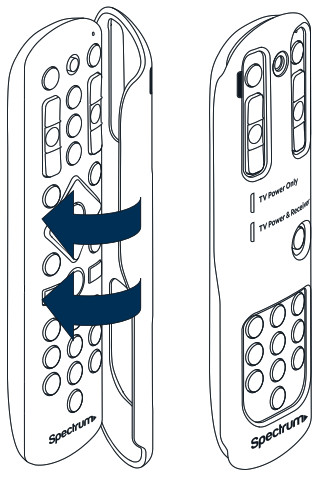
A Line up the cover above the remote.
B Press down firmly until the cover snaps into place.
C Your cover is now attached, and you’re all set to use the remote.
Removing the Cover
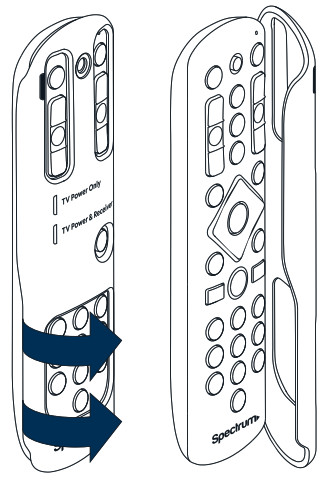 A Firmly hold the remote.
B Pull up on the side of the cover until it unsnaps from the remote.