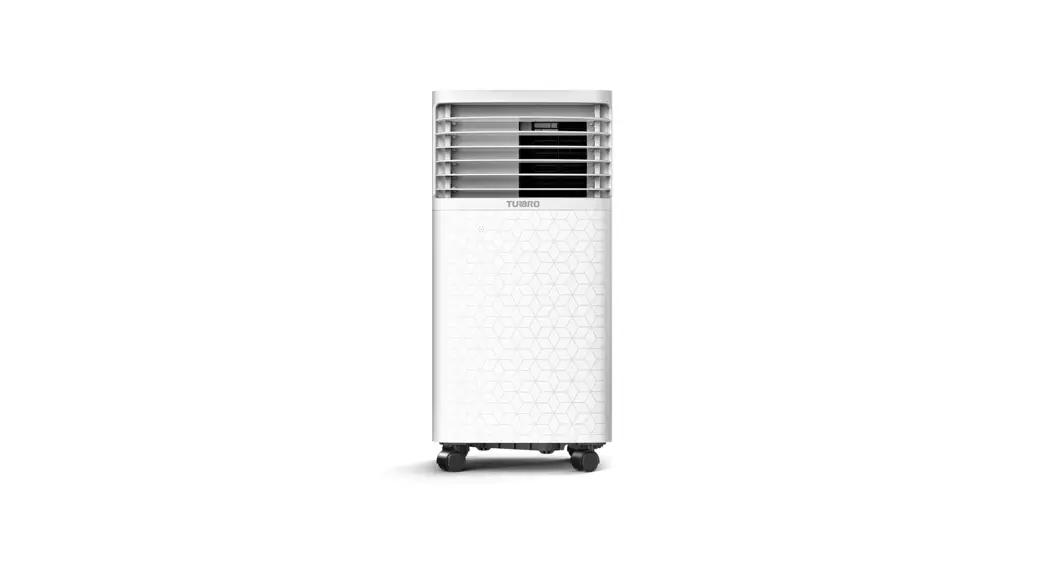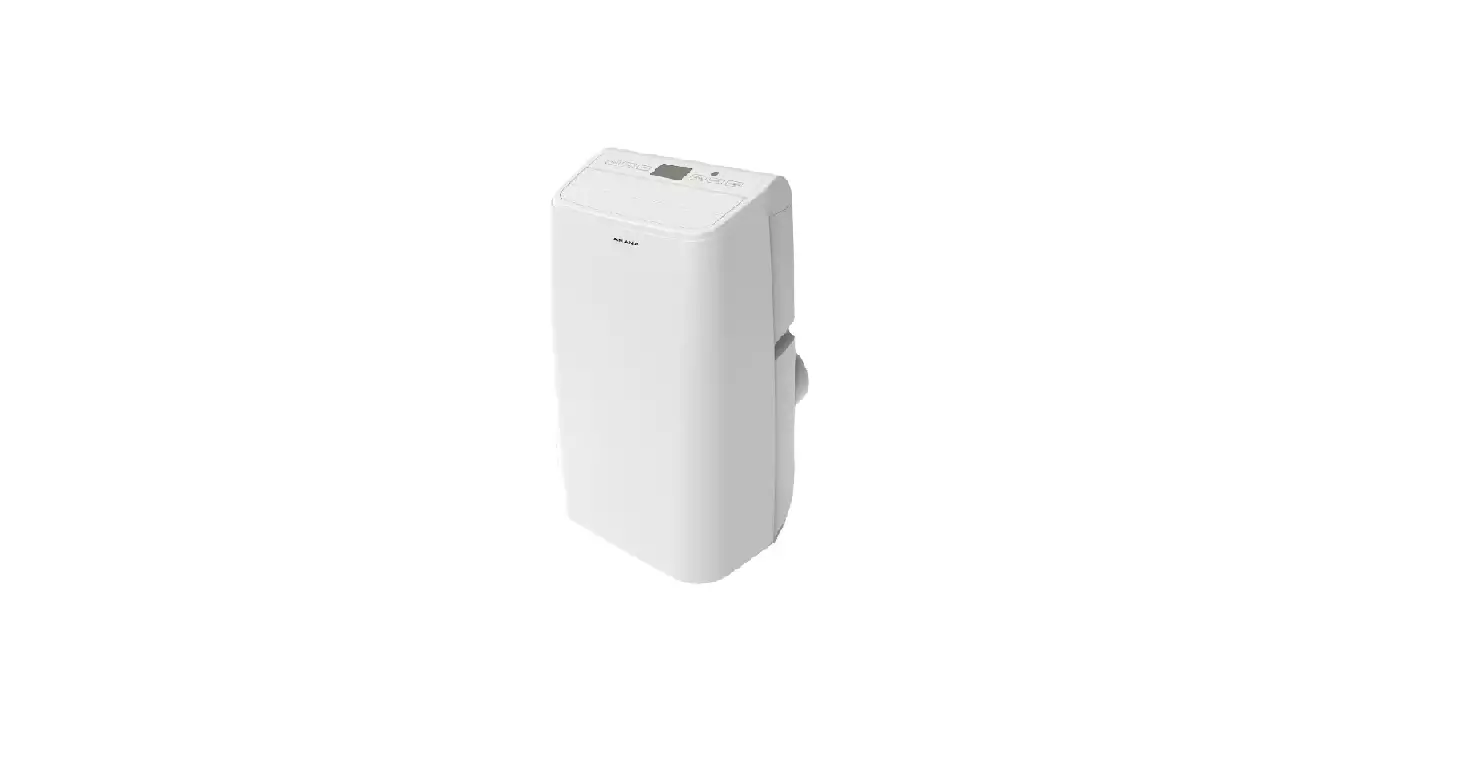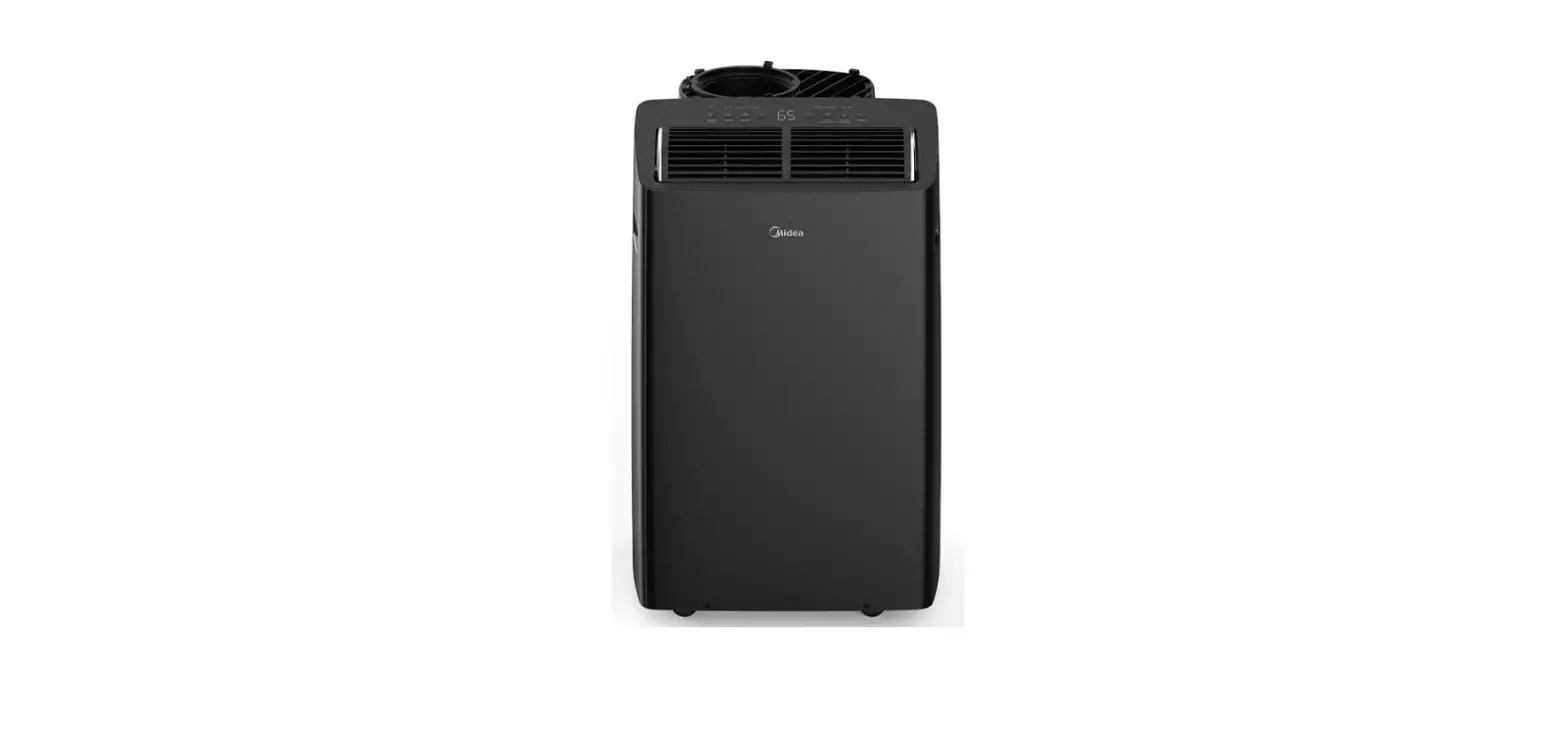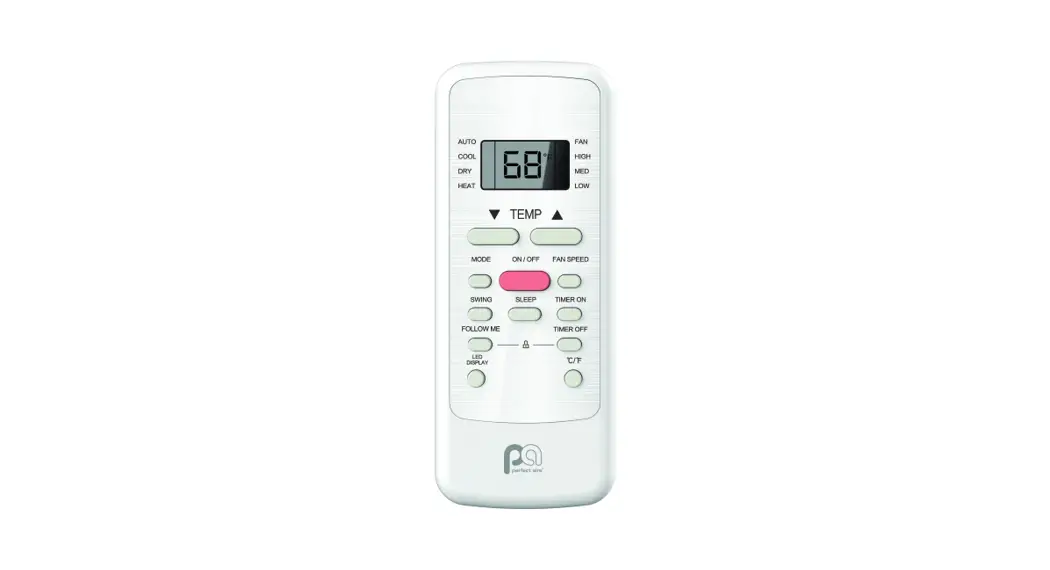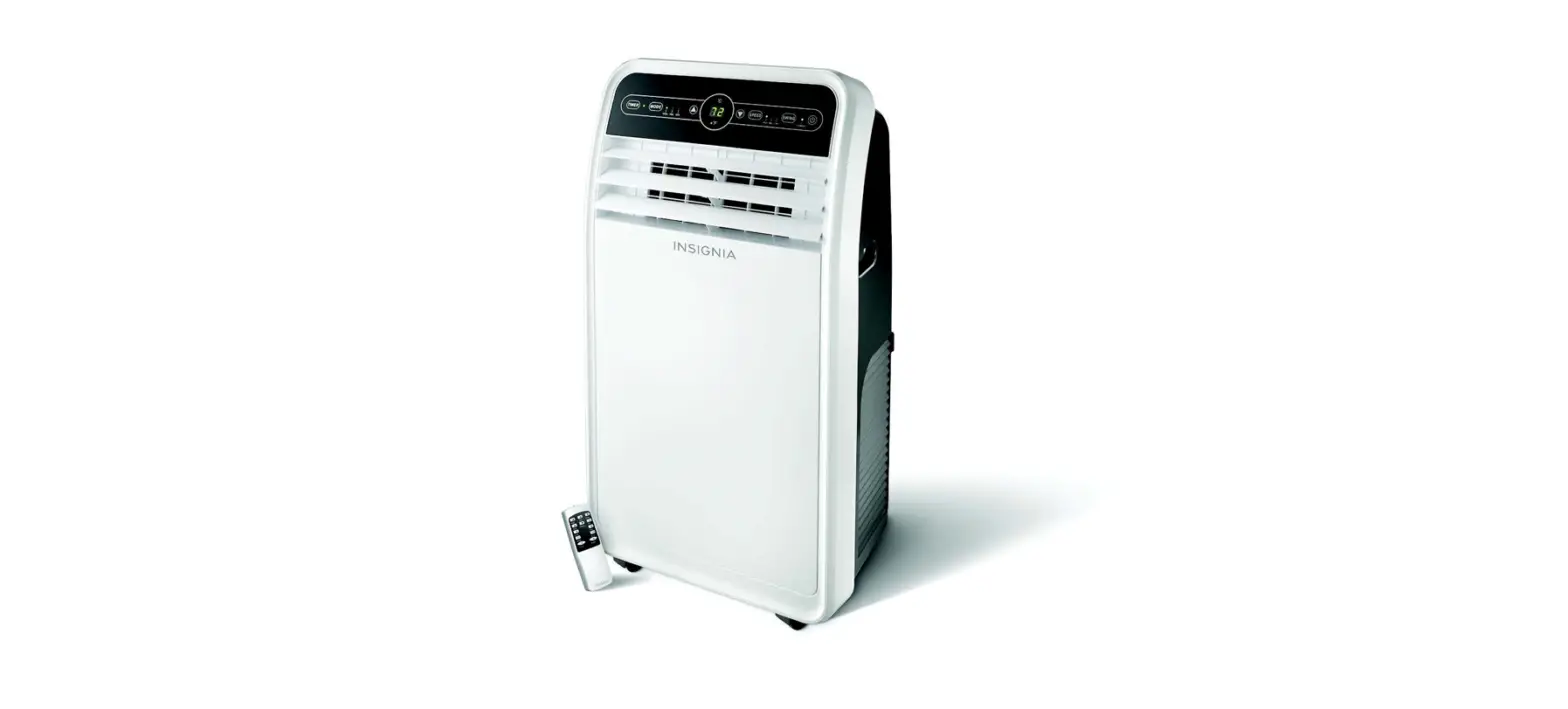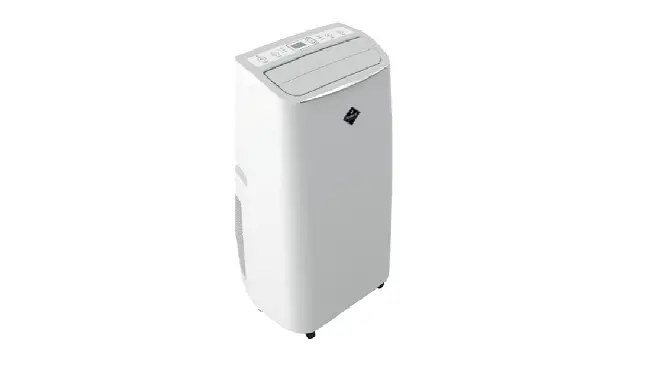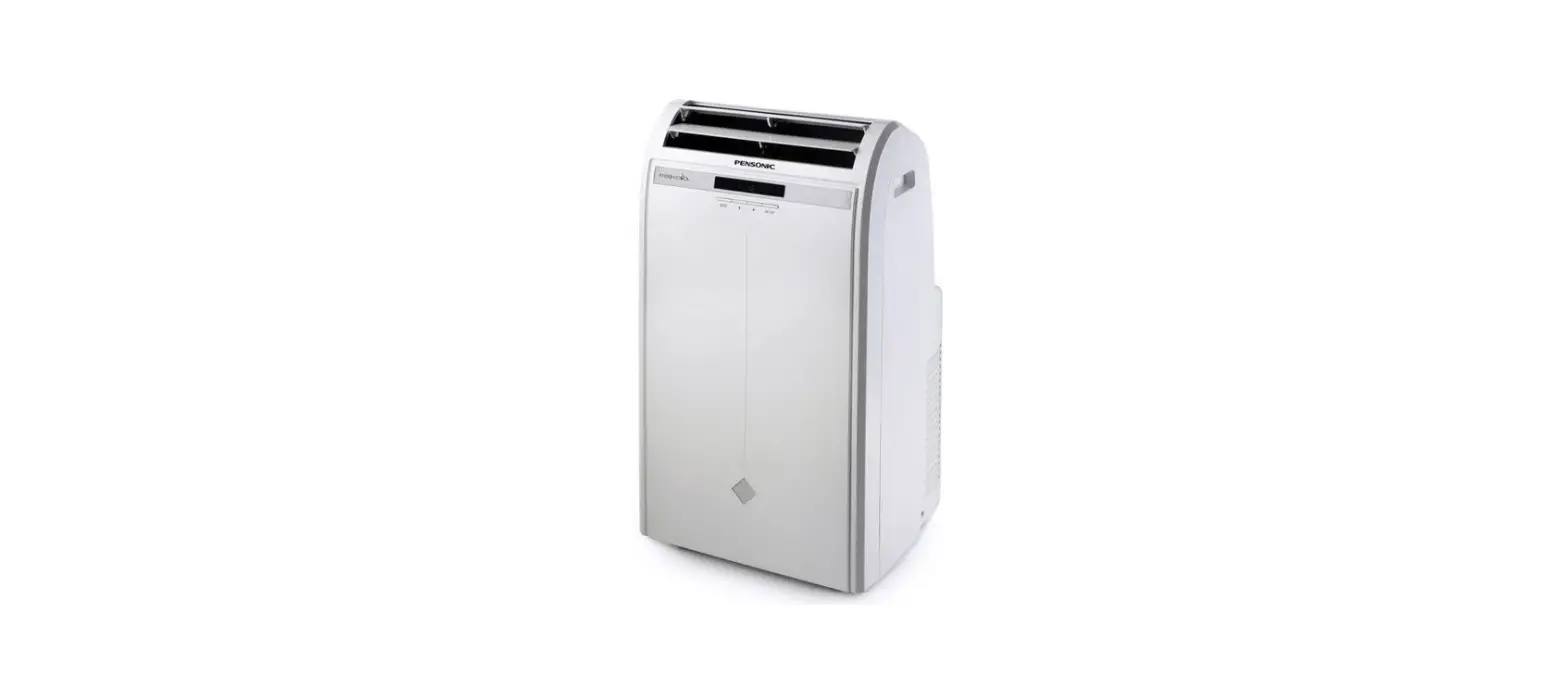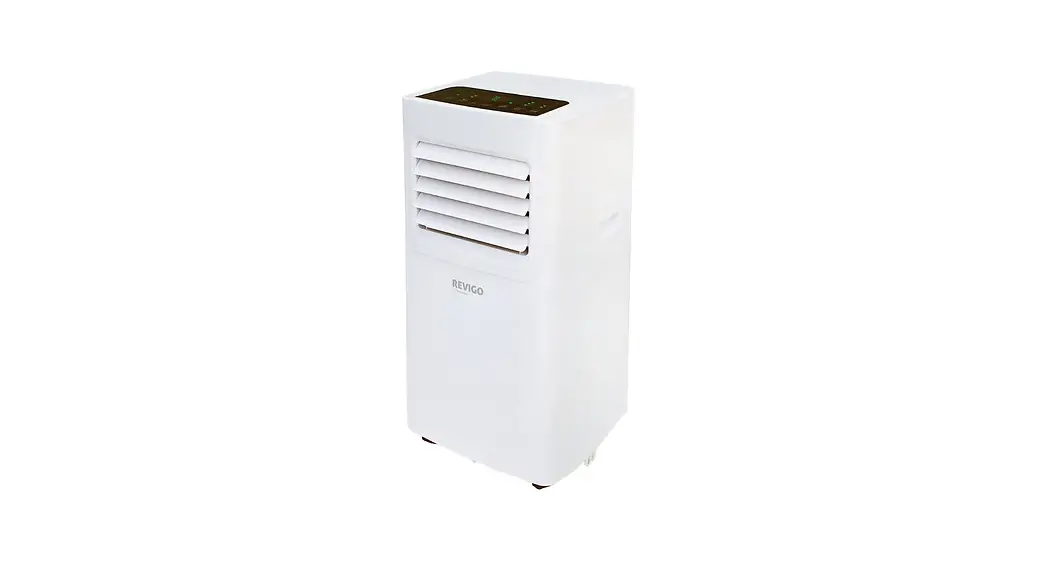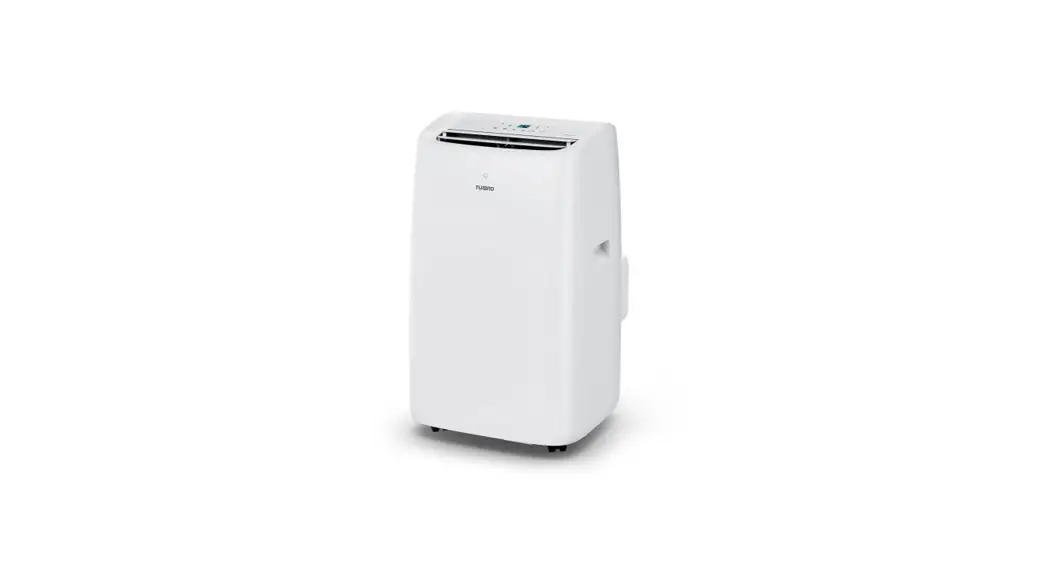
 707-PAC-GL10KWIFI-A Portable Air Conditioner
User Guide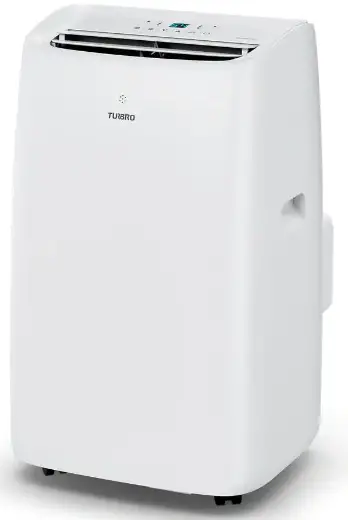
NOTE: Please allow the unit to sit upright for at least 3-4 hours before powering on to allow the refrigerant to stabilize
Window Installation
The window panel kit has been designed to fit most standard windows that open vertically or horizontally; however, it may be necessary for you to improvise/modify some aspect of the installation procedures for certain types of window.
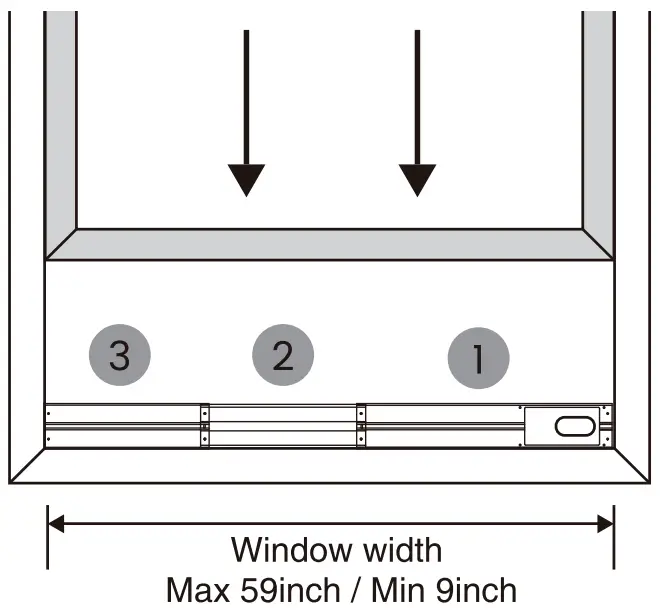
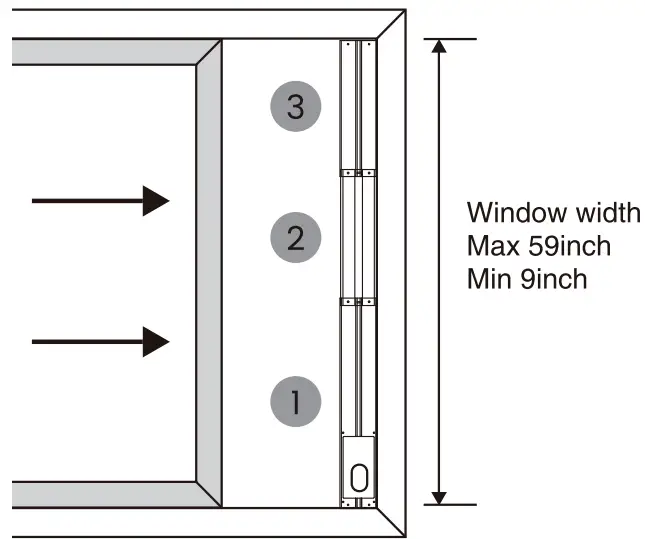
Minimum and maximum window openings: 9 inch – 59 inch
a. Cut the foam seal to the proper length and attach it to the window sash.
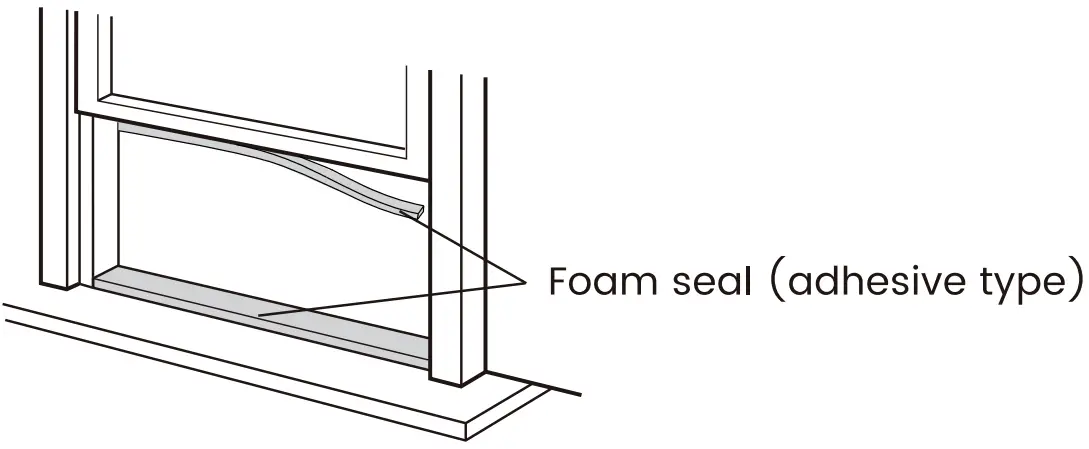
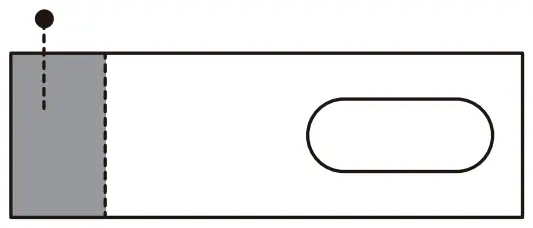
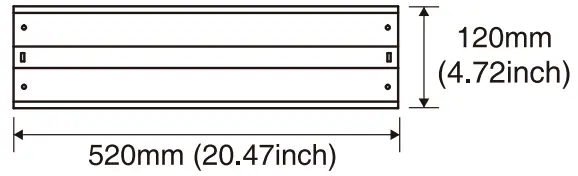
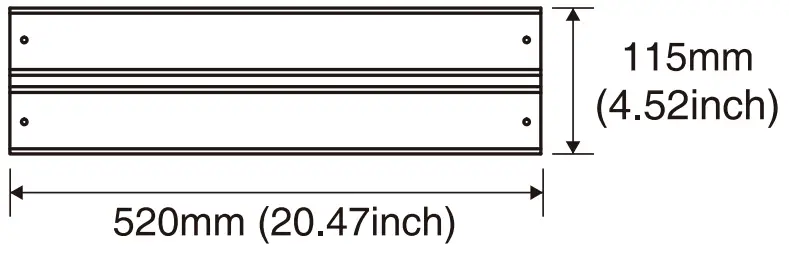
b. Attach the window panels to the window sash. Cut the window panel if the width of window is less than 9 inch – 59 inch.
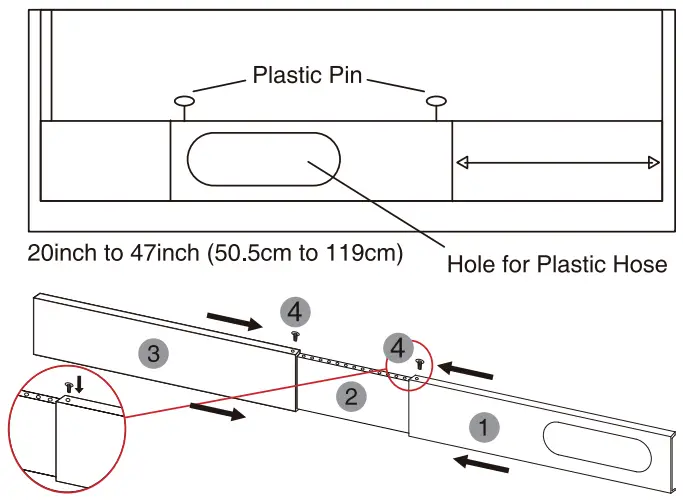
- Window panel (cut if necessary)


- Adjustment panel


- Extension panel

C. Insert the metal locking screws to fix a t the desired position.
NOTE: A plastic locking pin is holding the window panel kit together during shipment. Prior to installation, remove the plastic locking pins, adjust to desired length and use the provided metal locking screws to secure.
Connect the Exhaust Hose
COOL & DEHUMIDIFY MODE:
Air exhaust hose should be connected to the portable air conditioner.
FAN MODE:
Air exhaust hose should be disconnected from the portable air conditioner.
a. Align the Hose Inlet (Hose Outlet) to the arrow on the air hose, then rotate the Hose Inlet(Hose Outlet) clockwise or counter-clockwise to lock it.

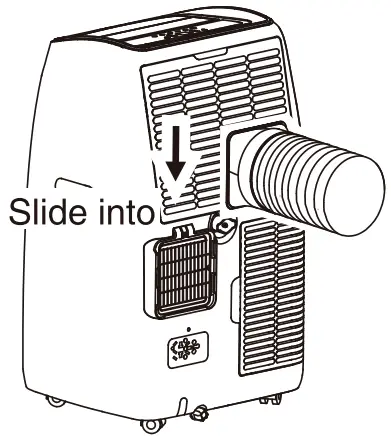
b. Install the Hose Inlet into the groove at the back of the unit and extend the exhaust hose.
C. Affix the Hose Outlet to the window panel.
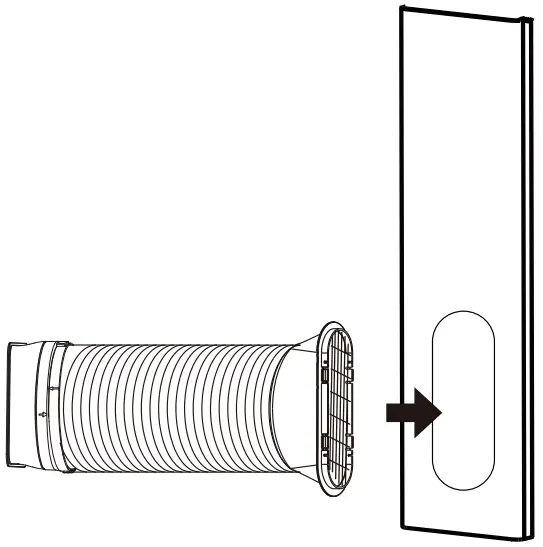
NOTE: The exhaust hose can be compressed or extended moderately, but it is desirable to keep the length to a minimum. Also make sure that the hose does not have any sharp bends.
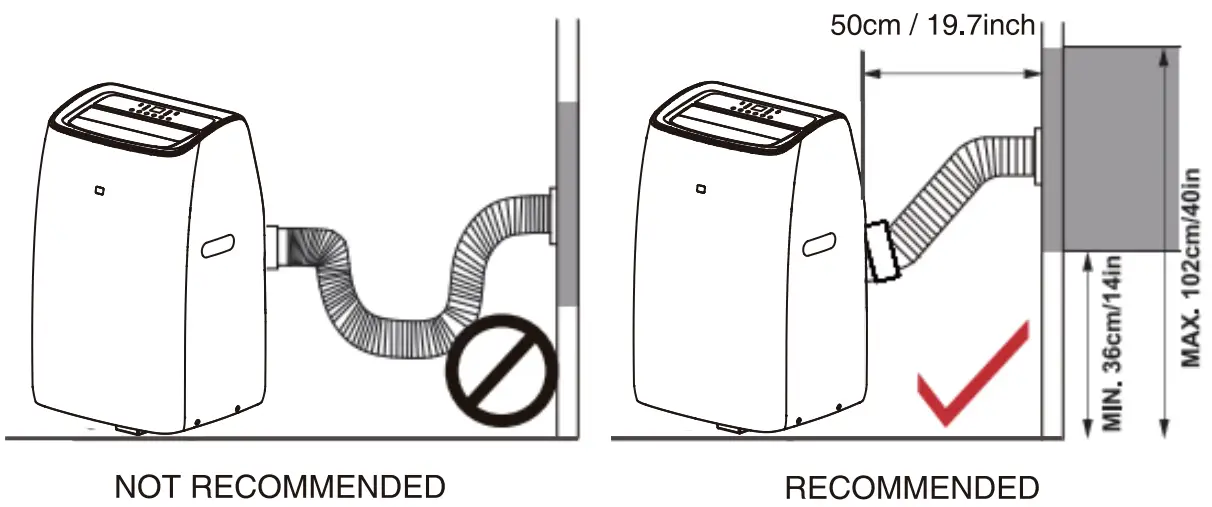
Connect the Drain Hose
MANUAL DRAINAGE
In COOL mode and DRY mode, the drainage hose is recommended to be connected to the middle drain port.
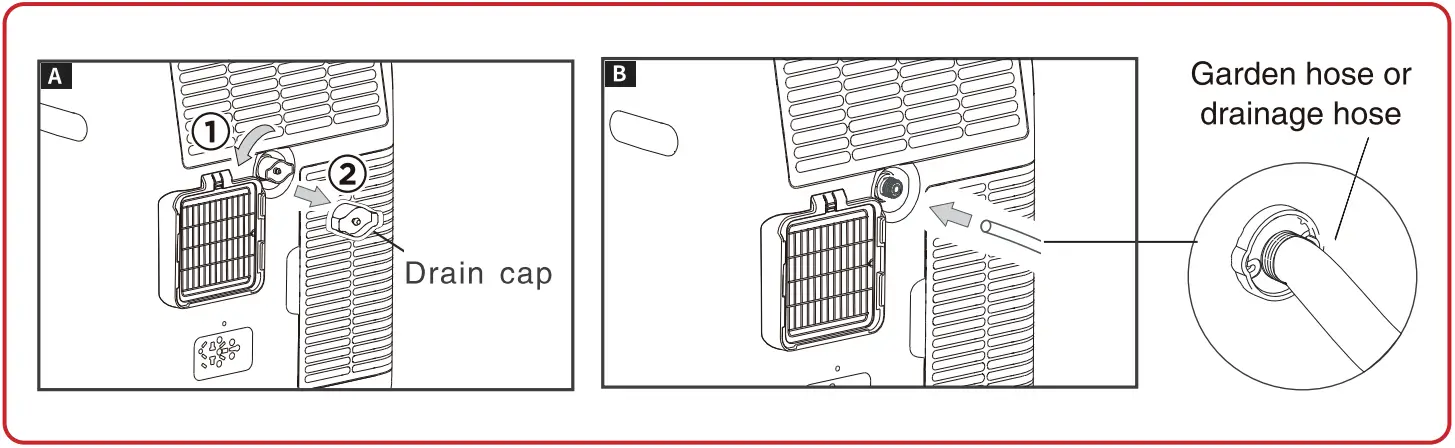
CONTINUOUS DRAINING
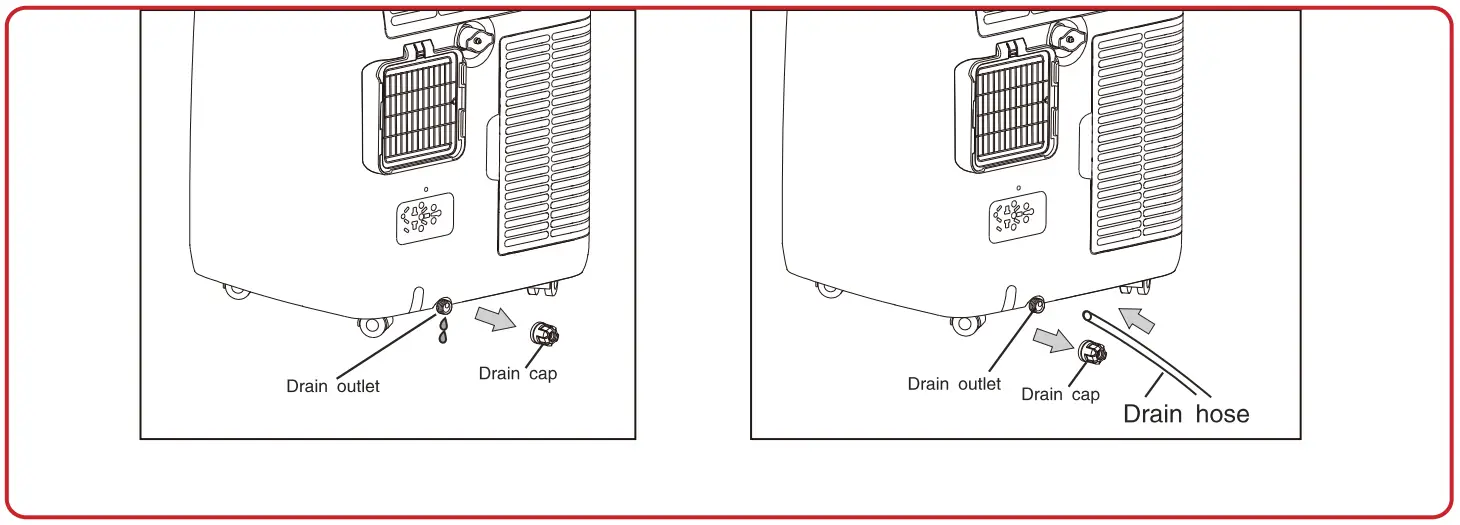
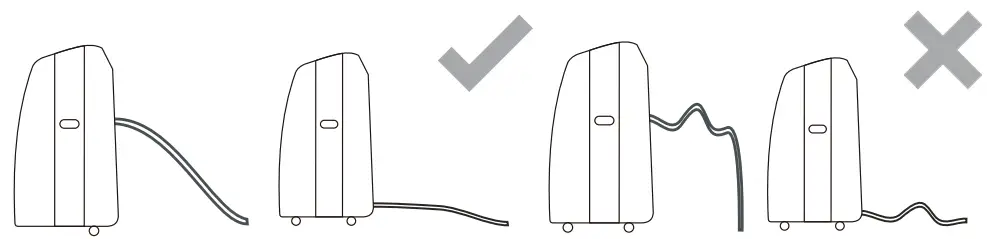
NOTE: Please be sure that the height of and section of the drain hose should not be higher than that of the drain outlet, or the water tank may not be drained
Important Tips Before First Use
a. Allow the unit to sit upright for a t least 3-4 hours before powering on to allow the refrigerant to stabilize.
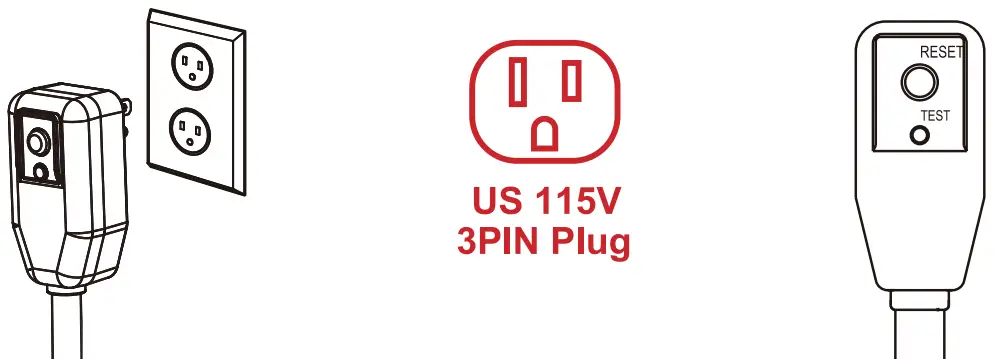
b. Always perform a test of the LCDI plug before use. (If the RESET button will not stay engaged, please unplug and immediately contact TURBRO customer service team.)
AIRIA APP Connection
Use the AIRIA app to control your air conditioner from your iPhone o r Android device even when you are away from the house.
System Requirements
- Supported wireless routres must have an available 2.4 GHz operating frequency
- Standard: IEEE 802.11b/g/n
- Supported smart phone system:
Android 4.4 or later
iOS 9.3 or later
Operation Guide
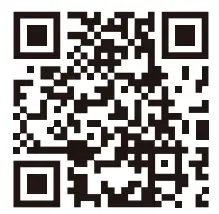
Please scan this QR code to watch the step by step guiding video.
 https://www.turbro.com/pages/airia-app-connection-guide
a. Scan this QR code or search ‘AIRIA’ on App Store or Google Play and download it.
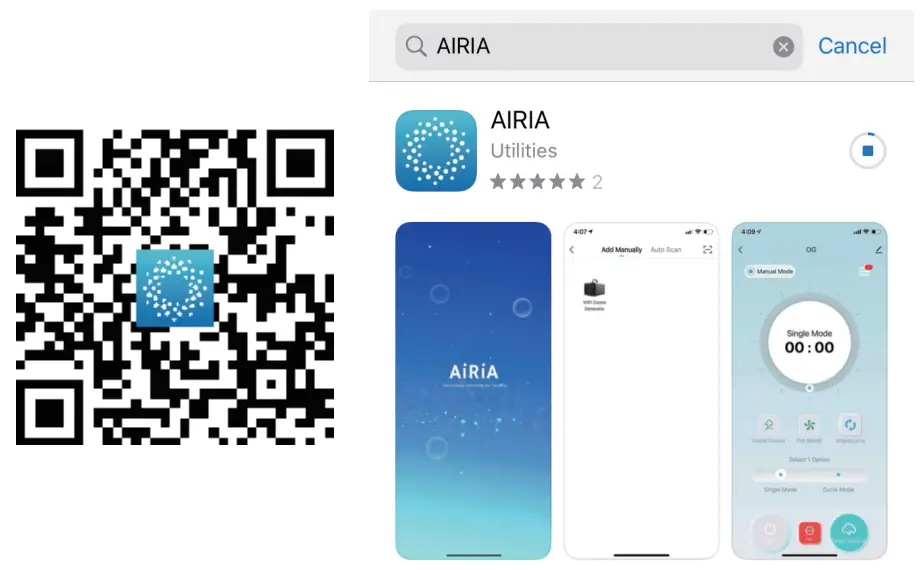 https://a.smart321.com/iMaticOzone
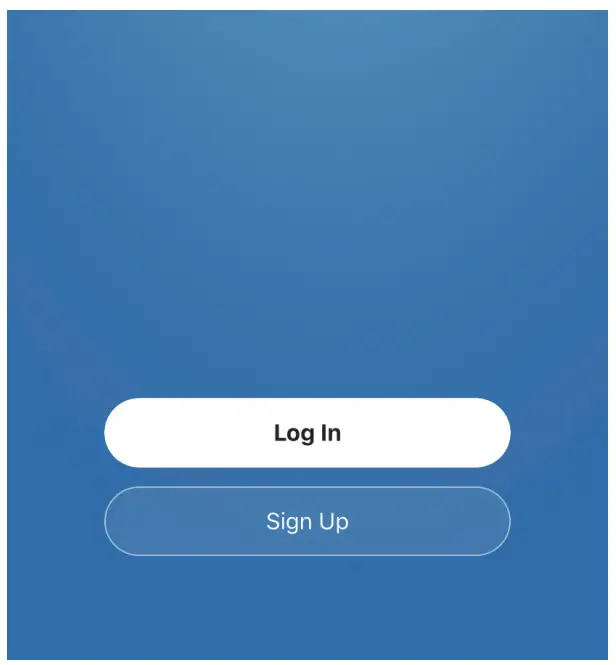
b. Launch the AIRIA app and log i n to your account (sign up for your first use).
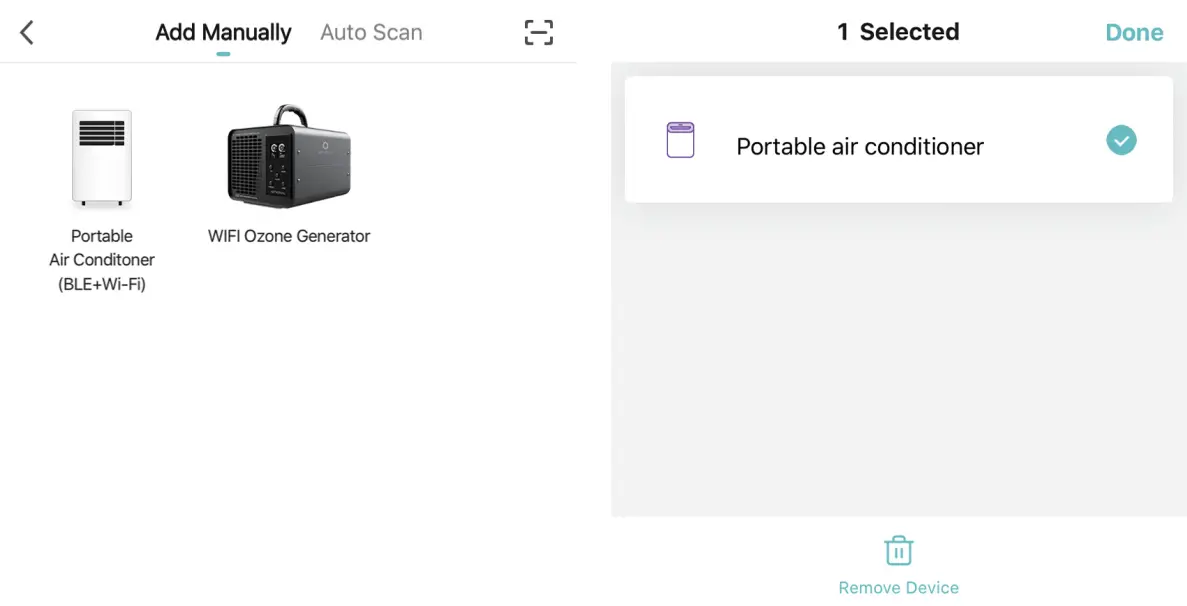
C. Add your smart device manually. Please make sure the unit is plugged in and in stand-by mode. (not powered on). Press ‘Portable Air Conditioner’ button to continue.
*If it’s been connected to other mobile devices before (if the Wi-Fi indicator light comes on means the device is connected), you can long-press your device’s name on the app and remove it.
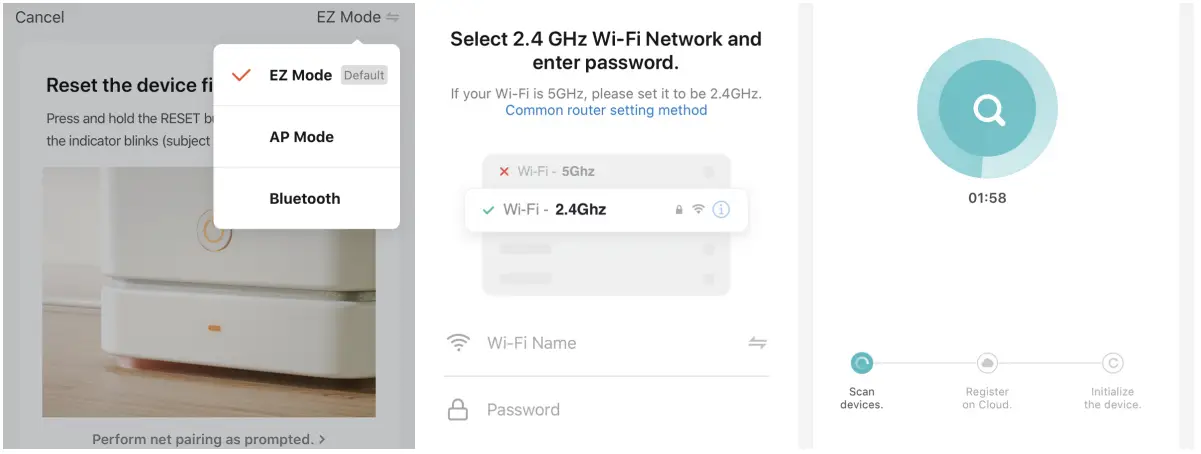
EZ Mode:
- Choose the EZ Mode (Default), click the confirm option, and the ‘ Next ’ button to continue. (Please note that the indicator of this model would not blink rapidly)
- Choose your preferred Wi-Fi and enter the password. Press ‘Next’ button to continue.
- AIRIA starts connecting to your device. It may take some time, please wait patiently.

AP Mode (if EZ Mode doesn’t work):
- In standby, press
 button on the control panel six times in four seconds until the appliance ‘beep’ twice, the LCD screen show ‘AP’, and the Wi-Fi indicator light will illuminate.
 - Choose the AP Mode, click the confirm option, and the ‘ Next ’ button to continue. (Please note that the indicator of this model would not blink rapidly)
- Choose your preferred Wi-Fi and enter the password. Press ‘Next’ button to continue.
- Select the Device as name ‘SmartLife-XXX’ at the WLAN setting, then back to the app and continue.
- AIRIA starts connecting to your device. It may take some time, please wait patiently.
- If you fail to add the device, please check if your Wi-Fi is 2.4 GHz. If yes, please try to connect again later, or try another Wi-Fi.
- The meanings of the code displayed on the control panel:
CF: Waiting for pair after reset (EZ Mode)
AP: Hot-spot connect mode/Access to the Internet
PP: Searching and trying to connect
SA: Connecting successfully
 button on the control panel six times in four seconds until the appliance ‘beep’ twice, the LCD screen show ‘AP’, and the Wi-Fi indicator light will illuminate.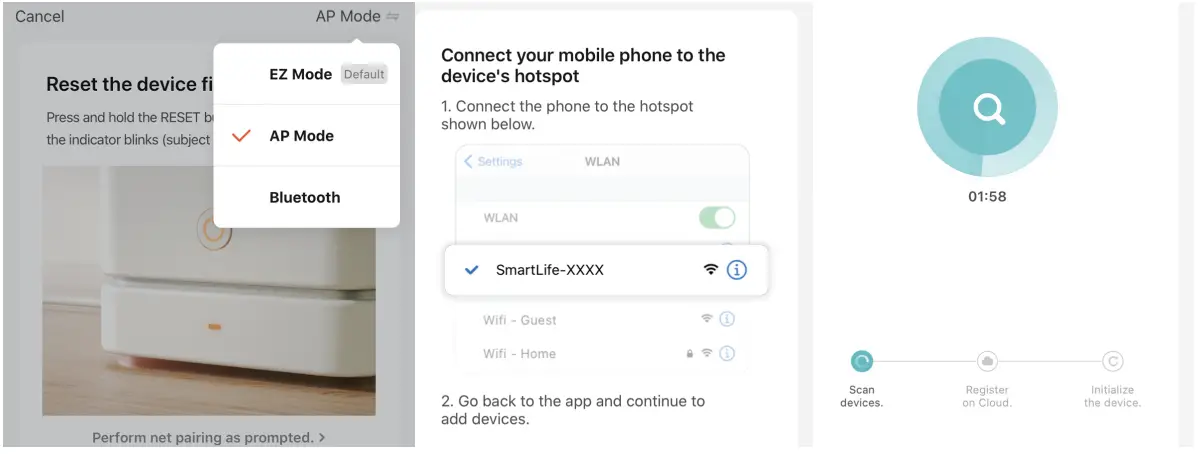
d. once you have set up the connection, you can name your device and get started.
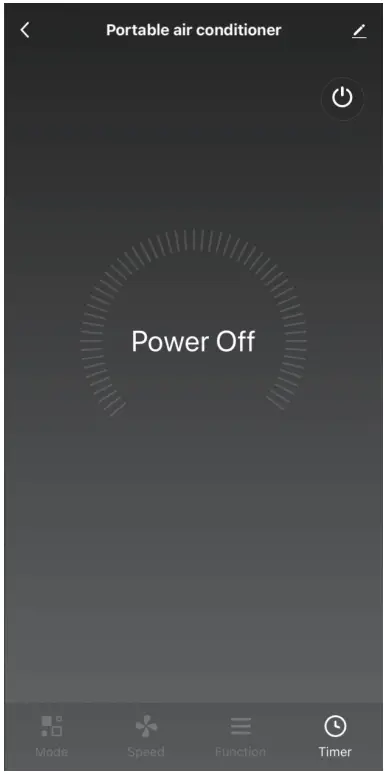
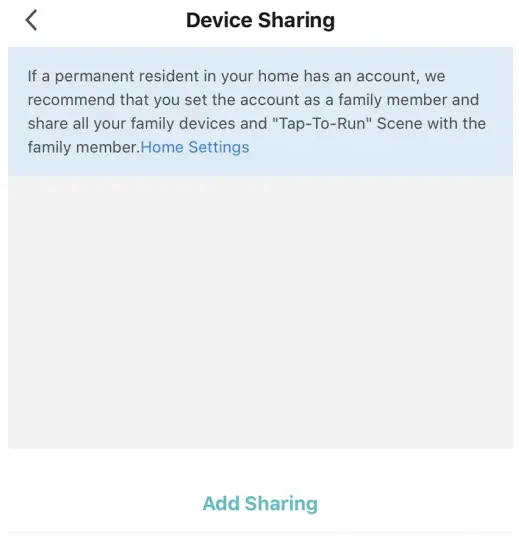
Feel free to explore the smart control dashboard. To invite other phones to control this device, press the button on up right and go to ‘Share Device’ – ‘Add Sharing’.
e. I f you still can’t connect to the app, you could press the FAN button on the control panel 6 times in 4 seconds to reset the Wi-Fi signal. Kindly note that this unit will make no sound during this step. After that, the appliance will ‘beep’ twice, the Wi-Fi indicator light will switch on/off.
If you have any questions, please feel free to email our support team via [email protected].
 http://www.turbro.com
© Katmai Technology Limited
[email protected]
www.turbro.com
(323) 438-3334