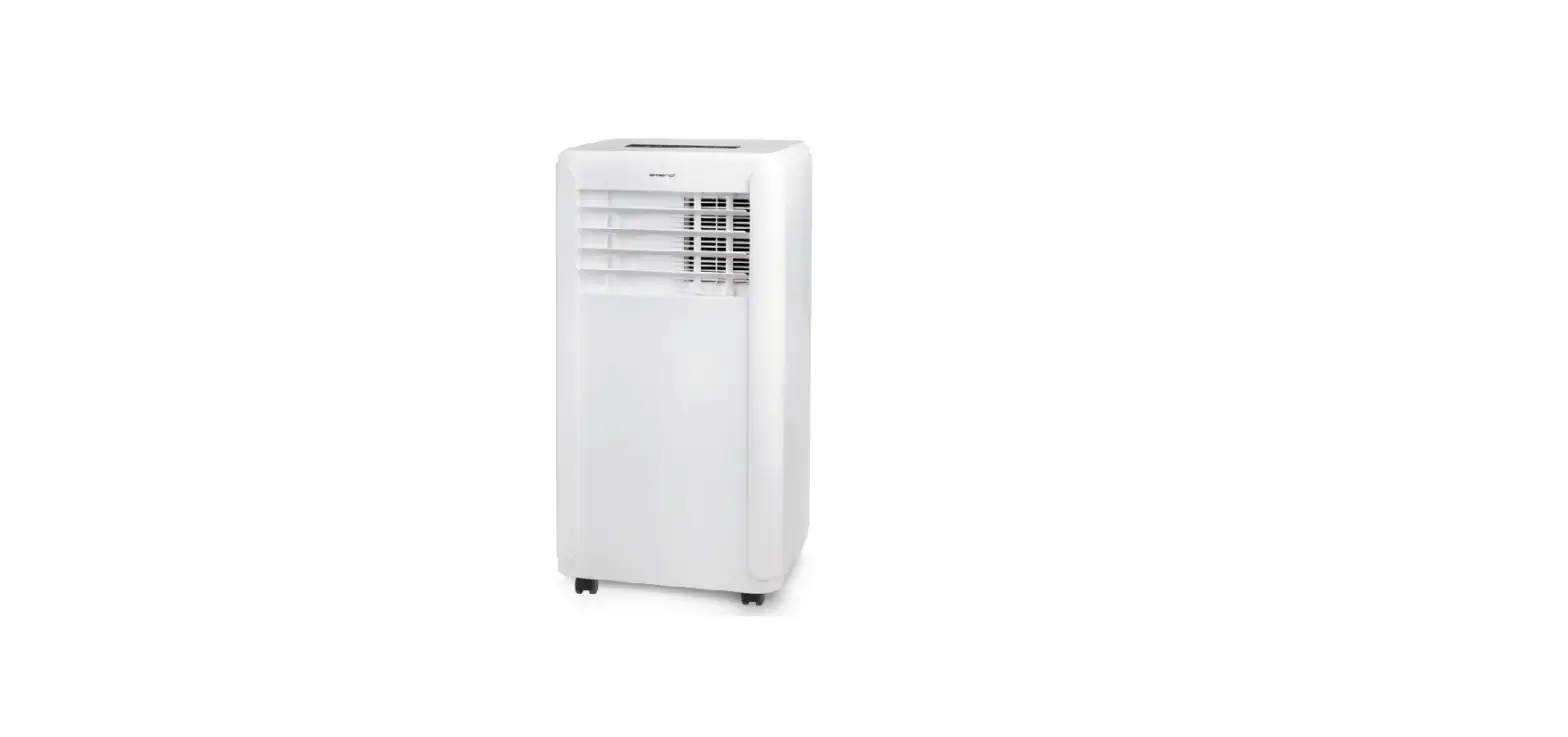
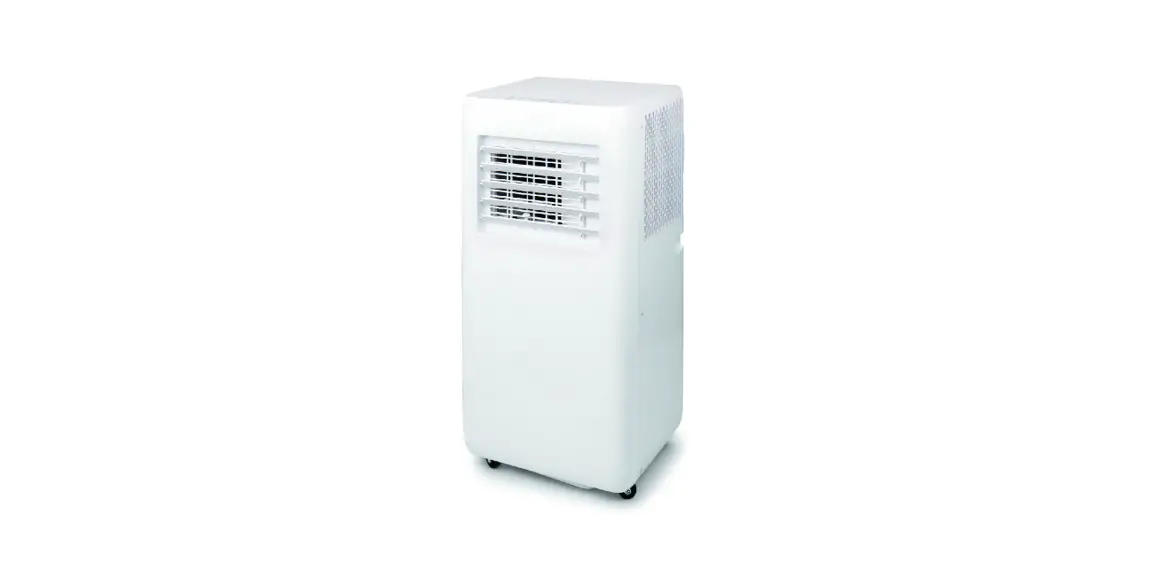
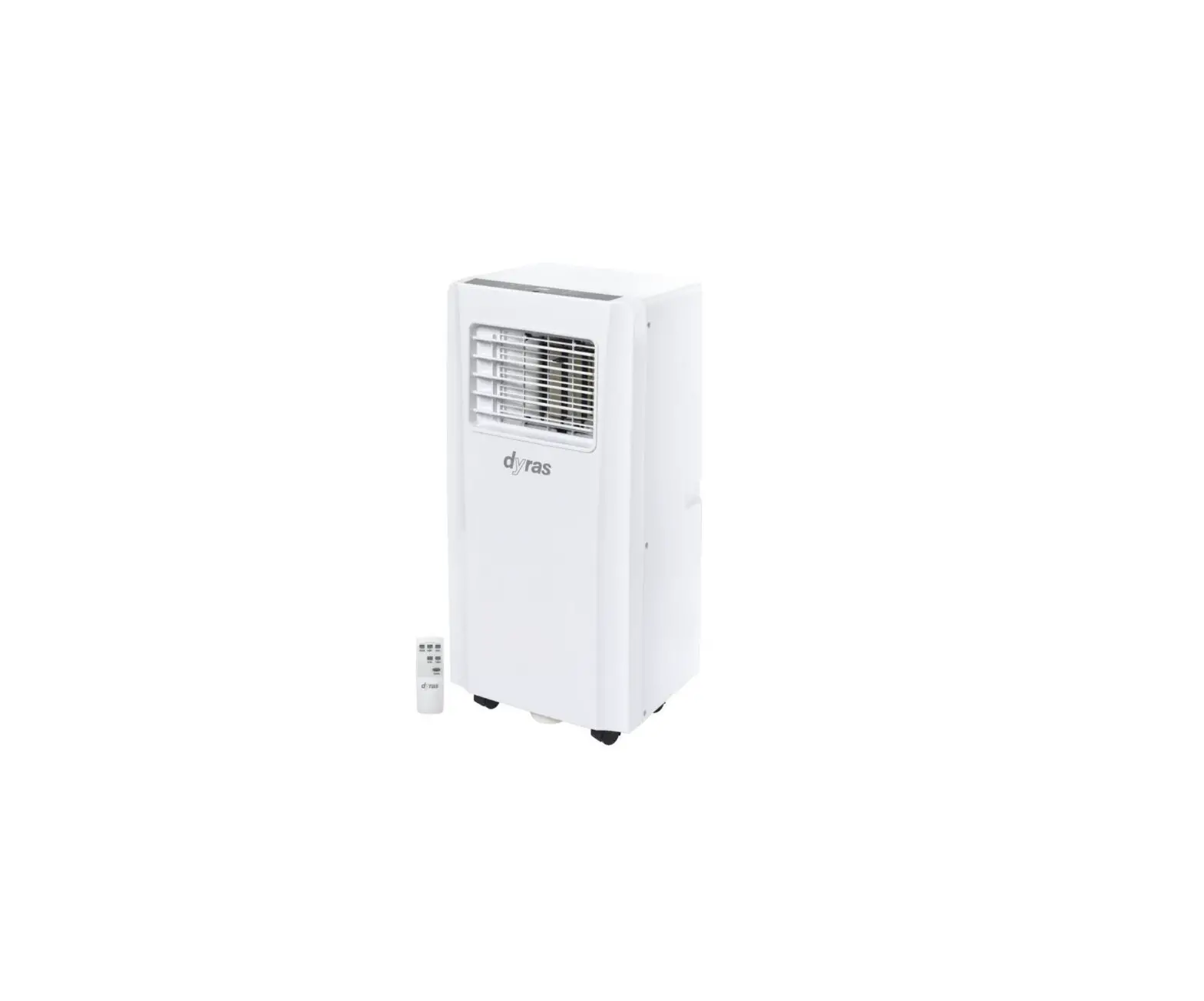
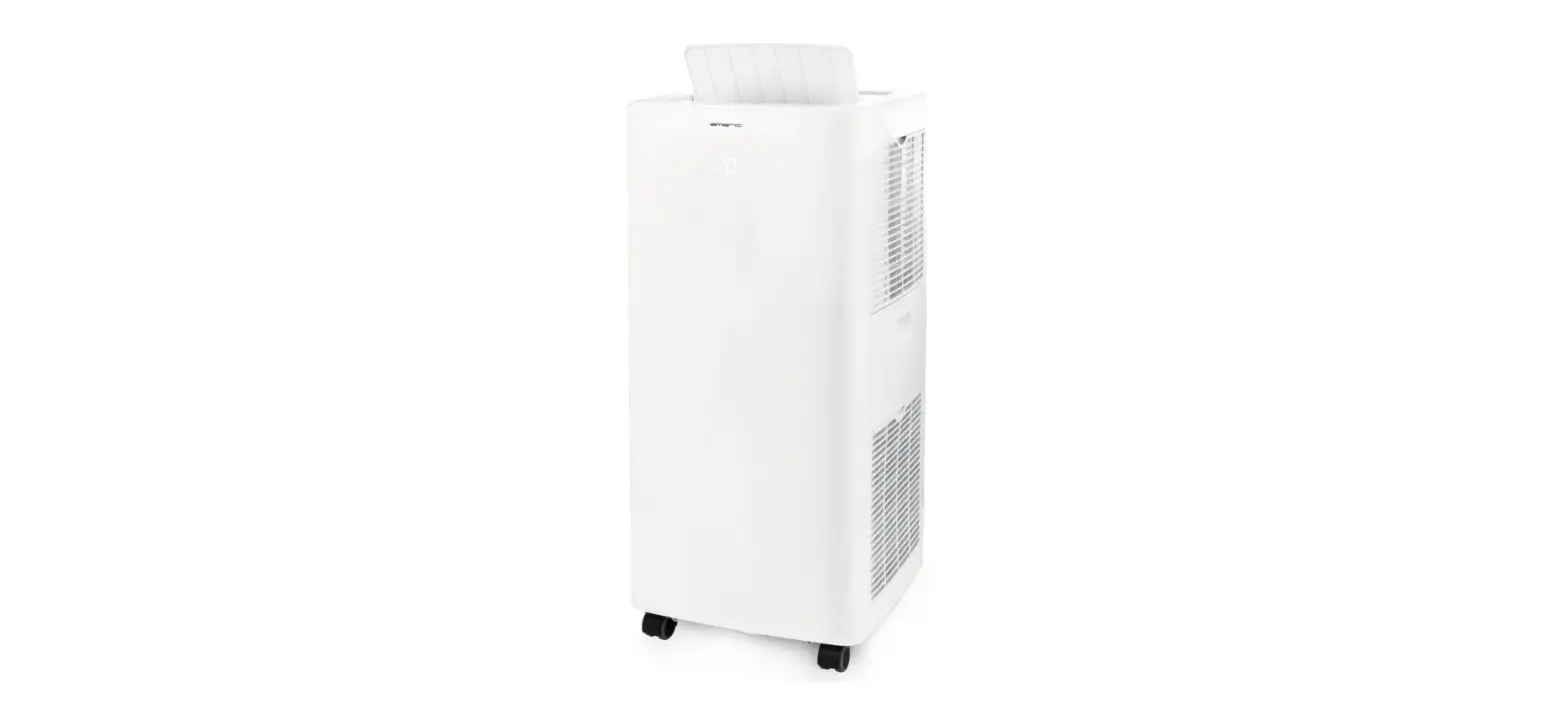
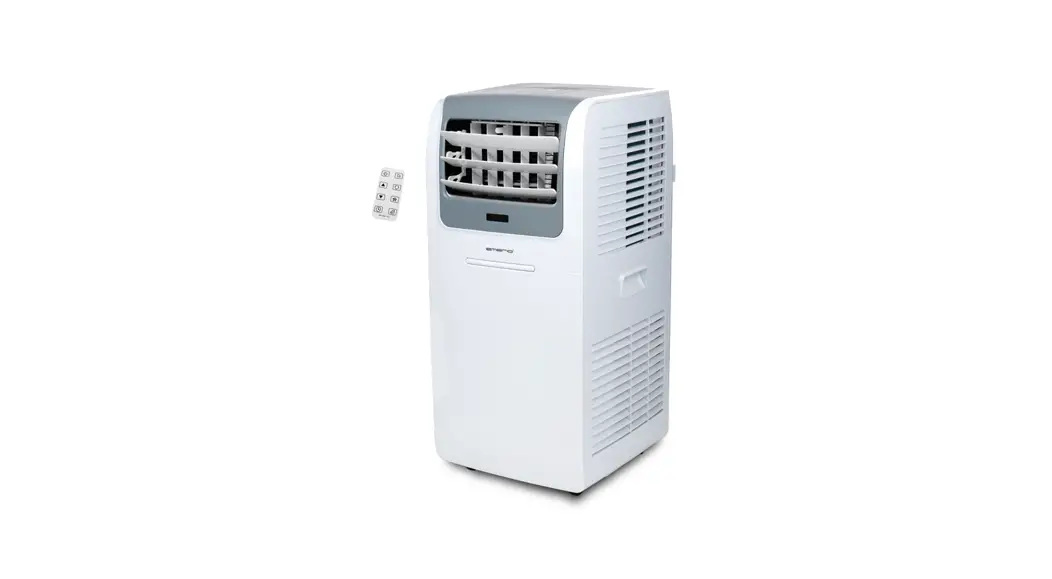
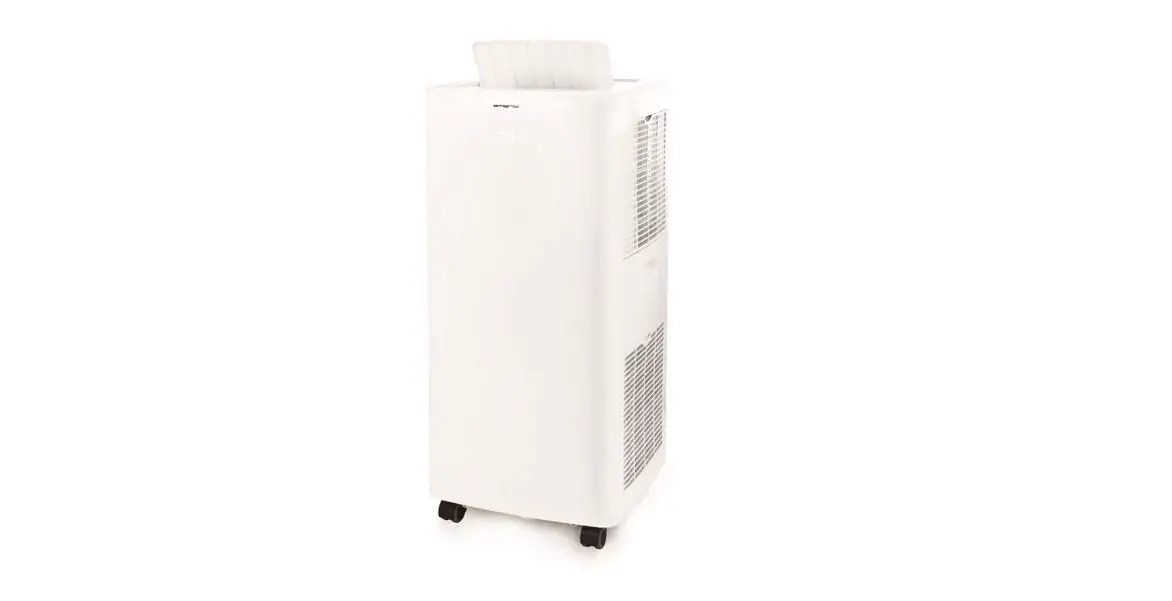
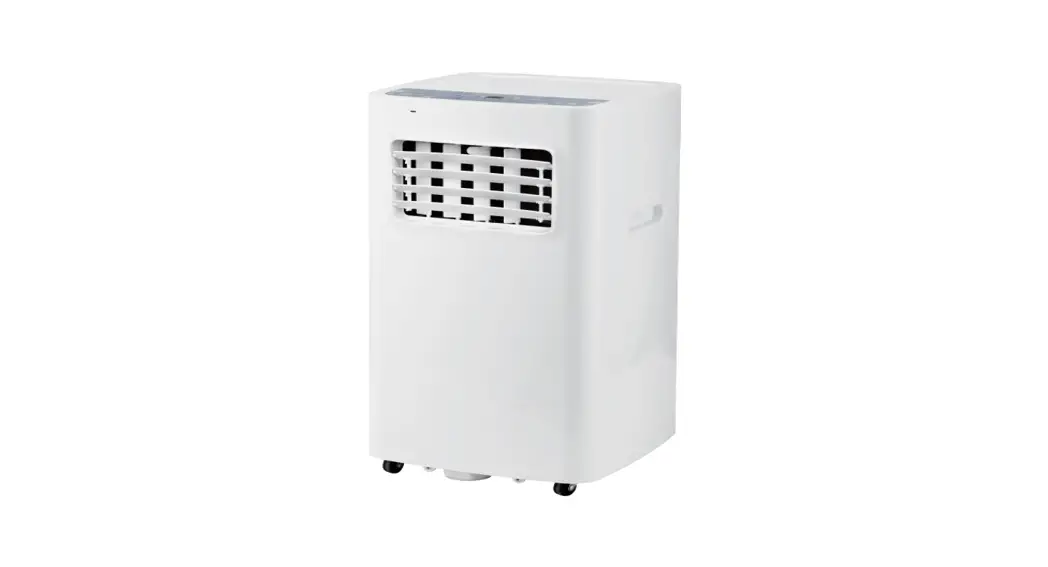
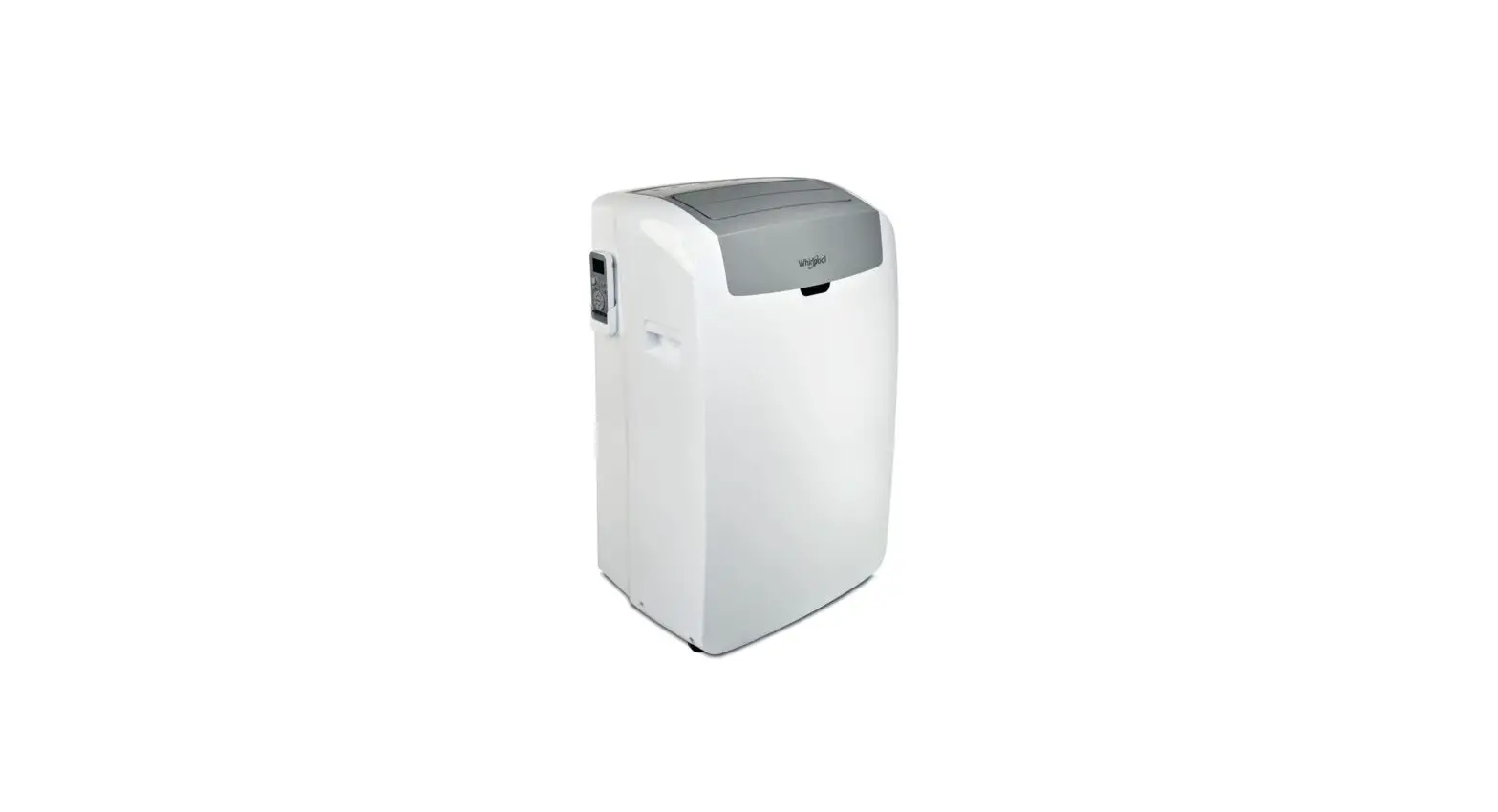
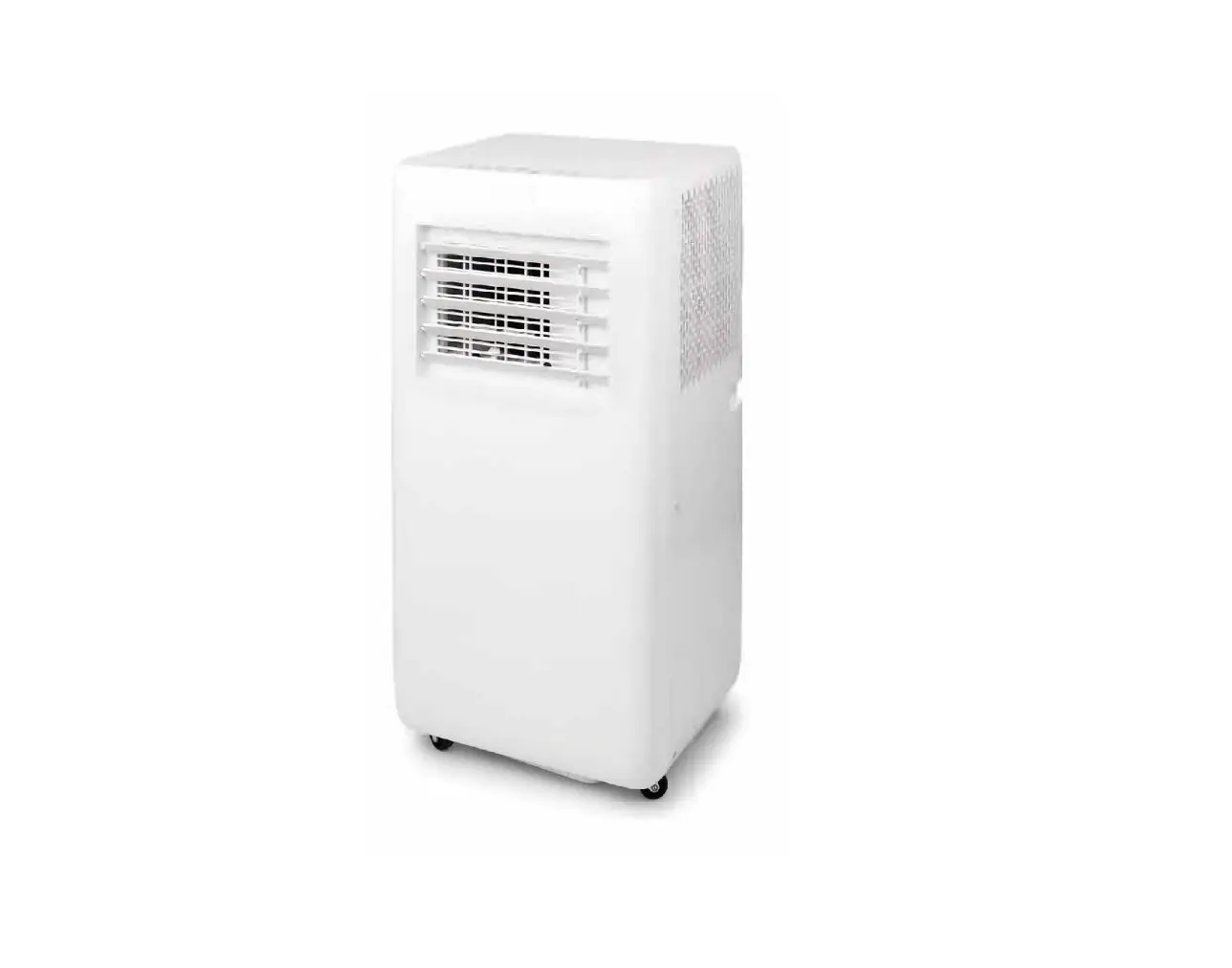
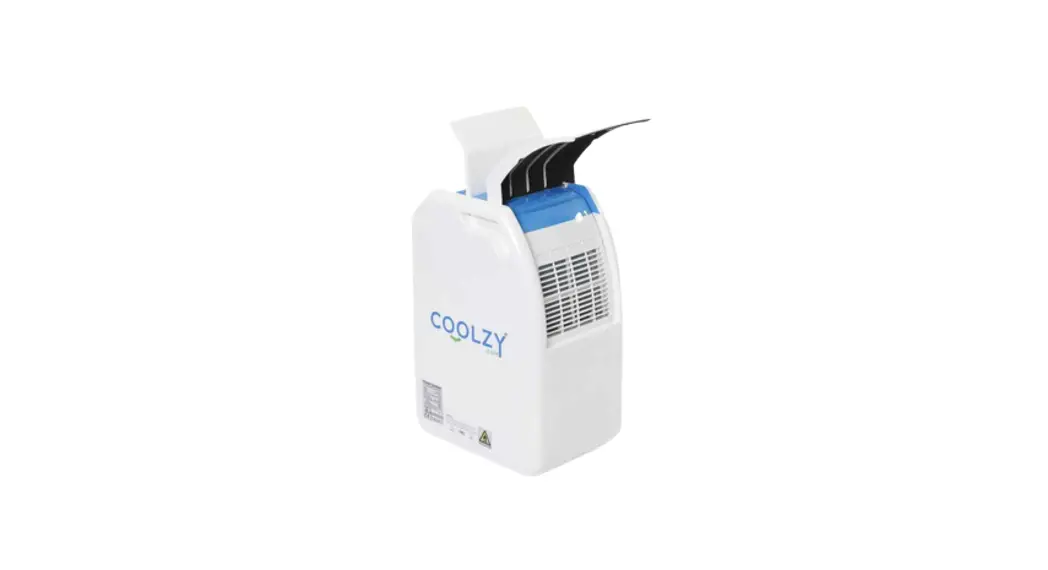
PAC 3900 X Local Portable Air Conditioner
Product Information
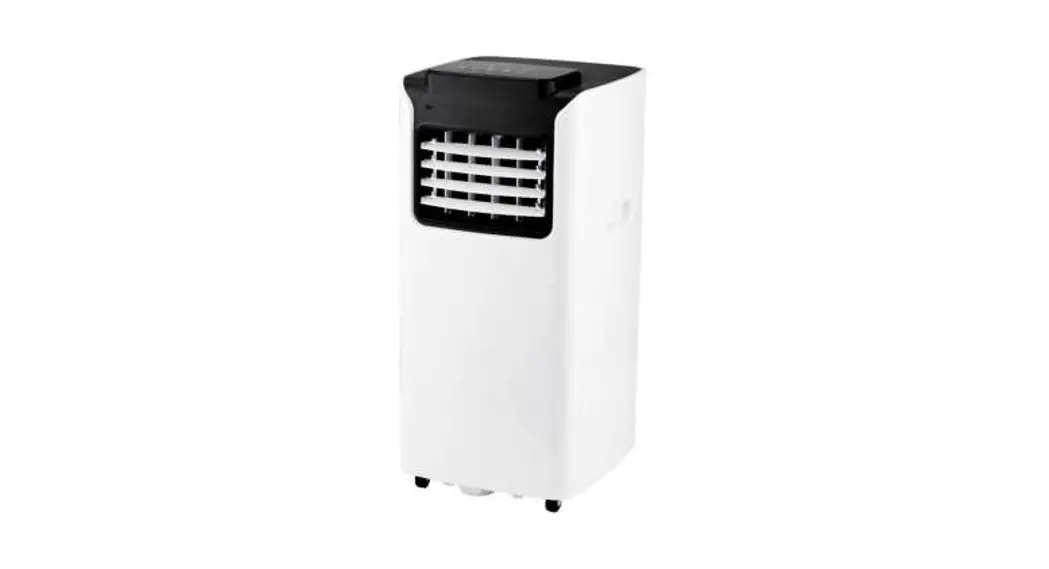
The PAC 3900 X is a local air conditioner designed for cooling,
ventilating, and dehumidifying indoor air. It is equipped with
flammable refrigerants and should only be used in accordance with
the technical data provided. The device is intended for use in damp
areas and should be operated and maintained by specialist companies
for cooling and air-conditioning or by Trotec.
Safety Warnings
- Read the manual carefully before starting or using the
device. - Always store the manual in the immediate vicinity of the device
or its site of use. - Do not remove any safety signs, stickers, or labels from the
device. - Maintenance tasks requiring housing opening should be done by
qualified specialists.
Important Links
You can download the current version of the operating manual and
the EU declaration of conformity via the following link:
PAC 3900 X Manual and
Declaration of Conformity
Product Usage Instructions
- Ensure you have read and understood the operating manual before
using the device. - Place the air conditioner in a suitable location indoors, away
from any obstructions. - Connect the device to a power source using the provided power
cord. - Refer to the operating manual for instructions on assembling
and starting up the air conditioner. - Once assembled, switch on the device using the power
button. - Adjust the settings such as temperature, fan speed, and mode
according to your preference. - The air conditioner will start cooling, ventilating, or
dehumidifying the indoor air as per the selected settings. - If you encounter any errors or faults during operation, refer
to the troubleshooting section in the operating manual. - Regularly perform maintenance tasks as specified in the manual
to ensure optimal performance and longevity of the device. - Dispose of the device responsibly following local regulations
and guidelines.
PAC 3900 X
EN
OPERATING MANUAL LOCAL AIR CONDITIONER
TRT-BA-PAC3900X-TC220315TTRT02-006-EN
Table of contents
Notes regarding the operating manual…………………………… 2
Safety …………………………………………………………………………. 2
Information about the device………………………………………… 6
Transport and storage………………………………………………….. 7
Assembly and start-up…………………………………………………. 8
Operation ………………………………………………………………….. 10
Errors and faults………………………………………………………… 16
Maintenance ……………………………………………………………… 17
Technical annex…………………………………………………………. 20
Disposal ……………………………………………………………………. 23
Notes regarding the operating manual
Symbols
Danger This symbol indicates dangers to the life and health of persons due to extremely flammable gas.
Warning of electrical voltage This symbol indicates dangers to the life and health of persons due to electrical voltage.
Warning This signal word indicates a hazard with an average risk level which, if not avoided, can result in serious injury or death.
Caution This signal word indicates a hazard with a low risk level which, if not avoided, can result in minor or moderate injury.
Note This signal word indicates important information (e.g. material damage), but does not indicate hazards.
Info Information marked with this symbol helps you to carry out your tasks quickly and safely.
Follow the manual Information marked with this symbol indicates that the operating manual must be observed.
You can download the current version of the operating manual and the EU declaration of conformity via the following link:
PAC 3900 X
https://hub.trotec.com/?id=41936
Safety
Read this manual carefully before starting or using the device. Always store the manual in the immediate vicinity of the device or its site of use.
Warning Read all safety warnings and all instructions. Failure to follow the warnings and instructions may result in electric shock, fire and/or serious injury. Save all warnings and instructions for future reference. This appliance can be used by children aged from 8 years and above and persons with reduced physical, sensory or mental capabilities or lack of experience and knowledge if they have been given supervision or instruction concerning use of the appliance in a safe way and understand the hazards involved. Children shall not play with the appliance. Cleaning and user maintenance shall not be made by children without supervision. · Do not use the device in potentially explosive rooms or areas and do not install it there. · Do not use the device in aggressive atmosphere. · Only put up the device in an upright, stable position on firm ground. · Let the device dry out after a wet clean. Do not operate it when wet. · Do not use the device with wet or damp hands. · Do not expose the device to directly squirting water. · Never insert any objects or limbs into the device. · Do not cover the device during operation. · Do not sit on the device. · This appliance is not a toy. Keep away from children and animals. · Check accessories and connection parts for possible damage prior to every use of the device. Do not use any defective devices or device parts.
2
local air conditioner PAC 3900 X
EN
· Ensure that all electric cables outside of the device are protected from damage (e.g. caused by animals). Never use the device if electric cables or the power connection are damaged!
· The mains connection must correspond to the specifications in the Technical annex.
· Insert the mains plug into a properly fused mains socket.
· Observe the technical data when selecting extensions to the power cable. Completely unroll the extension cable. Avoid electrical overload.
· Before carrying out maintenance, care or repair work on the device, remove the mains plug from the mains socket. Hold onto the mains plug while doing so.
· Switch the device off and disconnect the power cable from the mains socket when the device is not in use.
· Do not under any circumstances use the device if you detect damages on the mains plug or power cable. If the power cable is damaged, it must be replaced by the manufacturer, its service agent or similarly qualified persons in order to avoid a hazard. Defective power cables pose a serious health risk!
· When positioning the device, observe the minimum distances from walls and other objects as well as the storage and operating conditions specified in the Technical annex.
· Make sure that the air inlet and outlet are not obstructed.
· Do not remove any safety signs, stickers or labels from the device. Keep all safety signs, stickers and labels in legible condition.
· Make sure that the suction side is kept free of dirt and loose objects.
· Only transport the device in an upright position with an emptied condensation tray or drain hose.
· Discharge the collected condensate before transport and storage. Do not drink it. Health hazard!
· Use batteries of type AAA.
· Do not insert rechargeable batteries into the remote control.
· Never charge batteries that cannot be recharged.
· Different types of batteries and new and used batteries must not be used together.
· Insert the batteries into the battery compartment according to the correct polarity.
· Remove discharged batteries from the device. Batteries contain materials hazardous to the environment. Dispose of the batteries according to the national regulations.
· Remove the batteries from the remote control if you will not be using the device for a longer period of time.
· Never short-circuit the supply terminal in the battery compartment!
· Do not swallow batteries! If a battery is swallowed, it can cause severe internal burns within 2 hours! These burns can lead to death!
· If you think batteries might have been swallowed or otherwise entered the body, seek medical attention immediately!
· Keep new and used batteries and an open battery compartment away from children.
· If the battery compartment does not close securely, stop using the product via the remote control.
Safety warnings for devices containing flammable refrigerants
· Only position the device in rooms where potentially leaking refrigerant cannot accumulate. Unventilated rooms, in which the device is installed, operated or stored, must be built in a way to ensure that potentially leaking refrigerant cannot accumulate. This serves to avoid fire or explosion hazards resulting from an ignition of the refrigerant by an electric furnace, cooking stove or another ignition source.
· Only position the device in rooms where there is no source of ignition (e.g. open flames, an active gas appliance or an electric heater).
· Please note that the refrigerant is odourless.
· Only install the device in compliance with the national installation regulations.
· Please observe the local regulations.
· Observe the national gas regulations.
· Only install, operate and store the device in a room measuring more than 14 m2.
· Store the device in a way that no mechanical damage can occur.
· Please note that the connected pipelines must not contain any sources of ignition.
· R290 is a refrigerant that complies with European environmental regulations. No part of the cooling circuit may be perforated.
· Observe the maximum refrigerant capacity in the technical data.
· Do not drill through or burn.
· Do not use any means other than those recommended by the manufacturer for accelerating the defrosting process.
· Every person working with or at the refrigerant circuit must be able to provide a certificate of qualification issued by a body accredited by the industry, demonstrating their competence in the safe use of refrigerants based on a procedure well-known in the industry.
EN
local air conditioner PAC 3900 X
3
· Service work may only be carried out in accordance with the manufacturer’s specifications. If maintenance and repair work require the support of additional persons, the person trained in handling flammable refrigerants shall continuously supervise the work carried out.
· The entire refrigerant circuit is a maintenance-free, hermetically sealed system and may only be maintained or repaired by specialist companies for cooling and airconditioning or by Trotec.
Intended use Only use the device for cooling, ventilating and dehumidifying indoor air whilst adhering to the technical data.
Foreseeable misuse · Do not place the device on wet or flooded ground.
· Do not place any objects, e.g. clothing, on the device.
· Do not use the device out of doors.
· Do not use the device in wet rooms (e.g. bathrooms or laundry rooms).
· Never immerse the device in water.
· Do not make any unauthorised modifications, alterations or structural changes to the device.
· Any use other than the intended use is regarded as a reasonably foreseeable misuse.
Personnel qualifications People who use this device must: · be aware of the dangers that occur when working with
electric devices in damp areas.
· have read and understood the operating manual, especially the Safety chapter.
Maintenance tasks which require the housing to be opened must only be carried out by specialist companies for cooling and air-conditioning or by Trotec.
Safety signs and labels on the device Note Do not remove any safety signs, stickers or labels from the device. Keep all safety signs, stickers and labels in legible condition.
The following safety signs and labels are attached to the device:
Follow the manual This symbol indicates that the operating manual must be observed. Follow the repair manual Disposal, maintenance and repair work of the refrigerant circuit may only be carried out in accordance with the manufacturer’s specifications and by persons having a certificate of qualification. A corresponding repair manual is available from the manufacturer upon request.
4
local air conditioner PAC 3900 X
EN
!!! ACHTUNG !!!
1. Vor Inbetriebnahme MIND. 12 STUNDEN aufrecht und still stehen lassen! Das schützt den Kompressor, verlängert die Lebensdauer erheblich und verhindert so einen Verlust der Kühlleistung.
2. Das Klimagerät muss immer BESONDERS VORSICHTIG auf den Boden gestellt werden! Ansonsten können Mikrorisse in der Bodenplatte und der Kondensatwanne entstehen, was dazu führt, dass Kondenswasser auf den Boden tropft.
Für Schäden, die durch unsachgemäßen Gebrauch entstehen, übernehmen wir KEINE GEWÄHRLEISTUNG!
!!! WARNING !!!
1. Before operation, stand upright and rest for MIN 12 HOURS! This protects the compressor, greatly extending its life and preventing loss of cooling performance.
2. The air conditioner must always be placed on the with CAUTION! Otherwise, microcracks may form in the bottom plate and the condensate pan, causing condensation to drip onto the
For damages caused by improper use, WARRANTY WILL BE NULL ANDVOID!
!!! ATTENTION !!!
1. Avant la mise en service,laisser immobile en position verticale PENDANT AU MOINS 12 HEURES ! Cela protège le compresseur, prolonge sensiblement la durée de vie et évite ainsi une diminution des performances de refroidissement.
2. Le climatiseur doit toujours être posé sur le sol AVEC LES PLUS GRANDES PRÉCAUTIONS ! Sinon, des micro-fissures risquent de se former dans le socle ou le bac de récupération de l’eau de condensation, ce qui entraînerait que cette dernière coule sur le sol.
Toute utilisation incorrecte ou non conforme entraîne L’EXTINCTION DE LA GARANTIE !
Residual risks
Danger Natural refrigerant propane (R290)! H220 Extremely flammable gas. H280 Contains gas under pressure; may explode if heated. P210 Keep away from heat, sparks, open flames and other ignition sources. No smoking. P377 Leaking gas fire: Do not extinguish, unless leak can be stopped safely. P410+P403 Protect from sunlight. Store in a wellventilated place.
Warning of electrical voltage Work on the electrical components must only be carried out by an authorised specialist company!
Warning of electrical voltage Before any work on the device, remove the mains plug from the mains socket! Do not touch the mains plug with wet or damp hands. Hold onto the mains plug while pulling the power cable out of the mains socket.
Warning of electrical voltage Risk of electric shock! The device does not have the appropriate protection class for use in wet rooms. There is a risk of electric shock! Never use the device in wet rooms (e.g. in bathrooms and laundry rooms) and never immerse the device in water!
Warning Dangers can occur at the device when it is used by untrained people in an unprofessional or improper way! Observe the personnel qualifications!
Warning The device is not a toy and does not belong in the hands of children.
Warning Risk of suffocation! Do not leave the packaging lying around. Children may use it as a dangerous toy.
Note Do not operate the device without an inserted air filter! Without the air filter, the inside of the device will be heavily contaminated. This could reduce the performance and result in damage to the device.
Behaviour in the event of an emergency 1. Switch the device off. 2. Disconnect the device from the mains feed-in: Hold onto
the mains plug while pulling the power cable out of the mains socket. 3. Do not reconnect a defective device to the mains.
EN
local air conditioner PAC 3900 X
5
Information about the device
Device depiction
Device description
1
The device serves the purpose of cooling the room air. It further 12
filters and dehumidifies the air thus creating an agreeable room
2
climate.
The unit cools the room air by withdrawing warmth. The absorbed warmth is emitted to the outside via the exhaust air hose; cooled air is fed to the installation site by means of a fan.
Accumulating condensate drips from the evaporator onto the hot condenser, there it evaporates and then is transported to the outside via the exhaust air hose.
In ventilation mode the device provides the opportunity of air circulation without cooling effect.
In dehumidification mode moisture is withdrawn from the air.
The device operates fully automatically and features a variety of
3
further options. The device can, for instance, be switched on or
off automatically with time delay via the timer function.
4
Operation of the device is possible either via the control panel at
the device or via the supplied infrared remote control.
5
The device was designed for universal and flexible application.
Due to its compact dimensions it can be easily transported and
used in all interior spaces.
11
10 5
9
8
7
6
No. Designation 1 Control panel 2 Transport handle 3 Wheels 4 Air outlet 5 Air inlet with air filter 6 Remote control 7 Condensate outlet with sealing cap and rubber stopper 8 Power cable holder 9 mains plug holder 10 Exhaust air hose connection 11 Hose connector with sealing cap and rubber stopper 12 Remote control receiver
6
local air conditioner PAC 3900 X
EN
Transport and storage
Note If you store or transport the device improperly, the device may be damaged. Note the information regarding transport and storage of the device.
Transport
Please note that additional transport regulations might apply to devices containing flammable refrigerants. The equipment’s arrangement and the maximum number of components to be transported together can be gathered from the applicable transport regulations.
To make the device easier to transport, it is fitted with wheels.
To make the device easier to transport, it is fitted with a carry handle.
Before transporting the device, observe the following: · Switch the device off.
· Hold onto the mains plug while pulling the power cable out of the mains socket.
· Drain the remaining condensate from the device.
· Do not use the power cable to drag the device.
· Only wheel the device on firm and level surfaces.
After transporting the device, proceed as follows: · Set up the device in an upright position after transport.
· Leave the device to rest for at least 12 hours, so the refrigerant can accumulate within the compressor. Wait 12 hours before switching the device back on! Acting contrary might lead to compressor damage and a malfunctioning device. Any warranty claims will be voided in this case.
Storage
Before storing the device, proceed as follows: · Drain the remaining condensate from the device.
· Hold onto the mains plug while pulling the power cable out of the mains socket.
When the device is not being used, observe the following storage conditions: · Only store the device in a room measuring more than
14 m2.
· Only position the device in rooms where there is no source of ignition (e.g. open flames, an active gas appliance or an electric heater).
· Store the device in a dry location and protected from frost and heat.
· Store the device in an upright position where it is protected from dust and direct sunlight.
· If required, use a cover to protect the device from invasive dust.
· Place no further devices or objects on top of the device to prevent it from being damaged.
· Remove batteries from the remote control.
EN
local air conditioner PAC 3900 X
7
Assembly and start-up
Scope of delivery · 1 x device · 1 x Exhaust air hose · 1 x Hose adapter · 1 x Hose adapter with sealing cap · 4 x Screw · 1 x Condensation drain hose · 3 x Prefilter · 1 x Power cable holder · 1 x Remote control · 1 x Manual
Unpacking the device 1. Open the cardboard box and take the device out. 2. Completely remove the packaging. 3. Fully unwind the power cable. Make sure that the power
cable is not damaged and that you do not damage it during unwinding.
Start-up When positioning the device, observe the minimum distance from walls or other objects as described in the Technical data chapter.
A
· Only position the device in rooms where potentially leaking refrigerant cannot accumulate.
· Only position the device in rooms where there is no source of ignition (e.g. open flames, an active gas appliance or an electric heater).
· Before restarting the device, check the condition of the power cable. If there are doubts as to the sound condition, contact the customer service.
· Only put up the device in an upright, stable position on firm ground.
· Do not create tripping hazards when laying the power cable or other electric cables, especially when positioning the device in the middle of the room. Use cable bridges.
· Make sure that extension cables are completely unrolled.
· Keep air inlets and outlets as well as the exhaust air hose connection free.
· Make sure that no curtains or other objects interfere with the air flow.
Inserting batteries into the remote control
Warning of electrical voltage Do not touch the battery compartment with wet or damp hands.
Note Do not use rechargeable batteries! Observe the Technical data for start-up.
Please proceed as follows to insert or exchange the batteries: 1. Press the upper part on the back of the remote control and
pull the battery cover off the remote control. 2. Insert two batteries into the battery compartment
according to the correct polarity. 3. Slide the battery cover back onto the remote control.
B
C
C
D
8
local air conditioner PAC 3900 X
EN
Inserting the air filter
Note
Do not operate the device without an inserted air filter! Without the air filter, the inside of the device will be heavily contaminated. This could reduce the performance and result in damage to the device. · Make sure that the air filters are installed before switching the device on. All in all, the device comes equipped with 3 air filters at the air inlets (5).
Connecting the exhaust air hose
1. Connect the hose adapters to one end of the exhaust air hose each.
Discharging exhaust air · The exhaust air coming from the device contains waste
heat from the room to be cooled. For this reason it is recommended to discharge the exhaust air to the outside.
· The end of the exhaust air hose can be fed through the open window. If required, secure the open window with the corresponding means, so that the end of the exhaust air hose cannot shift.
· The end of the exhaust air hose can also be hooked into a tilted window.
For this purpose, we recommend using a window seal (optional).
· Install the exhaust air hose inclined with the air direction.
· The connected hose must not contain any source of ignition.
Example with exhaust air hose:
2. Connect the suitable end of the exhaust air hose to the exhaust air hose connection (10) located at the device.
EN
local air conditioner PAC 3900 X
9
For installing the exhaust air hose please observe the following:
Operation
· Avoid open doors and windows. Operating elements
13 14
15 16 18 19 20 17
30 cm
28 27 26 25 24 23 22 21
120 cm
· Avoid kinks in the exhaust air hose. Kinks and bends would lead to an accumulation of emitted humid air causing the device to overheat and shut down.
· The dimensions of the exhaust air hose were especially made to fit the device. Do not replace or extend the hose. This could cause a malfunction of the device.
Connecting the power cable · Insert the mains plug into a properly fused mains socket.
No. Designation Meaning
13 Timer LEDs Illuminated when the timer is activated.
14 Operating mode Indicates the selected operating mode:
LEDs
= Cool = cooling
= Dry = dehumidification
= Fan = ventilation
= Auto = automatic operation
15 Segment display Indication of the current room temperature Indication of the target temperature Indication of the number of hours during timer programming Indication of the error code, see chapter Errors and faults
16 Degrees Celsius Illuminated when display of degrees
LED
Celsius is enabled.
17 Energy saving Illuminated when energy saving mode is
mode LED
activated
18 Fan speed LEDs Fan speed indication: Automatic stage Stage 1 = low Stage 2 = high Stage 3 = maximum
19 Sleep LED
Night mode indication
20 On / Off LED
Illuminated during standby and ongoing operation
21 On / Off button Switching the device on or off
22 Sleep button For switching night mode on or off
23 Speed button Setting the fan speed
24 Increase value For increasing the target temperature
button
(17 °C to 30 °C) for cooling
25 Decrease value For reducing the target temperature
button
(17 °C to 30 °C) for cooling
10
local air conditioner PAC 3900 X
EN
No. Designation 26 Mode button
27 Timer button
28 Swing button
Meaning
Selecting the operating mode:
Cooling
dehumidification
Ventilation
Automatic operation
Automatic switch-on timer function in increments of 0.5 hours (0.5 h to 10 h) or in increments of 1 hour (10 h to 24 h) Automatic switch-off timer function in increments of 0.5 hours (0.5 h to 10 h) or in increments of 1 hour (10 h to 24 h)
Switching the swing function on or off
Warning of electrical voltage
Risk of electric shock! The device does not have the appropriate protection class for use in wet rooms. There is a risk of electric shock! Never use the device in wet rooms (e.g. in bathrooms and laundry rooms) and never immerse the device in water!
Info An acoustic signal is emitted each time a setting is activated.
Switching the device on 1. Allow the device to rest for a time. 2. Once you have completely installed the device as
described in the Start-up chapter, you can switch it on. 3. Press the On / Off button (21).
ð The device will be switched on in cooling mode. 4. Select the desired operating mode.
The device automatically deactivates the operating modes cooling and dehumidification when the condensation tray is full. The segment display shows P1 and acoustic signal is emitted eight times.
Setting the operating mode
The device has the following operating modes: · Cooling
· dehumidification
· Ventilation
· Automatic operation
Cooling
In cooling mode the room will be cooled down to the desired target temperature. 1. Press the Mode button (26) until the Cool LED (14) is
illuminated. ð Cooling mode is selected. ð The target temperature is indicated on the segment
display (15). 2. Select the desired target temperature by use of the
Decrease value (25) or Increase value (24) button. Temperatures between 17 °C and 30 °C can be selected. ð The desired target temperature is indicated on the
segment display (15).
Dehumidification
In dehumidification mode the humidity level in the room is reduced.
The temperature cannot be adjusted and the fan runs at the lowest speed level.
Info
Remove the exhaust air hose during dehumidification, otherwise the performance will be insufficient. 1. Press the Mode button (26) until the Dry LED (14) is illuminated. ð Dehumidification mode is selected. ð The current room temperature is indicated on the segment display (15). ð The temperature and the fan stage (stage 1) are preset in this operating mode and cannot be changed.
Info
If the device is operated in a very humid environment, the accumulating condensate must be discharged at regular intervals (see Condensate discharge).
EN
local air conditioner PAC 3900 X
11
Connecting the condensation drain hose
If you use the device for an extended period of time or you don’t want to empty the tank all the time, you can connect a condensation drain hose to the hose connection. ü The device is switched off. ü The device is disconnected from the mains. 1. Carefully transport or wheel the device to a suitable
location for discharging the condensate (e.g. a drain) or position a suitable collection container under the condensate outlet. 2. Unscrew the sealing cap counter-clockwise from the hose connection (11). 3. Remove the rubber stopper from the hose connection.
6. Guide the other hose end to a suitable drain or sufficiently dimensioned collection container. To ensure that the condensate can run off, the condensation drain hose must not be kinked, nor should it have to overcome an uphill incline towards the drain.
4. Keep sealing cap and rubber stopper for later use. 5. Connect the condensation drain hose to the hose
connection (11).
Ventilation
Info
Remove the exhaust air hose during ventilation.
In ventilation mode the room air is circulated, but not cooled. 1. Press the Mode button (26) until the Fan LED (14) is
illuminated. ð Ventilation mode is selected. ð The current room temperature is indicated on the
segment display (15). 2. Press the Speed button (23) to set the desired fan stage.
ð The fan speed LED (18) indicates the selected fan stage. When the automatic stage is activated, none of the fan speed LEDs (18) is illuminated.
ð The Fan LED (14) will be illuminated to indicate ventilation mode.
12
local air conditioner PAC 3900 X
EN
Automatic operation
In automatic operation mode the cooling or ventilation process will be regulated depending on the ambient temperature and the target temperature. 1. Press the Mode button (26) until the Auto LED (14) is
illuminated. ð If the difference between the ambient and target
temperature is 2 °C, the device automatically switches over to cooling operation. The LEDs Auto (14), Cool (14), On / Off (20) and possibly Degrees Celsius (16) are illuminated. When combining automatic and cooling operation, the fan speed is regulated automatically. ð If the difference between the ambient and target temperature is < 2 °C, the device automatically switches over to fan operation. The LEDs Auto (14), Fan (14) and possibly Degrees Celsius (16) are illuminated. When combining automatic and fan operation, the fan speed is regulated automatically.
Setting the timer
The timer has two modes of operation: · automatic switch-on upon expiry of a preset number of
hours.
· automatic switch-off upon expiry of a preset number of hours.
This setting can be made at the device or using the remote control.
Automatic switch-on and automatic switch-off may be enabled at the same time. The timer LEDs (13) on the control panel will then be illuminated simultaneously. When using the remote control for setting, Timer On and Timer Off (35) will additionally be shown on the display (30) simultaneously.
The function can be set in all operating modes and also during stand-by.
The number of hours can be set in increments of 0.5 hours (0.5 h to 10 h) or in increments of 1 hour (10 h to 24 h).
Note
The device must not be left unattended in a freely accessible room with an activated timer.
Automatic switch-on ü The device is switched off. 1. Press the Timer button (27) until the Timer On LED (13) is
illuminated. 2. Set the desired number of hours by use of the Increase
value (24) and Decrease value (25) buttons. ð The number of hours will be indicated on the segment
display (15) for approx. 5 s. ð The timer setting equals the desired number of hours. ð After the predefined time, the device switches itself on.
Notes regarding automatic switch-on: · If the device is disconnected from the power supply, all
settings for automatic switch-on are deleted.
· Manually switching the device on disables the automatic switch-on function.
· If you select 0 hours, the timer will be off.
Automatic switch-off ü The device is switched on. 1. Press the Timer button (27) until the Timer Off LED (13) is
illuminated. 2. Set the desired number of hours by use of the Increase
value (24) and Decrease value (25) buttons. ð The number of hours will be indicated on the segment
display (15) for approx. 5 s. ð The timer setting equals the desired number of hours. ð After the predefined time, the device switches itself off.
Notes regarding automatic switch-off: · Pressing the On / Off button (21) deactivates the automatic
switch-off function.
Night mode
Night mode can be activated in cooling mode and during automatic operation.
Night mode comes with the following settings: · After 1 hour the preset temperature is increased by 1 °C.
After another 30 minutes the preset temperature will again be increased by 1 °C. Then the temperature is kept constant for 7 hours before the device sets the original temperature automatically.
· In automatic mode, the fan speed is preset to the lowest stage and cannot be adjusted. In cooling mode, the fan speed can be changed, which disables night mode.
To activate night mode, please proceed as follows: 1. Select cooling mode or automatic operation. 2. Press the Sleep button (22).
ð The Operating mode (14) and Sleep LEDs (19) light up. 3. In order to switch the night mode off, press the Sleep
button (22) once again. ð The sleep LED (19) turns off. ð The selected operating mode remains active.
EN
local air conditioner PAC 3900 X
13
Swing function
The swing function can be switched on in any operating mode if required.
By means of the swing function, the air outlet (4) is moved automatically and thus ensures continuous air circulation. 1. Press the Swing button (28).
ð The ventilation flaps move up and down continuously. 2. Press the Swing button (28) again to stop the ventilation
flaps in a certain position and to switch off the swing function.
Operation with the remote control
All settings of the device can also be made using the remote control included in the scope of delivery.
Info After a longer period of non-use, the remote control will switch to standby mode. Standby mode can be terminated by pressing the ON / OFF button (21) on the remote control. The device automatically uses the current settings entered via the remote control.
29
30 21
24
31
26
32
23
33
25
22
34
28
41
40
35
36
37 39
15
38
No. Designation Meaning
15 Segment display Indication of the current room temperature Indication of the target temperature Indication of the number of hours during timer programming Indication of preferred settings °C indication
21 ON / OFF button Switching the device on or off
22 SLEEP button For switching night mode on or off
23 FAN button
Setting the fan speed
24 Increase value For increasing the target temperature
button
(17 °C to 30 °C) for cooling
25 Decrease value For reducing the target temperature (17 °C
button
to 30 °C) for cooling
26 MODE button Selecting the operating mode:
Automatic operation
Cooling
dehumidification
Ventilation
28 SWING button Switching the swing function on or off
29 Remote control For infrared transmission to the device transmitter/ receiver
30 Display
Indication of different device functions
31 SHORT CUT button
For saving the preferred settings For returning to the previous setting
32 TIMER ON button Automatic switch-on timer function in increments of 0.5 hours (0 to 10 h) or in increments of 1 hour (10 to 24 h)
33 TIMER OFF button
Automatic switch-off timer function in increments of 0.5 hours (0 to 10 h) or in increments of 1 hour (10 to 24 h)
34 LED button
Switching the LEDs on the control panel on or off
35 Timer On / Off Displayed for automatic switch-on/-off with
indication
programmed timer
36 Battery indication
Display of the battery charge
37 Night mode indication
Displayed when night mode is activated.
38 Fan indication Indicates the fan stage
39 Operating mode Indicates the selected operating mode:
indication
Cool = cooling
Dry = dehumidification
Fan = ventilation
Auto = automatic operation
40 Transmission Displayed during communication between
indication
device and remote control.
41 Standby indication
Displayed when the remote control is in standby mode.
14
local air conditioner PAC 3900 X
EN
Switching the LEDs on the control panel on or off
The control panel illumination at the devices can be switched on and off.
This setting can only be made using the remote control. 1. Press the LED button (34).
ð The LEDs and the segment display (15) on the control panel will be switched off.
ð The device continues to run with the selected settings. 2. Press the LED button (34) again.
ð The LEDs and the segment display (15) on the control panel will be switched back on.
Saving preferred settings
You can save your preferred settings and return to the previous setting.
This setting can only be made using the remote control. 1. Press the SHORT CUT button (31) for 2 s.
ð The display (30) goes blank for 1 s. ð The current settings including operating mode, target
temperature, fan stage and night mode (if activated) will be saved. 2. Press the SHORT CUT button (31) for 1 s. ð The display (30) goes blank for 1 s. ð The device returns to the previous setting including operating mode, target temperature, fan stage and night mode (if activated). 3. In order to delete the settings, press the SHORT CUT button (31) again for 2 s. ð The display (30) goes blank for 1 s. ð The settings are now deleted.
Memory function
After a power failure during operation the device will automatically be switched back on. The chosen operating mode settings will be saved, a possibly programmed timer will not.
All the chosen settings (incl. timer) remain saved on the remote control. As soon as the device receives an input from the remote control, the settings will be transmitted from the remote control to the device.
The compressor may start up with a delay of 3 min, as it is provided with an internal protection against direct restart.
Energy saving
Upon reaching the preselected target temperature compressor and fan will be switched off automatically in order to reduce the power consumption. The Energy saving mode LED (17) is illuminated.
Once the preselected target temperature is exceeded, compressor and fan switch back on.
Shutdown
Warning of electrical voltage Do not touch the mains plug with wet or damp hands. · Switch off the device.
· Hold onto the mains plug while pulling the power cable out of the mains socket.
· Empty the condensation tray if necessary.
· If necessary, remove the condensation drain hose and any residual fluid from it.
· Clean the device according to the Maintenance chapter.
· Store the device according to the Transport and storage chapter.
EN
local air conditioner PAC 3900 X
15
Errors and faults
The device has been checked for proper functioning several times during production. If malfunctions occur nonetheless, check the device according to the following list.
The device does not start: · Check the power connection.
· Check the power cable and mains plug for damage. If you notice damages, do not try to take the device back into operation.
If the supply cord is damaged, it must be replaced by the manufacturer, its service agent or similarly qualified persons in order to avoid a hazard.
· Check the on-site fusing.
· Observe the operating temperature according to the chapter Technical annex.
· Wait for 10 minutes before restarting the device. If the device is not starting, have the electrics checked by a specialist company or by Trotec.
The device works with reduced or no cooling capacity: · Check whether cooling mode is selected.
· Check the proper fit of the exhaust air hose. In case of kinks, bends or blockage in the hose, exhaust air cannot be discharged. Clear the way for the exhaust air.
· Check the position of the ventilation flaps. They must be opened to the maximum.
· Check the air filter(s) for dirt. If necessary, clean or replace the air filter(s).
· Check the minimum distance to walls or other objects. Position the device a little more in the room’s centre if required.
· Check whether any windows and/or doors of the room are open. If so, close them. One window has to remain open for the exhaust air hose nonetheless.
· Check the temperature setting at the device. Reduce the set temperature if it is higher than the room temperature.
The device is loud or vibrates: · Check whether the device is set up in a stable and upright
position.
Condensate is leaking: · Check the device for leaks.
The compressor does not start: · Check whether the overheating protection of the
compressor has tripped. Disconnect the device from the mains and let it cool down for approx. 10 minutes before reconnecting it.
· Check whether the ambient temperature equals the target temperature (in cooling mode). The compressor will not switch on unless the respective temperature is reached.
· The compressor may start up with a delay of 3 minutes, as it is provided with an internal protection against direct restart.
The device gets very warm, is loud or is losing performance: · Check the air inlets and air filters for dirt. Remove external
dirt.
· From the outside, check the device for dirt (see chapter Maintenance). If the inside of the device is dirty, have it cleaned by a specialist company for cooling and air-conditioning or by Trotec.
The device does not respond to the infrared remote control: · Check whether the distance between remote control and
device is too large and reduce it if necessary.
· Make sure there are no obstacles, such as furniture or walls, between the device and the remote control. Ensure visual contact between device and remote control.
· Check the charging status of the batteries and change them if required.
· If the batteries have just been changed, check them for correct polarity.
· Check whether the remote control is still in standby mode. Standby mode can be terminated by pressing the On / Off button (21) on the remote control.
Note Wait for at least 3 minutes after maintenance and repair work. Only then switch the device back on.
The device still does not operate correctly after these checks:
Please contact the customer service. If necessary, bring the device to a specialist company for cooling and air-conditioning or to Trotec for repair.
Error codes
The following error messages can be displayed on the segment display (15):
Error Cause code
Remedy
E1
Error at the room
Disconnect the device briefly
temperature sensor
from the mains.
E2
Error at the evaporator Should the error still be
temperature sensor
displayed after the restart,
E3
Error at the condenser temperature sensor
please contact the customer service.
E4
Error at the control panel
P1 Condensation tank full Empty the condensation tank. Should the error still be displayed, please contact the customer service.
If several errors occur simultaneously, the device displays the error code with the highest priority.
16
local air conditioner PAC 3900 X
EN
Maintenance
Maintenance intervals
Maintenance and care interval before every start-up
Check air inlets and outlets for dirt
X
and foreign objects and clean
if necessary
Clean the exterior
Visually check the inside of the device for dirt
Check the air filter for dirt and
X
foreign objects and clean or
replace if necessary
Replace the air filter
Check for damage
X
Check the attachment screws
Test run
Empty the condensation tray and drain hose
as needed at least every at least every at least every at least
2 weeks
4 weeks
6 months annually
X
X
X
X
X
X
X
X
X
X
X
Maintenance and care log
Device type: ………………………………………
Device number: ………………………………
Maintenance and care interval 1 2 3 4 5 6 7 8 9 10 11 12 13 14 15 16
Check air inlets and outlets for dirt and foreign objects and clean if necessary
Check air inlets and outlets for dirt and foreign objects and clean if necessary
Clean the exterior
Visually check the inside of the device for dirt
Replace the air filter
Check the attachment screws
Test run
Empty the condensation tray and drain hose
Comments
1. Date: …………………………………. 2. Date: …………………………………… 3. Date: …………………………………… 4. Date: …………………………………… Signature: ………………………………. Signature: ……………………………….. Signature: ……………………………….. Signature: ………………………………..
5. Date: …………………………………. 6. Date: …………………………………… 7. Date: …………………………………… 8. Date: …………………………………… Signature: ………………………………. Signature: ……………………………….. Signature: ……………………………….. Signature: ………………………………..
9. Date: …………………………………. 10. Date: …………………………………. 11. Date: …………………………………. 12. Date: …………………………………. Signature: ………………………………. Signature: ……………………………….. Signature: ……………………………….. Signature: ………………………………..
13. Date: ……………………………….. 14. Date: …………………………………. 15. Date: …………………………………. 16. Date: …………………………………. Signature: ………………………………. Signature: ……………………………….. Signature: ……………………………….. Signature: ………………………………..
EN
local air conditioner PAC 3900 X
17
Activities required before starting maintenance
Warning of electrical voltage Do not touch the mains plug with wet or damp hands. · Switch the device off.
· Hold onto the mains plug while pulling the power cable out of the mains socket.
Warning of electrical voltage
Tasks which require the device to be opened must only be carried out by authorised specialist companies or by Trotec.
Refrigerant circuit
Danger Natural refrigerant propane (R290)! H220 Extremely flammable gas. H280 Contains gas under pressure; may explode if heated. P210 Keep away from heat, sparks, open flames and other ignition sources. No smoking. P377 Leaking gas fire: Do not extinguish, unless leak can be stopped safely. P410+P403 Protect from sunlight. Store in a wellventilated place. · The entire refrigerant circuit is a maintenance-free, hermetically sealed system and may only be maintained or repaired by specialist companies for cooling and air-conditioning or by Trotec.
Safety signs and labels on the device Check the safety signs and labels attached to the device at regular intervals. Replace illegible safety signs!
Cleaning the housing Clean the housing with a soft, damp and lint-free cloth. Make sure that no moisture enters the housing. Protect electrical components from moisture. Do not use any aggressive cleaning agents such as cleaning sprays, solvents, alcohol-based or abrasive cleaners to dampen the cloth.
Visual inspection of the inside of the device for dirt 1. Remove the air filter. 2. Use a torch to illuminate the openings of the device. 3. Check the inside of the device for dirt. 4. If you see a thick layer of dust, have the inside of the
device cleaned by a specialist company for cooling and air-conditioning or by Trotec. 5. Put the air filter back in.
Cleaning the air filter The air filters have to be cleaned as soon as they are dirty. This is brought to light e.g. by a reduced capacity (see chapter Errors and faults).
Warning Ensure that the air filters are neither worn nor damaged. The corners and edges of the air filters must not be deformed or rounded. Before reinserting the air filters, make sure that they are undamaged and dry! 1. Remove the air filters from the device.
18
local air conditioner PAC 3900 X
EN
2. Clean the filters using a slightly damp, soft, lint-free cloth. If the filters are heavily contaminated, clean them with warm water mixed with a neutral cleaning agent.
3. Allow the filters to dry completely. Do not put any wet filters into the device!
4. Reinsert the air filters into the device.
3. Drain the condensate. 4. Reinsert the rubber stopper in the condensate outlet and
reattach the sealing cap. Ensure the tight fit of the rubber stopper, for otherwise there might be uncontrolled water leakage.
Condensate discharge (manual draining)
In cooling and dehumidification mode condensate is formed, which is mostly discharged via the exhaust air.
The remaining condensate is collected in a container within the housing. The condensate ought to be drained regularly.
If too much condensate accumulates, the device switches off and indicates this via the P1 error code on the segment display (15). 1. Carefully transport or wheel the device to a suitable
location for discharging the condensate (e.g. a drain) or position a suitable collection container under the condensate outlet. 2. Remove sealing cap and rubber stopper from the condensate outlet.
ð The P1 error code on the segment display (15) will disappear as soon as the condensate has been drained.
Activities required after maintenance
If you want to continue using the device: · Leave the device to rest for at least 12 hours, so the
refrigerant can accumulate within the compressor. Wait 12 hours before switching the device back on! Acting contrary might lead to compressor damage and a malfunctioning device. Any warranty claims will be voided in this case.
· Reconnect the device to the mains.
If you do not intend to use the device for a considerable time: · Store the device according to the Transport and storage
chapter.
EN
local air conditioner PAC 3900 X
19
Technical annex
Technical data
Model
PAC 3900 X
Cooling capacity
3.9 kW
Dehumidification performance 3.71 l/h
Operating temperature
17 °C to 35 °C
Temperature setting range
17 °C to 30 °C
Max. air volume flow
420 m3/h
Pressure suction side
1 MPa
Pressure outlet side
2.6 MPa
Max. permissible pressure
2.6 MPa
Mains connection
1/N/PE~ 220 V 240 V / 50 Hz
Nominal current
8.6 A
Fusing
3.15 A (slow-blowing)
Type of protection
IPX0
Max. power consumption
1.9 kW
Power input (cooling operation) 1.5 kW
Sound pressure level at a distance of 1 m
52.5 dB(A)
Refrigerant
R290
Amount of refrigerant
280 g
GWP factor
3
CO2 equivalent
Dimensions (length x width x height)
0.00084 t 400 x 470 x 760 mm
Minimum distance to walls and other objects:
top (A): 30 cm rear (B): 30 cm sides (C): 30 cm front (D): 30 cm
Weight
35 kg
Remote control battery
Type LR03 / AAA 1.5 V
20
local air conditioner PAC 3900 X
EN
Circuit diagram
EN
local air conditioner PAC 3900 X
21
Overview and list of spare parts
Sale Model Product Code Power Supply
PAC 3900 X 1210002130 220_240V_1Ph,FREQUENCY_50HZ
Note: The position numbers of the spare parts differ from those describing the positions of other parts mentioned in this operating manual.
No. Part Name 1 Front panel assembly 1.1 Front panel subassembly 1.2 Signal receiving window 1.3 Display box 1.4 Upper panel subassembly 2 Cover of Air exhaust volute shell assembly 2.1 Single phase asynchronous motor 2.2 subassembly of Fan Shell Cover 2.3 centrifuge fan 2.4 Air outlet volute shell 3 Air outlet volute shell assembly 3.1 Single phase asynchronous motor 3.2 Cover of Air exhaust volute shell 3.3 Centrifuge fan 3.4 Air exhaust volute shell subassembly 4 E-Box Cover 5 Electronic control box subassembly 5.1 Electronic control box subassembly 5.2 Inverter control board subassembly 5.3 Main control board subassembly 5.4 Capacitor auxiliary board subassembly 6 Chassis assembly 6.1 cover of Shaded pole motor 6.2 Shaded-pole motor 6.3 Water Wheel 6.4 Water Level Switch 6.6 Power cord subassembly
Quantity
1 1 1 1 1 1 1 1 1 1 1 1 1 1 1 1 1 1 1 1 1 1 1 1 2 1 1
No. Part Name 6.7 Drain stopper 6.8 Chassis subassembly 7 Capacitor of compressor 8 Capacitor box 9 Condenser Assembly 10 Suction pipe assembly 11 Fixed Speed Rotary Compressor 12 Discharge pipe assembly 14 Evaporator assembly 15 Capillary Assembly 16 Rear panel assembly 16.1 Rear panel subassembly 16.2 Bobbin winder 17 Cover of Drain connector(outdoor) 18 Drain pipe 19 Drain connection 21 Connecter, air excaust duct 22 Connector, air exchaust duct 23 Exhaust hose subassembly 25 Connecter, air excaust duct 26 Pipe temperature sensor 27 Room Temperature Sensor 30 Supporting bar 31 Outside inlet air frame unit 32 Down filter 33 Indoor air inlet grille 35 Remote controller
22
local air conditioner PAC 3900 X
Quantity
1 1 1 1 1 1 1 1 1 1 1 1 1 1 1 1 1 1 1 1 1 1 1 1 1 1 1
EN
Disposal
Always dispose of packing materials in an environmentally friendly manner and in accordance with the applicable local disposal regulations.
The icon with the crossed-out waste bin on waste electrical or electronic equipment is taken from Directive 2012/19/EU. It states that this device must not be disposed of with the household waste at the end of its life. You will find collection points for free return of waste electrical and electronic equipment in your vicinity. The addresses can be obtained from your municipality or local administration. You can also find out about other return options that apply for many EU countries on the website https://hub.trotec.com/?id=45090. Otherwise, please contact an official recycling centre for electronic and electrical equipment authorised for your country.
The separate collection of waste electrical and electronic equipment aims to enable the re-use, recycling and other forms of recovery of waste equipment as well as to prevent negative effects for the environment and human health caused by the disposal of hazardous substances potentially contained in the equipment.
Have the refrigerant (propane) disposed of appropriately and according to the national regulations by a company with the relevant certification (European Waste Catalogue 160504).
In the European Union, batteries and accumulators must not be treated as domestic waste, but must be disposed of professionally in accordance with Directive 2006/66/EC of the European Parliament and of the Council of 6 September 2006 on batteries and accumulators. Please dispose of batteries and accumulators according to the relevant legal requirements.
Only for United Kingdom According to Waste Electrical and Electronic Equipment Regulations 2013 (SI 2013/3113) (as amended) and the Waste Batteries and Accumulators Regulations 2009 (SI 2009/890) (as amended), devices that are no longer usable must be collected separately and disposed of in an environmentally friendly manner.
EN
local air conditioner PAC 3900 X
23
Trotec GmbH
Grebbener Str. 7 D-52525 Heinsberg
+49 2452 962-400 +49 2452 962-200
[email protected] www.trotec.com
 The Trotec Group: best conditions for your success - TROTEC
 Local air conditioner PAC 3900 X - TROTEC