ASIYUN
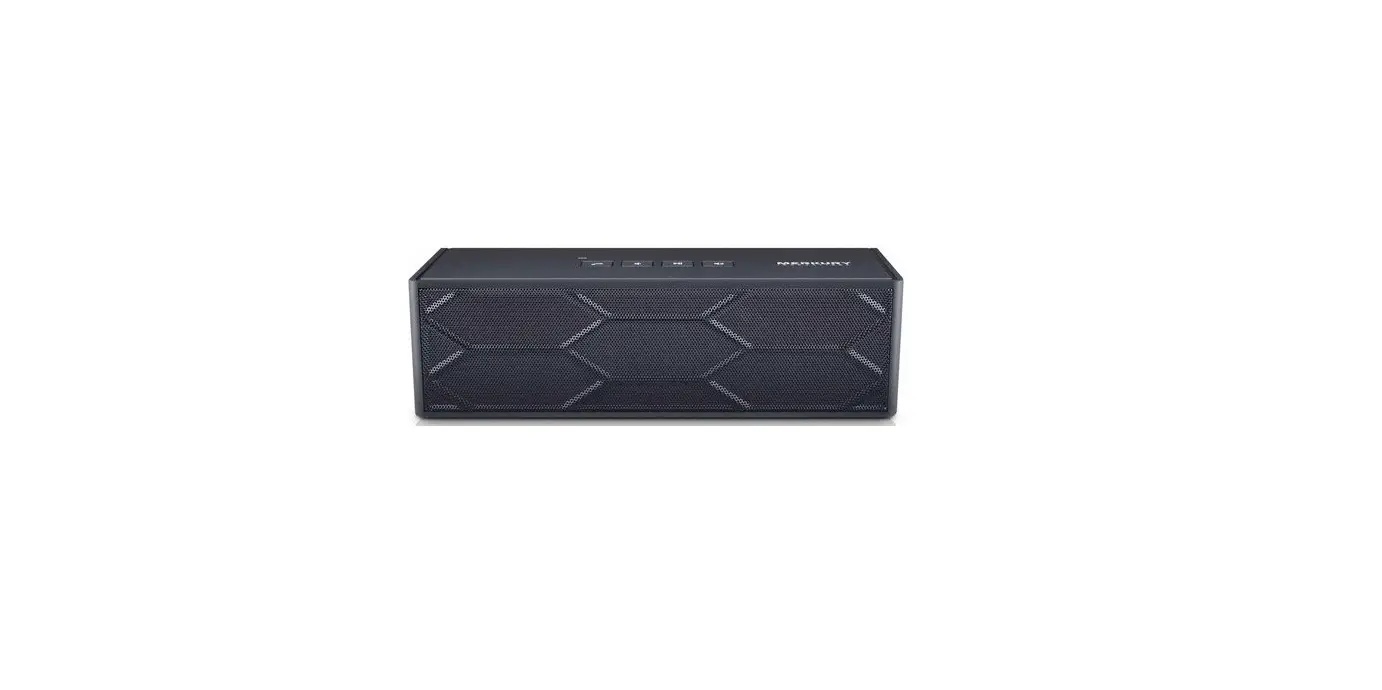
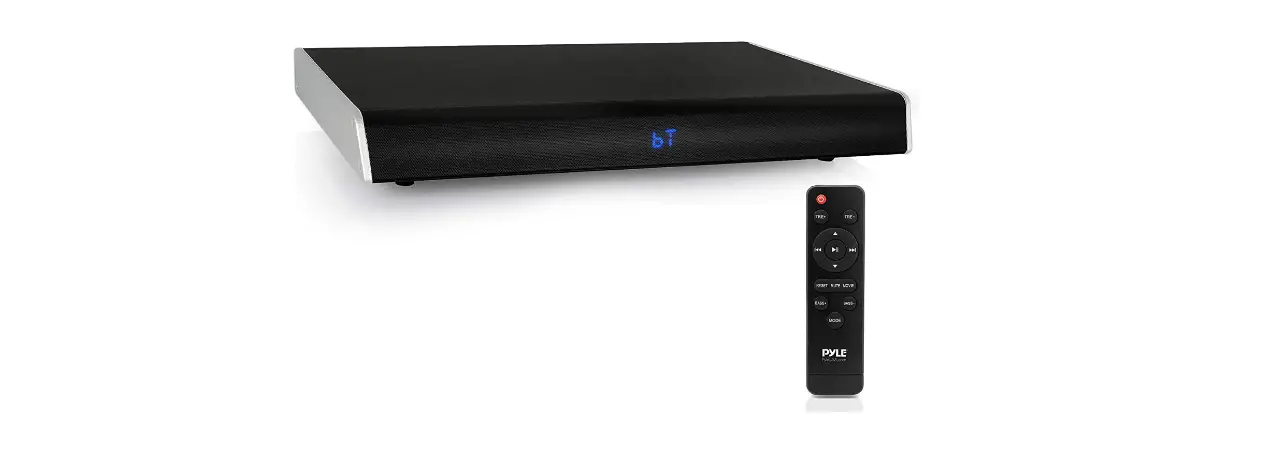
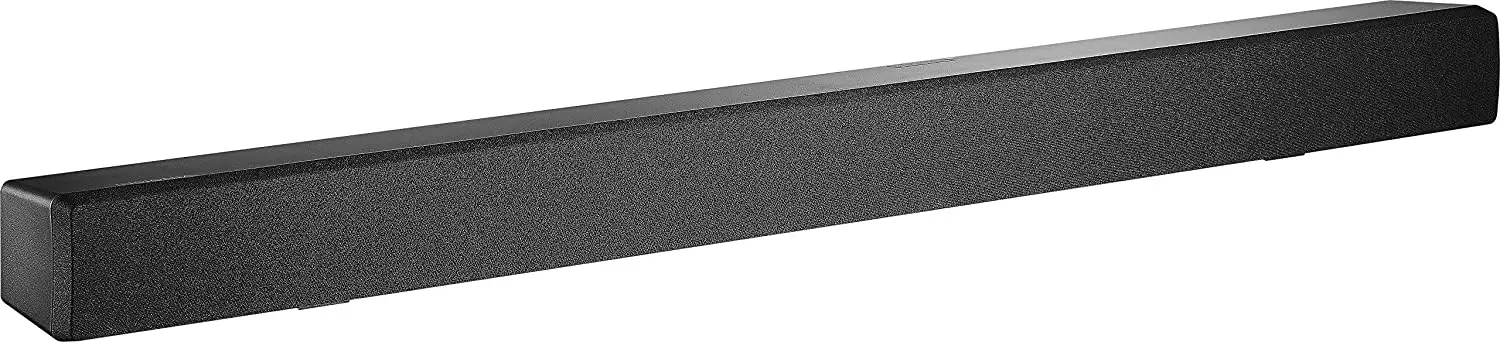
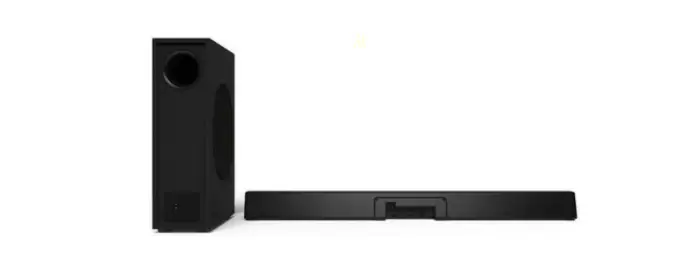
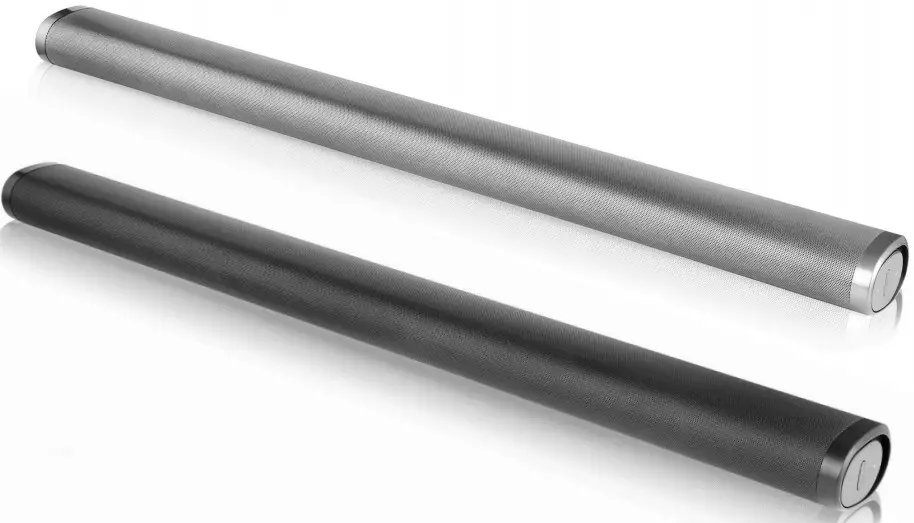
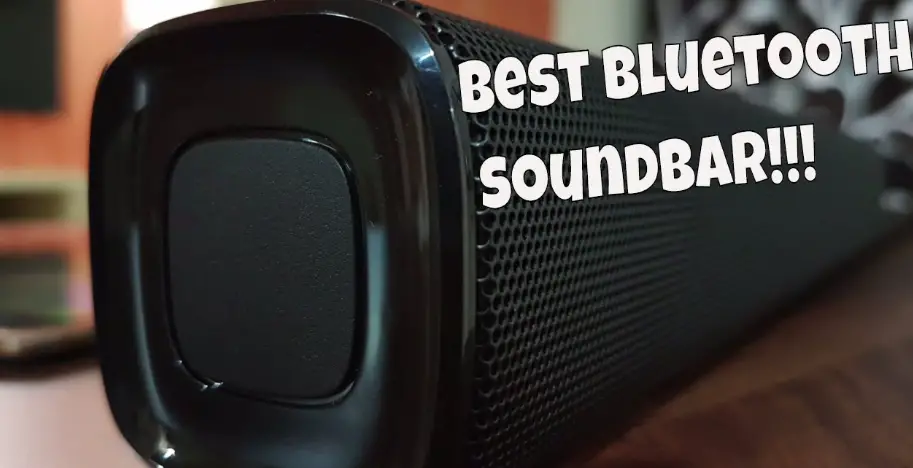
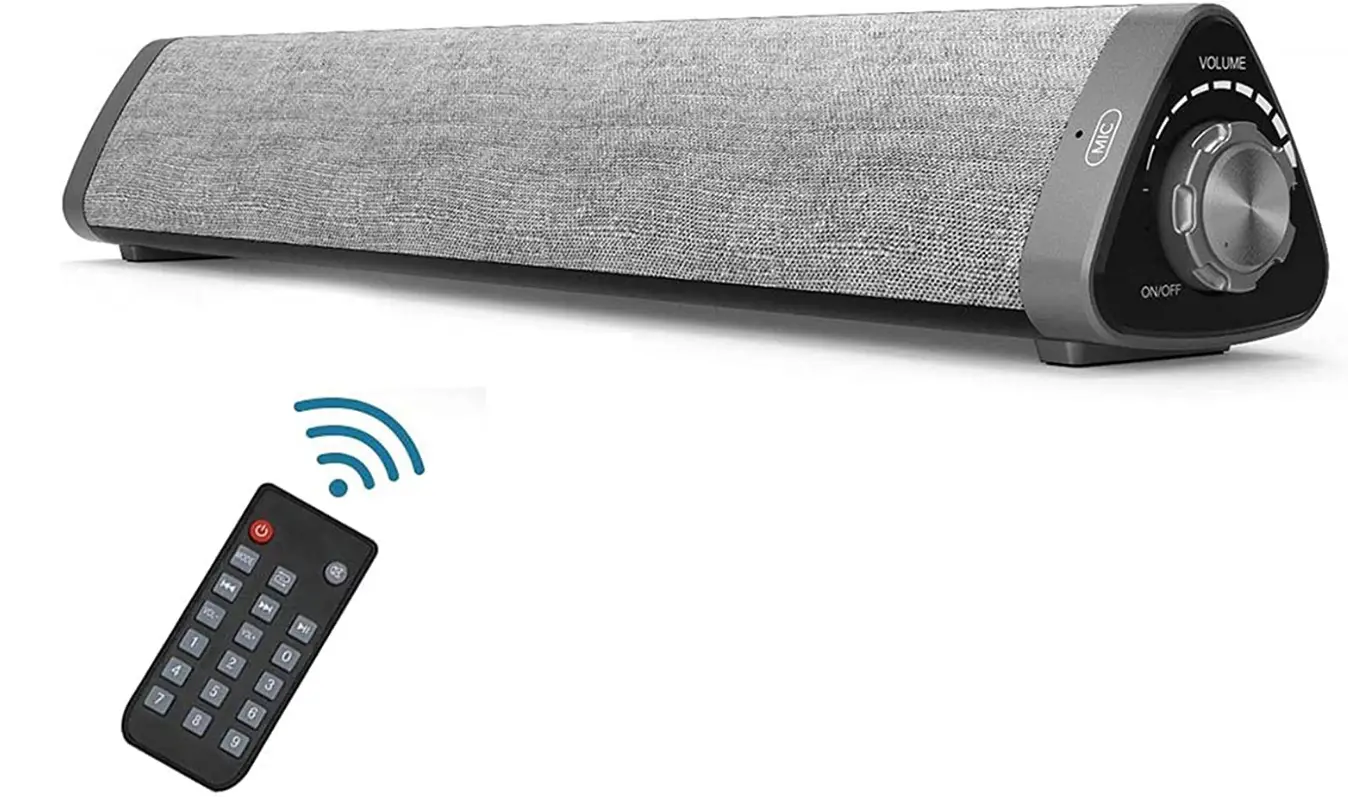
ASIYUN Soundbar, ASIYUN Wired & Wireless Bluetooth 5.0 Stereo Sound Bar Home Theater Audio Speaker
Specifications
- BRAND: ASIYUN
- MODEL NUMBER: ASIYUN-L1
- FREQUENCY RESPONSE: 100 Hz
- CONNECTIVITY TECHNOLOGY: RCA, Bluetooth, Auxiliary, USB
- MULTIMEDIA SPEAKER SYSTEM: 2.0 CH
- COMPATIBILITY: PC s/ laptops/ smartphones/ tablets/ projectors, RCA connection (RCA cable included), or Bluetooth connection
- AUX OUTPUT: 3.5mm
- OUTPUT POWER: 5W x 2
- POWER SUPPLY: DC 5V
- FREQUENCY RANGE: 100Hz – 18KHz
- BUILT-IN LITHIUM BATTERY: 3.7V, 2000mAh
- INTERFACE: AUX/RAC/USB Output.(PS: No HDMI interface)
- PRODUCT DIMENSIONS: 16 x 2.55 x 2.55 inches
- ITEM WEIGHT: 1.54 pounds
- BATTERIES: 1 Lithium Polymer battery
Introduction
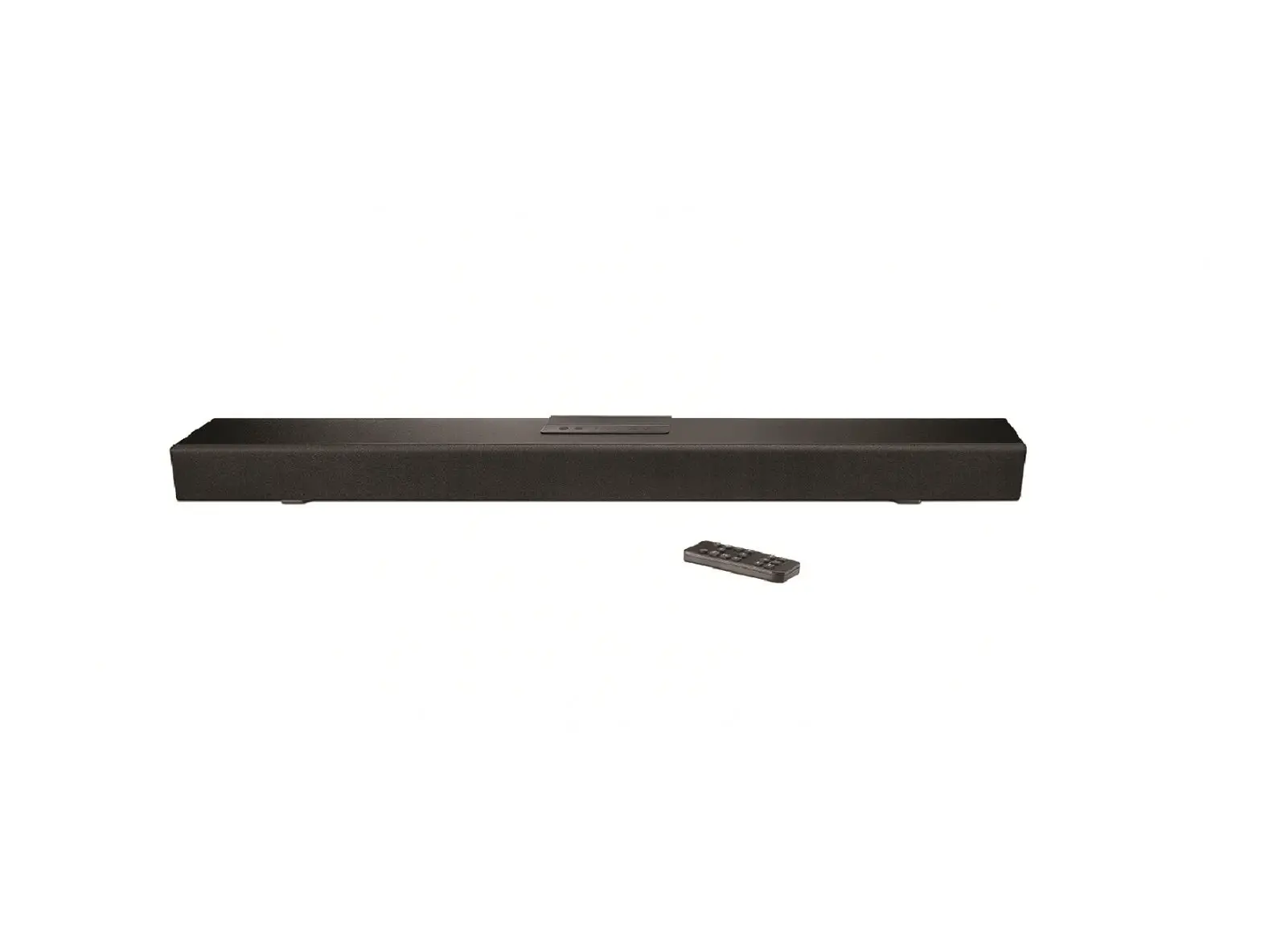
The triangle form saves important space while pleasing the eye and modernizing and elevating the area. Since the Speaker has Bluetooth, you can also connect Bluetooth-enabled wireless gadgets to the sound bar. allows you to cut the cords and use your finger to answer calls or listen to music. A high-sensitivity remote control uses different colored LED lights to show the various modes. The 2.0 CH multimedia speaker system in this soundbar. Wide range of compatibility works with any device that has a standard 3.5mm headphone port, including Bluetooth, RCA connections (RCA cable supplied), including computers, laptops, smartphones, tablets, and projectors. Perfect for the kitchen, bathroom, car, house, dorm, and celebrations.
If the TV doesn’t have an AUX or RCA output, it won’t be able to connect with the speaker. The 3.5mm AUX or RCA output is required. Please verify that your TV or digital devices have a 3.5mm AUX output or RCA output before making a purchase. Please confirm that your TV can output analogue audio. PLEASE NOTE: The speaker is not compatible with LG and Roku TVs.
WHAT’S IN THE BOX
- 1 x Sound Bar
- 1 x 3.5mm AUX Cable
- 1 x USB Power Cable
- 1 x Remote Controller
- 1 x RCA Cable
- 1 x User Manual
HOW IT WORKS
When using a wireless soundbar, radio waves are used to receive packets of data (Wi-Fi or Bluetooth). The soundbar then replies with a packet verifying reception and starting a request for the subsequent packet. Thousands of times every second, this back and forth takes place.
HOW TO OPERATE
- Before using the sound bar, make sure it is charged.
- Verify that your TV or digital outputs are compatible with the device before placing your order. To connect to the sound bar, your TV needs a 3.5mm AUX output, USB output, RCA output, or Bluetooth system.
- Ensure that your TV’s surround sound function is turned off for the soundbar to function properly.
HOW TO CONNECT TO TV
- Turn on the TV to discover. Settings > Bluetooth
- Switch the speaker to pairing mode and turn it on.
- Watch for a new device to be detected by the TV.
- Increase or decrease the volume after connecting the speakers to your TV.
HOW TO MAKE LOUDER
Go to “Settings” using the TV remote. On your Samsung TV, go to Settings, then “Sound,” and finally “Sound Output.” One of the possibilities will now be your Samsung soundbar. Make a selection, then use the TV remote to change the volume.
Frequently Asked Questions
Yes, you can do it via Bluetooth.
I don’t. My soundbar has never produced any obtrusive sounds or interruption.
I am unable to offer advice because the unit failed and I disposed of it.
Can I use an input other than Bluetooth and use the output of the
Uncertain about the headset. I suppose it would be uncertain if the headset is Bluetooth. I enjoy using Bluetooth to link my phone to it.
My boys and I are both tech knowledgeable, but we couldn’t get it to link with anything other than our phones because we aren’t too old to learn new skills. However, it’s a pleasant little sound for doing housework while listening to music or podcasts!
There are 2 speakers.
It definitely works well. But I refused to saturate it.
It is unstoppable.
It can only be associated with other Bluetooth-enabled devices.
The soundbars in question are supplied by Amazon. typically requires three to five business days.