
Item no.010989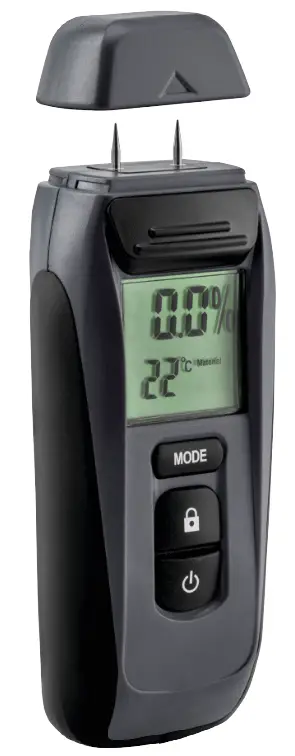

MOISTURE METER
OPERATING INSTRUCTIONS
Important! Read the user instructions carefully before use. Save them for future reference. (Translation of the original instructions).
Care for the environment!
Recycle discarded products in accordance with local regulations.
Jula reserves the right to make changes. For the latest version of operating instructions, see www.jula.com
 |  |
SAFETY INSTRUCTIONS
- Always take basic safety precautions including the following when using battery-powered products to reduce the risk of fire, battery leakage, personal injury and/or material damage.
- Never attempt to open the battery.
- Do not store the battery where the temperature can exceed 40°
- Recycle used batteries in accordance with local regulations.
- Do not burn batteries.
- Extreme conditions can result in battery Wipe off any fluid leaking from a battery with a cloth and avoid skin contact.
SYMBOLS
| Read the instructions. |
 | Approved in accordance with the relevant directives. |
 | Recycle discarded products in accordance with local regulations. |
TECHNICAL DATA
| Battery | 9 V |
| Power consumption, operation | 9 mA |
| Temperature range | 0 to 40°C |
| Resolution | 01% |
| Precision, conductivity measuring | ±2% |
| Ambient temperature* | 0 to 40°C |
| Ambient temperature** | -10 to 50°C |
| Humidity | max 80% RH |
| Automatic power•off*** | Yes |
| Protection rating | IP 20 |
- The operation, ** Transport, and storage ***After 2 minutes of inactivity
DESCRIPTION
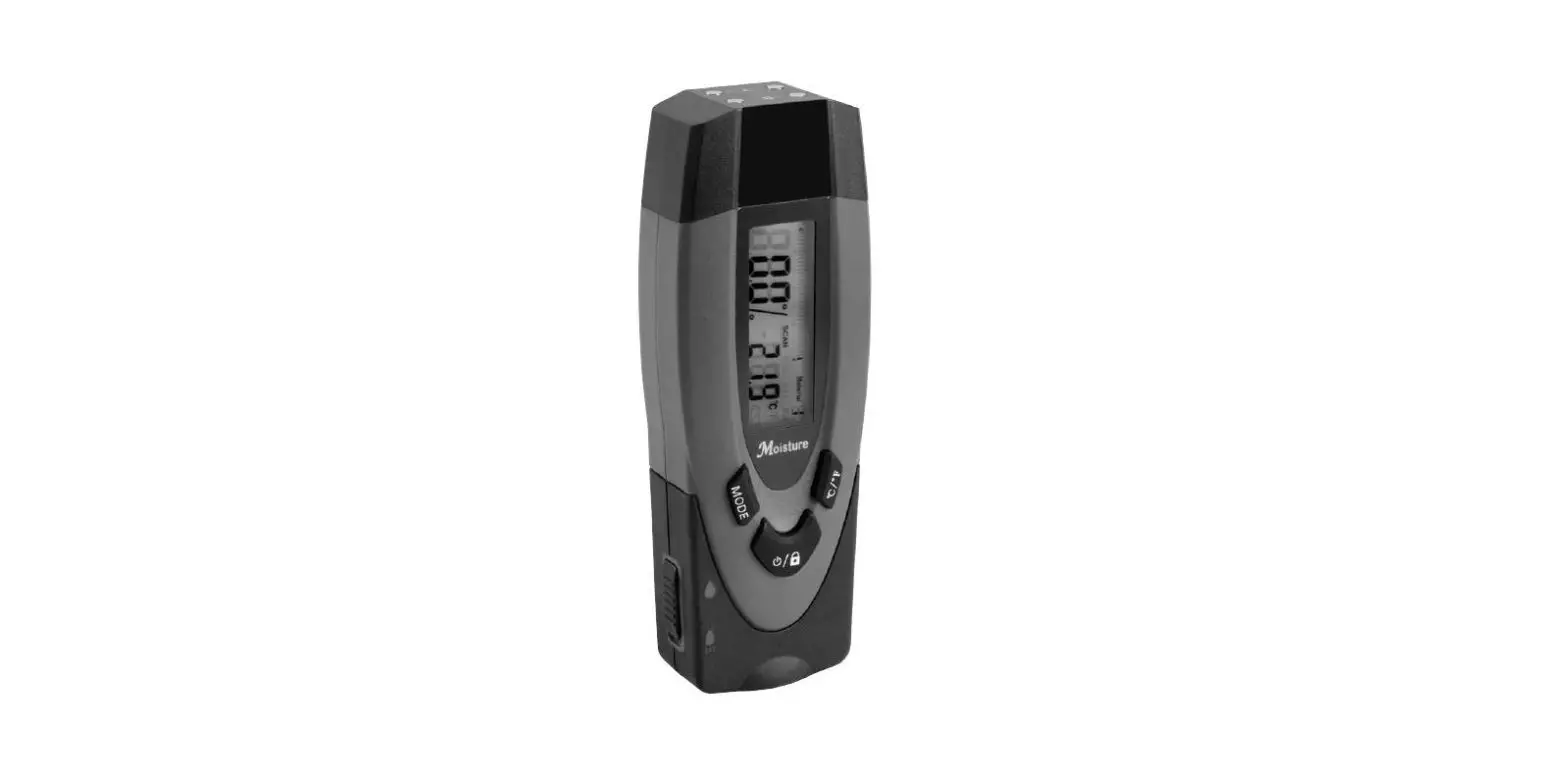
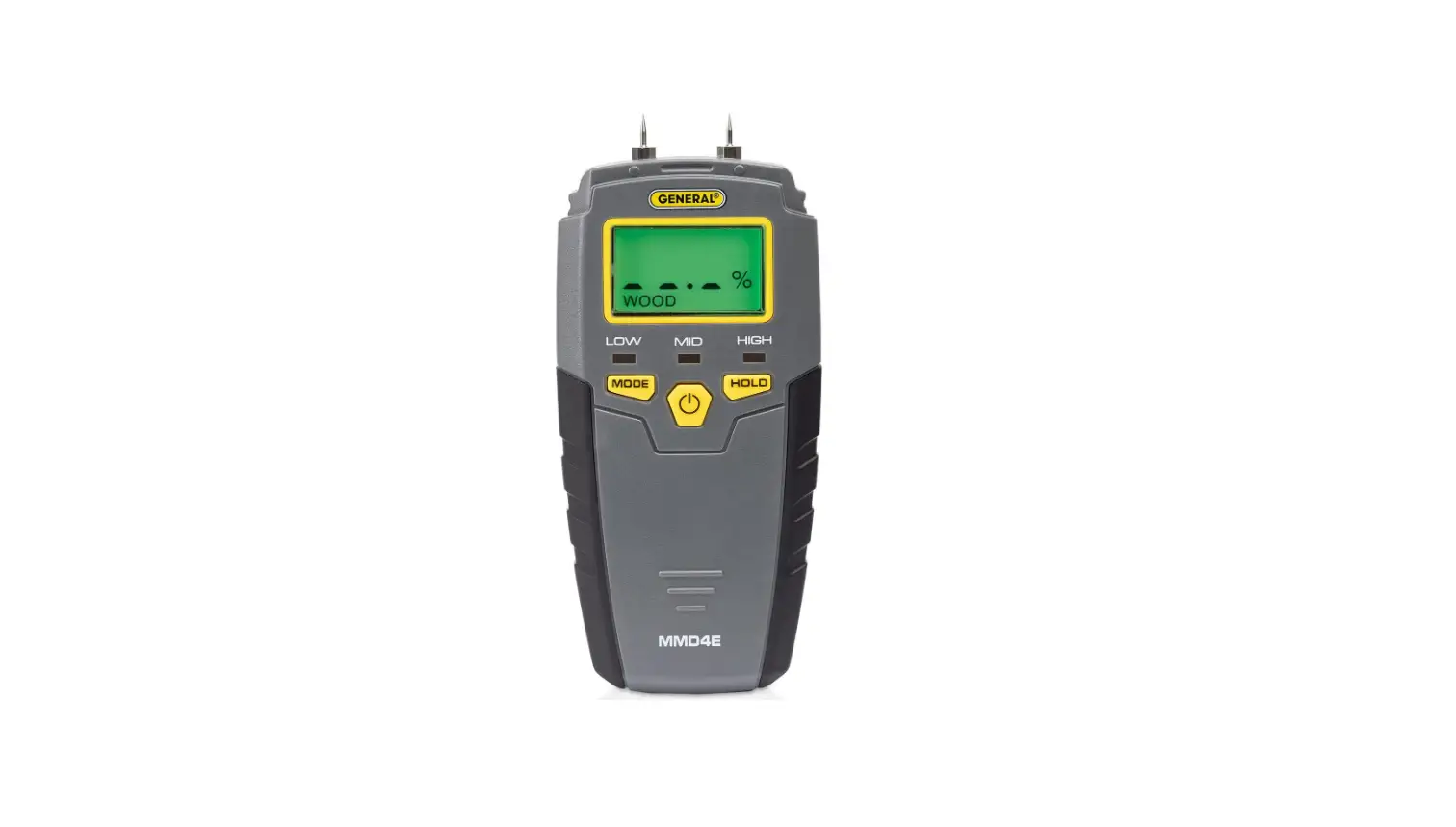
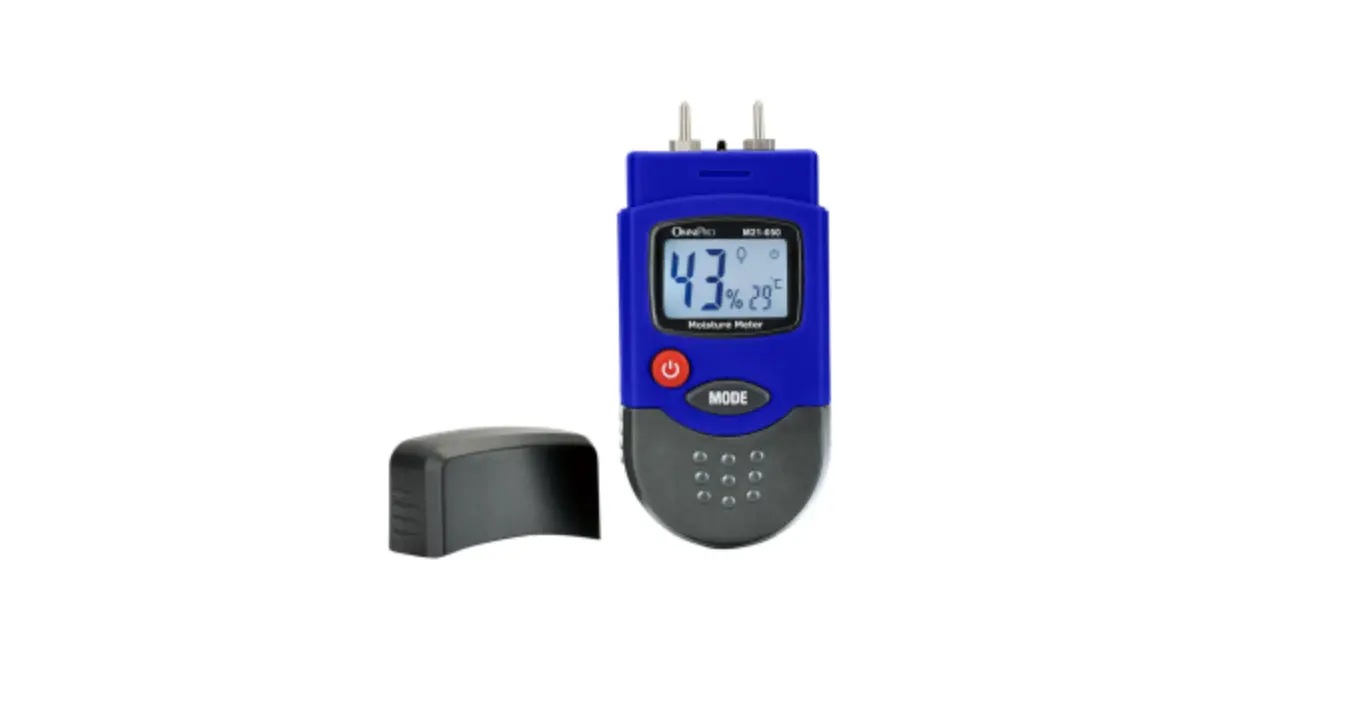
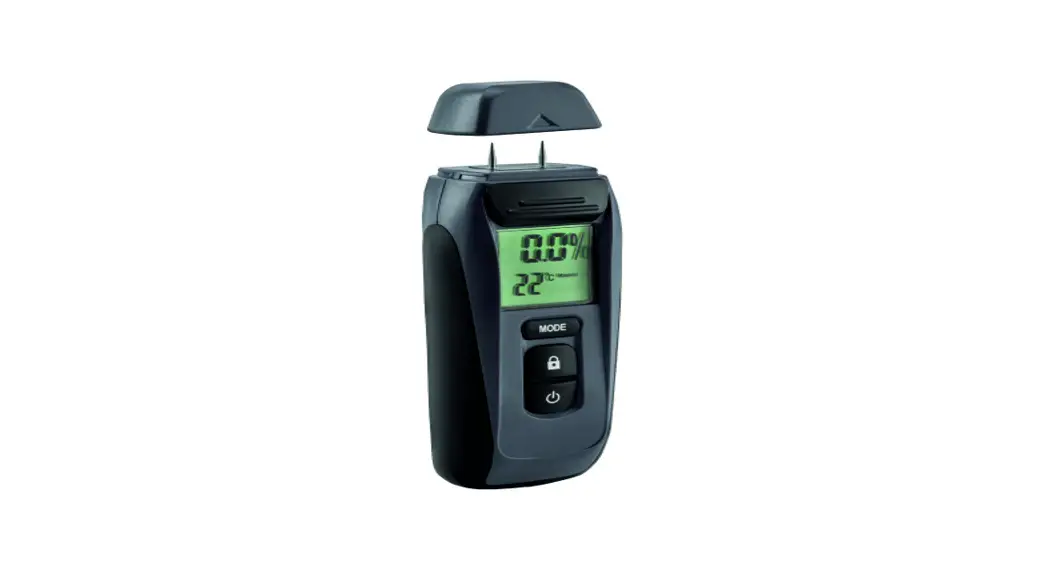
- Measures moisture in wood and building materials such as concrete, brick, plasterboard, wallpaper, etc.
- Also measures the ambient temperature.
- Six modes for measuring different materials.
- The lock function retains the reading for a short time.
- The automatic power-off function saves the battery.
- Powered by one 9 V battery (sold separately).
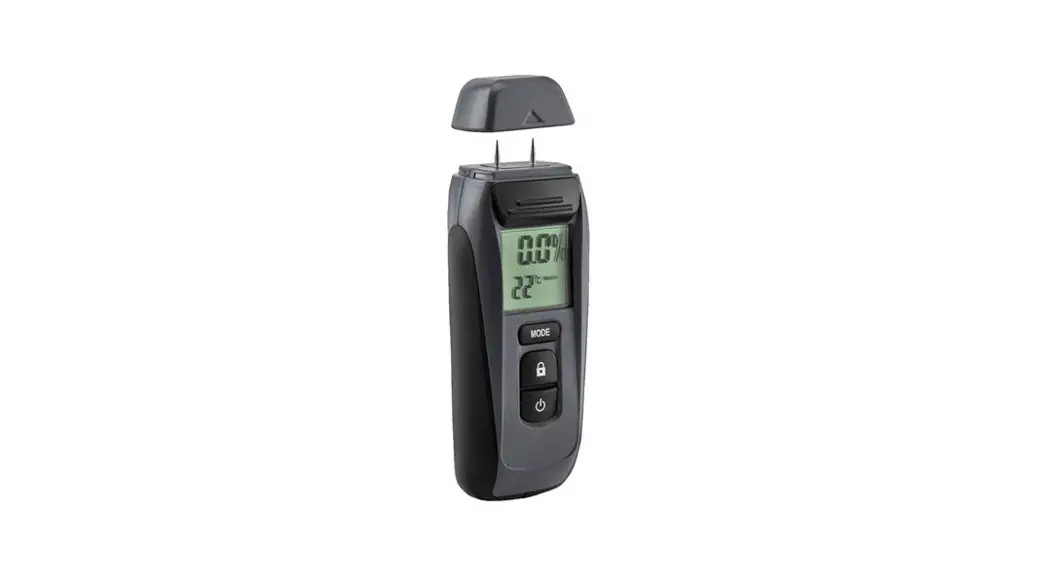
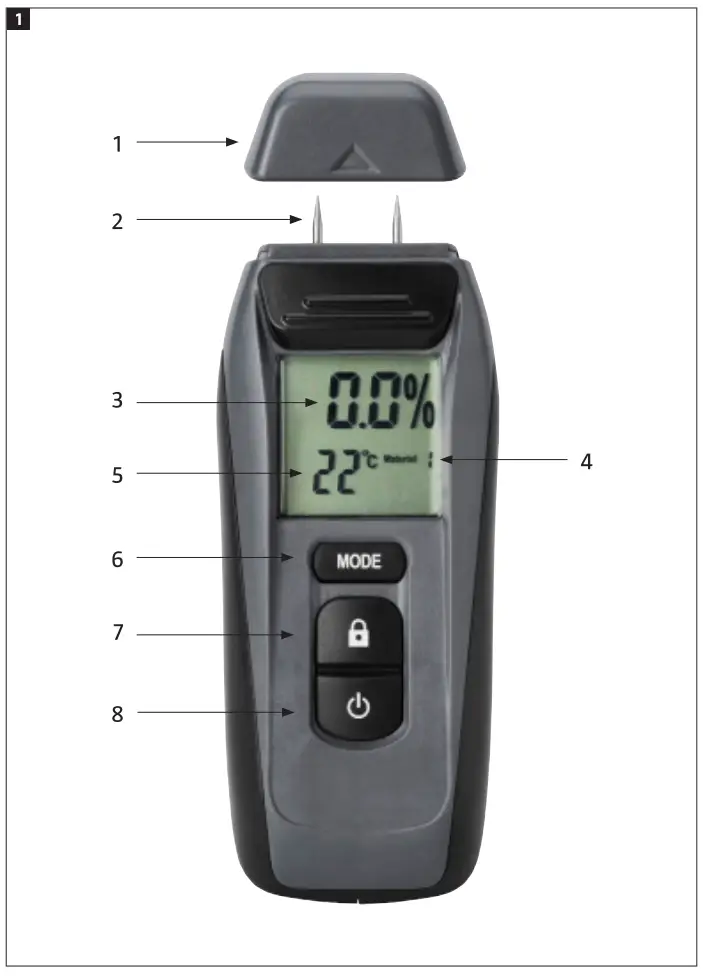
- Protective cover
- Measuring tips
- Moisture quotient
- Ambient temperature
- Detection mode
- Mode selector button
- Lock button for reading
- Power switch (On/Off) FIG. 1
USE
Inserting the battery
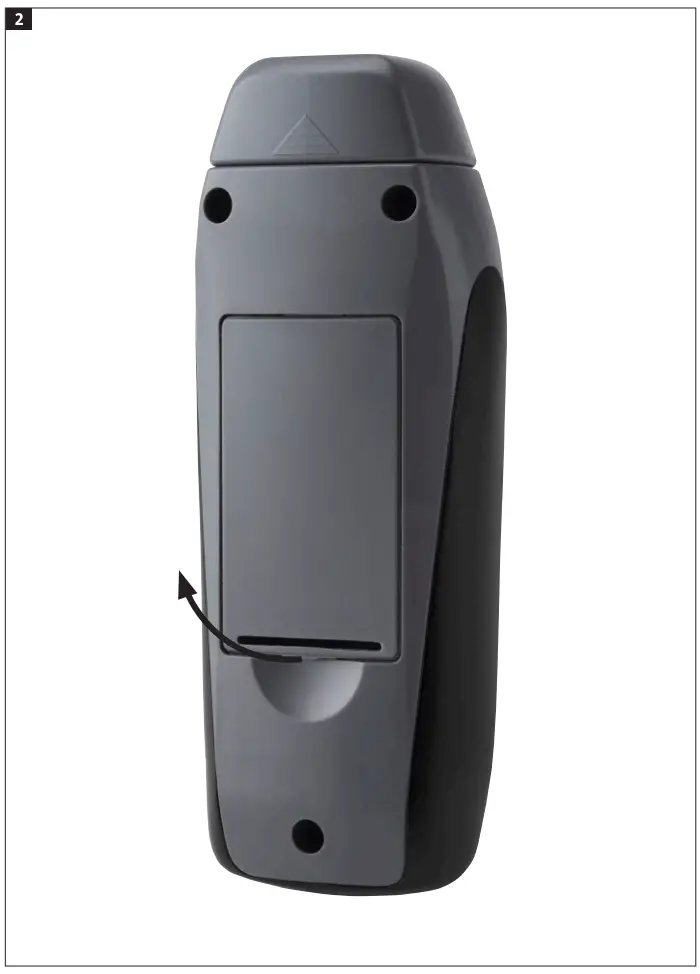
- Open the battery cover on the back of the product.
- Connect a 9 V battery to the connector.
- Put the battery in the battery compartment.
- Close the flap. FIG. 2
STARTING AND SWITCHING OFF
Press the power switch to start and switch off the moisture meter.
SELECTION OF UNIT
Press the lock button for 3 seconds to switch between showing the temperature in °F and °C.
[SELECTION OF DETECTION MODE
Step to the required detection mode with the selector button.
| Mode | Material | Measuring range |
| 1 | Beech, spruce, larch, birch, cherry, walnut, oak, pine, maple, ash, Douglas fir | 6 to 44% |
| 2 | Cement floor, concrete, plaster | 1.4 to 7.4% |
| 3 | Anhydrite floor | 0.0 to 41% |
| 4 | Cement mortar | 0.8 to 51% |
| S | lime mortar | 0.4 to 3.7% |
| 6 | Brick | 0.0 to 8.5% |
“0” or “LO” is shown if the reading is less than the lower limit of the measurement range, and “HI” is shown if the reading is over the upper limit.
LOCKING OF READING
Press the lock button to “freeze” the reading in the display. Press once again to clear the display.
MEASURING
Start the moisture meter and firmly press the measuring tips on the material to be measured, so that the tips are pressed into the material. The moisture content of the material is shown in the display.
LOW BATTERY LEVEL INDICATOR
A warning symbol for a weak battery starts to flash when the battery is almost flat.
MAINTENANCE
The moisture meter requires little maintenance. Follow the instructions below to keep it in good condition.
- Handle the moisture meter with care and do not expose it to knocks, dust, liquid, continuous vibration, or extreme temperatures.
- Check the batteries at regular intervals. Remove the batteries from the moisture meter if it is not going to be used for some time.
- Store the moisture meter in the case when not in use.
JIMA AB, BOX 363, SE-532 24 SKARA
2022-08-05
©Jula AB